 Nozzle School
The 3D Printing Filament Guide: Every Material Explained
Every common 3D printer filament type explained: PLA, PETG, ABS, ASA, TPU, nylon, PC and composites, with temperatures, a comparison table and how to choose.
The main 3D printer filament types are PLA, PETG, ABS, ASA, TPU, nylon and polycarbonate, plus composites like carbon fibre, wood and silk blends that add a filler to one of those base plastics. Start with PLA, move to PETG when a part needs to be tougher or survive heat, and only reach for the others when a part needs something specific: flexibility, sunlight resistance or real heat resistance.
This guide explains every common material in plain terms: what it’s good at, what it needs from your printer, and what tends to go wrong. It ends with a comparison table, a section on choosing the right one, and how to store and dry what you buy. It applies to any FDM (filament) printer.
Quick answer: which filament should I use?
| If your part needs to… | Use | Why |
|---|---|---|
| Look good, and you’re still learning | PLA | Easiest to print, sharpest detail, cheapest |
| Survive drops, flex a little, or sit somewhere warm | PETG | Tougher and more heat resistant than PLA, still easy |
| Stay outdoors in the sun for years | ASA | Resists UV and heat; needs an enclosure |
| Handle heat near engines or hot appliances | ABS or ASA | Hold their shape to around 100 °C; need an enclosure |
| Bend, squash or grip | TPU | Rubber-like and flexible |
| Take wear, friction or repeated stress | Nylon | Very tough and slippery; hard to keep dry |
| Be as strong and heat resistant as possible | Polycarbonate (PC) | Strongest common filament; needs a hot, enclosed printer |
| Be stiff and light with a matte finish | Carbon-fibre blends | Stiffer than the base plastic; needs a hardened nozzle |
If you only remember one thing: PLA until you have a reason not to. Most things people print at home are PLA jobs.
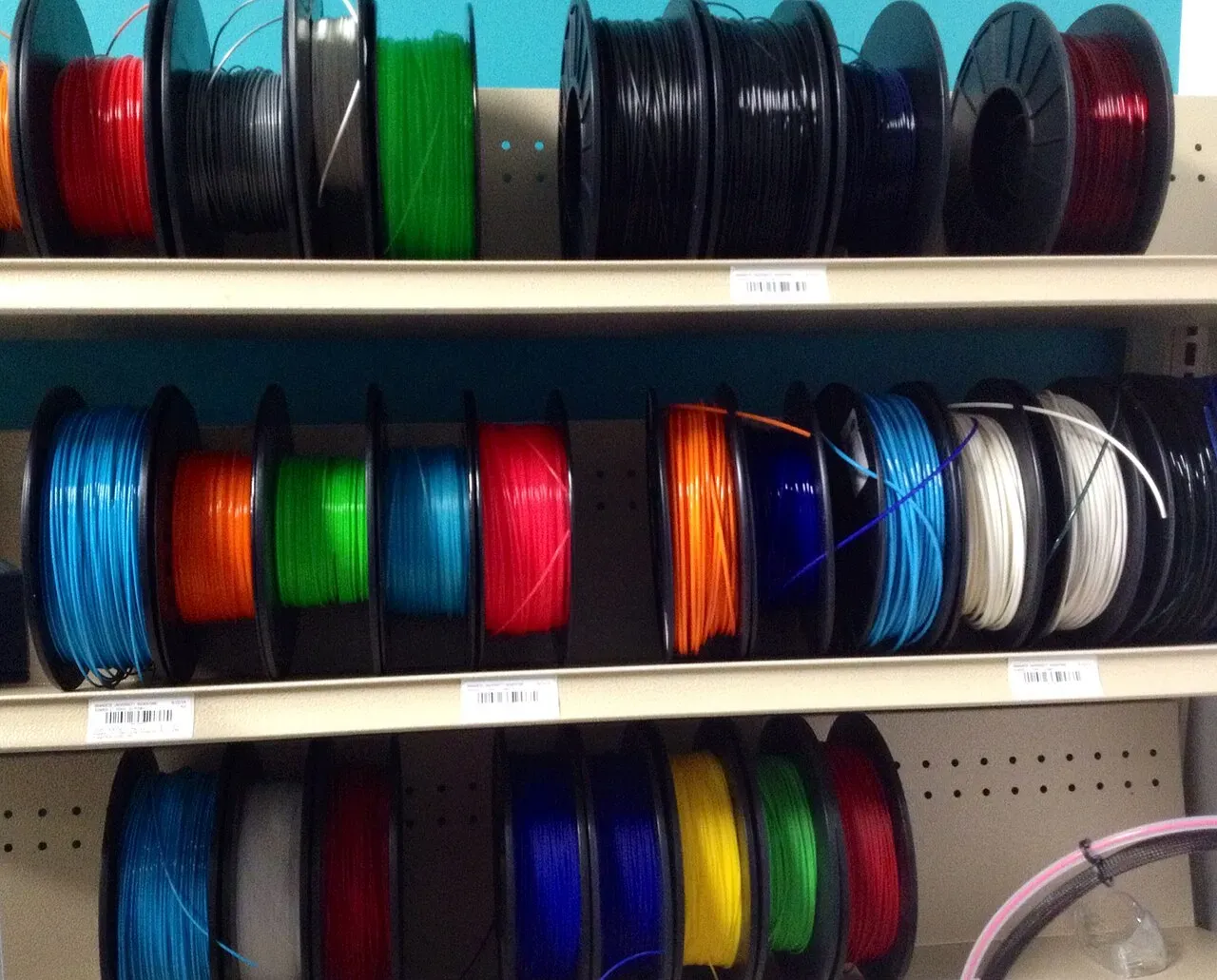 Filament comes in almost every colour.Photo: westonhighschool library ·CC BY-SA 2.0 ·Wikimedia Commons
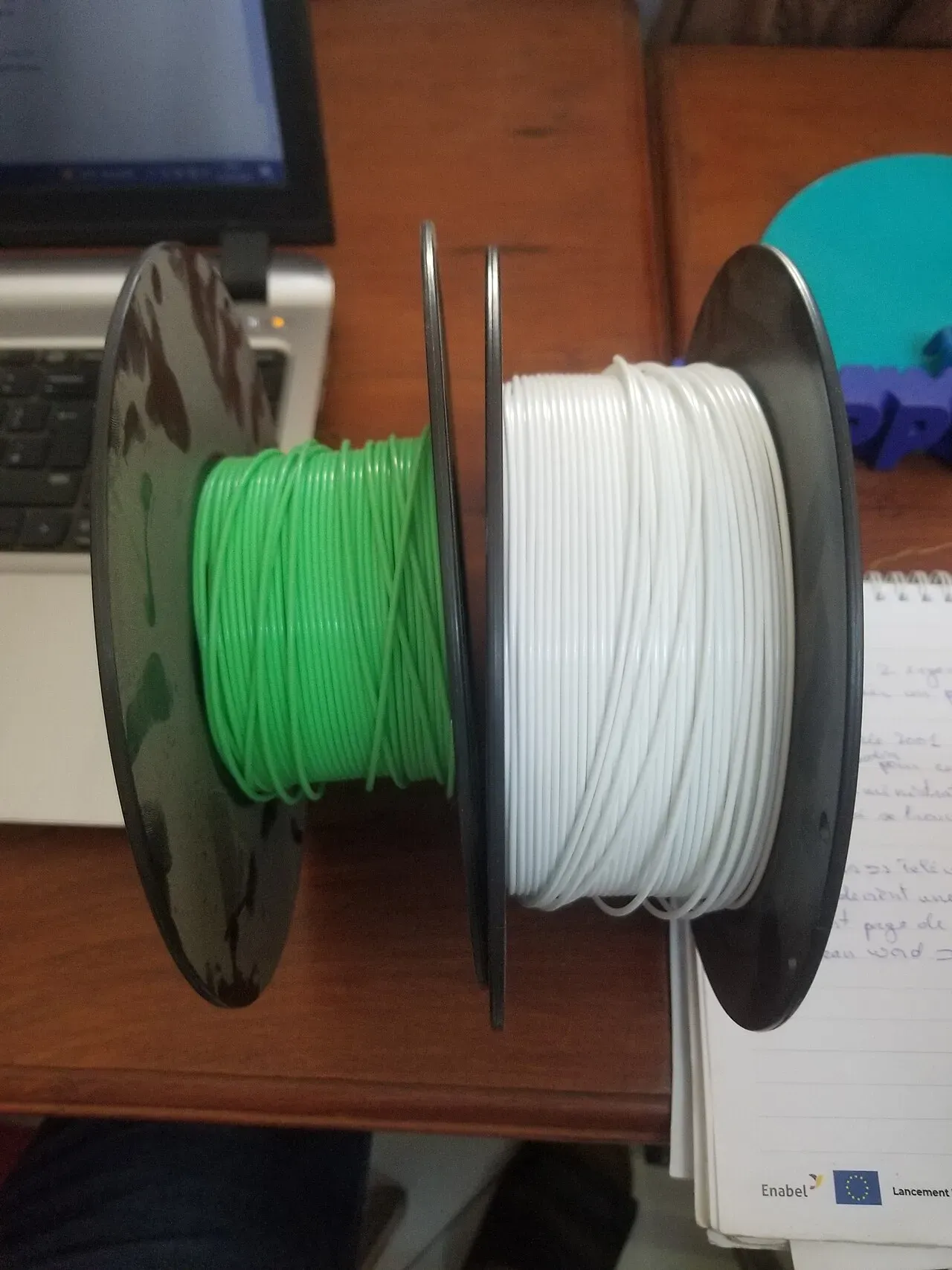 PLA: the beginner's filament.Photo: Richardspa ·CC0 ·Wikimedia Commons
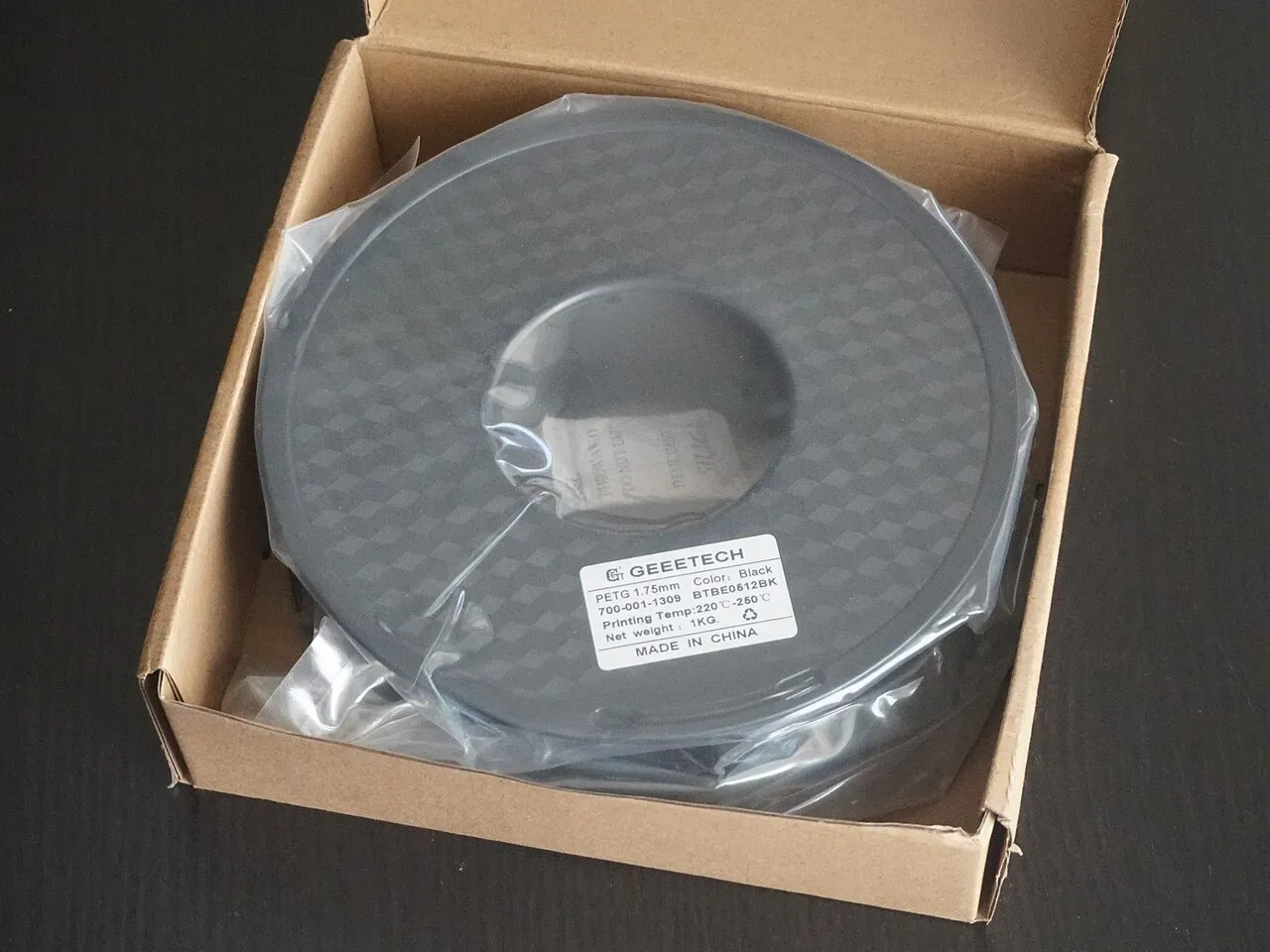 A 1 kg spool of PETG, sealed with desiccant.Photo: Suit ·CC BY-SA 4.0 ·Wikimedia Commons
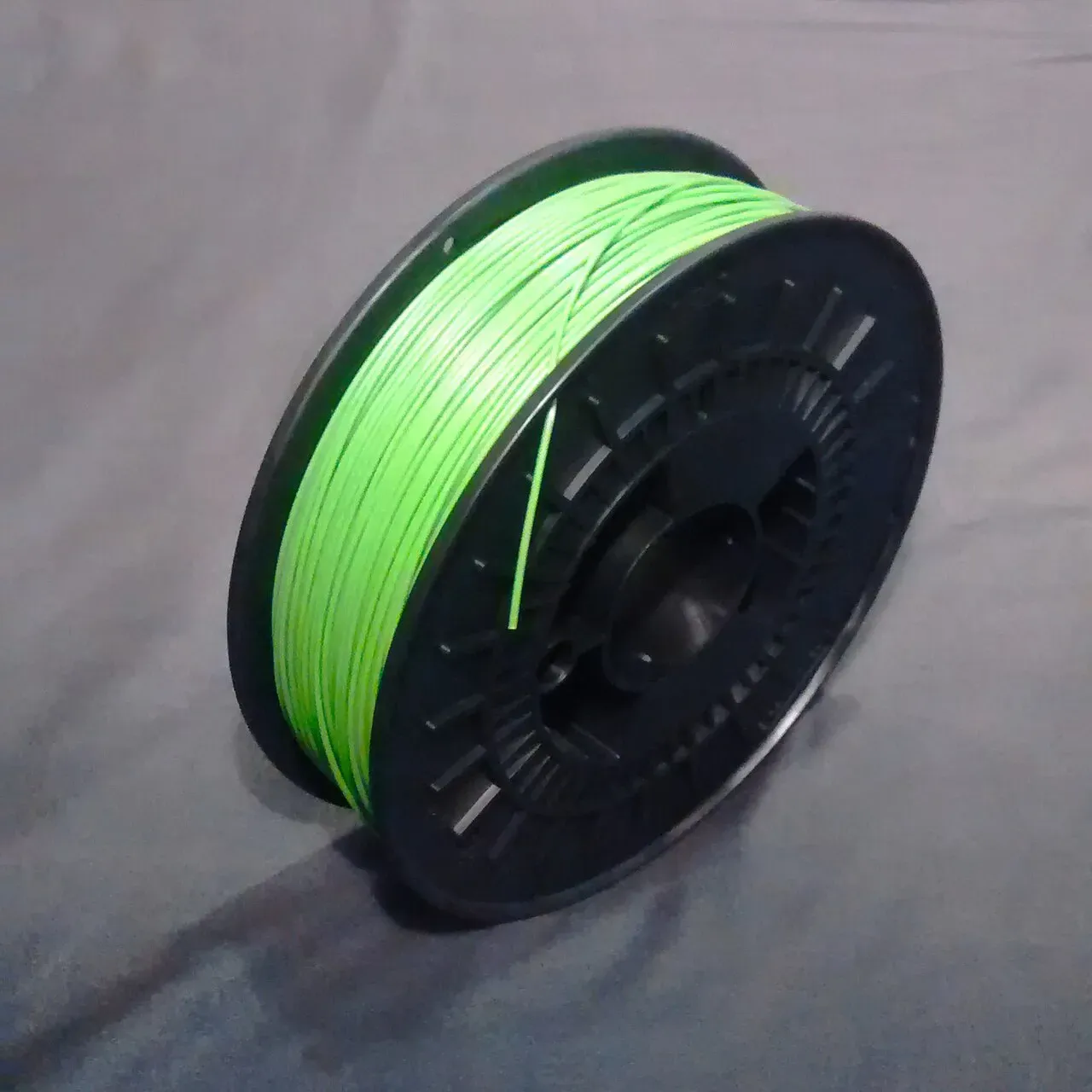 A spool of ABS.Photo: Tatár Lehel ·CC BY-SA 3.0 ·Wikimedia Commons
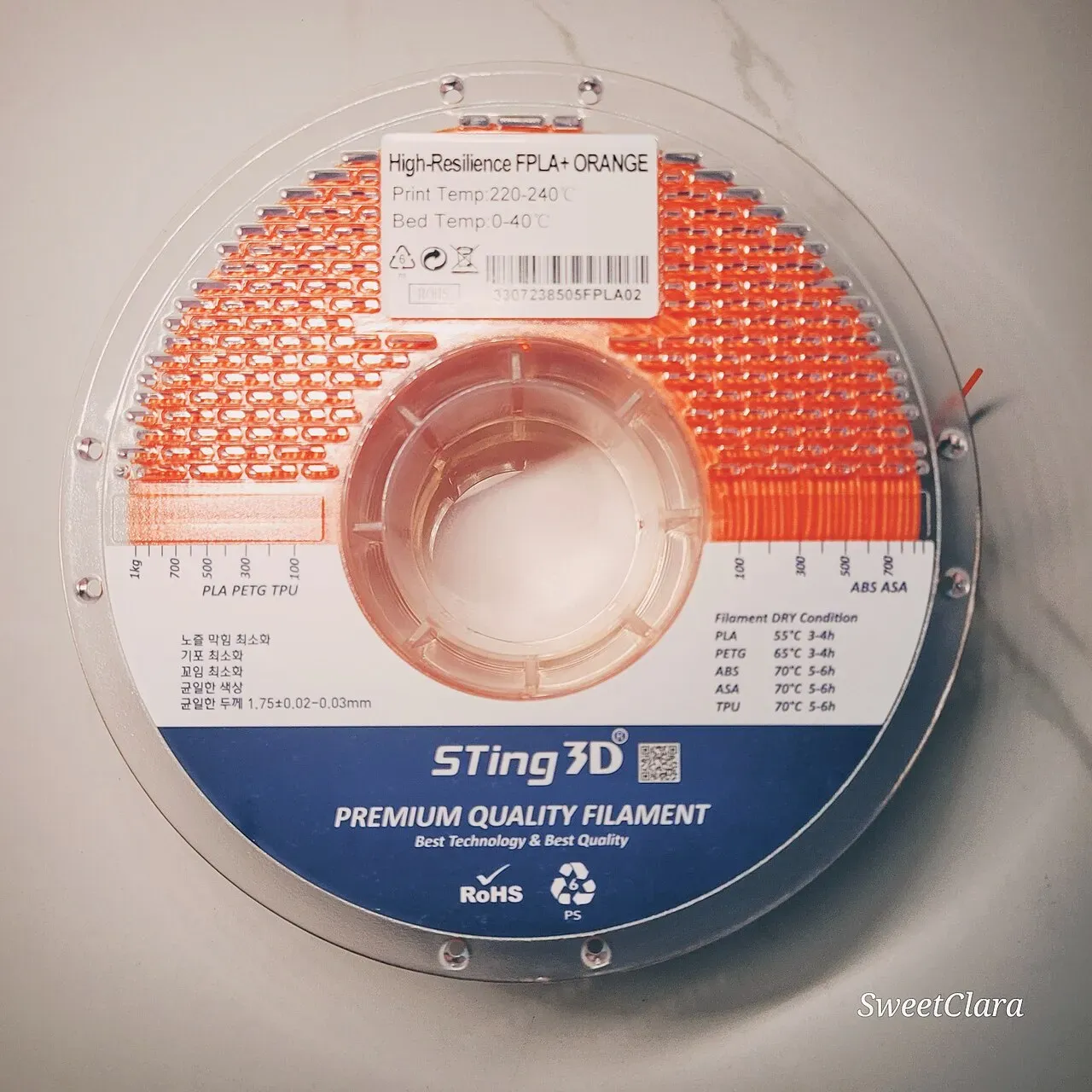 Flexible filament: label shows its print temperature.Photo: Sweetclara ·CC BY-SA 4.0 ·Wikimedia Commons
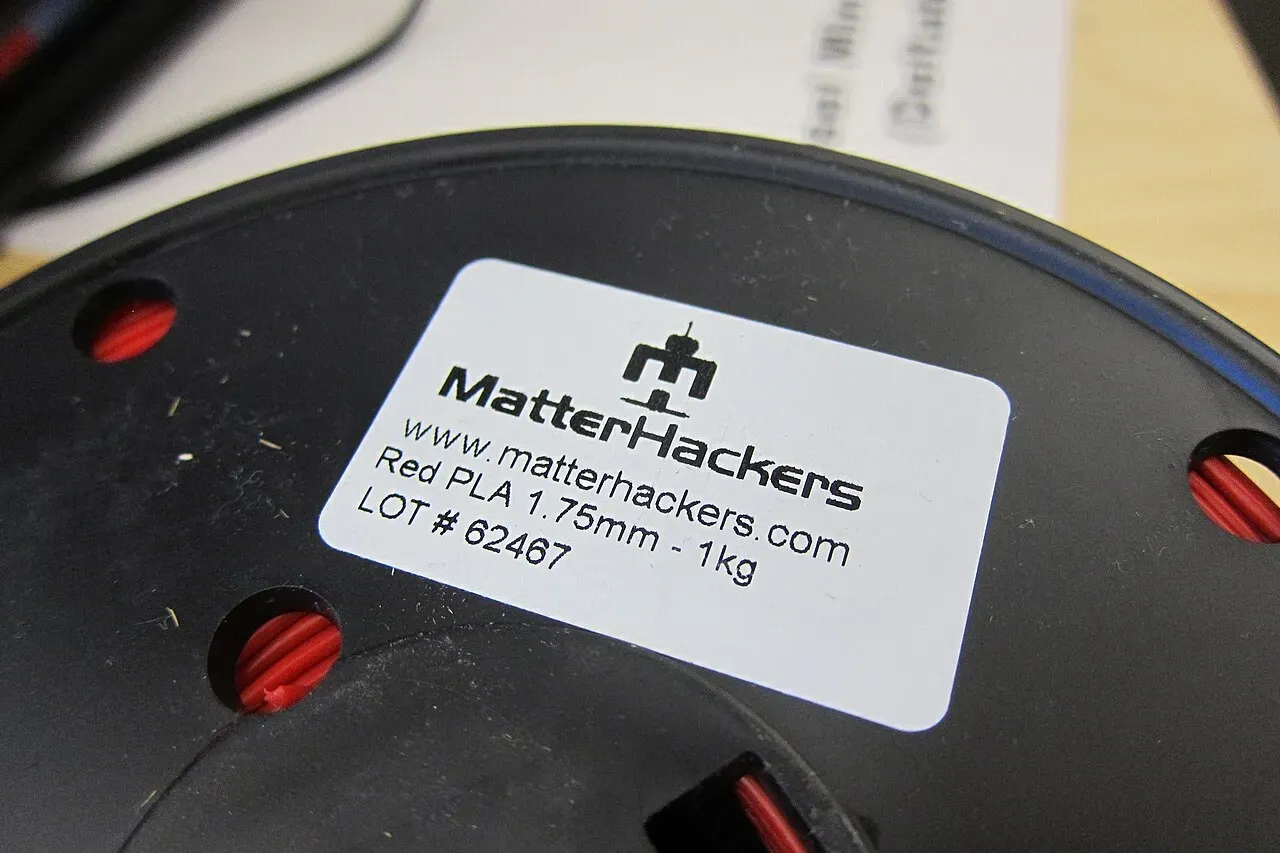 Read the label: material, 1.75 mm diameter, 1 kg.Photo: John Abella from Outside Philadelphia, USA ·CC BY 2.0 ·Wikimedia Commons
How filament works
Filament is a long thread of plastic wound on a spool. Your printer’s extruder grips it and pushes it into the hotend, where it melts and comes out of the nozzle as a thin line. Each material melts, flows and cools differently, and that’s why each one needs its own settings.
Three numbers on the spool label matter most:
- Diameter: almost always 1.75 mm. It must match your printer.
- Nozzle temperature range: for example 190–220 °C. Start in the middle.
- Bed temperature range: how warm the build plate should be to keep the first layer stuck down.
The other thing that separates materials is how they behave once they’ve cooled: how stiff they are, how much they bend before breaking, and at what temperature they start to soften. That softening point is called the glass transition temperature.11Above its glass transition temperature a plastic turns from rigid to rubbery. It hasn’t melted yet, but a part will sag or bend under its own weight. Exact values vary between brands and blends. It’s the most useful single number for deciding whether a part will survive a hot car or a sunny window.
nozzle 210 °C · heatsink 38 °C · feed 2.0 mm/s · melting in block
- drag ↕ feed rate
- ↑ ↓ feed ±0.5 mm/s
- Space stop / start feed
- F hotend fan on / off
- Home reset
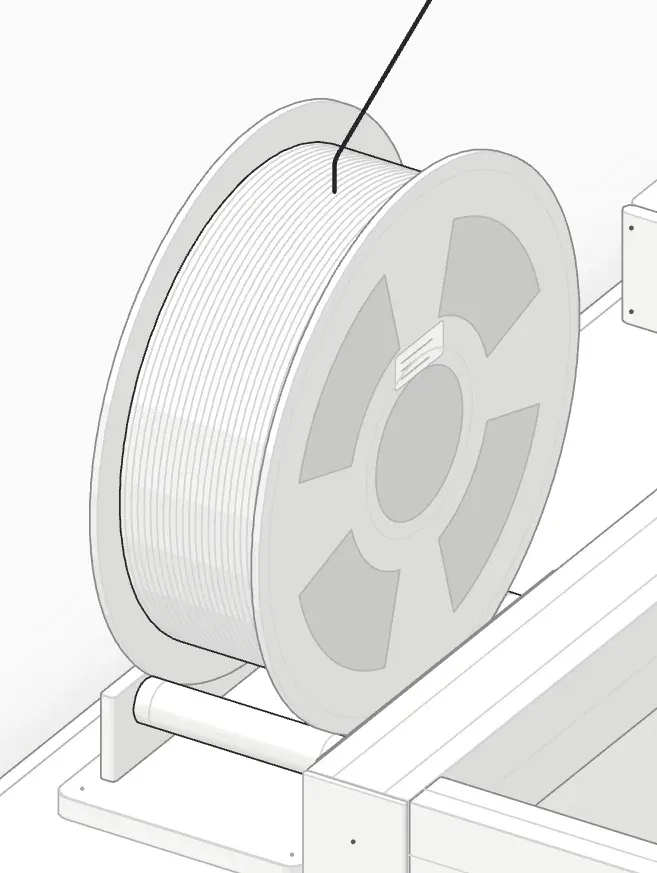 A 1 kg spool of 1.75 mm filament on a roller stand.
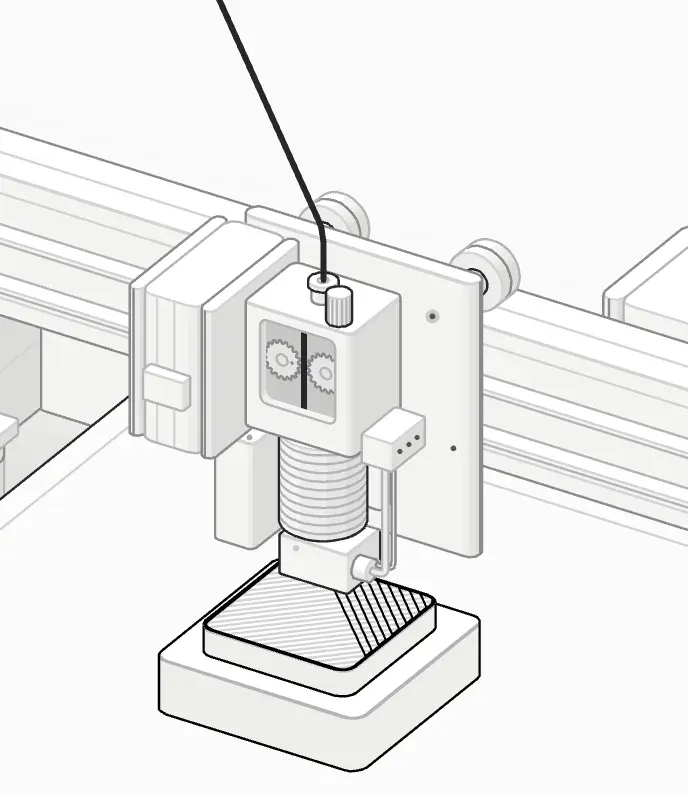 The print head: extruder on top, finned heatsink, heater block and nozzle.
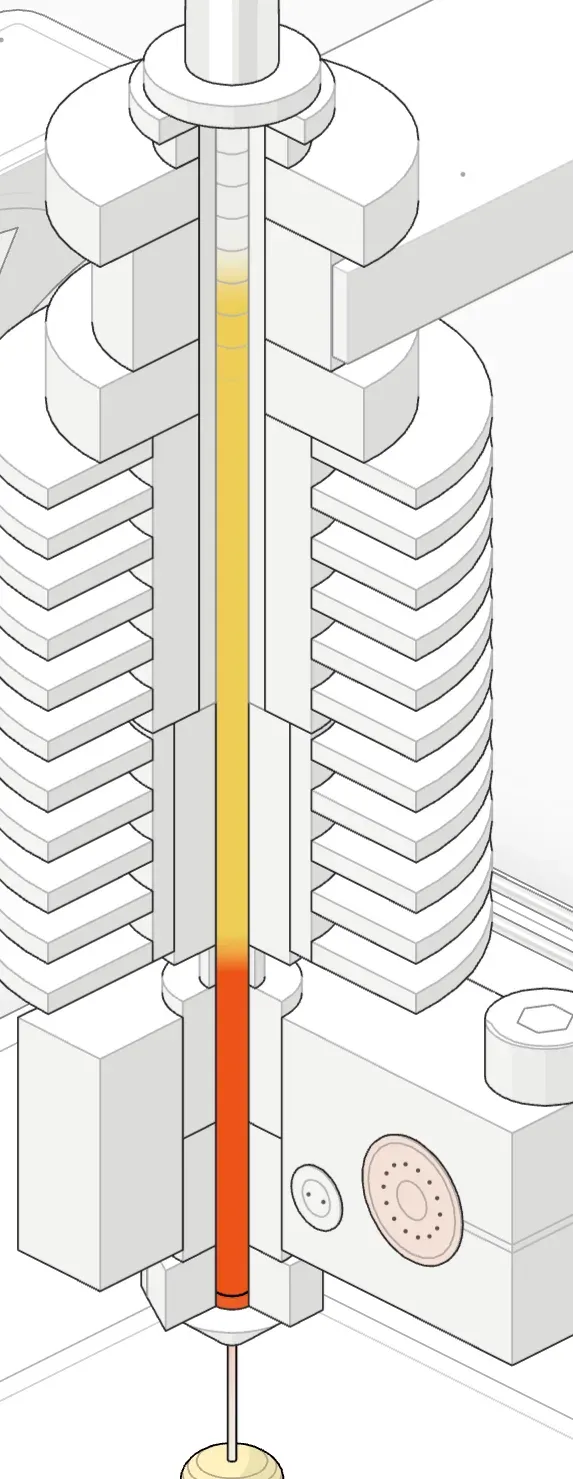
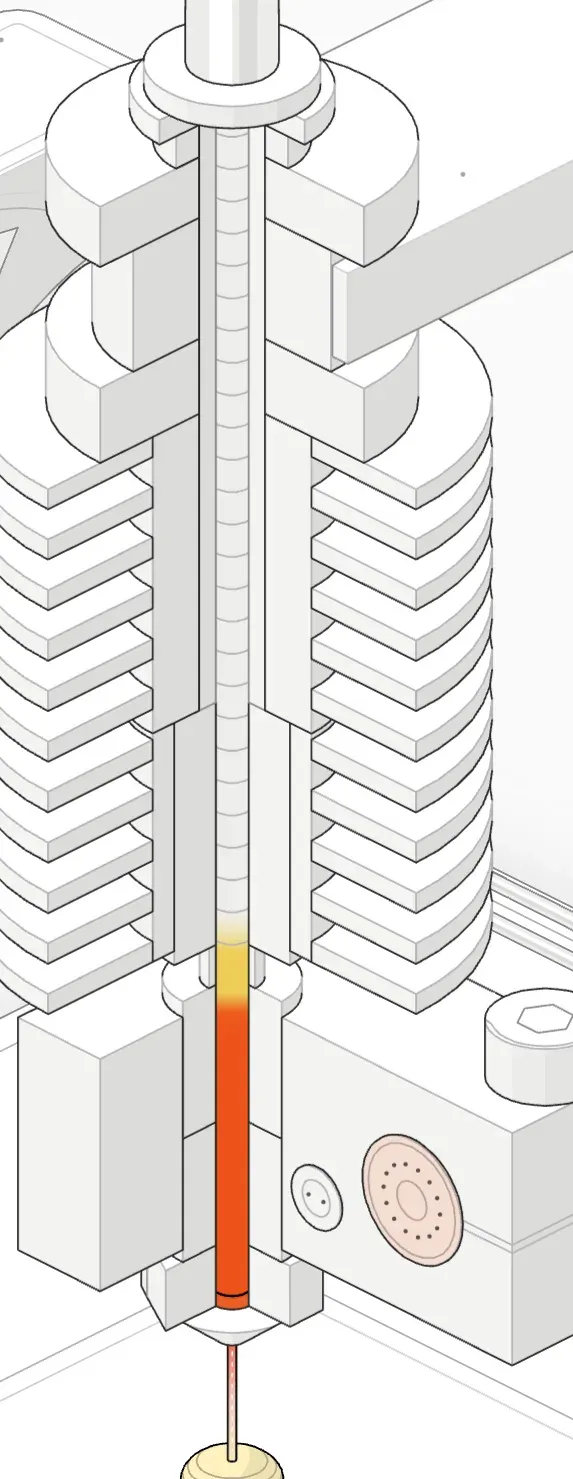 Solid filament above the heat break, molten filament in the heater block.
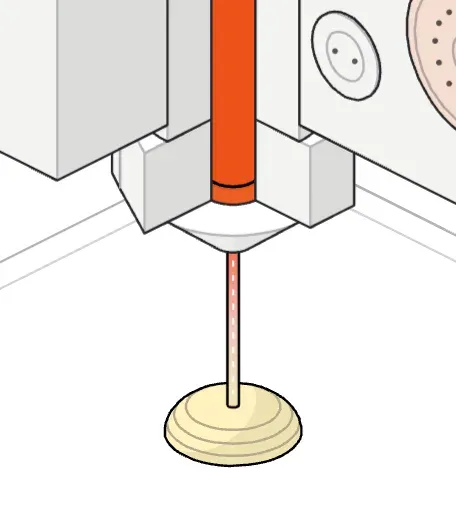 A brass 0.4 mm nozzle laying a thin strand.
PLA: the beginner’s filament
PLA (polylactic acid) is made from plant starch such as corn or sugarcane. It’s the default filament on almost every printer, and for good reason: it melts at low temperatures, barely warps, hardly smells, and cools quickly into crisp, stiff parts.
| Setting | Typical range | Why |
|---|---|---|
| Nozzle | 190–220 °C | Lower end for fine detail and less stringing, higher end for speed and layer strength |
| Bed | 50–60 °C | Warm enough to hold the first layer; hotter can soften the bottom layers |
| Part cooling fan | 100% after the first few layers | Fast cooling gives sharp overhangs and detail |
| Enclosure | Not needed | An enclosure can even cause clogs by heating the hotend’s cold side |
Good at: detail, stiffness, dimensional accuracy, easy printing on almost any bed surface.
Weak at: heat (it softens around 55–60 °C, which a closed car in summer easily reaches), impacts (it snaps rather than bends), and long-term outdoor use.
Use it for: models, figures, prototypes, organisers, vases, cosplay pieces, indoor brackets that don’t carry much load.
PLA+, tough PLA and “high-speed” PLA
PLA+ (also sold as PLA Pro or tough PLA) is PLA with additives that make it less brittle. There’s no standard for what the “plus” means, so it varies a lot between brands.22PLA+ is a marketing name rather than a defined material. Two brands’ PLA+ can print and behave quite differently, so always use the temperatures on your spool. Most print a little hotter than plain PLA, usually 200–230 °C, with the same bed temperature.
High-speed PLA is formulated to melt faster, so fast CoreXY printers can push more plastic per second without under-extruding. It prints fine on slower printers too, though you won’t see much benefit there.
Use them when you want PLA’s easy printing with a bit more toughness, for clips, holders and everyday parts. Heat resistance is still about the same as plain PLA.
PETG: tougher and more heat resistant
PETG (polyethylene terephthalate glycol) is a relative of the PET used in drinks bottles. It’s the usual next step after PLA: still easy to print on an open printer, but tougher, more flexible, and able to hold its shape up to around 80 °C.
| Setting | Typical range | Why |
|---|---|---|
| Nozzle | 220–250 °C | Lower end strings less, higher end bonds layers better |
| Bed | 70–85 °C | PETG needs more warmth than PLA to stay down |
| Part cooling fan | 30–50% | Too much cooling weakens the bond between layers |
| Enclosure | Not needed | Warps far less than ABS |
Good at: toughness, mild heat, moisture and chemical resistance, outdoor use for a season or two.
Weak at: stringing (it oozes more than PLA), fine detail, and it can stick too well to smooth PEI and glass, pulling flakes out of the surface. Use a glue stick as a release layer, or a textured PEI sheet.
Use it for: functional parts, brackets, clips, enclosures for electronics, garden parts, anything that might get knocked or left in a warm car.
For a full side-by-side comparison with settings, see PLA vs PETG.
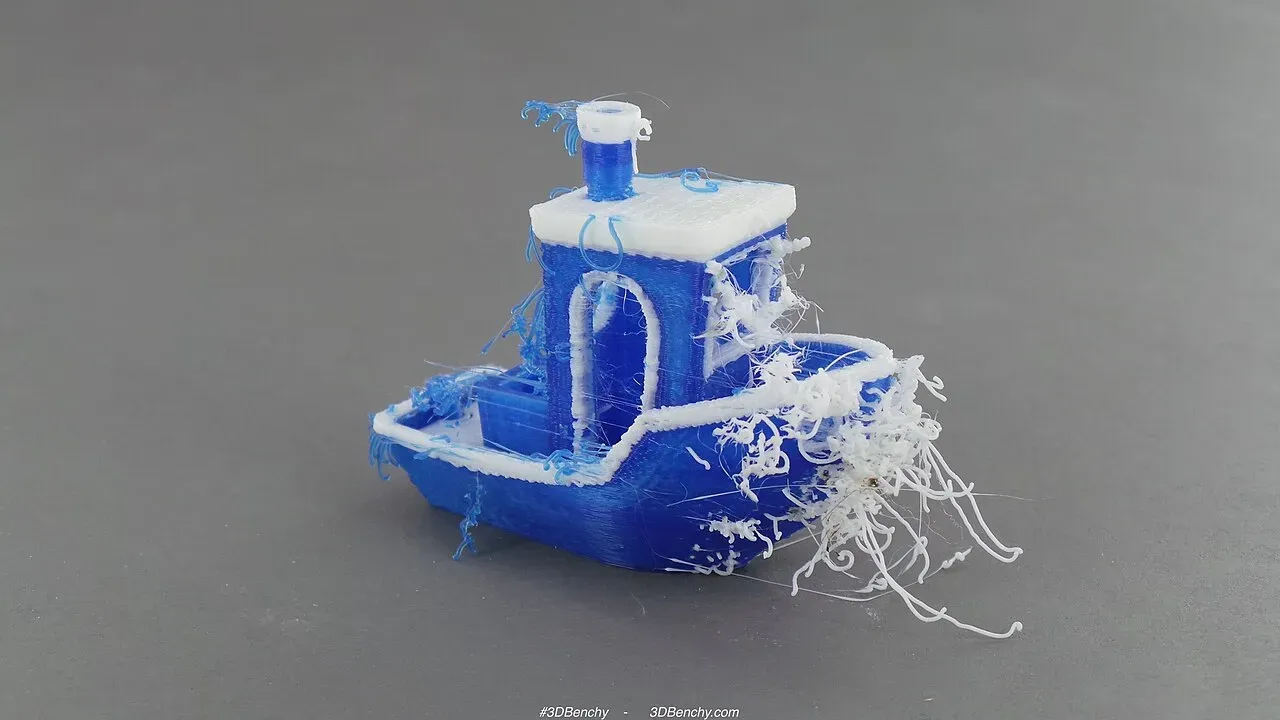 Stringing on a two-colour Benchy, where travel moves cross open air.Photo: 3DBenchy ·CC BY 2.0 ·Wikimedia Commons
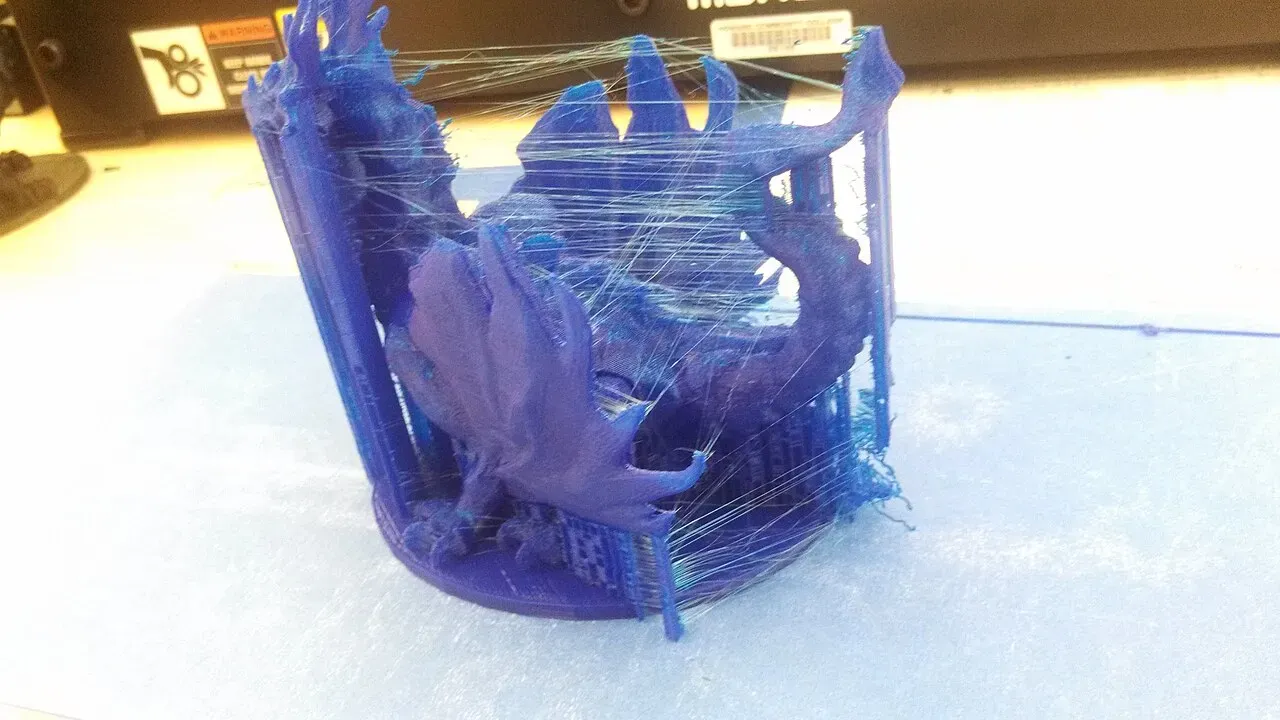 Close up: strings stretched between every travel move.Photo: SuperBlobMonster ·CC BY-SA 3.0 ·Wikimedia Commons
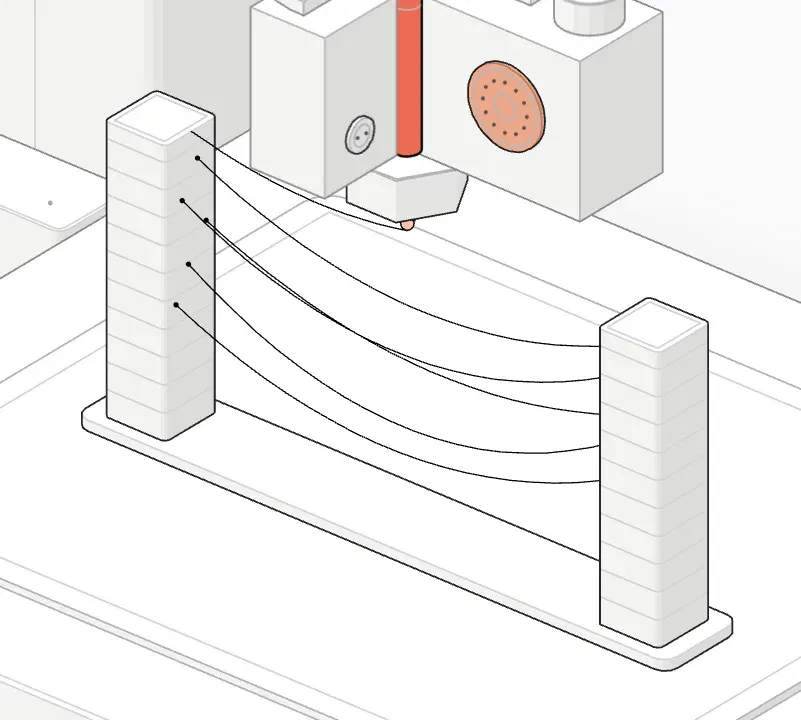 Hotter plastic is runnier: thinner, saggier strings.
ABS: the classic heat-resistant plastic
ABS (acrylonitrile butadiene styrene) is the plastic LEGO bricks are made from. It’s tough, holds its shape to around 100 °C, and can be sanded, glued and smoothed with acetone vapour. The catch is that it shrinks a lot as it cools, so it warps and cracks unless the air around the print stays warm.
| Setting | Typical range | Why |
|---|---|---|
| Nozzle | 230–260 °C | Hotter bonds layers better; too hot and fine details sag |
| Bed | 90–110 °C | Keeps the bottom layers from shrinking and pulling up |
| Part cooling fan | 0–30% | Little cooling, so layers stay warm enough to bond |
| Enclosure | Strongly recommended | Warm, still air stops warping and layer splitting |
Good at: heat resistance, toughness, post-processing (sanding, painting, acetone smoothing).
Weak at: warping, layer splitting on tall parts, and fumes. ABS gives off a noticeable smell while printing, including styrene.33All filaments release some particles and fumes when melted, but ABS and ASA release more than PLA. Print them in an enclosure, ideally with a filter or vented outdoors, and never in a bedroom.
Use it for: car interior parts, housings near motors or lights, parts you want to smooth to a glossy finish.
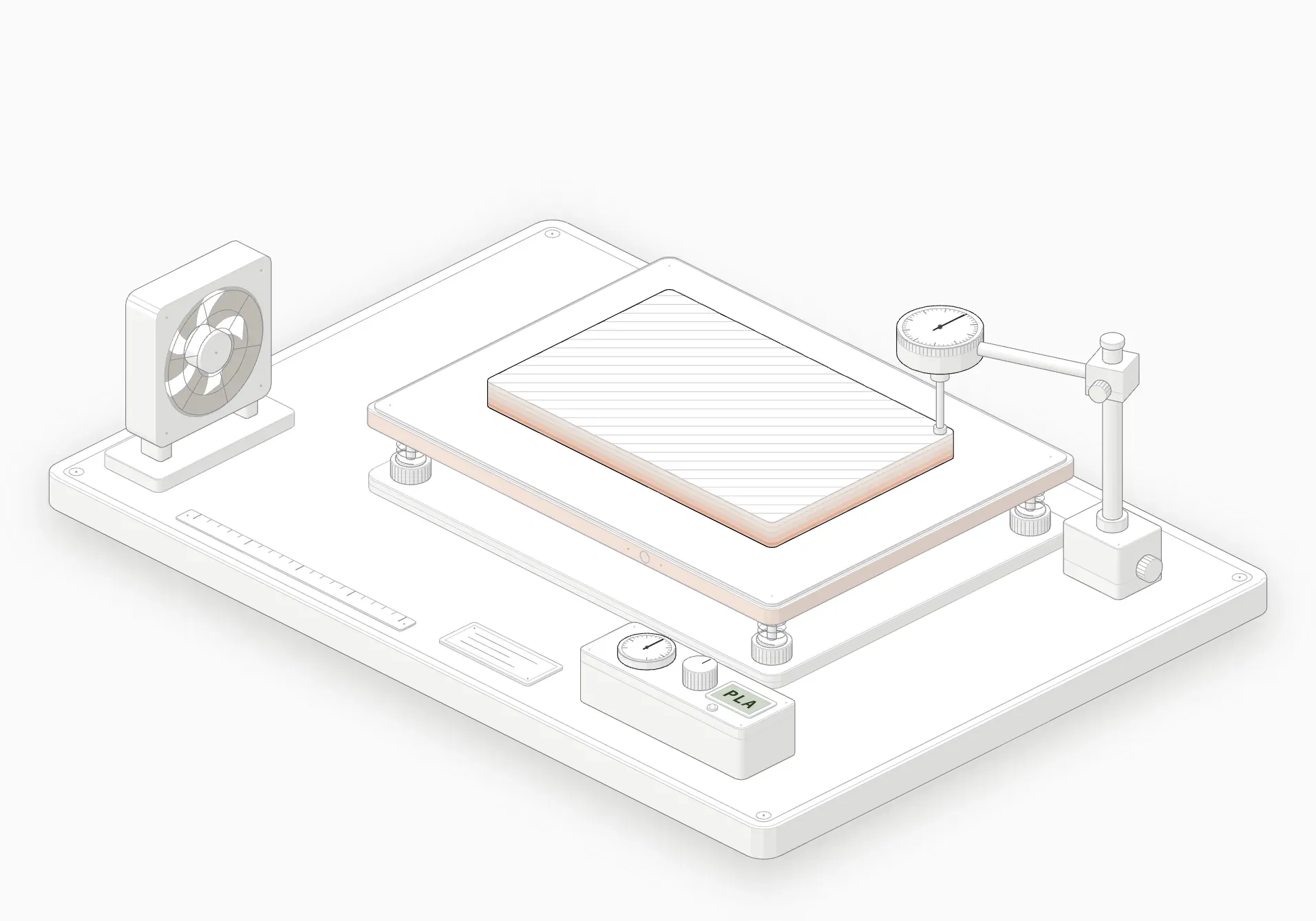 PLA, bed 60 °C: PLA · bed 60 °C · open air · corner lift 0.00 mm · flat.
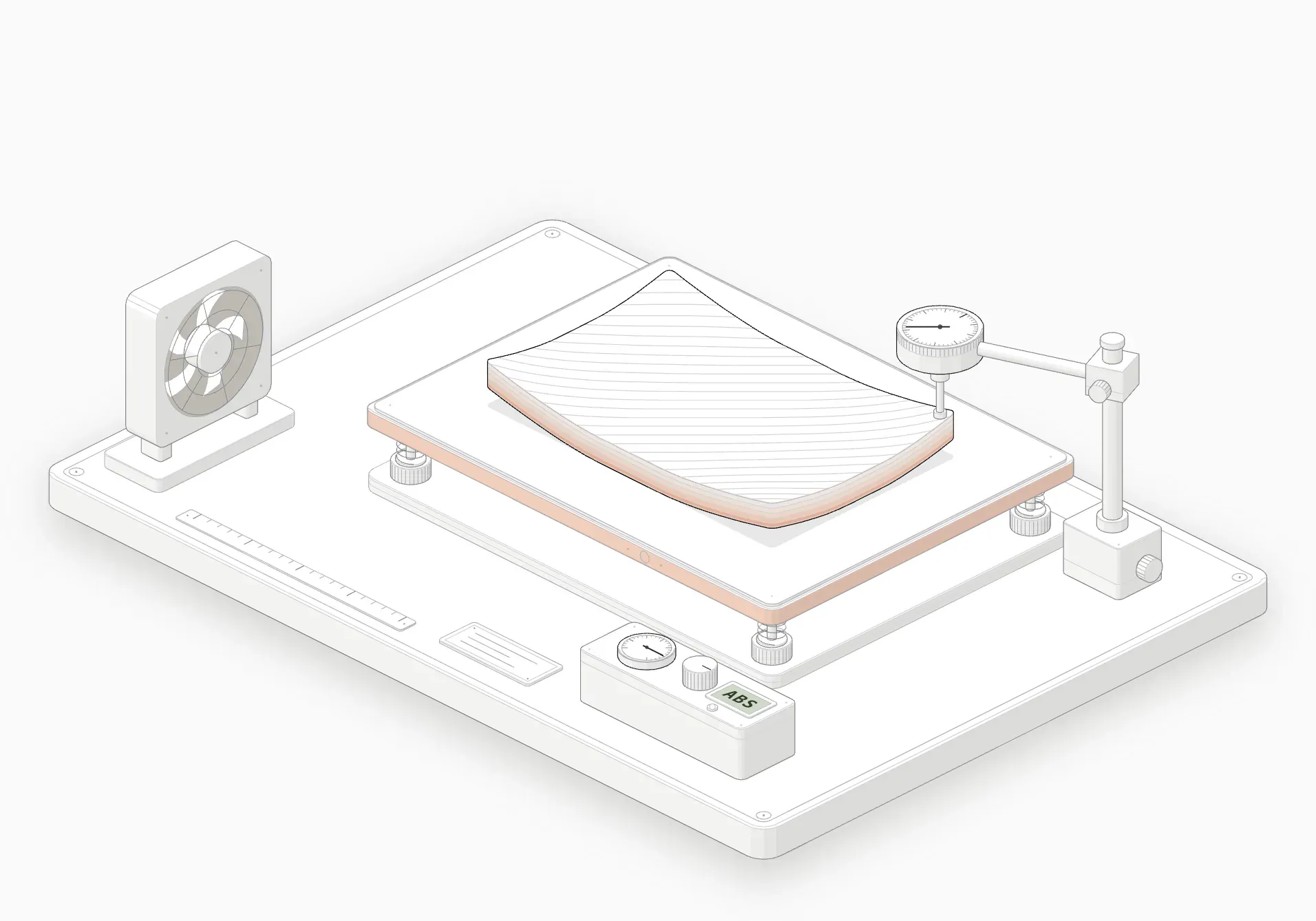 ABS, bed 100 °C, open air: ABS · bed 100 °C · open air · corner lift 0.80 mm · warping.
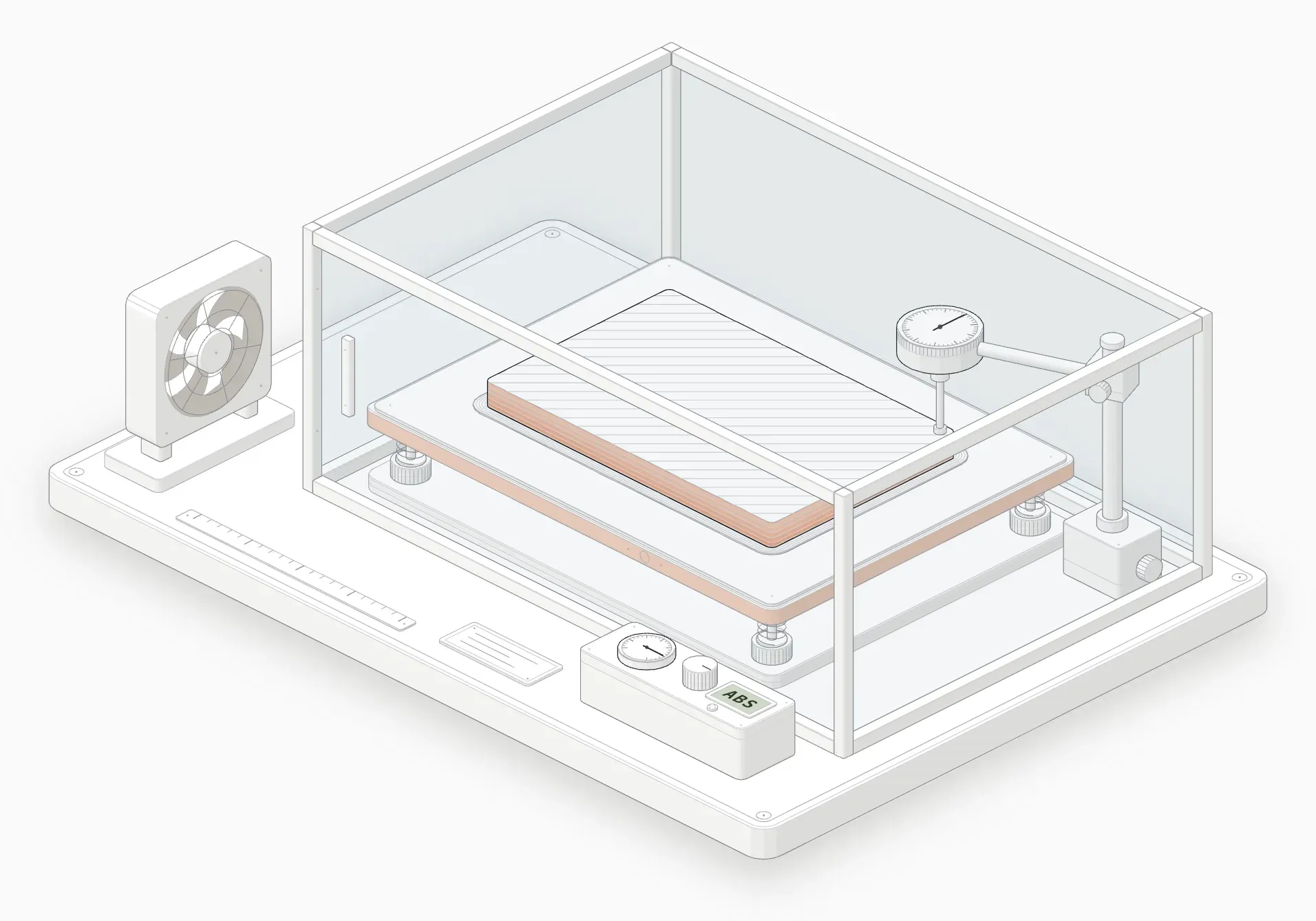 ABS enclosed, with a brim: ABS · bed 100 °C · enclosed · brim · corner lift 0.00 mm · flat.
ASA: ABS that survives the sun
ASA (acrylonitrile styrene acrylate) prints almost exactly like ABS and has similar heat resistance, but it resists UV light far better. ABS turns yellow and brittle in sunlight over time; ASA holds its colour and strength much longer.
| Setting | Typical range | Why |
|---|---|---|
| Nozzle | 235–260 °C | Similar to ABS |
| Bed | 90–110 °C | Same reason as ABS: reduce shrinkage at the bottom |
| Part cooling fan | 0–30% | Low cooling for layer bonding |
| Enclosure | Strongly recommended | Warps like ABS |
Use it for: anything that lives outdoors long term: garden fittings, mounts for cameras and sensors, car exterior parts, mailbox hardware. Many makers now pick ASA over ABS by default, since it does everything ABS does plus UV resistance.
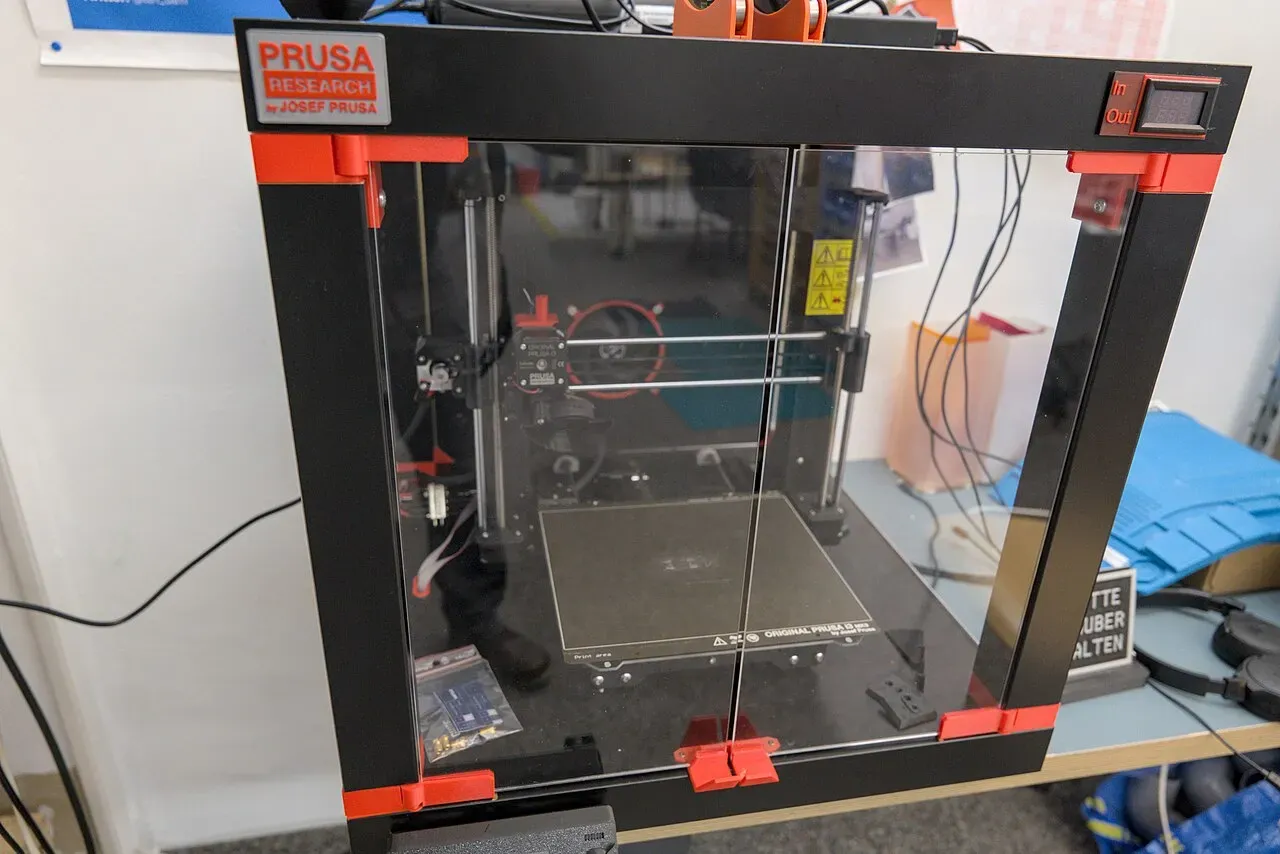 An enclosure keeps heat in for ABS and ASA.Photo: -stk ·CC BY-SA 4.0 ·Wikimedia Commons
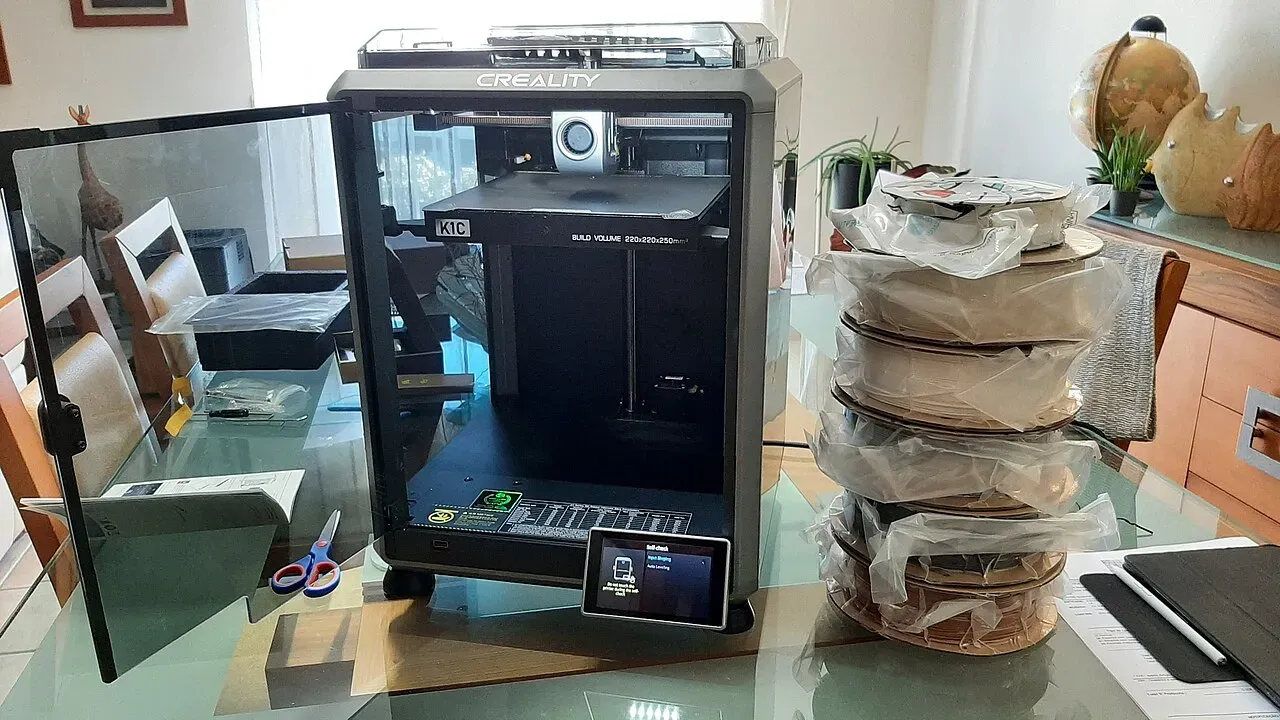 An enclosed CoreXY printer on a home desk.Photo: Mortymore ·CC BY 2.0 ·Wikimedia Commons
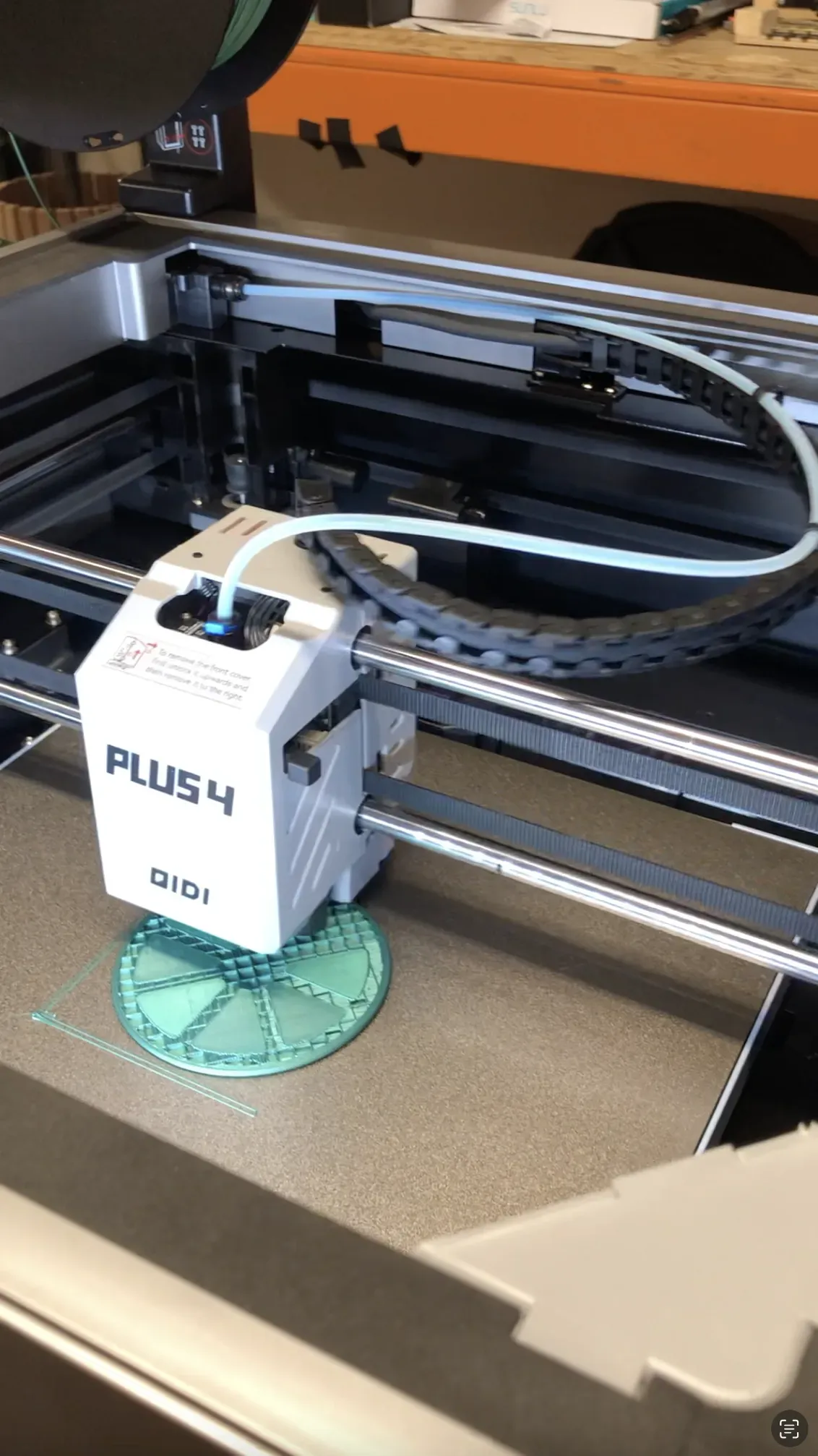 A CoreXY print head on a QIDI printer.Photo: Haroldbarlow8911 ·CC BY-SA 4.0 ·Wikimedia Commons
TPU: flexible, rubber-like filament
TPU (thermoplastic polyurethane) is a flexible filament that bends, squashes and springs back like rubber. It’s rated by Shore hardness: 95A is the most common and the easiest to print; lower numbers like 85A are softer and much harder to feed.
| Setting | Typical range | Why |
|---|---|---|
| Nozzle | 210–240 °C | Varies a lot by brand and hardness |
| Bed | 30–60 °C | TPU sticks well without much heat |
| Print speed | Slow, often 15–40 mm/s | Soft filament buckles in the extruder if pushed too fast |
| Retraction | Very little or off | Long retraction stretches and jams soft filament |
| Enclosure | Not needed | Barely warps |
Good at: flexibility, grip, impact absorption, abrasion resistance.
Weak at: being fed. The extruder pushes on a soft thread, so it can bend and tangle inside the extruder instead of going down into the hotend. Direct drive extruders, with a short and constrained path between the drive gears and the hotend, handle it far better than Bowden setups. See Bowden vs direct drive for why.
Use it for: phone cases, gaskets, feet and bumpers, watch straps, grips, cable strain reliefs.
- Flexible filament: label shows its print temperature.Photo: Sweetclara ·CC BY-SA 4.0 ·Wikimedia Commons
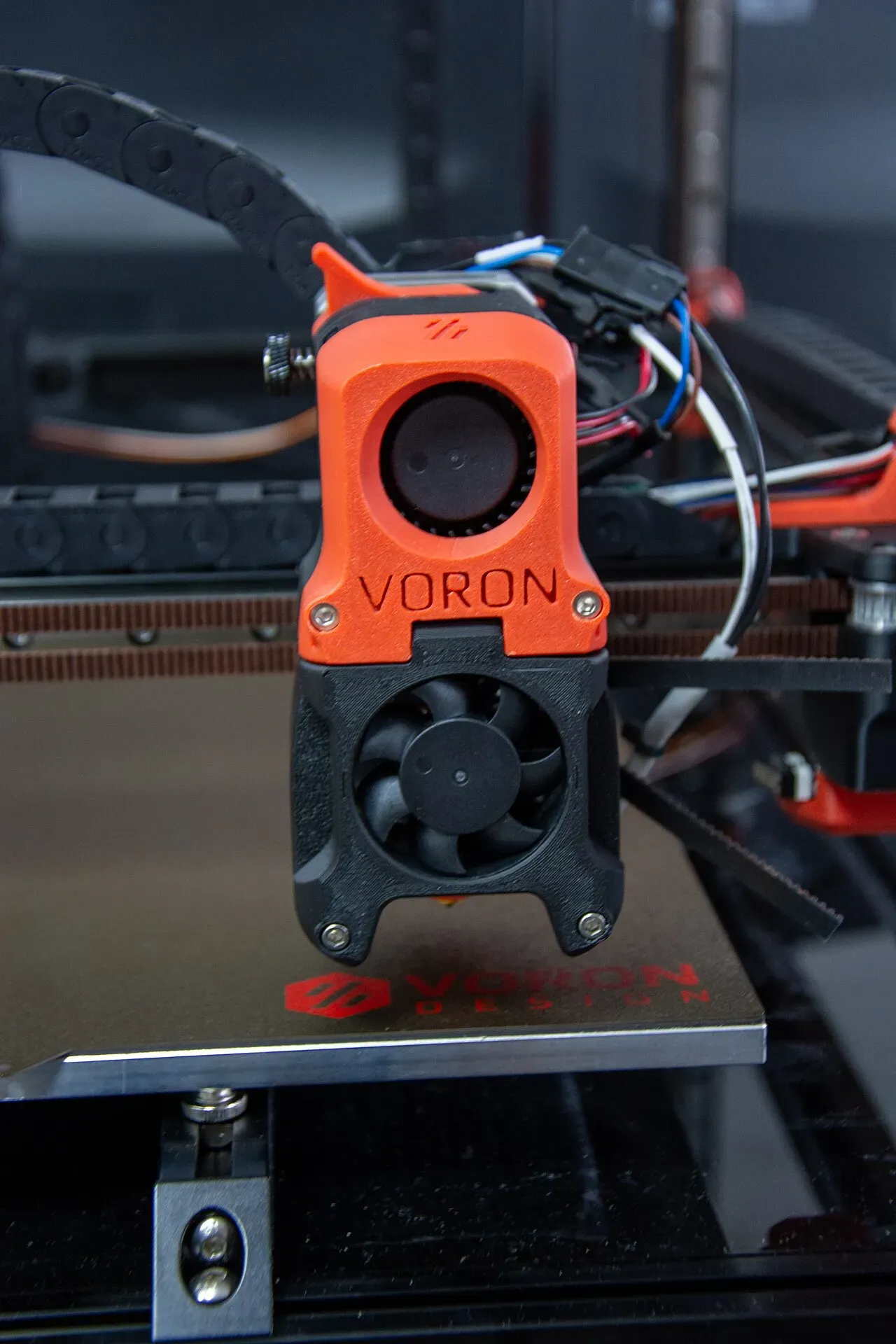 A modern toolhead: extruder, hotend and fans in one housing.Photo: disinterpreter ·CC BY-SA 2.0 ·Wikimedia Commons
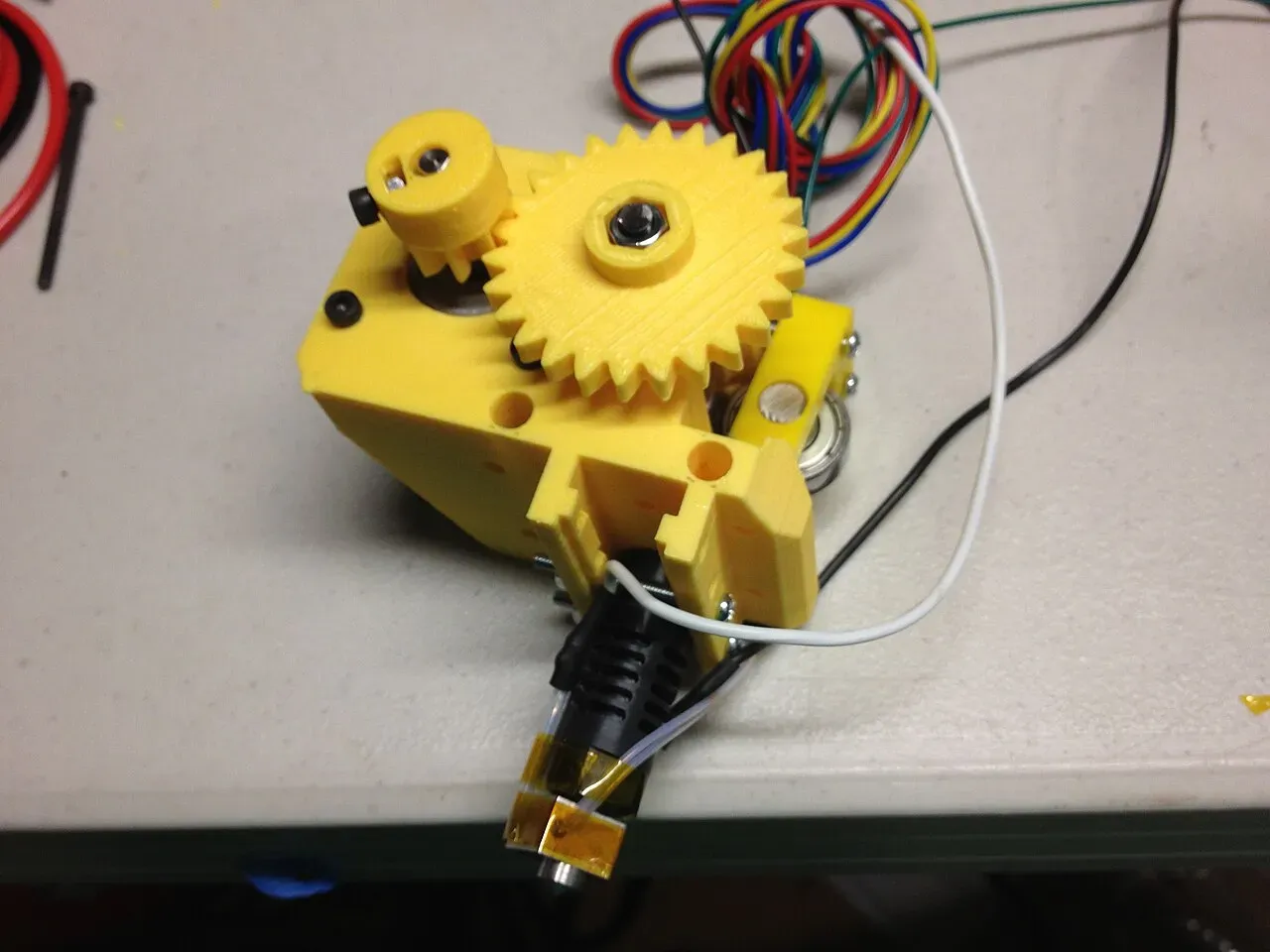 An assembled extruder before it goes on the printer.Photo: John Abella ·CC BY 2.0 ·Wikimedia Commons
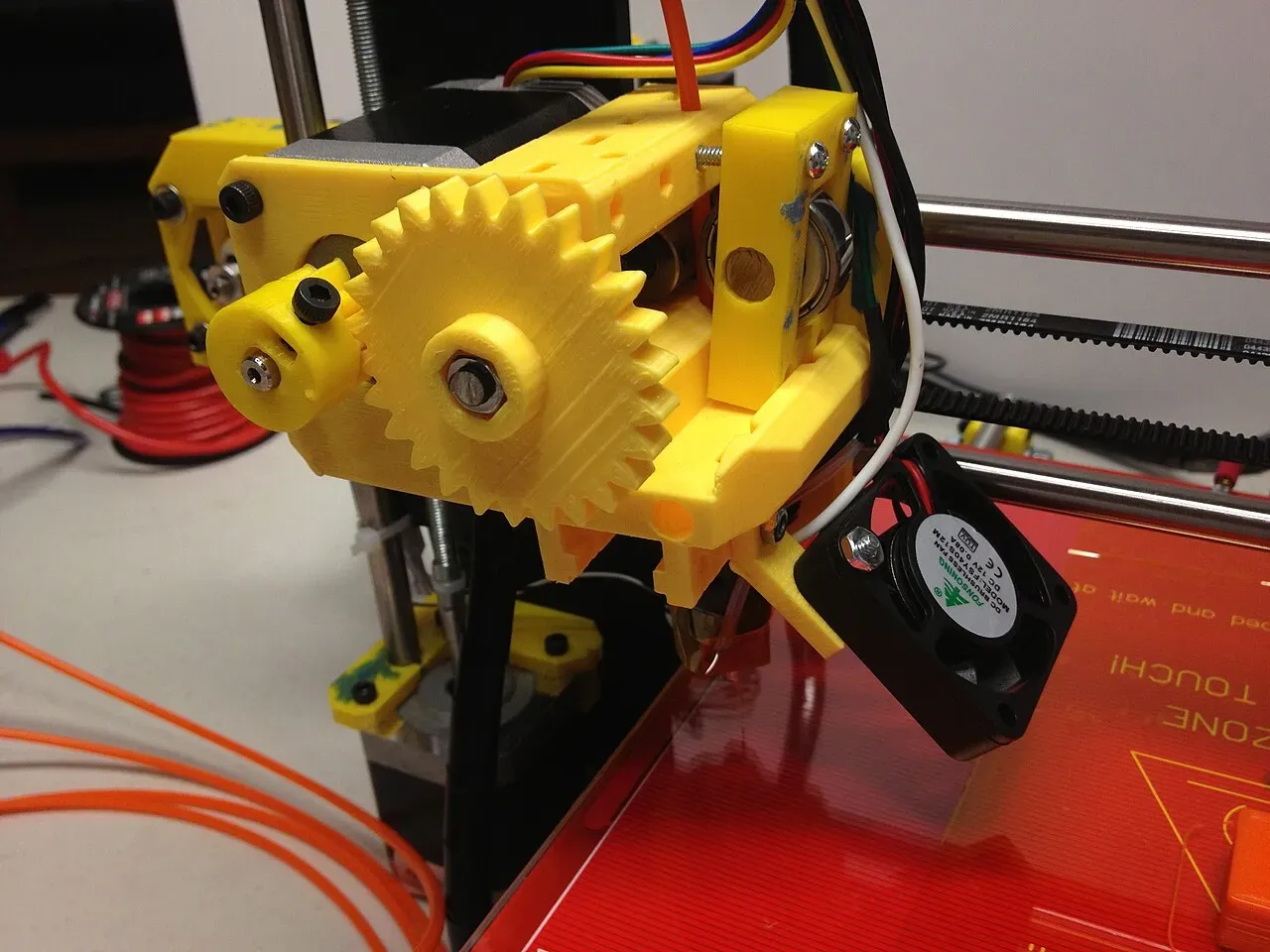 A geared extruder on a Prusa i3.Photo: John Abella from Outside Philadelphia, USA ·CC BY 2.0 ·Wikimedia Commons
Nylon: tough, slippery and thirsty
Nylon (polyamide, often labelled PA, PA6 or PA12) is one of the toughest filaments you can print. It flexes before breaking, resists wear and has low friction, which makes it great for gears, hinges and moving parts.
| Setting | Typical range | Why |
|---|---|---|
| Nozzle | 240–280 °C | Needs real heat to flow and bond; check your hotend’s limit |
| Bed | 60–90 °C | Grips best on garolite or PEI with glue stick |
| Part cooling fan | 0–30% | Layers bond better warm |
| Enclosure | Recommended | Reduces warping on larger parts |
Good at: toughness, wear and friction, fatigue resistance (parts that flex thousands of times).
Weak at: moisture. Nylon absorbs water from the air faster than any other common filament, sometimes within hours. Wet nylon pops, bubbles, strings and prints weak, rough parts. Plan to dry it before every print and print straight from a dry box.
Use it for: gears, bushings, living hinges, tool parts, clips that snap on and off repeatedly.
Polycarbonate (PC): the strongest common filament
Polycarbonate is the material in safety glasses and riot shields. Printed, it’s very strong, tough and heat resistant, holding its shape well past the point where ABS gives up. It’s also the hardest of the common filaments to print.
| Setting | Typical range | Why |
|---|---|---|
| Nozzle | 260–310 °C | Pure PC needs the high end; PC blends print lower |
| Bed | 100–120 °C | Shrinks a lot as it cools, so the bed must stay hot |
| Part cooling fan | 0–20% | Cooling causes layer splitting |
| Enclosure | Required | Without warm air around it, PC warps and cracks |
Good at: strength, impact resistance, heat resistance, some grades are clear.
Weak at: almost everything about printing it: very high temperatures, strong warping, moisture sensitivity. Many hobby printers simply can’t reach the temperatures pure PC needs. PC blends (such as PC-ABS, or PC sold for “easy” printing) lower the temperatures and reduce warping at some cost in strength.
Use it for: parts under real load and heat: brackets near engines, high-temperature fixtures, functional prototypes that must survive abuse.
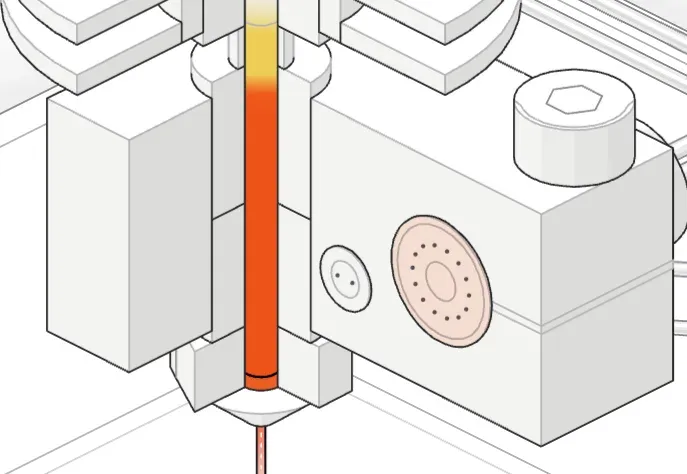 The heater block holds the heater cartridge and the thermistor.
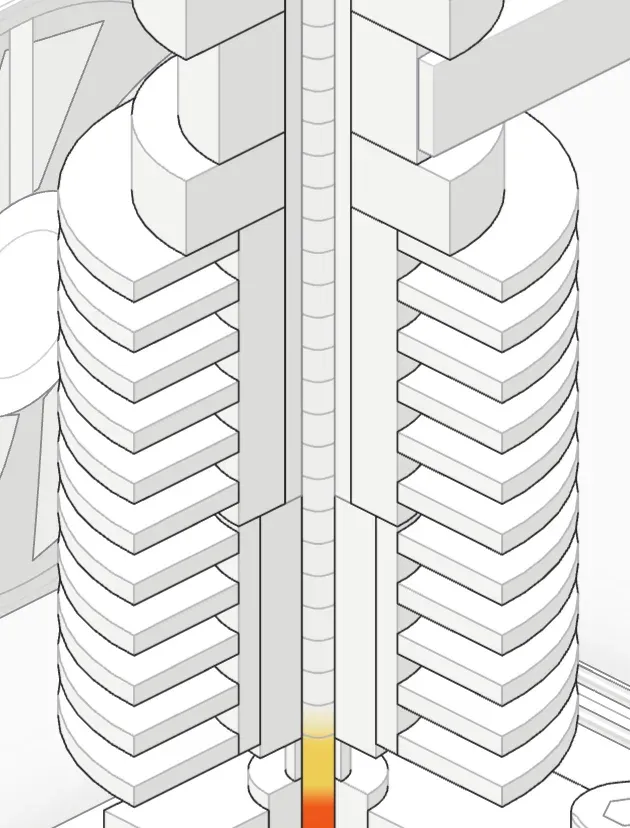 The finned heatsink keeps the top of the hotend cold.
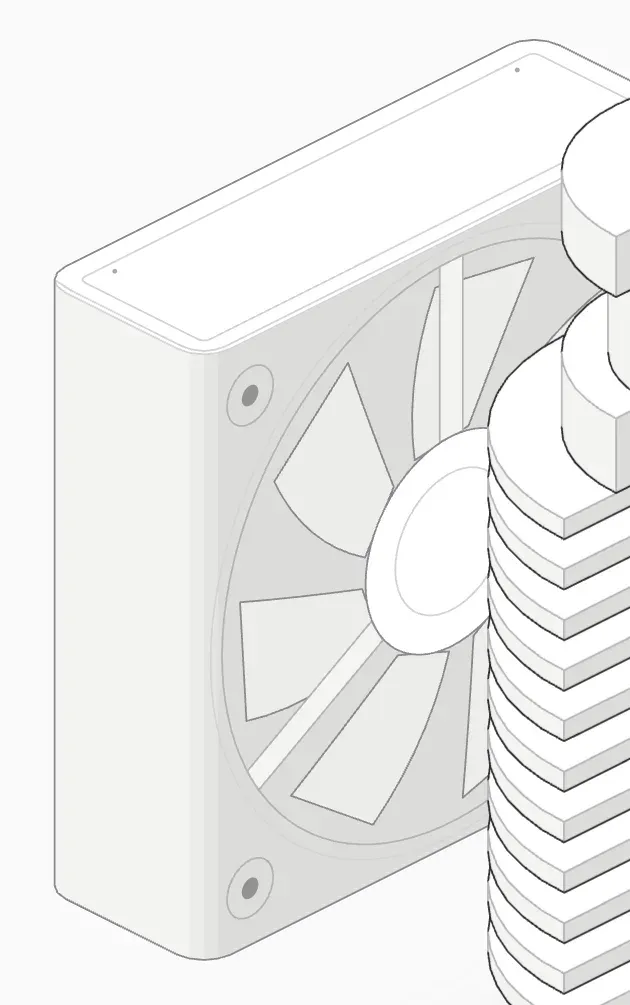 The hotend fan cools the heatsink. It must run whenever the hotend is hot.
 Fan off: heat creeps up the heatsink and the filament softens too high.
Composites: carbon fibre, glass fibre, wood, silk, glow and more
Composite filaments are a base plastic (usually PLA, PETG or nylon) with something mixed in. The base plastic decides the temperatures; the filler changes the look, stiffness or texture.
| Composite | What’s added | What changes | Watch out for |
|---|---|---|---|
| Carbon fibre (PLA-CF, PETG-CF, PA-CF) | Short chopped carbon fibres | Stiffer, lighter, matte finish, hides layer lines | Abrasive: needs a hardened nozzle. Usually less tough than the base plastic |
| Glass fibre (PETG-GF, PA-GF) | Short glass fibres | Stiffer and more stable, cheaper than CF | Abrasive: needs a hardened nozzle |
| Wood | Fine wood particles in PLA | Looks and smells like wood, can be sanded and stained | Can clog small nozzles; a 0.6 mm nozzle helps |
| Silk / shiny PLA | Additives that make the surface glossy | Metallic, shiny finish | Weaker layer bonding, more stringing |
| Glow in the dark | Phosphorescent powder | Glows after light exposure | Very abrasive: wears brass nozzles quickly |
| Metal-filled | Metal powder in PLA | Heavy, can be polished to a metallic look | Abrasive, heavy spools |
| Marble, stone, matte | Mineral fillers | Stone-like or matte surface | Some are mildly abrasive |
Short-fibre composites are not like carbon fibre parts you can buy. The fibres are tiny chopped strands that make the plastic stiffer, not woven sheets that make it dramatically stronger. A PLA-CF part is stiffer than PLA but can actually snap more easily.
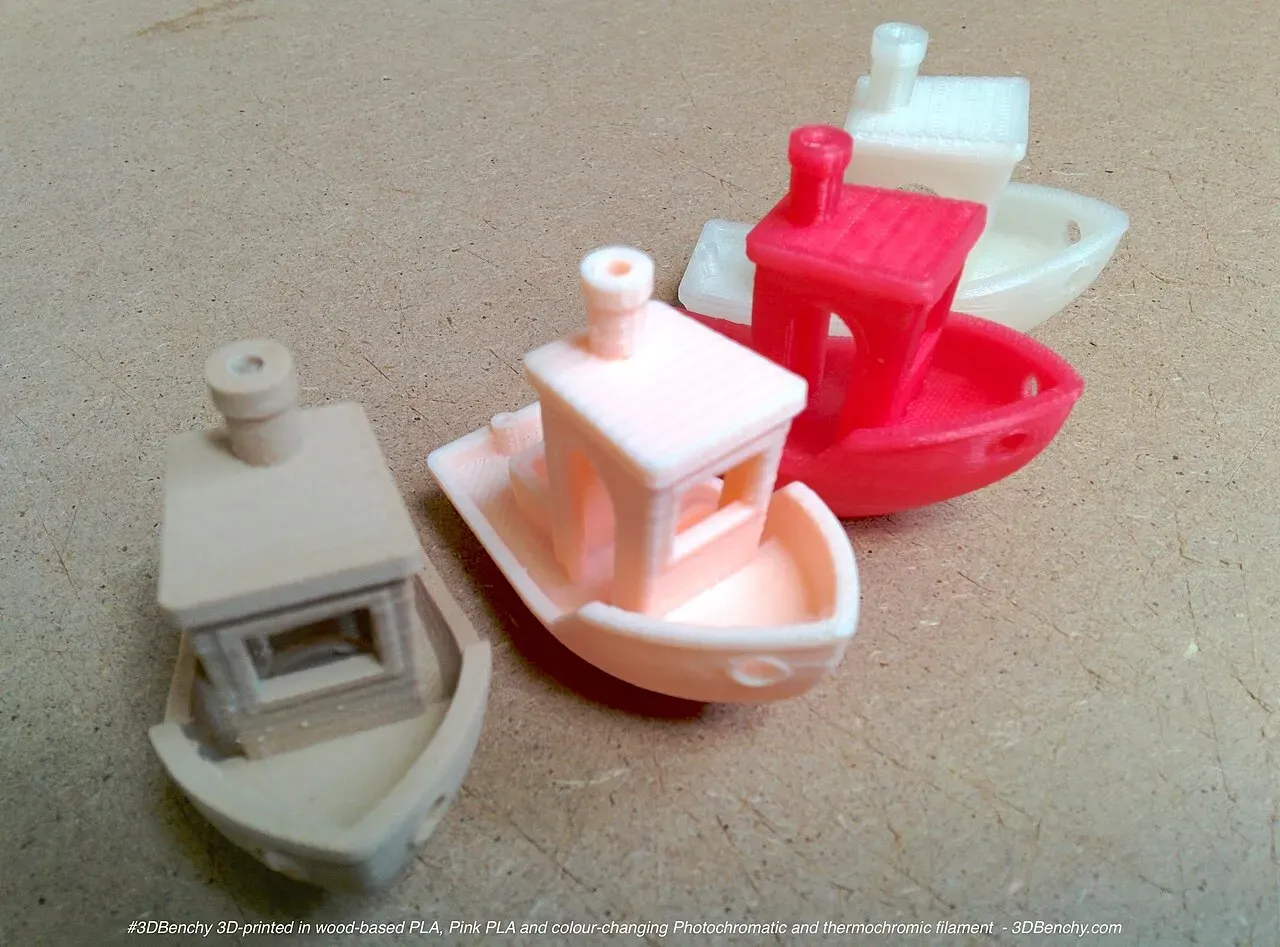 Printed Benchys in different filaments.Photo: 3DBenchy ·CC BY 2.0 ·Wikimedia Commons
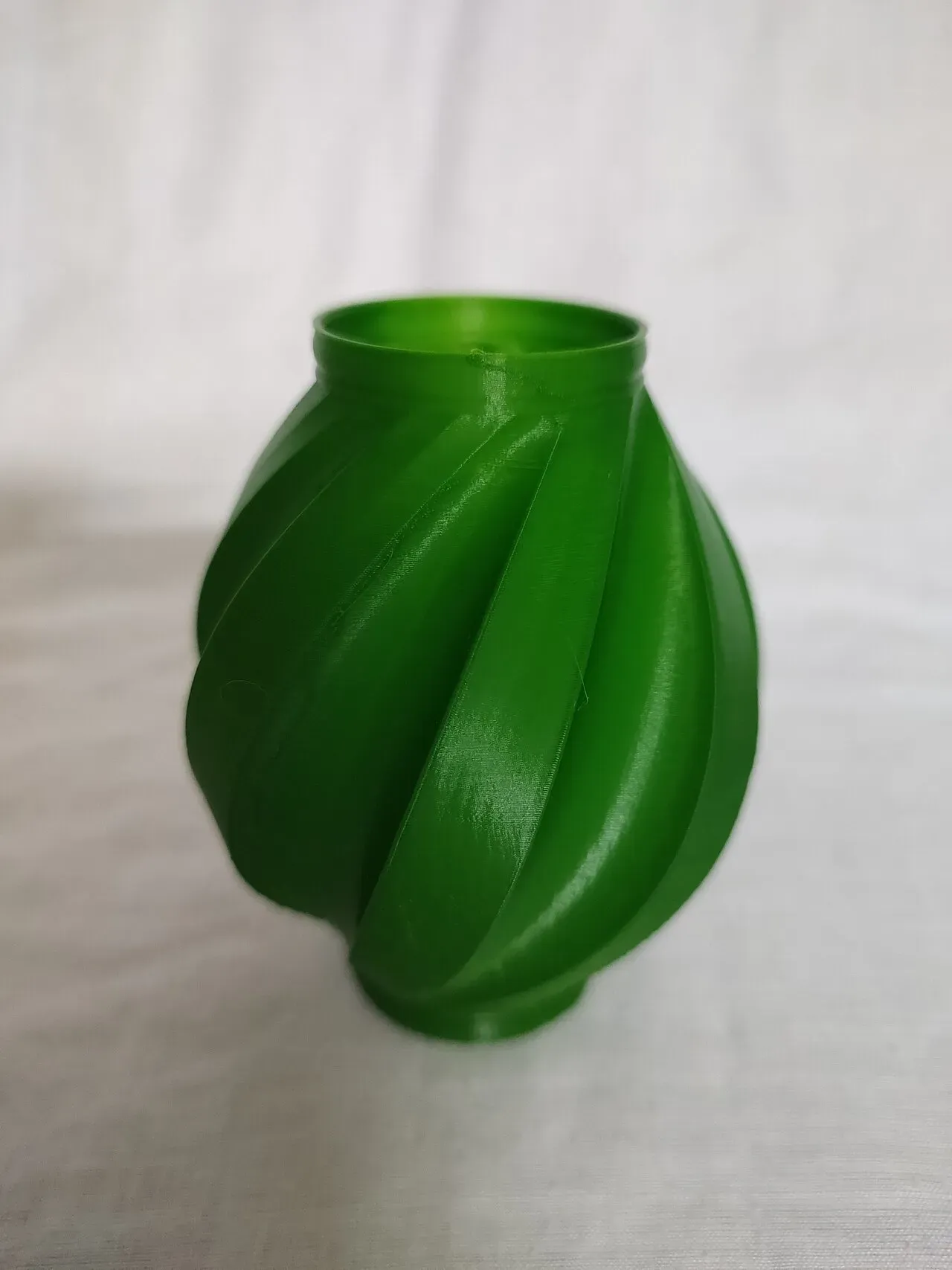 A twisted vase printed in a single wall.Photo: Sumanbargavr ·CC BY-SA 4.0 ·Wikimedia Commons
 Useful prints: planters on a shelf.Photo: Aaaatu ·CC BY-SA 4.0 ·Wikimedia Commons
Abrasive filaments and hardened nozzles
Most printers ship with a brass nozzle. Brass conducts heat well and is cheap, but it’s soft. Filaments with hard fillers (carbon fibre, glass fibre, glow-in-the-dark powder, metal powder) act like fine sandpaper inside it. The hole wears wider and the tip wears down, and print quality drops: more plastic comes out than the slicer expects, and fine detail suffers.44How fast a brass nozzle wears depends on the filler, the amount printed and the nozzle size. Glow-in-the-dark and fibre-filled filaments are known for wearing brass far faster than plain plastics.
For abrasive filaments, use a nozzle made from a harder material:
| Nozzle | Wear resistance | Notes |
|---|---|---|
| Brass | Low | Default; fine for PLA, PETG, ABS, ASA, TPU, plain nylon |
| Hardened steel | High | Conducts heat less well, so you may need to print 5–10 °C hotter |
| Stainless steel | Low to moderate | Mainly chosen for food-contact or lead-free use, not abrasion |
| Tungsten carbide, ruby-tipped and similar | Very high | Expensive; wear resistant and conduct heat better than hardened steel |
A 0.6 mm nozzle is also a good idea for fibre-filled filaments. The fibres can bunch up in a 0.4 mm opening and clog it. If you’ve had a clog, see how to unclog a 3D printer nozzle.
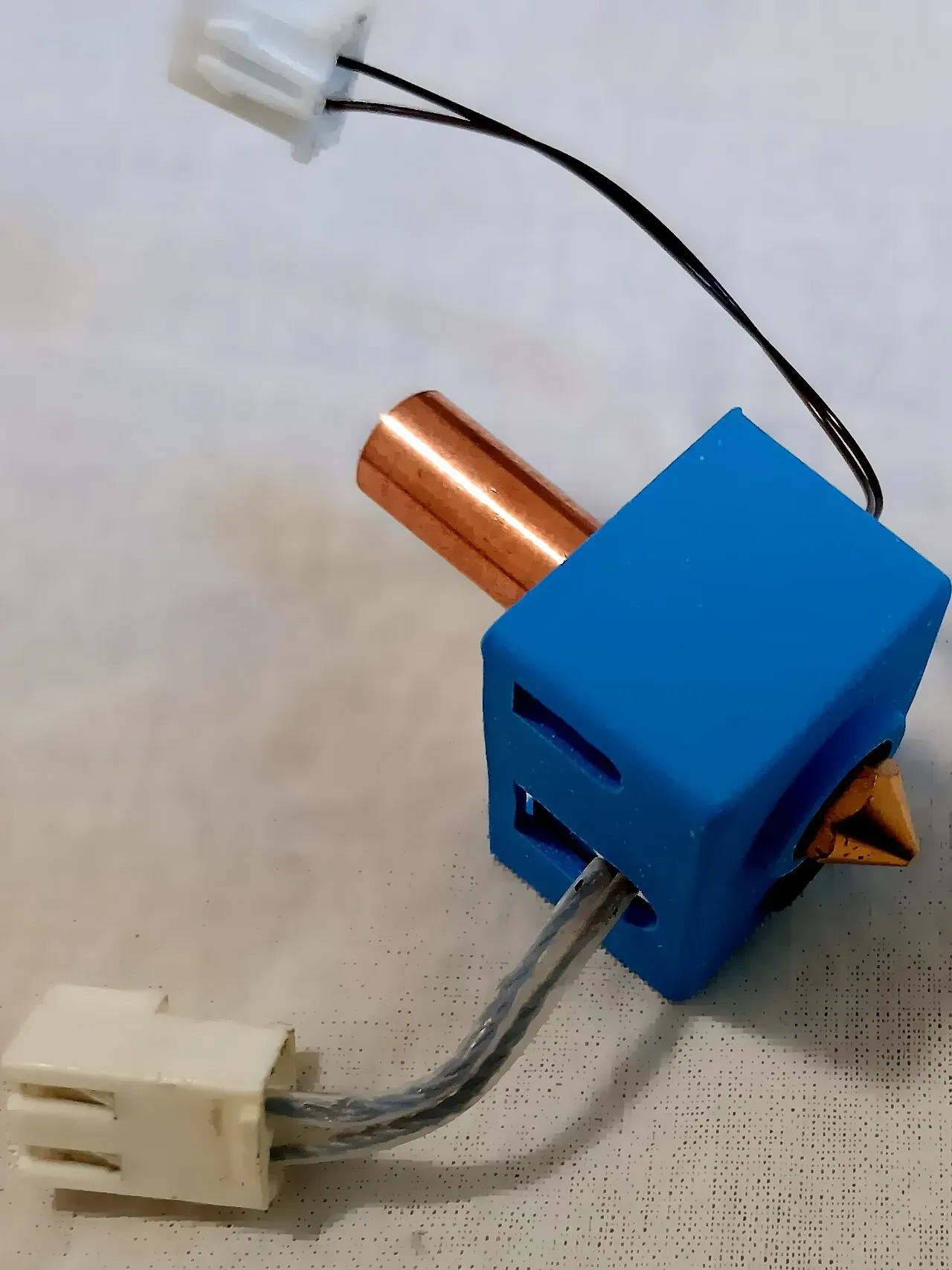 A heater block in a silicone sock, with the nozzle below and heat break above.Photo: A7N8X ·CC0 ·Wikimedia Commons
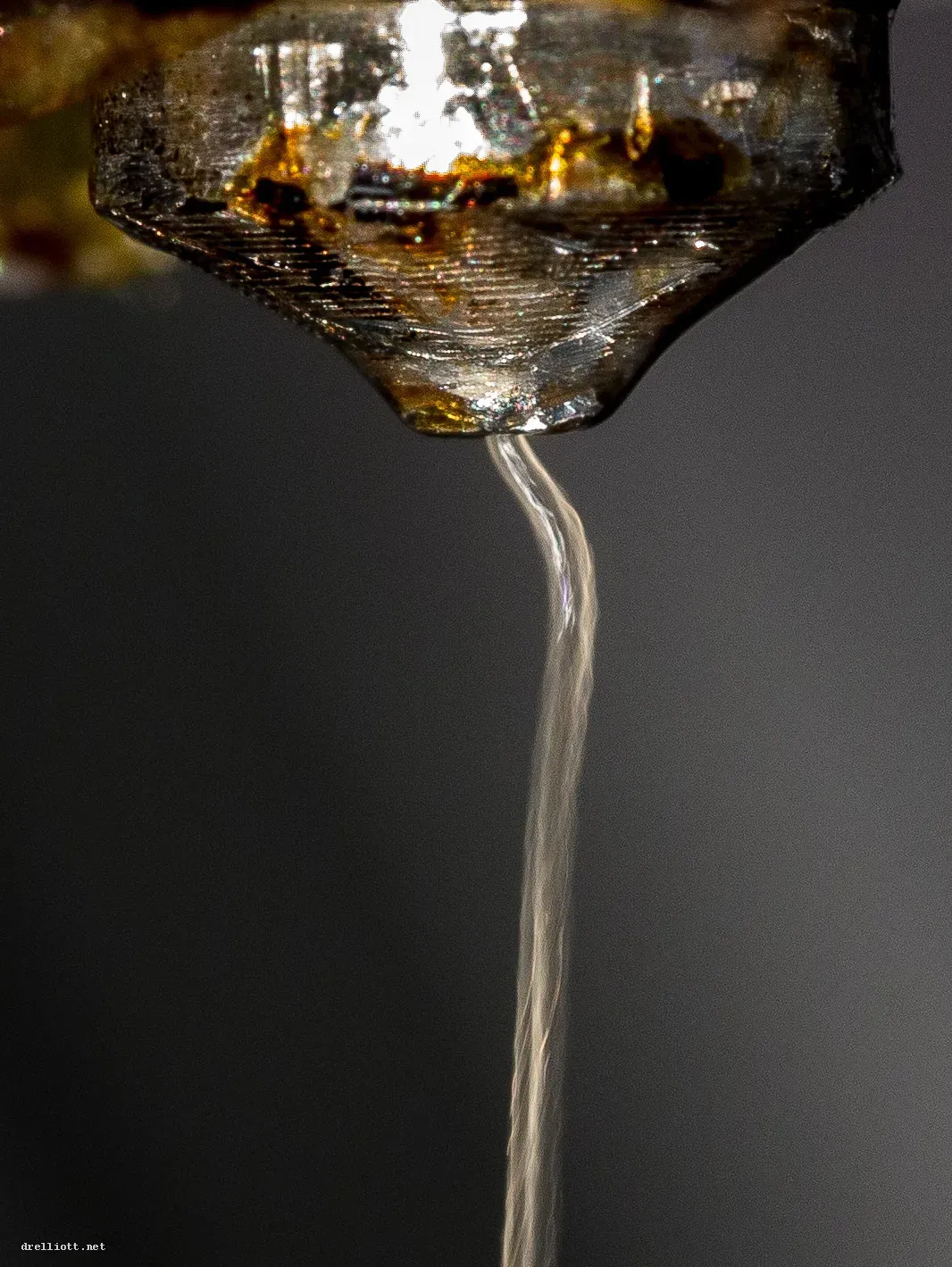 Molten plastic leaving the nozzle.Photo: David Elliott from UK ·CC BY 2.0 ·Wikimedia Commons
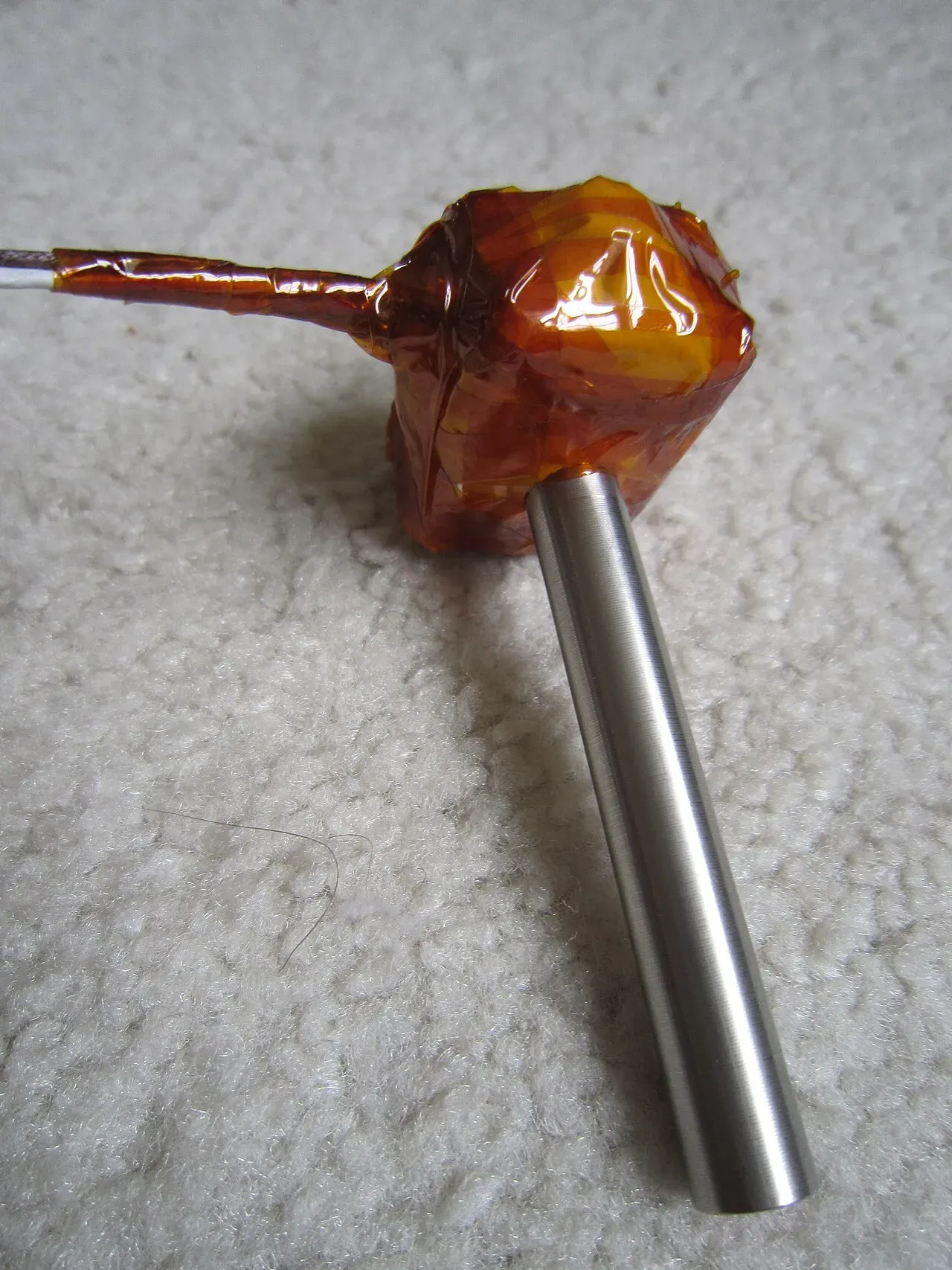 The nozzle threads into the heater block.Photo: syvwlch ·CC BY 2.0 ·Wikimedia Commons
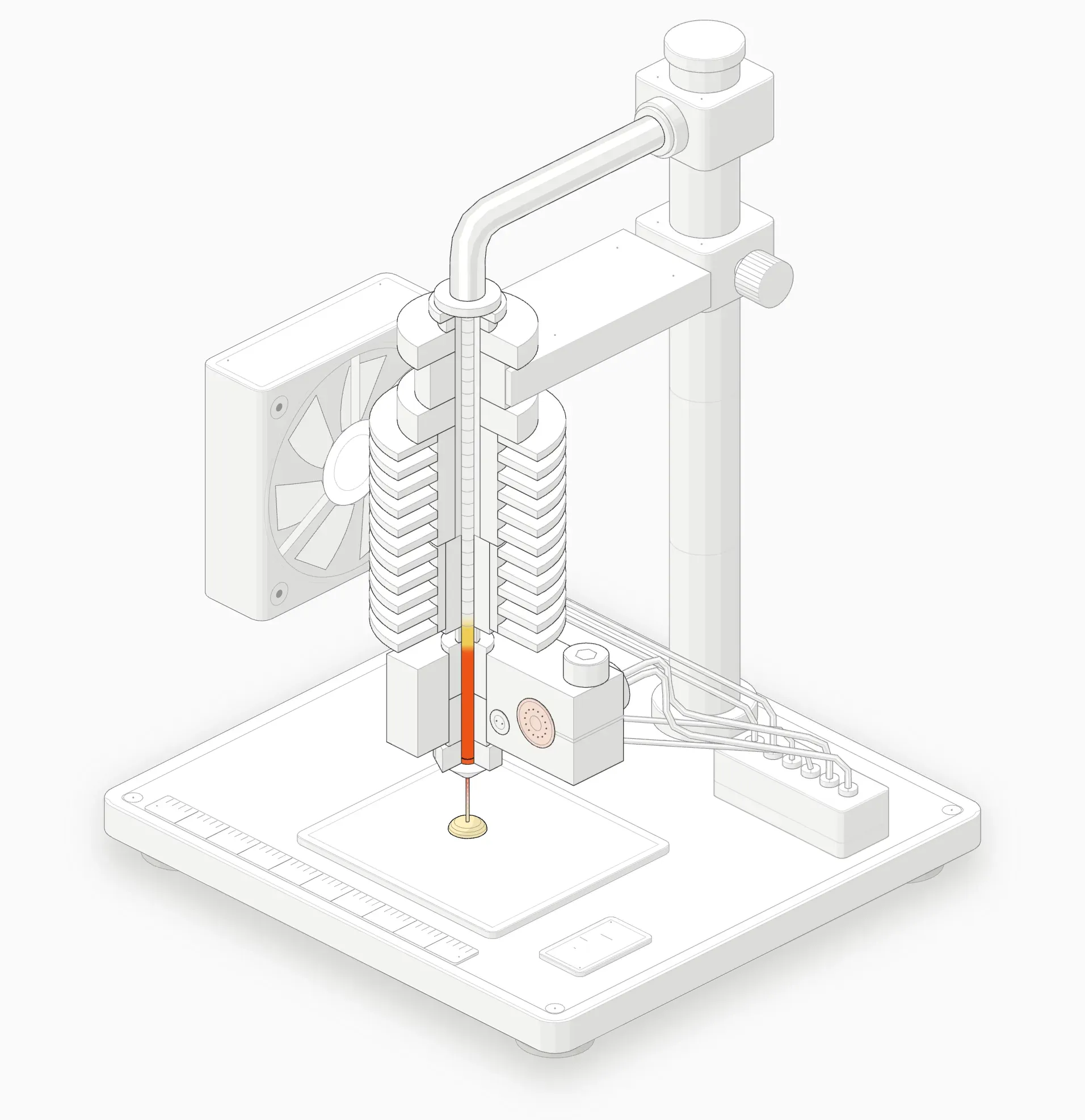 A V6-style hotend, cut away so you can see the filament inside.
PLA-CF · 0 g printed · brass 0.40 mm, tip 0.00 mm shorter · steel 0.40 mm
- drag ↔ / ← → grams printed, 0–1000 g (50 g a step)
- F filament: carbon-fibre PLA, glow-in-the-dark PLA, plain PLA
- Space run the spool through / pause
- Home new nozzles
1.75 mm vs 2.85 mm filament
Filament comes in two diameters:
- 1.75 mm: used by the vast majority of current printers. It’s the one you’ll find everywhere, in every material and colour.
- 2.85 mm: used by some printers, notably Ultimaker and some LulzBot models. It’s often sold as “3 mm”, but the real diameter is usually 2.85 mm.
You can’t swap one for the other: your printer’s extruder and hotend are built for one diameter. Check your printer’s manual or the spool that came with it. Your slicer also needs the right diameter in the filament settings; if it’s wrong, it will push the wrong amount of plastic.
Look for a stated diameter tolerance on the label, such as ±0.02 mm or ±0.03 mm. Tighter tolerance means more consistent extrusion. Badly made filament that varies in thickness causes patchy under-extrusion on thin spots and over-extrusion on thick ones.
- Read the label: material, 1.75 mm diameter, 1 kg.Photo: John Abella from Outside Philadelphia, USA ·CC BY 2.0 ·Wikimedia Commons
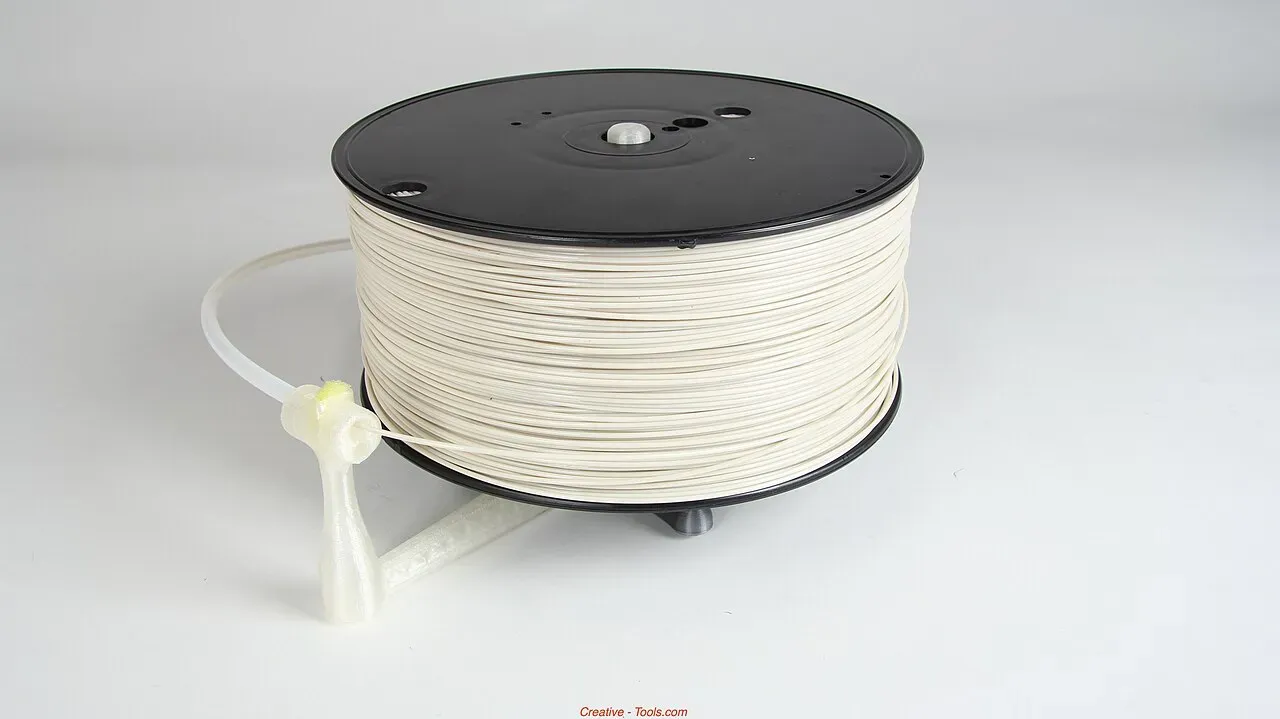 A spool of white filament.Photo: Creative Tools ·CC BY 2.0 ·Wikimedia Commons
The comparison table
Temperatures are typical ranges across brands. Always start with the range printed on your spool, then fine-tune it with a temperature tower.
| Material | Nozzle | Bed | Enclosure | Difficulty | Softens around | Typical uses |
|---|---|---|---|---|---|---|
| PLA | 190–220 °C | 50–60 °C | No | Easiest | 55–60 °C | Models, prototypes, decor, indoor parts |
| PLA+ / tough PLA | 200–230 °C | 50–60 °C | No | Easiest | 55–60 °C | Everyday parts needing a bit more toughness |
| PETG | 220–250 °C | 70–85 °C | No | Easy | About 80 °C | Functional parts, brackets, outdoor for a season |
| ABS | 230–260 °C | 90–110 °C | Strongly recommended | Harder | About 100 °C | Heat-resistant parts, smoothed finishes |
| ASA | 235–260 °C | 90–110 °C | Strongly recommended | Harder | About 100 °C | Long-term outdoor parts |
| TPU (95A) | 210–240 °C | 30–60 °C | No | Medium | Flexible at room temperature | Cases, gaskets, bumpers, grips |
| Nylon | 240–280 °C | 60–90 °C | Recommended | Hard | Varies by type | Gears, hinges, wear parts |
| Polycarbonate | 260–310 °C | 100–120 °C | Required | Hardest | Well above ABS | High-strength, high-heat parts |
| CF / GF composites | Base plastic’s range, often +5–10 °C | Base plastic’s range | As for the base | Base + hardened nozzle | As for the base | Stiff, light, matte parts |
| Wood, silk, glow | PLA range | 50–60 °C | No | Easy to medium | As for PLA | Decorative prints |
How to choose the right filament
Work through these questions in order. The first “yes” usually gives you your answer.
1. Does it need to flex or squash?
Yes: TPU. Nothing else on this list is truly flexible. Make sure your printer can feed it (direct drive is easiest).
2. Will it get hot?
Think about where the part will live, not where it’s printed.
- Indoors at room temperature: PLA is fine.
- In a car, on a sunny windowsill, near a lamp or electronics: PETG at least.
- Near engines, heaters or hot water: ABS, ASA or PC.
3. Will it live outdoors?
For a season: PETG. For years in direct sun: ASA.
4. Will it be under stress, wear or repeated flexing?
Snap-fit clips, hinges, gears and hooks: PETG for light duty, nylon for serious wear. PLA works for static loads but tends to crack when flexed again and again.
5. Does it mainly need to look good?
PLA, or a decorative blend: silk for shine, wood for a natural look, matte PLA for hiding layer lines.
6. What can your printer handle?
This is the deciding question. Check three things:
| Check | Why it matters | Rules out |
|---|---|---|
| Maximum nozzle temperature | PTFE-lined hotends are usually limited to about 240 °C | Nylon, PC and some ASA |
| Enclosure | ABS, ASA, nylon and PC warp and crack in open air | Larger ABS, ASA and PC parts on open printers |
| Nozzle material | Brass wears quickly with abrasive filaments | CF, GF, glow and metal-filled without a hardened nozzle |
| Extruder type | Bowden setups struggle with soft filament | Soft TPU (below 95A) on most Bowden printers |
If your printer is open and has a stock brass nozzle, your practical choices are PLA, PLA+, PETG, TPU and the decorative PLA blends. That still covers the large majority of things worth printing at home.
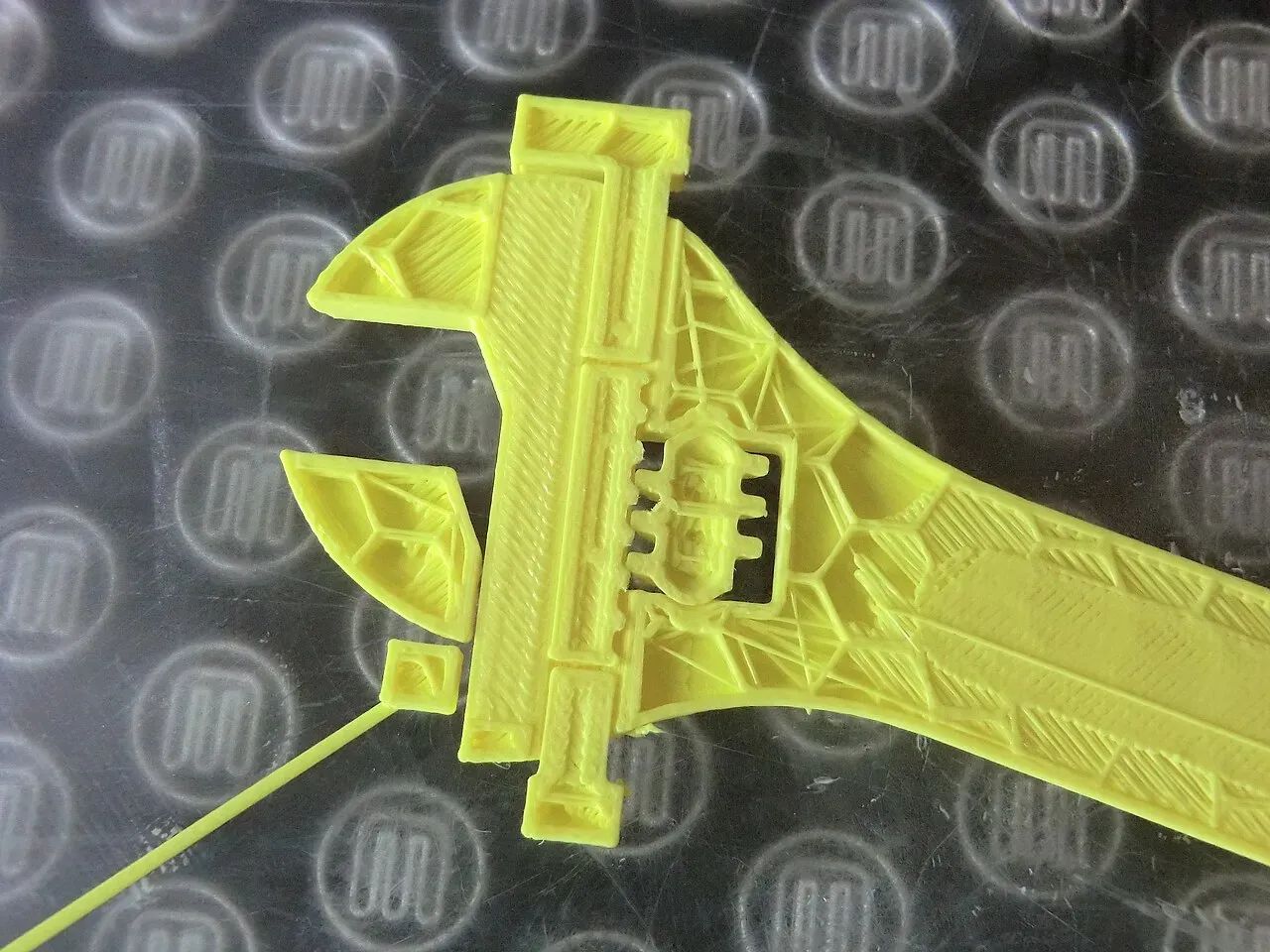 A working wrench printed in one piece.Photo: Creative Tools from Halmdstad, Sweden ·CC BY 2.0 ·Wikimedia Commons
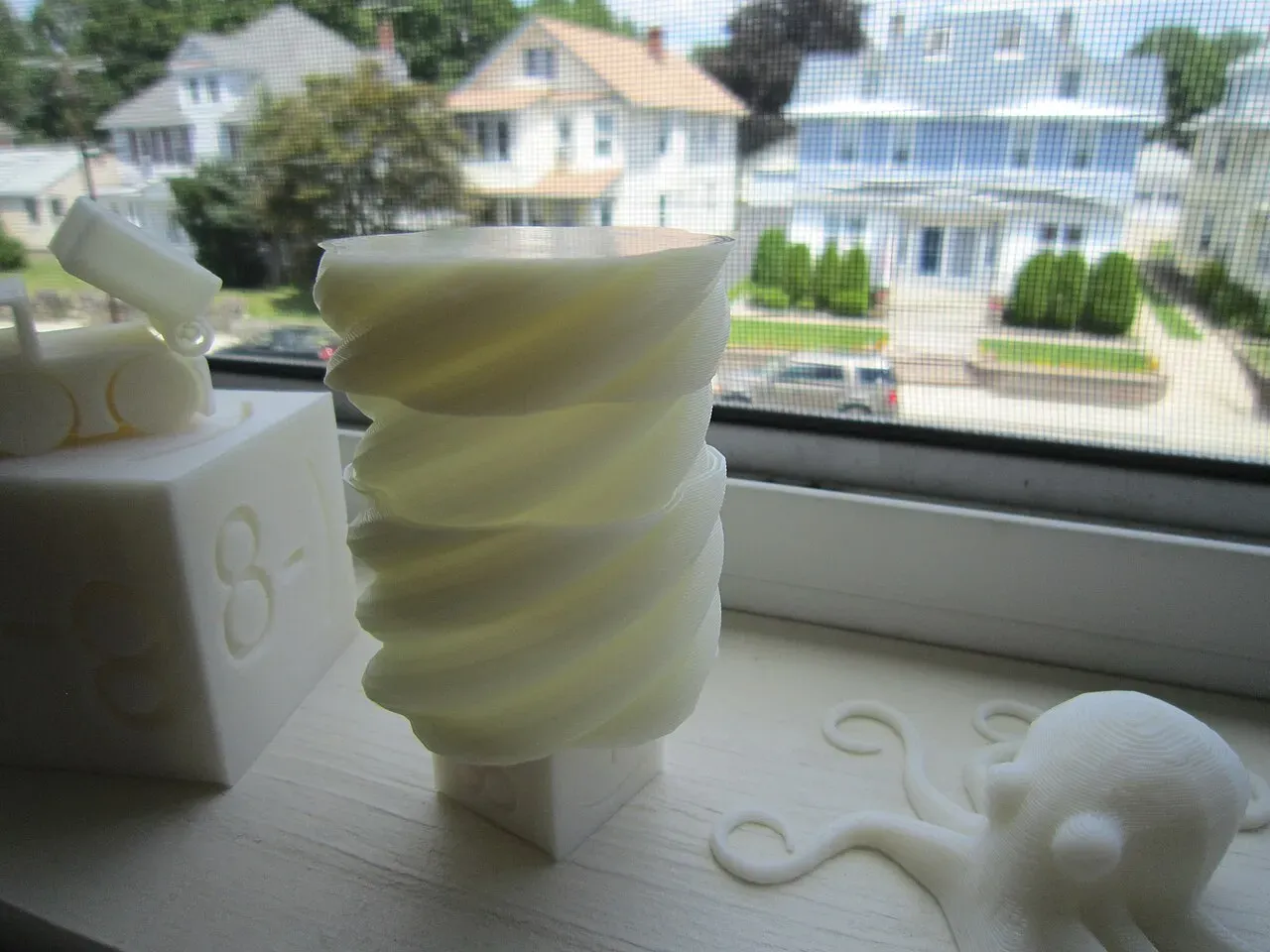 A screw-top box: threads print well at 0.2 mm layers.Photo: syvwlch ·CC BY 2.0 ·Wikimedia Commons
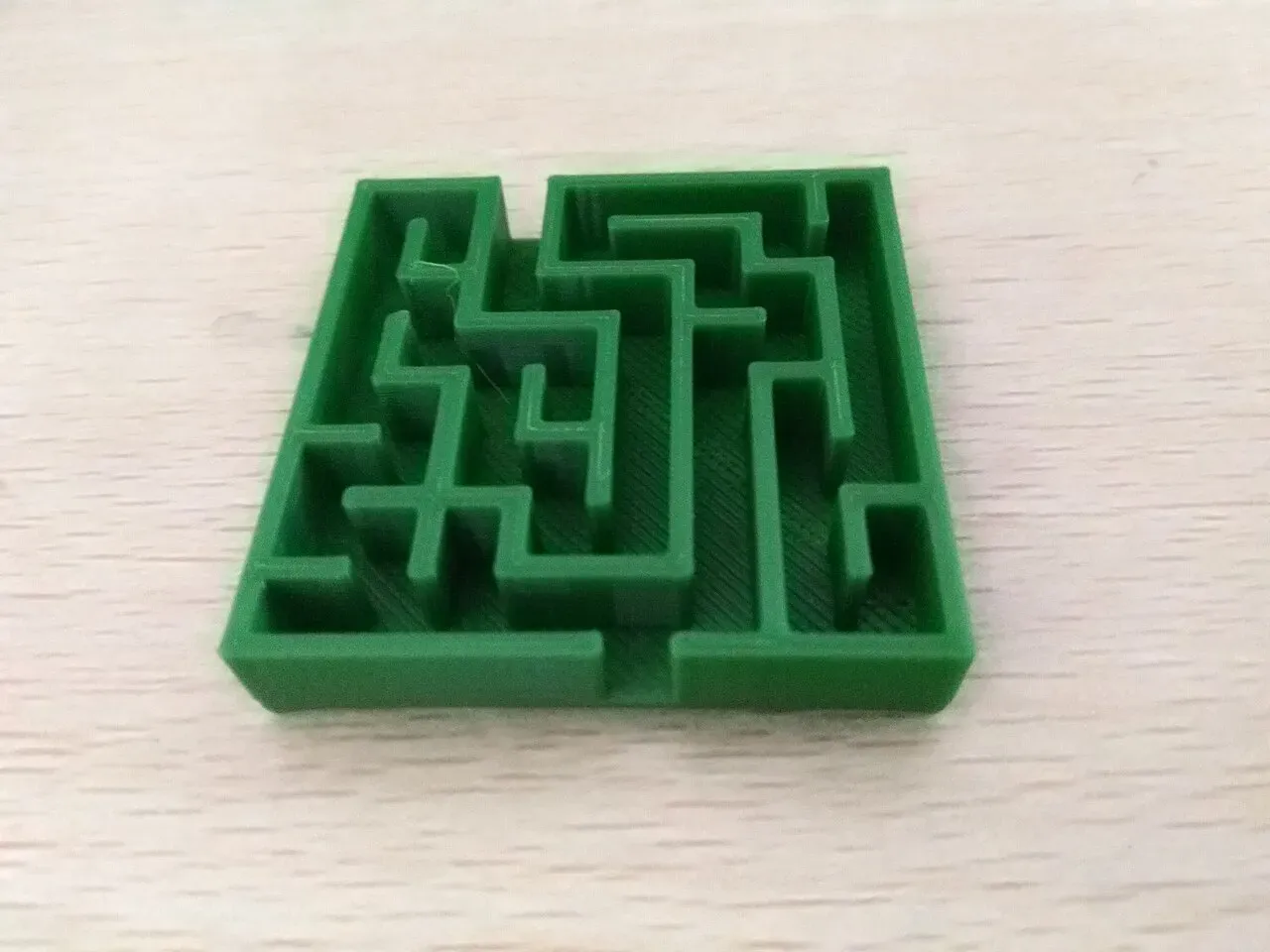 A printed maze puzzle.Photo: Sumanbargavr ·CC BY-SA 4.0 ·Wikimedia Commons
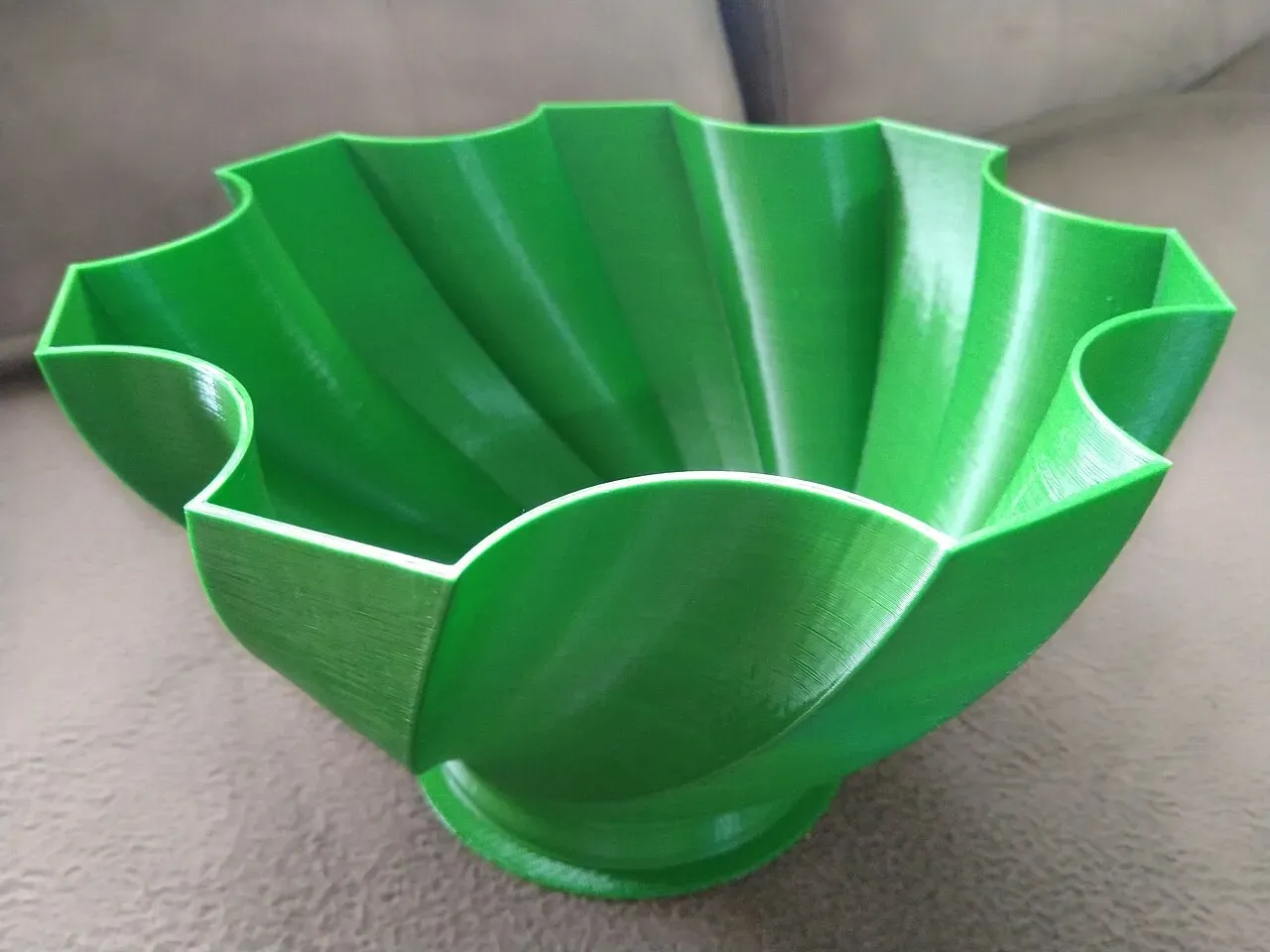 A printed bowl: walls only, no infill.Photo: Sumanbargavr ·CC BY-SA 4.0 ·Wikimedia Commons
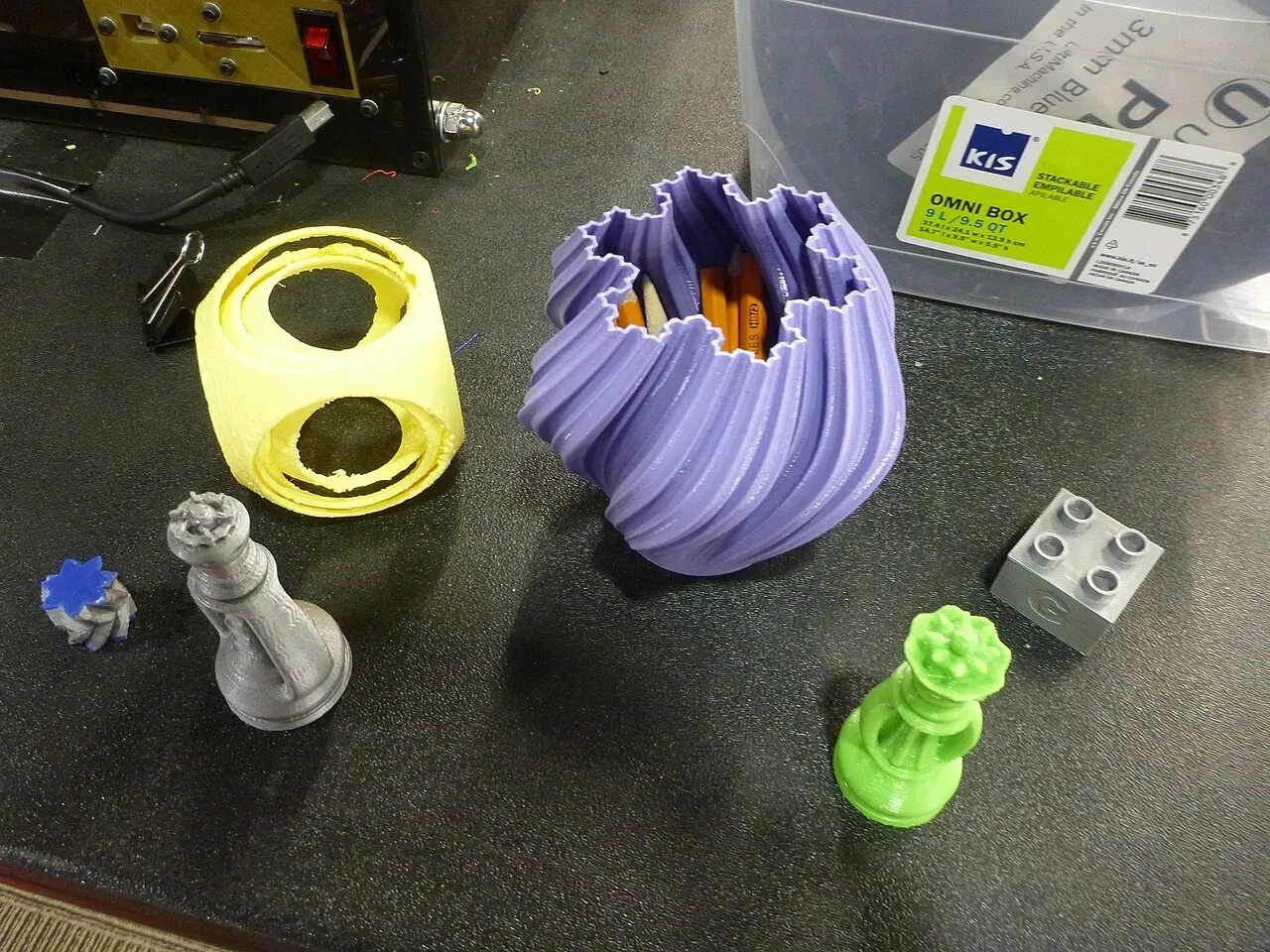 A table of small prints.Photo: Trevor Prentice ·CC BY-SA 2.0 ·Wikimedia Commons
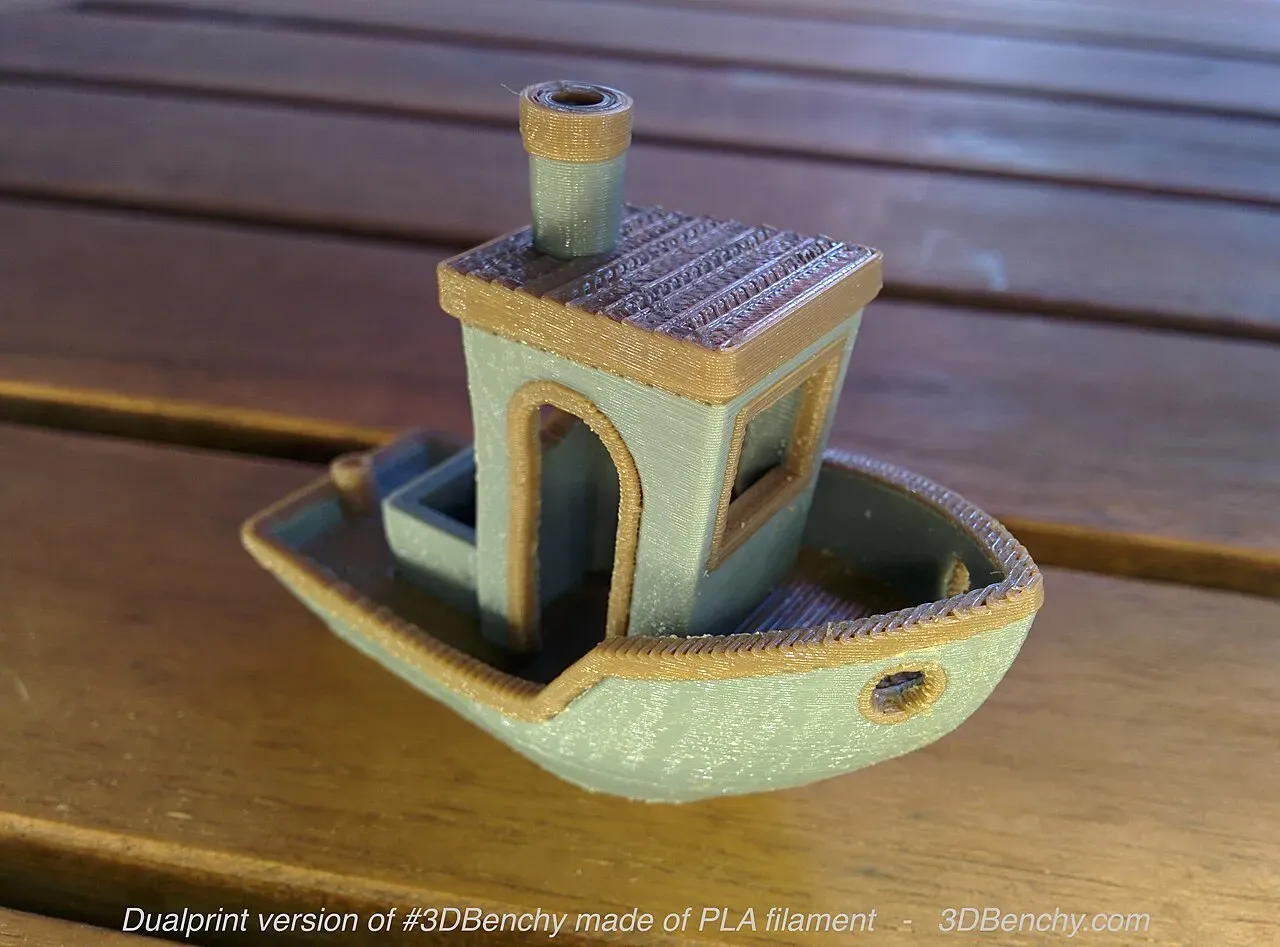 A two-colour Benchy.Photo: 3DBenchy ·CC BY 2.0 ·Wikimedia Commons
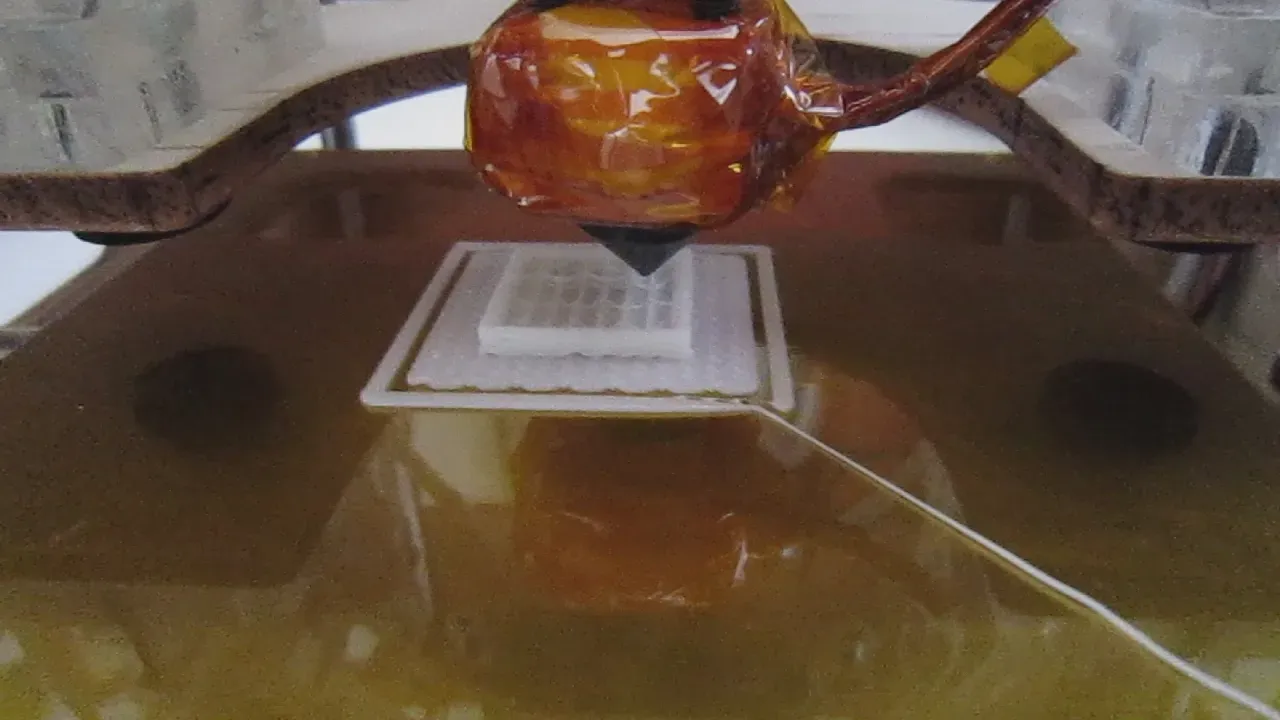 The calibration cube a few layers in.Photo: syvwlch ·CC BY 2.0 ·Wikimedia Commons
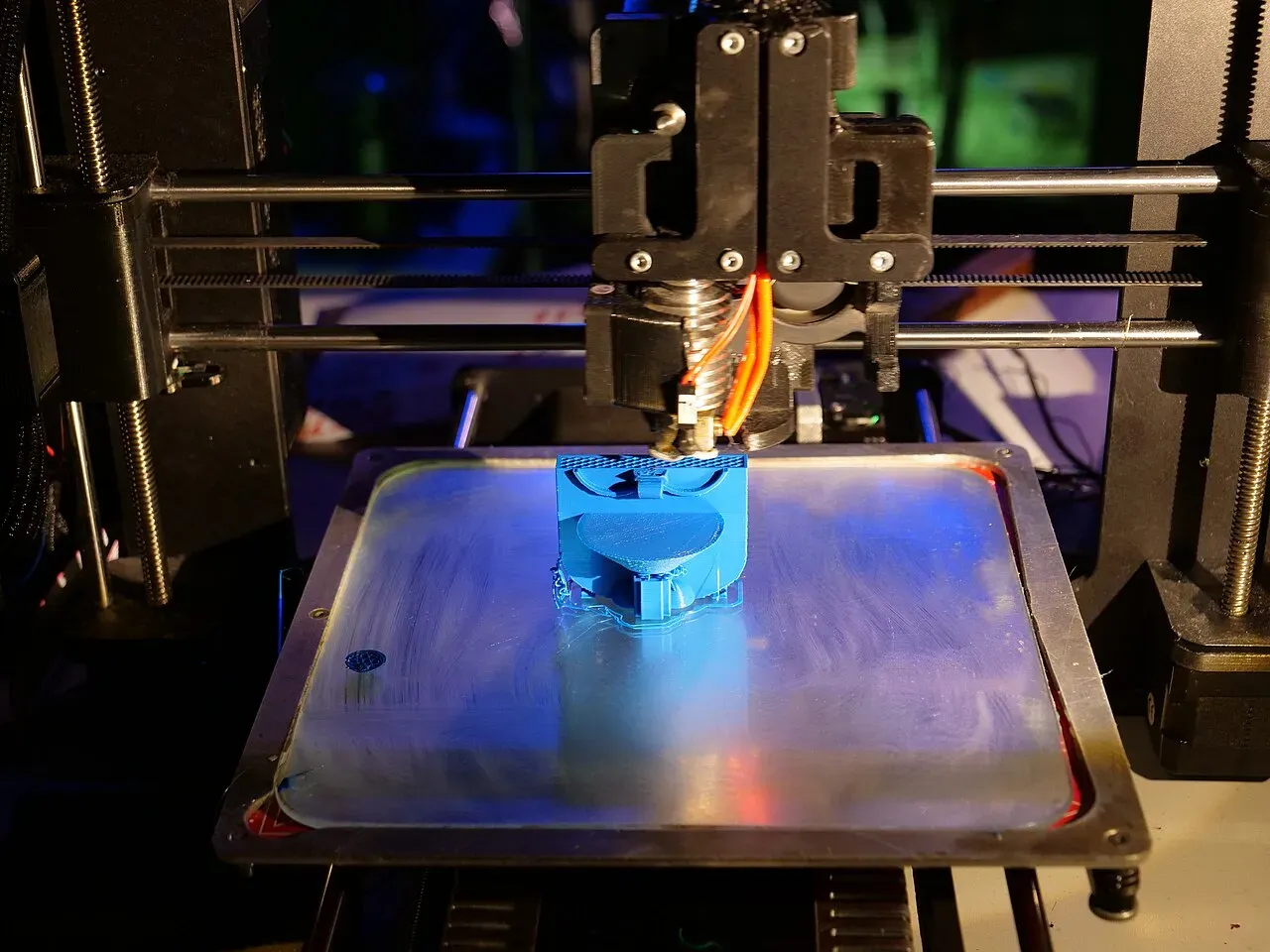 A part being printed on a spring-steel bed.Photo: Leonhard Lenz ·CC BY-SA 4.0 ·Wikimedia Commons
Storage and drying
Almost every filament absorbs moisture from the air. Some (PLA) take weeks to get noticeably wet; others (nylon, TPU, PC) can soak up enough in a day or two to print badly. Wet filament:
- pops, crackles or hisses at the nozzle as water turns to steam,
- strings far more than usual,
- prints rough, bubbly lines and weaker layers,
- and with PLA, can turn brittle and snap on the spool.
Storing filament
- Keep open spools sealed in a zip bag or airtight box with a sachet of silica gel desiccant.
- Add a cheap hygrometer to the box so you can see the humidity. Recharge or replace the desiccant when it starts to rise.
- Keep spools out of direct sunlight, which fades colours and can weaken some plastics.
- Clip the loose end into the spool’s edge holes so it can’t unwind and cross over itself. A crossed loop can tangle and stop the extruder mid-print.
- A 1 kg spool of PETG, sealed with desiccant.Photo: Suit ·CC BY-SA 4.0 ·Wikimedia Commons
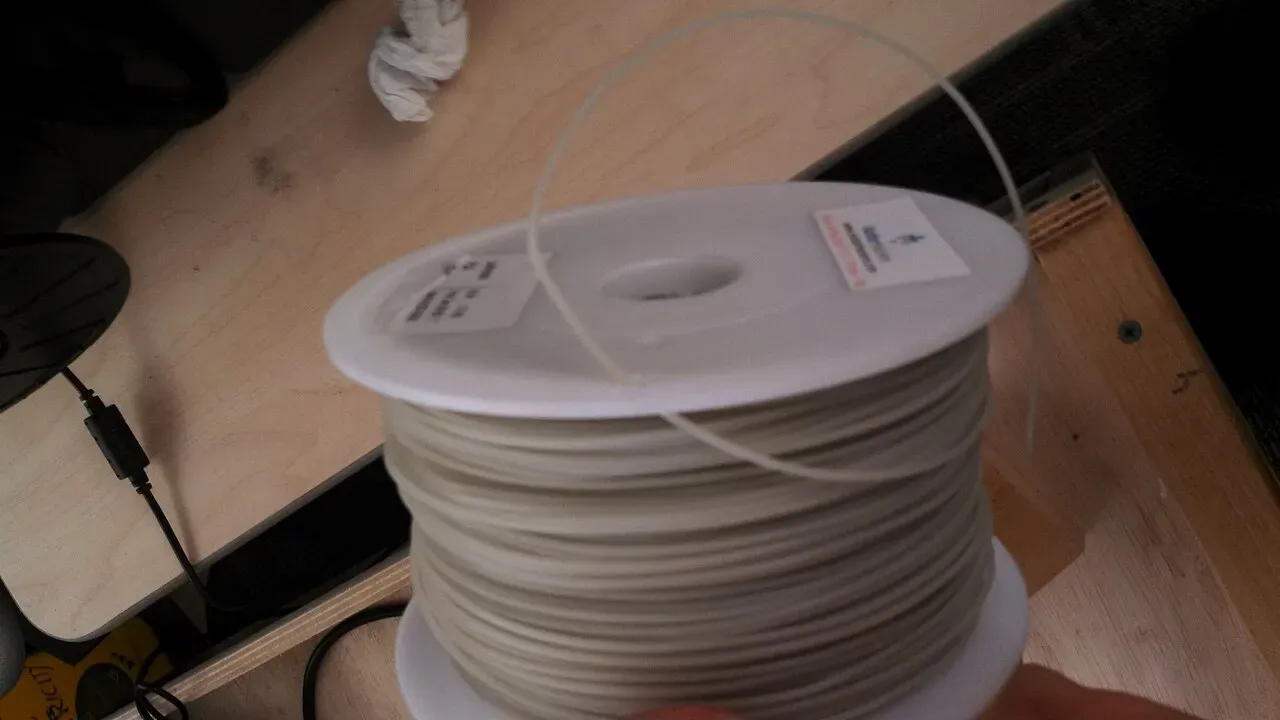 An open spool of PLA left out in the air.Photo: SuperBlobMonster ·CC BY-SA 3.0 ·Wikimedia Commons
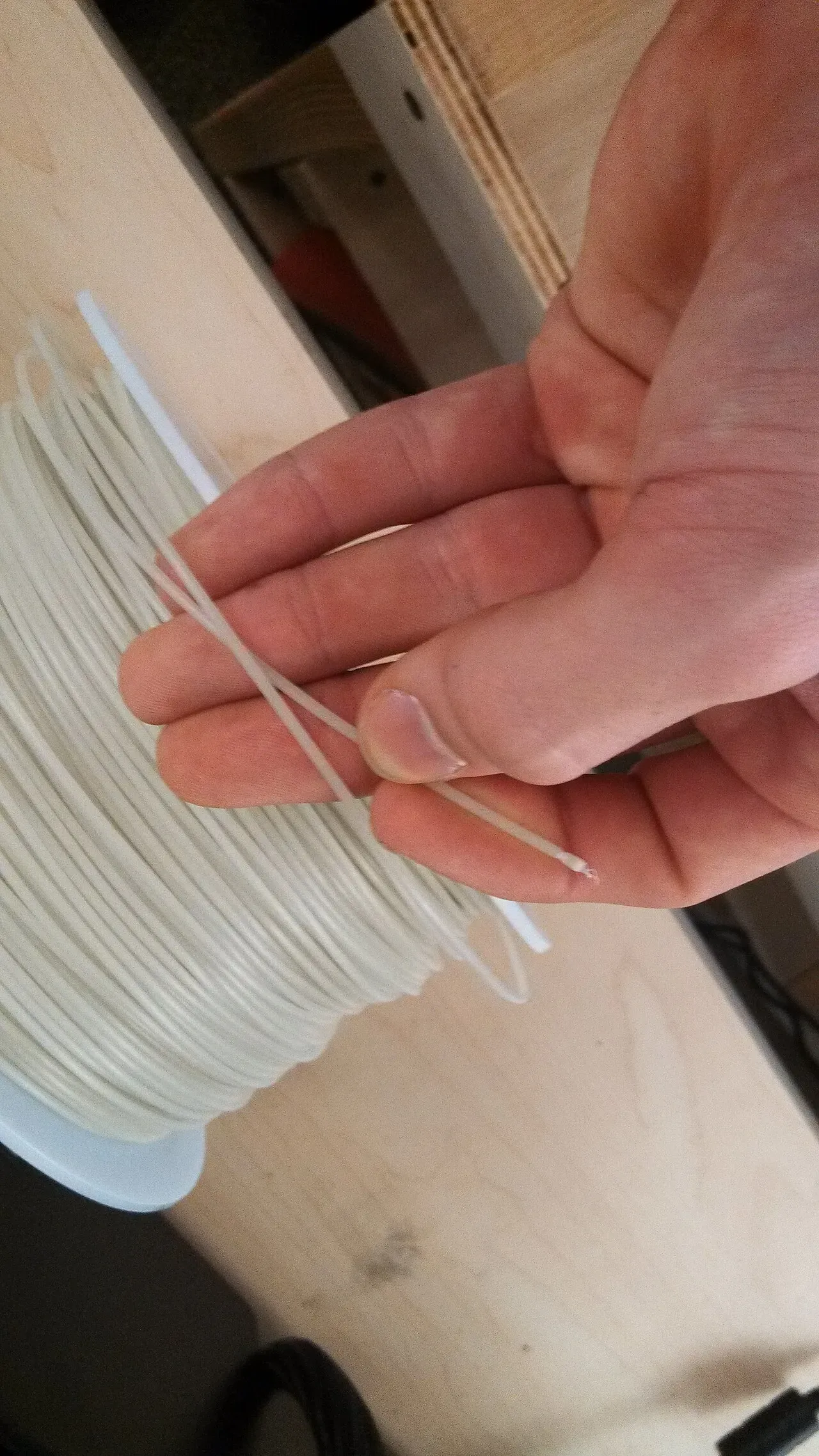 Crossed filament: a loop that can tangle and stop the extruder.Photo: SuperBlobMonster ·CC BY-SA 3.0 ·Wikimedia Commons
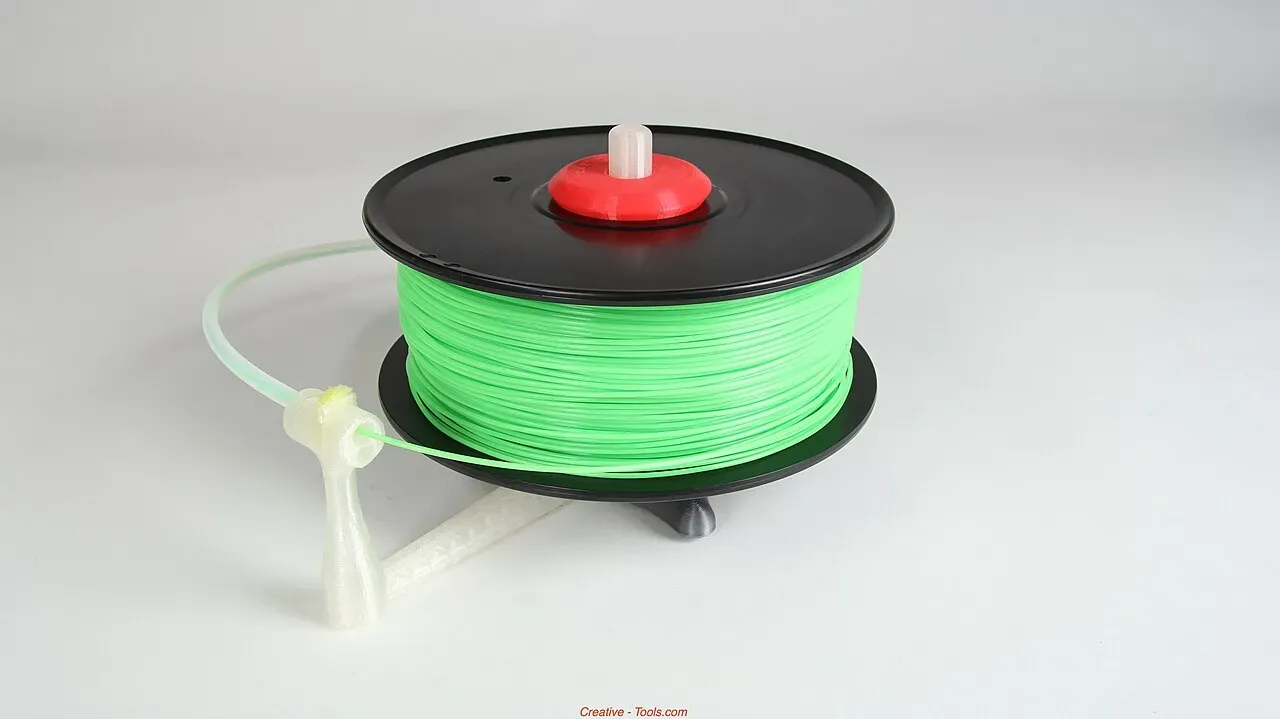 A simple spool holder lets the spool turn freely.Photo: Creative Tools ·CC BY 2.0 ·Wikimedia Commons
Drying filament
Dry a spool in a filament dryer or a food dehydrator, below the temperature where the plastic softens.
| Material | Drying temperature | Drying time | Why that limit |
|---|---|---|---|
| PLA | 45–50 °C | 4–6 hours | Starts softening around 55–60 °C |
| PETG | 60–65 °C | 4–6 hours | Softens around 80 °C |
| ABS / ASA | 60–80 °C | 4–6 hours | The plastic spool often sets the limit, not the filament |
| TPU | 50–65 °C | 4–8 hours | Check the label (makers range from 45 to 70 °C); too warm and the turns stick together |
| Nylon | 70–80 °C | 8–12 hours or more | Absorbs the most water and dries slowly |
Use the drying temperature on your spool’s label if it gives one. Our full guide to how to dry filament covers each method and how to tell wet filament from other faults.
Refills and spool types
Some brands sell refill coils without a spool. You keep one reusable spool, drop a new coil in and close it. It’s cheaper and creates less waste. Some filaments now come on cardboard spools, which suit multi-material systems that require them but can shed dust; check your printer maker’s advice.
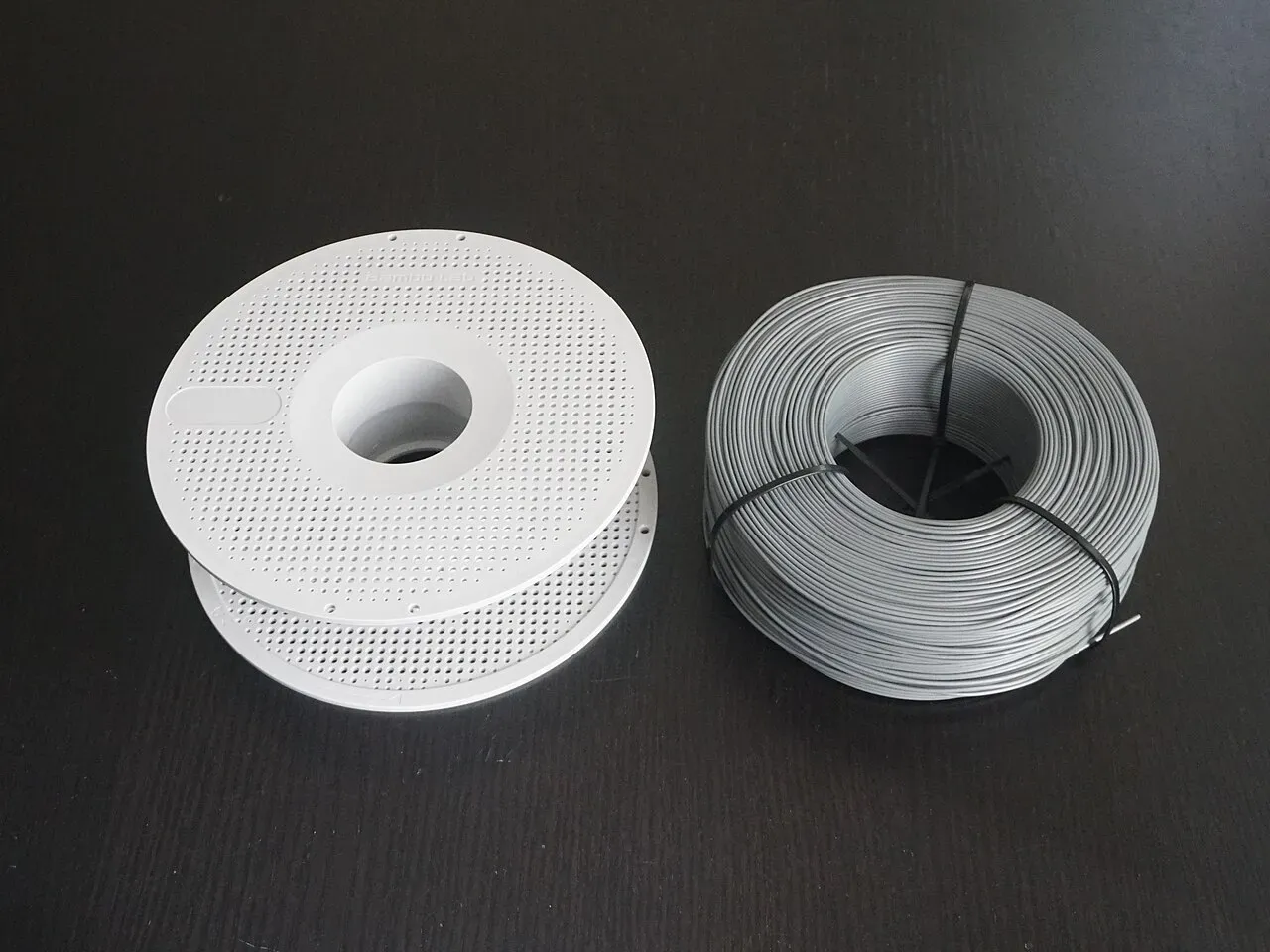 Refill filament: a coil and a reusable spool.Photo: Suit ·CC BY-SA 4.0 ·Wikimedia Commons
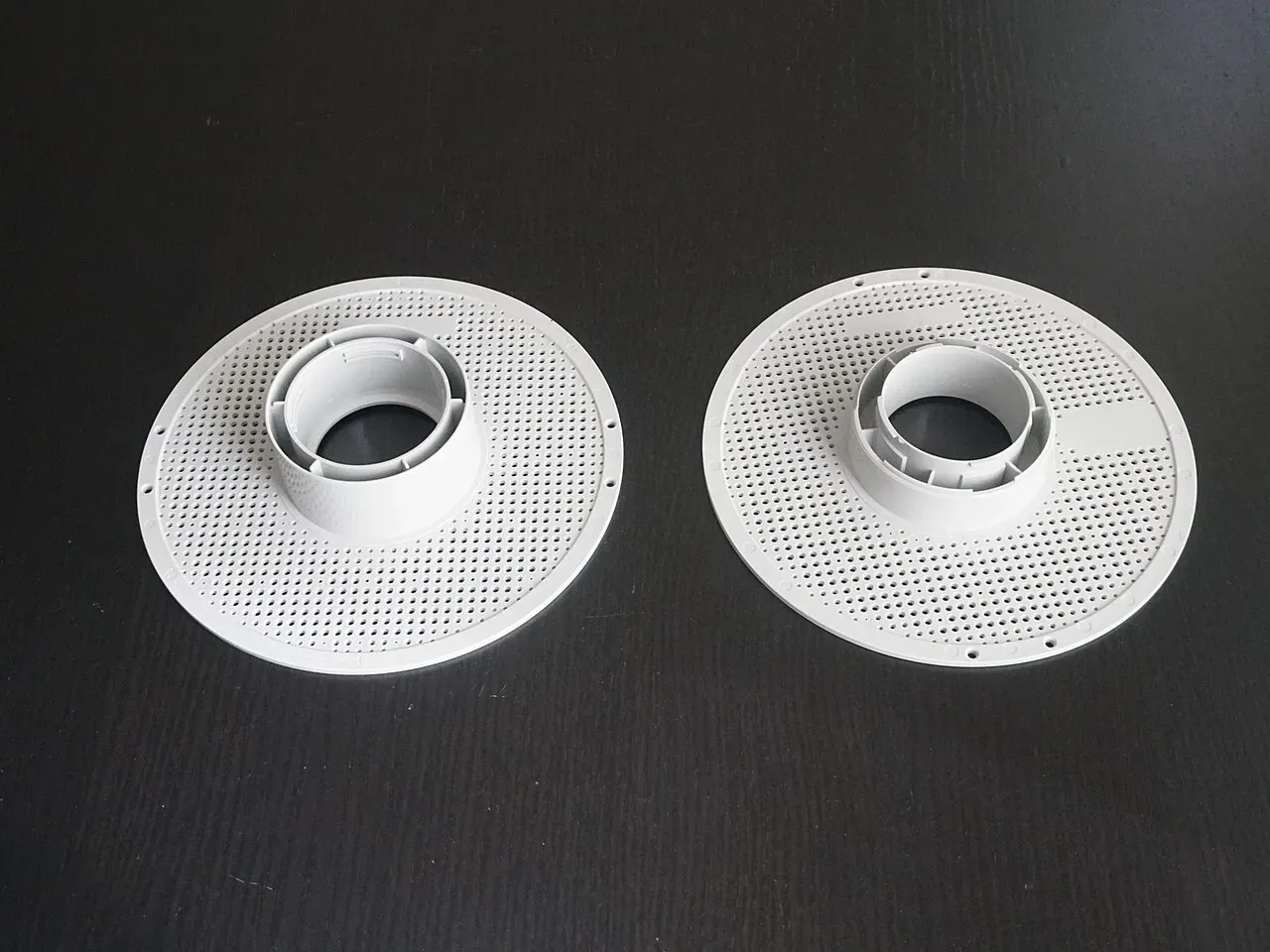 Open the reusable spool…Photo: Suit ·CC BY-SA 4.0 ·Wikimedia Commons
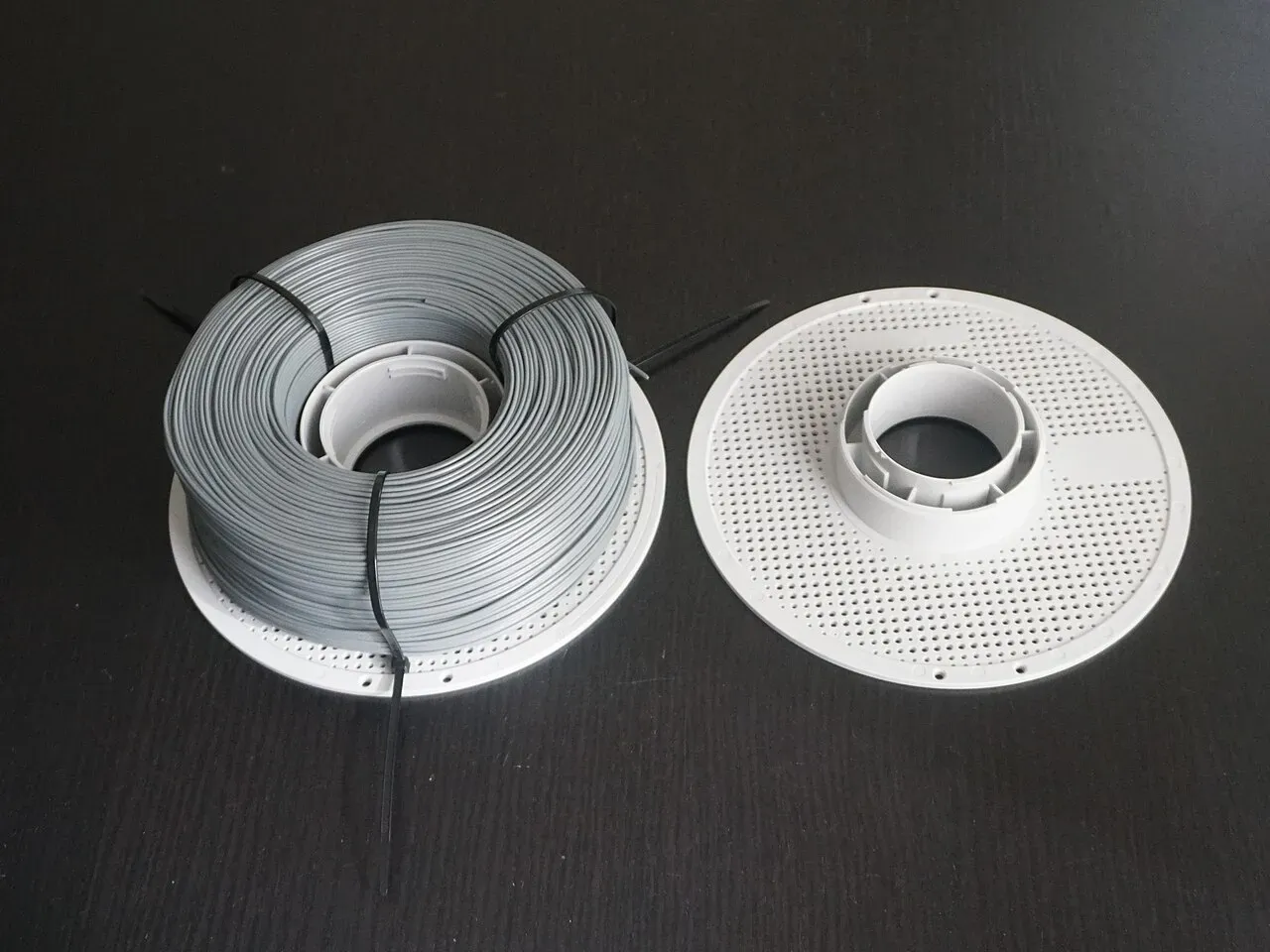 …drop the coil in…Photo: Suit ·CC BY-SA 4.0 ·Wikimedia Commons
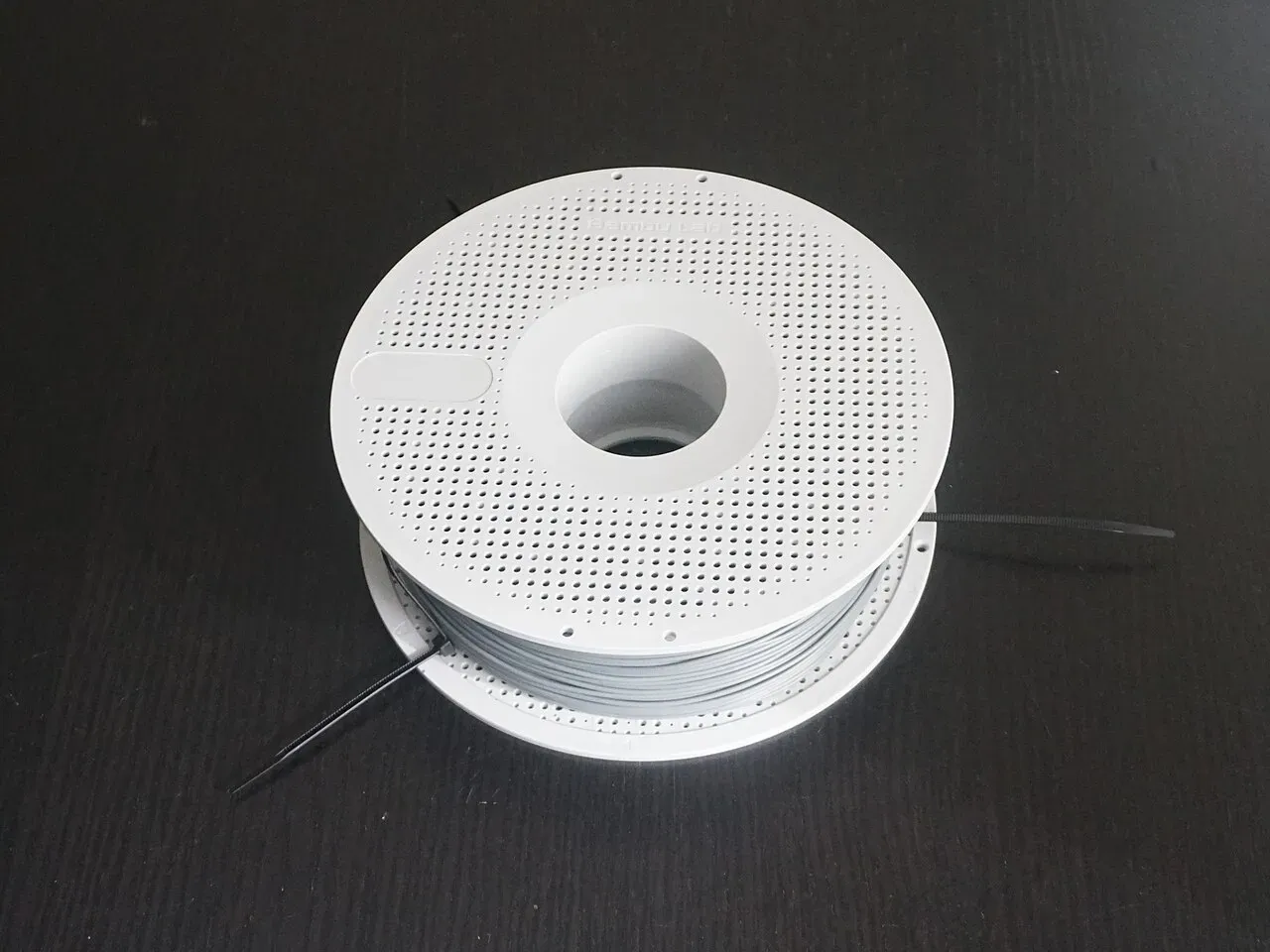 …and close it. Cut the ties last.Photo: Suit ·CC BY-SA 4.0 ·Wikimedia Commons
Switching to a new filament
Every time you change material, or even brand, a few things are worth checking.
- Pick the matching filament profile in your slicer. It sets temperature, cooling and retraction together, which is where most switching problems come from. Our slicer guide shows where these settings live.
- Purge the old material. Heat to the higher of the two temperatures and push filament through until the colour and texture change completely. Going from a high-temperature material back to PLA, purge hot first, then lower the temperature.
- Check the bed surface. PETG and TPU can stick too well to smooth PEI and glass; ABS and ASA need a hot bed and often a brim.
- Print a small test first, like a calibration cube or a temperature tower, before committing to a long print.
- Re-check retraction. Stringy materials like PETG often need a little more; TPU needs much less. See what is retraction.
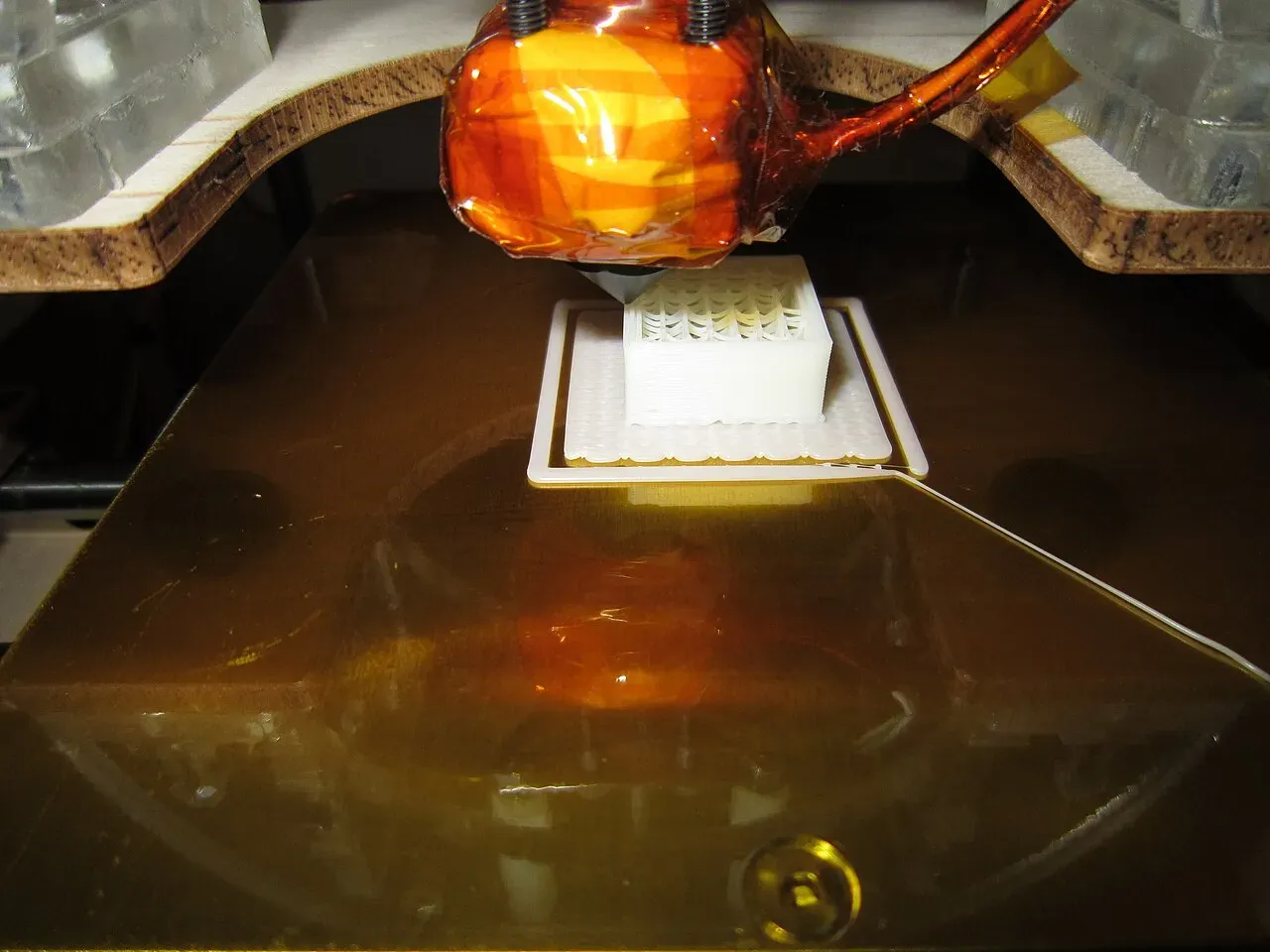 A 20 mm calibration cube, often the first print.Photo: syvwlch ·CC BY 2.0 ·Wikimedia Commons
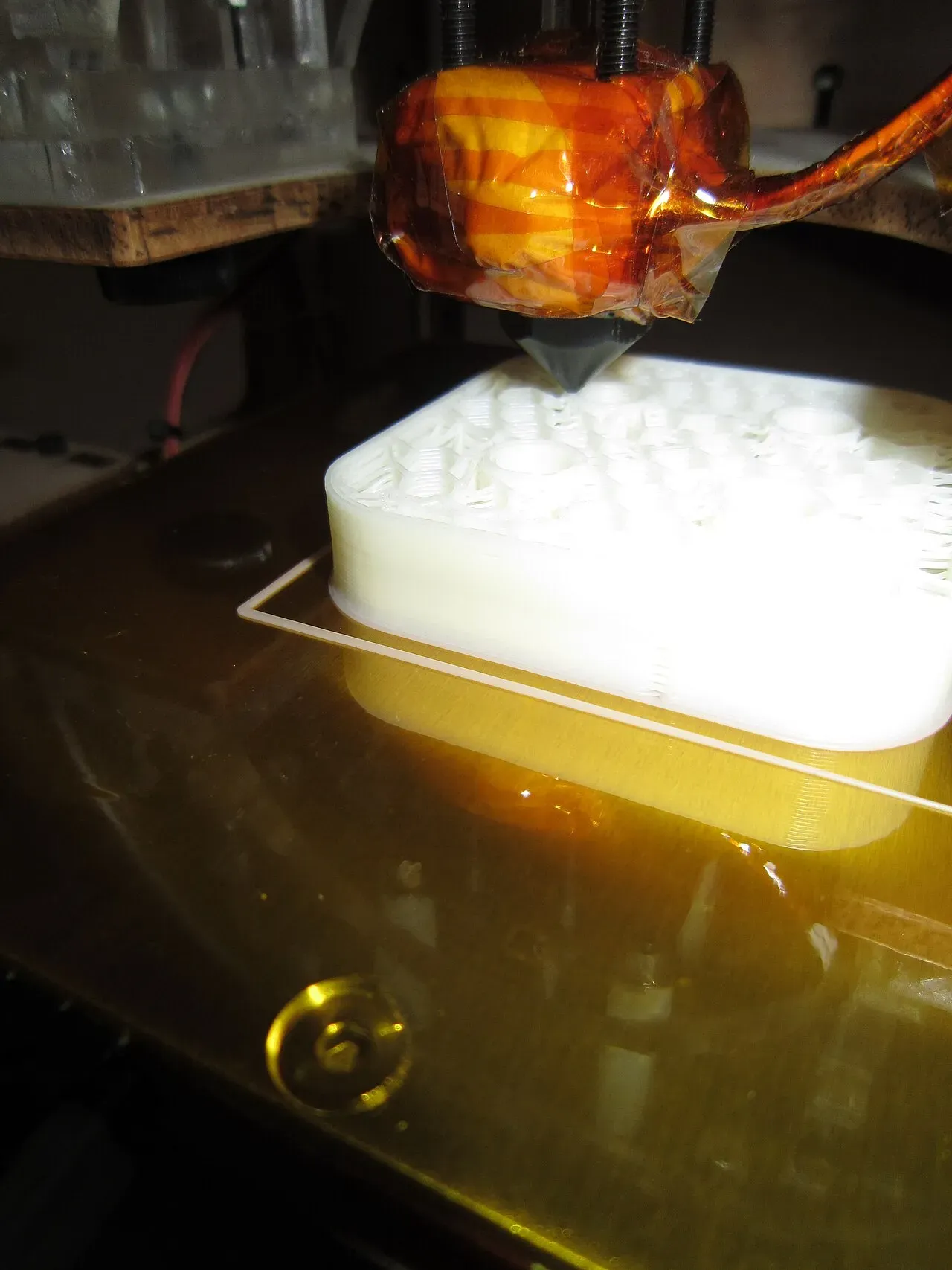 The first layers going down on a heated bed.Photo: syvwlch ·CC BY 2.0 ·Wikimedia Commons
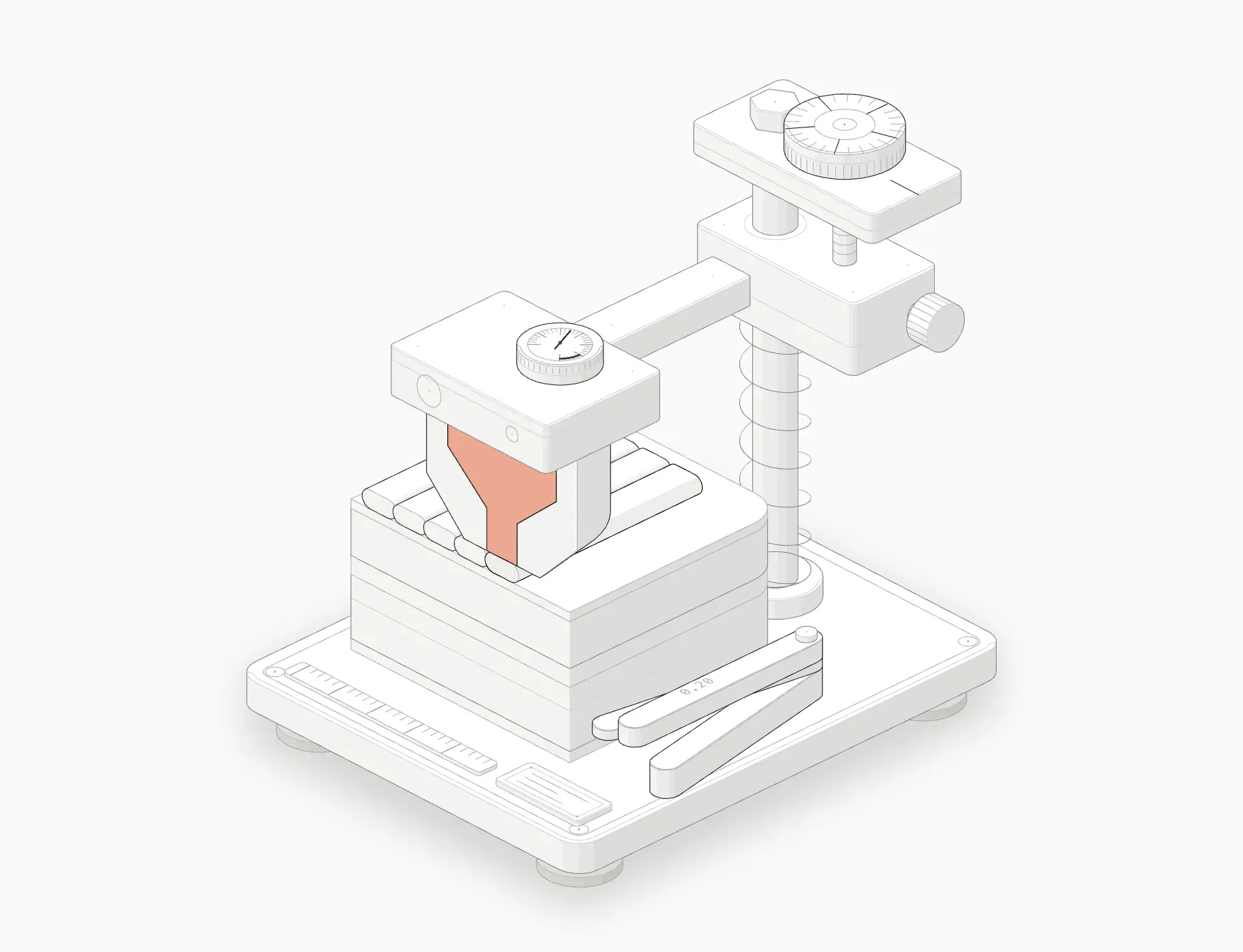 Z offset right: slightly squished lines that touch.
Common filament problems and what causes them
| Problem | Often caused by | Read more |
|---|---|---|
| Lots of fine strings | Wet filament, nozzle too hot, too little retraction | How to fix stringing |
| Corners lifting off the bed | Material shrinking as it cools; draughts; bed too cool | How to fix warping |
| First layer won’t stick | Dirty plate, nozzle too high, wrong bed temperature | First layer not sticking |
| Gaps and thin walls | Nozzle too cool, partial clog, wet filament | Under-extrusion |
| Blobs, rough top surfaces | Too much plastic, wrong diameter setting | Over-extrusion |
| Clicking at the extruder | Nozzle too cool for the material, clog, printing too fast | Extruder clicking |
| Nozzle blocked | Burnt residue, abrasive filler buildup, heat creep | How to unclog a nozzle |
| Bulging first layer | Hot bed and squished first layer, often on PETG and ABS | Elephant’s foot |
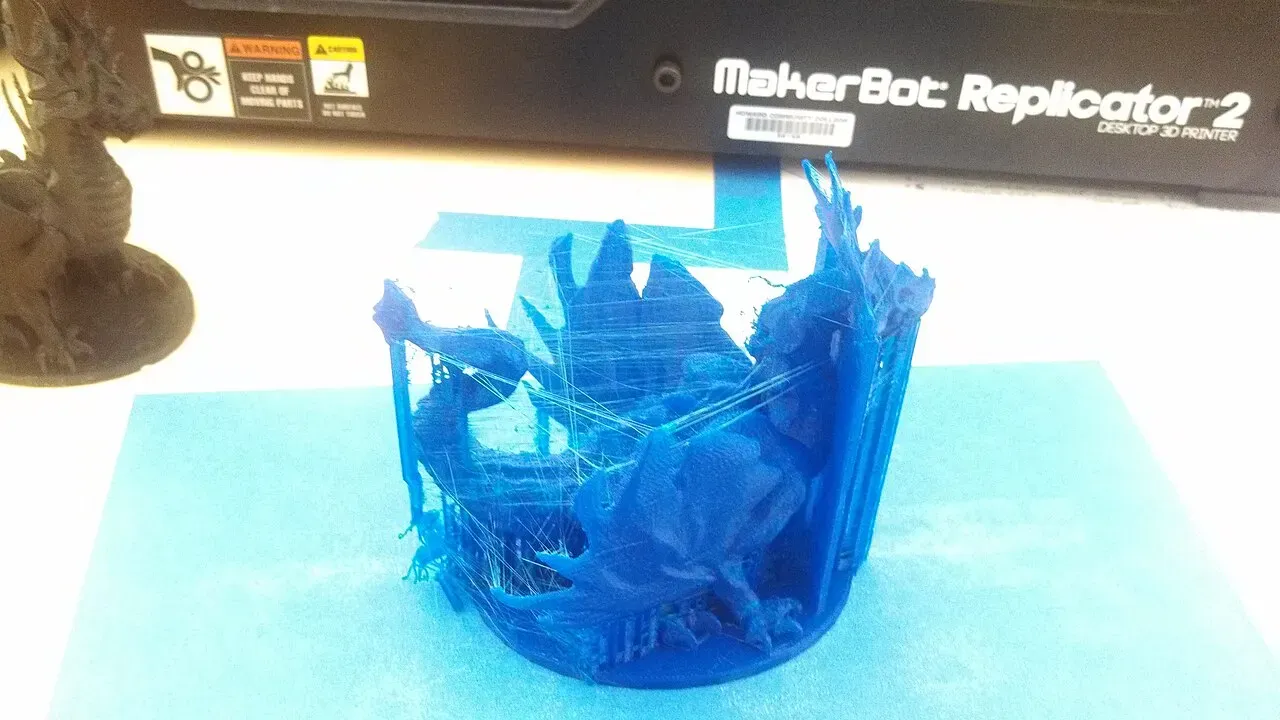 Heavy stringing across a detailed print.Photo: SuperBlobMonster ·CC BY-SA 3.0 ·Wikimedia Commons
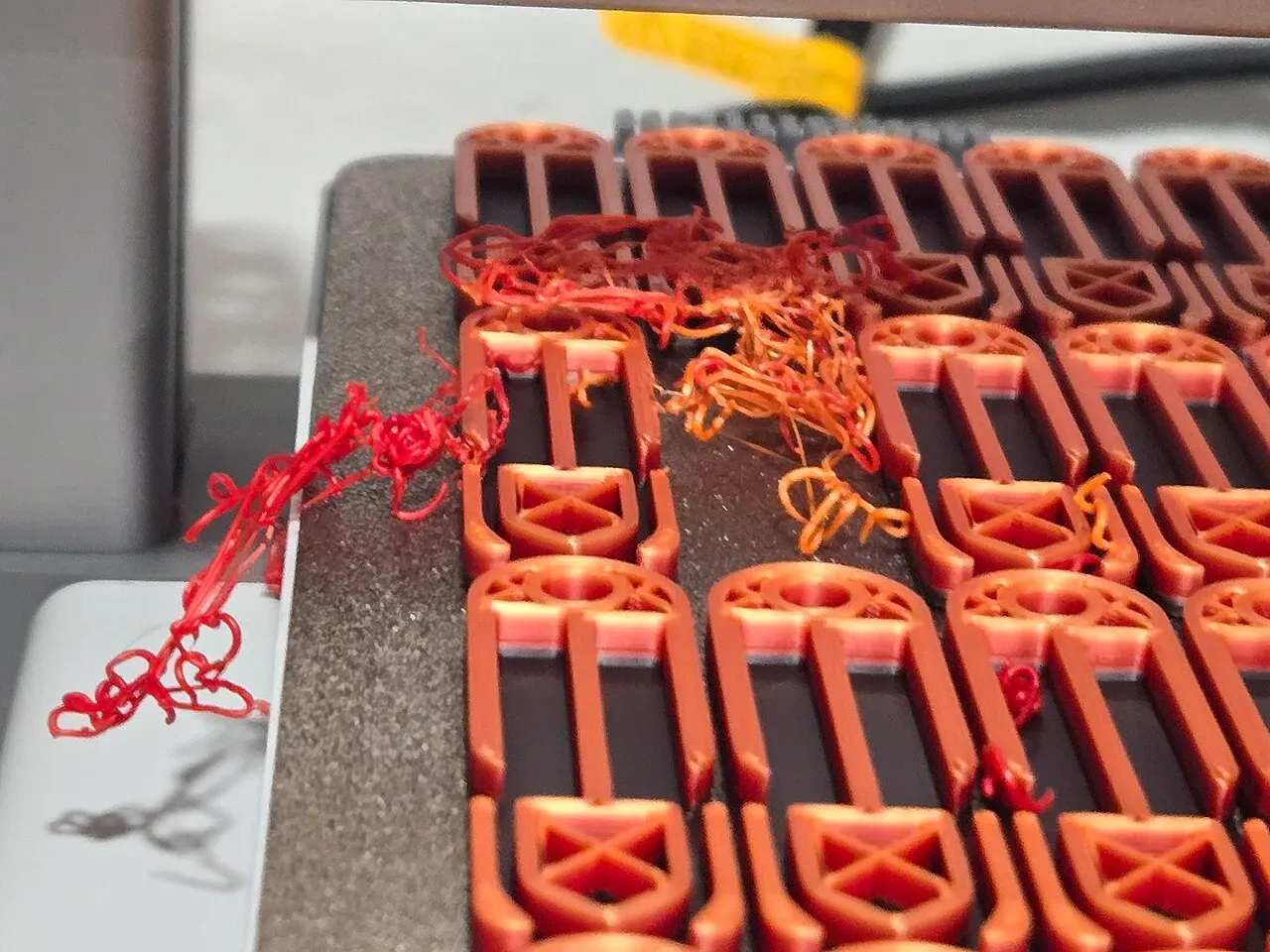 Strings and blobs across a full plate of parts.Photo: Quinn Daedal ·CC BY-SA 4.0 ·Wikimedia Commons
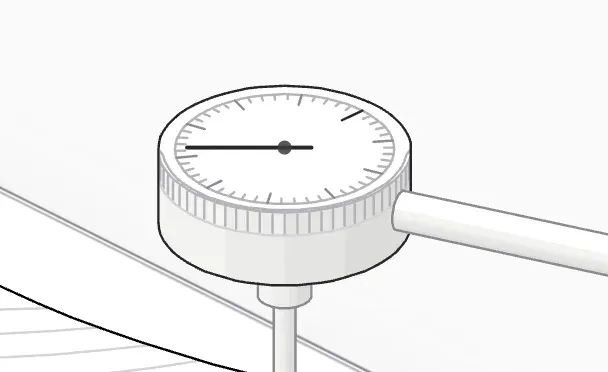 A dial gauge on the corner reads the lift: ABS · bed 100 °C · open air · corner lift 0.80 mm · warping.
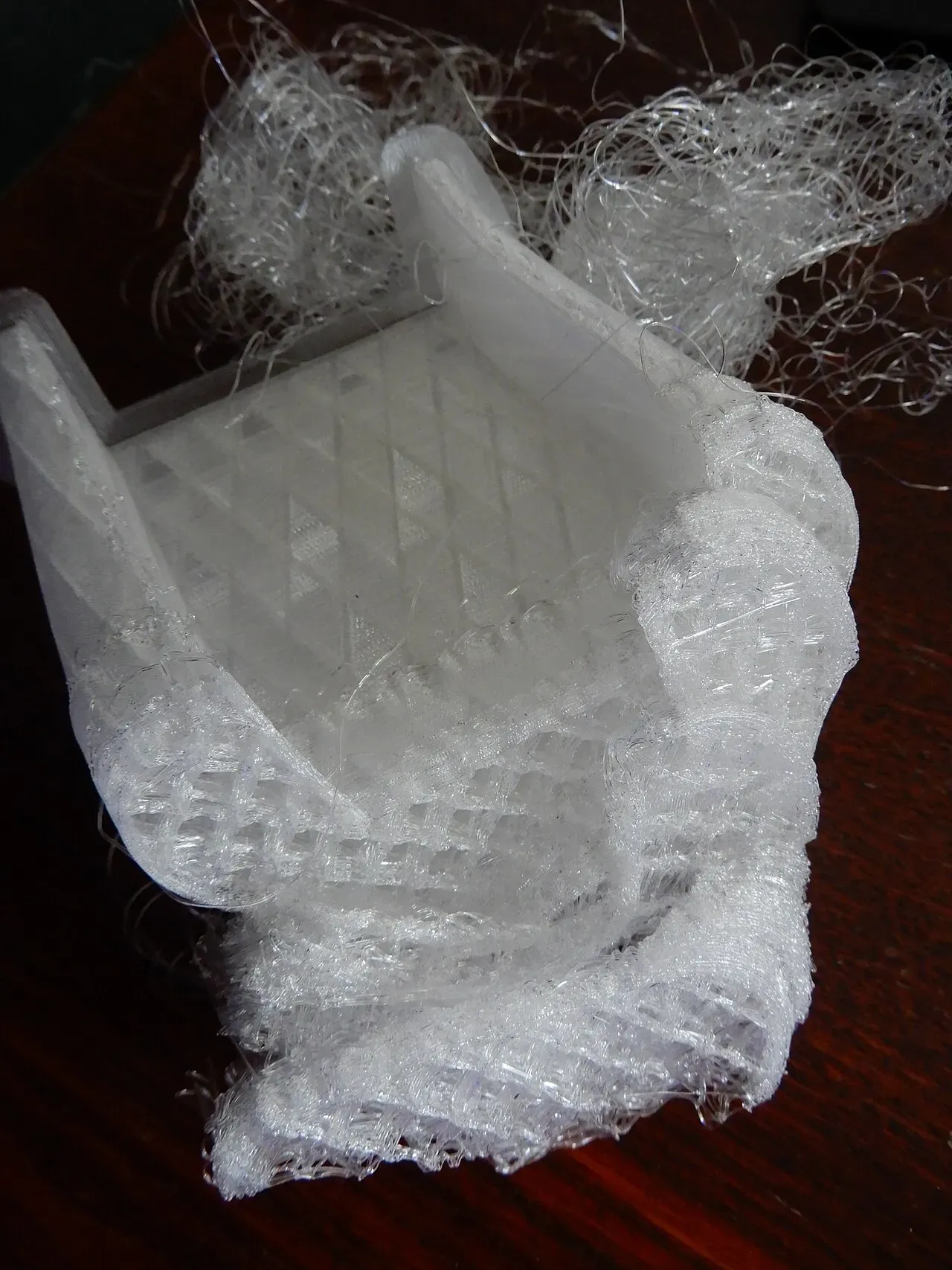 A print that broke loose partway through.Photo: EwkaC ·CC BY-SA 4.0 ·Wikimedia Commons
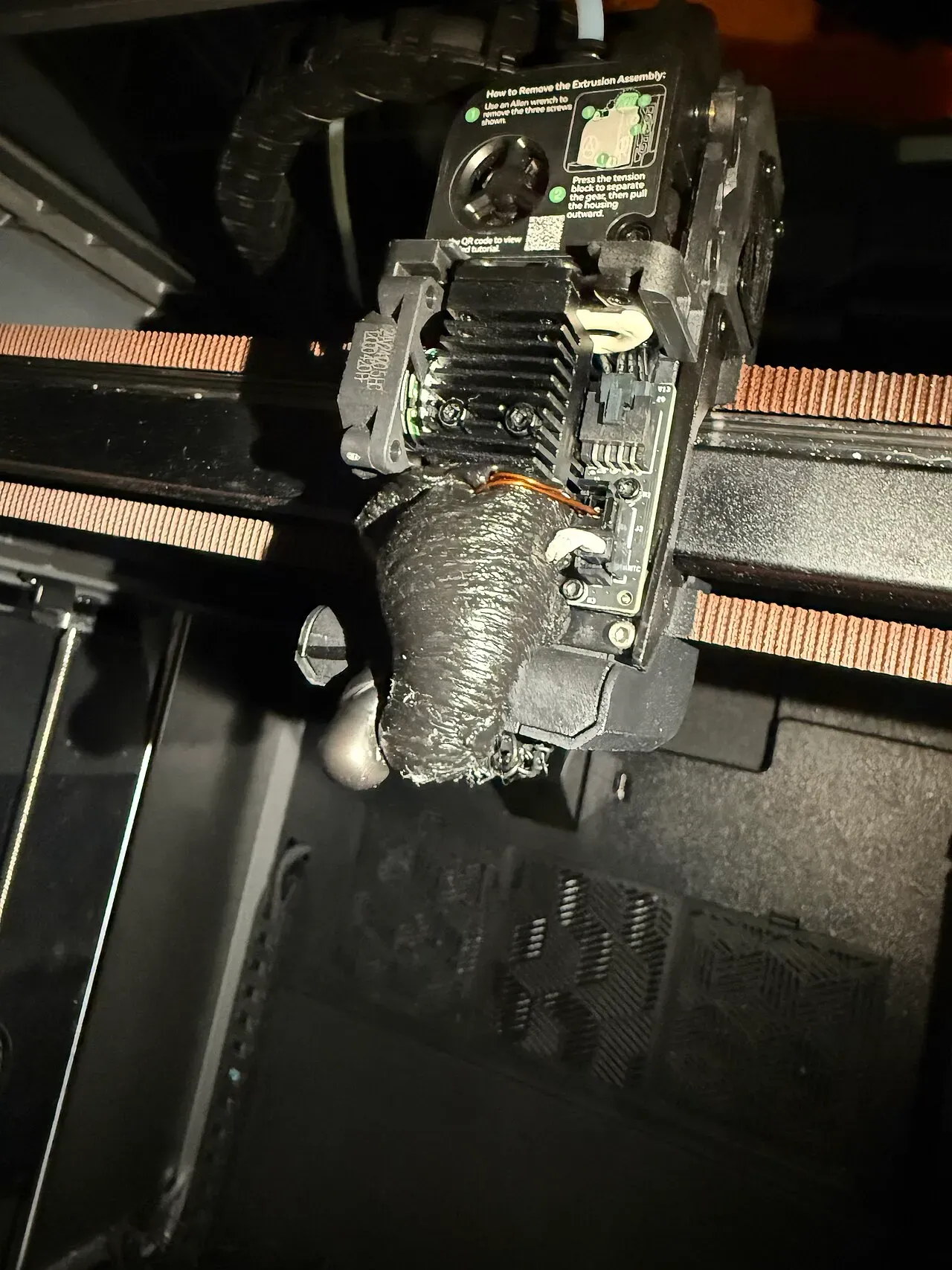 The "blob of death": plastic that leaked and wrapped the hotend.Photo: LunaEatsTuna ·CC BY-SA 4.0 ·Wikimedia Commons
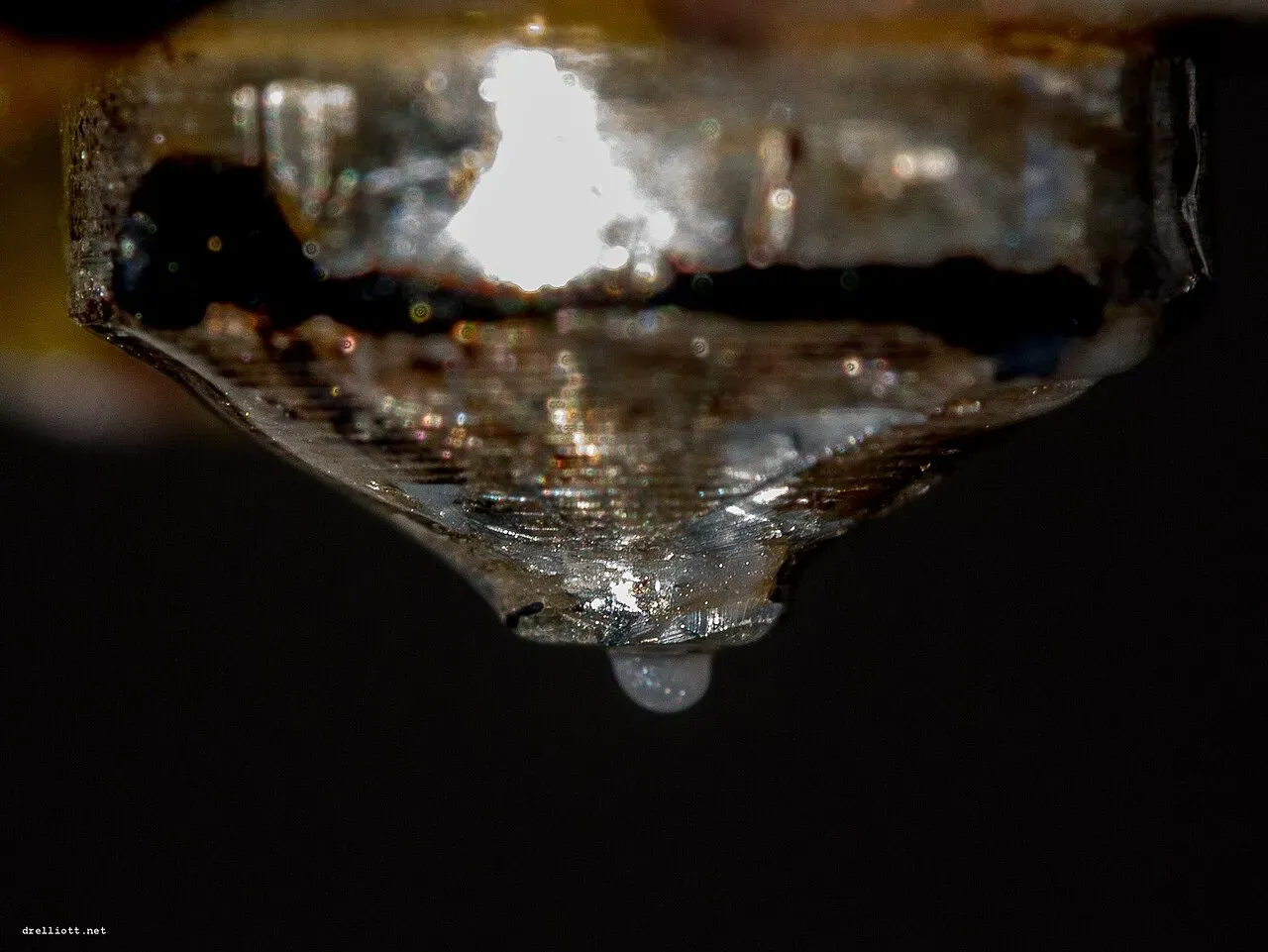 Ooze: a drop of molten plastic forming at the nozzle.Photo: David Elliott from UK ·CC BY 2.0 ·Wikimedia Commons
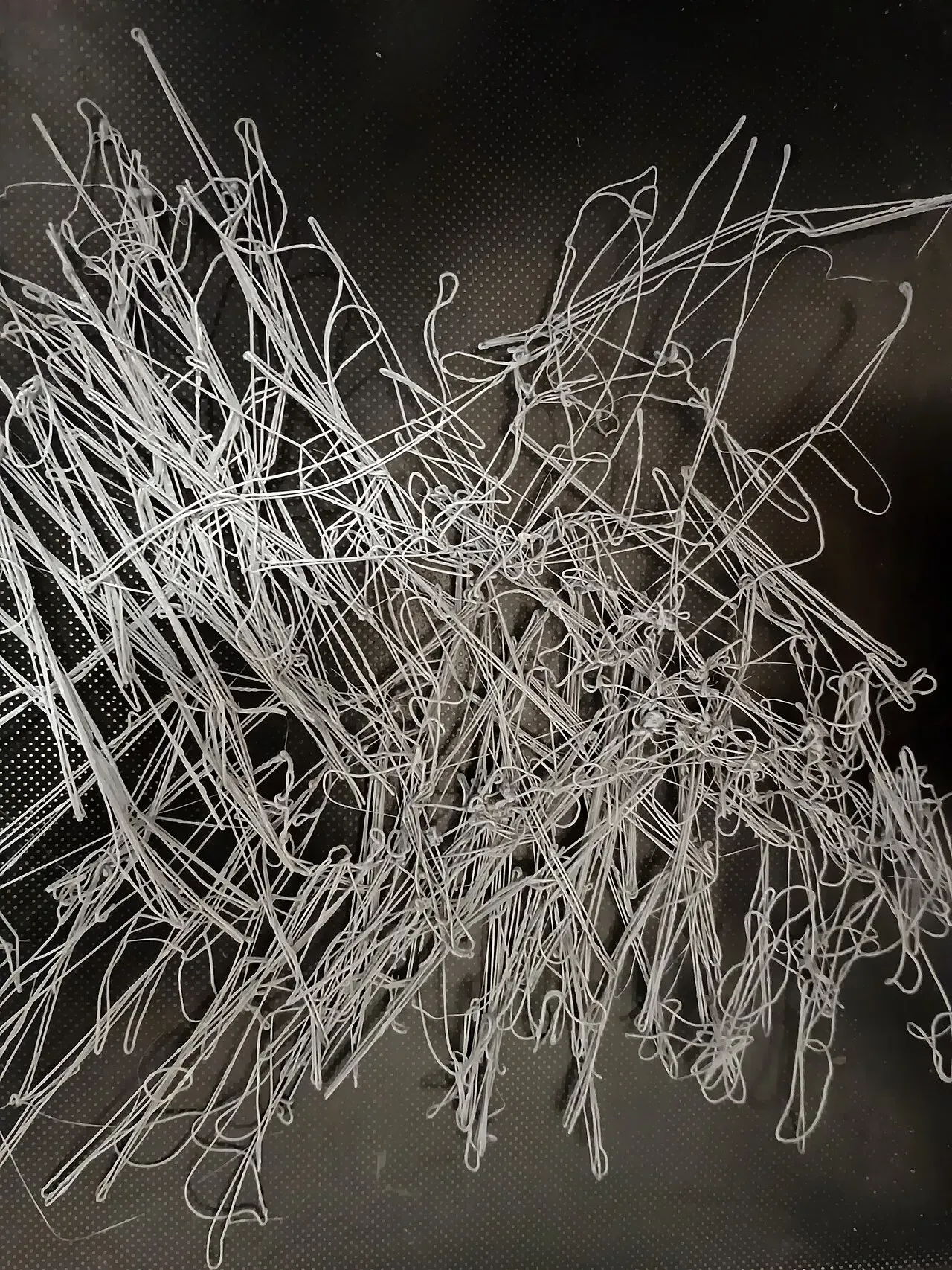 A "spaghetti monster": what a failed print looks like after hours of printing into nothing.Photo: A7N8X ·CC0 ·Wikimedia Commons
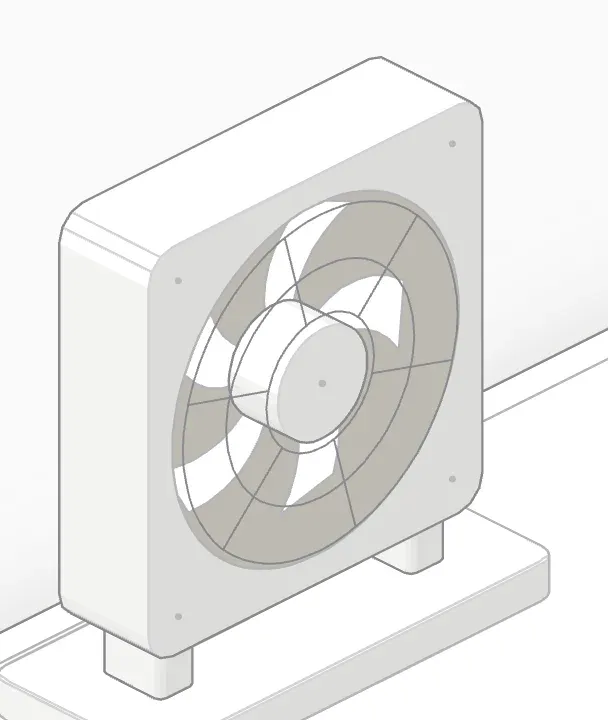 A draft cools the part from one side.
Safety
- Ventilate. Every material releases some fumes and fine particles when melted. PLA and PETG are mild; ABS, ASA, nylon and PC release more and should be printed in an enclosure, ideally with filtration or venting outside.
- Respect the temperatures. High-temperature materials mean a nozzle near 300 °C and a bed over 100 °C. Let both cool before touching.
- Don’t assume food safety. Even food-grade filament ends up in parts with tiny gaps where bacteria grow, and brass nozzles can contain lead. Treat printed parts as not food safe unless the whole process is certified.
- Check the data sheet. Reputable brands publish a technical data sheet and a safety data sheet for each filament, with temperatures, drying advice and handling notes.
FAQ
What is the easiest filament to print?
PLA. It prints at low temperatures, barely warps, needs no enclosure and sticks to almost any clean bed surface. That’s why every beginner printer ships with a PLA profile.
What is the strongest 3D printing filament?
Among common filaments, polycarbonate is usually the strongest and most heat resistant, with nylon close behind and tougher in many uses. Both need high temperatures and dry filament. For an open beginner printer, PETG is the toughest practical choice.
What filament is best for outdoor use?
ASA. It handles sunlight and heat for years. PETG works well for a season or two; PLA softens in summer heat and weakens in sunlight.
Can I use any filament in my printer?
No. Check the diameter (1.75 or 2.85 mm), your hotend’s maximum temperature, whether you have an enclosure, and whether your nozzle is hardened. Most printers handle PLA, PETG and TPU 95A out of the box.
Do I need a hardened nozzle?
Only for abrasive filaments: carbon fibre, glass fibre, glow-in-the-dark and metal-filled. For PLA, PETG, ABS, ASA and TPU, a standard brass nozzle is fine.
Is PLA+ better than PLA?
PLA+ is usually a bit tougher and less brittle, at the cost of printing slightly hotter. Because the name isn’t standardised, quality varies more between brands than it does with plain PLA.
How long does filament last once opened?
It depends on the material and your climate. Kept sealed with desiccant, PLA and PETG stay printable for a long time. Left in humid air, nylon can absorb enough moisture to print badly within a day, and PLA within weeks. If it starts popping or stringing, dry it.
Why do filament temperatures vary between brands?
Each brand uses its own additives, pigments and base resins, and colours change how the plastic flows. That’s why a temperature tower for each new spool or brand is worth the short time it takes.
Where to go next
- New to printing? Start with the complete beginner’s guide.
- Choosing between the two most common filaments: PLA vs PETG.
- Keep spools printing well: how to dry filament.
- Understand your hardware: parts of a 3D printer and Bowden vs direct drive.
- Fix the faults new materials cause: stringing, warping and ringing and ghosting.
Free: the Print Problems Cheat Sheet
12 common print faults on two printable pages: what each looks like, why it happens and the fix. Plus one new guide a week.
Free: the Print Problems Cheat Sheet
12 common print faults on two printable pages: what each looks like, why it happens and the fix. Plus one new guide a week.