Nozzle School
 · Troubleshooting
Why Is My 3D Printer Extruder Clicking? Causes and Fixes
Why a 3D printer extruder clicks or skips, and how to fix it step by step: nozzle height, temperature, print speed, clogs, heat creep and tension.
A clicking extruder means the motor is trying to push filament forward but something is pushing back harder, so the motor skips a step or the gears slip. The usual causes are a nozzle set too close to the bed, a nozzle that’s too cold or a print that’s too fast for the hotend to melt plastic in time, a partial clog, or heat creep.
This guide shows you how to tell those causes apart and fix each one, with the settings to change in OrcaSlicer, Bambu Studio, PrusaSlicer and Cura. It works for any FDM printer, direct drive or Bowden.
Quick fix checklist
Work down this list. Most clicking is fixed by the first three steps:
- Check when it clicks. Only on the first layer? Raise the nozzle (Z offset). All through the print? Read on.
- Raise the nozzle temperature by 5–10 °C, within the range on your spool.
- Slow down, or lower the slicer’s maximum volumetric speed, so the hotend can keep up.
- Clear a partial clog with a cold pull or a new nozzle.
- Make sure the hotend fan spins whenever the hotend is hot (heat creep).
- Check the extruder tension and the drive gear for ground-up plastic.
- Check the spool turns freely and isn’t tangled.
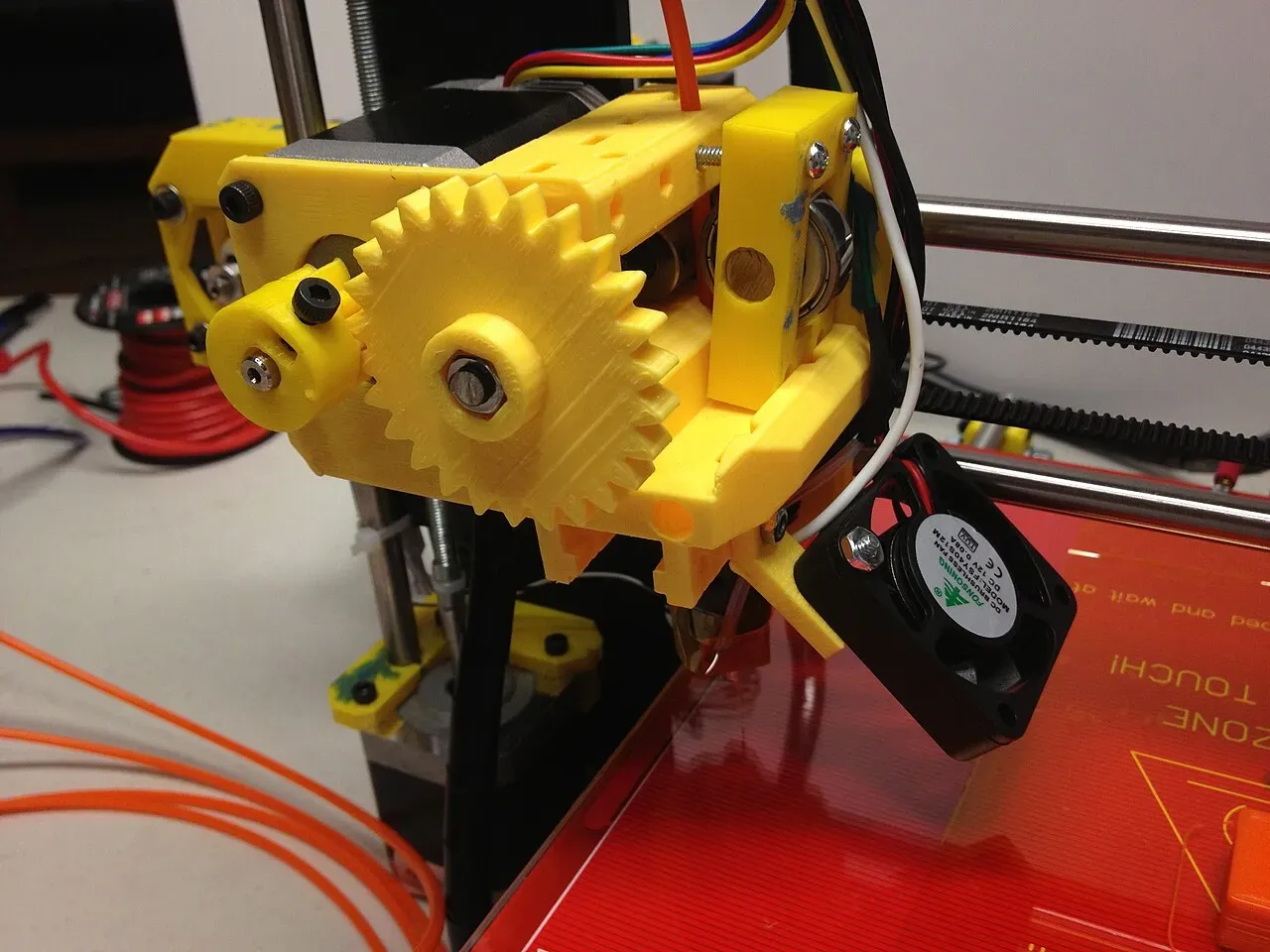 A geared extruder on a Prusa i3.Photo: John Abella from Outside Philadelphia, USA ·CC BY 2.0 ·Wikimedia Commons
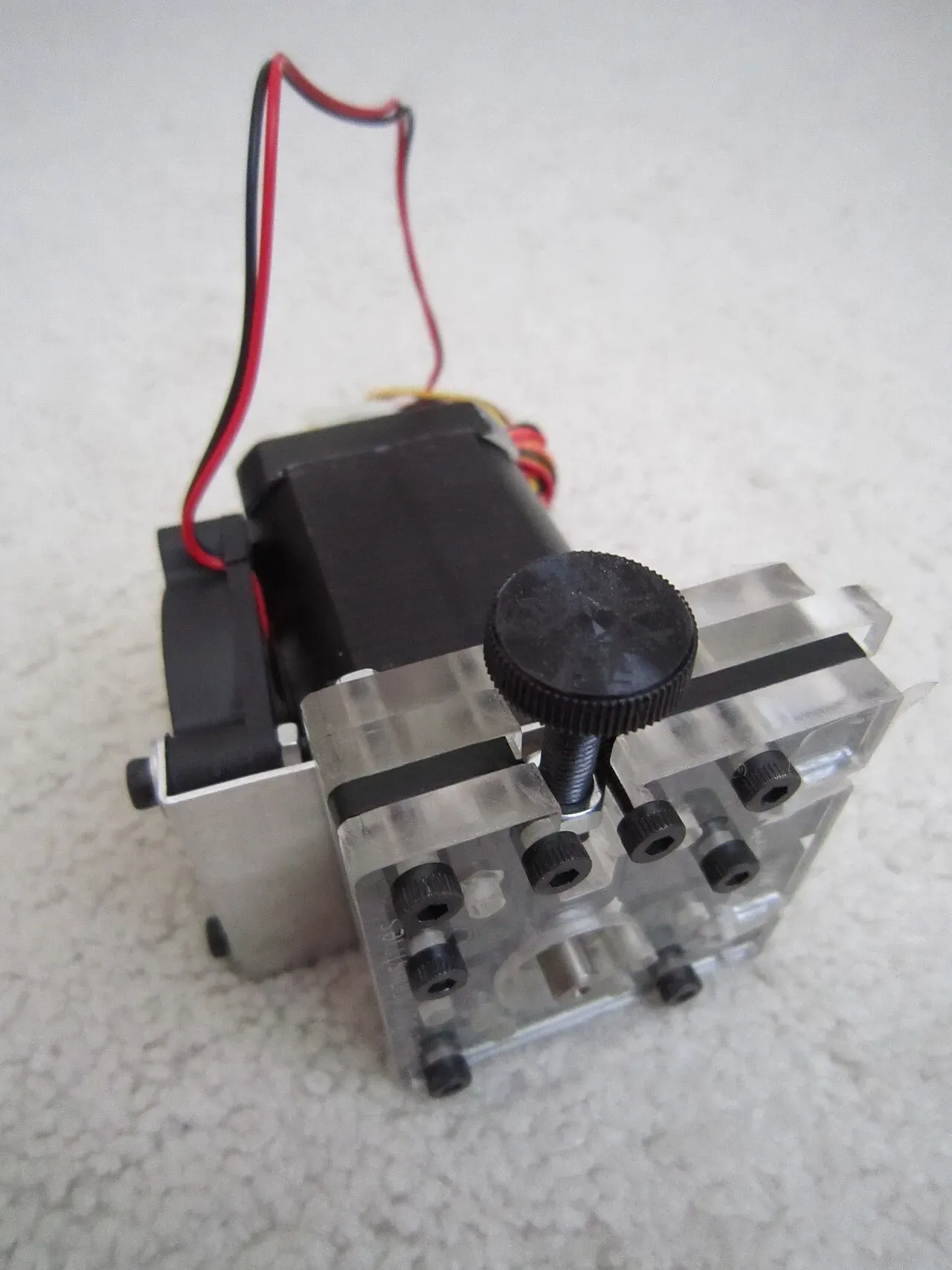 An extruder motor with its tension knob.Photo: syvwlch ·CC BY 2.0 ·Wikimedia Commons
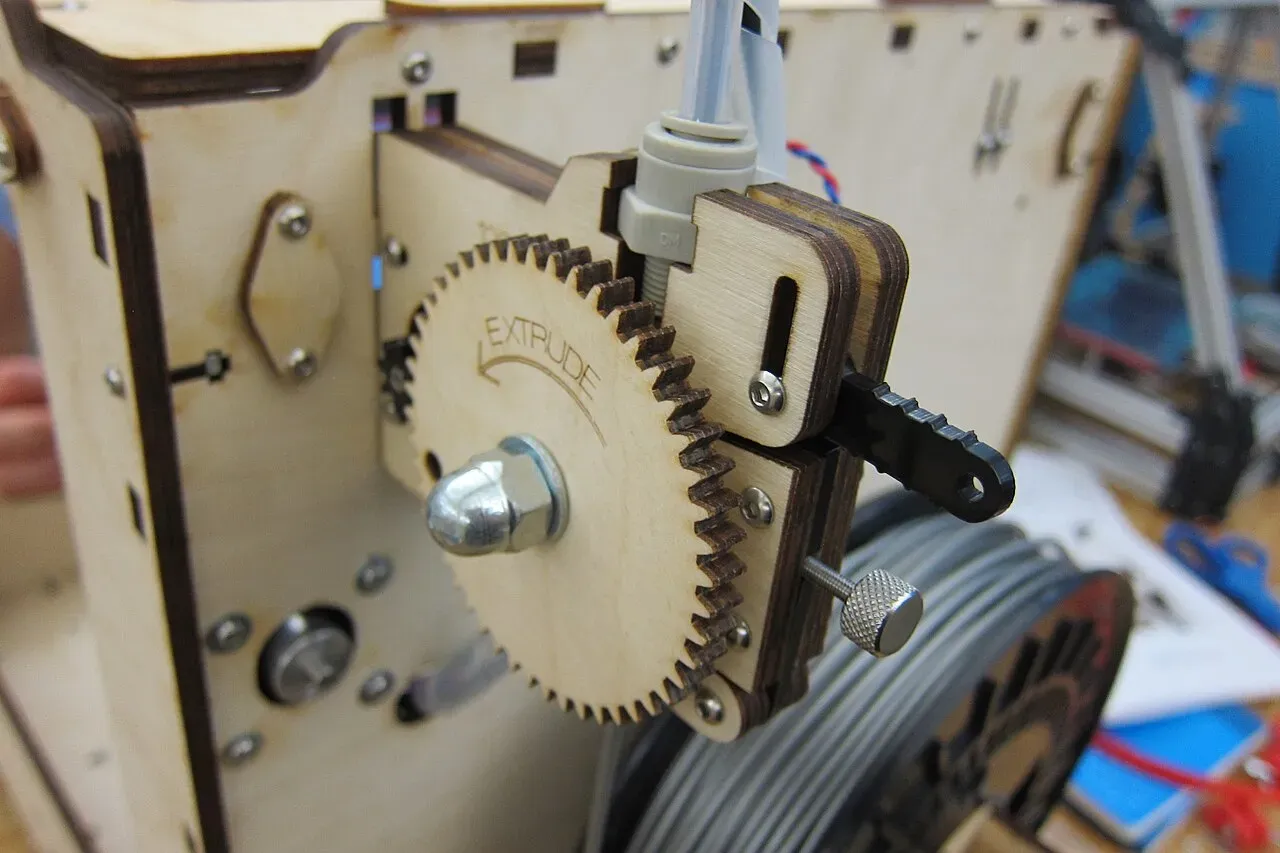 An early Ultimaker extruder: a big gear pushing filament.Photo: jabella ·CC BY 2.0 ·Wikimedia Commons
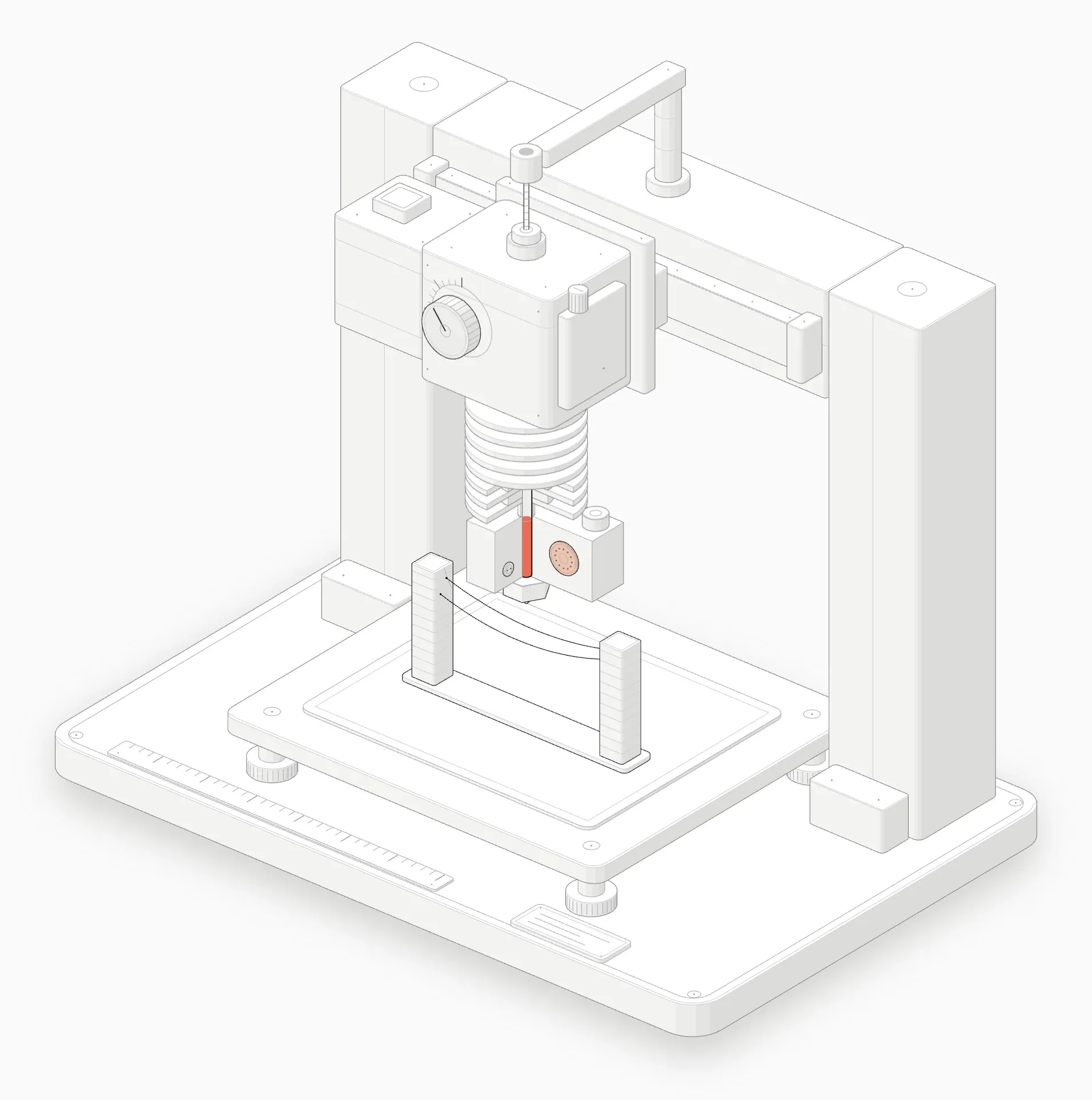
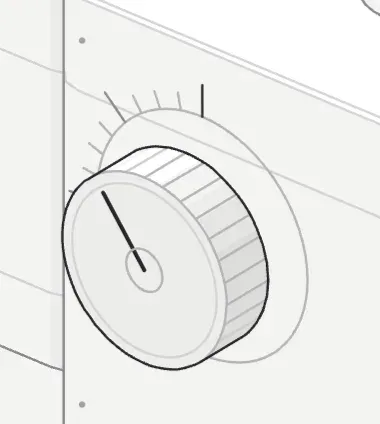
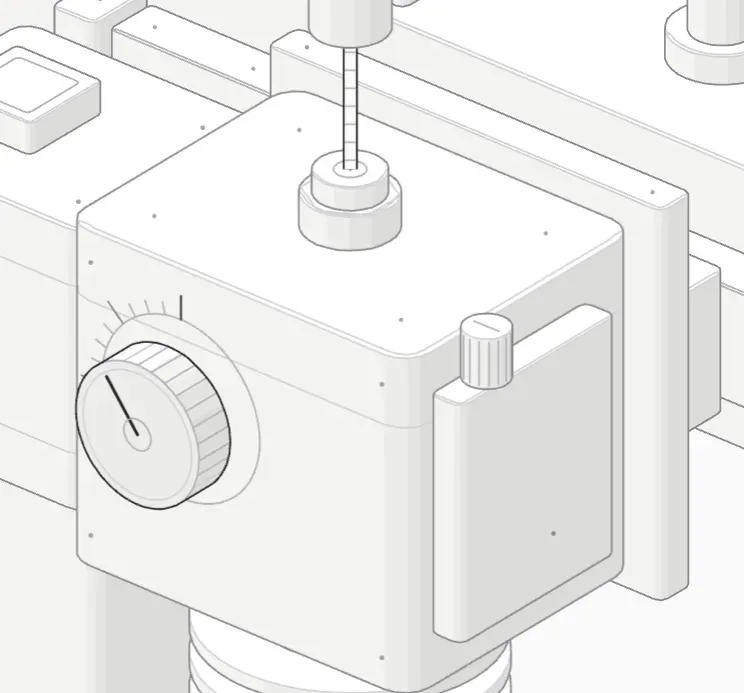 The extruder knob turns back by the retraction distance.
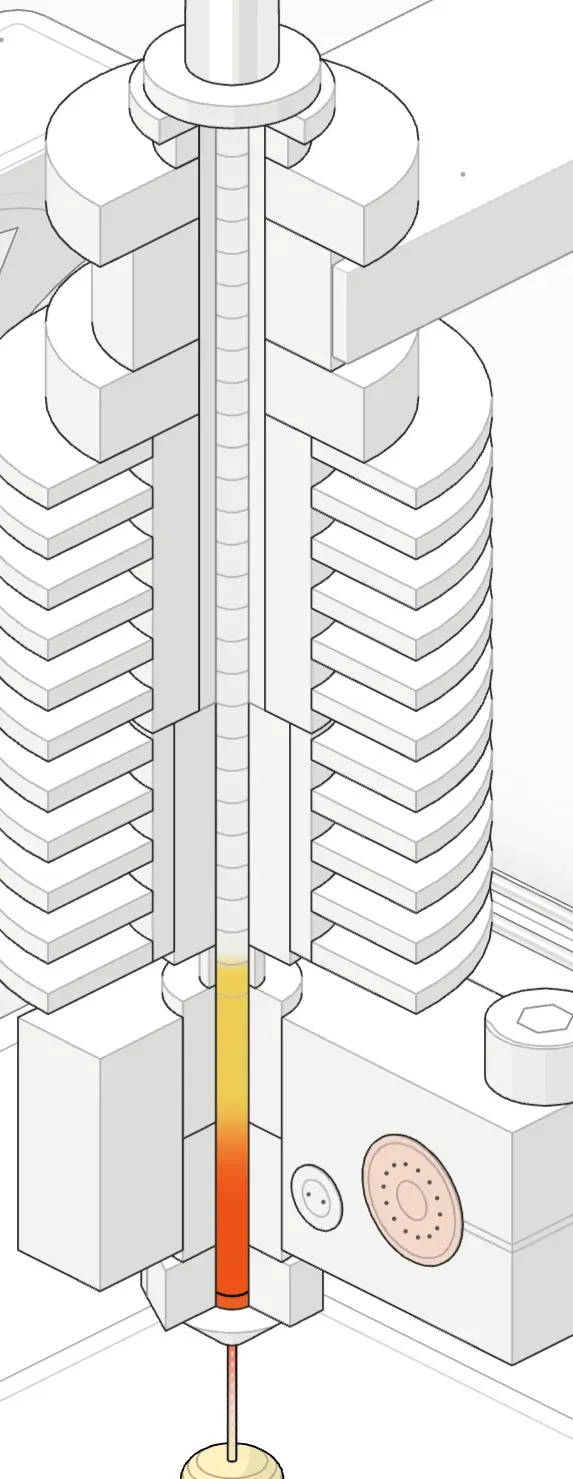 Feed 8 mm/s: nozzle 210 °C · heatsink 38 °C · feed 8.0 mm/s · too fast.
 Too low, the pressure rises until the extruder skips.
What is extruder clicking?
The extruder is a small motor with toothed gears that grips the filament and pushes it into the hotend. When the push needed is more than the motor or the grip can give, one of two things happens:
- The motor skips: a stepper motor that can’t make its next step jumps back with a sharp click or knock. You’ll often see the extruder gear twitch backwards.
- The gears slip: the teeth grind against the filament instead of driving it, leaving a chewed groove and plastic dust.
Either way, less plastic comes out than the printer asked for, so you get gaps, thin walls or a print that stops extruding.
Clicking, grinding, skipping and layer shifts are different
- Extruder clicking: a regular click from the extruder motor during printing. Pressure in the hotend is too high.
- Grinding: the extruder gears chewing into the filament. Same causes, but it has gone on long enough to damage the filament.
- Skipping X or Y motors: a loud clunk from the motion system, not the extruder. That’s a mechanical or speed problem with the axes.
- Layer shift: layers suddenly offset sideways. Caused by X or Y skipping, not by the extruder.
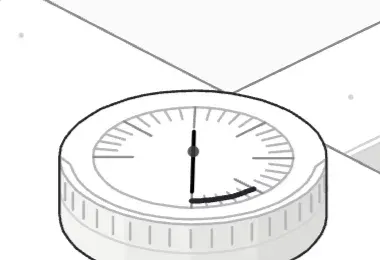
 The dial reads retraction in 0.25 mm steps.
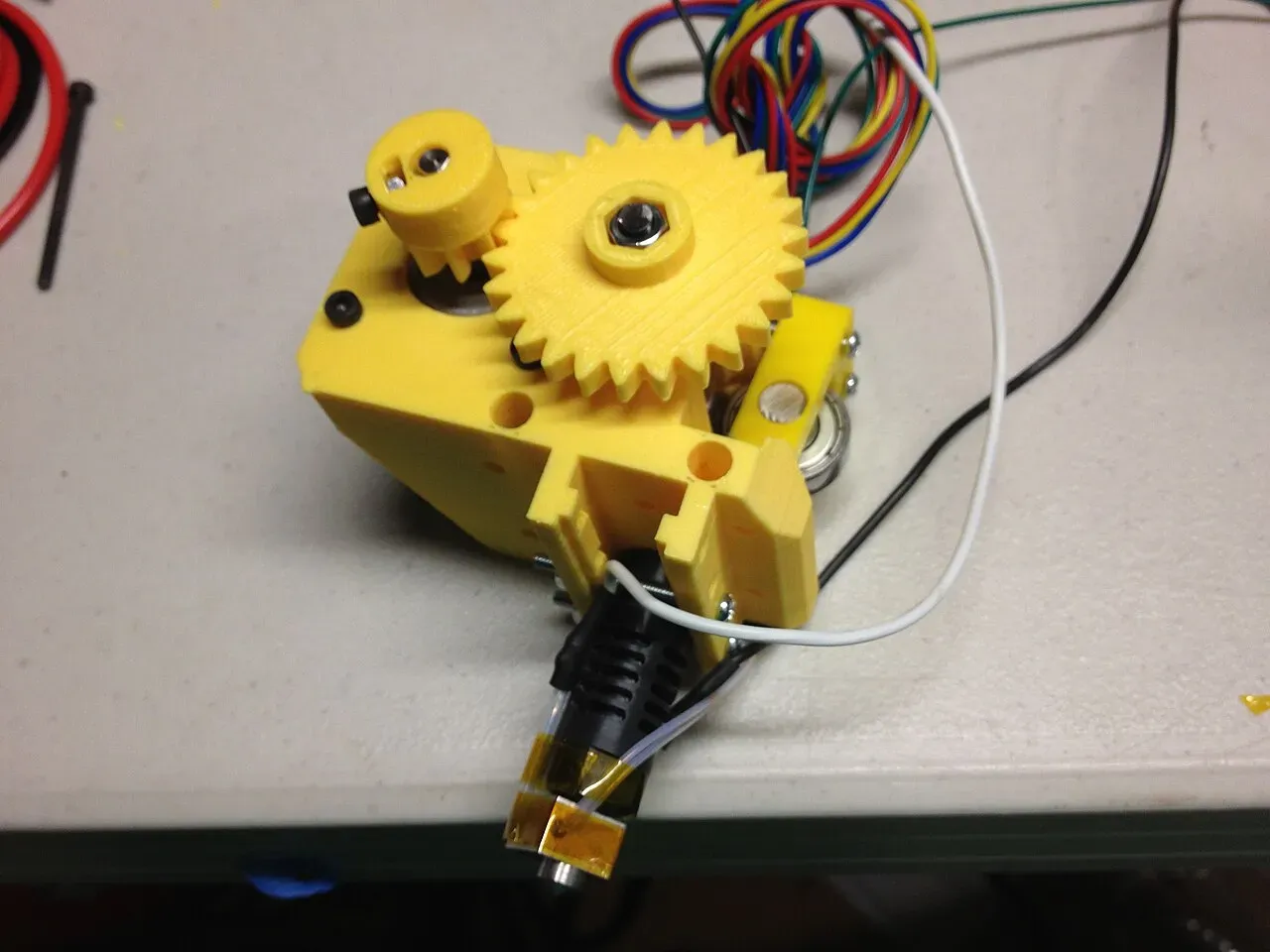 An assembled extruder before it goes on the printer.Photo: John Abella ·CC BY 2.0 ·Wikimedia Commons
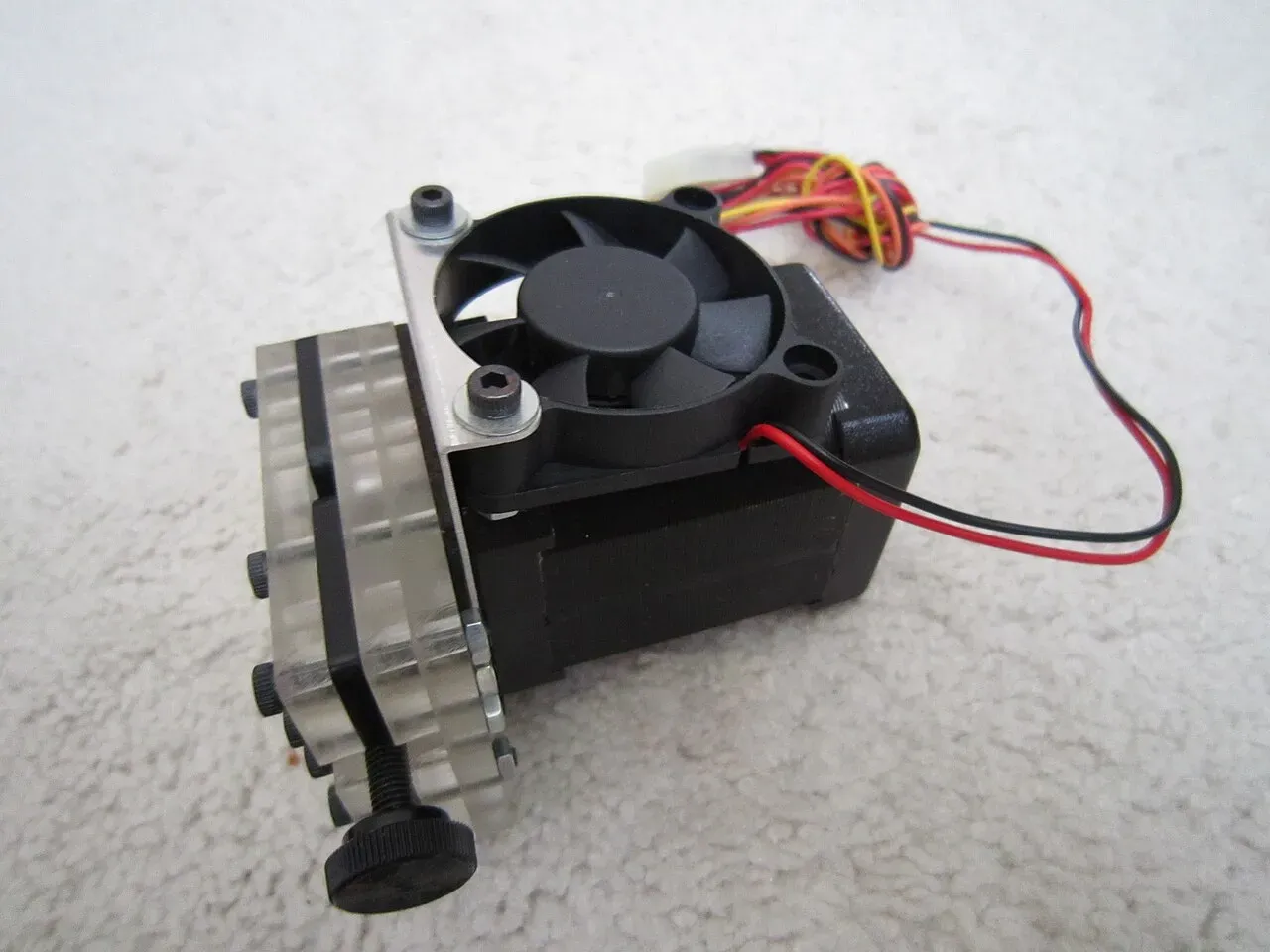 A small fan cooling the extruder assembly.Photo: syvwlch ·CC BY 2.0 ·Wikimedia Commons
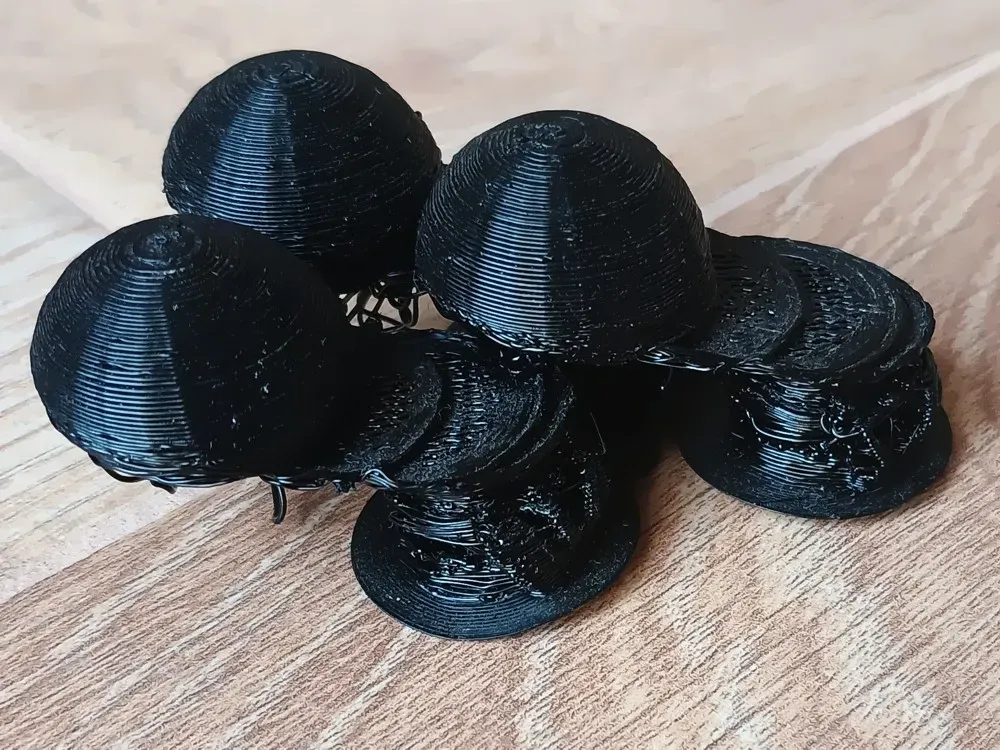 Layer shifting: the layers jump sideways part way up the print.Photo: A7N8X ·CC BY-SA 4.0 ·Wikimedia Commons
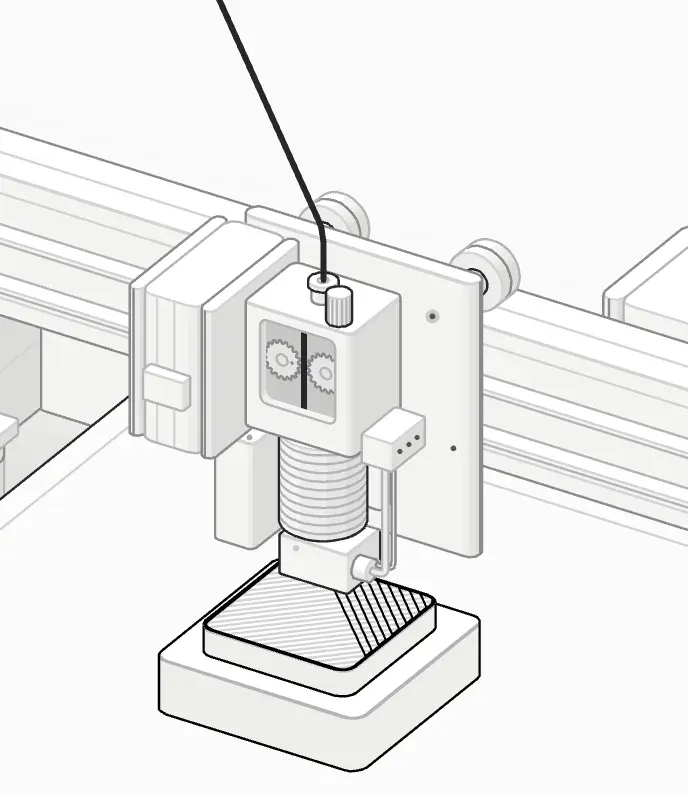 The print head: extruder on top, finned heatsink, heater block and nozzle.
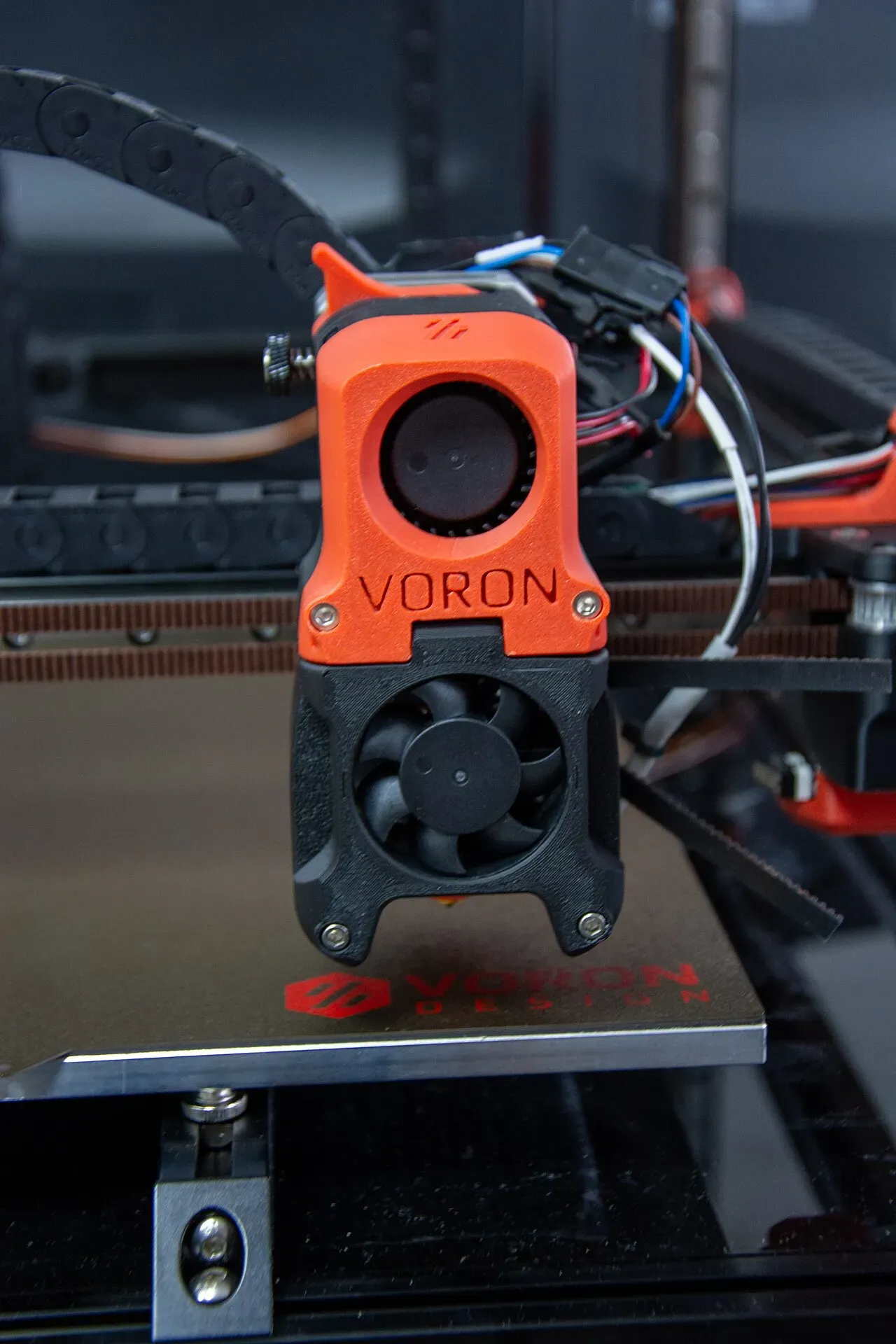 A modern toolhead: extruder, hotend and fans in one housing.Photo: disinterpreter ·CC BY-SA 2.0 ·Wikimedia Commons
Why the extruder clicks
Everything comes back to back-pressure: the force the plastic pushes back with as the extruder pushes it in. It rises when:
- the plastic can’t get out: the nozzle is pressed against the bed, or partly blocked;
- the plastic isn’t melted enough: the nozzle is too cold, or plastic is fed faster than the hotend can melt it;
- the plastic melts in the wrong place: heat creep softens it too high up, where it swells and sticks.
The hotend below is driven by a model of a V6-style hotend melting PLA at 210 °C. Push the feed up and watch the readout change to “too fast”; turn the fan off and watch heat creep jam it.
nozzle 210 °C · heatsink 38 °C · feed 2.0 mm/s · melting in block
- drag ↕ feed rate
- ↑ ↓ feed ±0.5 mm/s
- Space stop / start feed
- F hotend fan on / off
- Home reset
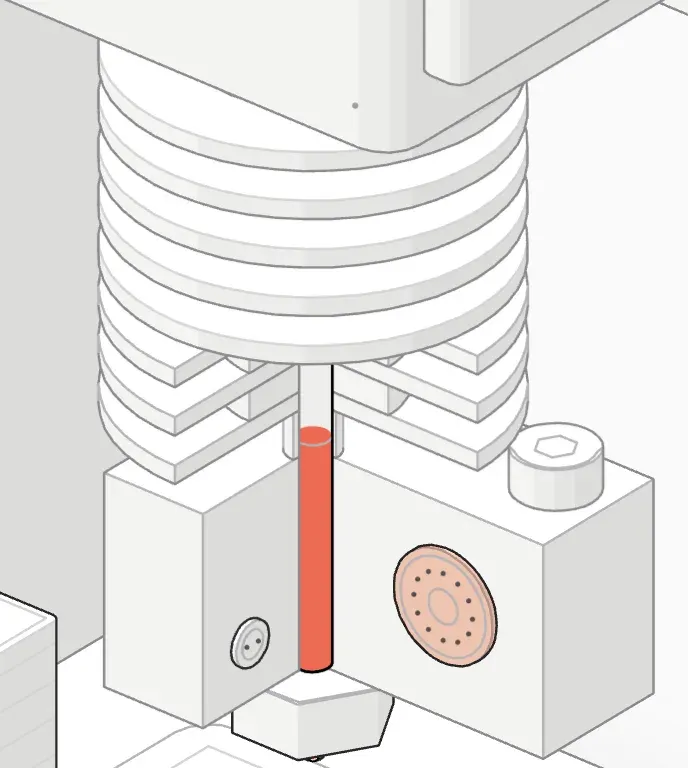
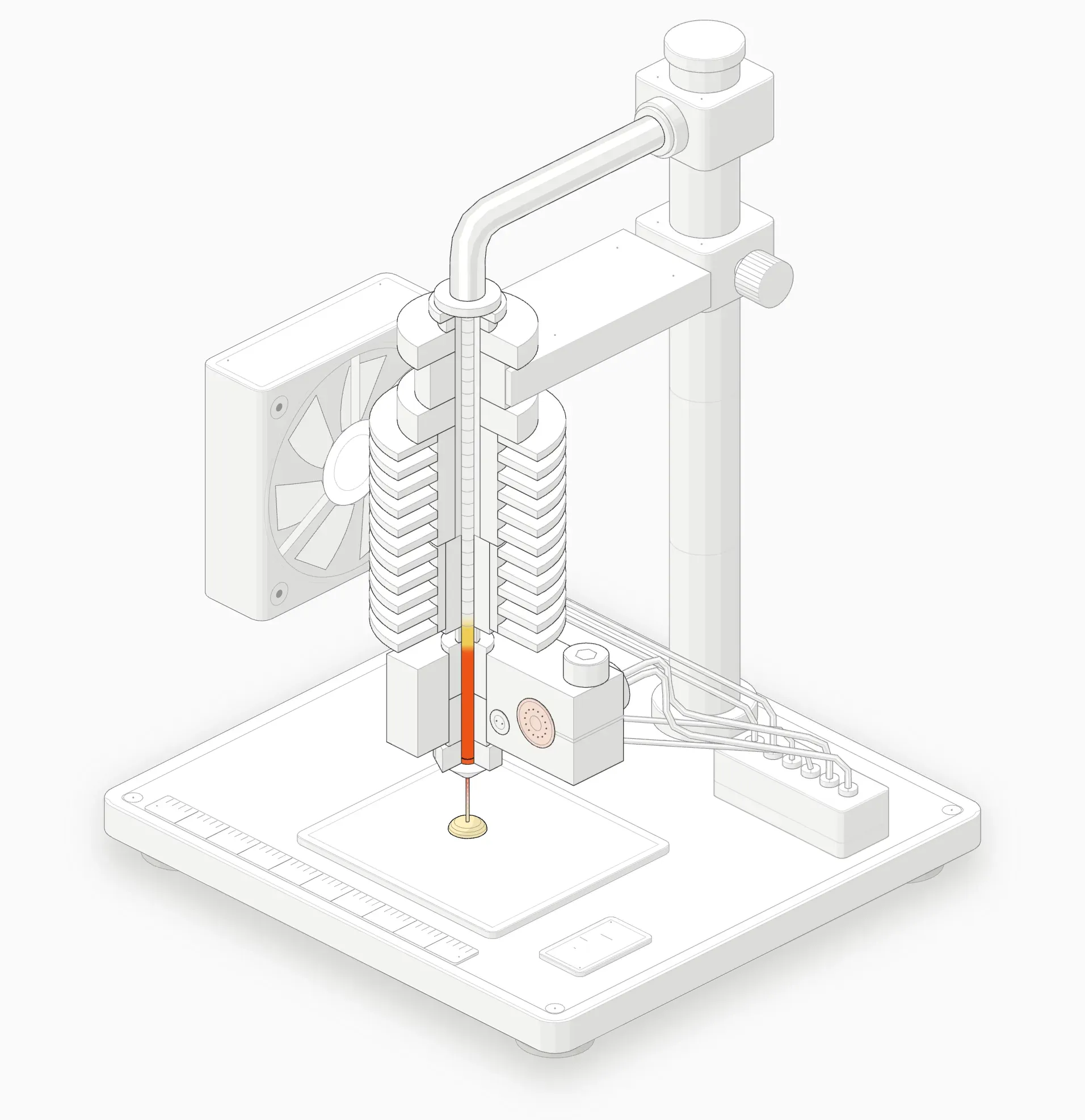 A V6-style hotend, cut away so you can see the filament inside.
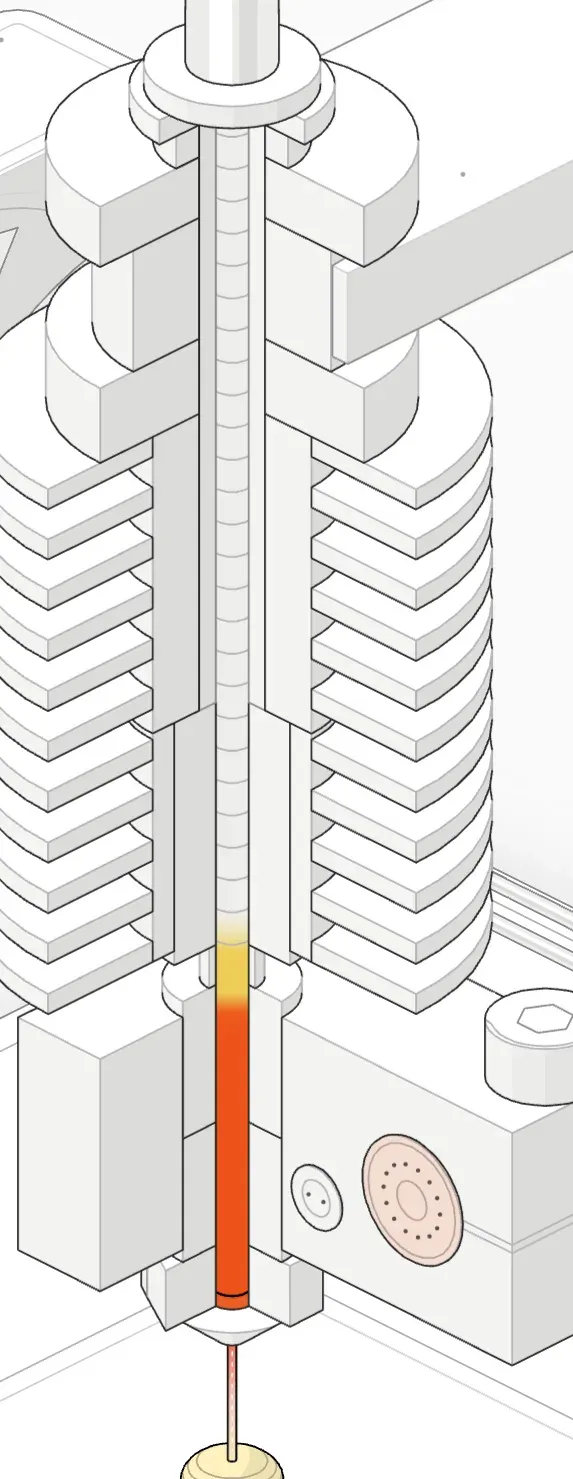 Solid filament above the heat break, molten filament in the heater block.
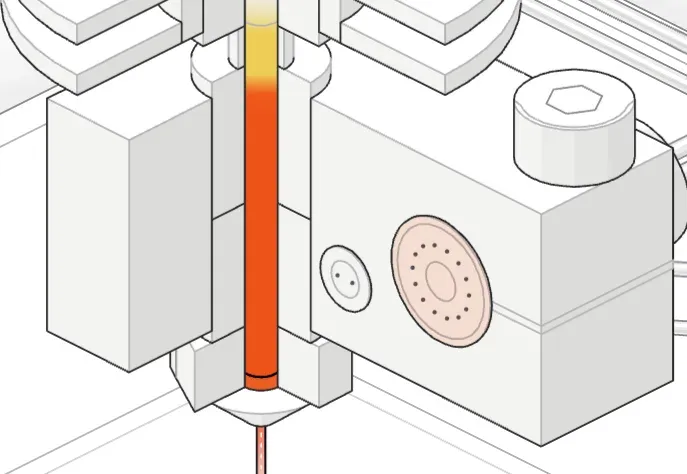 The heater block holds the heater cartridge and the thermistor.
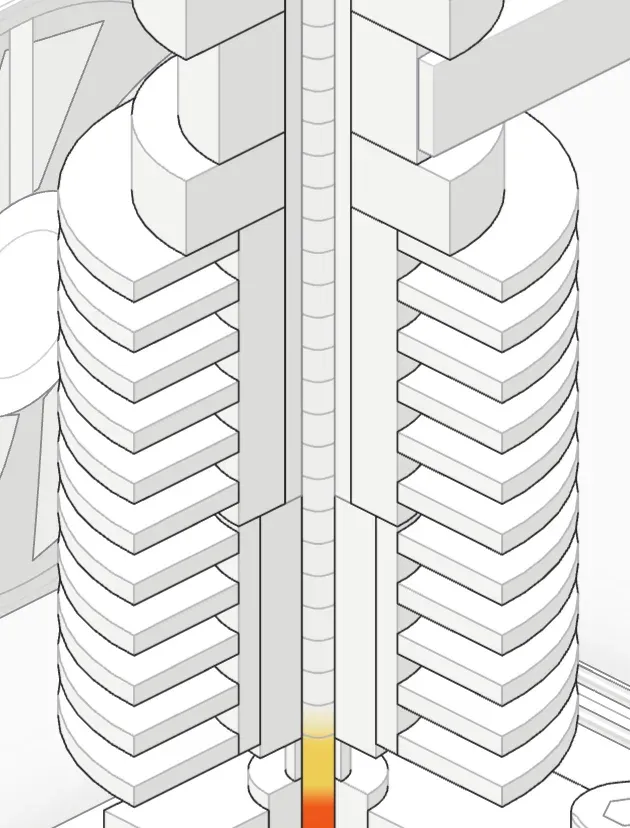 The finned heatsink keeps the top of the hotend cold.
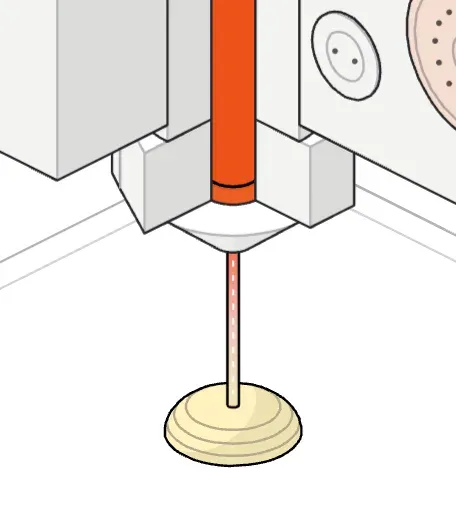 A brass 0.4 mm nozzle laying a thin strand.
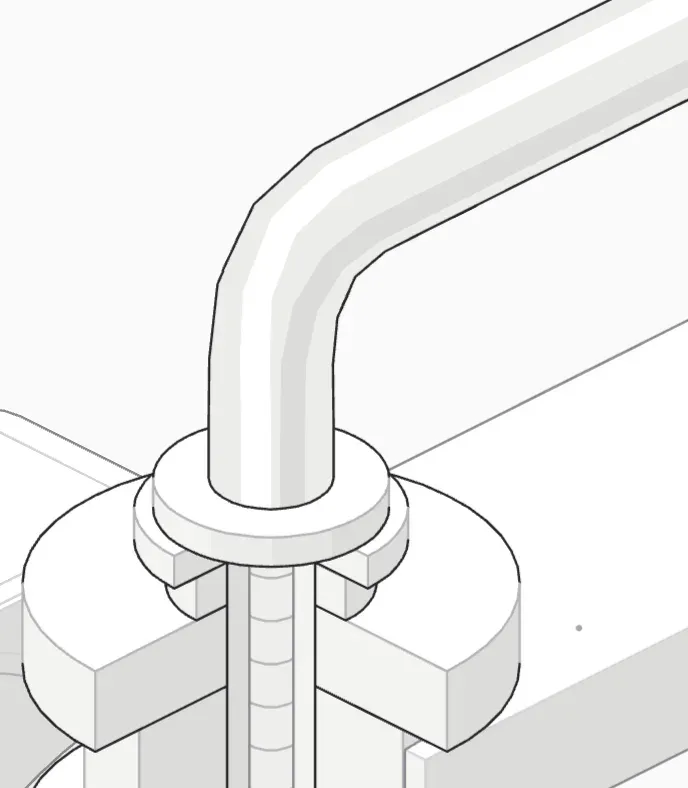 The Bowden tube enters through a push-fit collet.
Cause and fix reference
| What you see | Most likely cause | Fix | Step |
|---|---|---|---|
| Clicks only on the first layer, lines look thin or see-through | Nozzle too close to the bed | Raise the Z offset | 1 |
| Clicks after a filament or temperature change | Nozzle too cold for this filament | Raise temperature 5–10 °C | 2 |
| Clicks on fast infill or big solid areas, fine on slow walls | Feeding faster than the hotend can melt | Slow down or set a lower max flow | 3 |
| Thin, uneven extrusion even when slow; nozzle drips poorly | Partial clog | Cold pull or new nozzle | 4 |
| Starts fine, then clicks and stops after a while | Heat creep | Check the hotend fan; reduce retraction | 5 |
| Chewed groove in the filament, plastic dust on the gears | Grinding: tension or a dirty gear | Set tension, clean the gear | 6 |
| Clicks after you raised retraction | Too much retraction | Reduce retraction | 5 |
| Clicks in random places, spool jerks | Tangled or stuck spool | Free the spool | 7 |
| Clicks even with no filament loaded | Motor, wiring or driver | Check cables and current | When it won’t go away |
Step 1: Check the nozzle height
If it only clicks on the first layer, this is almost always the cause. When the nozzle sits too close to the bed, there’s no gap for the plastic to come out of. Pressure builds until the extruder skips. The first layer looks thin, see-through or scraped, and ridges pile up between lines.
Raise the nozzle with your printer’s Z offset or live adjust, in 0.02–0.05 mm steps, until the first-layer lines are flat and touching. Our Z offset guide shows exactly what each setting looks like.
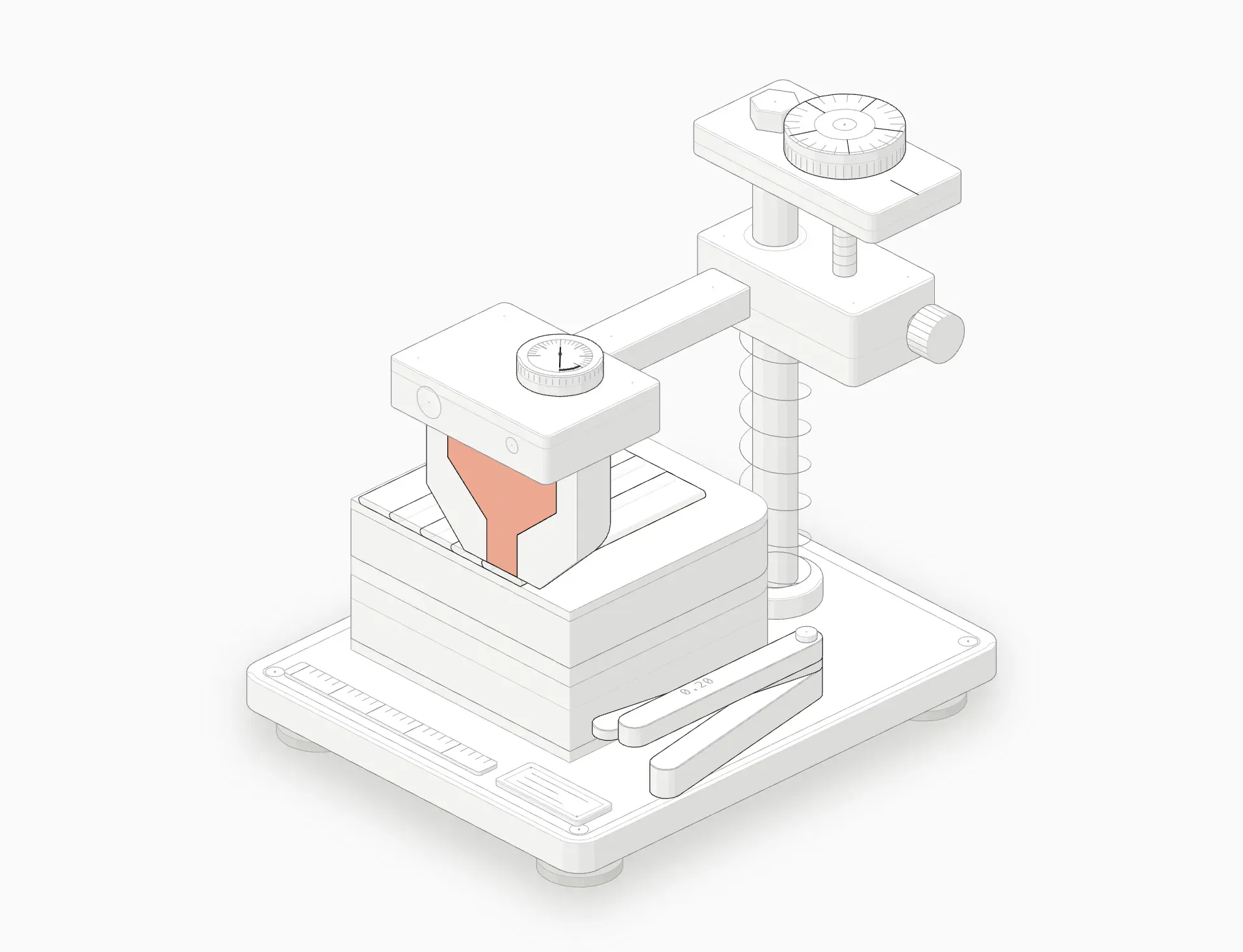 Too low: lines squashed thin, and the extruder struggles.
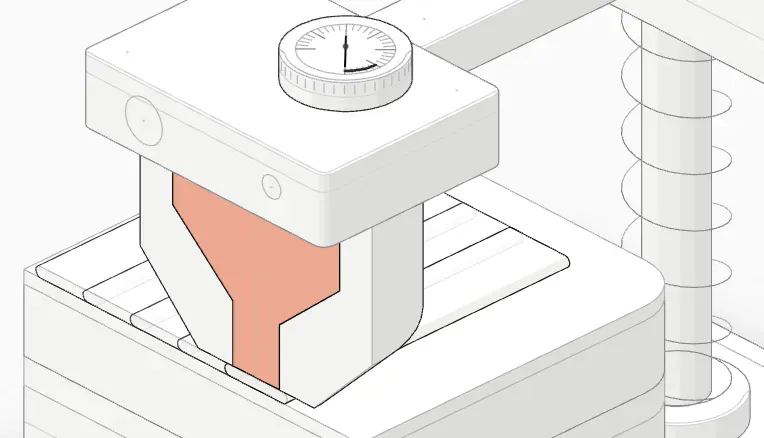 Cross-section, too low: the line is pressed into a sheet.
- Too low, the pressure rises until the extruder skips.
- Z offset −0.12 mm: gap 0.08 mm · line 0.54 × 0.08 mm · too low · extruder skipping.
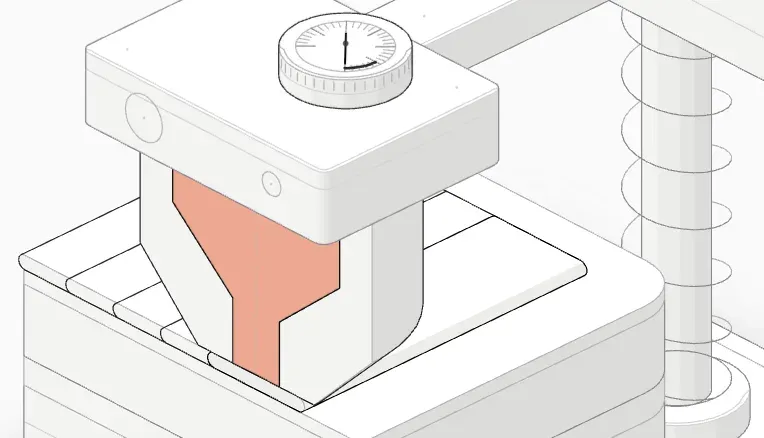 Z offset −0.10 mm: gap 0.10 mm · line 0.84 × 0.10 mm · too low · lines pile into ridges.
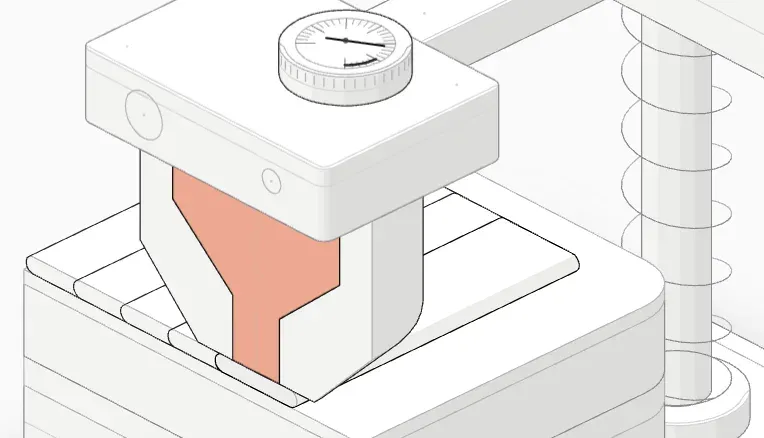 Z offset −0.08 mm: gap 0.12 mm · line 0.70 × 0.12 mm · too low · lines pile into ridges.
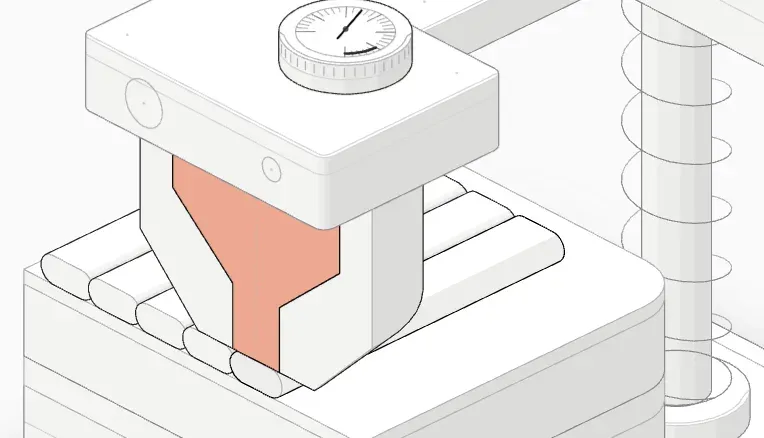 Z offset 0.00 mm: gap 0.20 mm · line 0.45 × 0.20 mm · good squish.
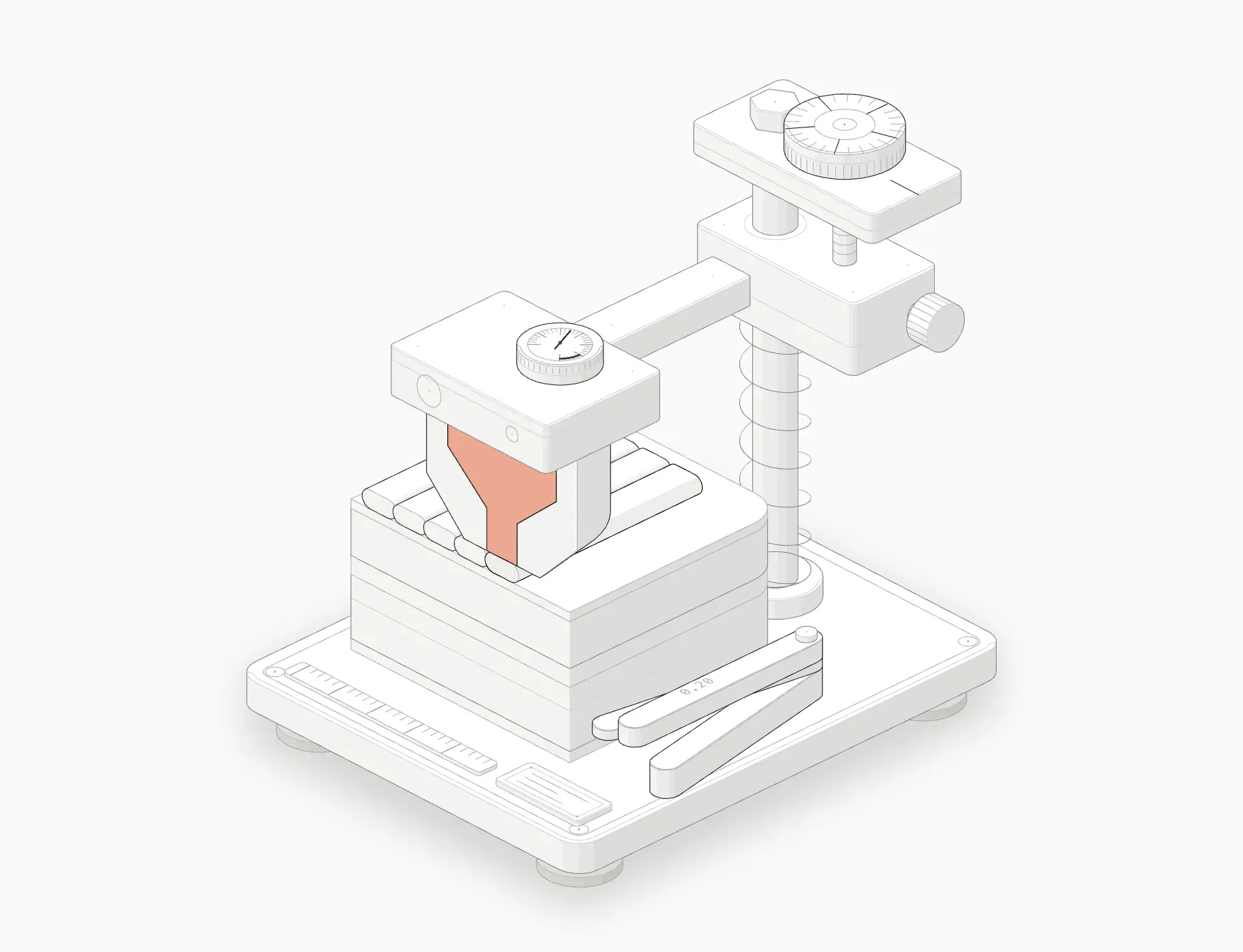 Z offset right: slightly squished lines that touch.
Step 2: Check the temperature
Cold plastic is thick, so the extruder has to push much harder to get it through the nozzle. Check the temperature range printed on your spool and make sure you’re inside it. If you’ve just switched from PLA to PETG, or to a different brand, the old temperature may simply be too low.
Raise the nozzle temperature by 5–10 °C and see whether the clicking stops. Don’t go above the range on the spool: that causes stringing and oozing instead.
| Filament | Typical nozzle range |
|---|---|
| PLA | 190–220 °C |
| PETG | 220–250 °C |
| TPU | 210–235 °C |
| ABS / ASA | 230–260 °C |
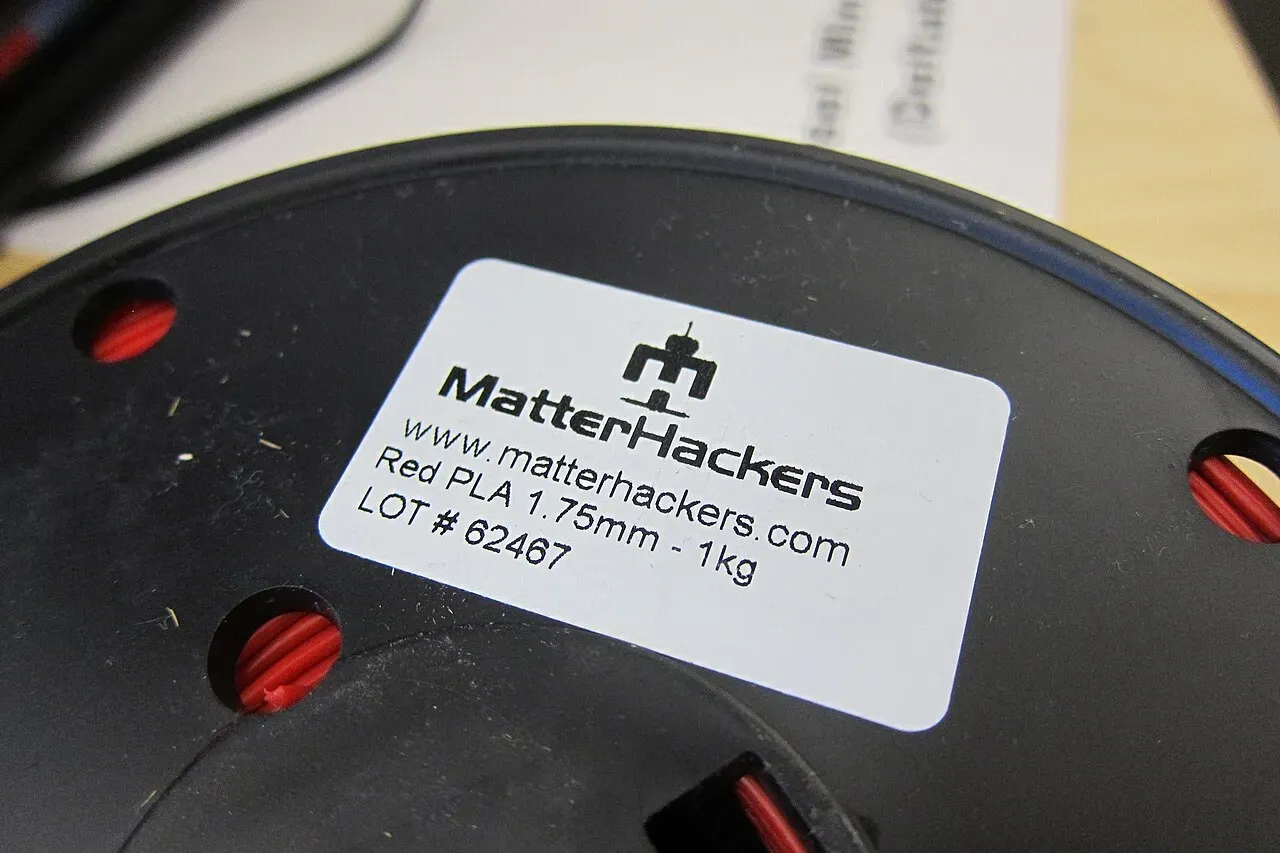 Read the label: material, 1.75 mm diameter, 1 kg.Photo: John Abella from Outside Philadelphia, USA ·CC BY 2.0 ·Wikimedia Commons
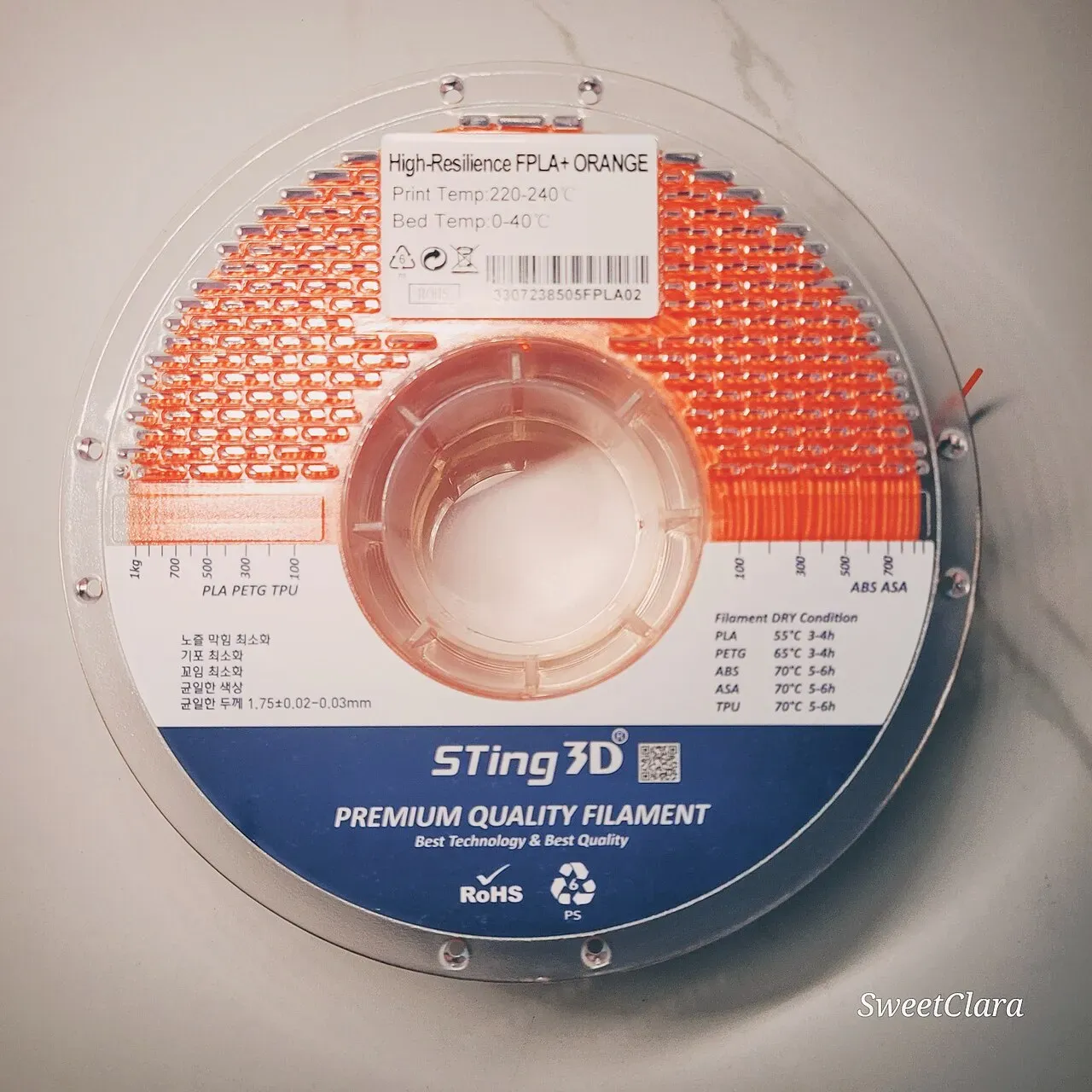 Flexible filament: label shows its print temperature.Photo: Sweetclara ·CC BY-SA 4.0 ·Wikimedia Commons
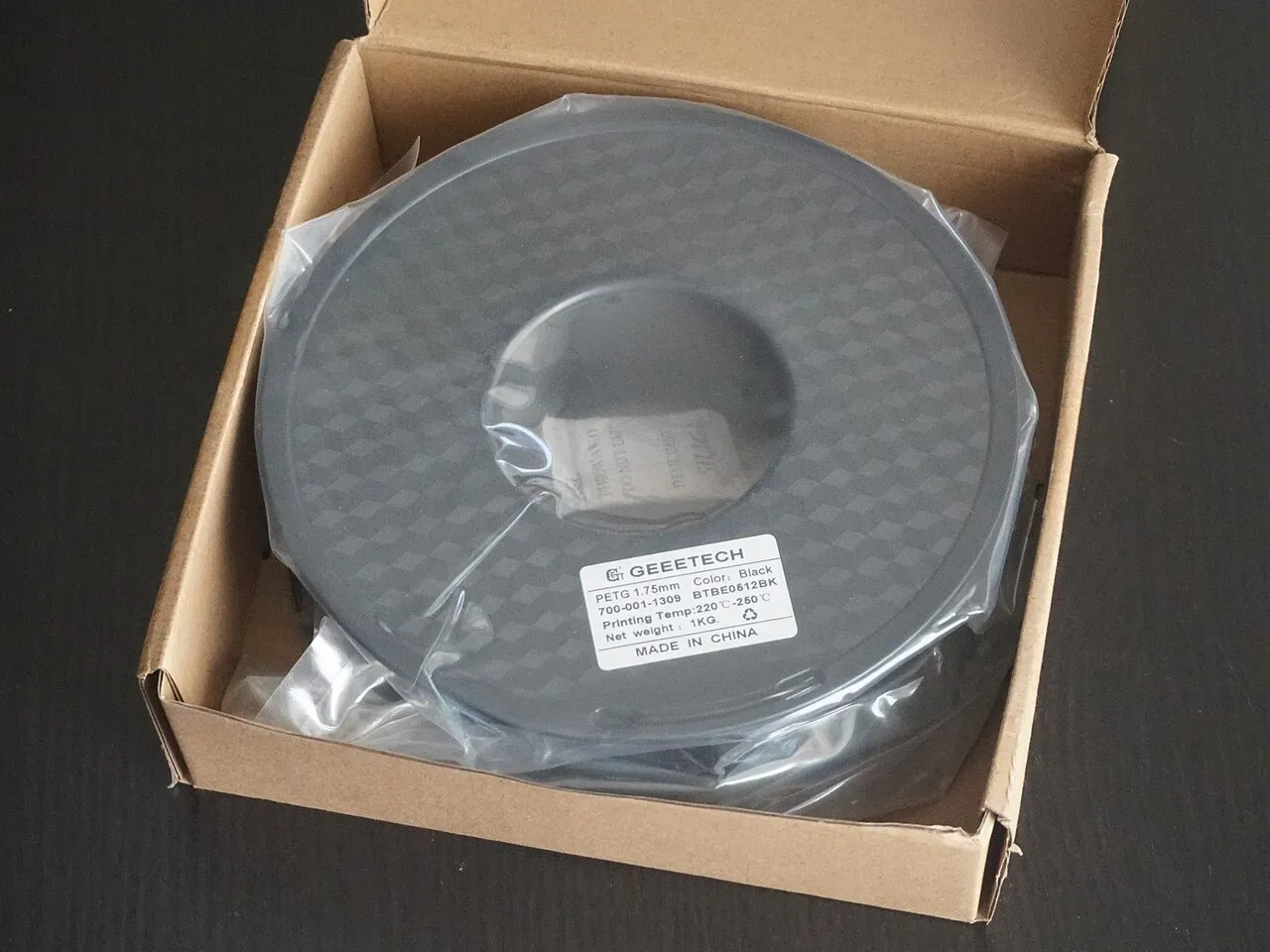 A 1 kg spool of PETG, sealed with desiccant.Photo: Suit ·CC BY-SA 4.0 ·Wikimedia Commons
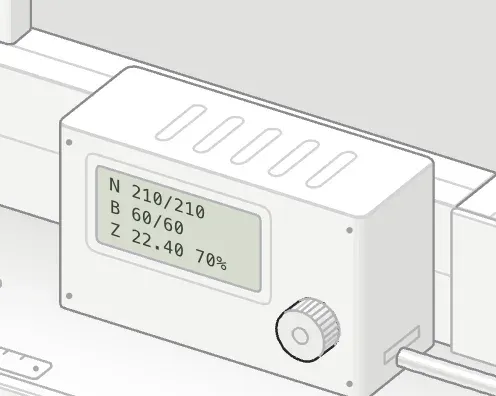 The control box shows nozzle and bed temperature, height and progress.
Step 3: Slow down to what the hotend can melt
A hotend can only melt so much plastic per second. Feed it faster and the plastic leaves the nozzle not fully melted, the pressure climbs, and the extruder clicks. This often happens on fast infill or large solid areas while slower walls print fine.
The limit is measured as maximum volumetric flow in mm³/s. You can work out what a print asks for:
flow (mm³/s) ≈ line width × layer height × print speed
So a 0.45 mm line at 0.2 mm layers and 100 mm/s needs about 9 mm³/s.11For 1.75 mm filament, 1 mm of filament fed into the extruder is about 2.4 mm³ of plastic, so 9 mm³/s means pushing roughly 3.7 mm of filament every second.
| Hotend type | Typical max flow for PLA |
|---|---|
| Standard V6-style hotend | roughly 10–15 mm³/s |
| High-flow hotends (longer melt zone or core heating) | roughly 20–35 mm³/s or more |
These are typical figures only; real limits depend on the hotend, the filament and the temperature. Check your printer maker’s recommended maximum.
Lower the print speed, or set maximum volumetric speed in the slicer so it slows down automatically wherever a feature would ask for too much.
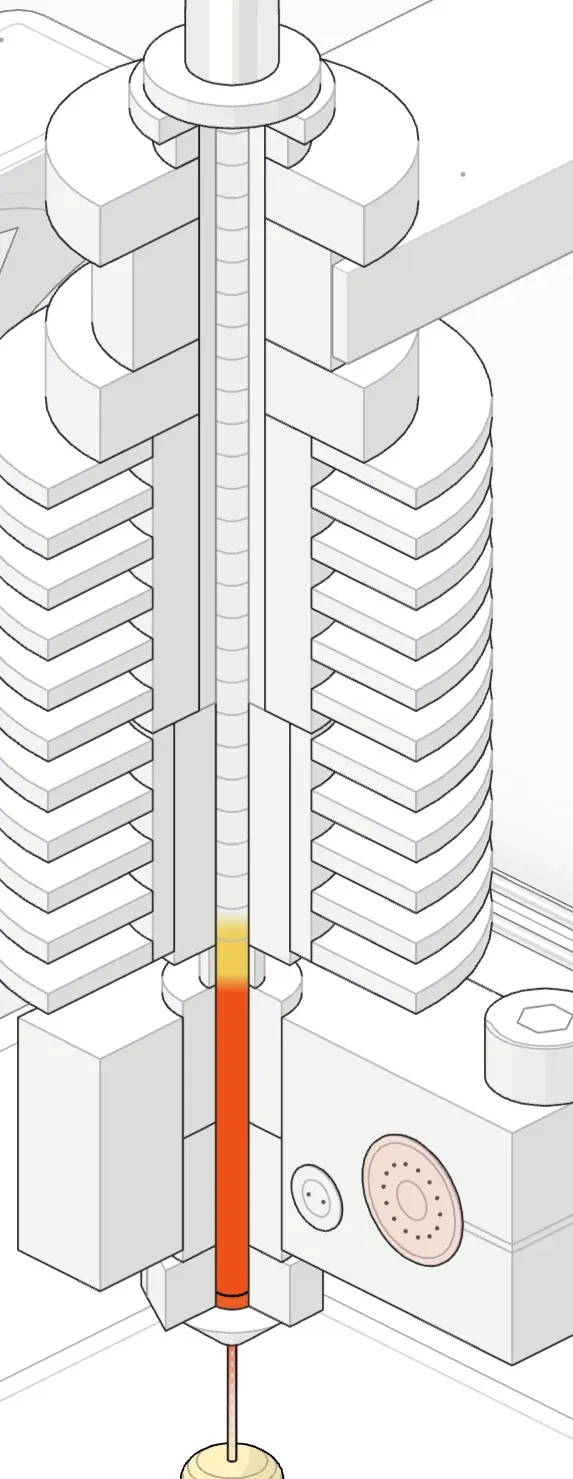 Feed 1 mm/s: nozzle 210 °C · heatsink 38 °C · feed 1.0 mm/s · melting in block.
- Feed 2 mm/s: nozzle 210 °C · heatsink 38 °C · feed 2.0 mm/s · melting in block.
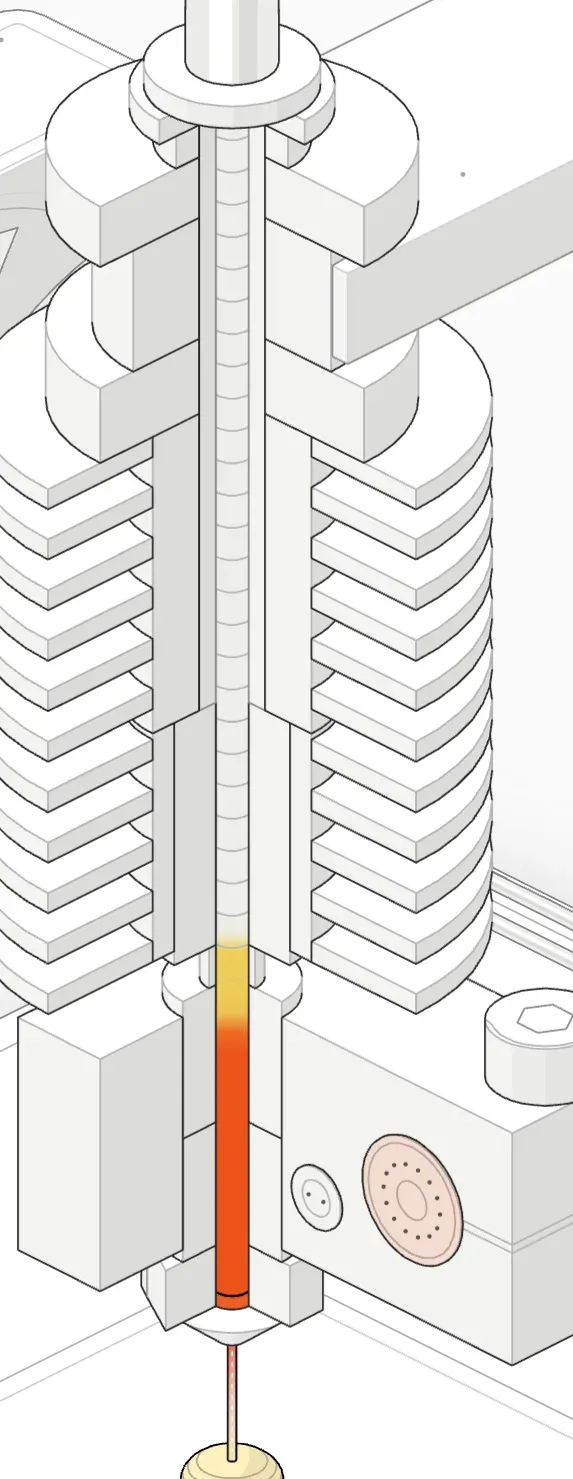 Feed 3 mm/s: nozzle 210 °C · heatsink 38 °C · feed 3.0 mm/s · melting in block.
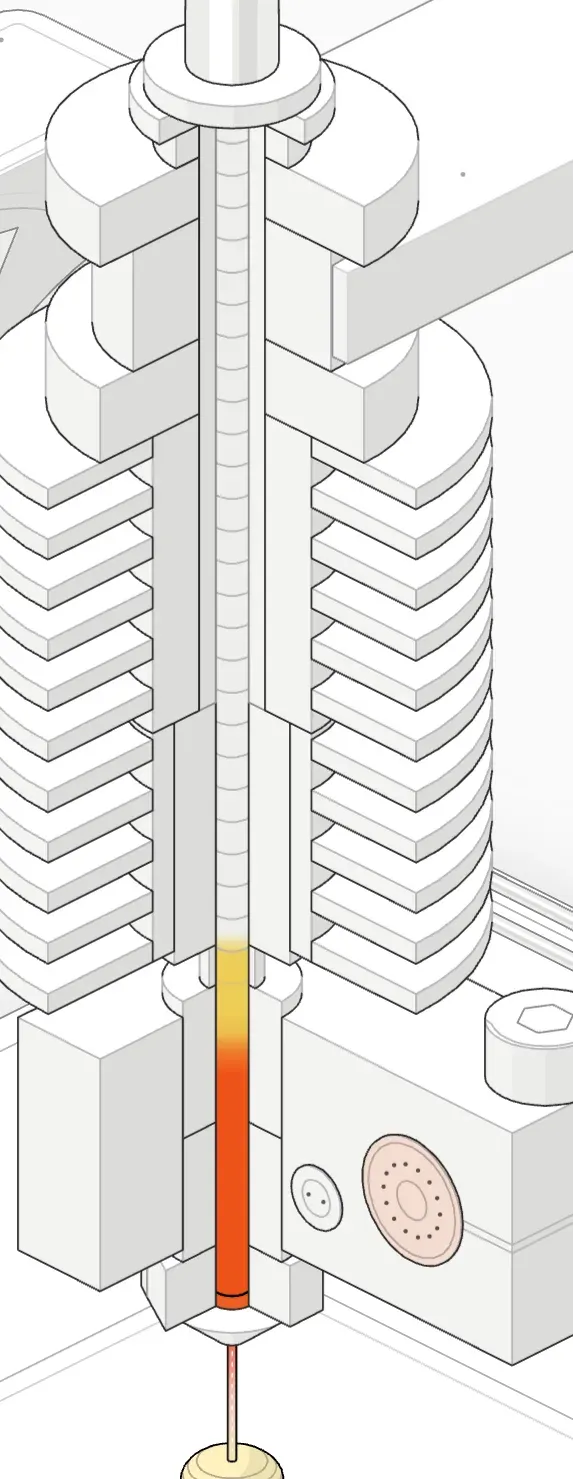 Feed 4 mm/s: nozzle 210 °C · heatsink 38 °C · feed 4.0 mm/s · melting in block.
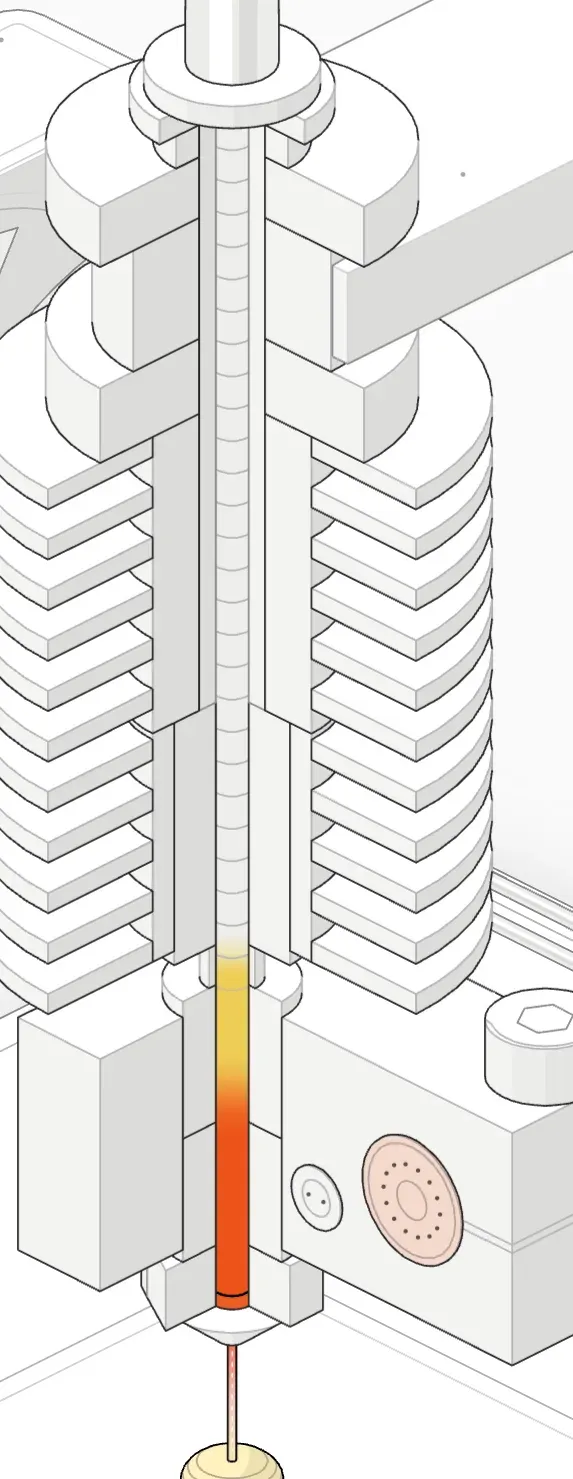 Feed 6 mm/s: nozzle 210 °C · heatsink 38 °C · feed 6.0 mm/s · melting in block.
- Feed 8 mm/s: nozzle 210 °C · heatsink 38 °C · feed 8.0 mm/s · too fast.
Where to find these settings in your slicer
| Setting | OrcaSlicer / Bambu Studio | PrusaSlicer | Cura |
|---|---|---|---|
| Nozzle temperature | Filament settings → Nozzle temperature | Filament Settings → Filament → Temperature → Nozzle | Material → Printing Temperature |
| Max volumetric speed | Filament settings → Volumetric speed limitation | Filament Settings → Advanced → Max volumetric speed | no direct setting; lower Print Speed instead |
| Print speed | Process → Speed | Print Settings → Speed | Speed → Print Speed |
| Retraction | Printer settings → Extruder → Retraction | Printer Settings → Extruder 1 → Retraction | Travel → Retraction Distance |
| Z offset | Printer screen or app (some slicers also have Printer settings → Z offset) | Printer screen (Live Adjust Z on Prusa printers) | Printer screen, or a Marketplace plugin |
Menu names move between slicer and firmware versions. If you can’t find a setting, type its name into the slicer’s settings search box, or check your printer’s manual.
Step 4: Clear a partial clog
A partly blocked nozzle lets a little plastic through, so the printer keeps going but the extruder works much harder and clicks. Signs: thin, uneven lines even at slow speed, and filament that comes out in a weak, curling thread when you push it through by hand.
To clear it:
- Heat the nozzle to the filament’s printing temperature and push some filament through by hand.
- Do a cold pull: heat up, push filament through, cool to roughly 90–100 °C for PLA, then pull the filament out firmly. The tip pulls debris out with it. Repeat until the tip comes out clean.
- Replace the nozzle if it stays slow. Brass nozzles are cheap, and worn or partly blocked ones cause more trouble than they’re worth.
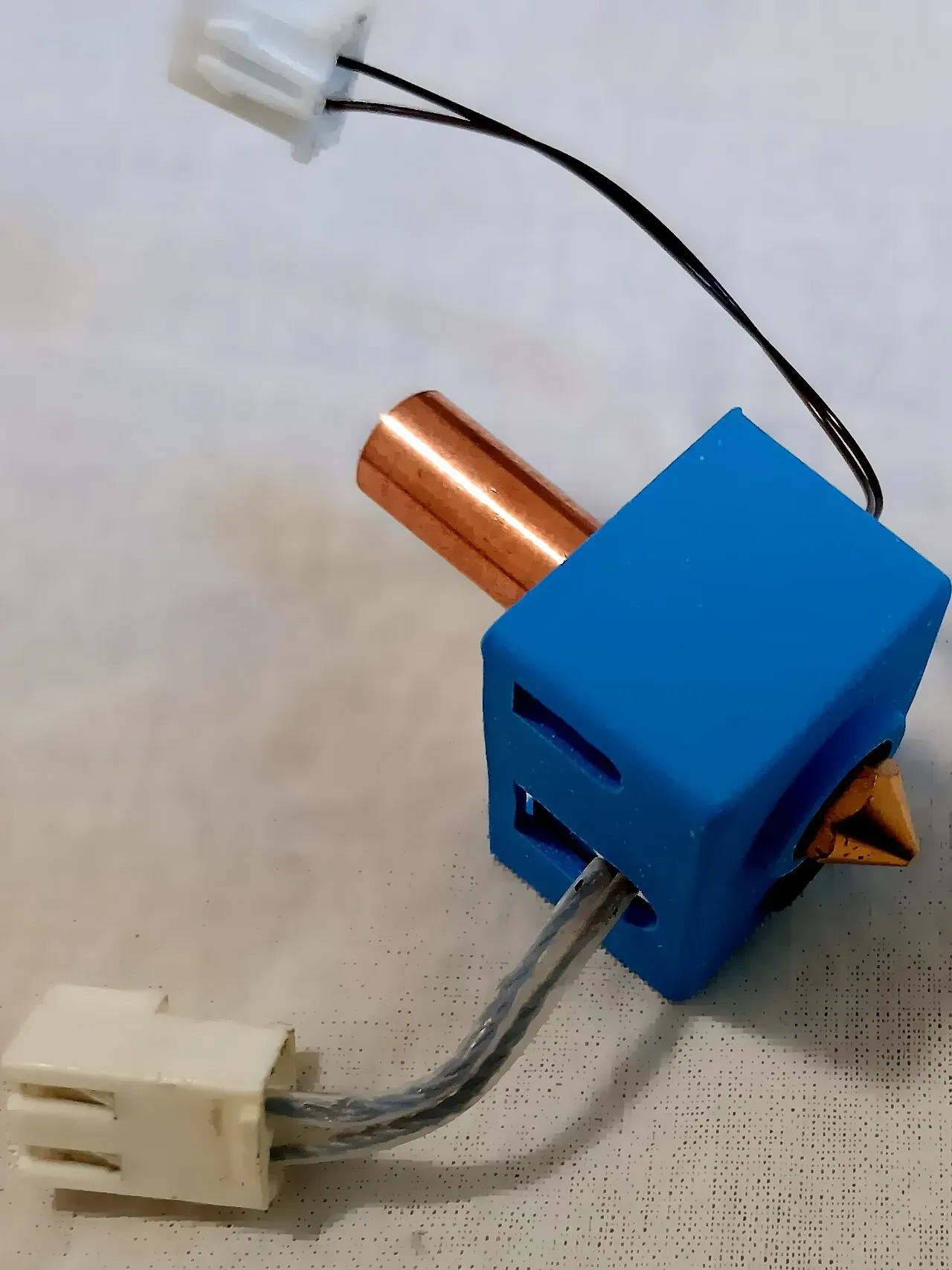 A heater block in a silicone sock, with the nozzle below and heat break above.Photo: A7N8X ·CC0 ·Wikimedia Commons
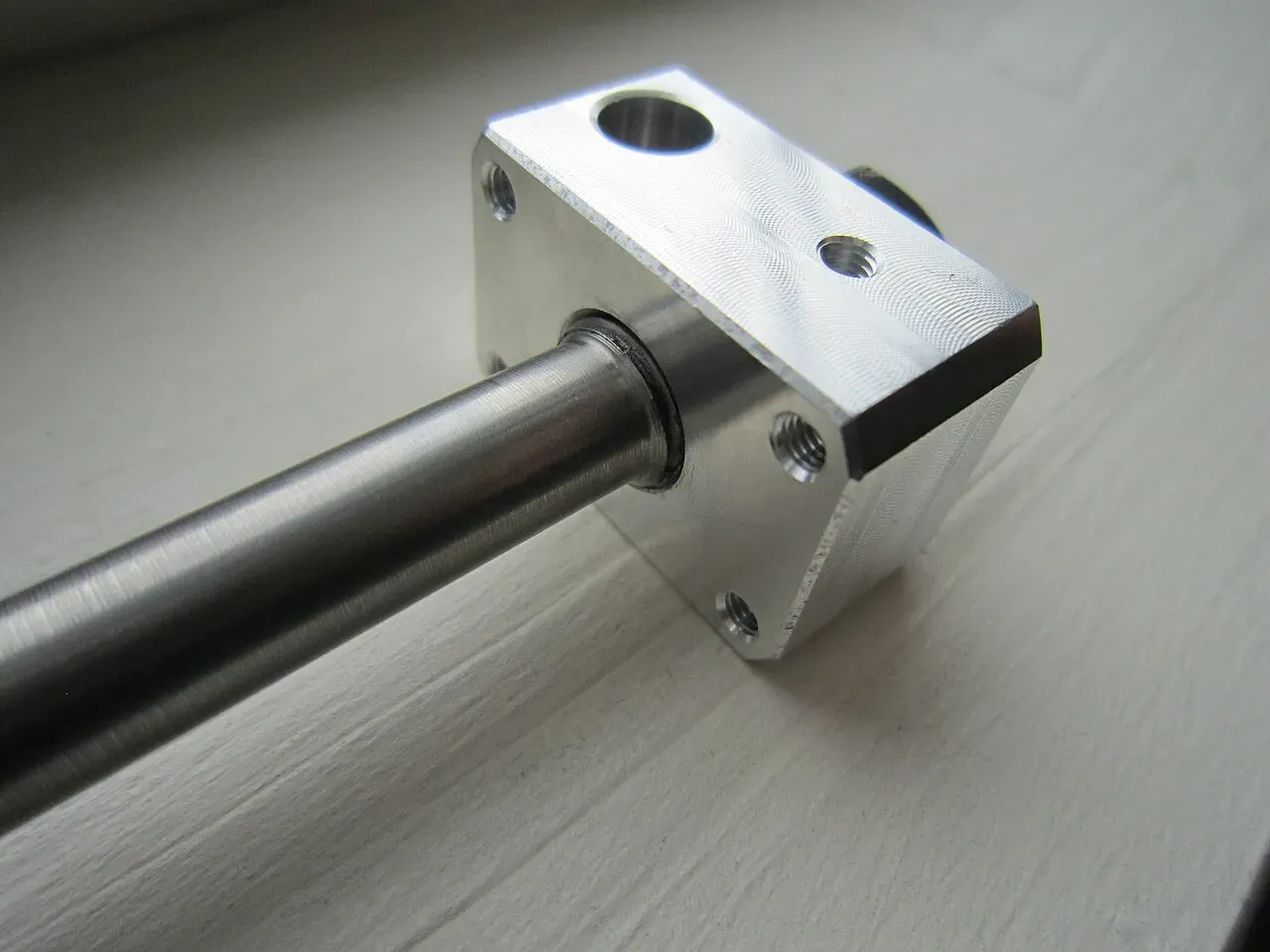
 The nozzle threads into the heater block.Photo: syvwlch ·CC BY 2.0 ·Wikimedia Commons
 The mount that holds the hotend to the carriage.Photo: syvwlch ·CC BY 2.0 ·Wikimedia Commons
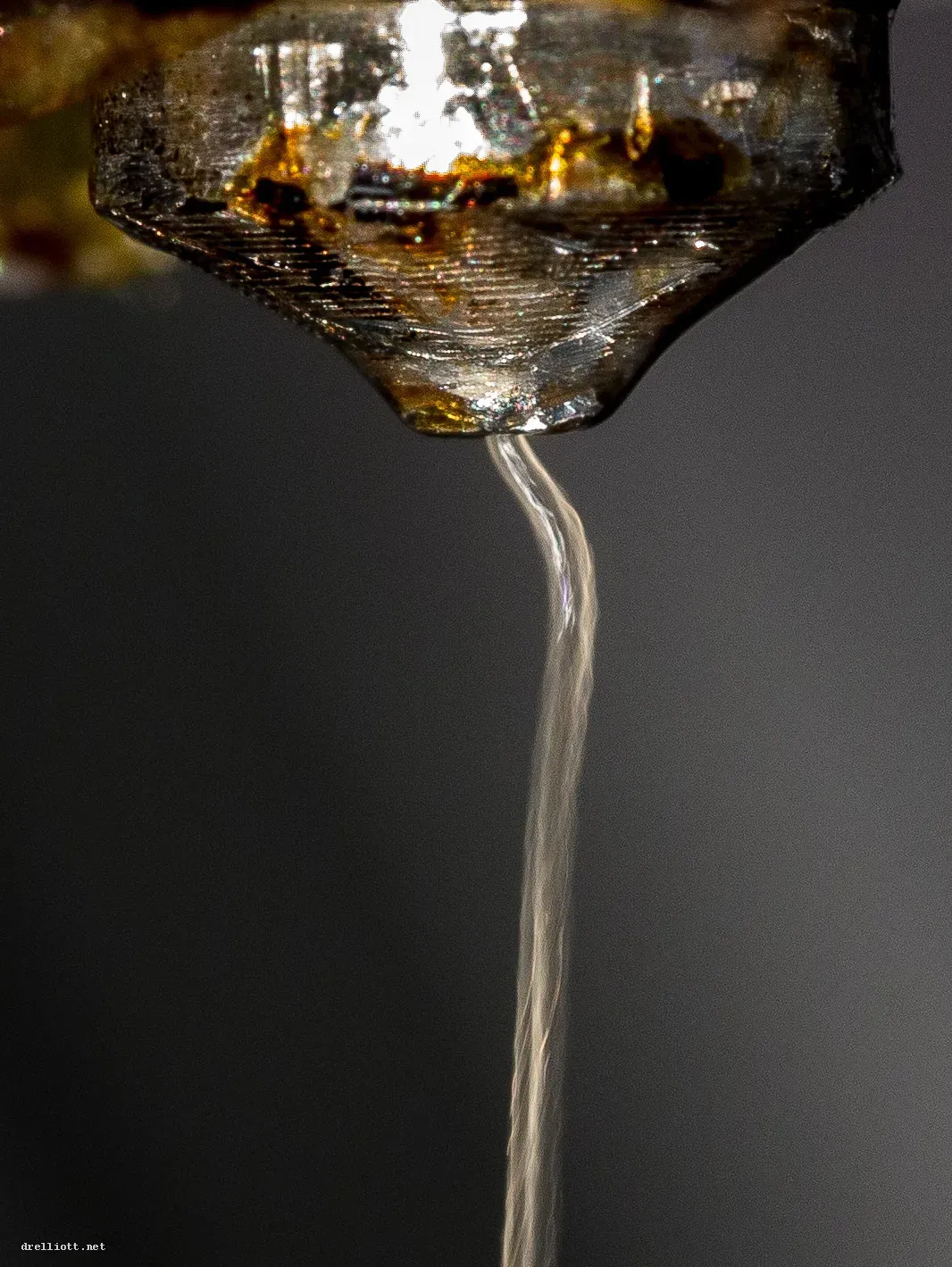 Molten plastic leaving the nozzle.Photo: David Elliott from UK ·CC BY 2.0 ·Wikimedia Commons
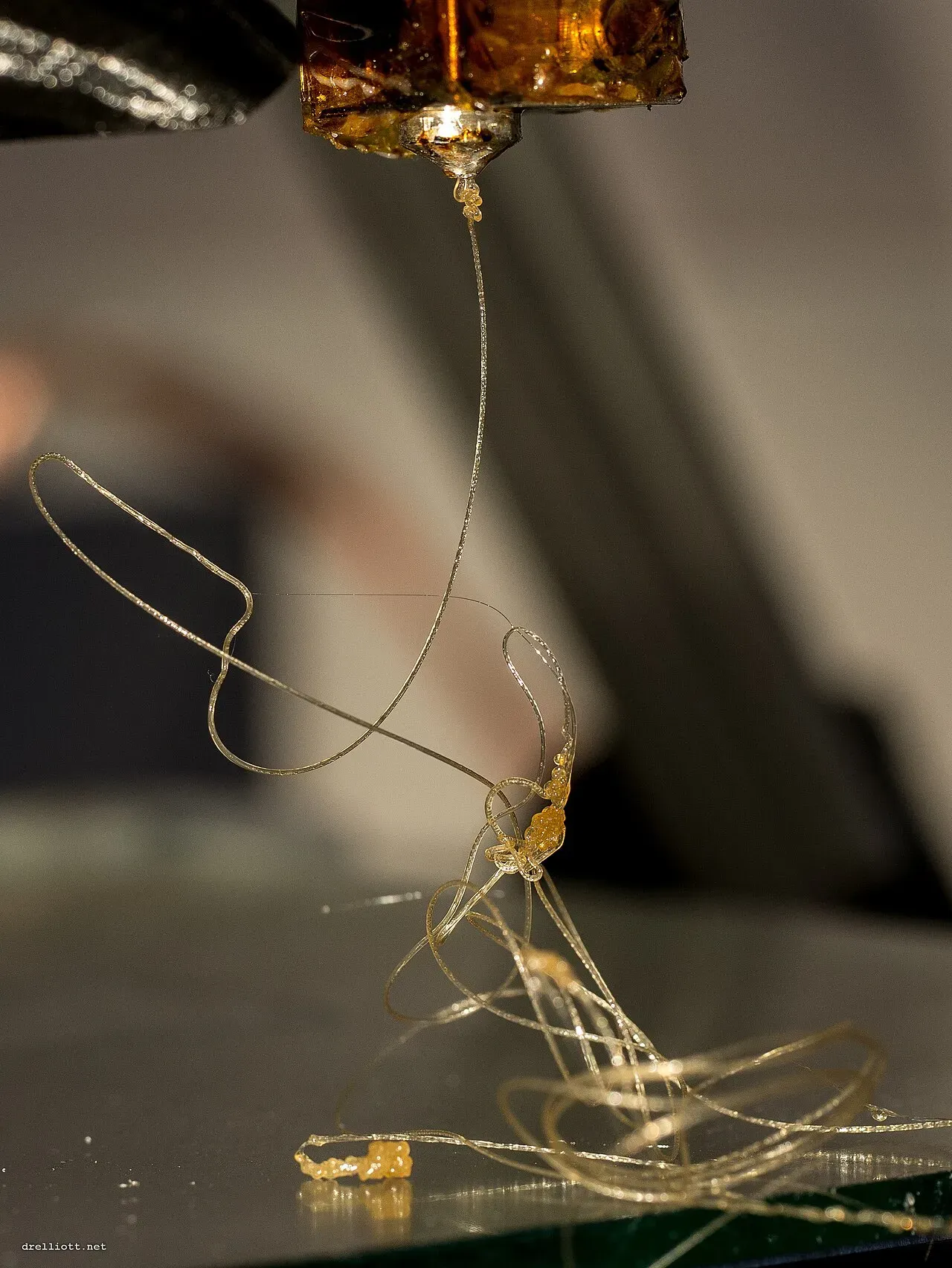 A thin strand pulled from the nozzle: where strings begin.Photo: David Elliott from UK ·CC BY 2.0 ·Wikimedia Commons
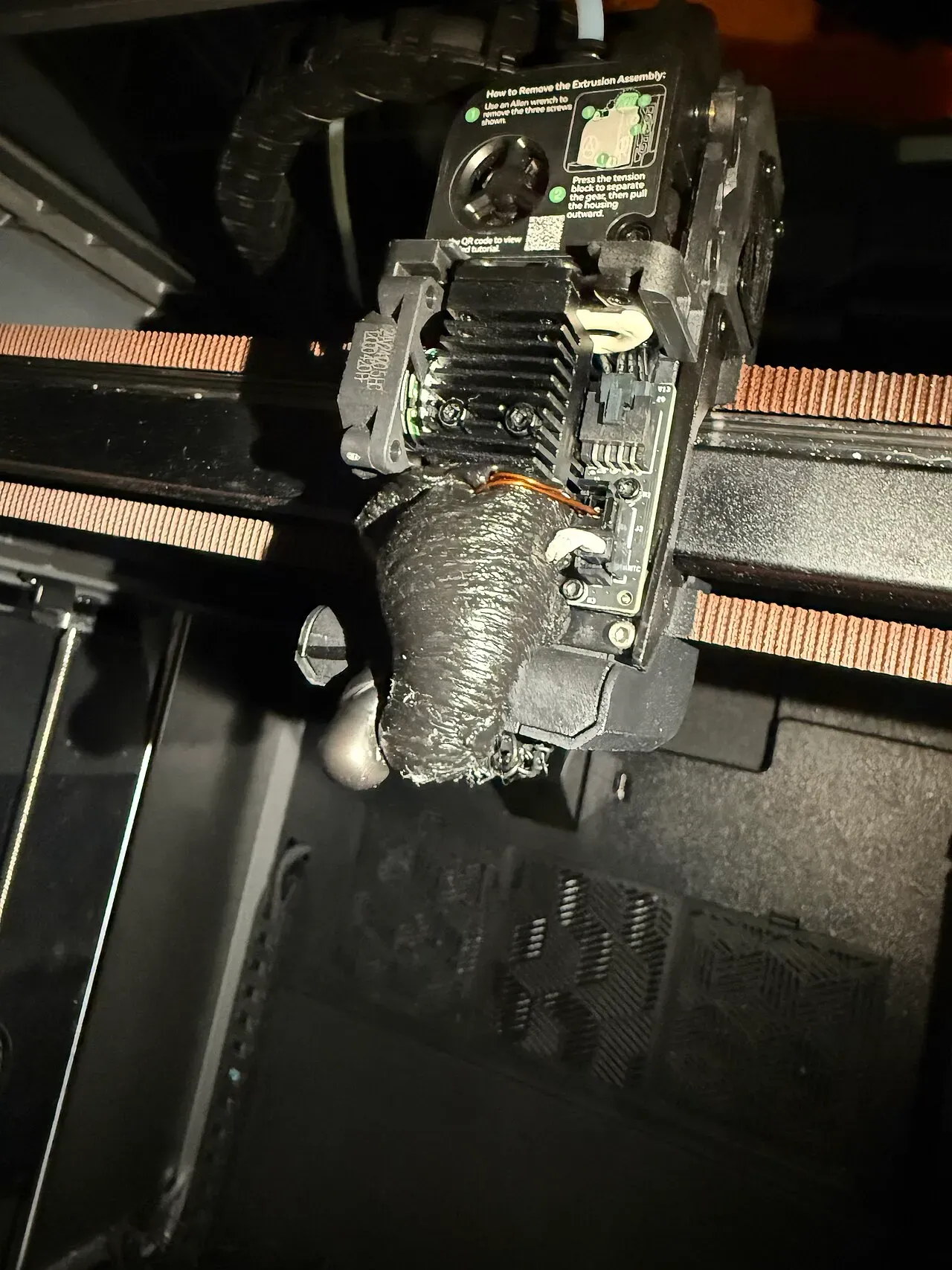 The "blob of death": plastic that leaked and wrapped the hotend.Photo: LunaEatsTuna ·CC BY-SA 4.0 ·Wikimedia Commons
- A brass 0.4 mm nozzle laying a thin strand.
- The heater block holds the heater cartridge and the thermistor.
Step 5: Rule out heat creep
Heat creep is when heat travels up past the heat break and softens the filament too early. Soft filament swells and sticks to the walls of the heat break, so the extruder has to push harder and harder until it clicks and stops. A classic sign: prints start well, then fail after 10–30 minutes.
- Check the hotend fan (the one on the heatsink, not the part-cooling fan). It must spin whenever the hotend is hot. A dusty, slow or dead fan is the most common cause.
- Reduce retraction. Long retractions pull molten plastic up into the cold zone, where it hardens.
- Keep the room and enclosure cool when printing PLA. A hot enclosure makes heat creep much more likely.22That’s why PLA prints in an enclosed printer often go better with the door open or the lid off: PLA softens at around 60 °C, far below its printing temperature.
- Solid filament above the heat break, molten filament in the heater block.
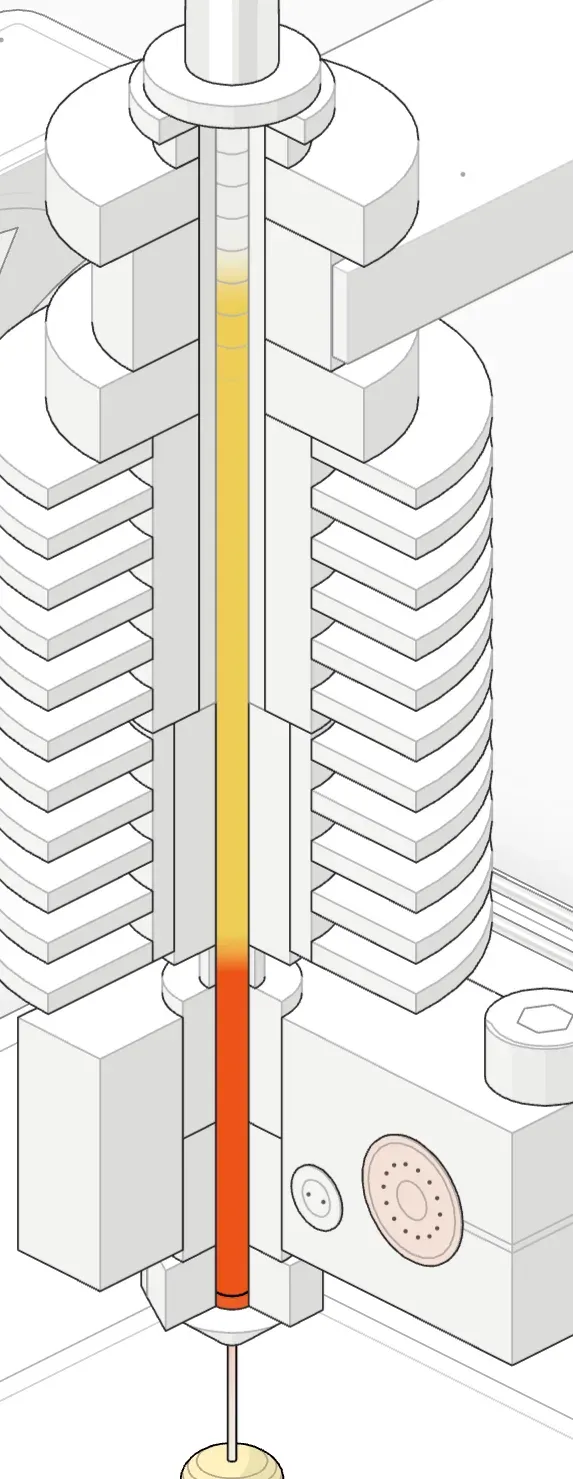 Fan off: heat creeps up the heatsink and the filament softens too high.
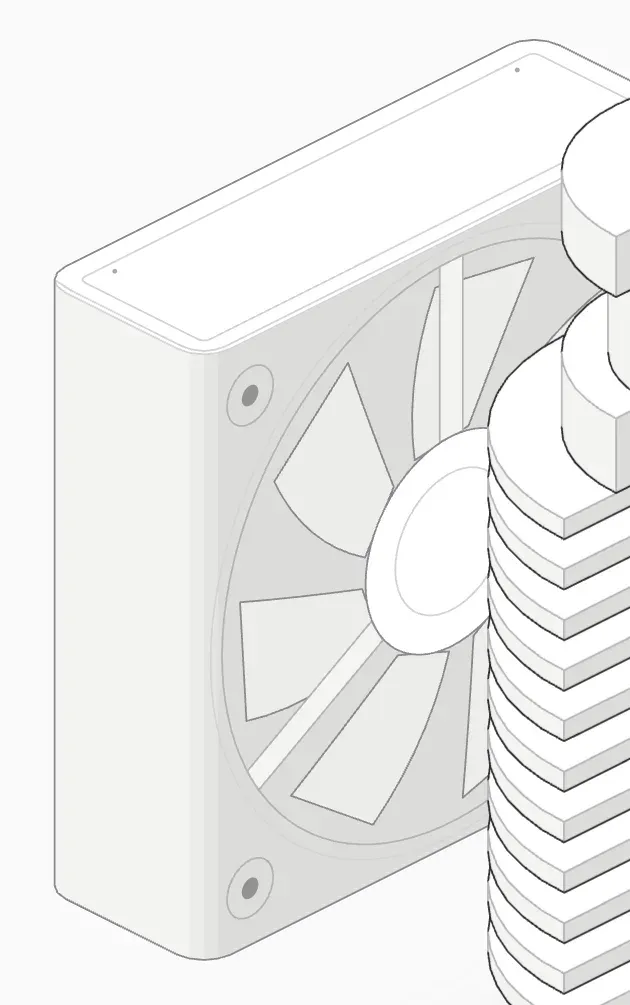 The hotend fan cools the heatsink. It must run whenever the hotend is hot.
- The finned heatsink keeps the top of the hotend cold.
 Too much retraction pulls melt up into the heat break.
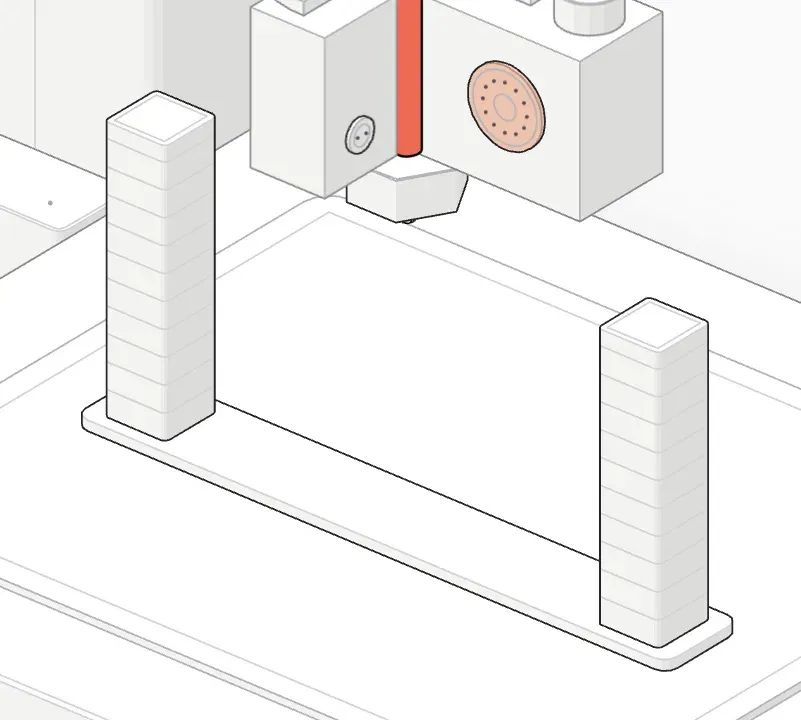 Retraction 2.4 mm at 205 °C: no strings, but melt is pulled into the heat break.
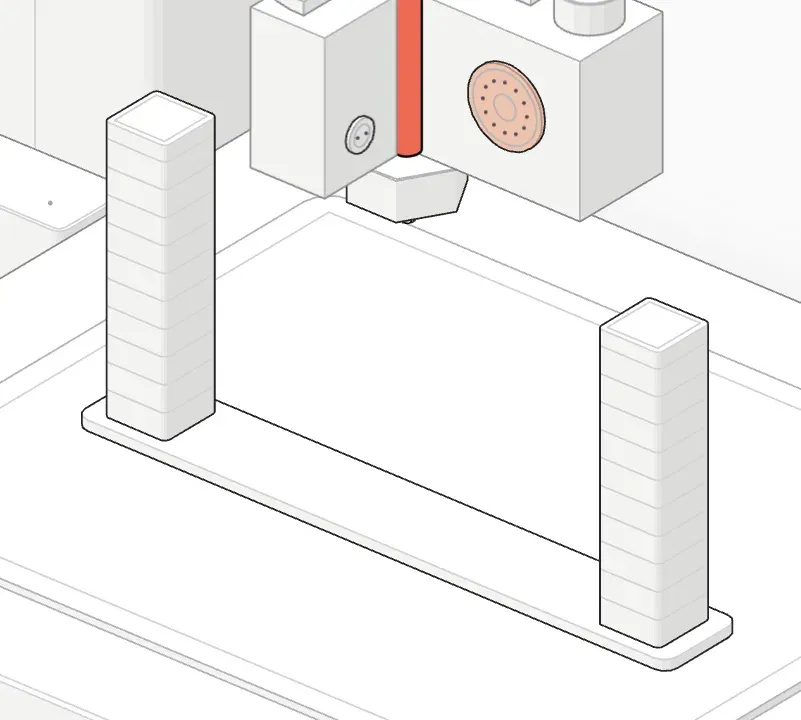 Retraction 2.8 mm at 205 °C: no strings, but melt is pulled into the heat break.
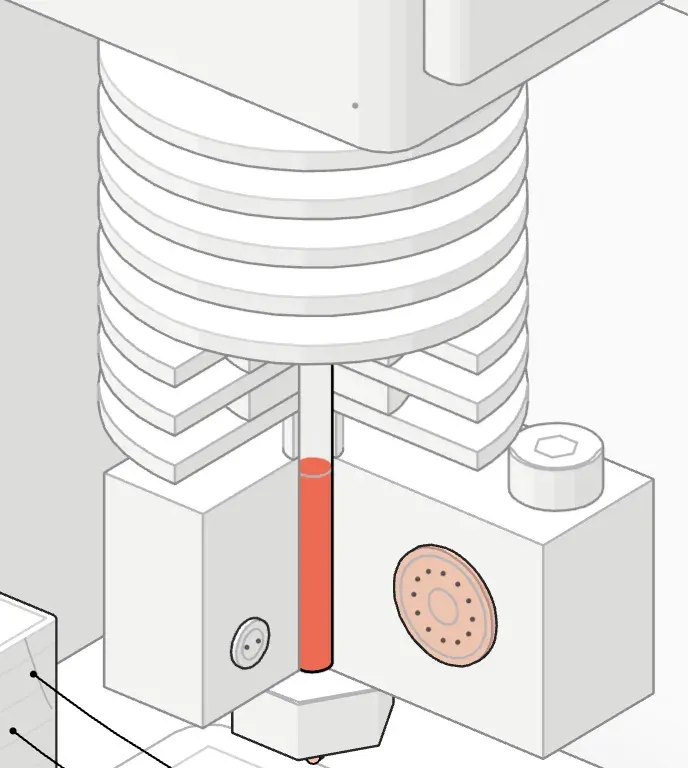 Inside the hotend: solid filament above, melt below.
Step 6: Check extruder tension and the drive gear
Most extruders press the filament against the drive gear with a spring and a tension screw or arm.
- Too loose: the gear slips on the filament, especially on retractions.
- Too tight: the gear bites a deep groove and flattens soft filaments like TPU, and the filament can jam in the path.
Set it so the filament is gripped firmly but not crushed: you shouldn’t see deep, crushed teeth marks. Then clean the drive gear with a small brush or pick. Ground-up plastic packed in the teeth stops them gripping. Worn gears (rounded teeth) should be replaced.
- An extruder motor with its tension knob.Photo: syvwlch ·CC BY 2.0 ·Wikimedia Commons
- An assembled extruder before it goes on the printer.Photo: John Abella ·CC BY 2.0 ·Wikimedia Commons
- A geared extruder on a Prusa i3.Photo: John Abella from Outside Philadelphia, USA ·CC BY 2.0 ·Wikimedia Commons
- An early Ultimaker extruder: a big gear pushing filament.Photo: jabella ·CC BY 2.0 ·Wikimedia Commons
- A modern toolhead: extruder, hotend and fans in one housing.Photo: disinterpreter ·CC BY-SA 2.0 ·Wikimedia Commons
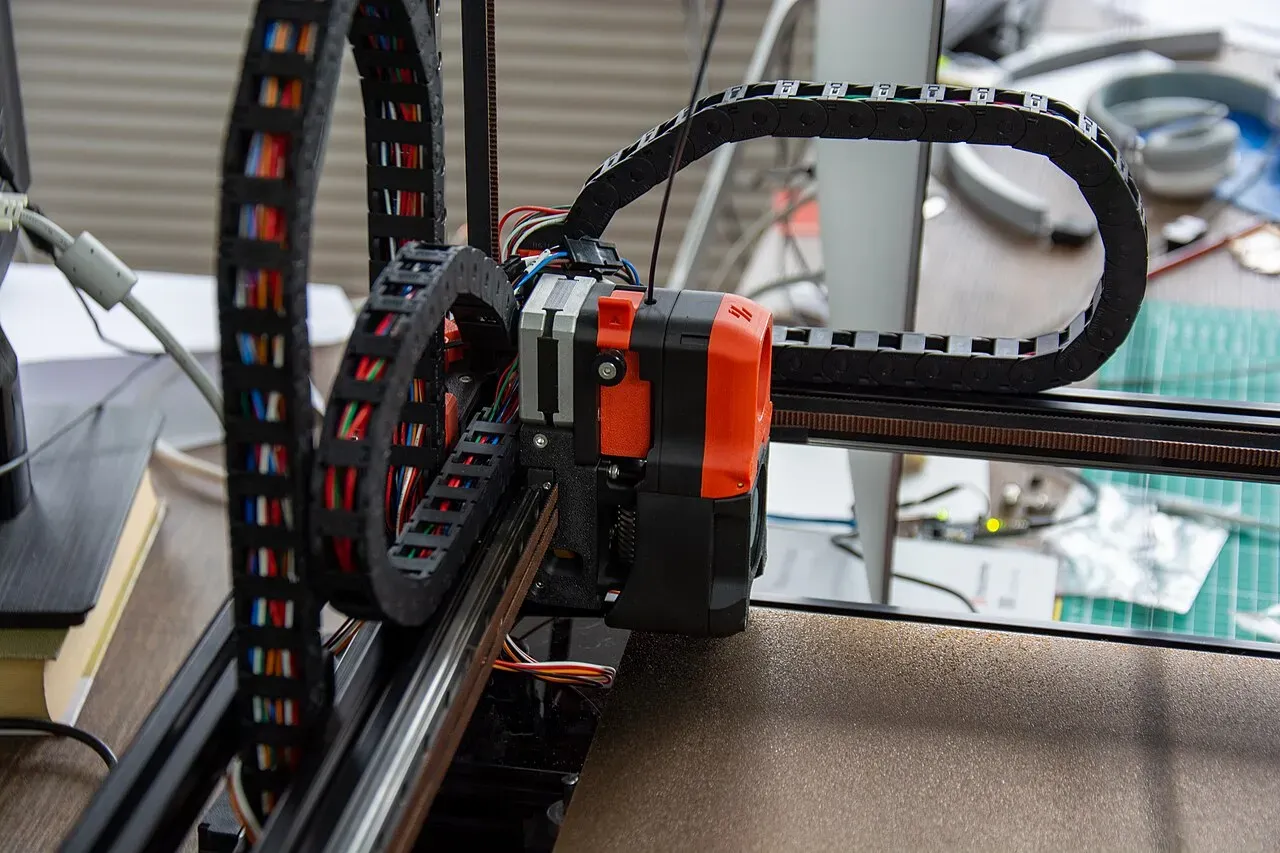 The toolhead rides the gantry; cable chains carry its wires.Photo: disinterpreter ·CC BY-SA 2.0 ·Wikimedia Commons
- The extruder knob turns back by the retraction distance.
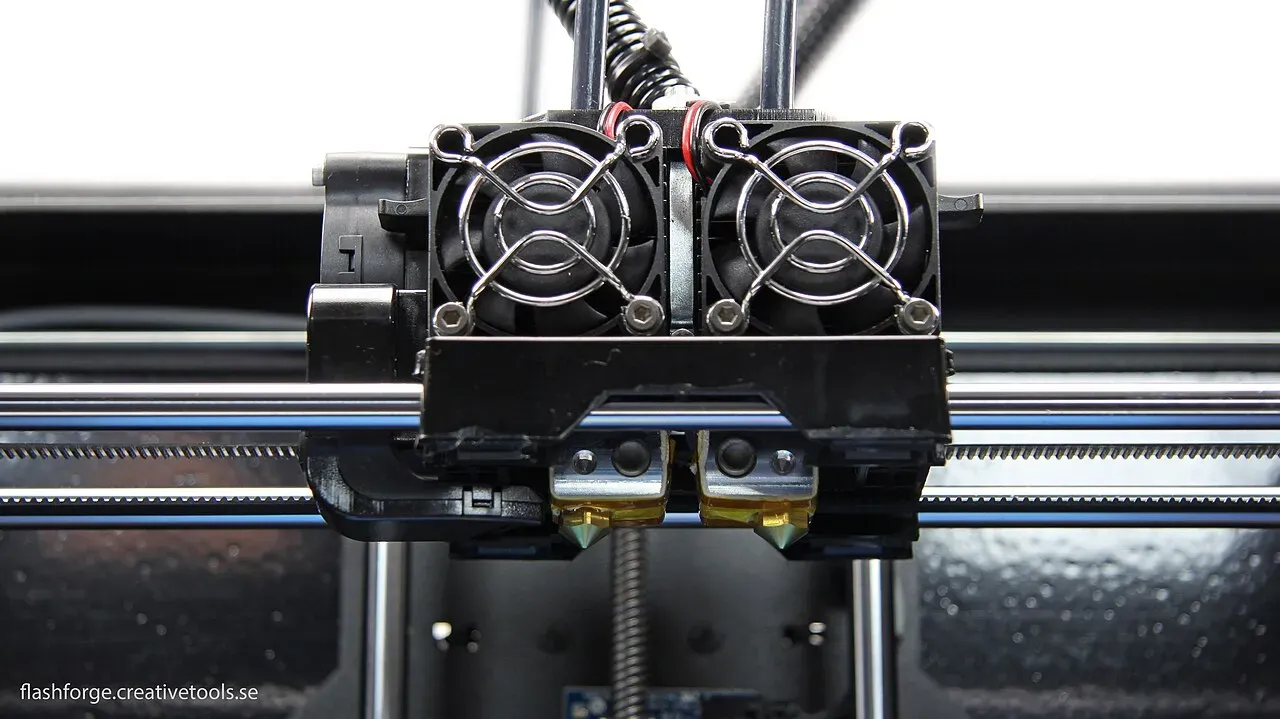 A dual-nozzle head: two hotends side by side.Photo: Creative Tools from Halmstad, Sweden ·CC BY 2.0 ·Wikimedia Commons
Step 7: Check the spool and filament path
If the spool can’t turn, the extruder ends up pulling the whole spool, which is far more force than it’s designed for.
- Make sure the spool turns freely on its holder.
- Look for a crossed or tangled loop: a strand trapped under another one locks the spool solid.
- Check any PTFE tube or filament guide for kinks and sharp bends.
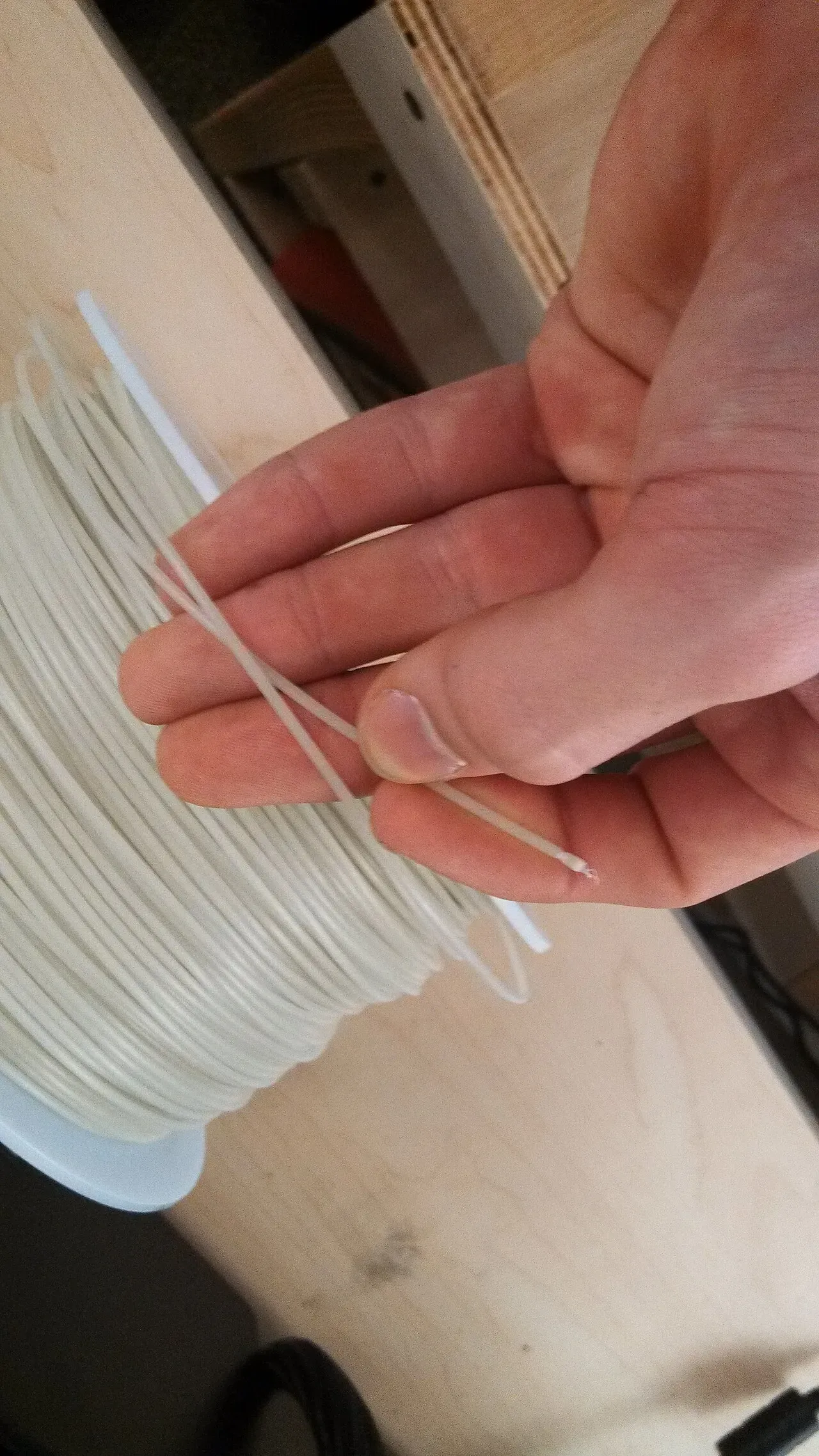 Crossed filament: a loop that can tangle and stop the extruder.Photo: SuperBlobMonster ·CC BY-SA 3.0 ·Wikimedia Commons
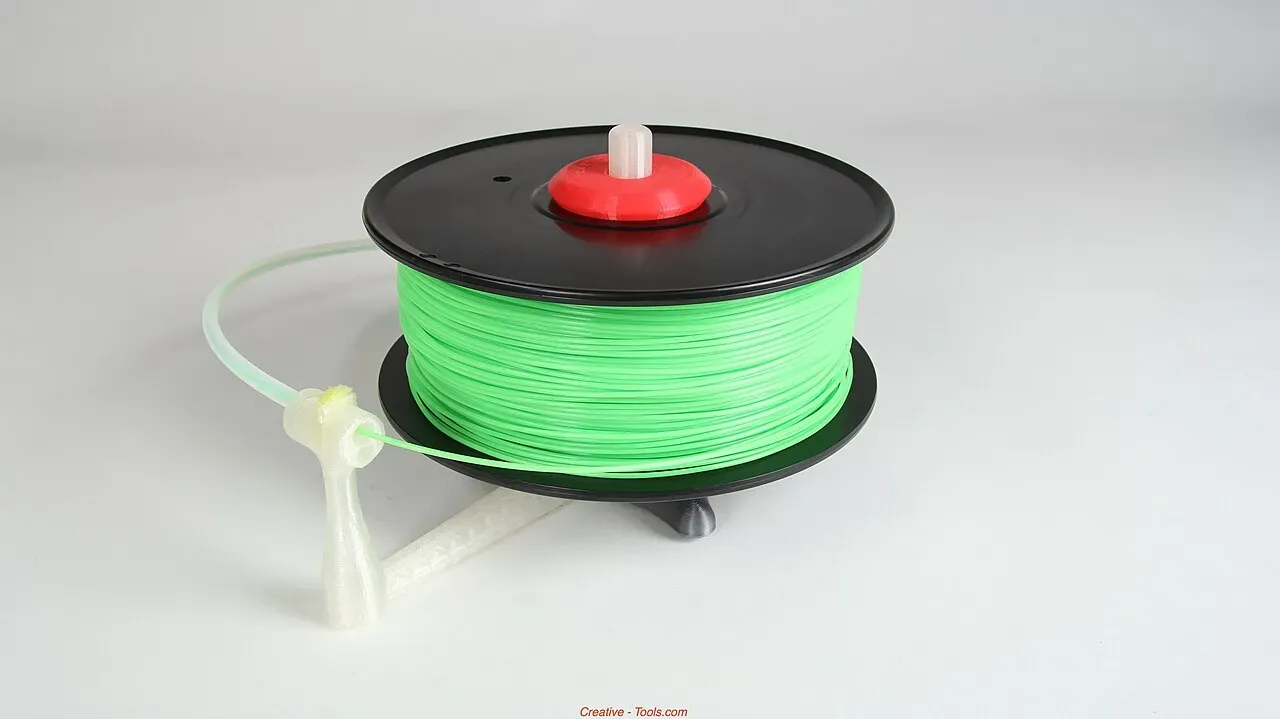 A simple spool holder lets the spool turn freely.Photo: Creative Tools ·CC BY 2.0 ·Wikimedia Commons
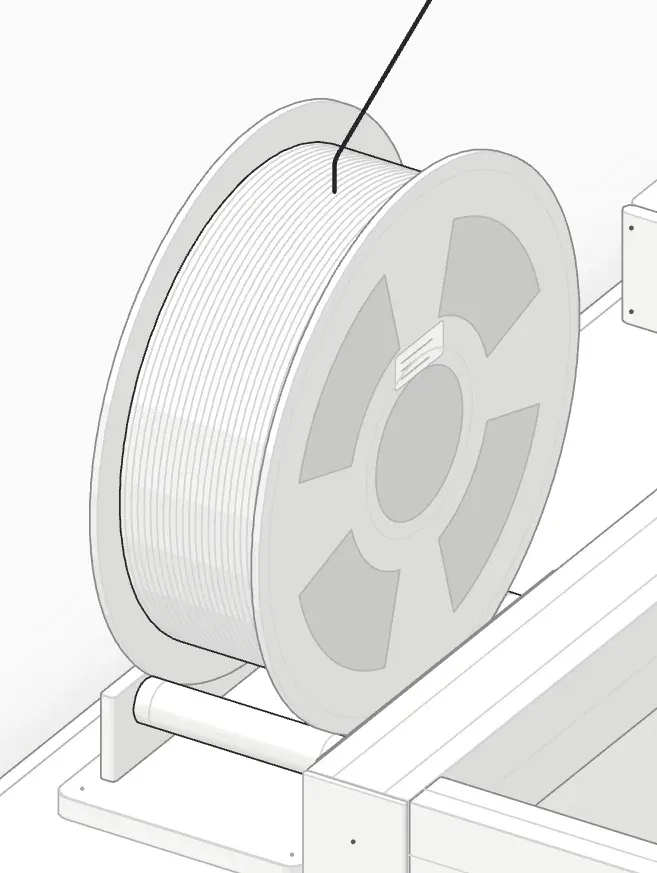 A 1 kg spool of 1.75 mm filament on a roller stand.
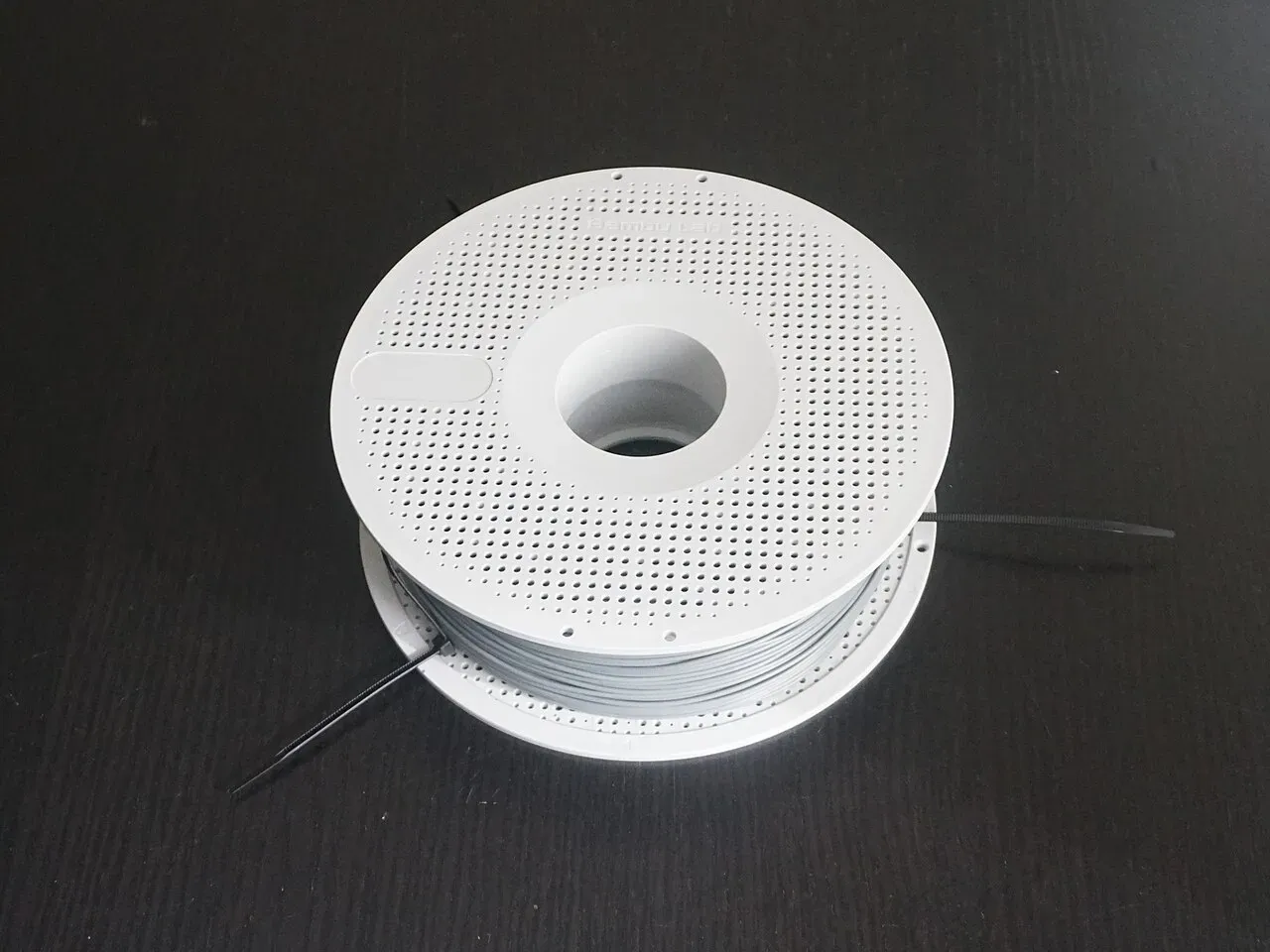 …and close it. Cut the ties last.Photo: Suit ·CC BY-SA 4.0 ·Wikimedia Commons
Settings that stop clicking, by material
| Material | Watch out for | Starting temperature | Tips |
|---|---|---|---|
| PLA | Heat creep in warm rooms or enclosures | 205 °C | Keep the hotend fan clean; open the enclosure |
| PETG | Printing too cold | 235 °C | Slightly slower than PLA |
| TPU | Too much tension, retraction, speed | 220 °C | Very slow, little or no retraction, gentle tension |
| ABS / ASA | Too cold for the speed | 245 °C | Print enclosed, not too fast |
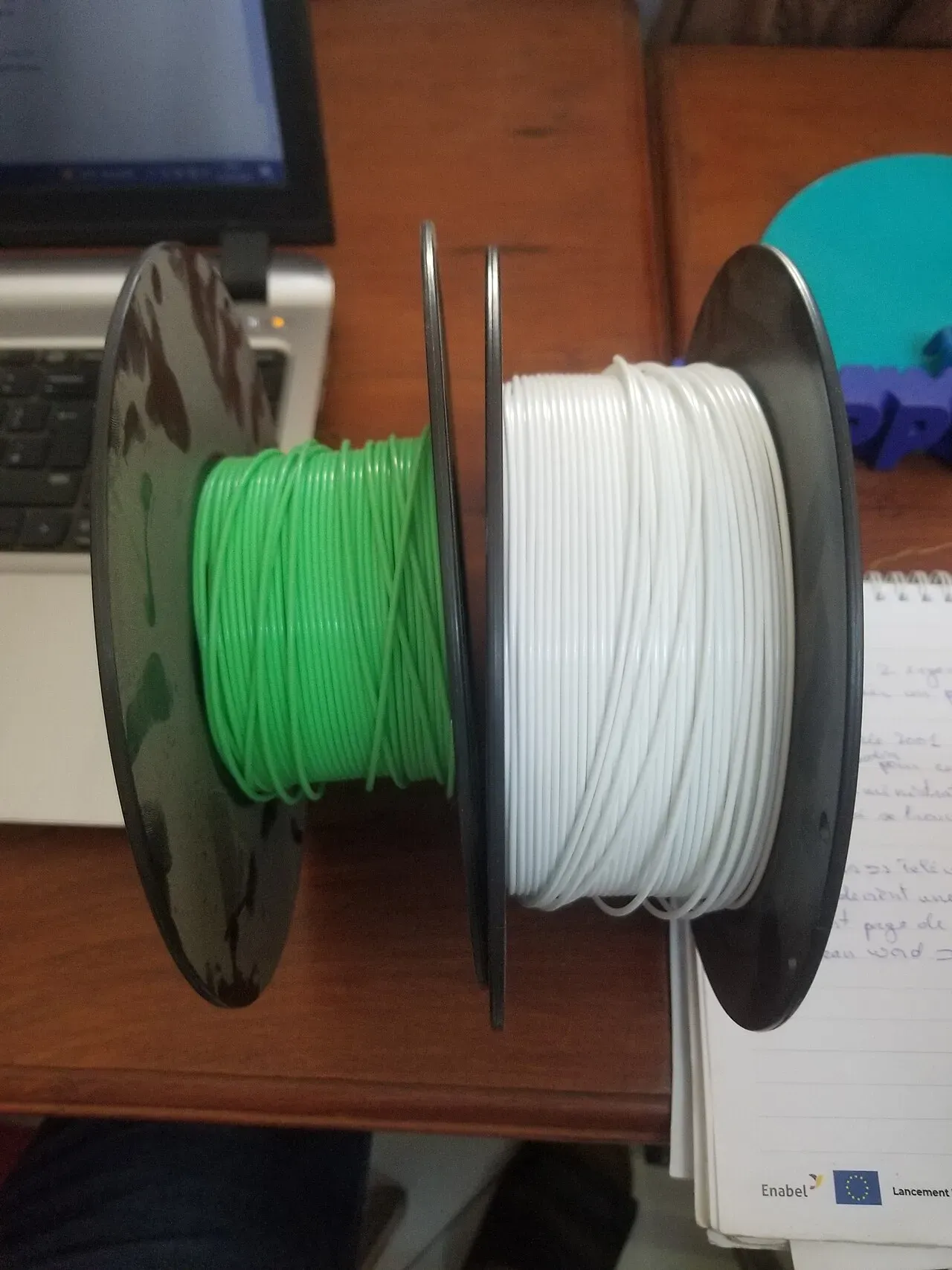 PLA: the beginner's filament.Photo: Richardspa ·CC0 ·Wikimedia Commons
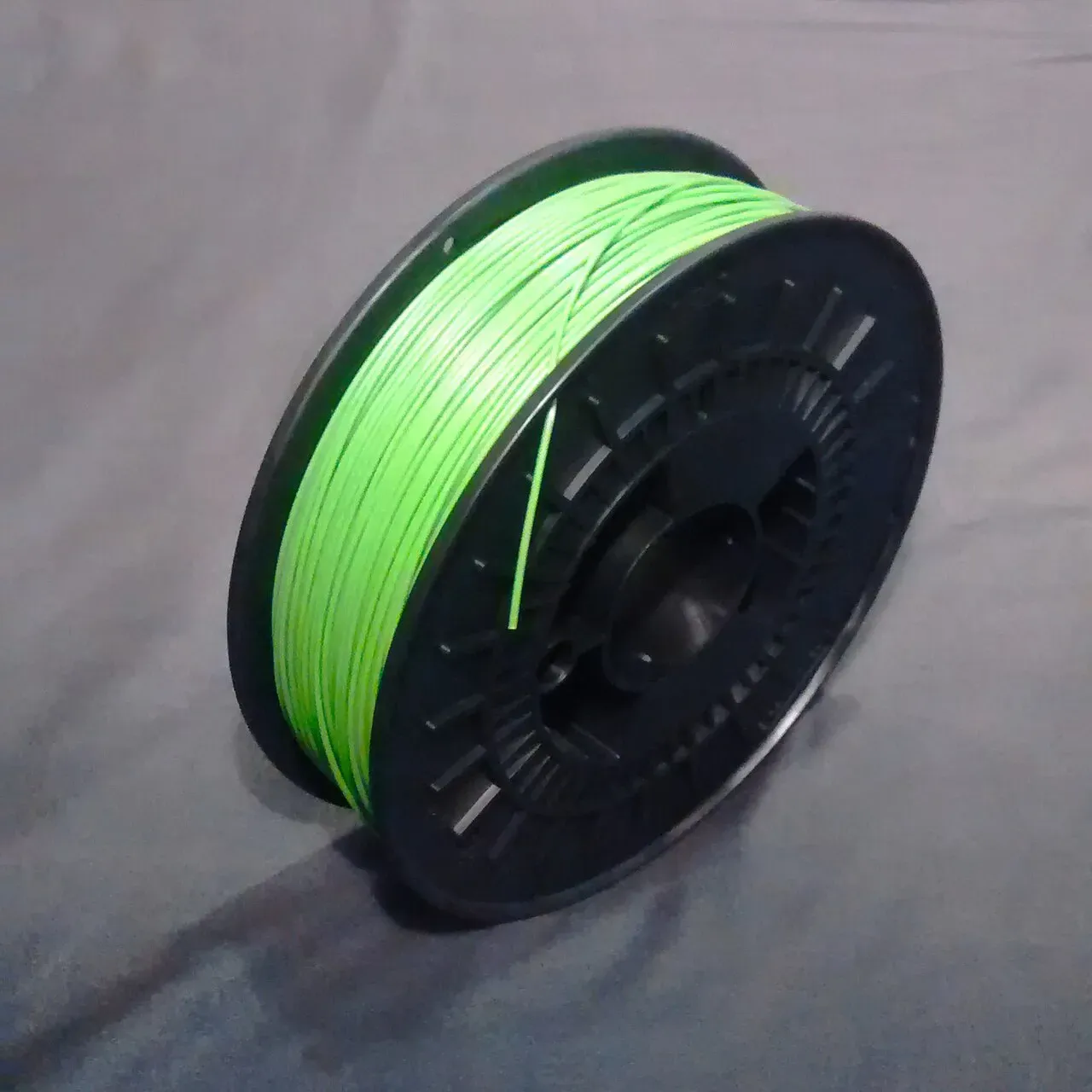 A spool of ABS.Photo: Tatár Lehel ·CC BY-SA 3.0 ·Wikimedia Commons
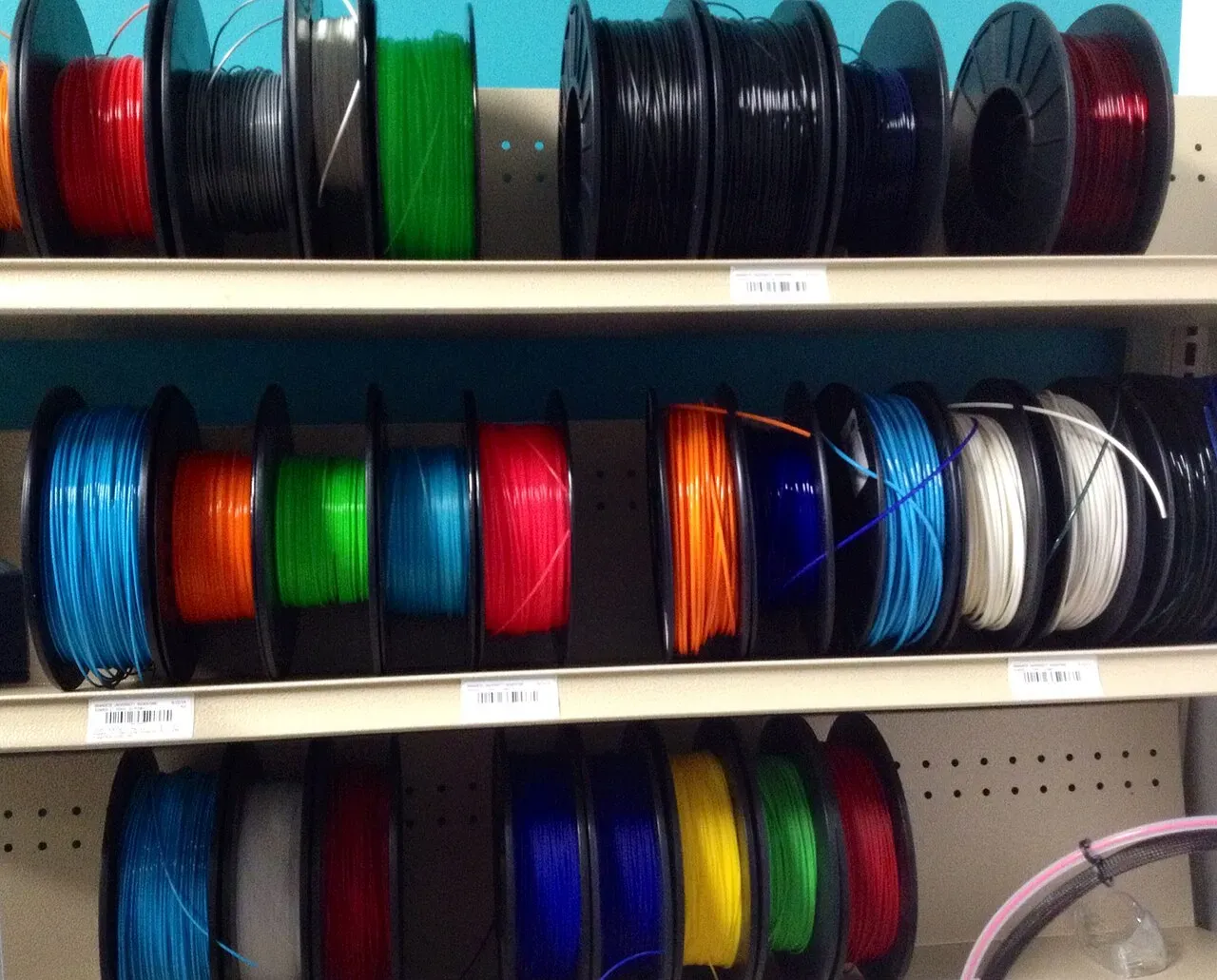 Filament comes in almost every colour.Photo: westonhighschool library ·CC BY-SA 2.0 ·Wikimedia Commons
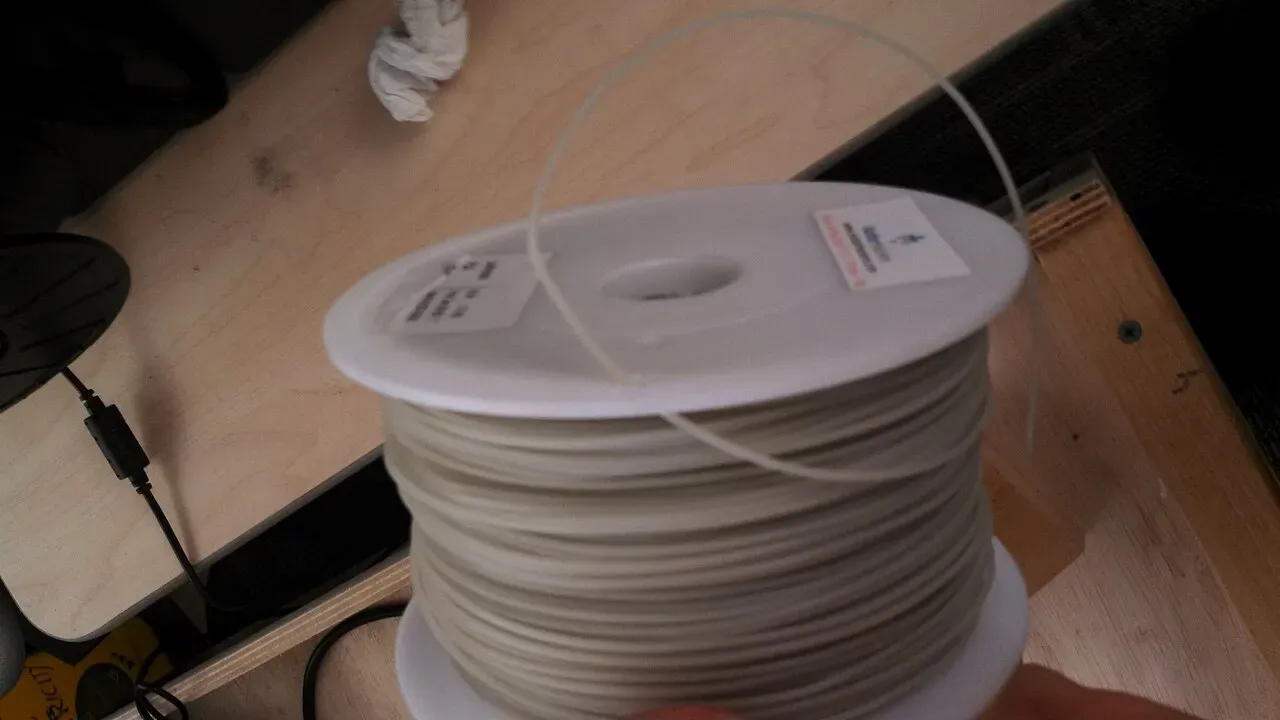 An open spool of PLA left out in the air.Photo: SuperBlobMonster ·CC BY-SA 3.0 ·Wikimedia Commons
When clicking won’t go away
If it still clicks after every step above:
- Test with no hotend load. Heat up, then extrude 50 mm slowly. If it still clicks with no print in progress, the problem is in the extruder or hotend itself, not your slicer settings.
- Check the wiring. A loose extruder motor cable makes the motor jerk and click.
- Check the motor current. If the extruder driver is set too low, the motor can’t push hard enough. This is a firmware setting; check your printer’s documentation before changing it.
- Inspect the PTFE tube inside the hotend (on Bowden and some direct drive hotends). A gap between the tube and the nozzle lets plastic leak and jam.
- Replace the nozzle and heat break if you’ve had repeated jams. A damaged heat break keeps causing heat creep.
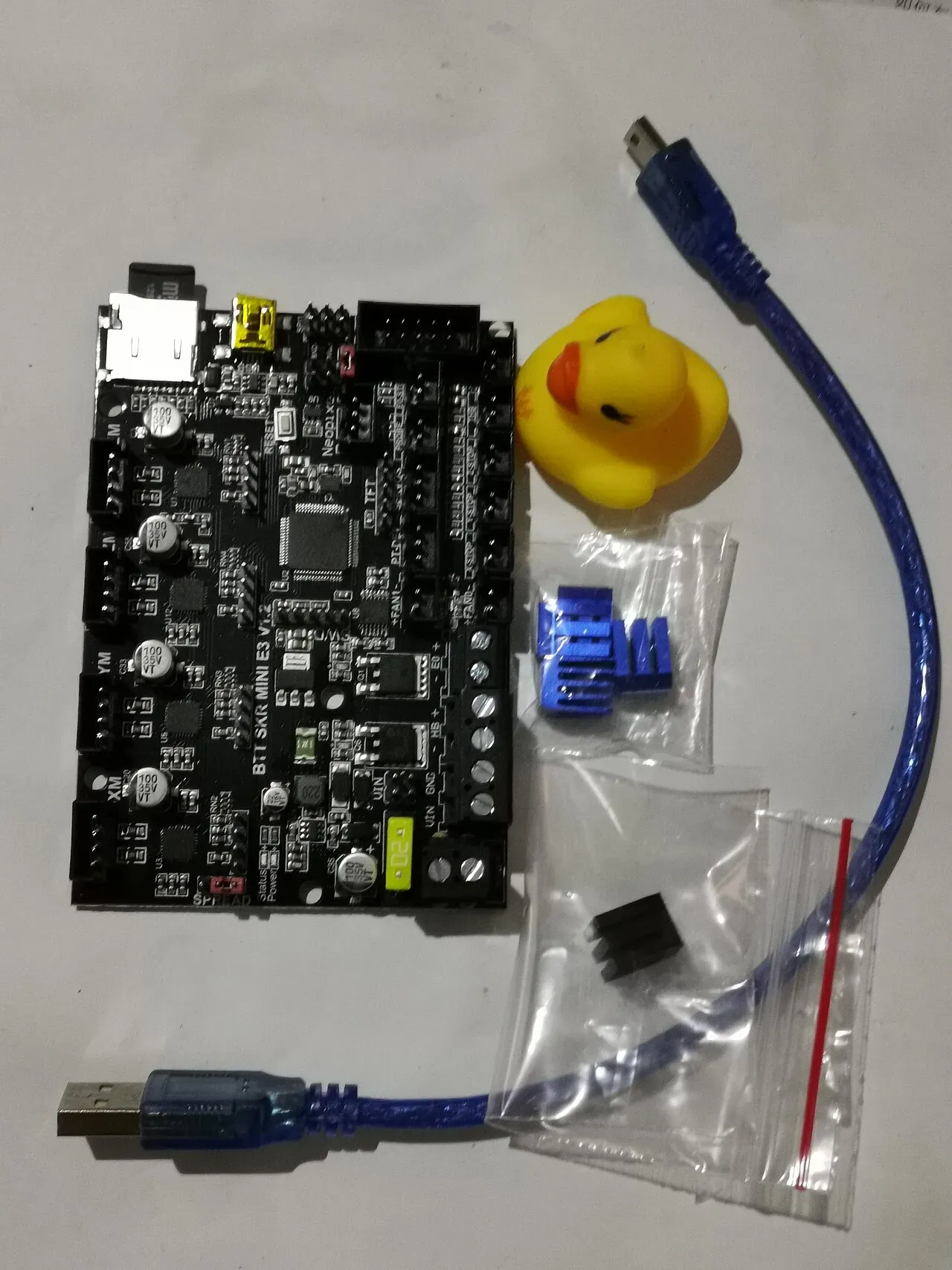 The mainboard: the printer's brain.Photo: kenming Wang ·CC BY-SA 2.0 ·Wikimedia Commons
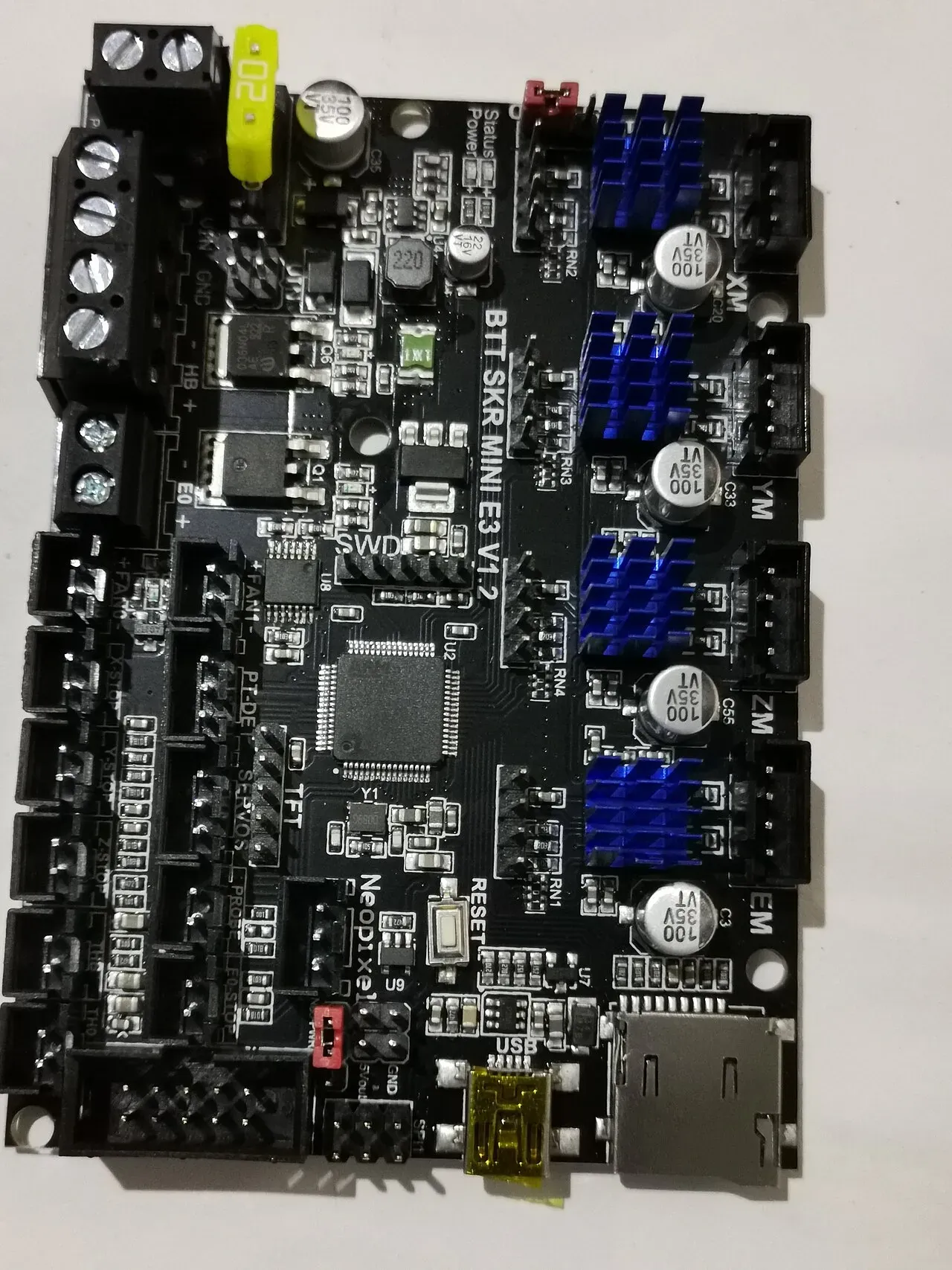 Stepper drivers on the mainboard, one per motor.Photo: kenming Wang ·CC BY-SA 2.0 ·Wikimedia Commons
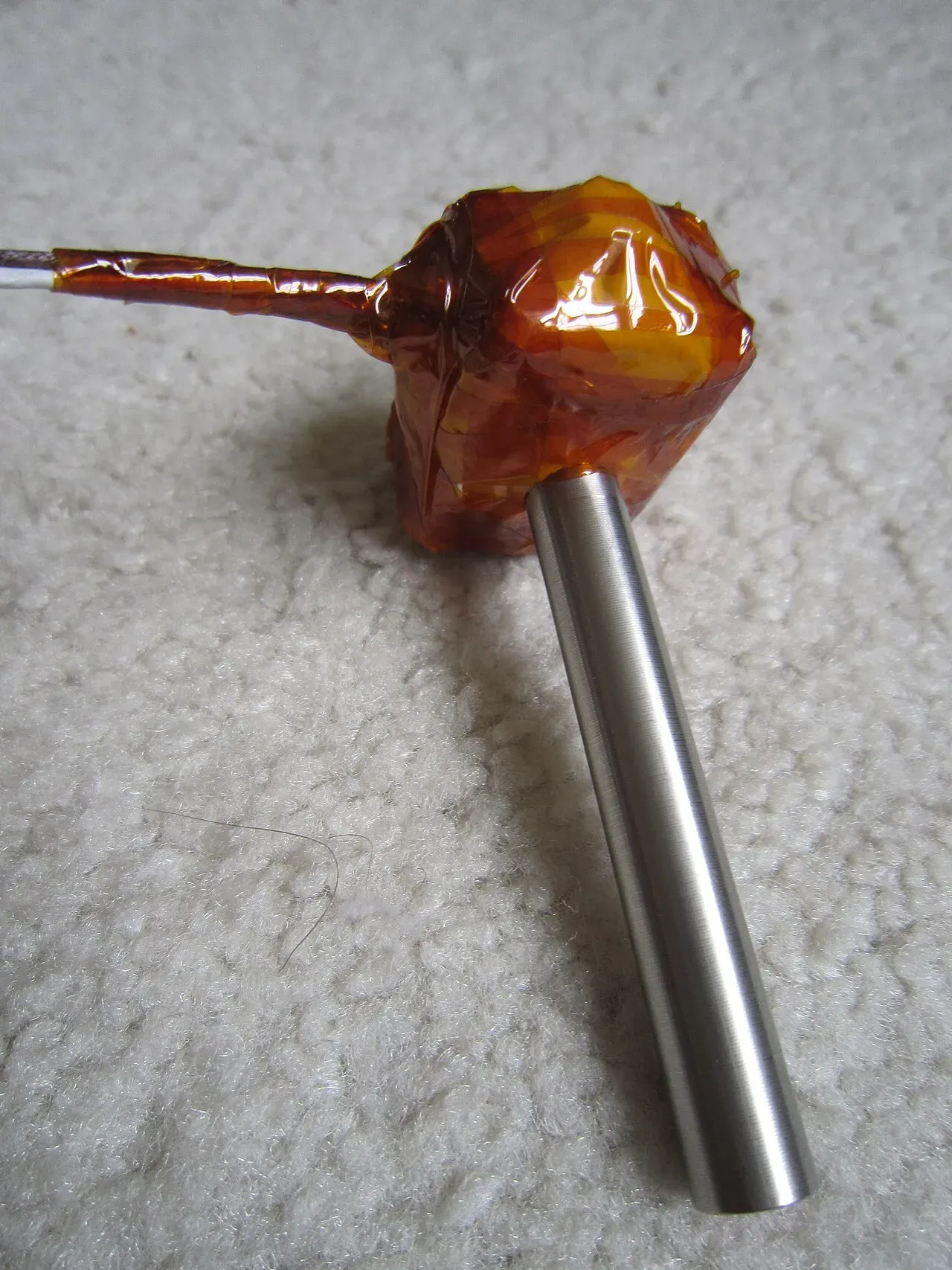
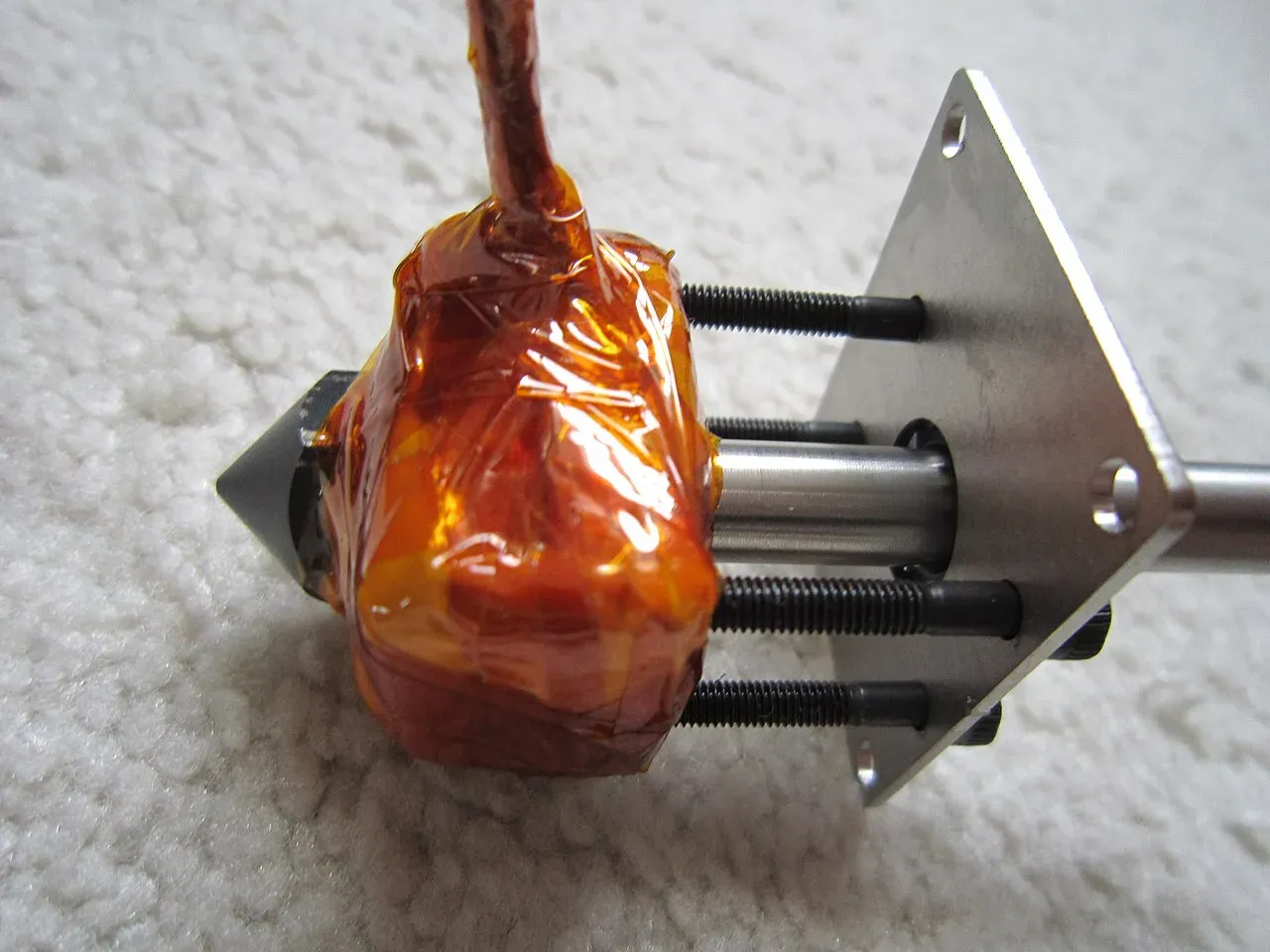 A hotend being built: the heater wrapped in Kapton tape.Photo: syvwlch ·CC BY 2.0 ·Wikimedia Commons
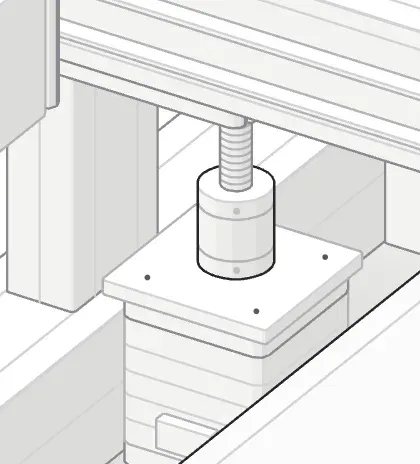 A Z motor turns the lead screw through a coupler.
Your action plan
- If it clicks on the first layer, raise the nozzle.
- Make sure the temperature is inside the spool’s range; try 5–10 °C hotter.
- Slow down or limit maximum volumetric speed.
- Do a cold pull, or replace the nozzle.
- Check the hotend fan and reduce long retractions.
- Set extruder tension and clean the gear.
- Free the spool and check the filament path.
FAQ
Is a clicking extruder bad for the printer?
Occasional clicks won’t damage anything, but they mean the print is missing plastic. Constant clicking can grind the filament, wear the drive gear and heat the motor, so fix the cause rather than ignoring it.
Why does my extruder only click on the first layer?
Because the nozzle is too close to the bed, so the plastic has nowhere to go. Raise the Z offset in small steps until the first-layer lines are flat and touching.
Why does it click on infill but not on walls?
Infill usually prints faster than walls, so it asks the hotend for more plastic per second than it can melt. Slow the infill down or set a maximum volumetric speed in your slicer.
Can wet filament make the extruder click?
It can contribute, because steam in the hotend makes extrusion uneven, but it’s rarely the main cause. Wet filament mainly causes popping sounds, stringing and rough surfaces; dry it if you hear crackling.
Why does my extruder click with TPU?
Flexible filament compresses and buckles when pushed hard, so it jams in gaps and needs very little tension. Print TPU slowly, reduce retraction to almost nothing and loosen the extruder tension.
Does a clicking extruder mean the motor is broken?
Rarely. The motor is usually fine and is clicking because something is resisting it. Only suspect the motor, cable or driver when it still clicks with the hotend hot and nothing printing.
What’s the difference between clicking and grinding?
Clicking is the motor skipping steps; grinding is the gear slipping on the filament. Both come from too much back-pressure, and grinding usually means it has been going on long enough to chew the filament.
Related guides
Read parts of a 3D printer explained to understand the extruder and hotend, and what Z offset is for first-layer clicking. If you’re also seeing strings, see how to fix stringing. New to printing? Start with the complete beginner’s guide.
Free: the Print Problems Cheat Sheet
12 common print faults on two printable pages: what each looks like, why it happens and the fix. Plus one new guide a week.
Free: the Print Problems Cheat Sheet
12 common print faults on two printable pages: what each looks like, why it happens and the fix. Plus one new guide a week.