Nozzle School
 · Troubleshooting
How to Unclog a 3D Printer Nozzle: 6 Methods That Work
How to tell your nozzle is clogged and clear it safely: push-through, higher temperature, cold pull, cleaning needle, nozzle swap and heat creep fixes.
A clogged nozzle is a blockage inside the hotend that stops molten plastic flowing out, so the printer extrudes thin lines, nothing at all, or clicks. Most clogs clear by heating the nozzle and pushing filament through, or with a cold pull; if those fail, swap the nozzle while it’s hot.
This guide shows how to tell a real clog from the faults that look like one, then walks through six methods from the gentlest to the most involved. It works for any FDM printer, direct drive or Bowden.
Quick fix checklist
Try these in order and stop as soon as plastic flows cleanly again:
- Heat the nozzle to your filament’s printing temperature and push filament through by hand (or with the printer’s load function).
- Raise the temperature 10–20 °C and push again to soften a stubborn plug.
- Do a cold pull to drag the debris out with the filament.
- Clear the tip from below with a cleaning needle, hot, with care.
- Check for heat creep: is the hotend fan spinning? On Bowden printers, is the PTFE tube seated?
- Replace the nozzle if nothing works. Nozzles are cheap; your time isn’t.
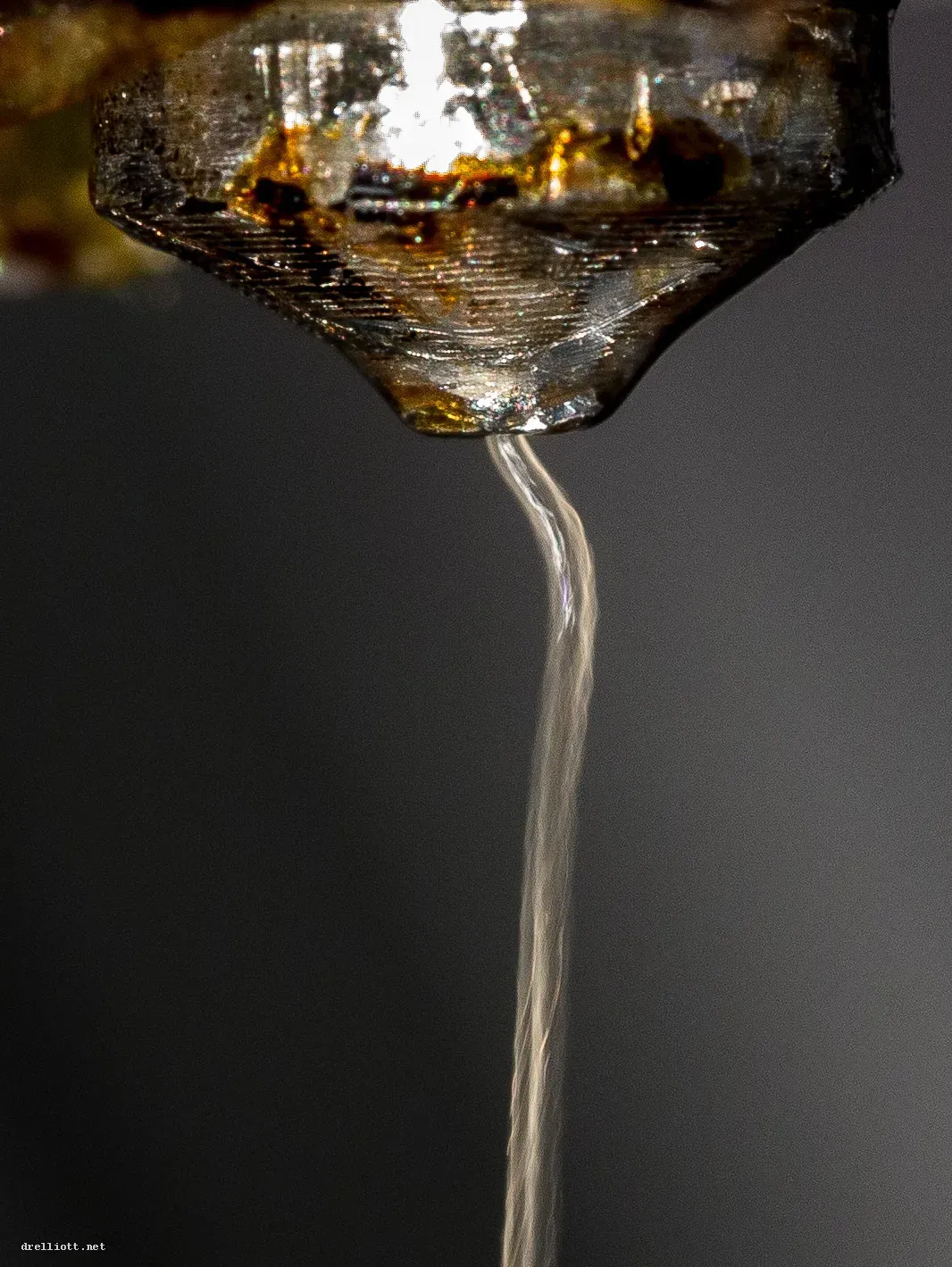 Molten plastic leaving the nozzle.Photo: David Elliott from UK ·CC BY 2.0 ·Wikimedia Commons
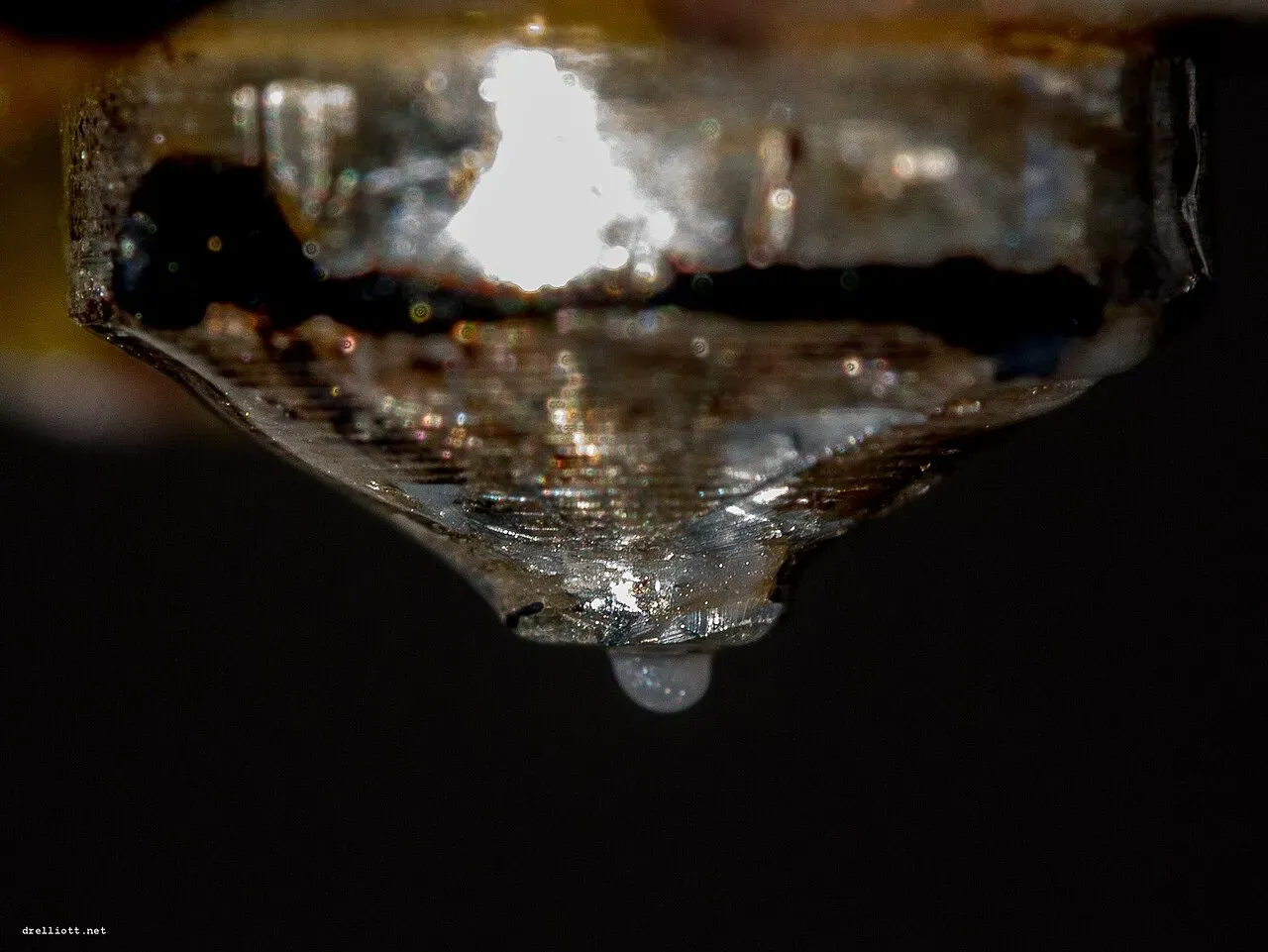 Ooze: a drop of molten plastic forming at the nozzle.Photo: David Elliott from UK ·CC BY 2.0 ·Wikimedia Commons
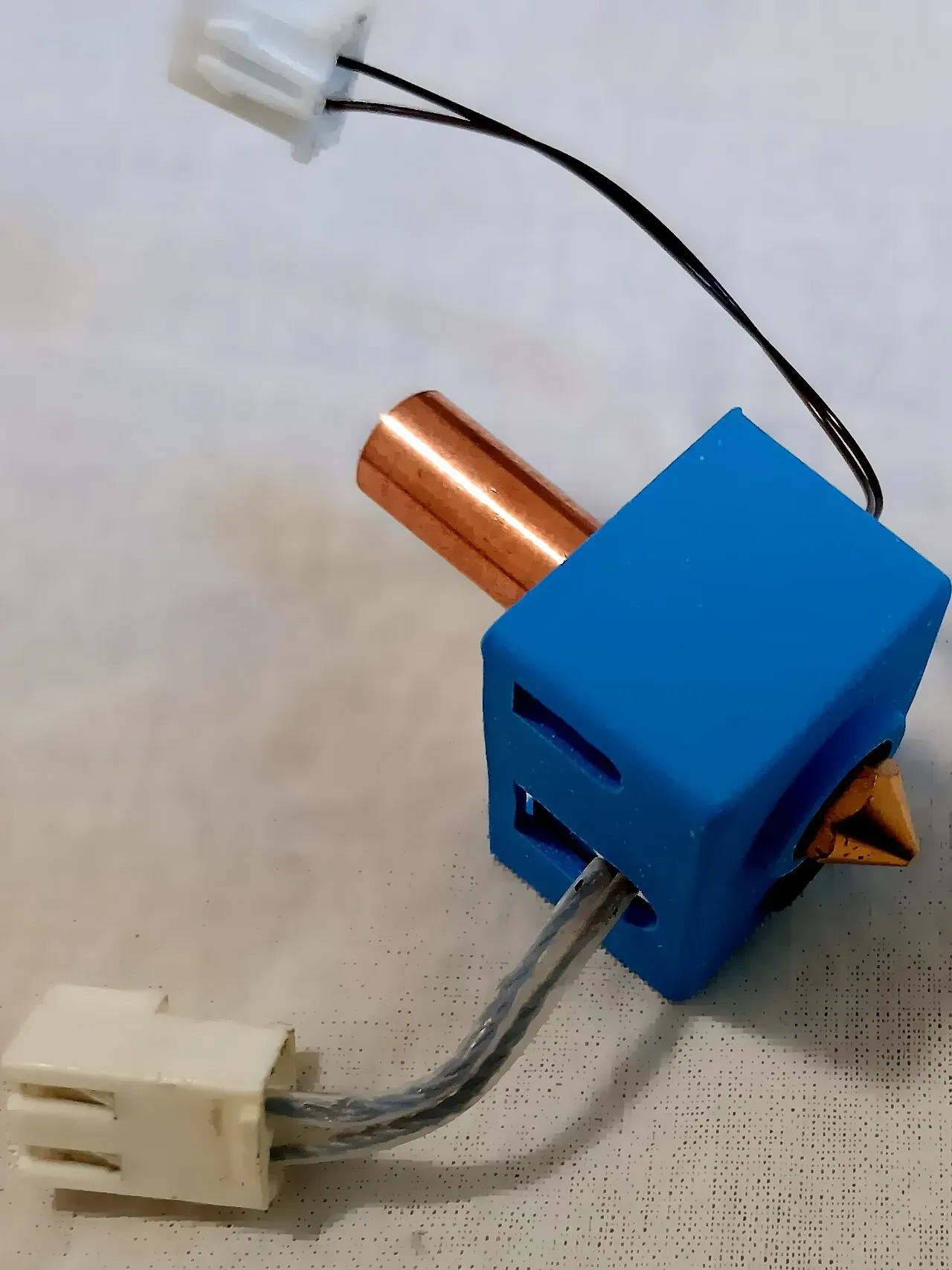 A heater block in a silicone sock, with the nozzle below and heat break above.Photo: A7N8X ·CC0 ·Wikimedia Commons
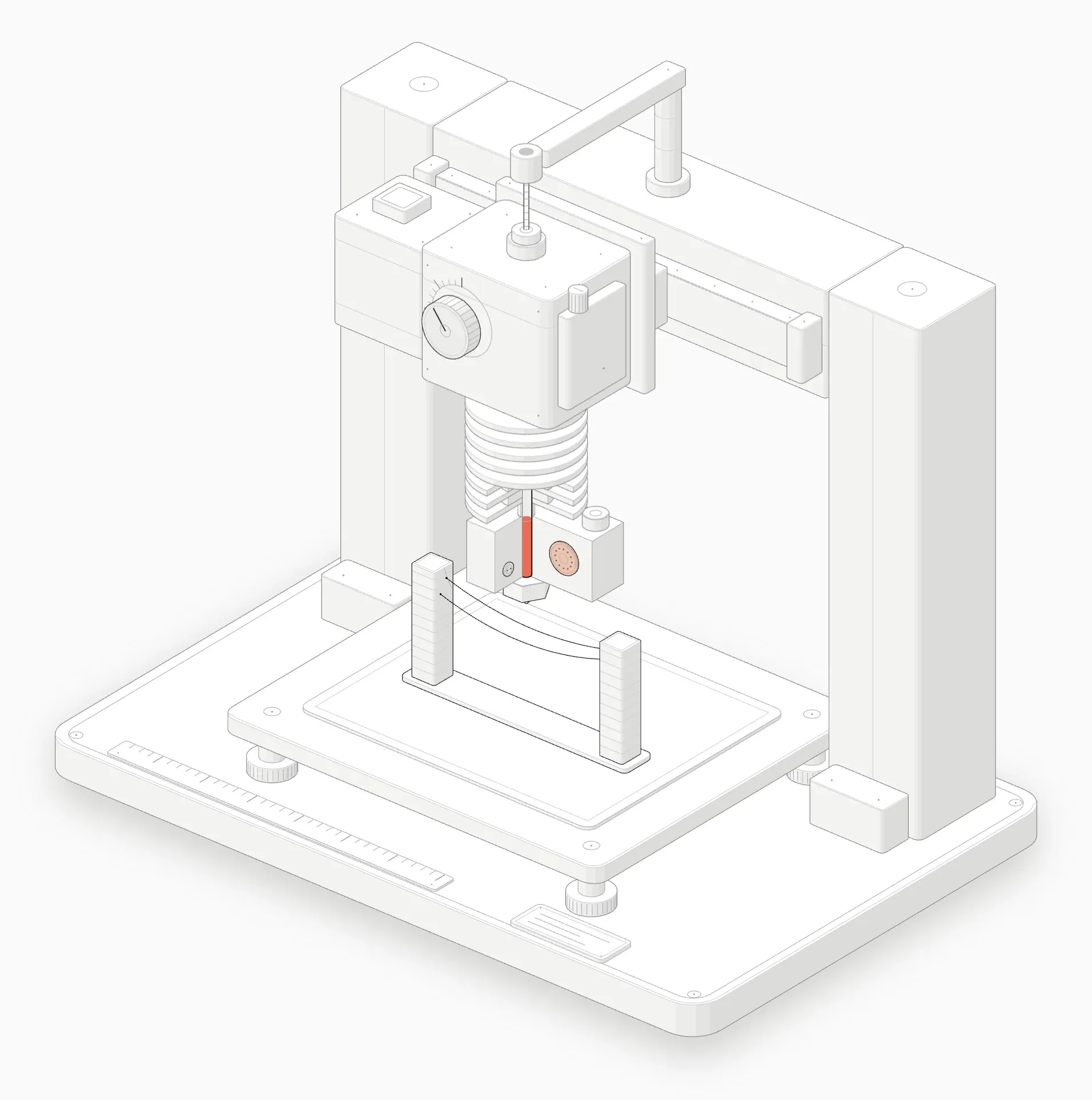
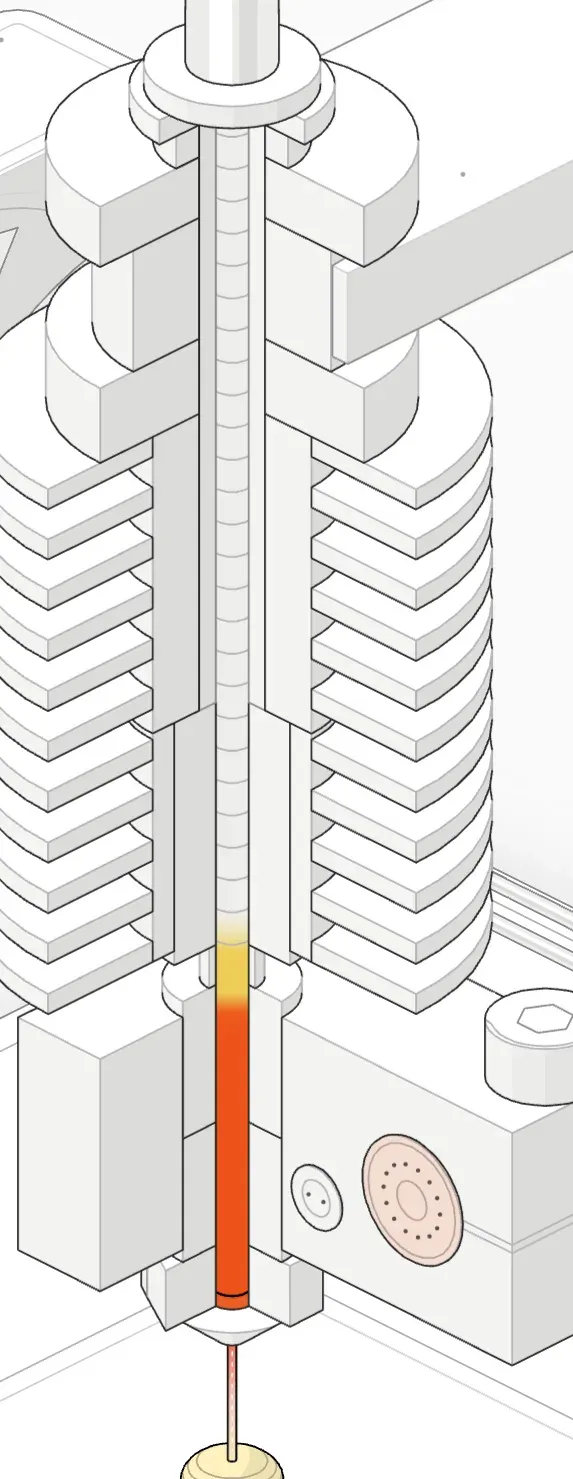 Solid filament above the heat break, molten filament in the heater block.
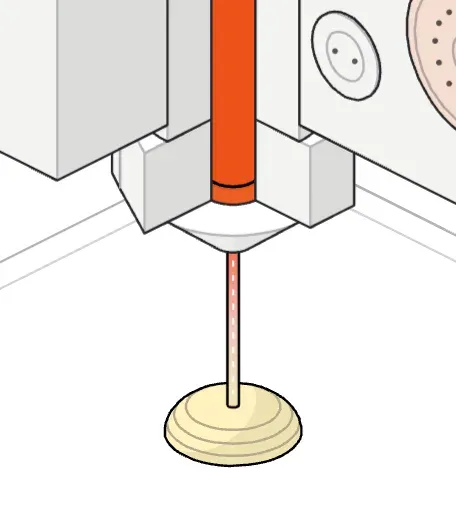 A brass 0.4 mm nozzle laying a thin strand.
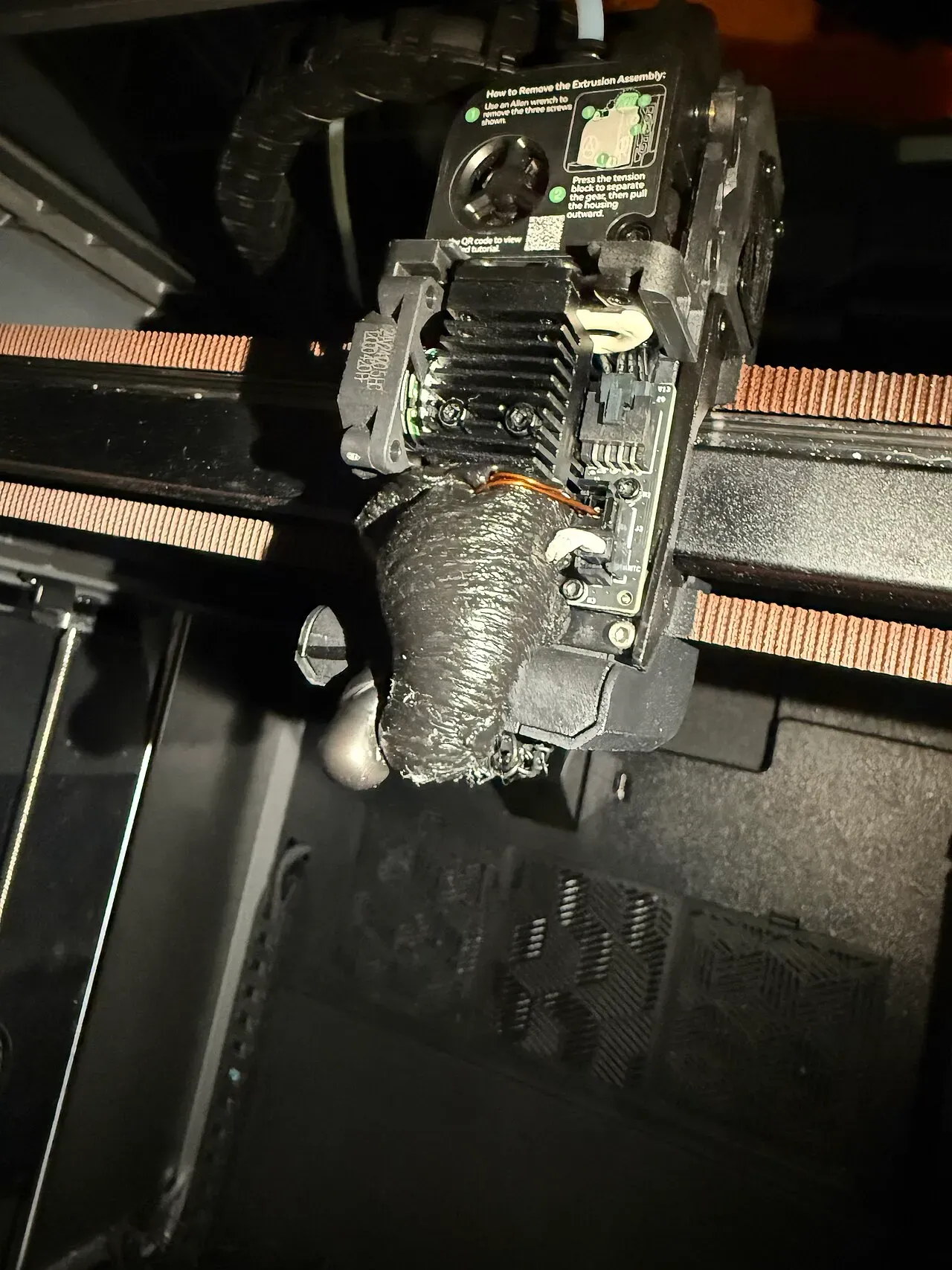 The "blob of death": plastic that leaked and wrapped the hotend.Photo: LunaEatsTuna ·CC BY-SA 4.0 ·Wikimedia Commons
How to tell it’s a clog
A clog shows up as plastic that won’t come out the way it should:
- Thin, gappy lines or walls with holes in them (a partial clog).
- Nothing comes out at all, even when you push by hand on a hot nozzle (a full clog).
- The extruder clicks or grinds because it can’t push filament past the blockage.
- Plastic curls sideways out of the nozzle instead of coming straight down, often a partial blockage at the tip.
Faults that look like a clog but aren’t
- Partial clog: some plastic flows, but less than the printer asks for. Fix with heat, push-through or a cold pull.
- Full clog: nothing flows even when hot. Usually needs a cold pull or a new nozzle.
- Heat-creep jam: filament softened too high in the hotend and swelled, so it sticks above the melt zone. The nozzle itself may be clear. Fix the cooling, not the nozzle.
- Empty spool or filament runout: nothing is reaching the extruder. Check the spool before taking anything apart.
- Extruder slipping: the gears can’t grip the filament (worn gears, wrong tension, ground-down filament). Plastic stops even though the nozzle is clear.
- Solid filament above the heat break, molten filament in the heater block.
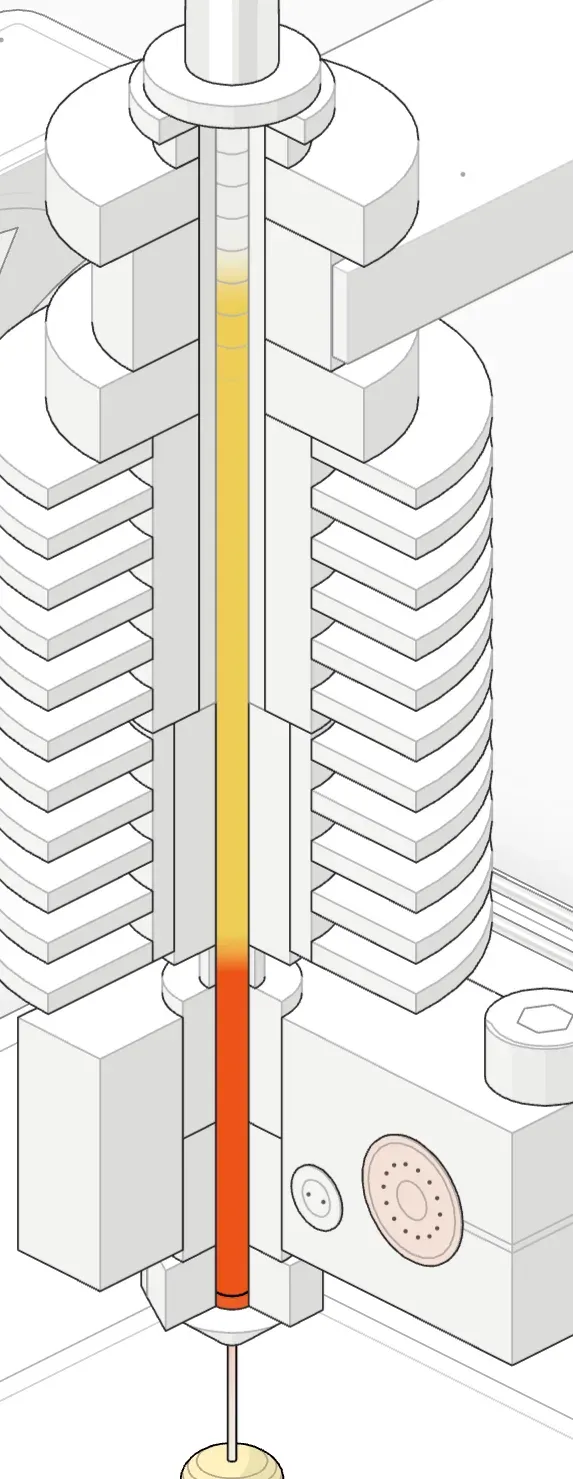 Fan off: heat creeps up the heatsink and the filament softens too high.
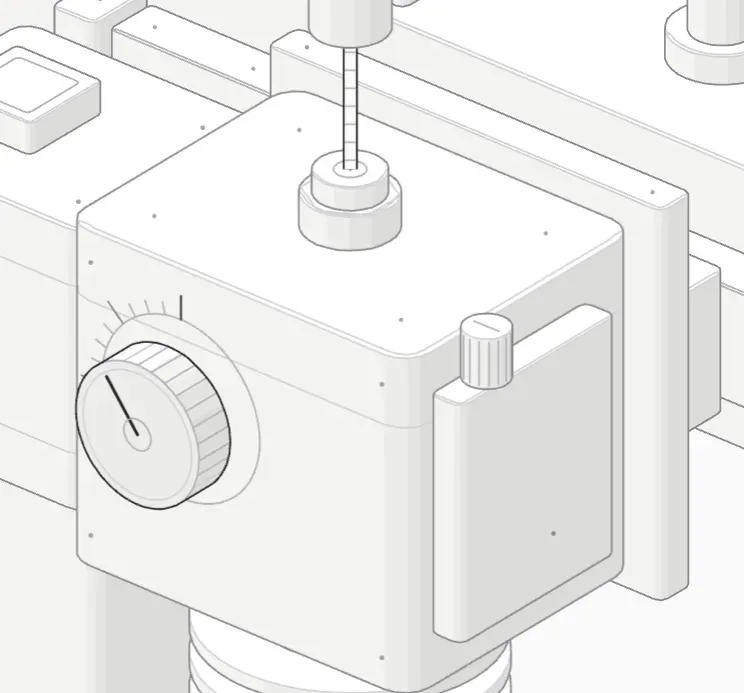 The extruder knob turns back by the retraction distance.
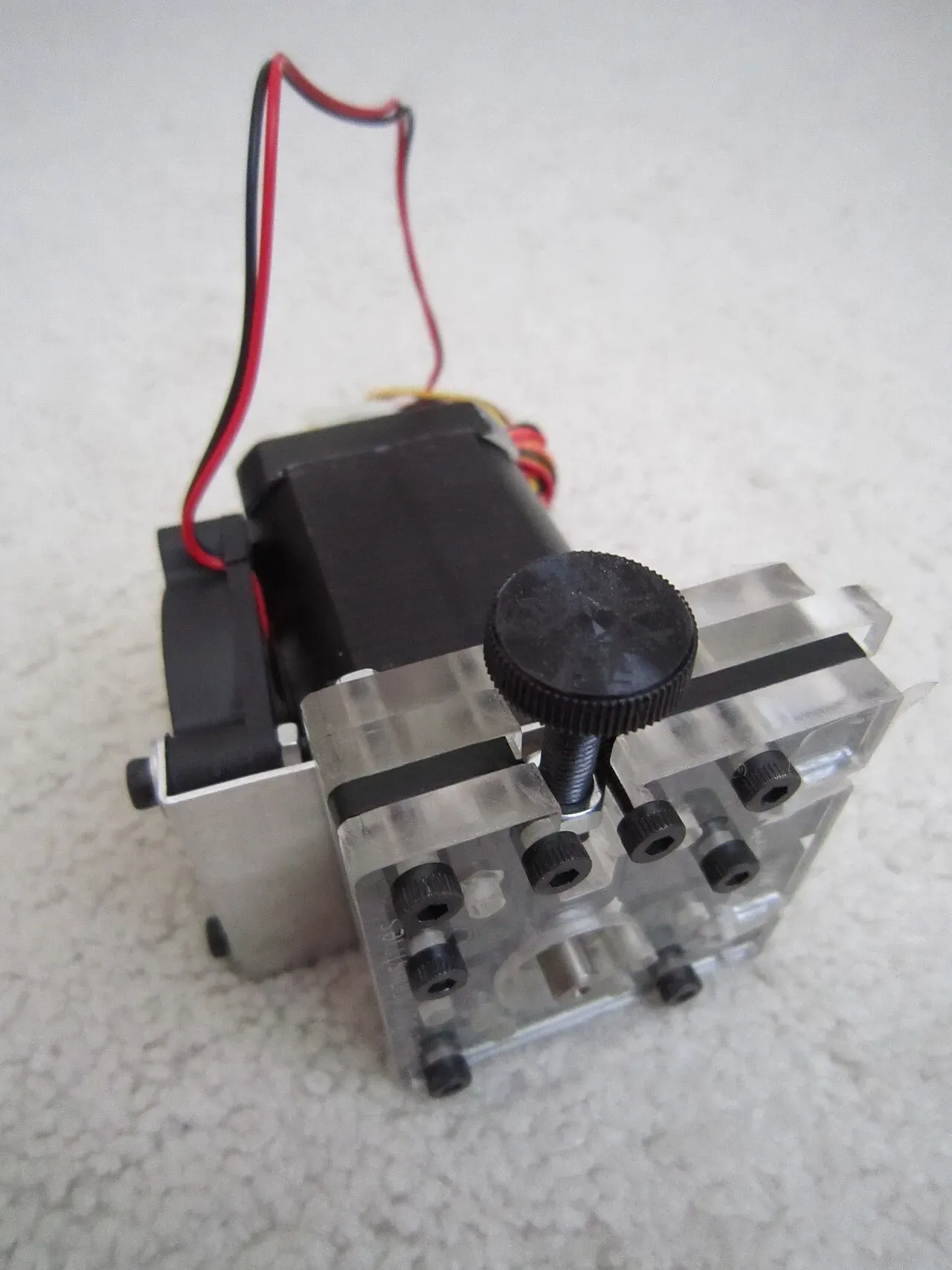 An extruder motor with its tension knob.Photo: syvwlch ·CC BY 2.0 ·Wikimedia Commons
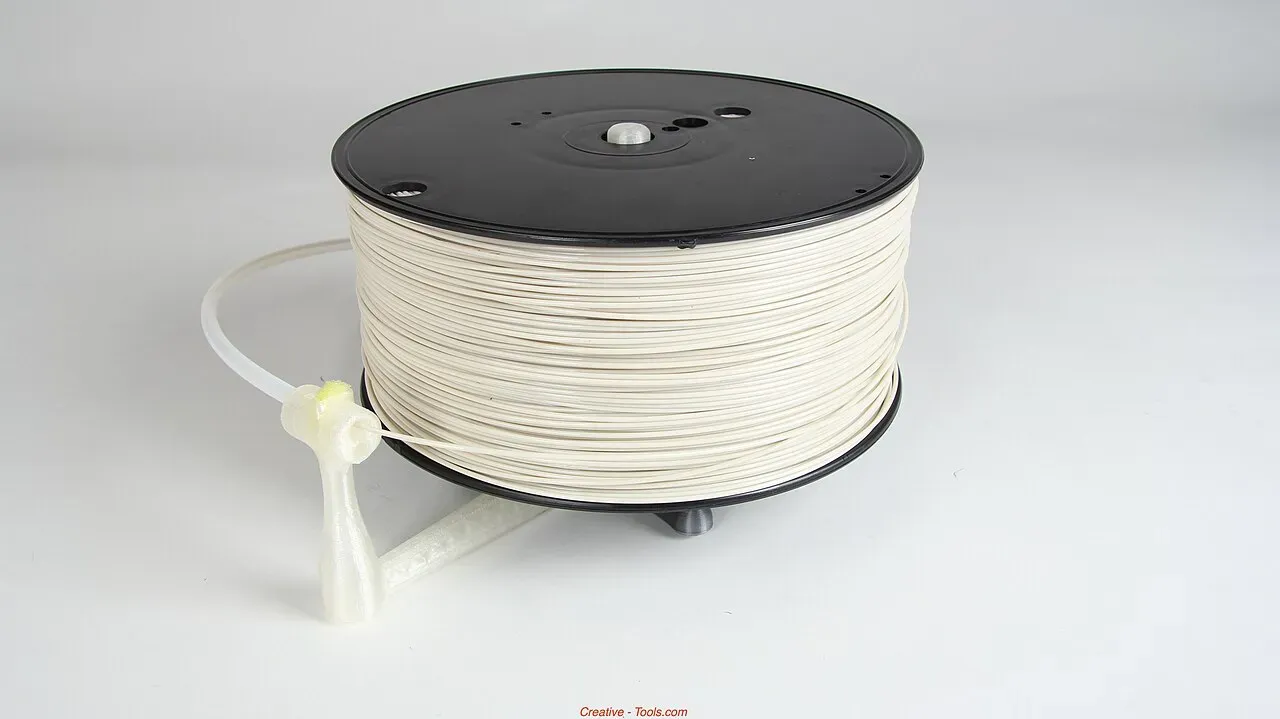 A spool of white filament.Photo: Creative Tools ·CC BY 2.0 ·Wikimedia Commons
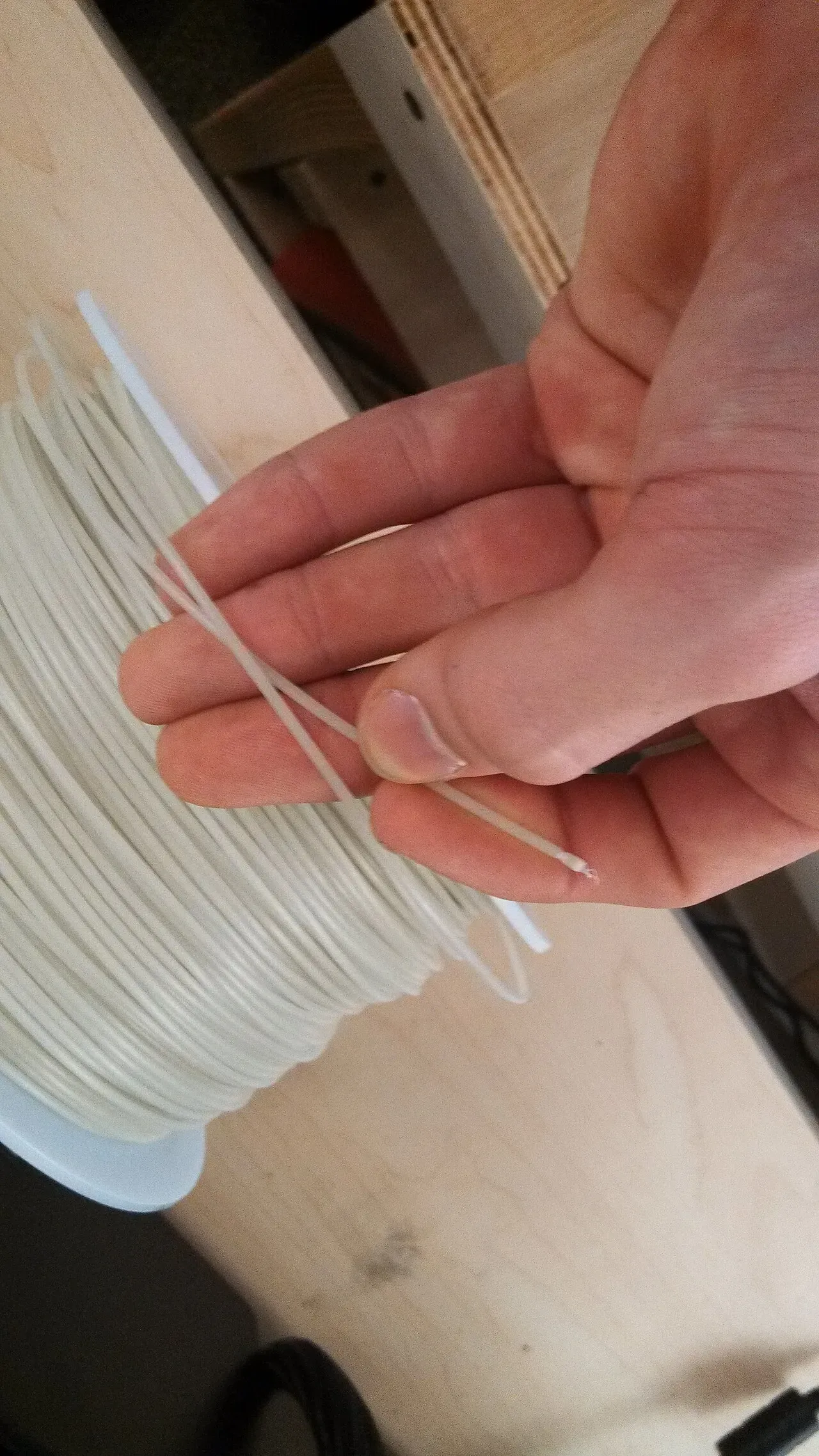 Crossed filament: a loop that can tangle and stop the extruder.Photo: SuperBlobMonster ·CC BY-SA 3.0 ·Wikimedia Commons
 Feed 8 mm/s: nozzle 210 °C · heatsink 38 °C · feed 8.0 mm/s · too fast.
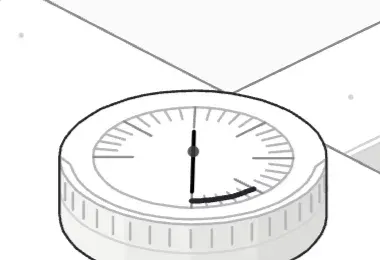 Too low, the pressure rises until the extruder skips.
Why nozzles clog
Molten plastic has to pass through a hole 0.4 mm wide. Anything that blocks that path, or anything that makes plastic solid before it gets there, causes a clog:
- Debris: dust on the filament, burnt plastic, flakes of a different material, or abrasive particles.
- Burnt plastic: filament left sitting hot in the nozzle for a long time degrades and hardens inside.
- Leftovers from a hotter material: switching from PETG or ABS to PLA without purging leaves higher-temperature plastic that doesn’t fully melt at PLA temperatures.
- Heat creep: heat climbs up past the heat break, filament softens too early, swells and jams.
- Nozzle too close to the bed: plastic has nowhere to go and the pressure backs up, especially on the first layer.
nozzle 210 °C · heatsink 38 °C · feed 2.0 mm/s · melting in block
- drag ↕ feed rate
- ↑ ↓ feed ±0.5 mm/s
- Space stop / start feed
- F hotend fan on / off
- Home reset
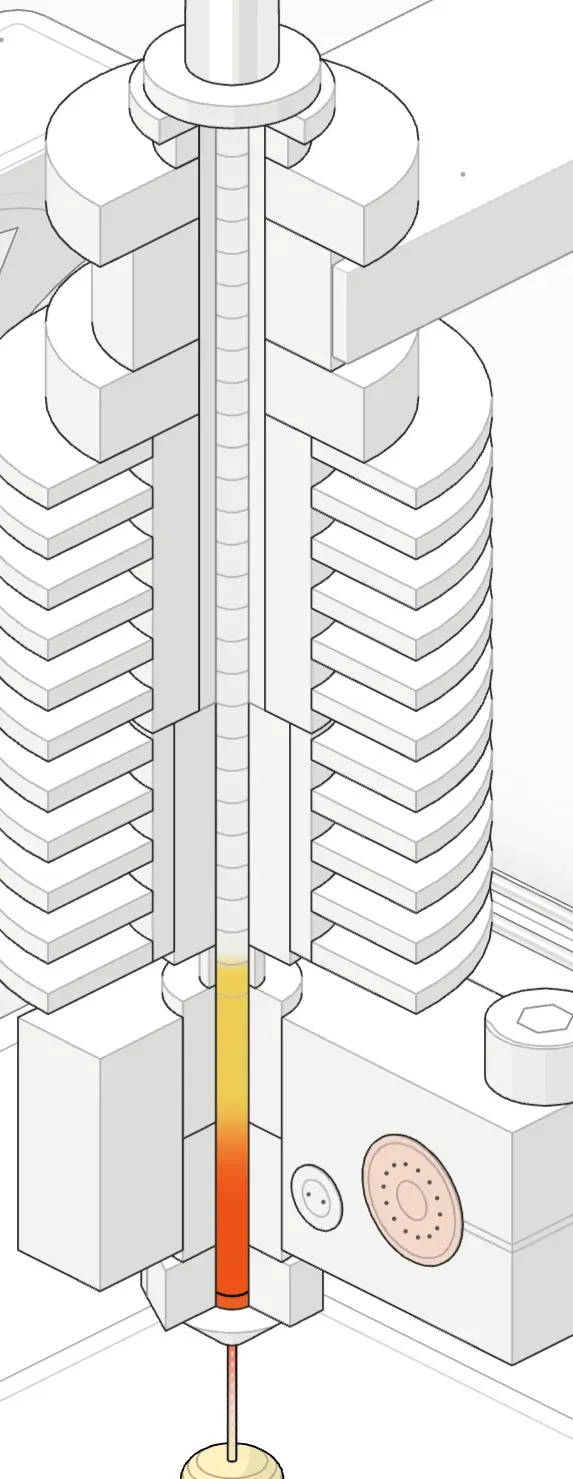
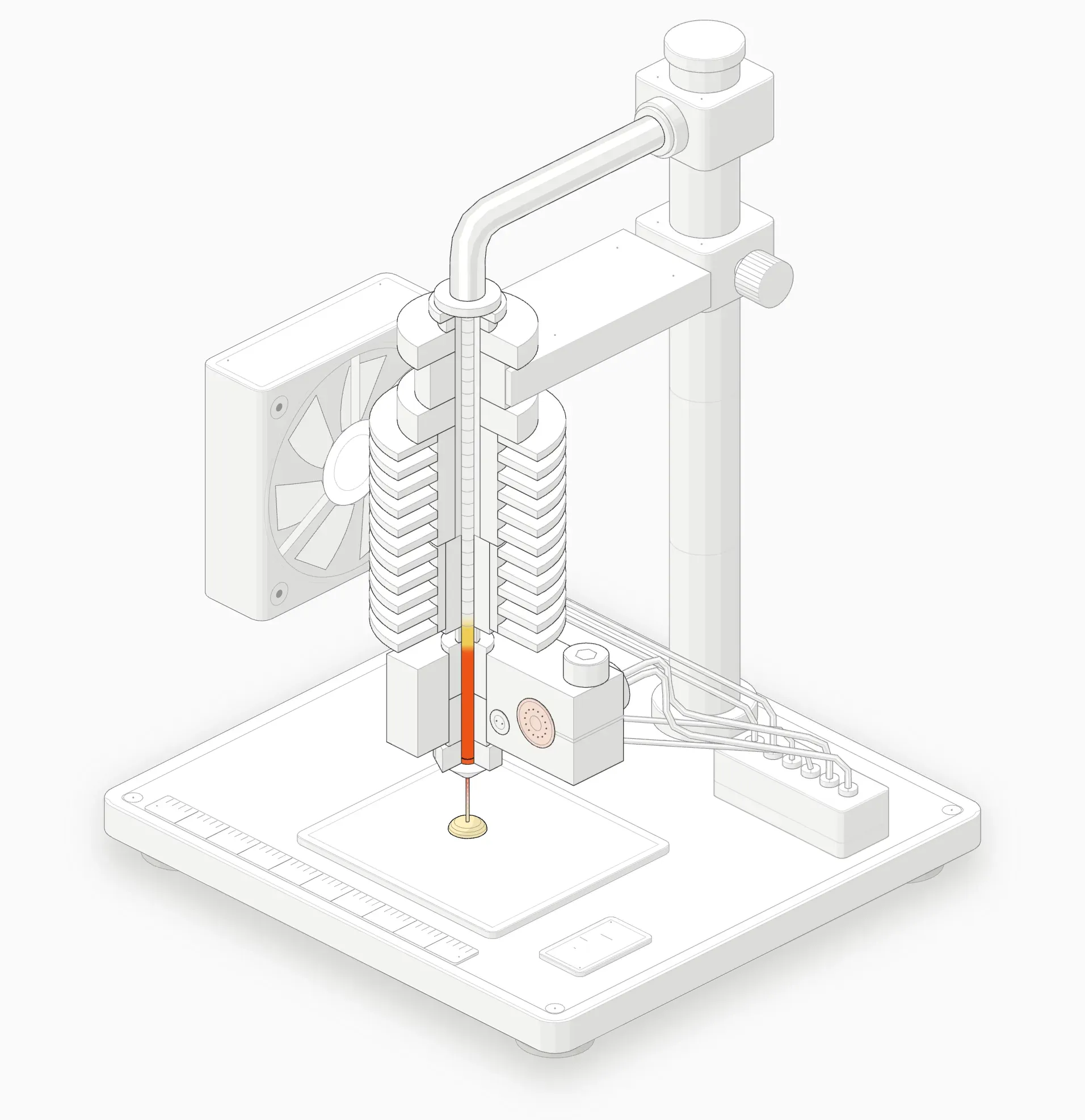 A V6-style hotend, cut away so you can see the filament inside.
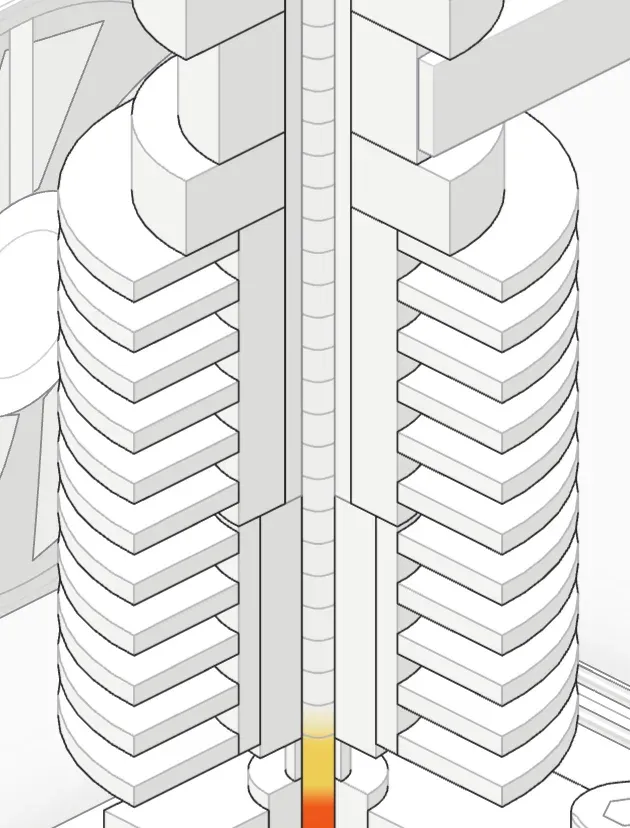 The finned heatsink keeps the top of the hotend cold.
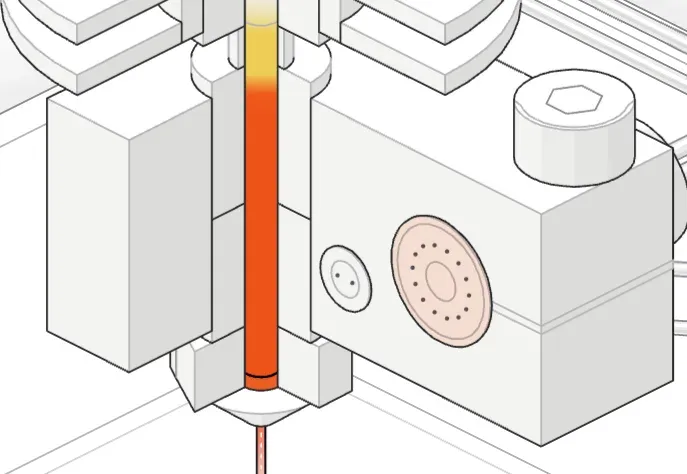 The heater block holds the heater cartridge and the thermistor.
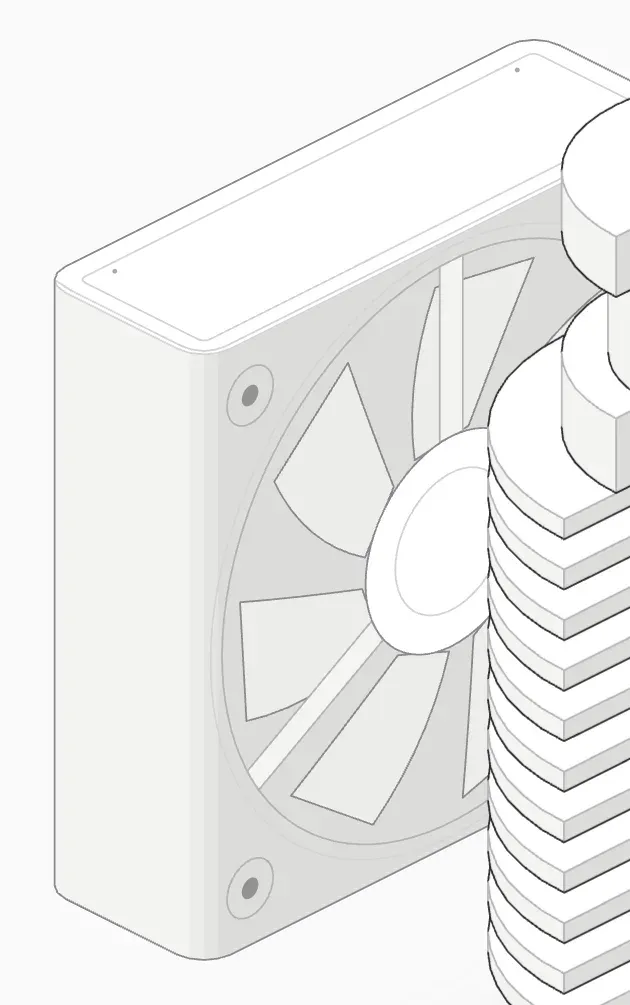 The hotend fan cools the heatsink. It must run whenever the hotend is hot.
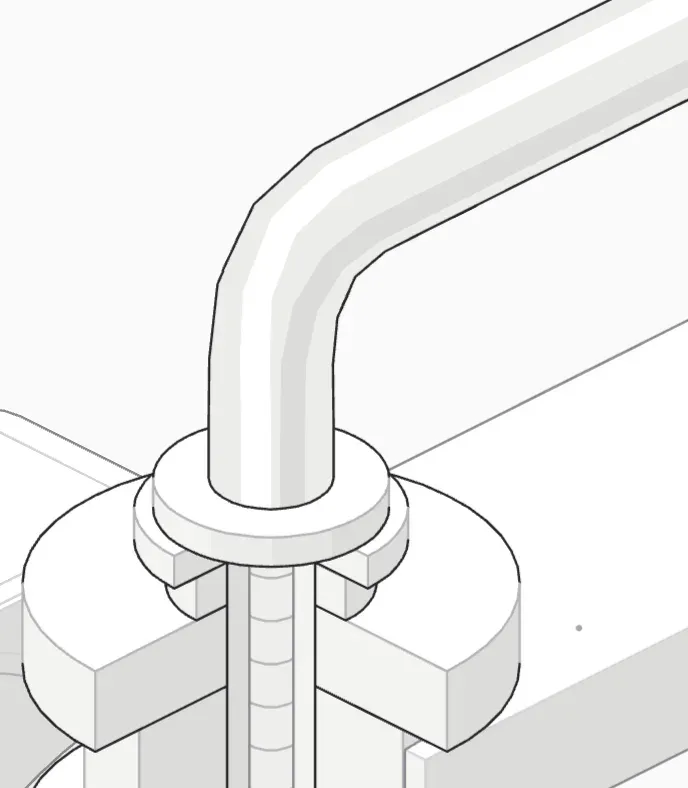 The Bowden tube enters through a push-fit collet.
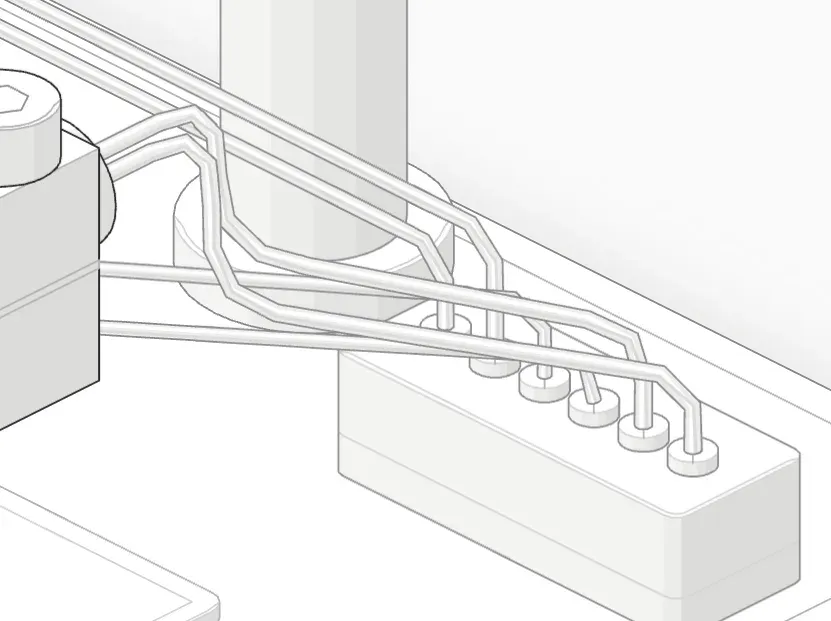 Heater and thermistor wires run to the terminal block.
Symptom, cause and fix
| What you see | Most likely cause | Fix | Method |
|---|---|---|---|
| Thin or gappy lines, plastic still flows | Partial clog | Push through hot, raise temperature | 1, 2 |
| Nothing comes out when hot | Full clog | Cold pull, then needle | 3, 4 |
| Plastic curls sideways out of the tip | Debris partly blocking the tip | Cleaning needle from below | 4 |
| Jams after 20–60 minutes of printing, fine at the start | Heat creep | Check the hotend fan, PTFE seating | 6 |
| Clogs every time you switch from PETG or ABS to PLA | Higher-temperature leftovers | Purge hot, then cold pull | 2, 3 |
| Nothing helps, nozzle is old or printed abrasives | Worn or damaged nozzle | Replace it | 5 |
| Extruder clicks but the nozzle is clear | Extruder slipping or nozzle too low | Check tension and Z offset | Extruder clicking |
Method 1: Push filament through hot
The gentlest fix, and it clears most partial clogs.
- Heat the nozzle to your filament’s normal printing temperature.
- Unload the filament, cut the end straight with flush cutters, and load it again.
- Push it through by hand (or use the printer’s load or extrude function) until plastic flows out in a steady, straight line.
- Keep pushing for a few centimetres of filament so any loose debris is carried out.
If plastic flows straight and steady, you’re done. If it curls, sputters or stops, move on.
- Molten plastic leaving the nozzle.Photo: David Elliott from UK ·CC BY 2.0 ·Wikimedia Commons
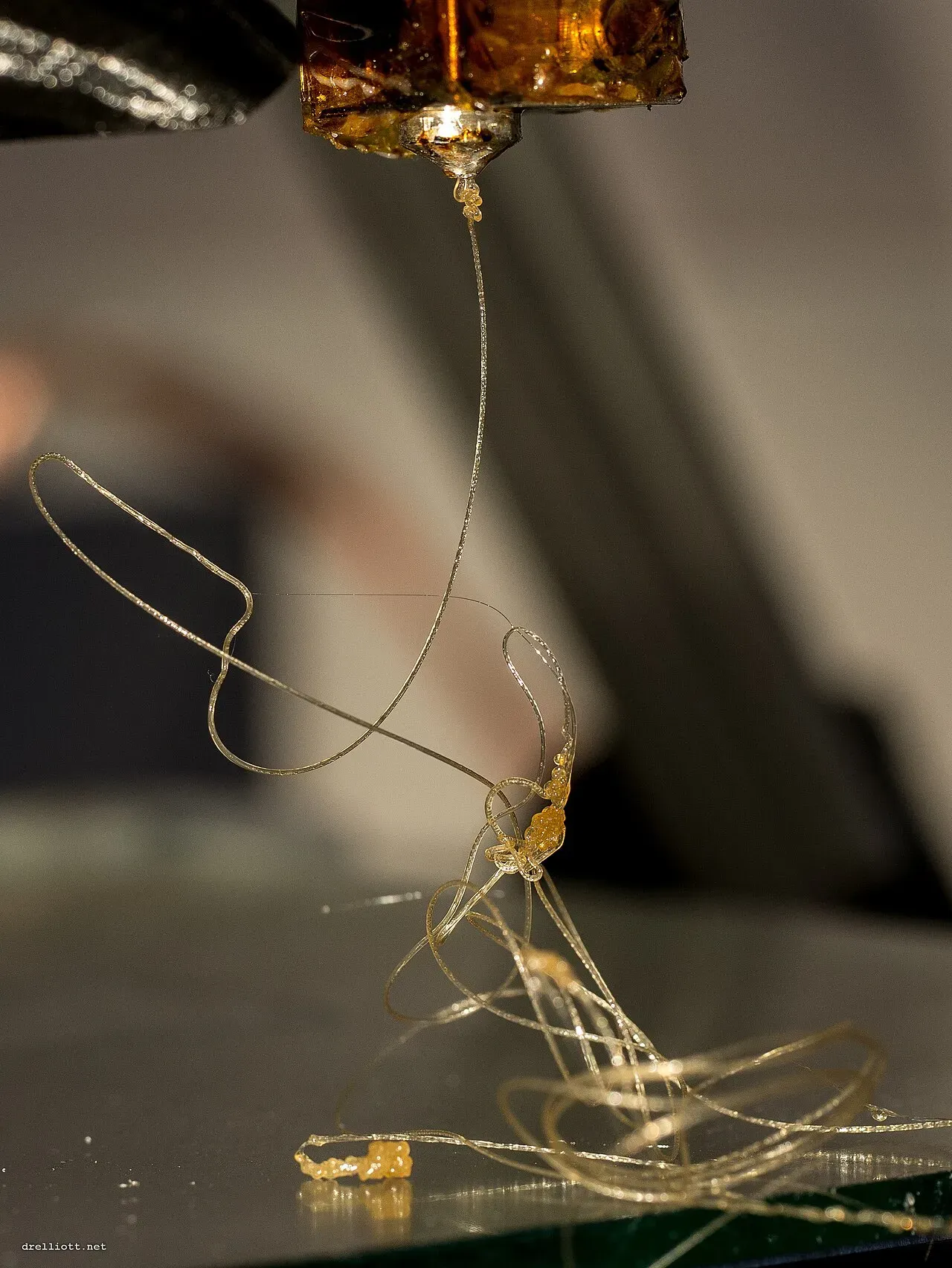 A thin strand pulled from the nozzle: where strings begin.Photo: David Elliott from UK ·CC BY 2.0 ·Wikimedia Commons
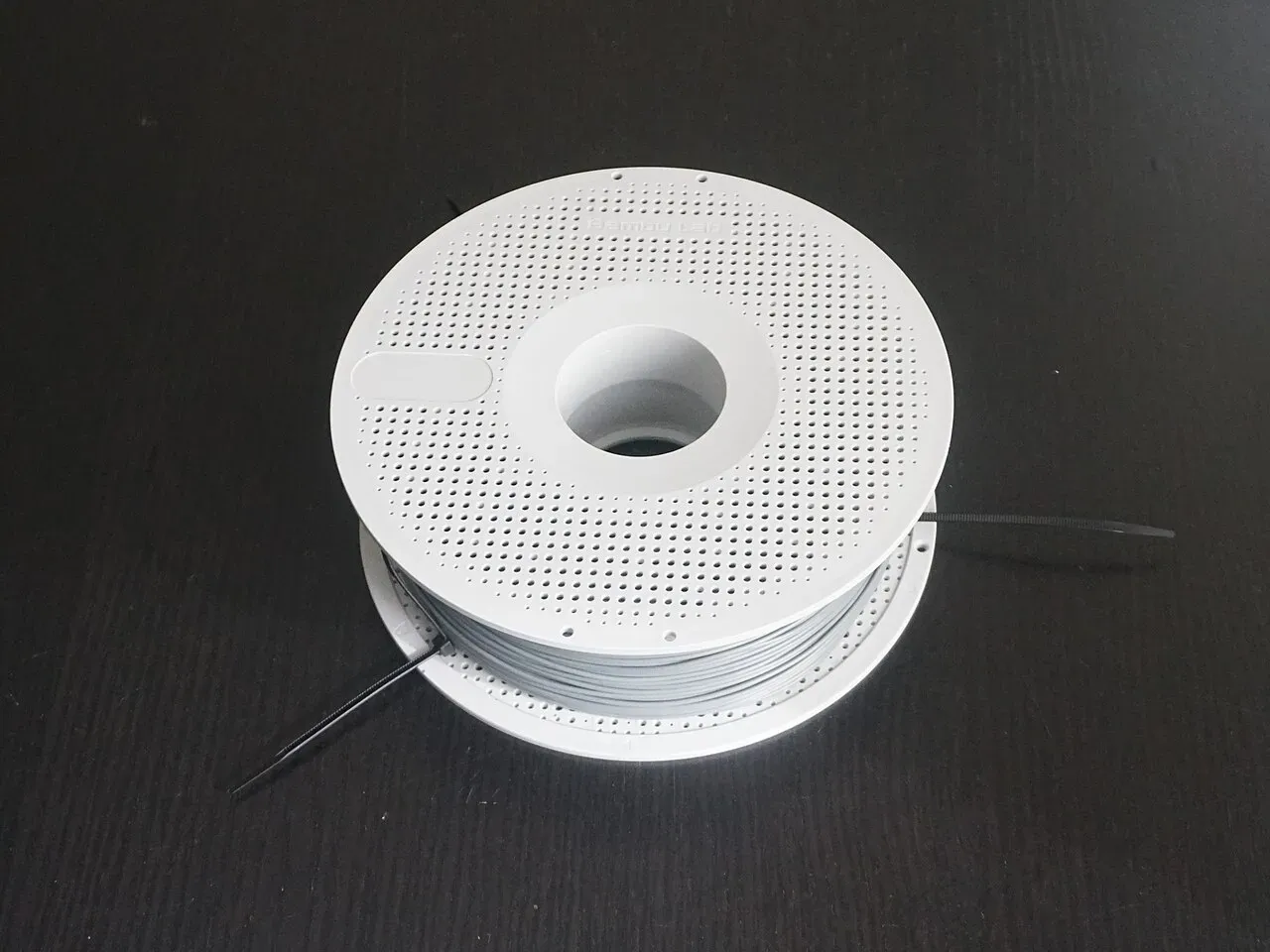 …and close it. Cut the ties last.Photo: Suit ·CC BY-SA 4.0 ·Wikimedia Commons
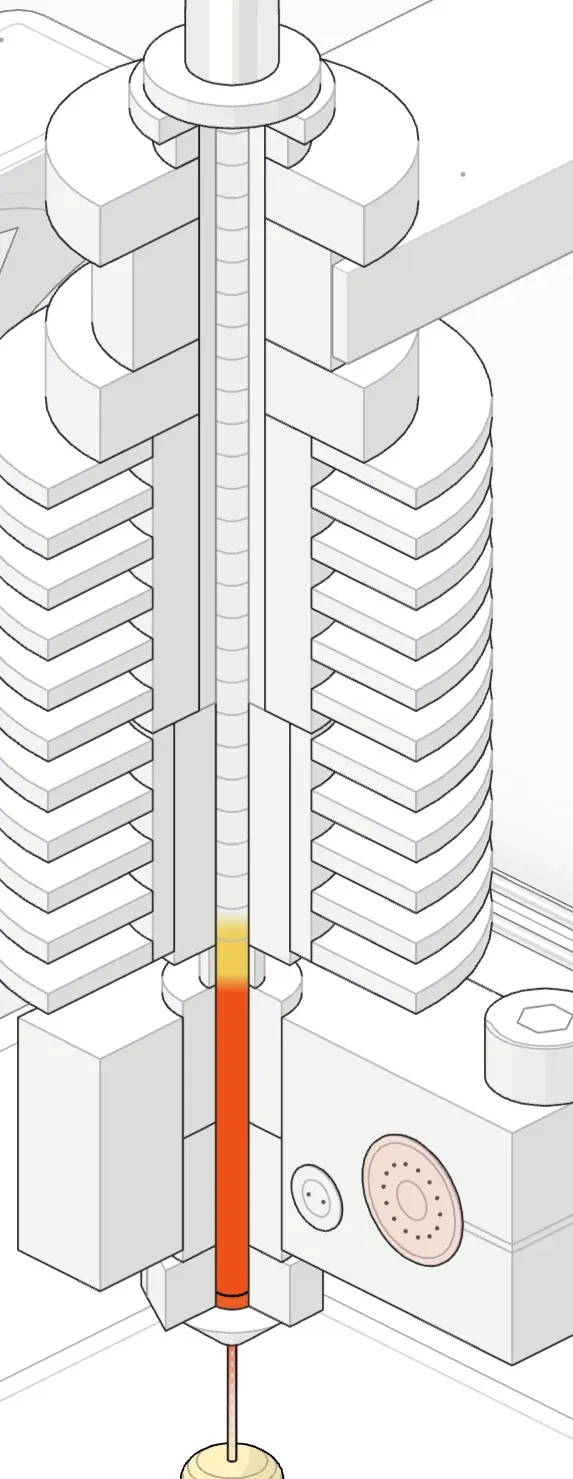 Feed 1 mm/s: nozzle 210 °C · heatsink 38 °C · feed 1.0 mm/s · melting in block.
- Feed 2 mm/s: nozzle 210 °C · heatsink 38 °C · feed 2.0 mm/s · melting in block.
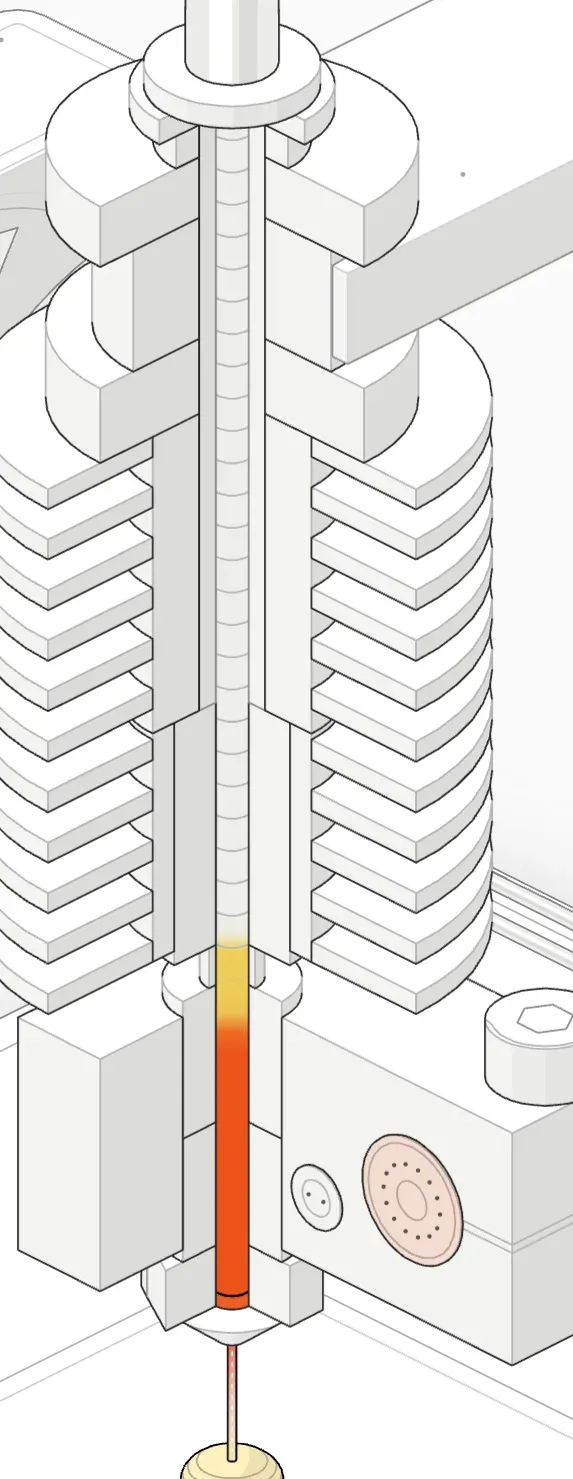 Feed 3 mm/s: nozzle 210 °C · heatsink 38 °C · feed 3.0 mm/s · melting in block.
Method 2: Raise the temperature
Turning the heat up 10–20 °C above your normal setting softens a plug of partly melted or higher-temperature plastic so it can be pushed out. This is especially useful after switching from PETG or ABS back to PLA.
- Raise the nozzle temperature by 10 °C and push filament through.
- If it still won’t flow, go up another 10 °C and try again.
- Don’t go above your hotend’s rated maximum. Hotends with a PTFE tube running down to the nozzle shouldn’t go much above about 240 °C.11PTFE starts to break down at high temperatures, which is why PTFE-lined hotends are limited and all-metal hotends are used for hotter materials.
- Once it flows, purge several centimetres, then bring the temperature back down.
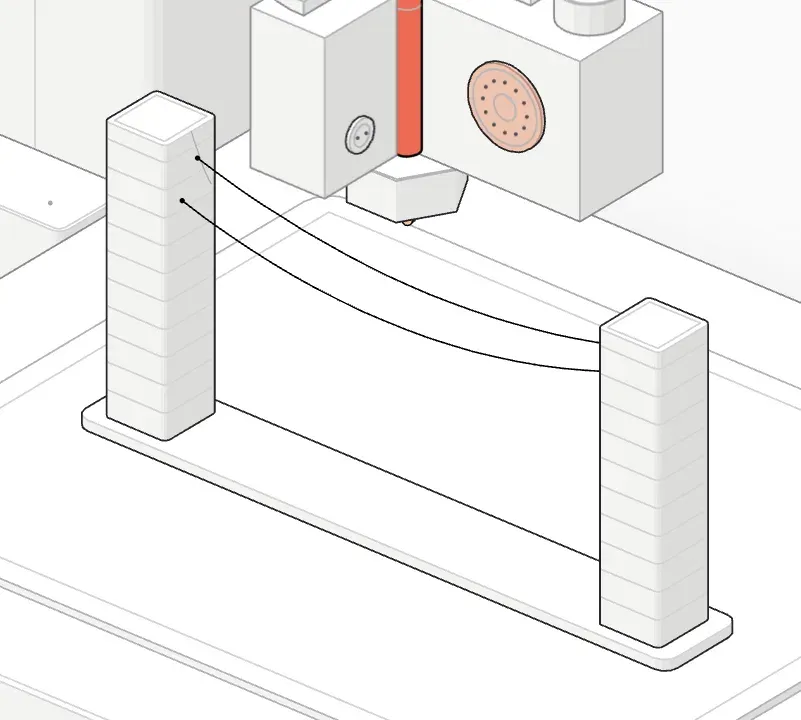 205 °C, 0.8 mm retraction: few strings.
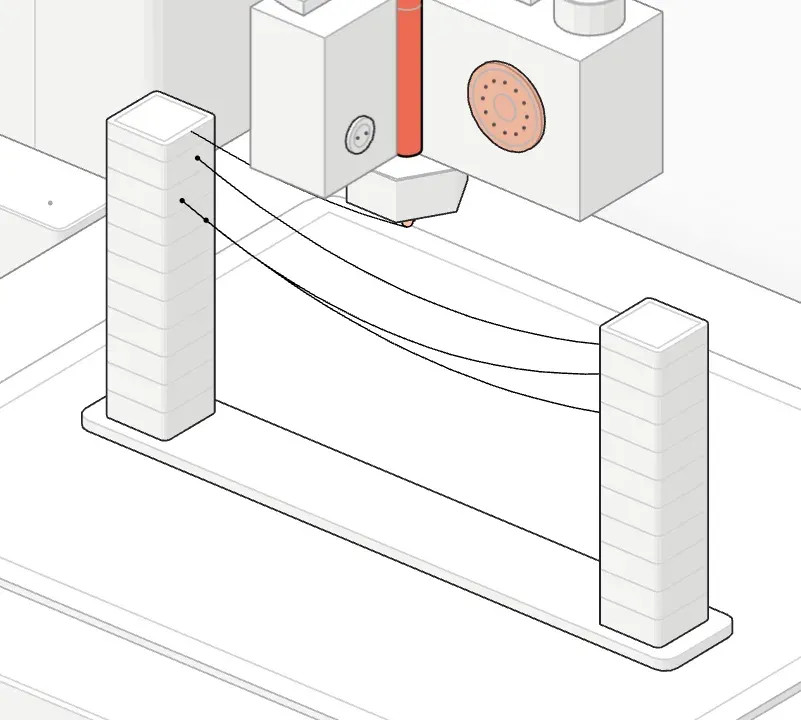 215 °C, 0.8 mm retraction: some strings.
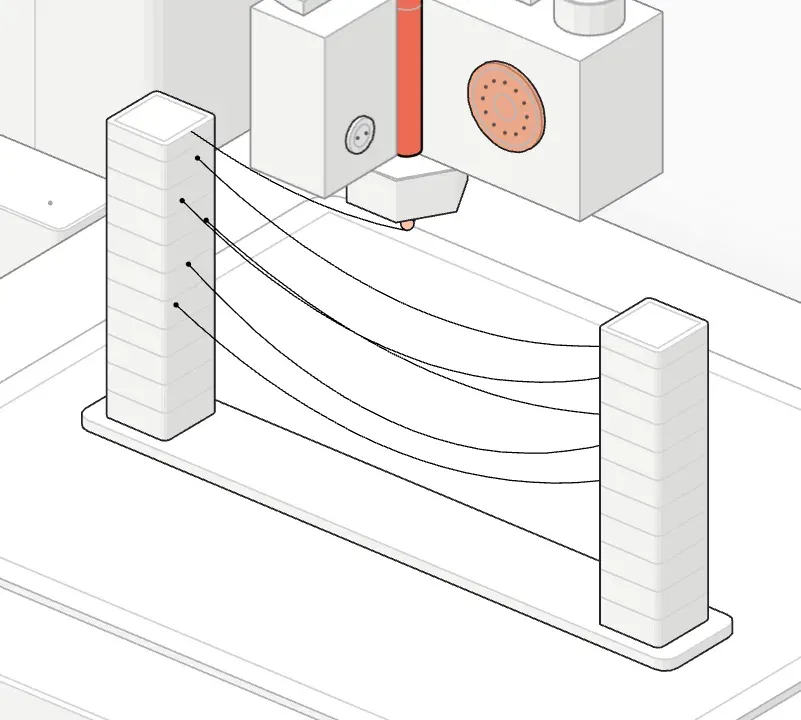 225 °C, 0.8 mm retraction: many strings.
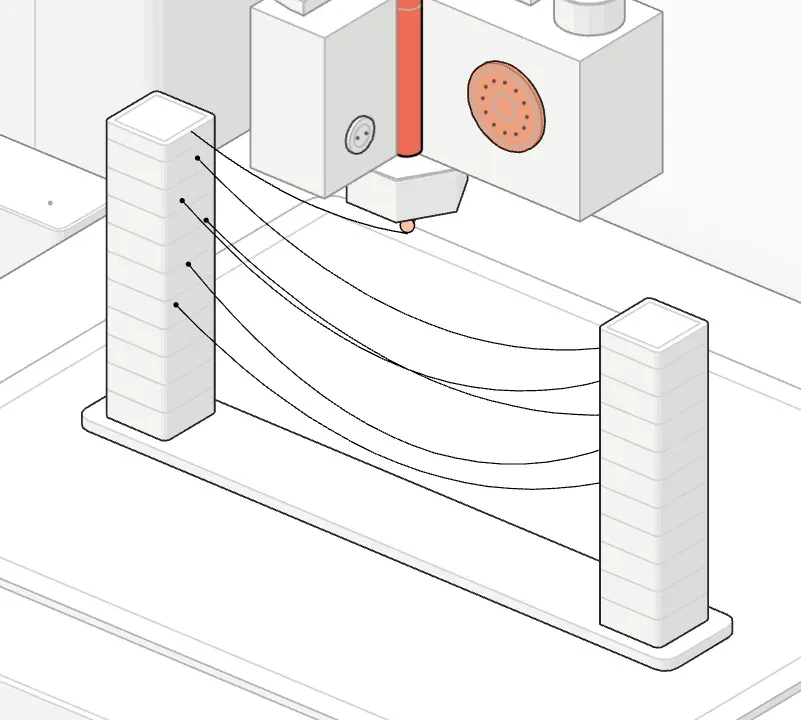 230 °C, 0.8 mm retraction: many strings.
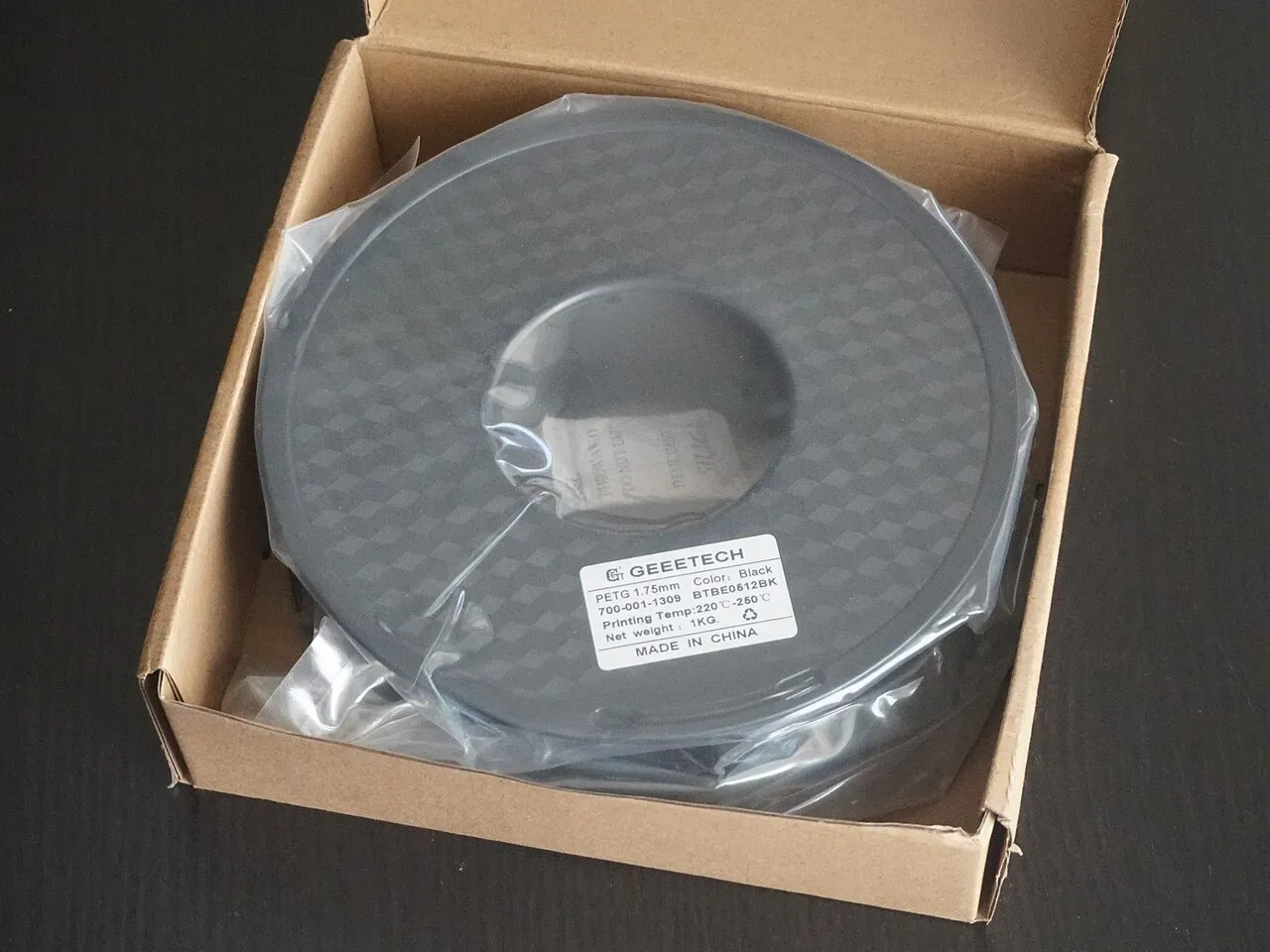 A 1 kg spool of PETG, sealed with desiccant.Photo: Suit ·CC BY-SA 4.0 ·Wikimedia Commons
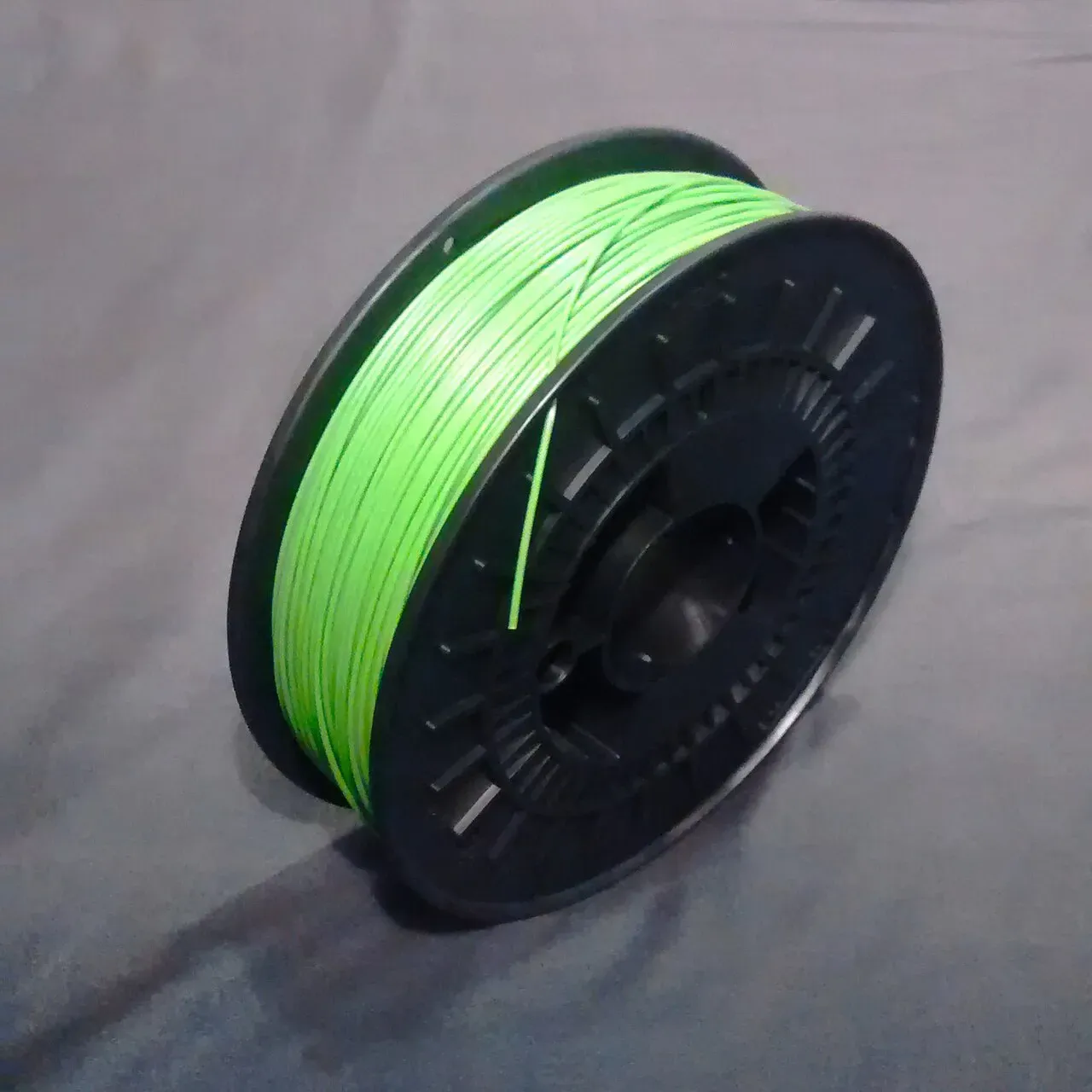 A spool of ABS.Photo: Tatár Lehel ·CC BY-SA 3.0 ·Wikimedia Commons
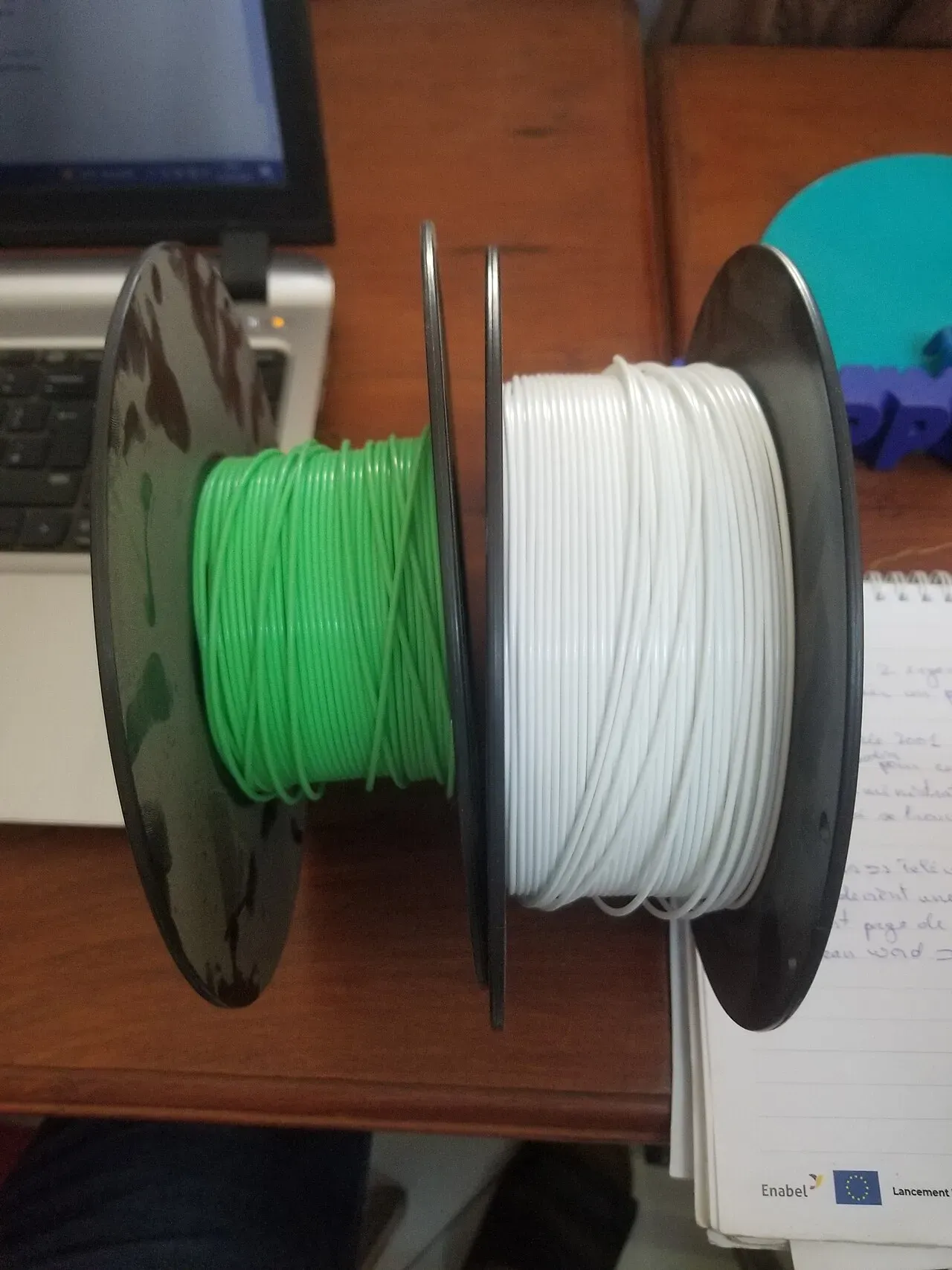 PLA: the beginner's filament.Photo: Richardspa ·CC0 ·Wikimedia Commons
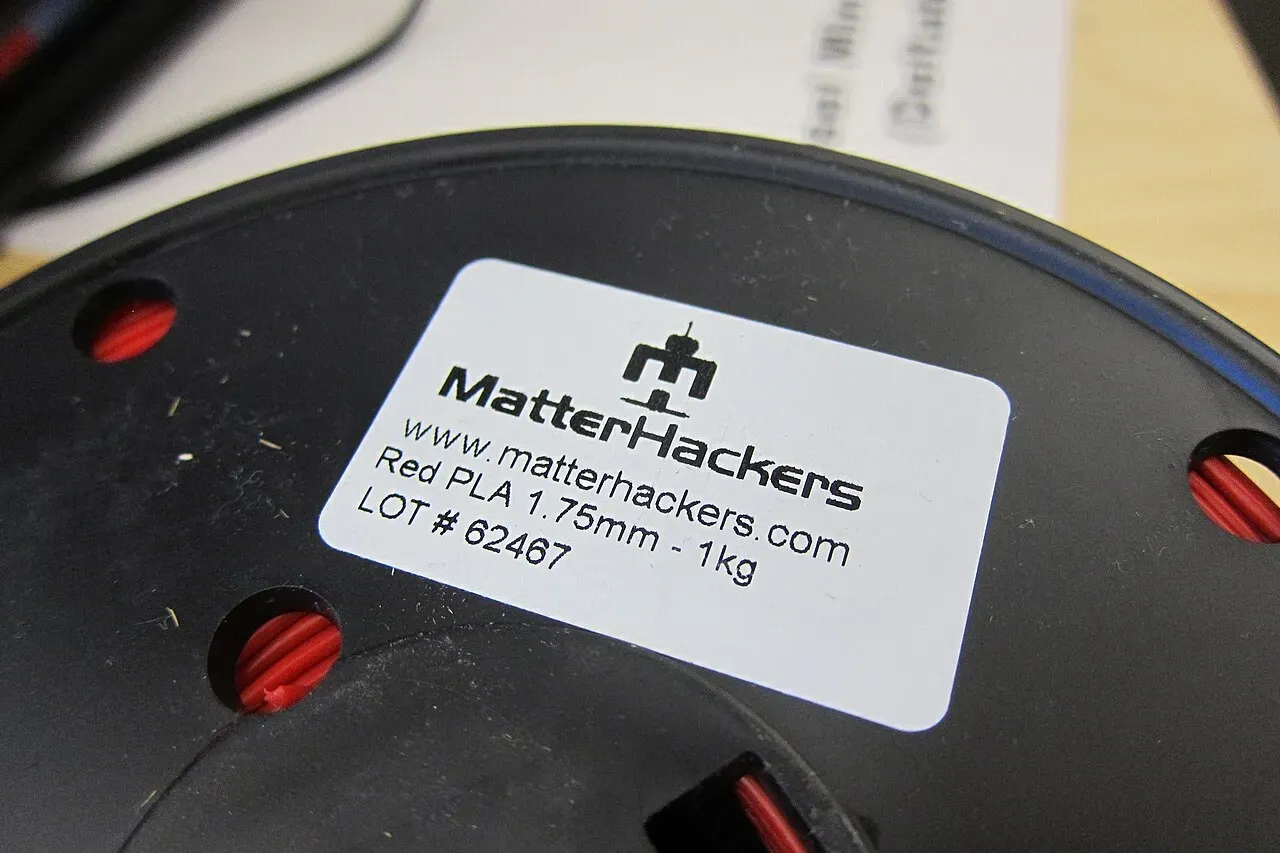 Read the label: material, 1.75 mm diameter, 1 kg.Photo: John Abella from Outside Philadelphia, USA ·CC BY 2.0 ·Wikimedia Commons
Method 3: Do a cold pull
A cold pull (also called an atomic pull) heats the nozzle so filament fills it, cools it until the plastic is soft but not liquid, then pulls the filament out. The debris comes out stuck to the tip in the shape of the inside of the nozzle.
- Heat the nozzle to the heat-up temperature in the table below and push filament in until it flows.
- Set the nozzle temperature to the pull temperature (or switch the heater off) and let it cool. Keep pushing gently as it cools.
- When it reaches the pull temperature, pull the filament out firmly and steadily. On a direct drive printer, open the extruder tension lever first.
- Look at the tip: you want a cone shaped like the inside of the nozzle, with dark specks or a different colour in it. Repeat until the tip comes out clean.
Nylon and plain PLA work well for cold pulls because they grip debris without tearing. Some brands sell dedicated cleaning filament.22Cold pulls work far better on direct drive printers, where you can grip the filament right above the hotend. On Bowden printers you usually have to disconnect the tube at the hotend first.
| Material | Heat to | Pull at |
|---|---|---|
| PLA | 200–220 °C | 80–100 °C |
| Nylon or cleaning filament | 240–260 °C | 130–160 °C |
| PETG | 230–240 °C | 120–140 °C |
| ABS | 230–250 °C | 150–180 °C |
These are typical starting points. If the filament snaps instead of coming out in one piece, pull slightly hotter; if it stretches into a string, let it cool more.
- Solid filament above the heat break, molten filament in the heater block.
- The heater block holds the heater cartridge and the thermistor.
- A brass 0.4 mm nozzle laying a thin strand.
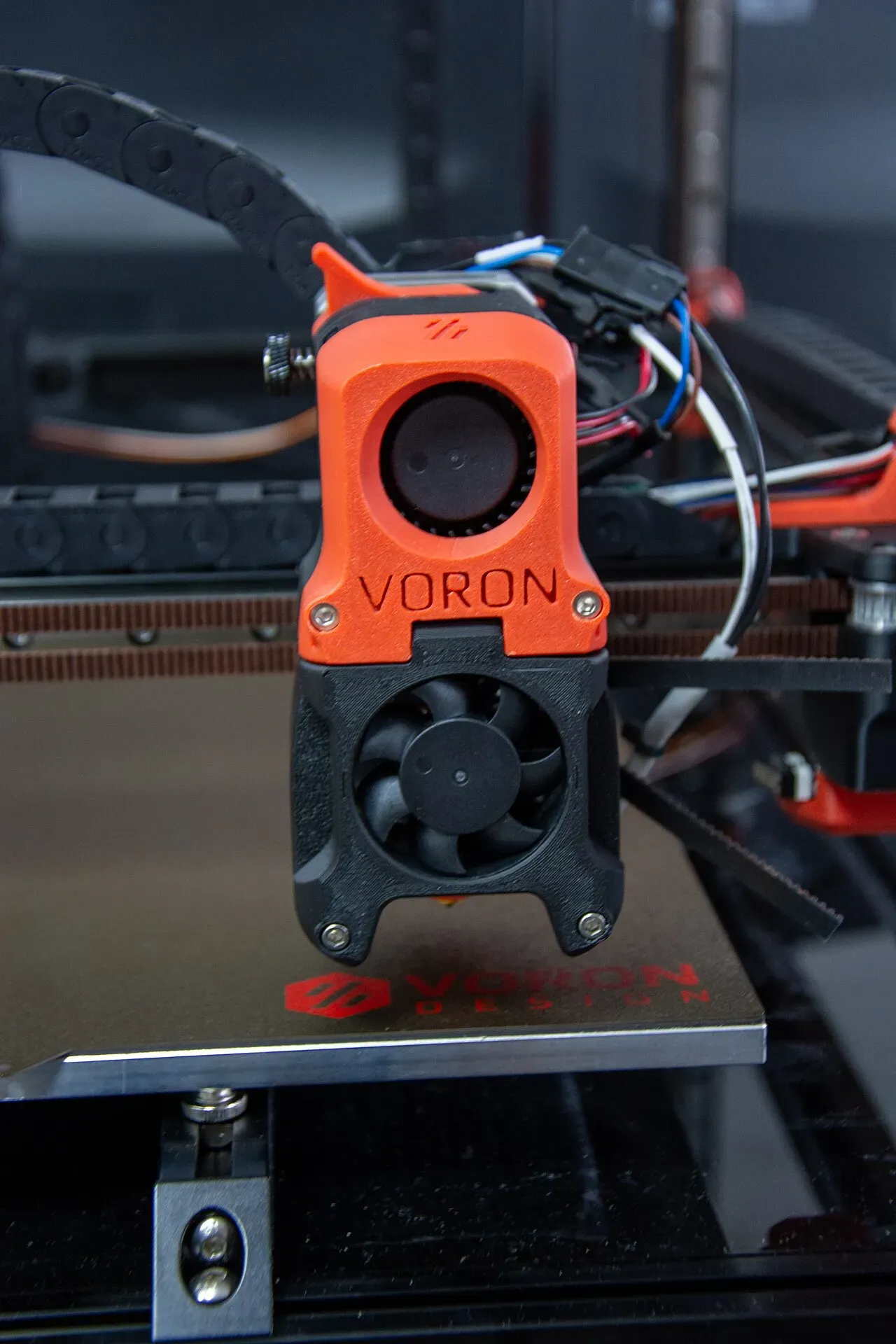 A modern toolhead: extruder, hotend and fans in one housing.Photo: disinterpreter ·CC BY-SA 2.0 ·Wikimedia Commons
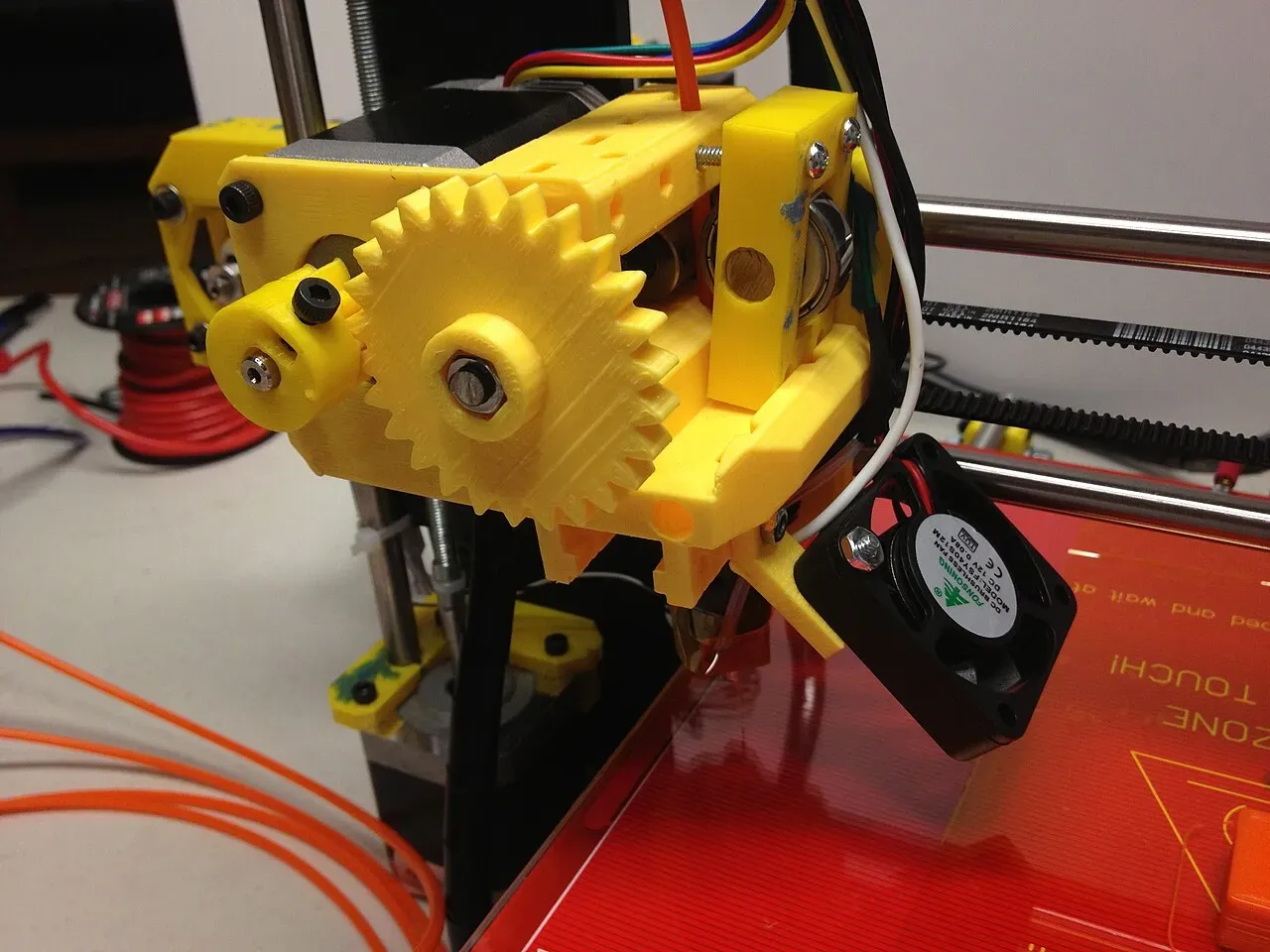 A geared extruder on a Prusa i3.Photo: John Abella from Outside Philadelphia, USA ·CC BY 2.0 ·Wikimedia Commons
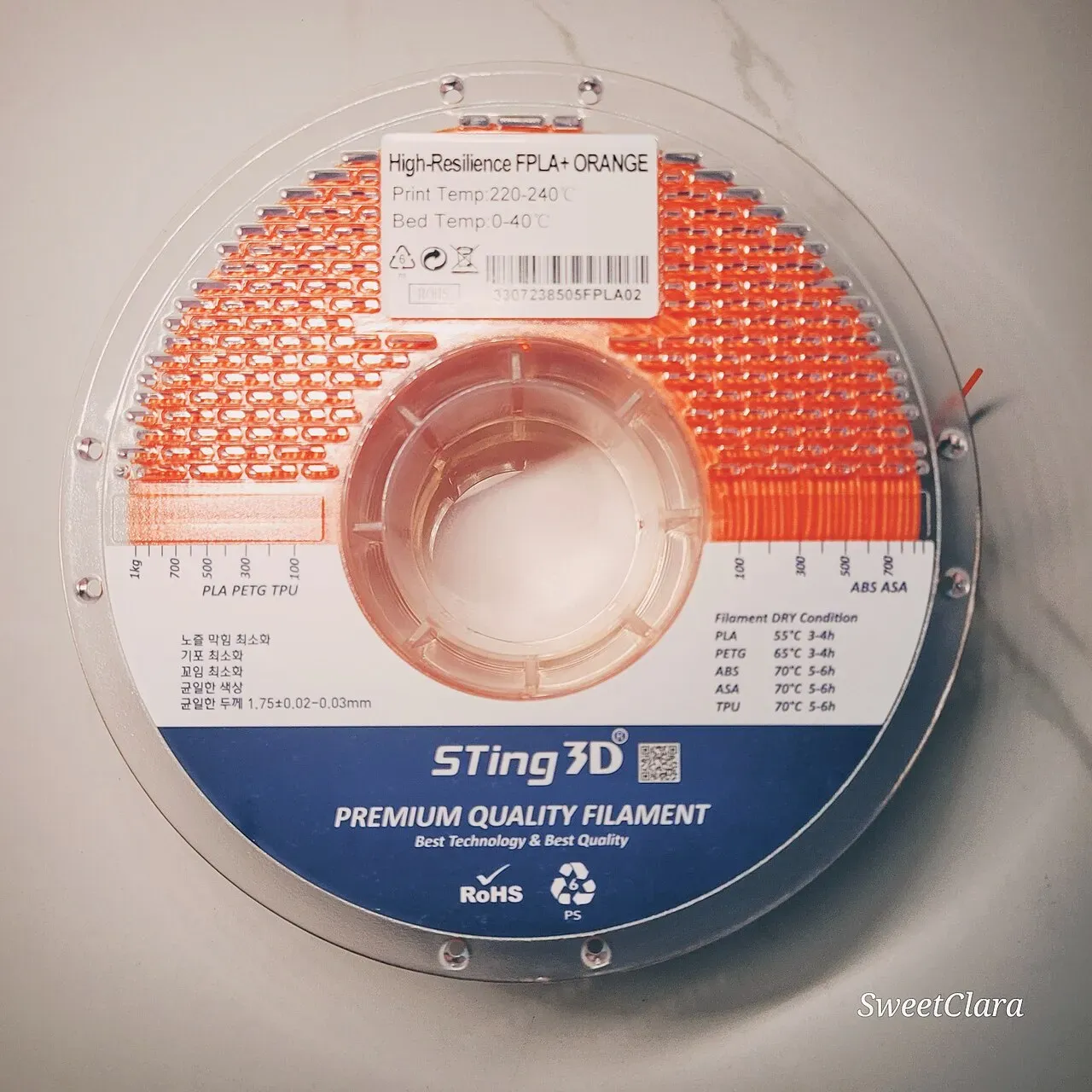 Flexible filament: label shows its print temperature.Photo: Sweetclara ·CC BY-SA 4.0 ·Wikimedia Commons
Method 4: Clear the tip with a cleaning needle
Many printers come with a set of thin steel needles slightly smaller than the nozzle hole. They push debris up out of the tip.
- Heat the nozzle to printing temperature.
- Raise the print head (Z) so you can reach under it safely.
- Push the needle gently up into the nozzle opening, a few millimetres at most, and wiggle it slightly.
- Remove the needle and push filament through from above to flush out what you loosened.
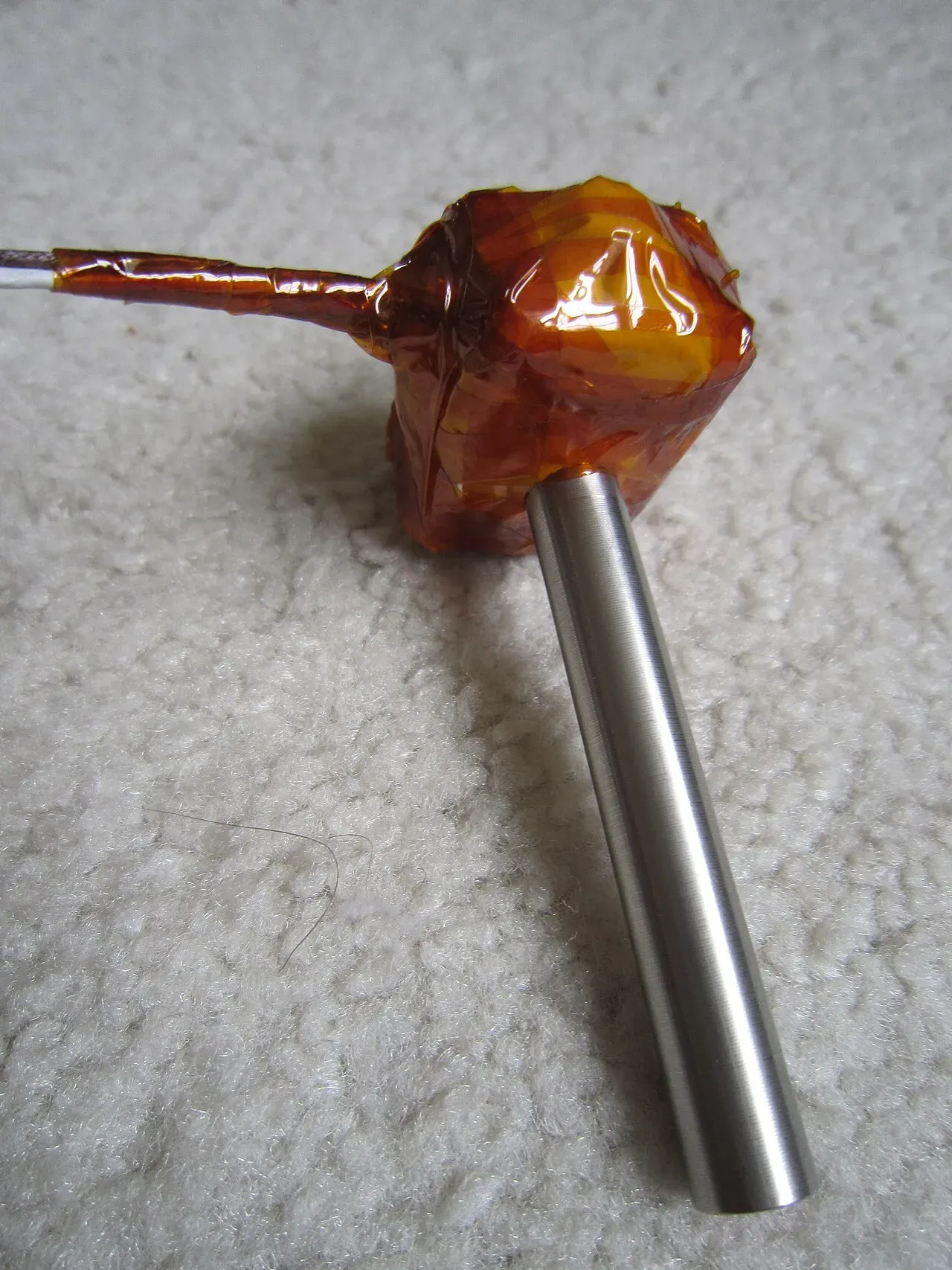
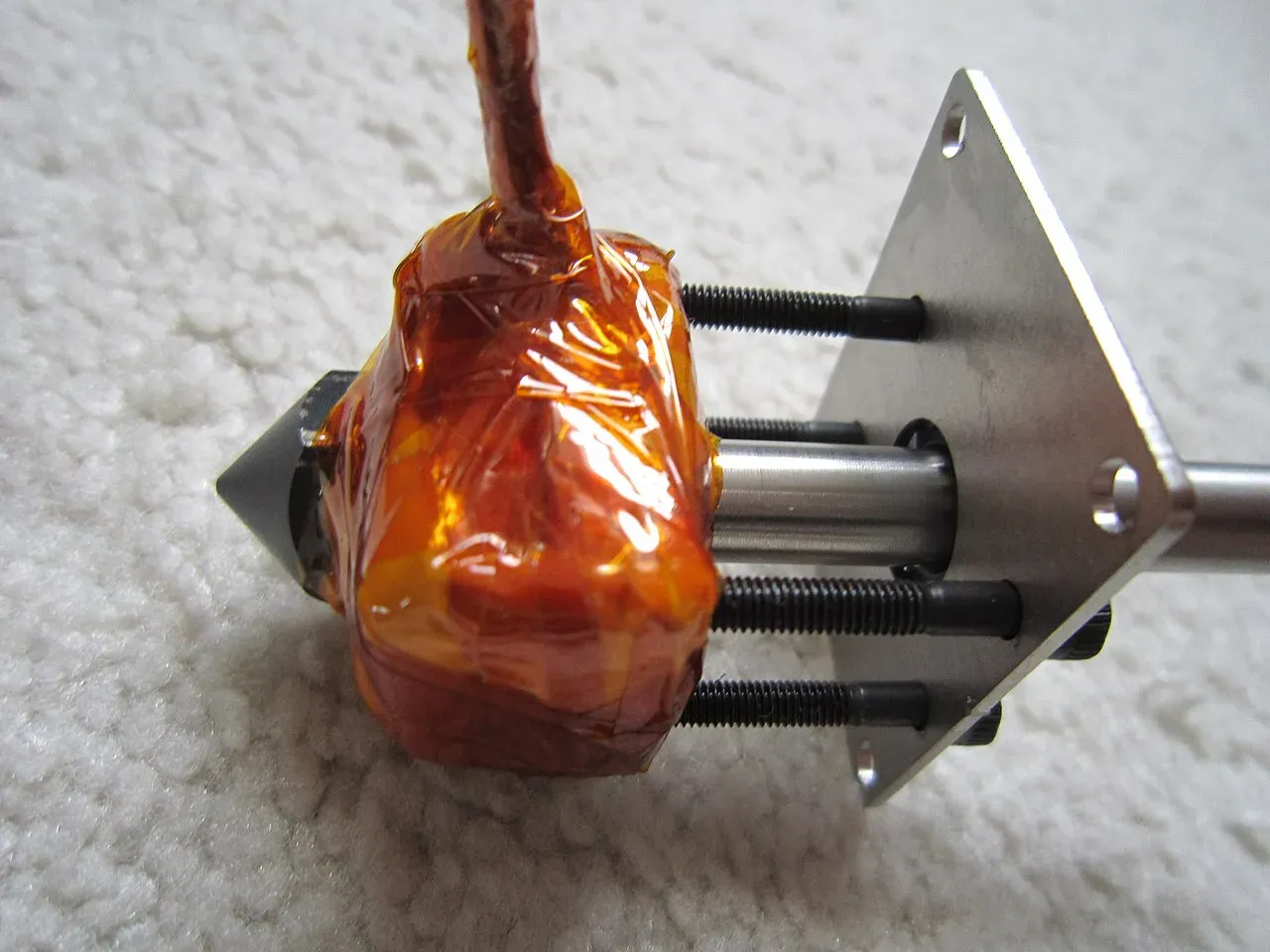 A hotend being built: the heater wrapped in Kapton tape.Photo: syvwlch ·CC BY 2.0 ·Wikimedia Commons
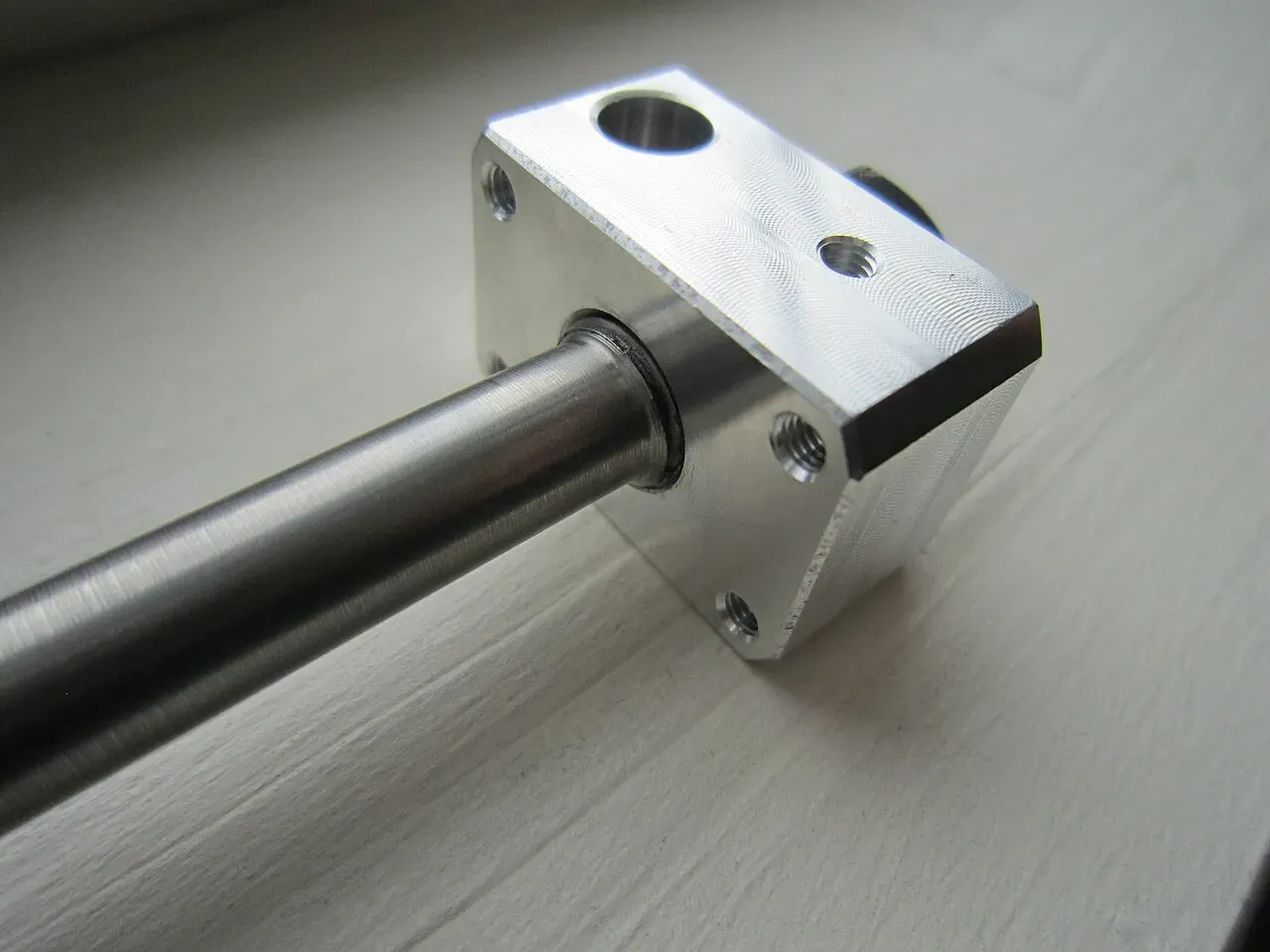
 The nozzle threads into the heater block.Photo: syvwlch ·CC BY 2.0 ·Wikimedia Commons
 The mount that holds the hotend to the carriage.Photo: syvwlch ·CC BY 2.0 ·Wikimedia Commons
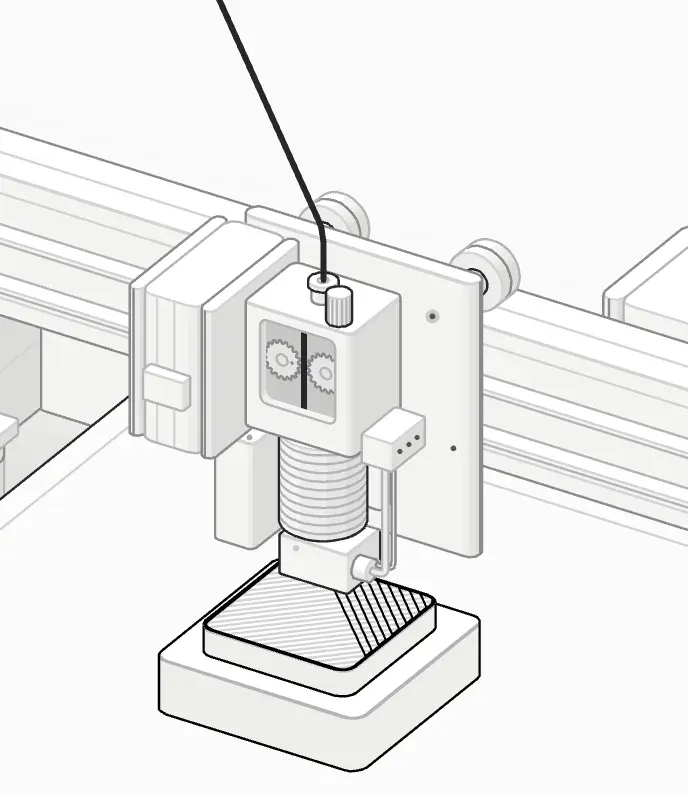 The print head: extruder on top, finned heatsink, heater block and nozzle.
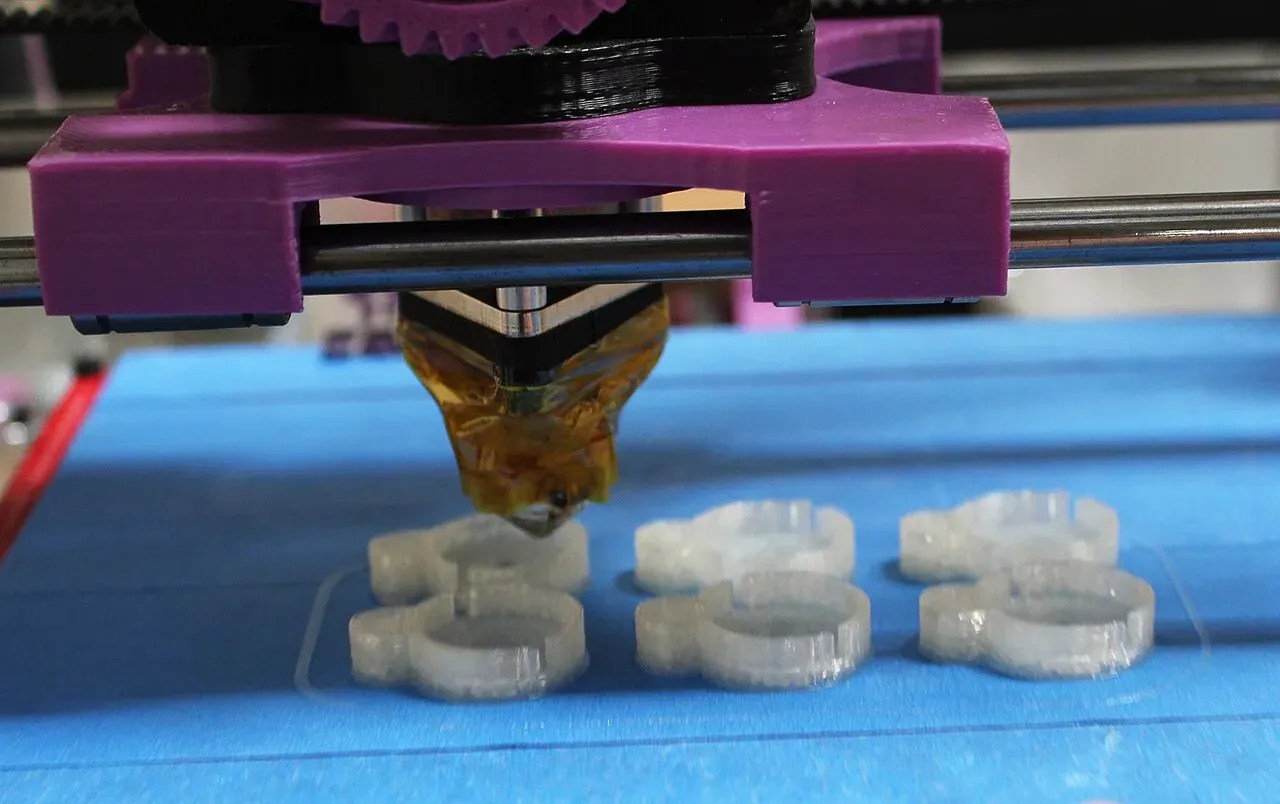 A print head at work over a plate of small parts.Photo: Neon Tommy ·CC BY-SA 2.0 ·Wikimedia Commons
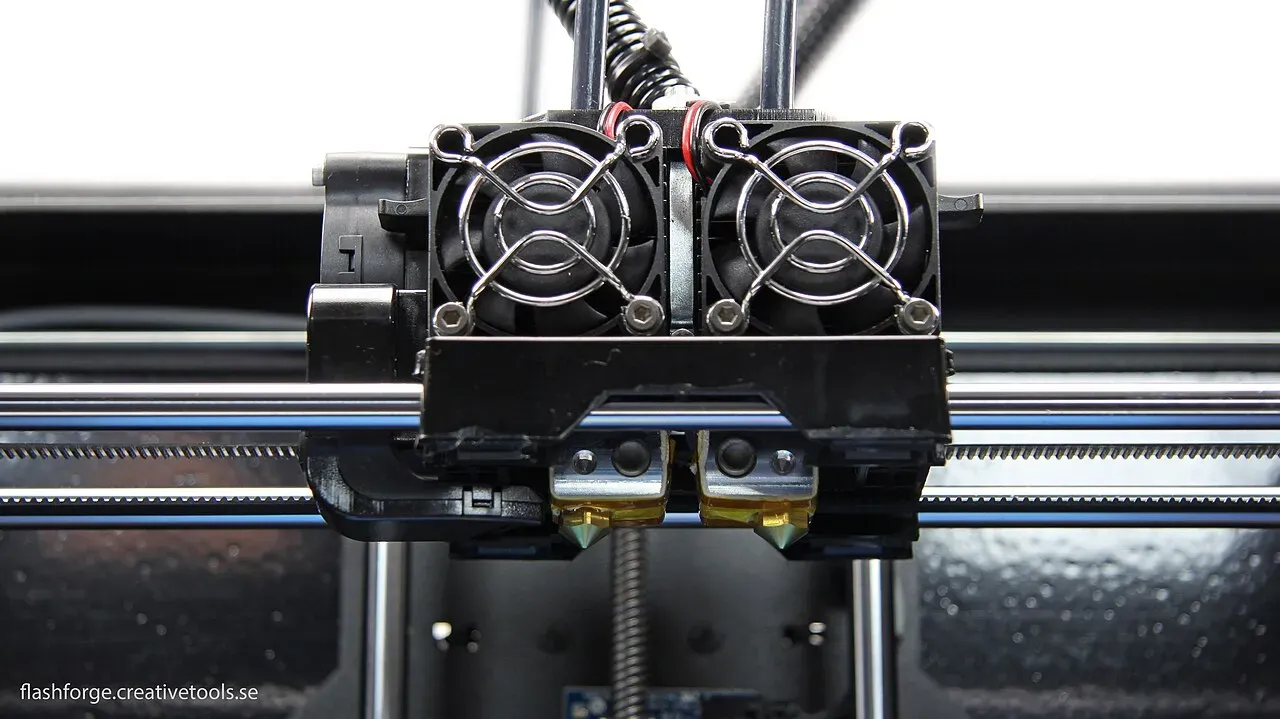 A dual-nozzle head: two hotends side by side.Photo: Creative Tools from Halmstad, Sweden ·CC BY 2.0 ·Wikimedia Commons
Method 5: Replace the nozzle
If a cold pull and the needle don’t work, or the nozzle is worn, replace it. A brass nozzle costs very little compared with hours of troubleshooting.
- Heat the hotend to about printing temperature. Nozzles must be changed hot: plastic inside a cold nozzle locks the threads.
- Hold the heater block still with a wrench so the wires and heat break don’t twist.
- Unscrew the nozzle with a nozzle socket or wrench.
- Screw the new nozzle in, then tighten it while hot, following your printer manufacturer’s instructions for torque. Overtightening can crack the heat break or strip the threads.
- Run a test print and recheck your Z offset, since a new nozzle can sit at a slightly different height.
Replace the nozzle on a schedule too: brass wears quickly with abrasive filaments (glow-in-the-dark, carbon fibre, wood-fill). Use a hardened steel nozzle if you print those regularly.33A worn nozzle’s opening gets wider and rounder, which hurts detail and can cause oozing and stringing as well as clogs.
- A brass 0.4 mm nozzle laying a thin strand.
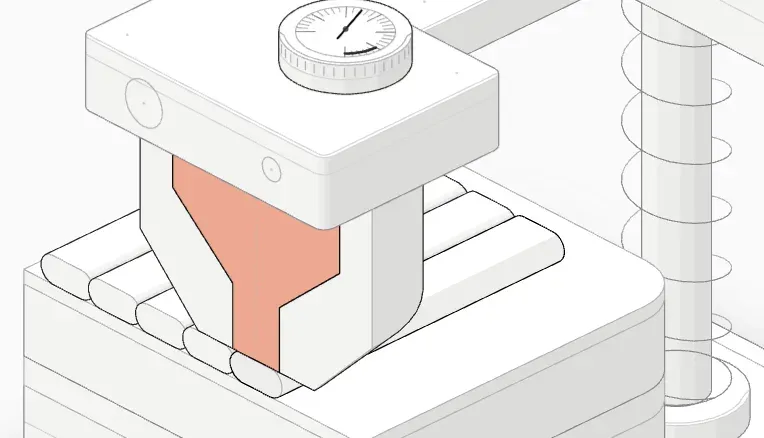 Cross-section, right height: a flattened line, about 0.45 × 0.20 mm.
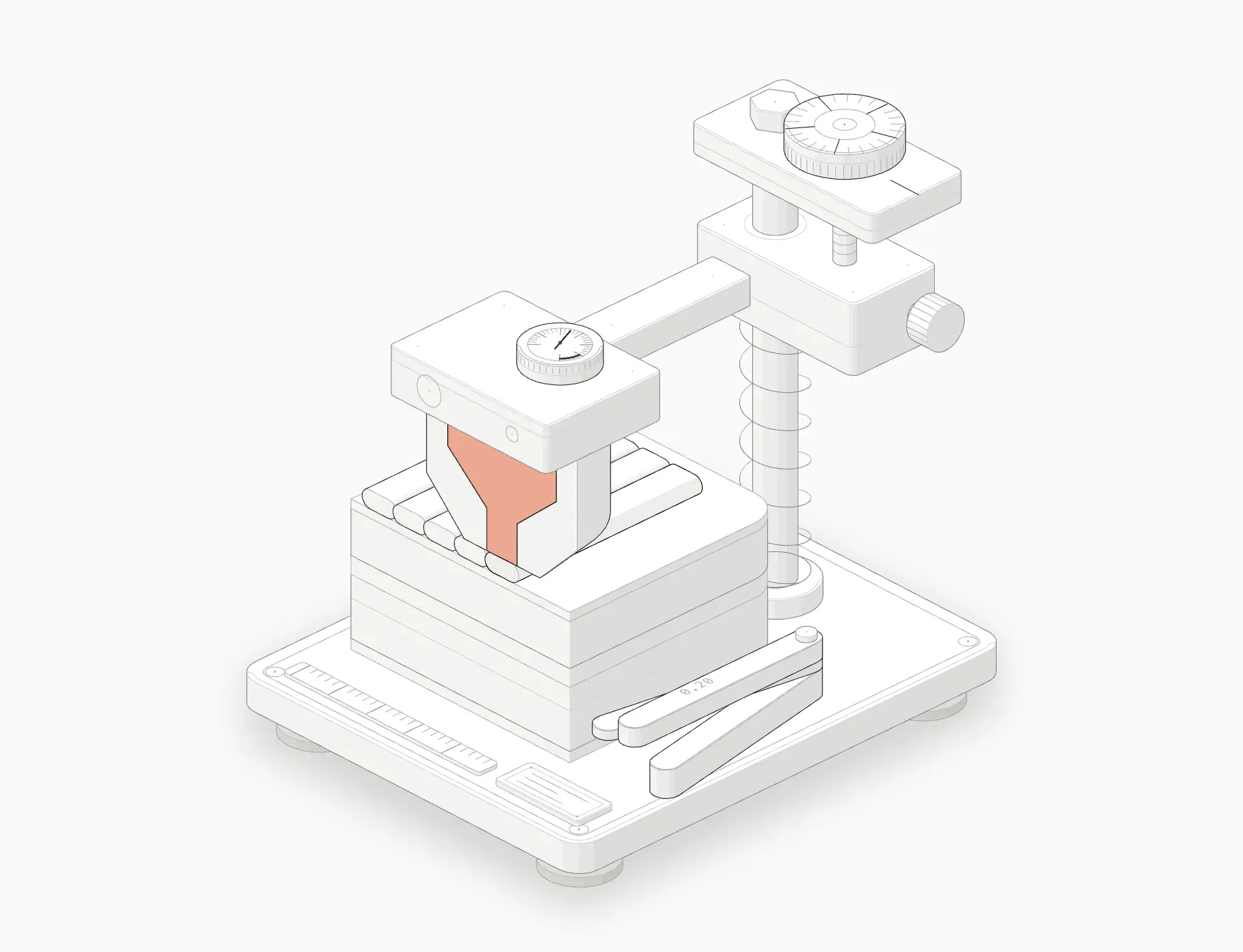 Z offset right: slightly squished lines that touch.
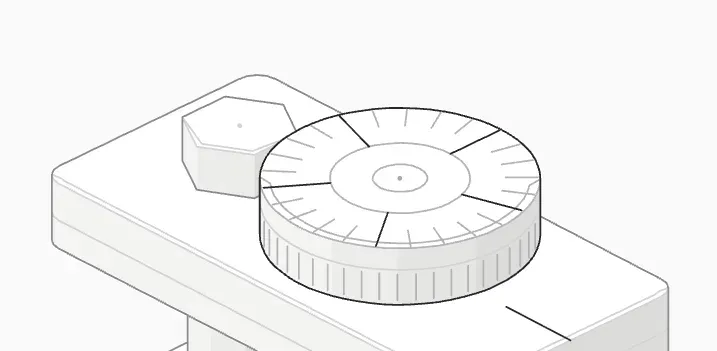 Each click of the babystep wheel moves the nozzle 0.02 mm.
- A heater block in a silicone sock, with the nozzle below and heat break above.Photo: A7N8X ·CC0 ·Wikimedia Commons
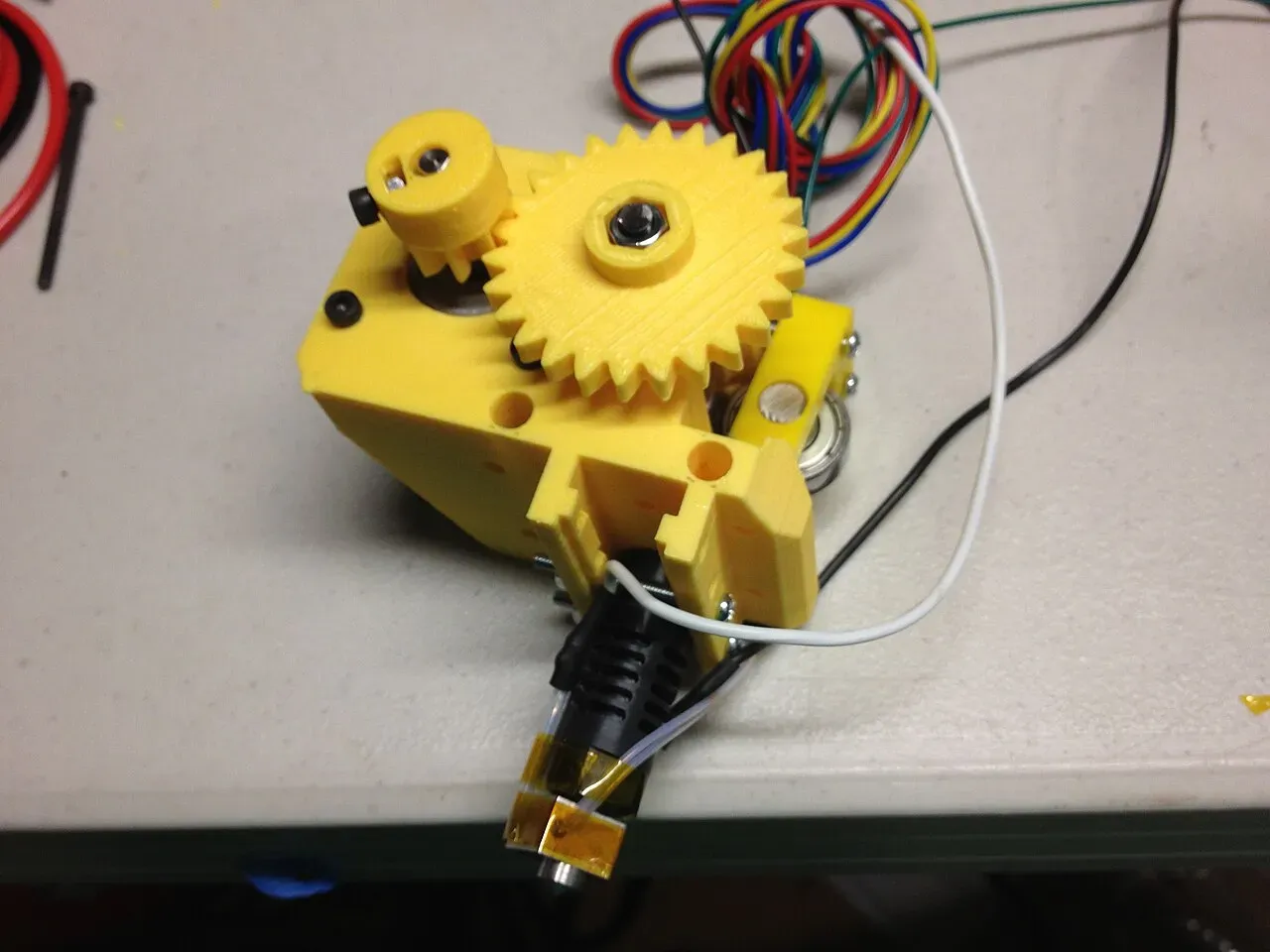 An assembled extruder before it goes on the printer.Photo: John Abella ·CC BY 2.0 ·Wikimedia Commons
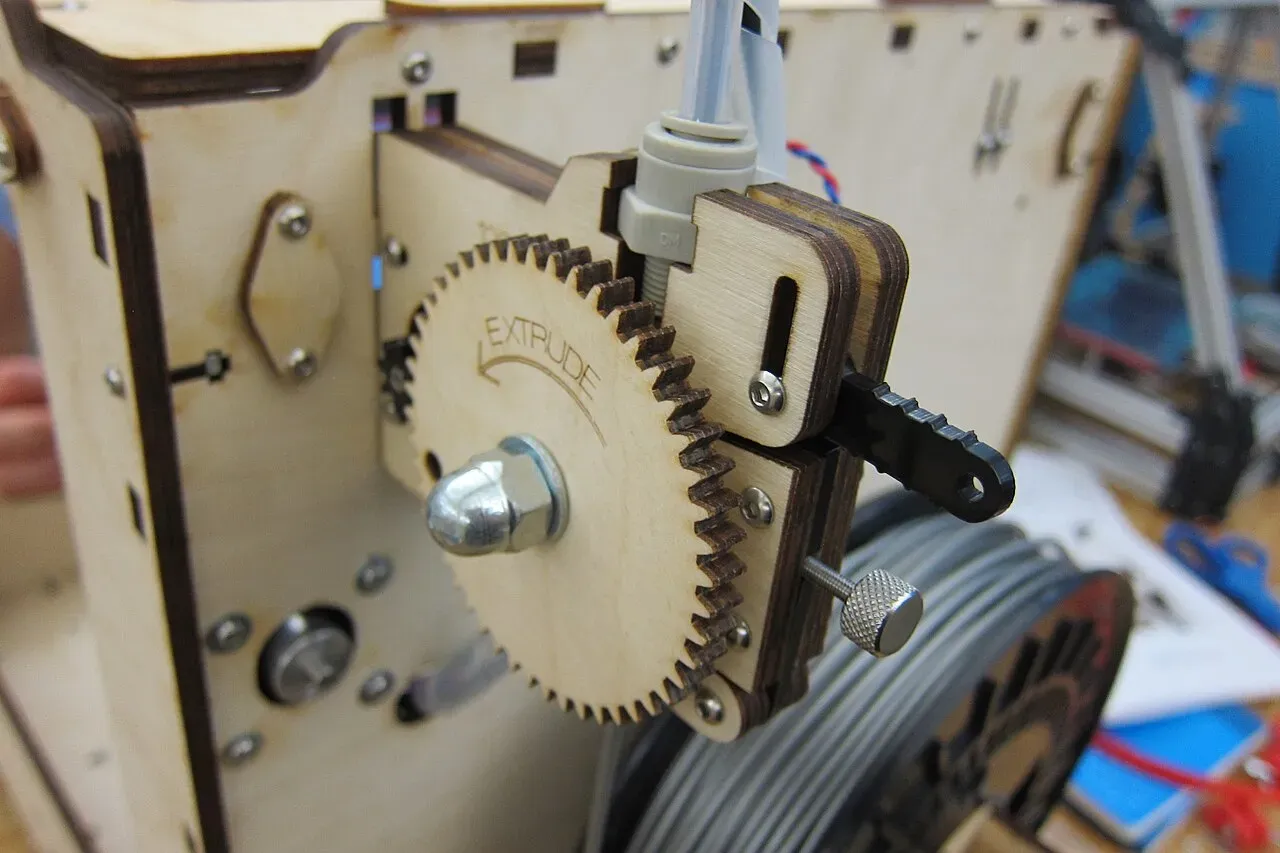 An early Ultimaker extruder: a big gear pushing filament.Photo: jabella ·CC BY 2.0 ·Wikimedia Commons
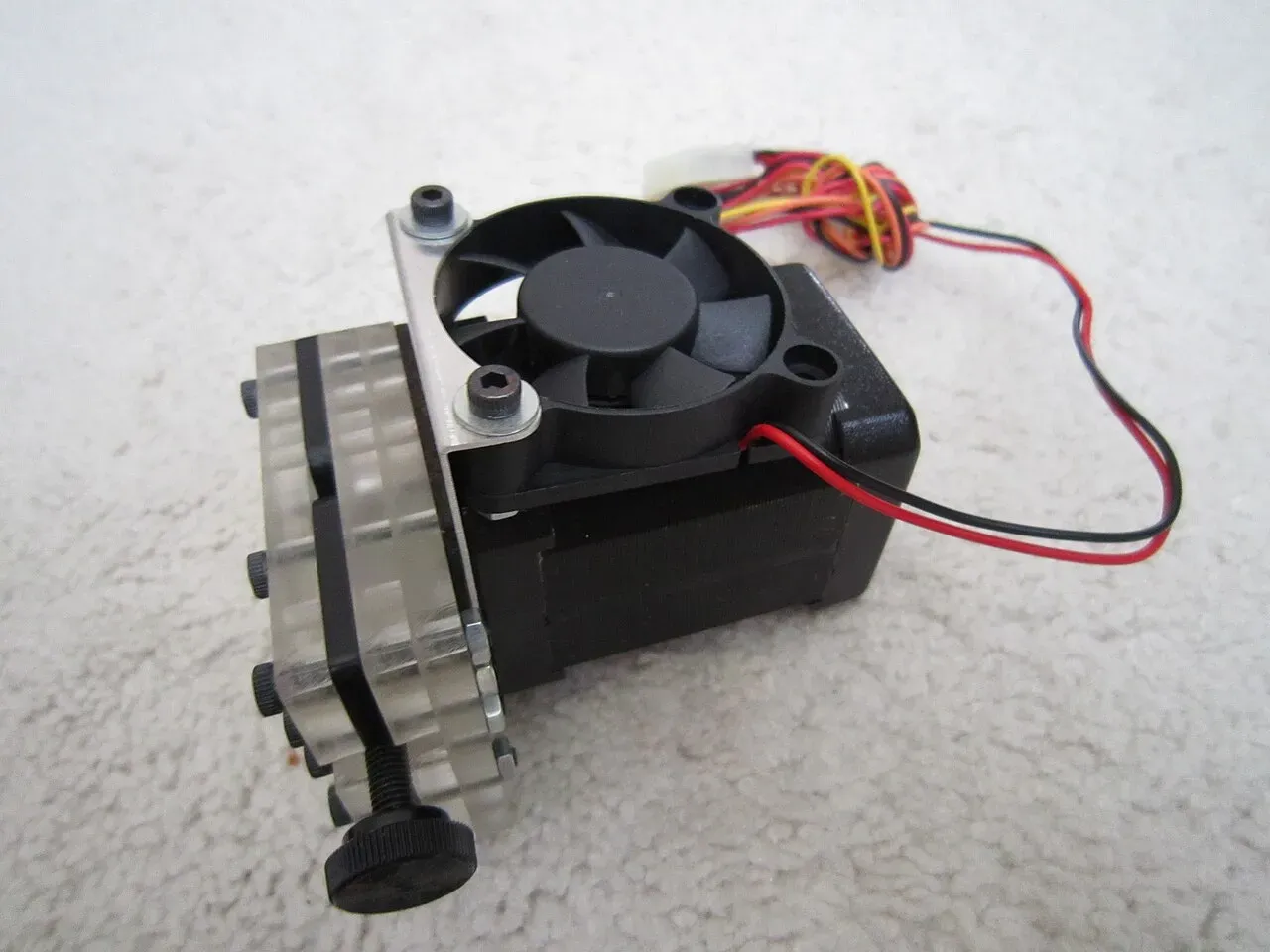 A small fan cooling the extruder assembly.Photo: syvwlch ·CC BY 2.0 ·Wikimedia Commons
Method 6: Fix heat creep
If the printer clogs part way through long prints, and especially in a warm room, heat creep is likely. Heat travels up the heat break, filament softens above the melt zone, swells and sticks.
- Check the hotend fan. It should spin whenever the hotend is hot, not only while printing. A dusty, slow or failed fan is the most common cause.
- Clean the heatsink fins of dust and plastic.
- On Bowden printers, check the PTFE tube is pushed fully down and seated against the nozzle. A gap lets plastic pool and harden there.
- Don’t over-retract. Very long retractions pull molten plastic up into the cold zone, where it hardens.
- Avoid printing PLA in a hot enclosure. PLA softens at low temperatures; open the door or remove the top.
- Fan off: heat creeps up the heatsink and the filament softens too high.
- The hotend fan cools the heatsink. It must run whenever the hotend is hot.
- The finned heatsink keeps the top of the hotend cold.
- The Bowden tube enters through a push-fit collet.
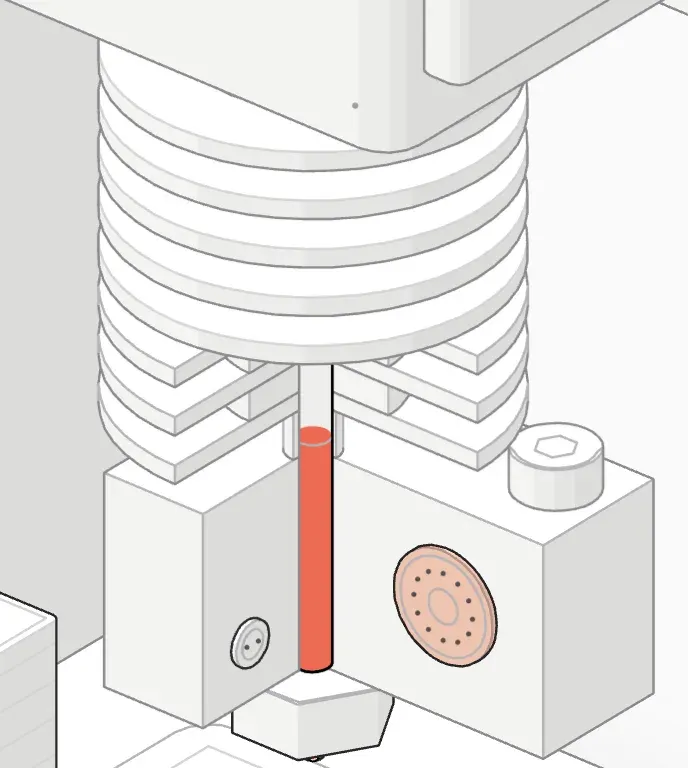 Too much retraction pulls melt up into the heat break.
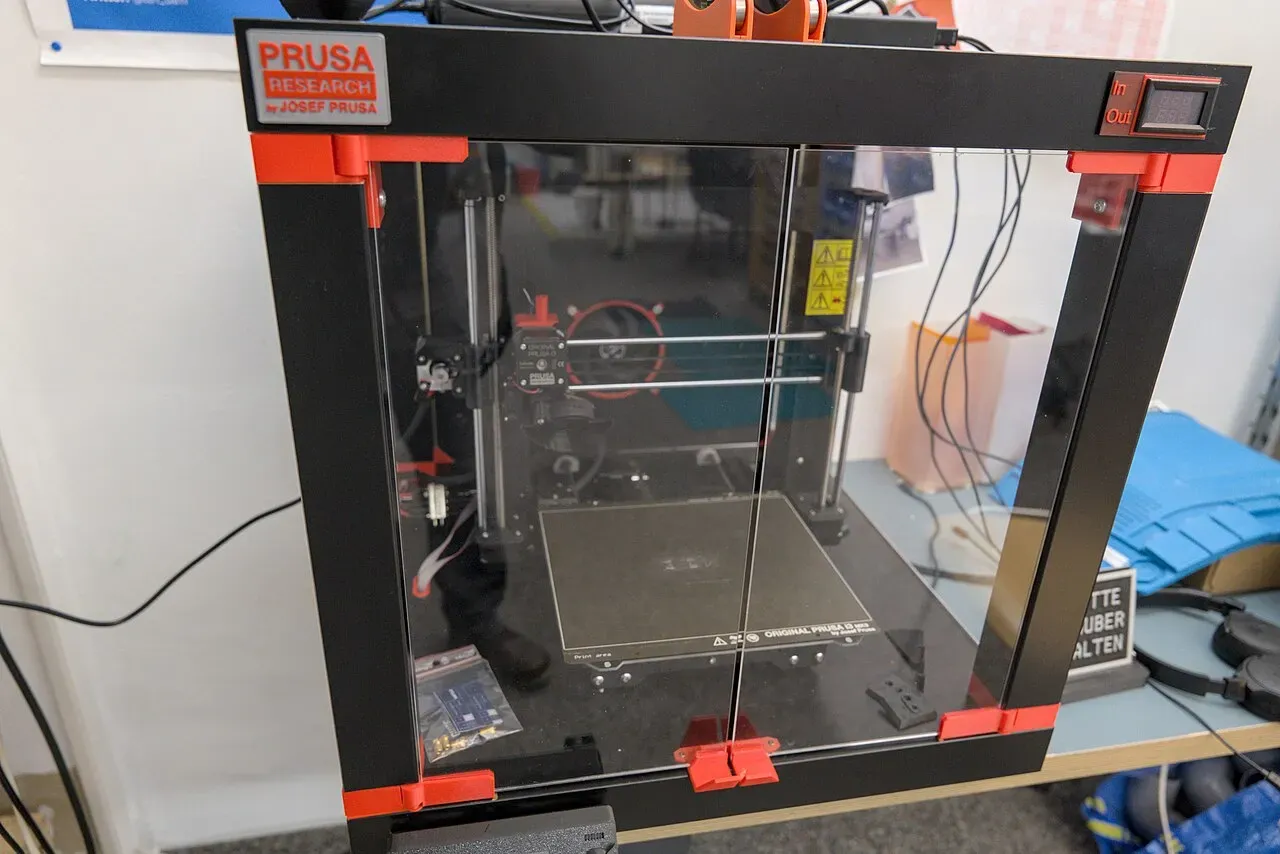 An enclosure keeps heat in for ABS and ASA.Photo: -stk ·CC BY-SA 4.0 ·Wikimedia Commons
Prevention
- Keep filament clean and dry. Store spools in a sealed box with desiccant; dust and moisture both cause problems.
- Purge when switching materials. Going from a hotter material to a cooler one, push through plenty of the new filament at the higher temperature first.
- Don’t leave plastic sitting hot. If a print is paused for a long time, lower the nozzle temperature.
- Keep the hotend fan healthy and the heatsink clean.
- Set the Z offset correctly. A nozzle pressed into the bed on the first layer backs up pressure in the hotend.
- Use a hardened nozzle for abrasive filaments.
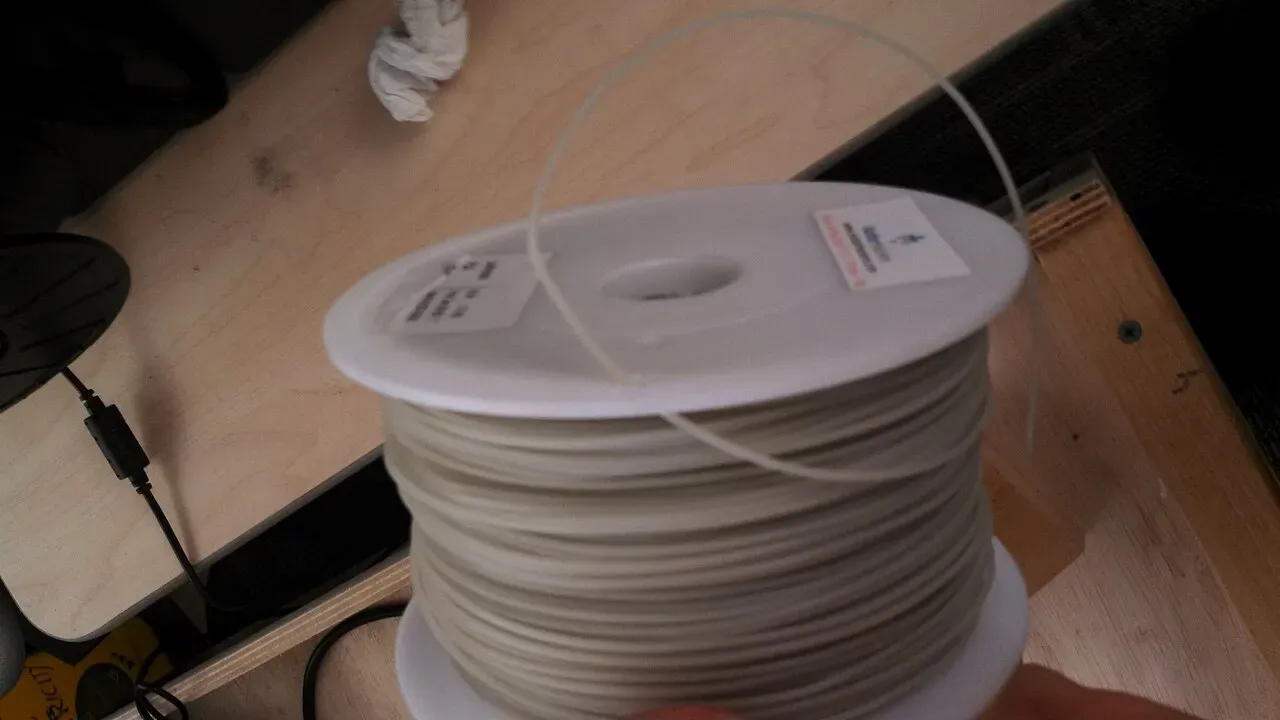 An open spool of PLA left out in the air.Photo: SuperBlobMonster ·CC BY-SA 3.0 ·Wikimedia Commons
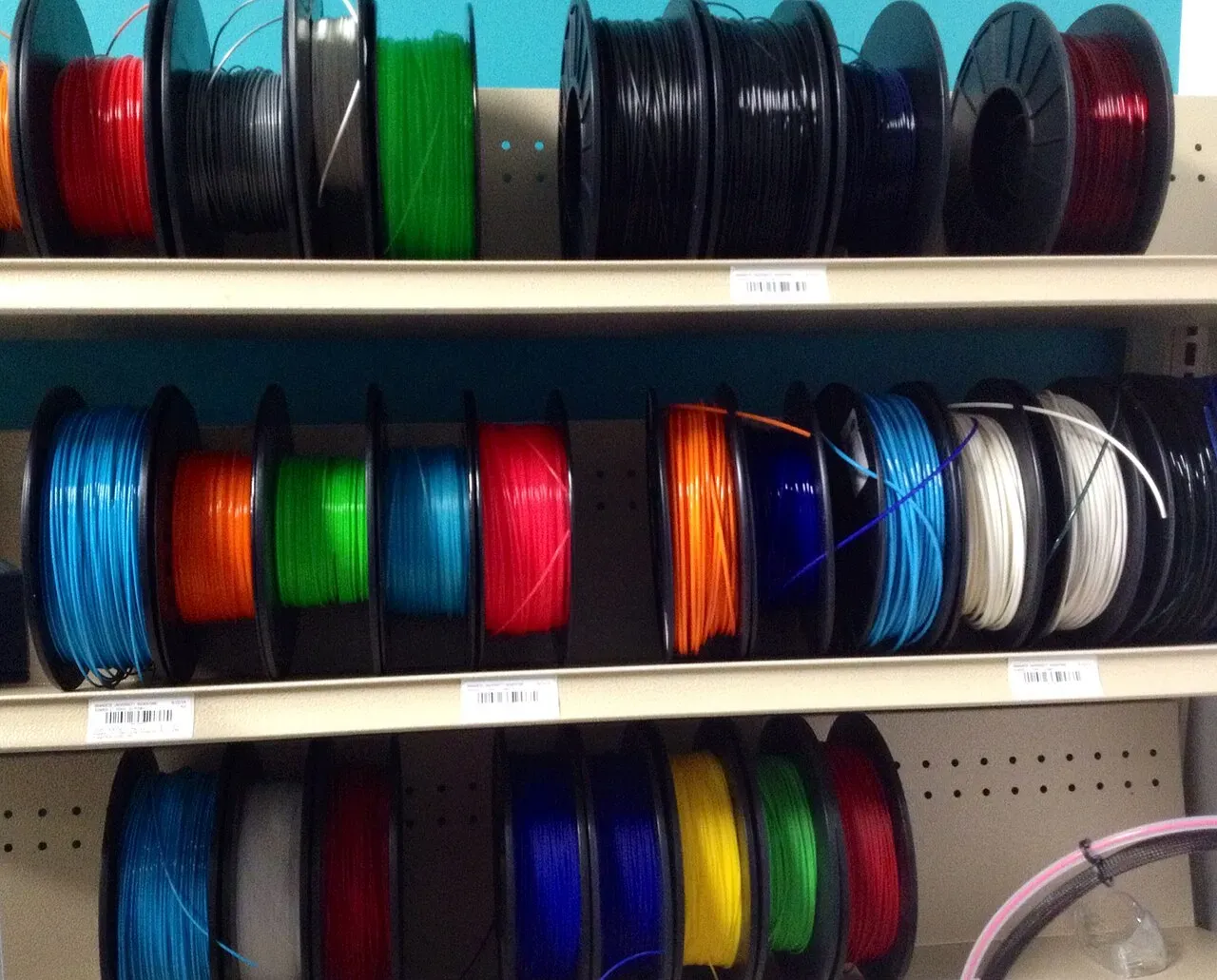 Filament comes in almost every colour.Photo: westonhighschool library ·CC BY-SA 2.0 ·Wikimedia Commons
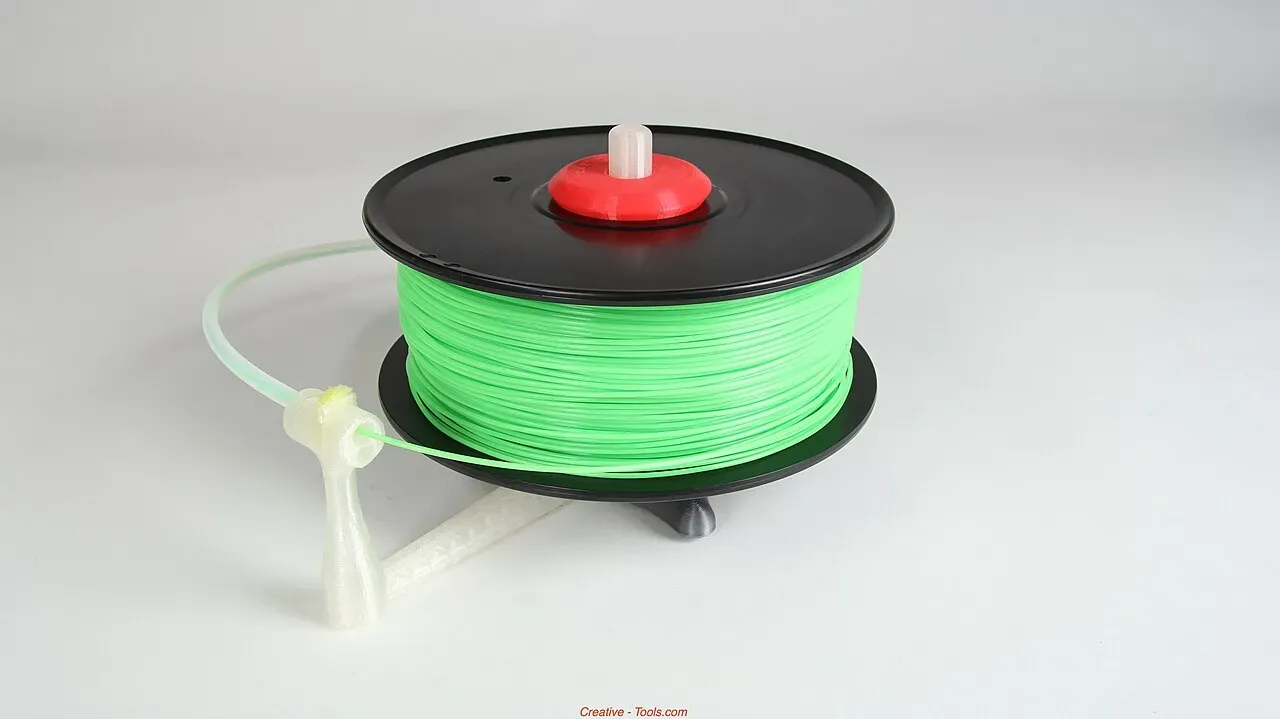 A simple spool holder lets the spool turn freely.Photo: Creative Tools ·CC BY 2.0 ·Wikimedia Commons
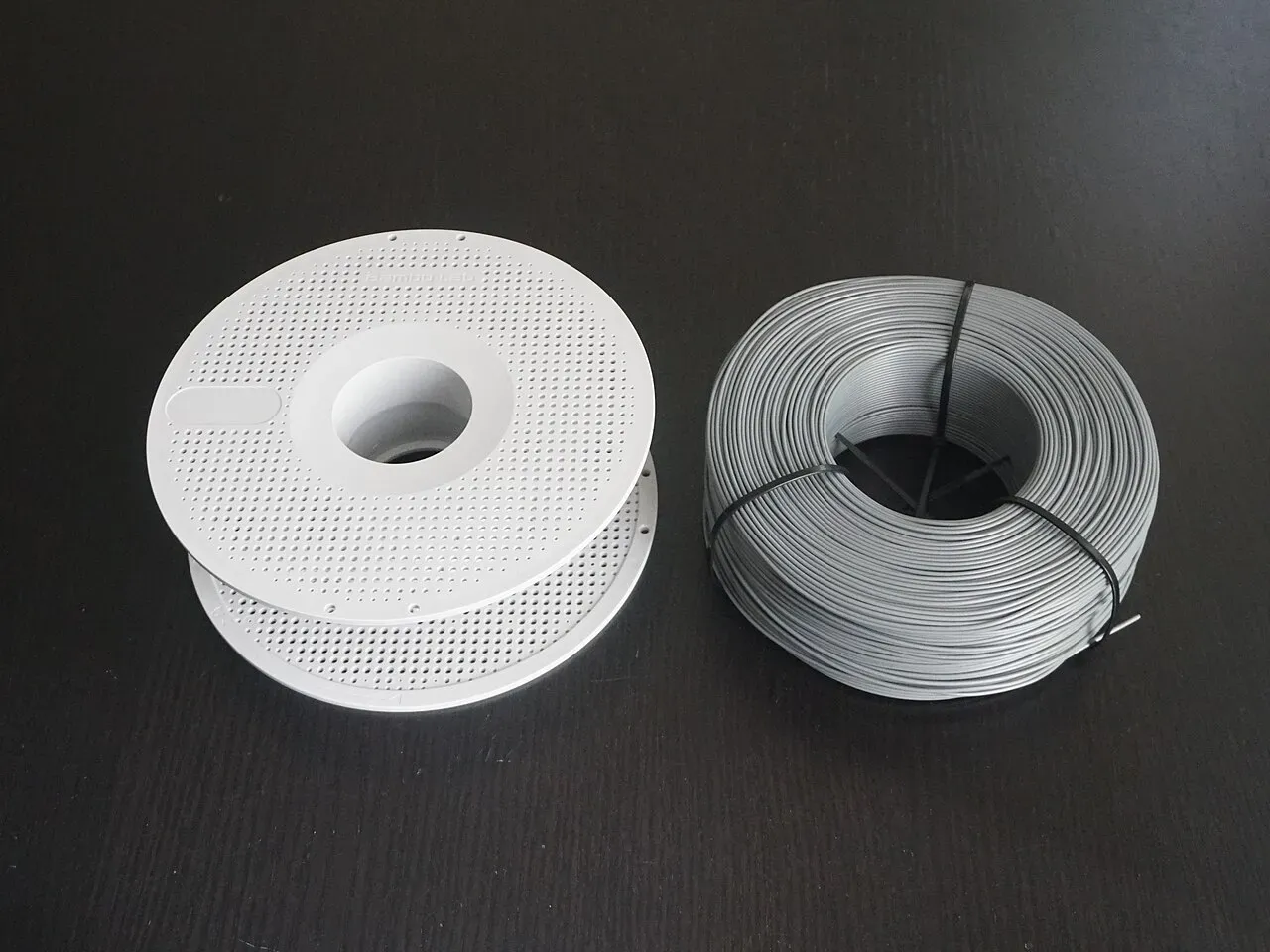 Refill filament: a coil and a reusable spool.Photo: Suit ·CC BY-SA 4.0 ·Wikimedia Commons
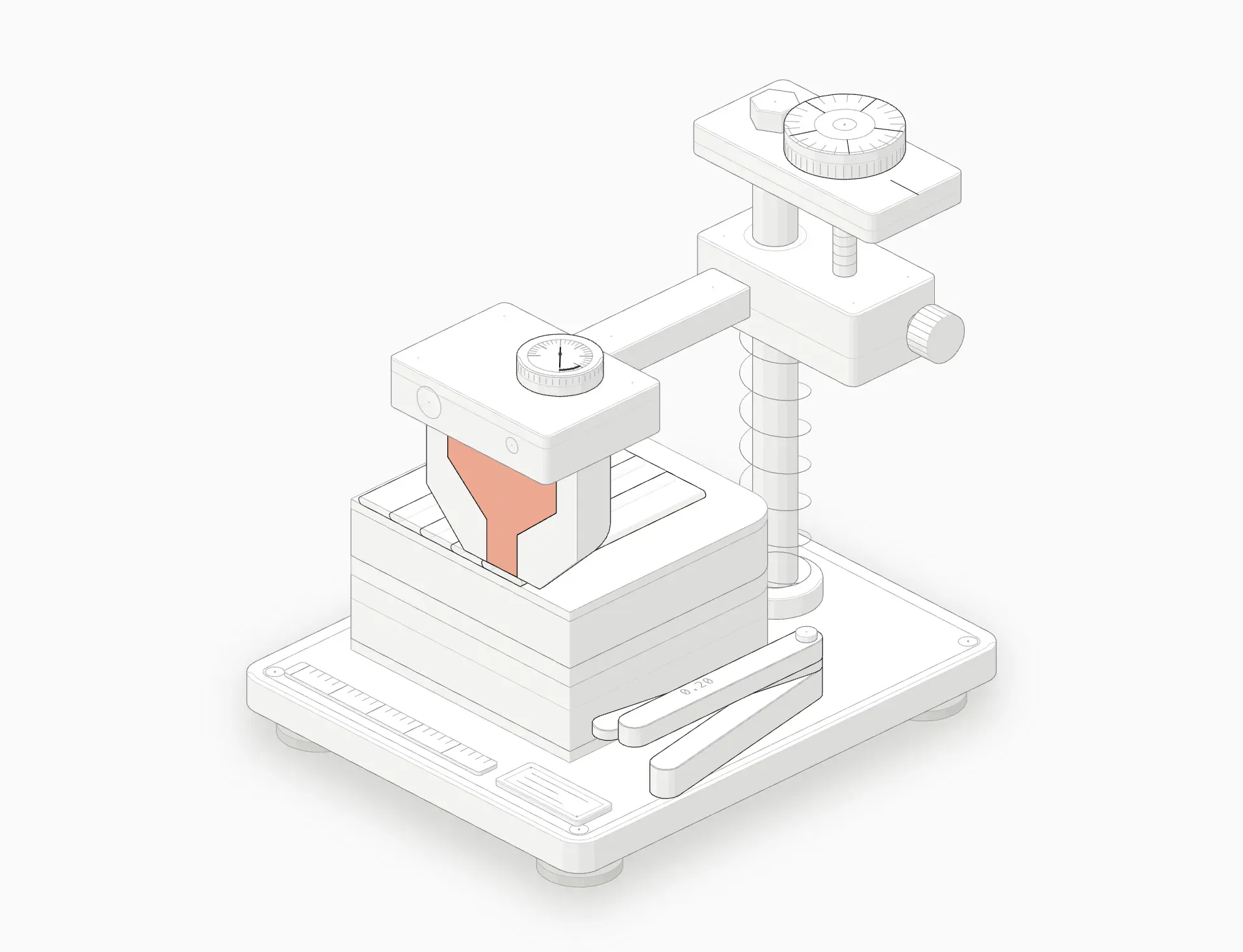 Too low: lines squashed thin, and the extruder struggles.
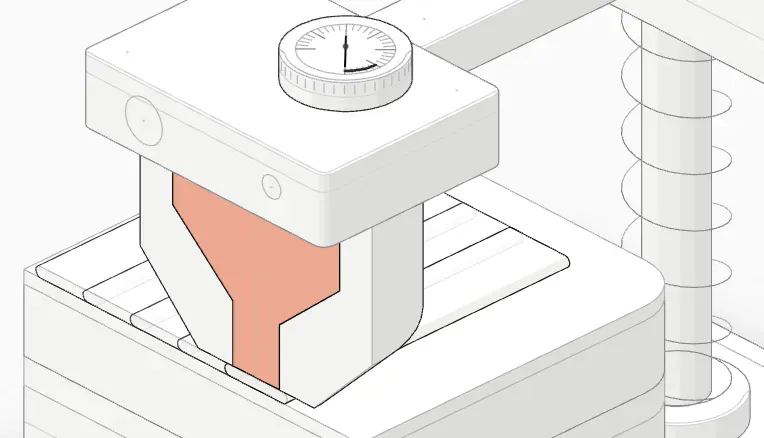 Z offset −0.12 mm: gap 0.08 mm · line 0.54 × 0.08 mm · too low · extruder skipping.
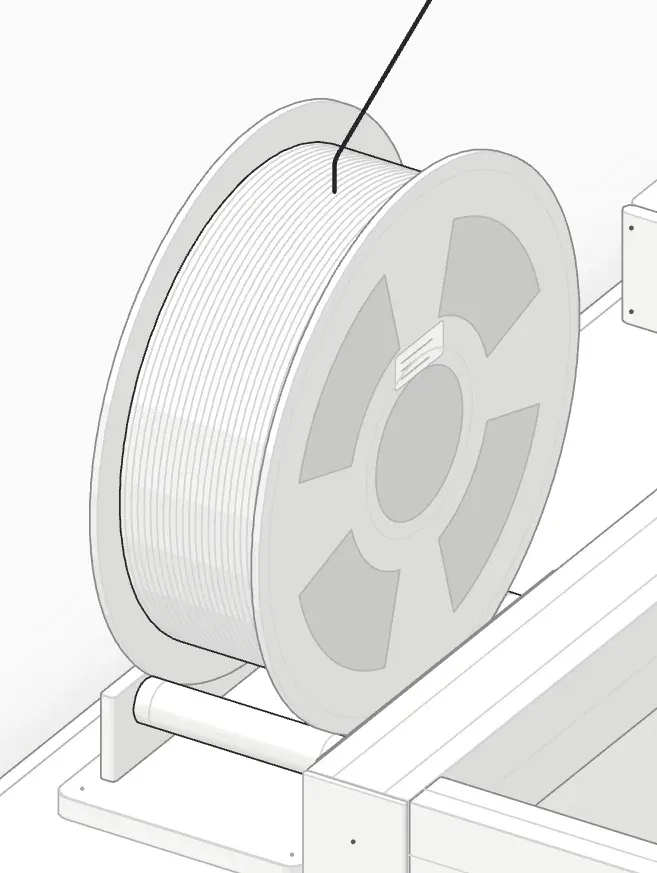 A 1 kg spool of 1.75 mm filament on a roller stand.
- The print head: extruder on top, finned heatsink, heater block and nozzle.
When it won’t go away
If clogs keep coming back after you’ve cleared them:
- Replace the nozzle and the heat break if they’ve had many clogs; damage inside the bore keeps catching debris.
- Check the extruder tension. Too tight crushes the filament so it jams; too loose lets it slip.
- Try a fresh spool. Some cheap filament has inconsistent diameter or contaminants.
- Check the thermistor reading. If the hotend is actually cooler than it reports, plastic never fully melts. A loose or failing thermistor can cause this; the manufacturer’s support can help you confirm it.
- Print slower. Feeding faster than the hotend can melt causes the same symptoms as a clog.
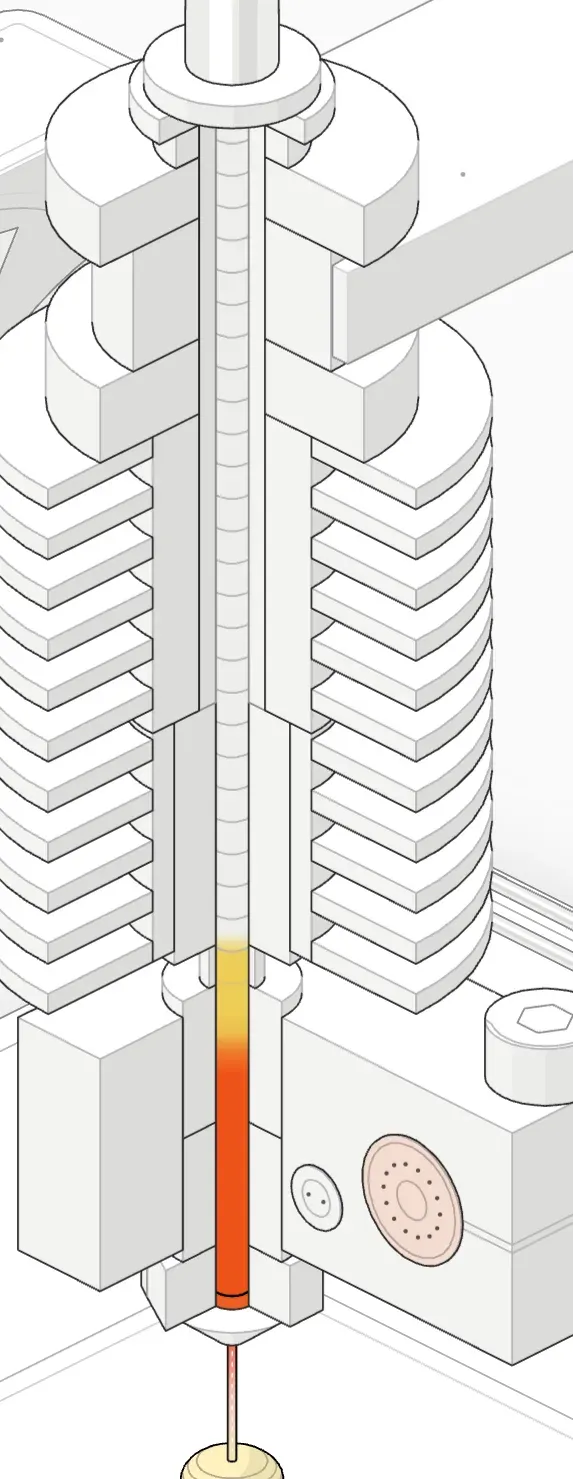 Feed 4 mm/s: nozzle 210 °C · heatsink 38 °C · feed 4.0 mm/s · melting in block.
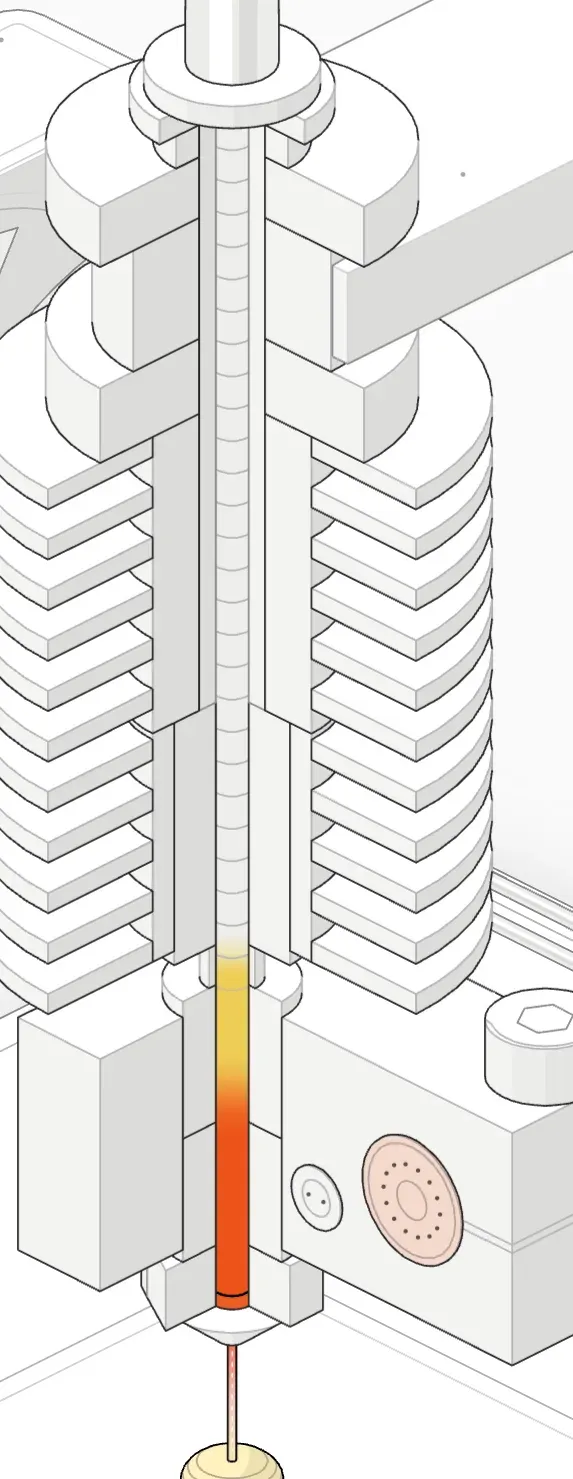 Feed 6 mm/s: nozzle 210 °C · heatsink 38 °C · feed 6.0 mm/s · melting in block.
- Feed 8 mm/s: nozzle 210 °C · heatsink 38 °C · feed 8.0 mm/s · too fast.
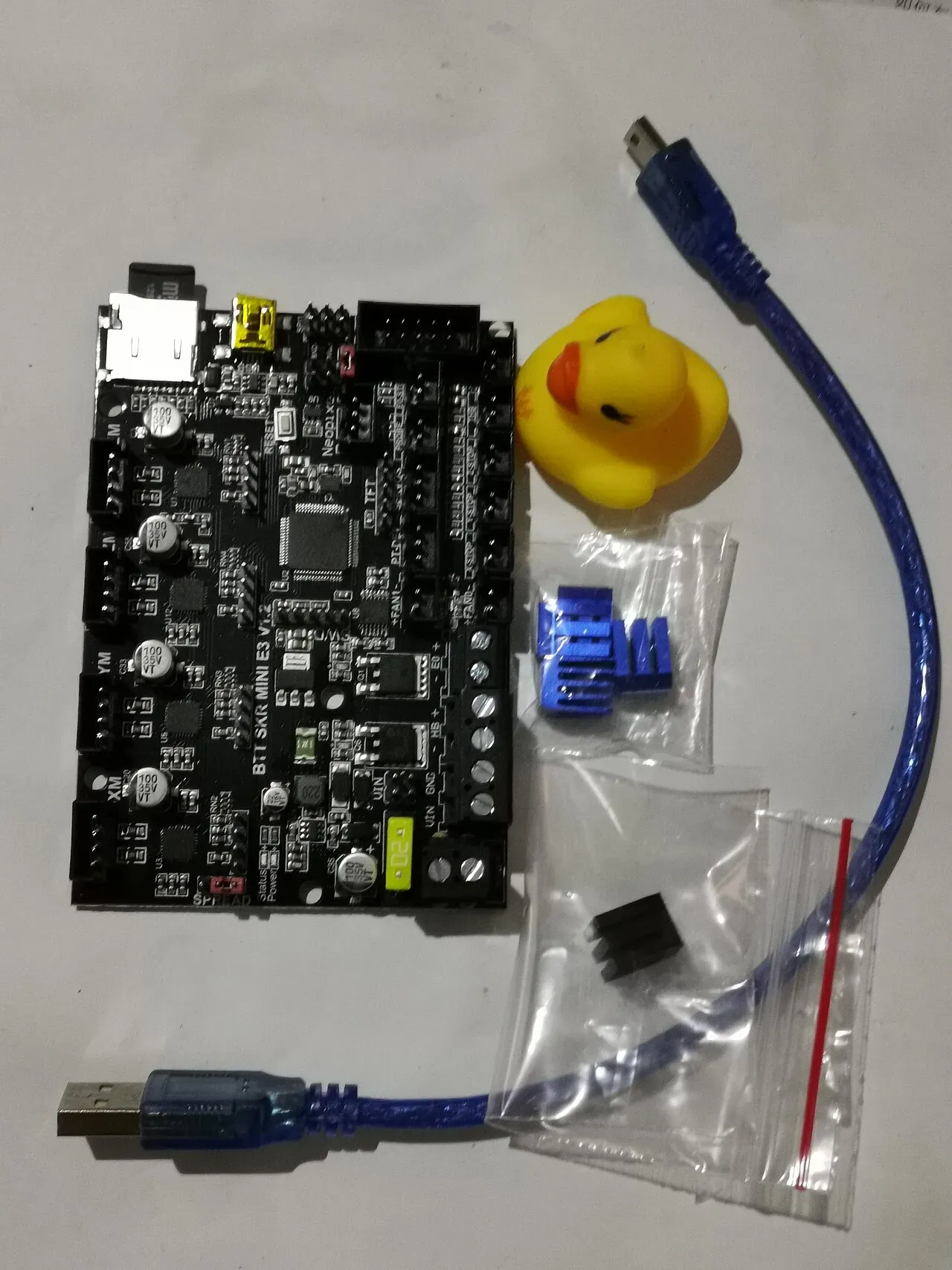 The mainboard: the printer's brain.Photo: kenming Wang ·CC BY-SA 2.0 ·Wikimedia Commons
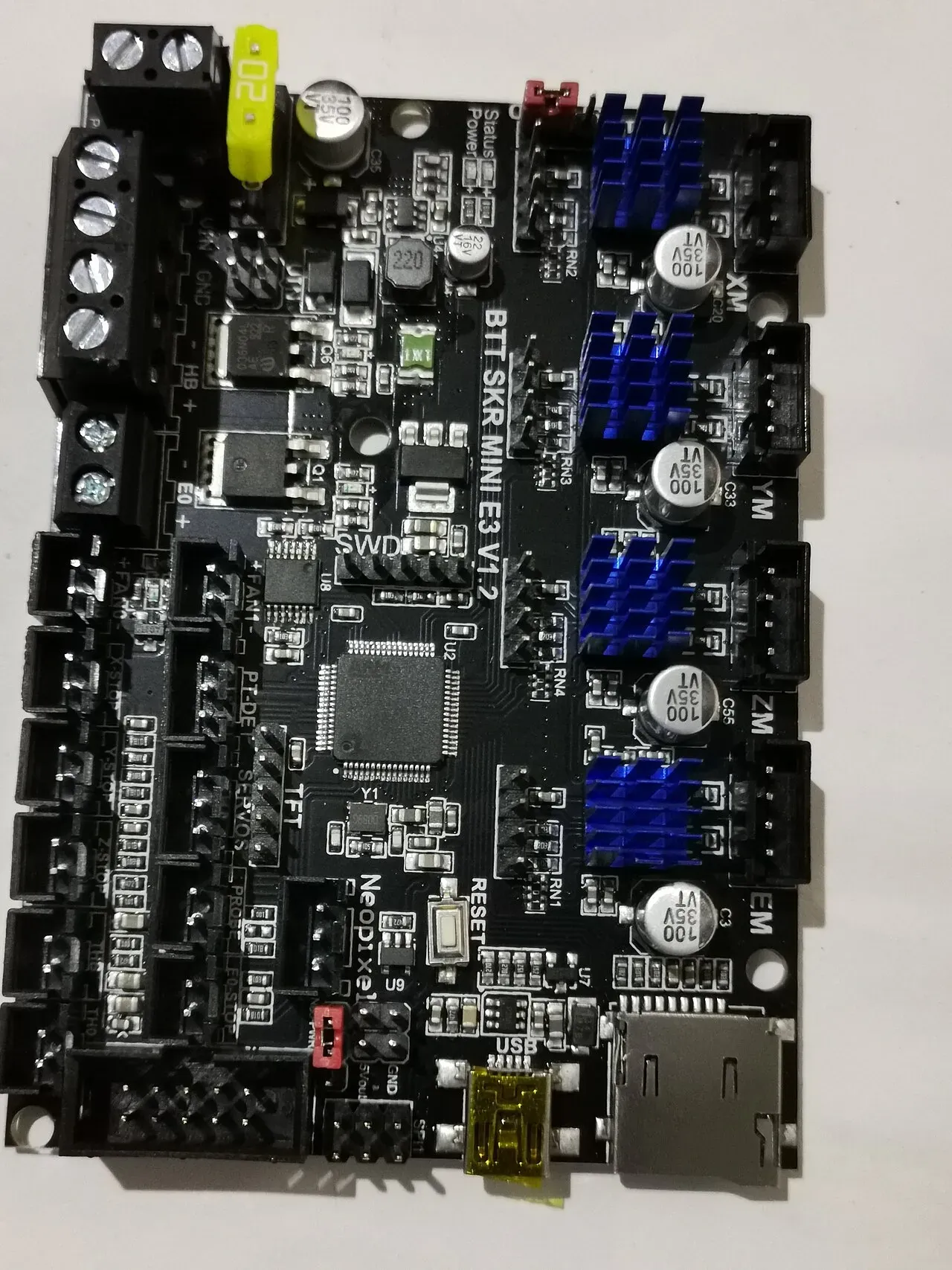 Stepper drivers on the mainboard, one per motor.Photo: kenming Wang ·CC BY-SA 2.0 ·Wikimedia Commons
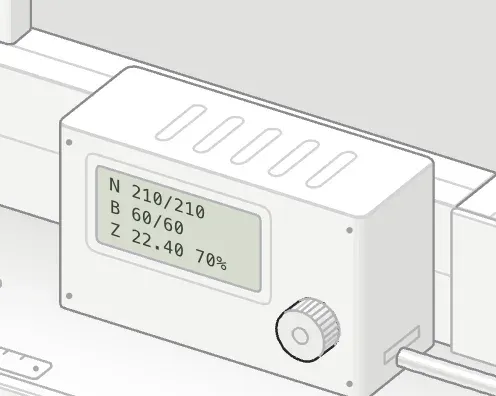 The control box shows nozzle and bed temperature, height and progress.
Your action plan
- Rule out an empty spool, crossed filament or a slipping extruder.
- Heat the nozzle and push filament through.
- Raise the temperature 10–20 °C and push again.
- Do a cold pull, repeating until the tip comes out clean.
- Clear the tip from below with a cleaning needle, hot and gently.
- Check the hotend fan and, on Bowden printers, the PTFE tube.
- Replace the nozzle, hot, and recheck the Z offset.
FAQ
How do I know if my nozzle is clogged or the extruder is slipping?
Heat the nozzle and push filament by hand. If it flows freely by hand but not when printing, the extruder is slipping; if it won’t flow even by hand, the nozzle or hotend is blocked.
Can I unclog a nozzle without taking it off?
Yes, usually. Pushing filament through hot, raising the temperature and doing a cold pull all work with the nozzle in place, and they fix most clogs.
What temperature should I use for a cold pull?
It depends on the material. For PLA, heat to around 200–220 °C and pull at about 80–100 °C; for nylon, heat to about 240–260 °C and pull at about 130–160 °C. Adjust by a few degrees if the filament snaps or stretches.
Can I use a drill bit or a wire to unclog a nozzle?
Avoid it. A drill bit can widen or scratch the opening and change your extrusion, and stiff wire can snap off inside; use the thin cleaning needles made for nozzles, or replace the nozzle.
Why does my nozzle keep clogging with PLA?
Usually heat creep, leftovers from a hotter filament, or a nozzle too close to the bed. Check the hotend fan, purge thoroughly after printing PETG or ABS, and set your Z offset correctly.
Should I change the nozzle hot or cold?
Hot. Plastic inside a cold nozzle locks the threads, and forcing it can damage the heat break; heat it to about printing temperature and hold the heater block still while you unscrew it.
How often should I replace my nozzle?
When it clogs repeatedly, prints lose detail, or after a lot of abrasive filament. Brass nozzles wear fastest with glow-in-the-dark, carbon fibre and wood-fill filaments.
Related guides
To understand every part involved, read parts of a 3D printer explained. If your extruder clicks but the nozzle is clear, see why your extruder is clicking. A new nozzle also means rechecking your Z offset. New to printing? Start with the complete beginner’s guide.
Free: the Print Problems Cheat Sheet
12 common print faults on two printable pages: what each looks like, why it happens and the fix. Plus one new guide a week.
Free: the Print Problems Cheat Sheet
12 common print faults on two printable pages: what each looks like, why it happens and the fix. Plus one new guide a week.