Nozzle School
PLA vs PETG: Which Filament Should You Use?
PLA vs PETG compared side by side: print settings, strength, heat resistance, stringing, moisture and which one to choose for your next print.
Use PLA for almost everything while you’re learning: it’s the easiest filament to print, barely warps, and gives the cleanest detail. Switch to PETG when a part has to be tougher, bend a little without snapping, or survive heat and sun, such as in a car, outdoors or near a warm appliance.
This guide compares the two side by side, explains how to print each one, and covers the problems each tends to cause. It applies to any FDM printer with a heated bed.
PLA vs PETG at a glance
| PLA | PETG | |
|---|---|---|
| Nozzle temperature | 190–220 °C | 220–250 °C |
| Bed temperature | 50–60 °C | 70–85 °C |
| Ease of printing | Easiest of all | Easy, but fussier |
| Strength | Stiff and strong, but brittle | Tougher, bends before it breaks |
| Heat resistance | Softens around 55–60 °C | Softens around 80 °C |
| Flexibility | Rigid | A little flex |
| Stringing | Low | High |
| Warping | Very low | Low |
| Moisture sensitivity | Moderate | Higher |
| Smell while printing | Faint, slightly sweet | Faint |
| Outdoors and sunlight | Poor: softens and weakens | Better |
| Surface finish | Crisp detail, matte or glossy | Glossy, slightly softer detail |
| Typical price | The cheapest | Similar to or slightly more than PLA |
| Food contact | Not recommended for either without a food-safe certified filament and a food-safe nozzle and process |
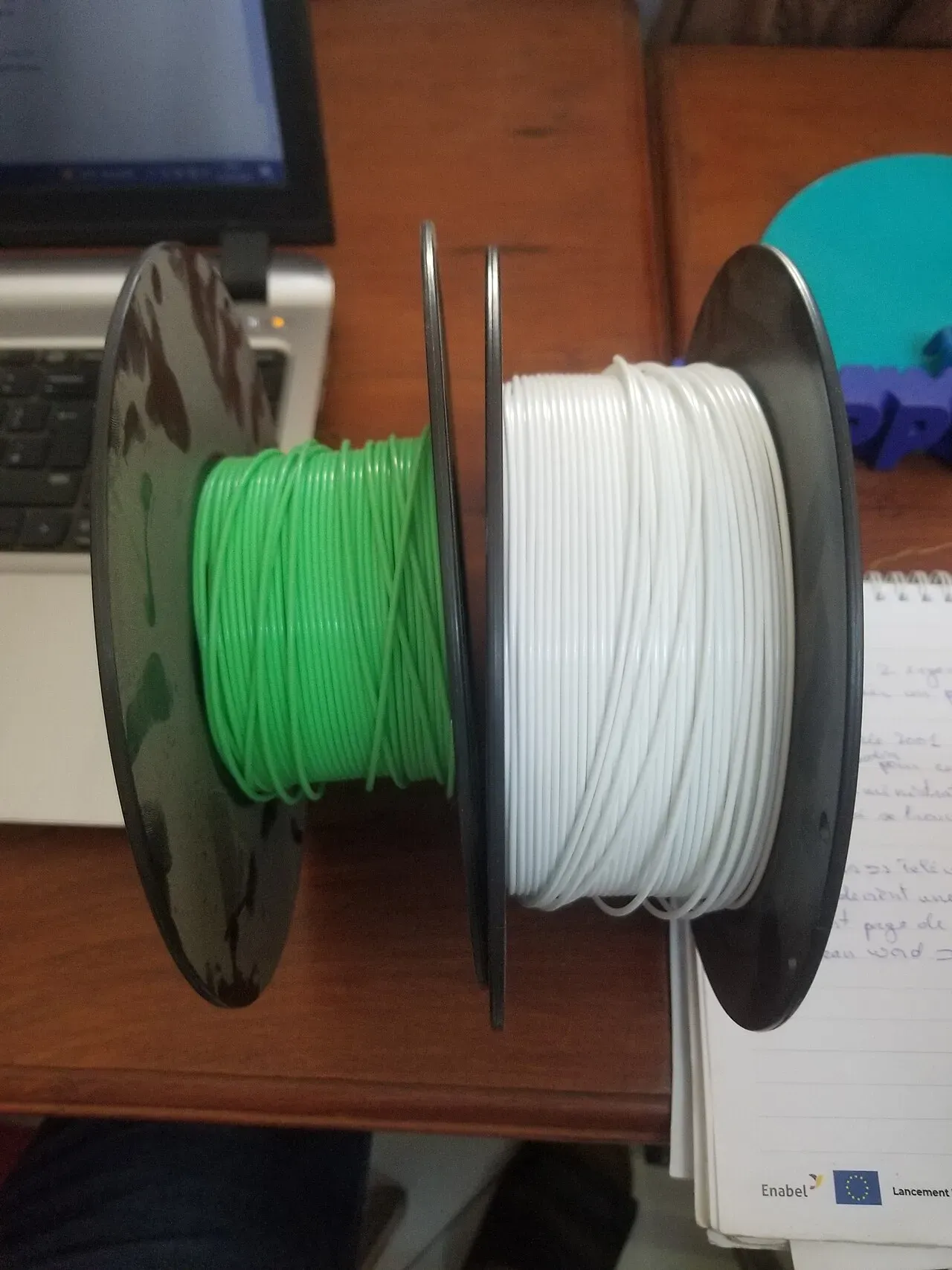 PLA: the beginner's filament.Photo: Richardspa ·CC0 ·Wikimedia Commons
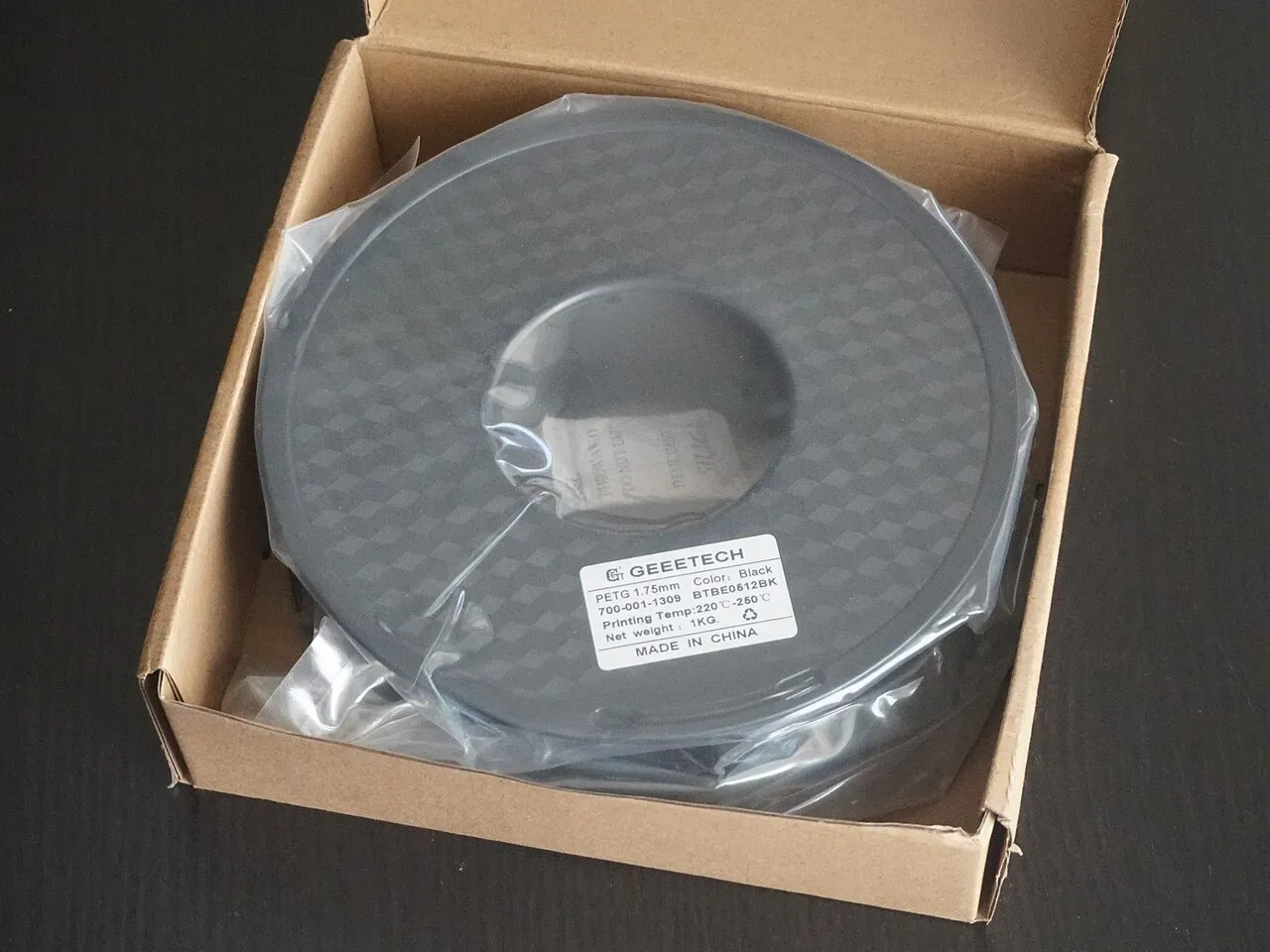 A 1 kg spool of PETG, sealed with desiccant.Photo: Suit ·CC BY-SA 4.0 ·Wikimedia Commons
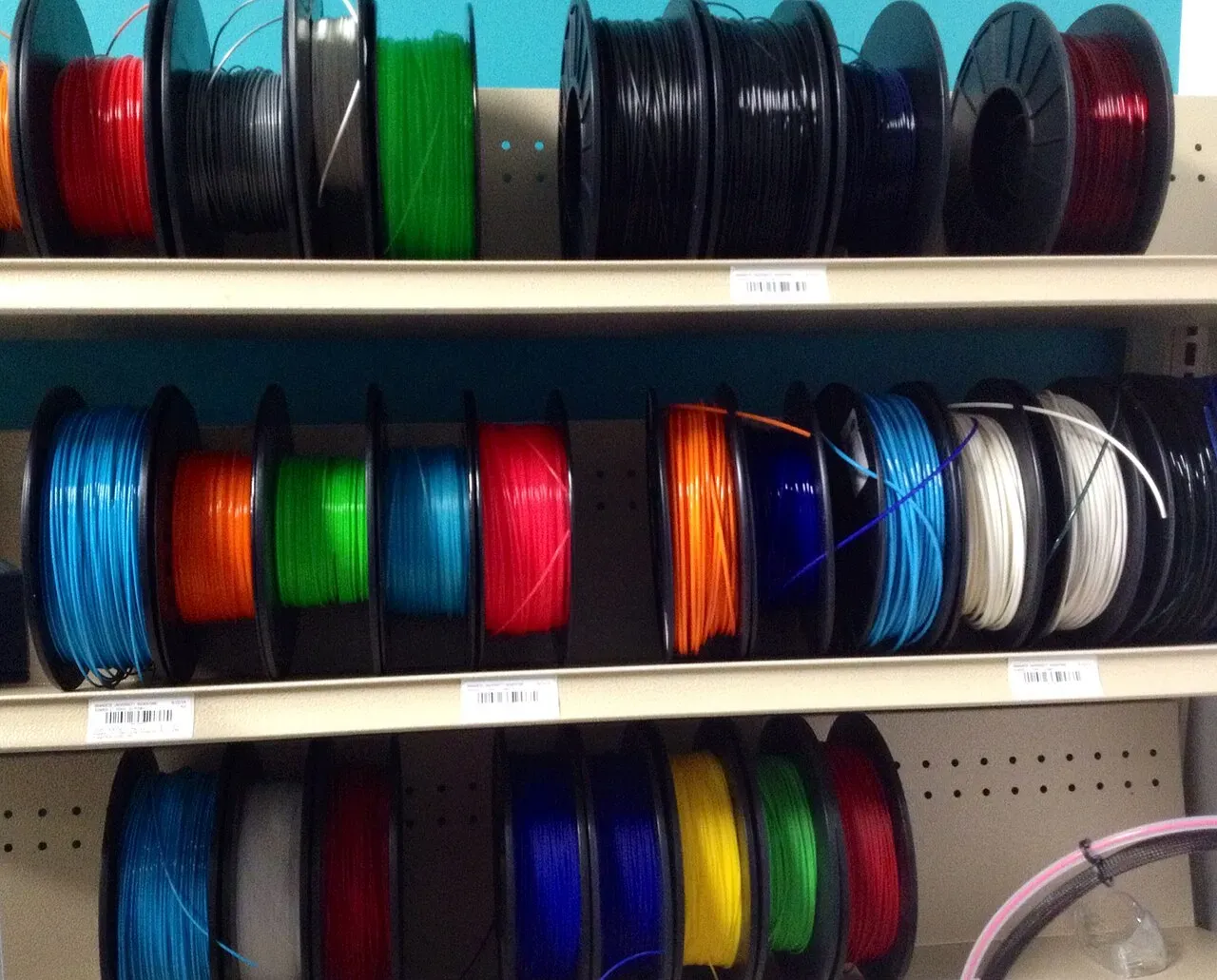 Filament comes in almost every colour.Photo: westonhighschool library ·CC BY-SA 2.0 ·Wikimedia Commons
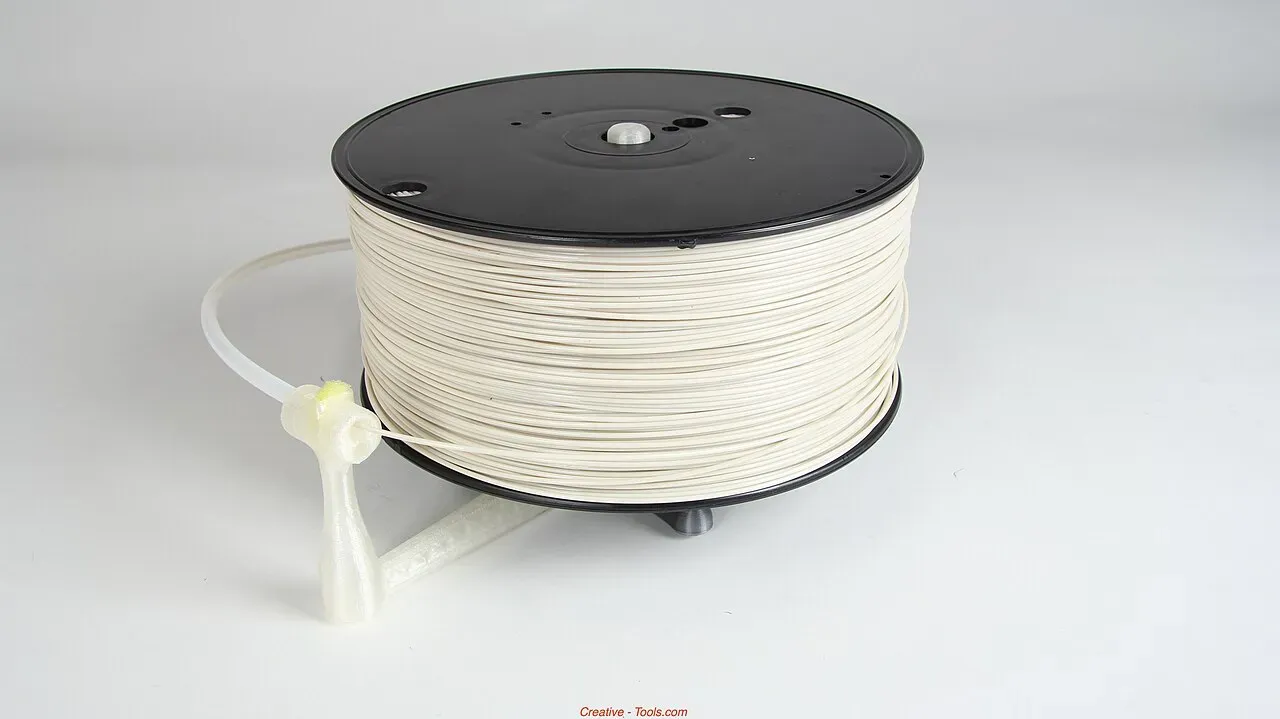 A spool of white filament.Photo: Creative Tools ·CC BY 2.0 ·Wikimedia Commons
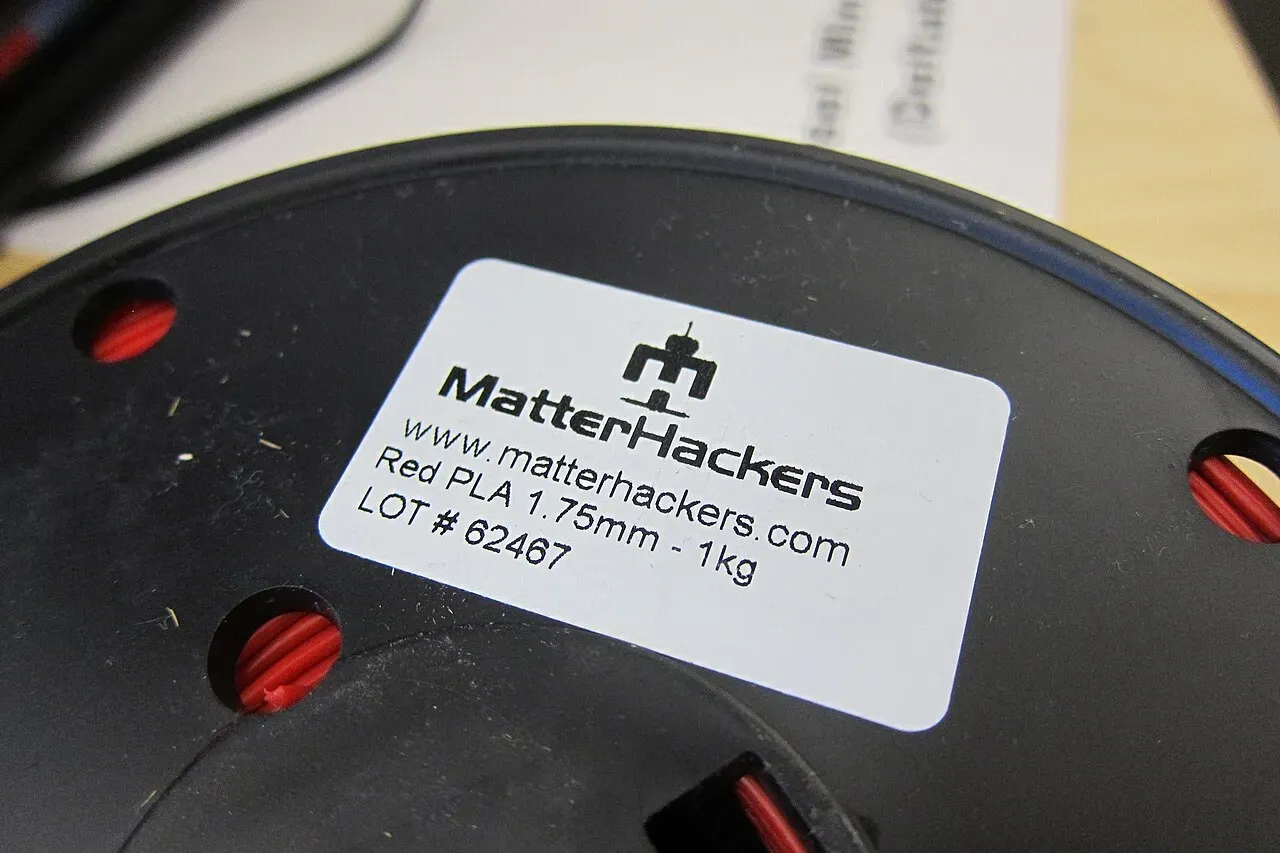 Read the label: material, 1.75 mm diameter, 1 kg.Photo: John Abella from Outside Philadelphia, USA ·CC BY 2.0 ·Wikimedia Commons
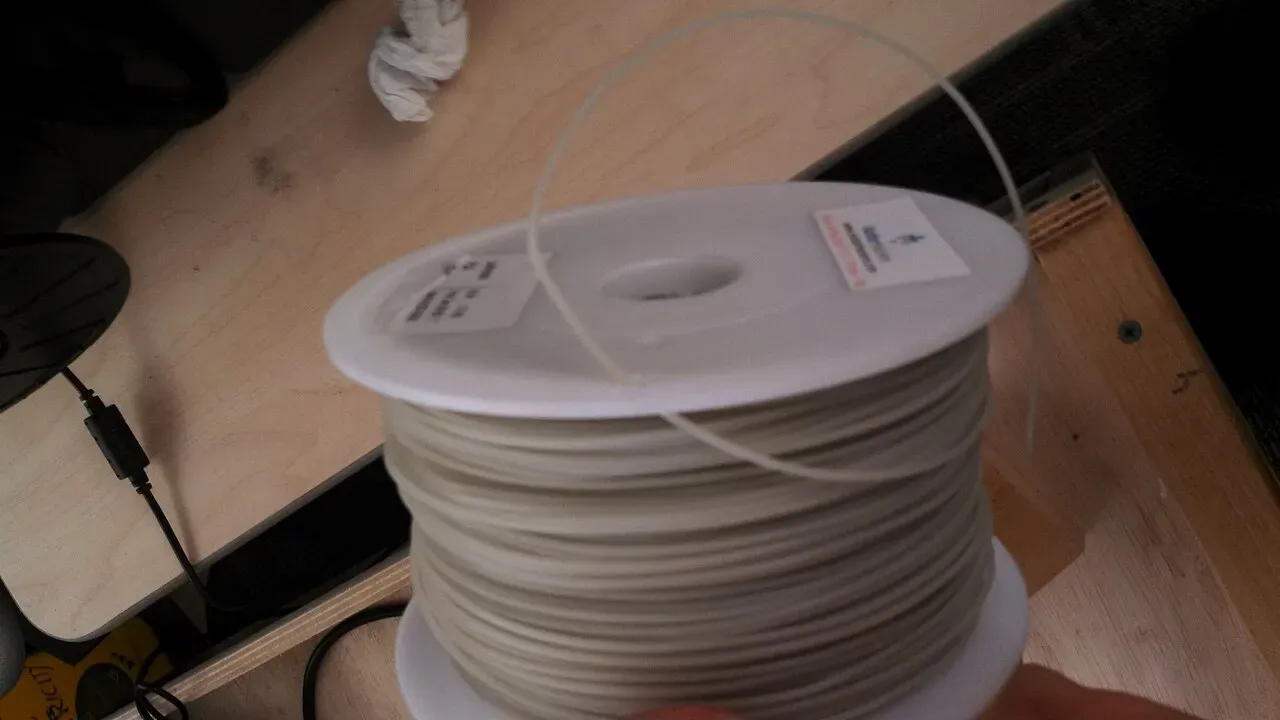 An open spool of PLA left out in the air.Photo: SuperBlobMonster ·CC BY-SA 3.0 ·Wikimedia Commons
Choose PLA if…
- You’re new to 3D printing, or you’re printing something for the first time.
- The part is decorative: figures, models, vases, desk toys, prototypes.
- You want the sharpest detail and the easiest settings.
- The part will stay indoors, away from heat.
Choose PETG if…
- The part will be used, not just looked at: brackets, clips, hooks, tool holders.
- It needs to flex a little or survive being dropped.
- It will sit somewhere warm: a car dashboard in summer, near a window, close to a motor or a lamp.
- It will be used outdoors, at least for a while.
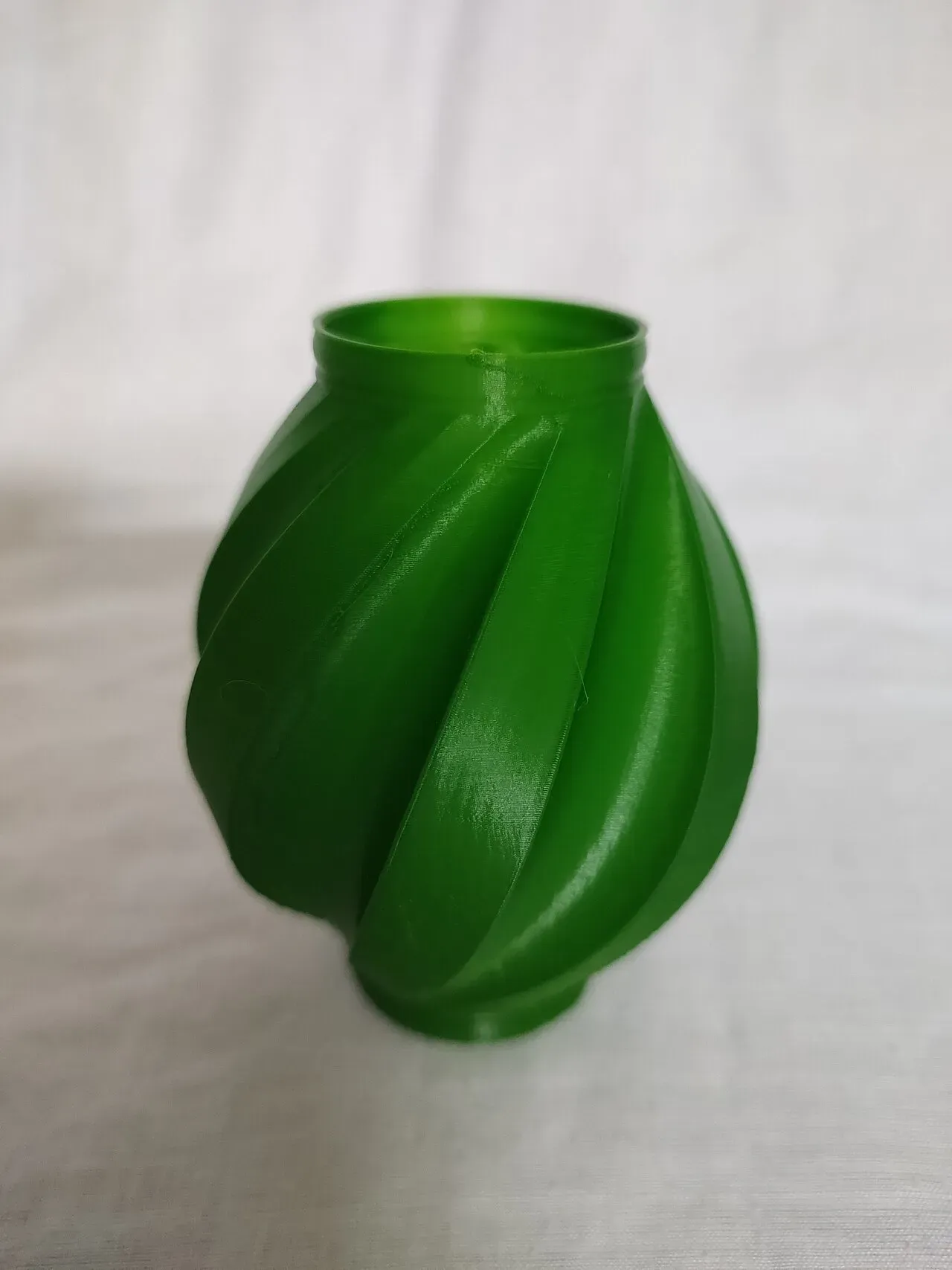 A twisted vase printed in a single wall.Photo: Sumanbargavr ·CC BY-SA 4.0 ·Wikimedia Commons
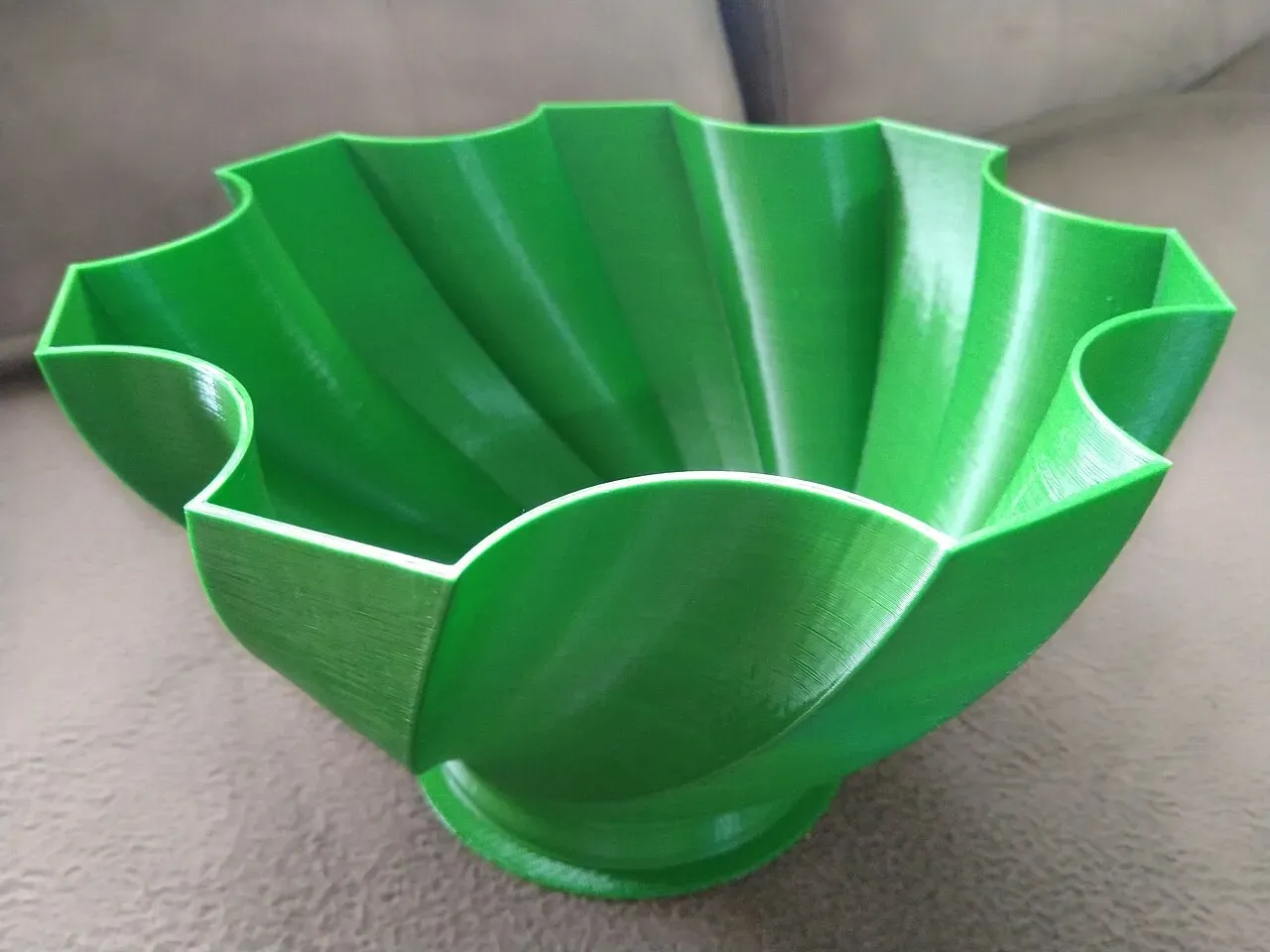 A printed bowl: walls only, no infill.Photo: Sumanbargavr ·CC BY-SA 4.0 ·Wikimedia Commons
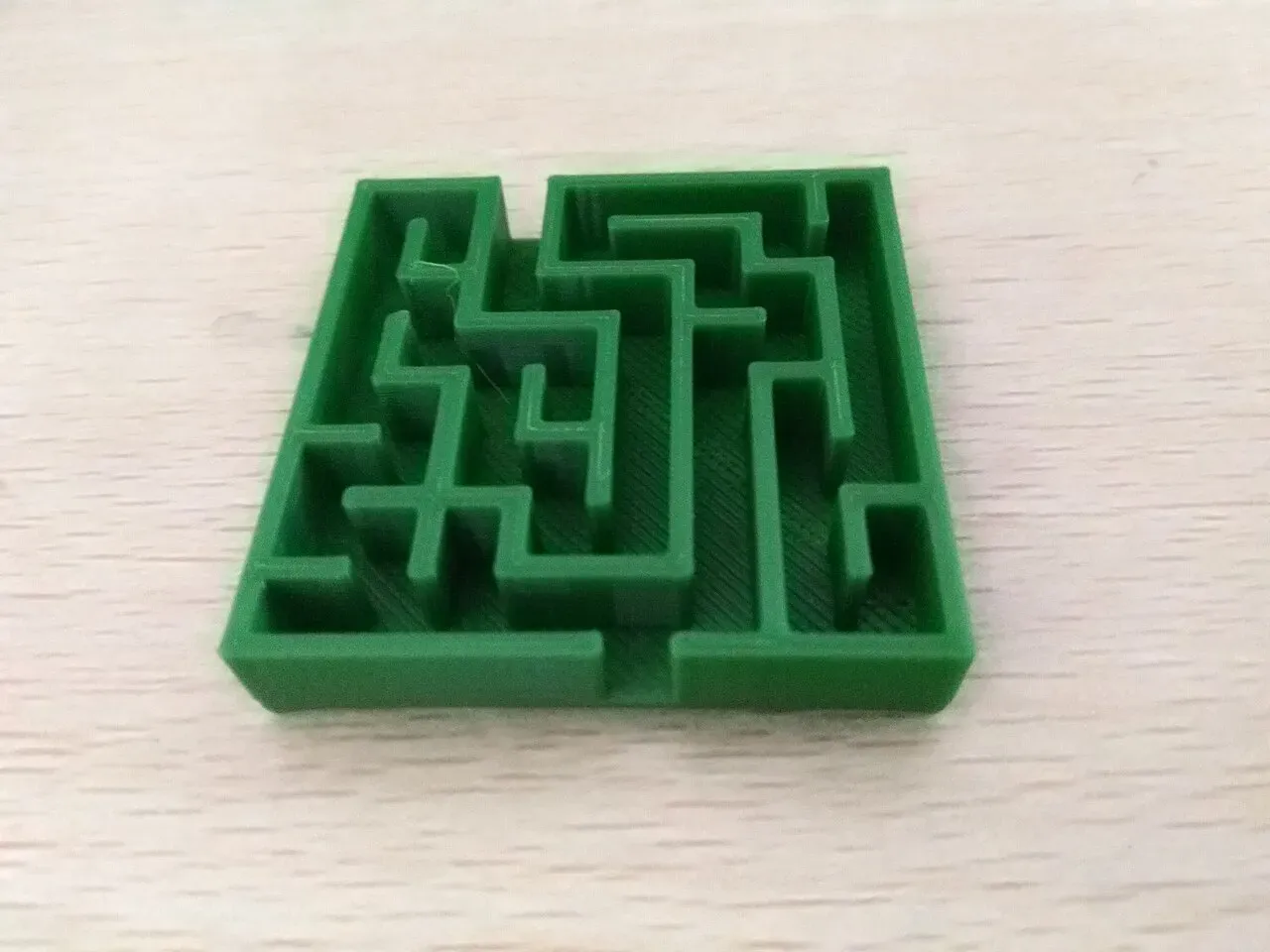 A printed maze puzzle.Photo: Sumanbargavr ·CC BY-SA 4.0 ·Wikimedia Commons
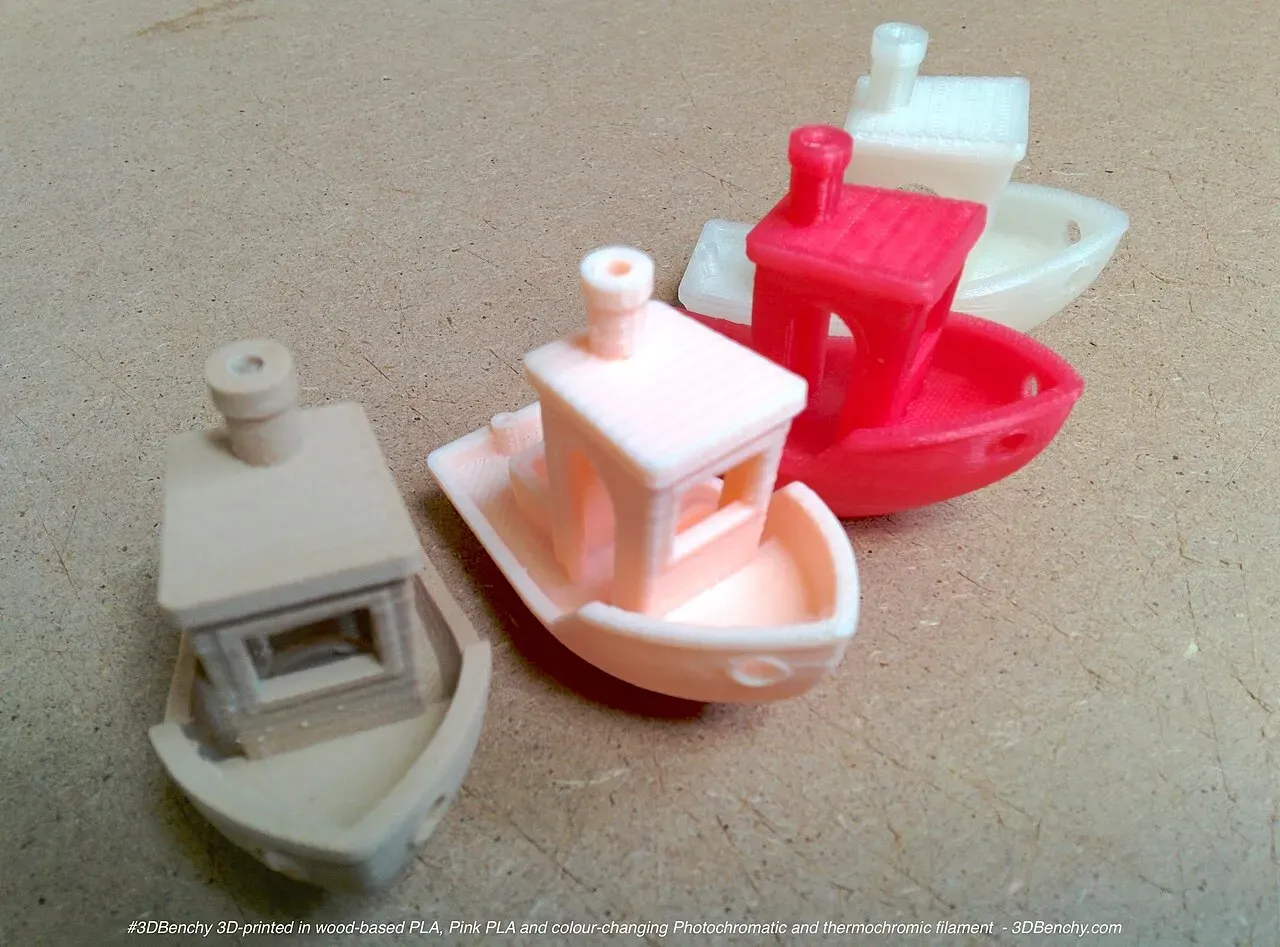 Printed Benchys in different filaments.Photo: 3DBenchy ·CC BY 2.0 ·Wikimedia Commons
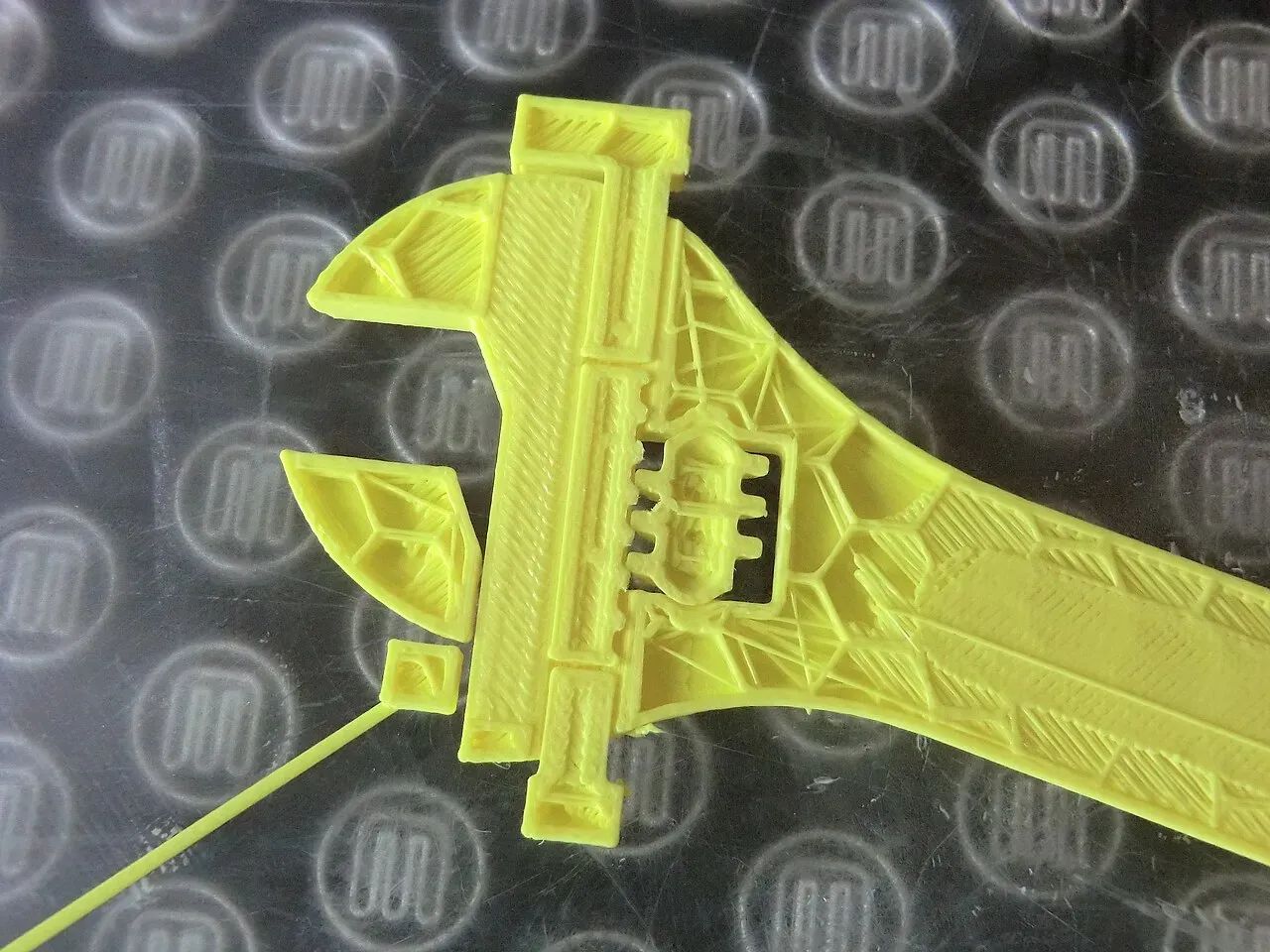 A working wrench printed in one piece.Photo: Creative Tools from Halmdstad, Sweden ·CC BY 2.0 ·Wikimedia Commons
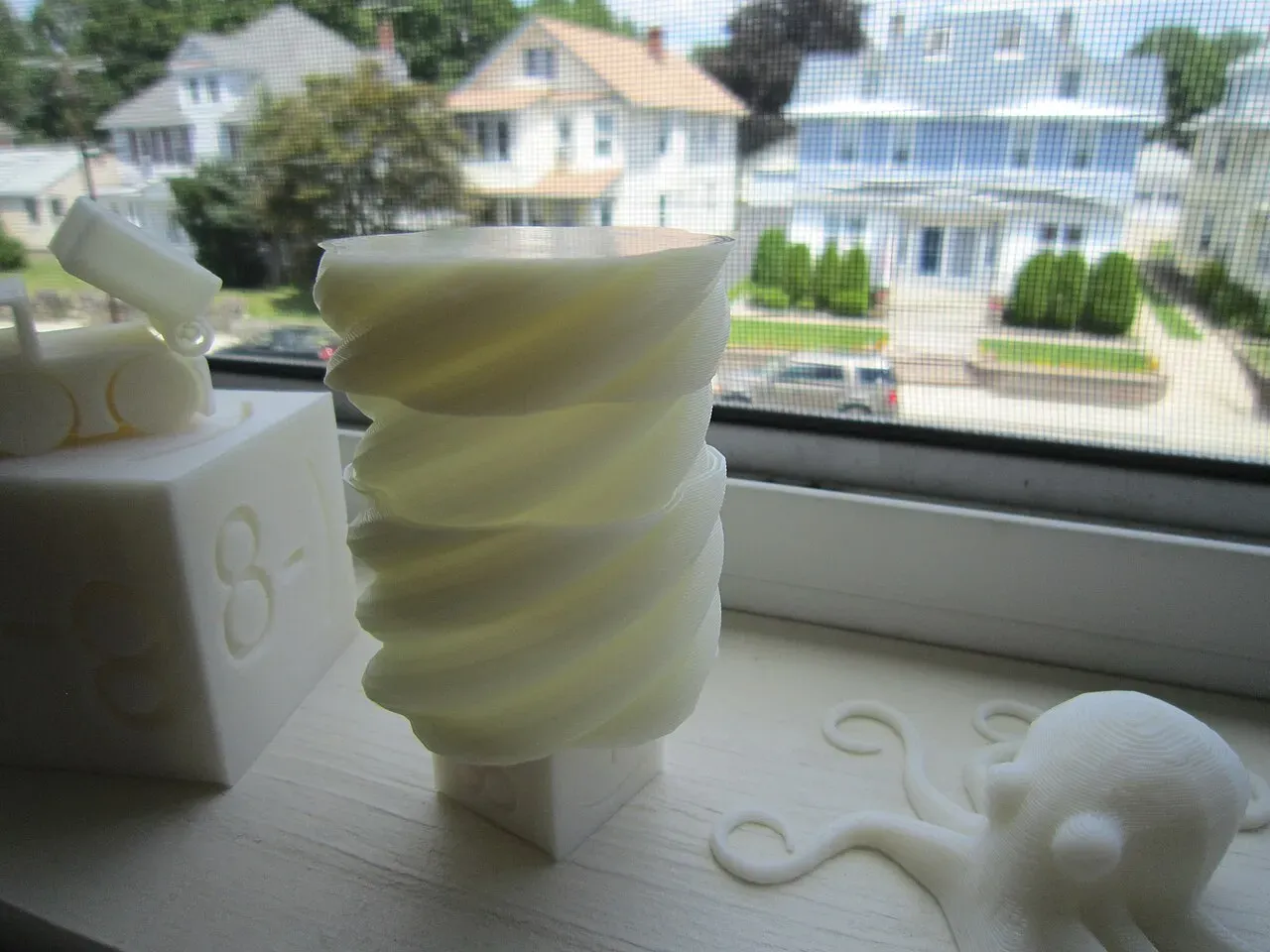 A screw-top box: threads print well at 0.2 mm layers.Photo: syvwlch ·CC BY 2.0 ·Wikimedia Commons
 Useful prints: planters on a shelf.Photo: Aaaatu ·CC BY-SA 4.0 ·Wikimedia Commons
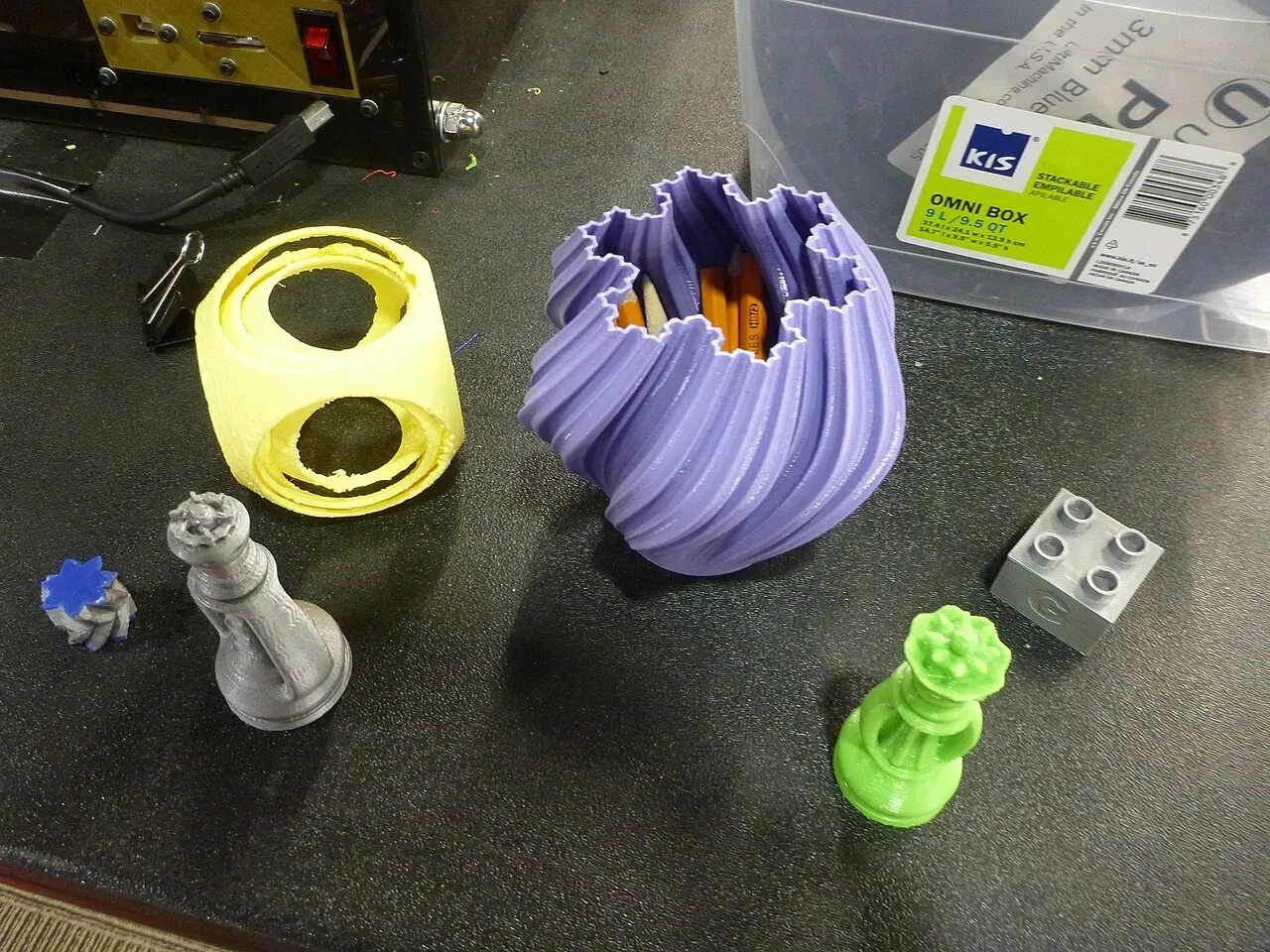 A table of small prints.Photo: Trevor Prentice ·CC BY-SA 2.0 ·Wikimedia Commons
What the two plastics are
PLA (polylactic acid) is made from plant starch such as corn or sugarcane. It melts at low temperatures and cools quickly into a stiff, crisp part.
PETG (polyethylene terephthalate glycol) is a close relative of the PET used in drinks bottles. The added glycol makes it easier to print and less brittle. It’s tougher and handles heat better, but it stays soft and sticky for longer as it cools, which is why it strings more.11The “G” in PETG stands for glycol-modified. Plain PET is used for bottles; the glycol stops it crystallising, which makes it clearer and easier to print.
How to print PLA
PLA is forgiving. Start from your printer’s PLA profile and only adjust if you see a problem.
| Setting | Starting point | Notes |
|---|---|---|
| Nozzle temperature | 200–210 °C | Check the range printed on the spool |
| Bed temperature | 55–60 °C | Some printers use lower |
| Part cooling fan | 100% after the first layers | Cooling gives PLA its sharp detail |
| Print speed | Your printer’s default | Modern printers handle PLA fast |
| Retraction | Printer default (about 0.5–1 mm direct drive, 4–6 mm Bowden) | Rarely needs tuning |
| Bed surface | Textured or smooth PEI, glass | Sticks well to almost anything clean |
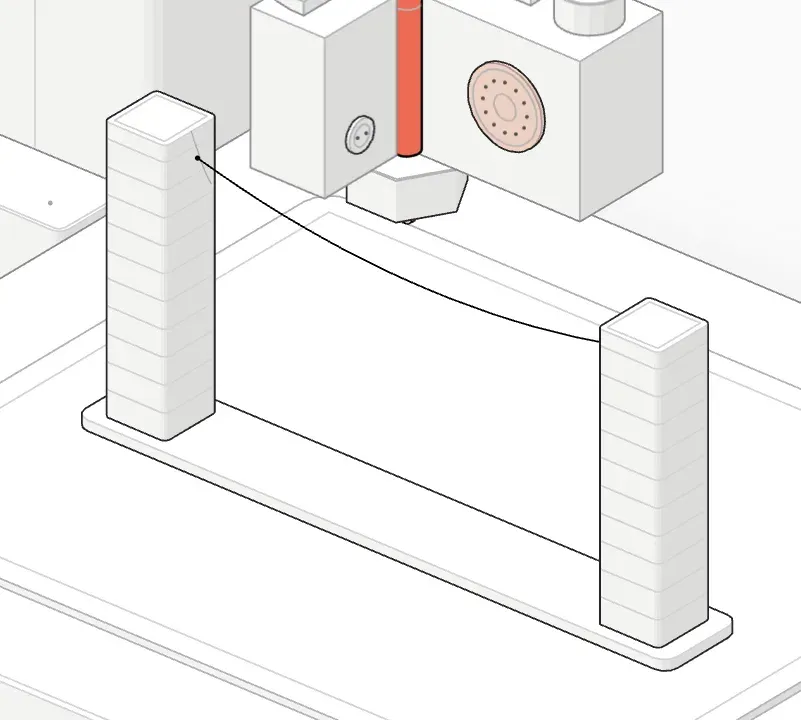 195 °C, 0.8 mm retraction: few strings.
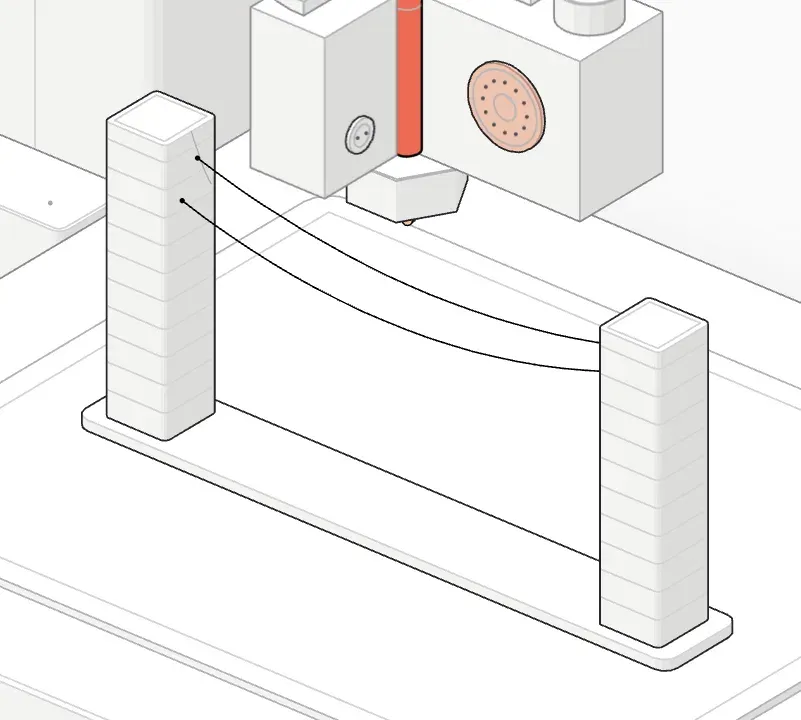 205 °C, 0.8 mm retraction: few strings.
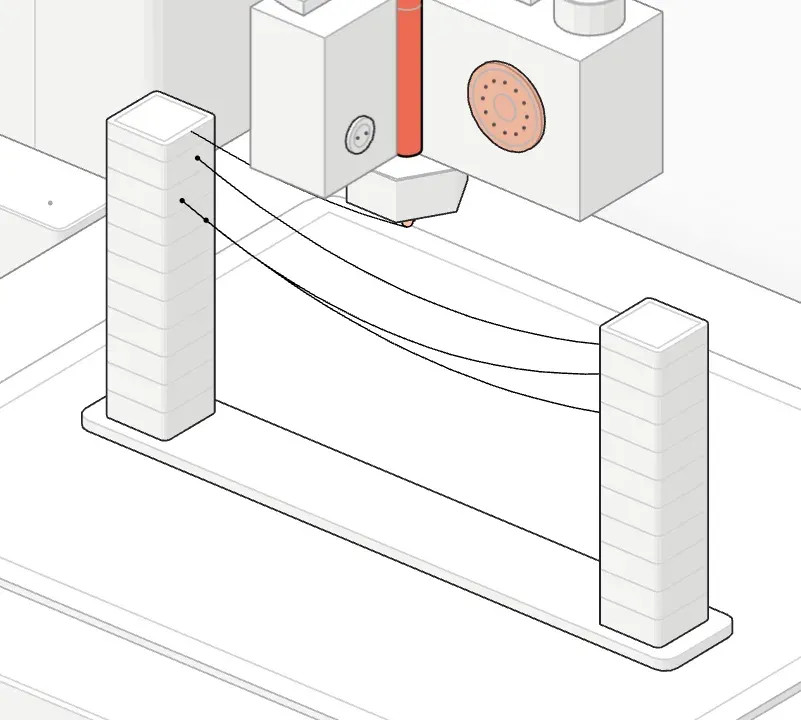 215 °C, 0.8 mm retraction: some strings.
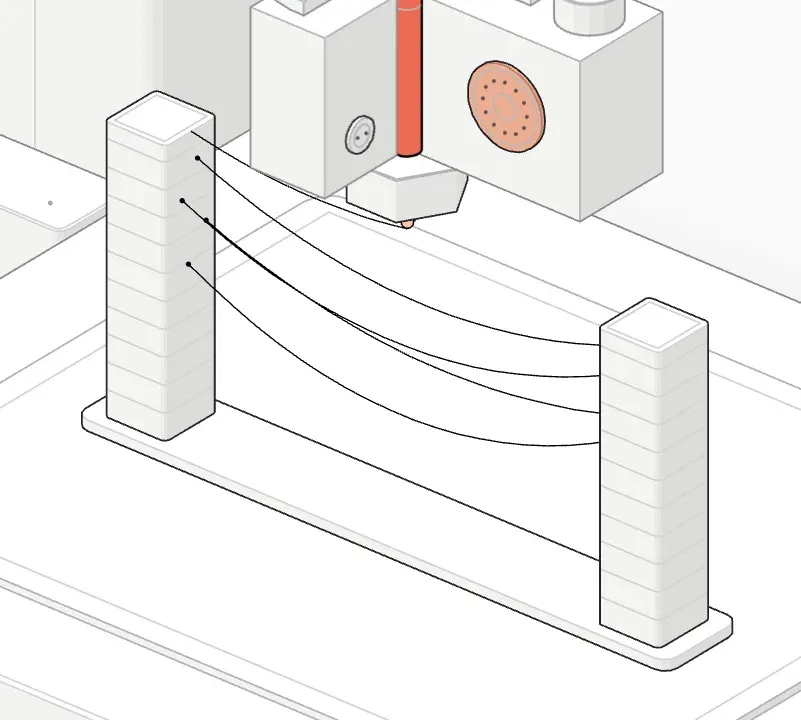 220 °C, 0.8 mm retraction: some strings.
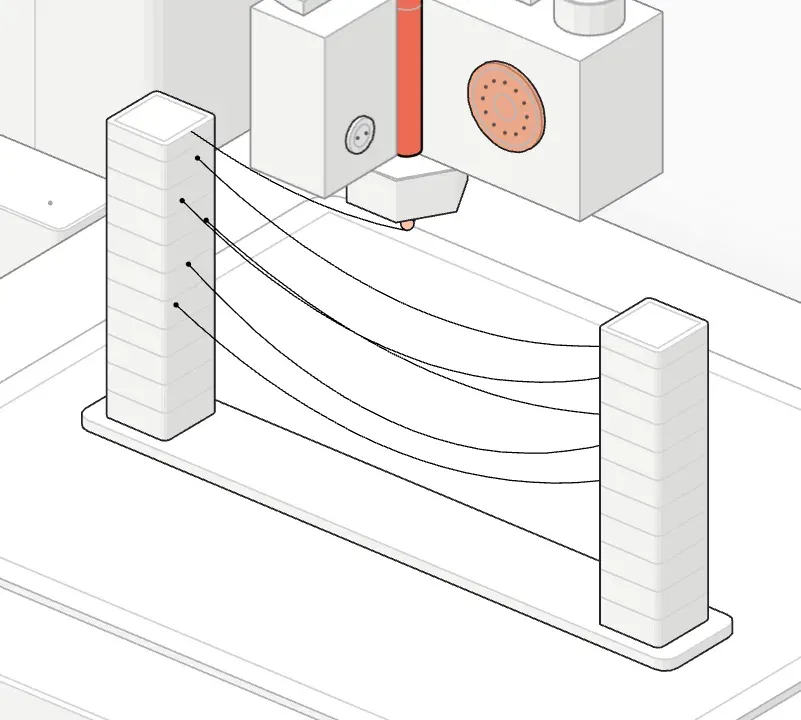 225 °C, 0.8 mm retraction: many strings.
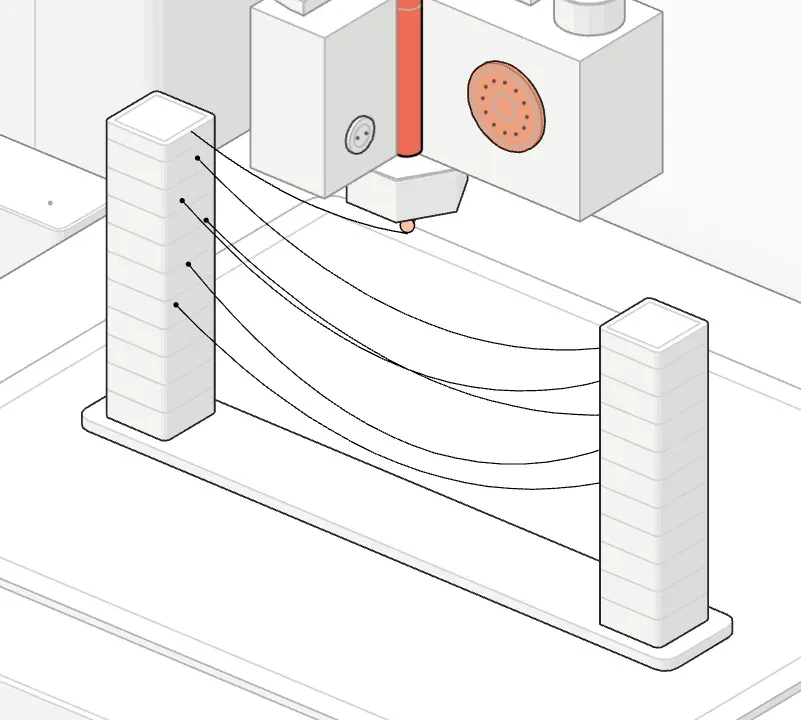 230 °C, 0.8 mm retraction: many strings.
How to print PETG
PETG needs a hotter nozzle and bed, less cooling and a little more patience.
| Setting | Starting point | Notes |
|---|---|---|
| Nozzle temperature | 230–245 °C | Lower end reduces stringing |
| Bed temperature | 70–85 °C | |
| Part cooling fan | 30–50% | Too much cooling weakens layer bonding |
| Print speed | A little slower than PLA, especially the first layer | |
| Retraction | Slightly more than PLA (about 0.8–1.5 mm direct drive, 5–7 mm Bowden) | |
| First layer | Don’t squish it as hard as PLA | Raise the Z offset slightly if the nozzle drags |
| Bed surface | Textured PEI is ideal | See the warning below |
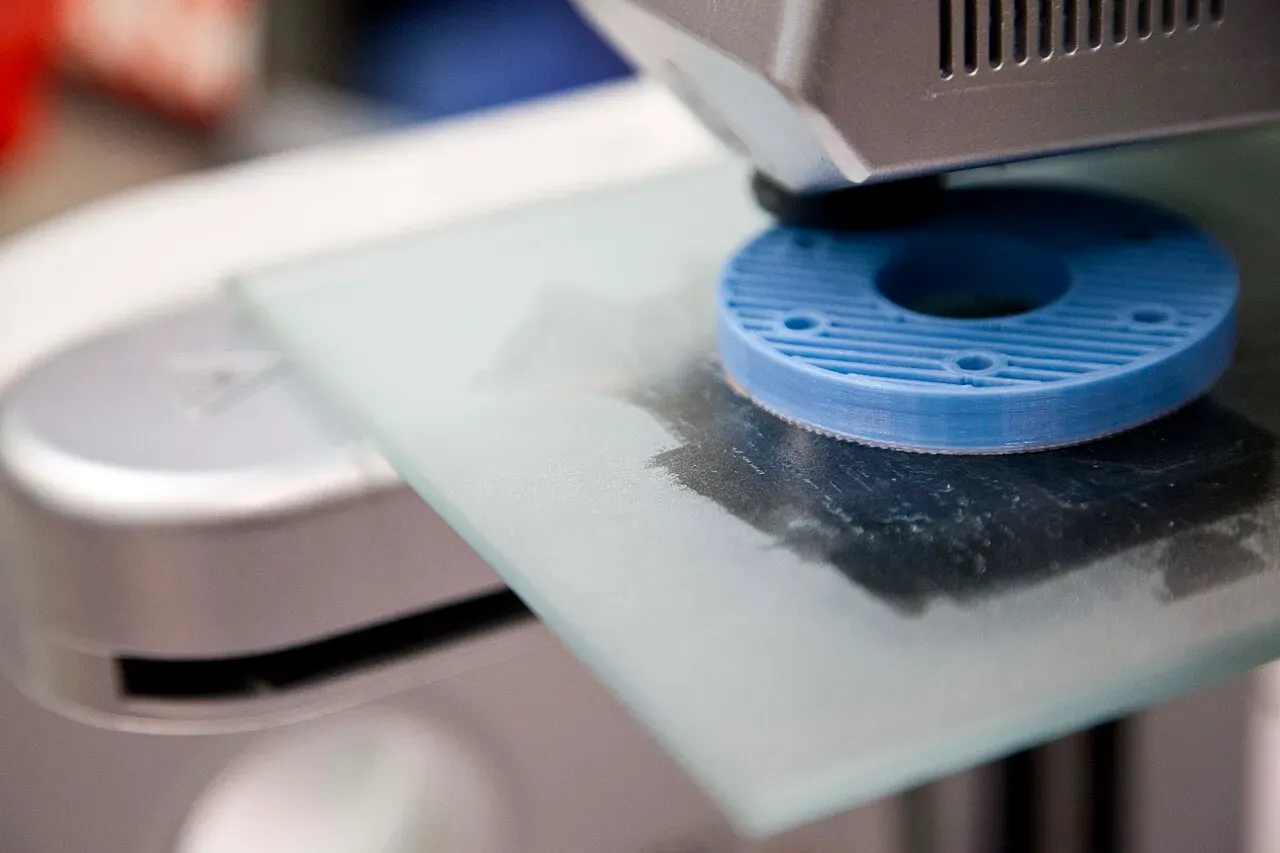 A print on a glass bed.Photo: ENERGY.GOV ·Public domain ·Wikimedia Commons
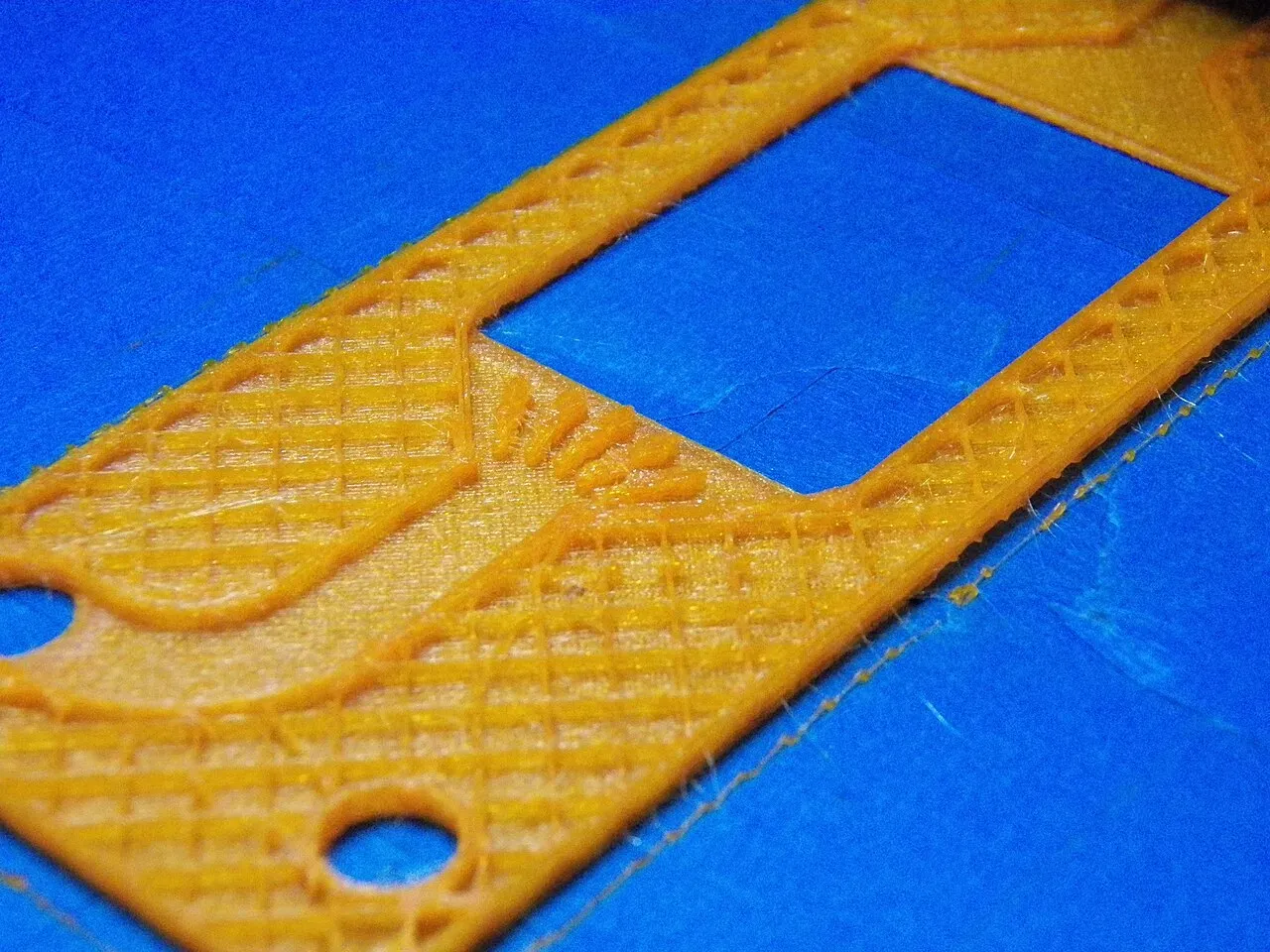 A first layer close up: lines pressed together on the bed.Photo: hdaniel ·CC BY-SA 2.0 ·Wikimedia Commons
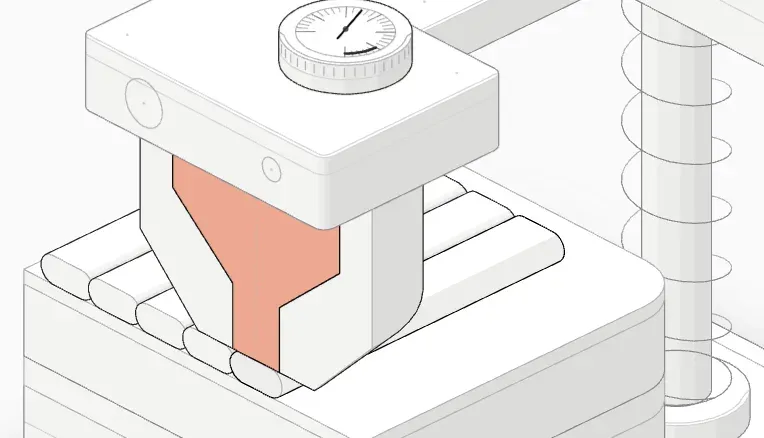 Cross-section, right height: a flattened line, about 0.45 × 0.20 mm.
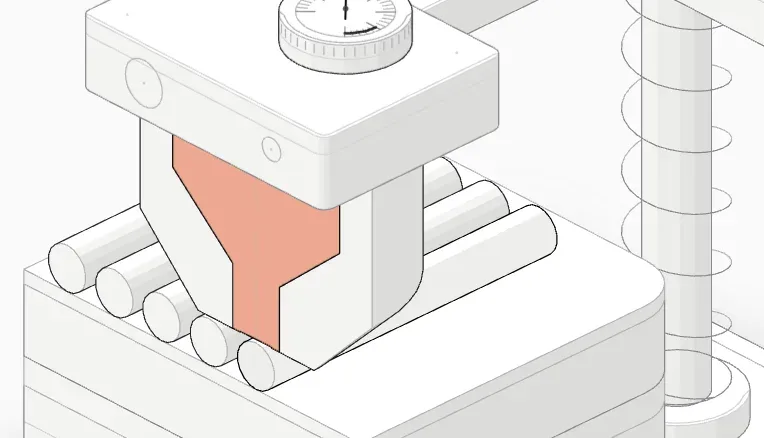 Cross-section, too high: the line stays round.
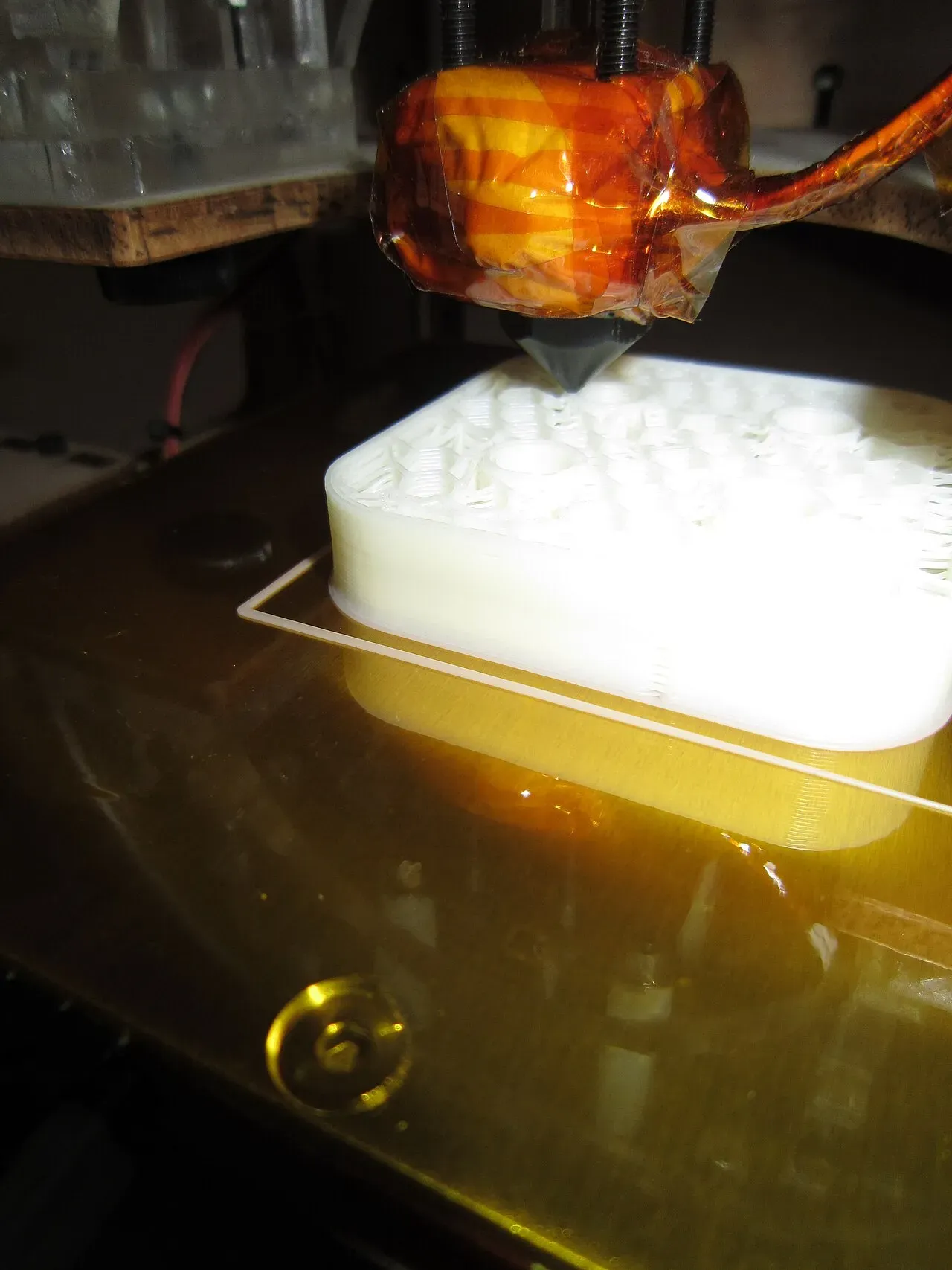 The first layers going down on a heated bed.Photo: syvwlch ·CC BY 2.0 ·Wikimedia Commons
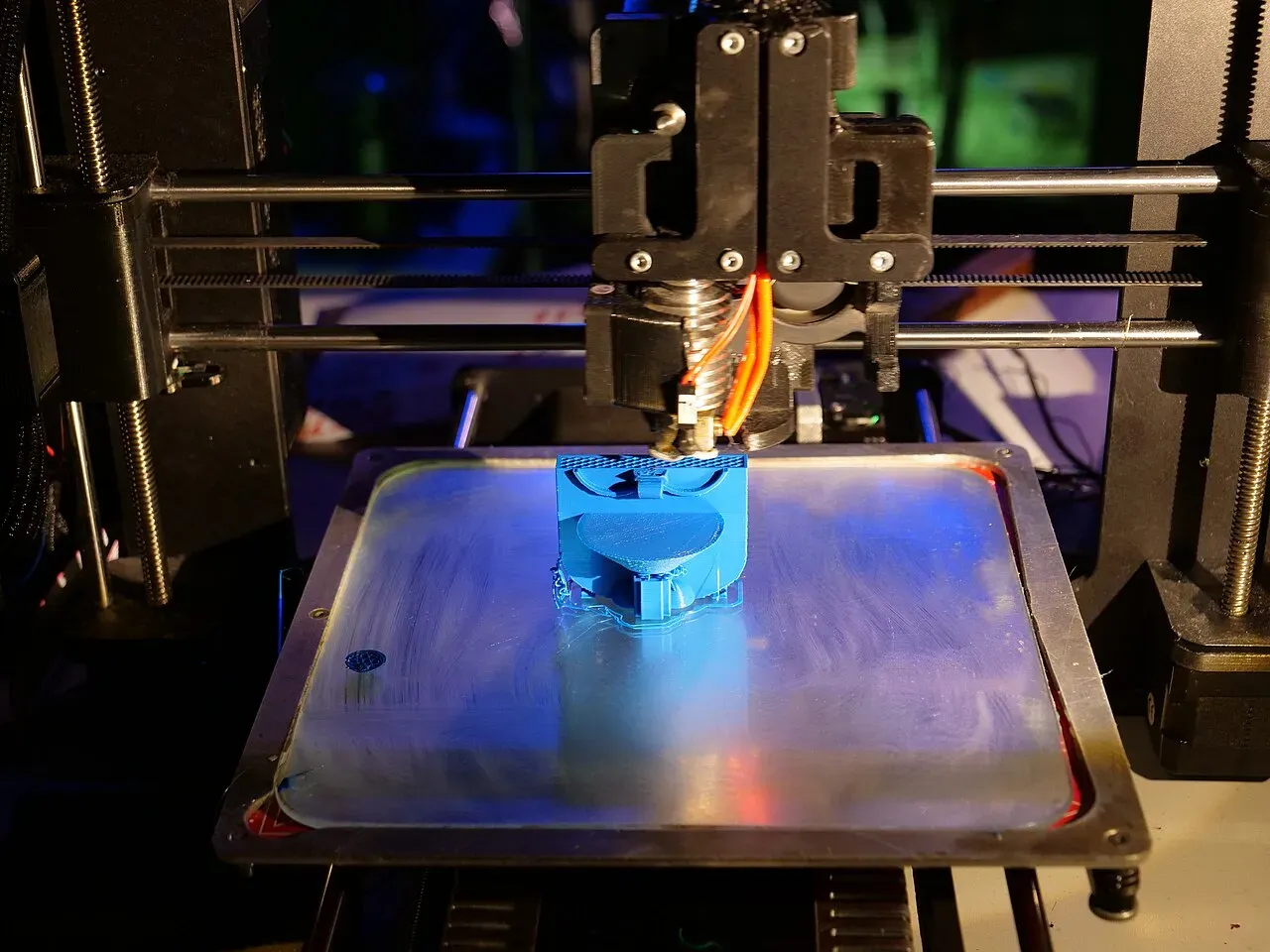 A part being printed on a spring-steel bed.Photo: Leonhard Lenz ·CC BY-SA 4.0 ·Wikimedia Commons
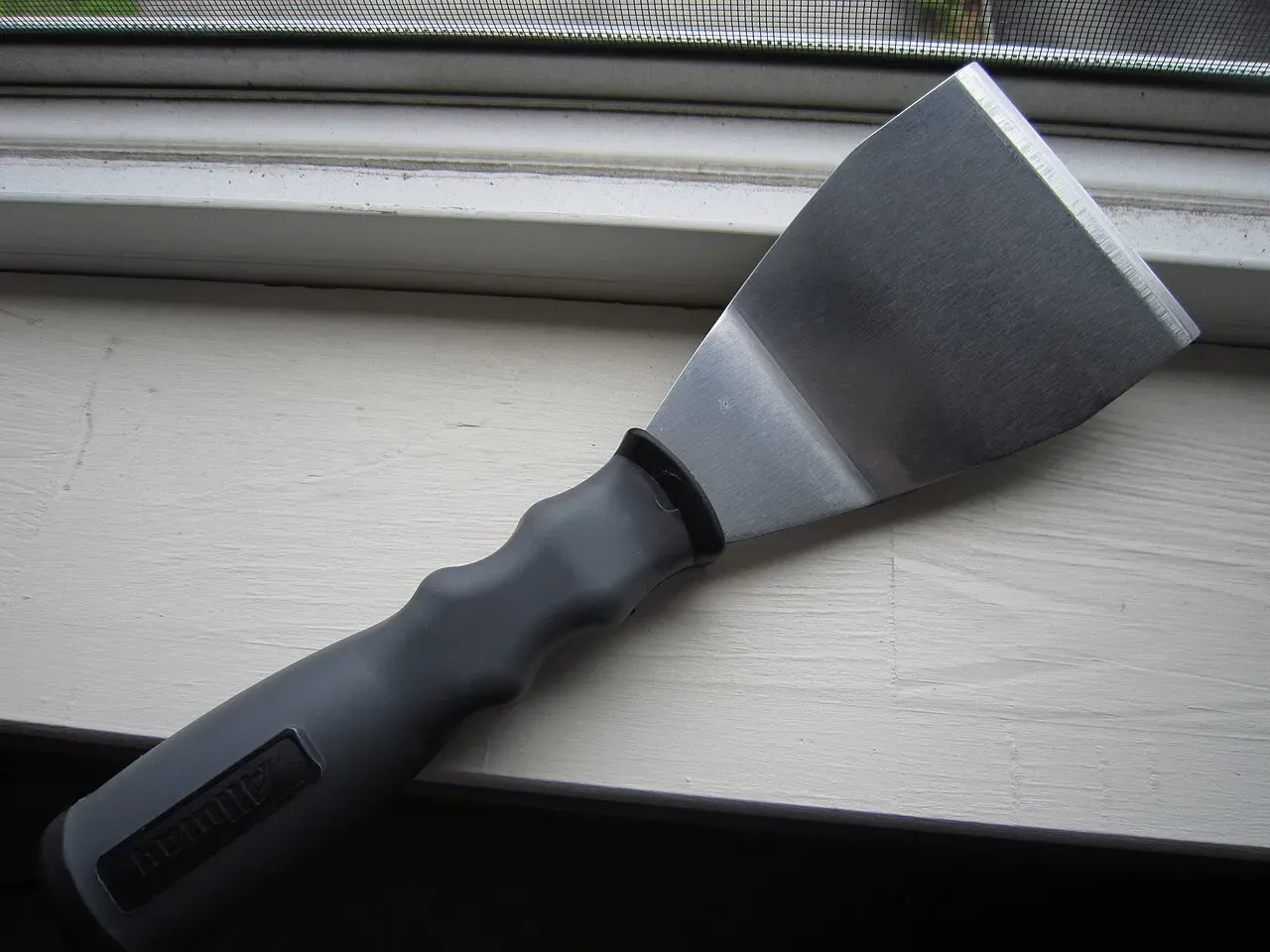 A scraper: lift prints off a rigid bed.Photo: syvwlch ·CC BY 2.0 ·Wikimedia Commons
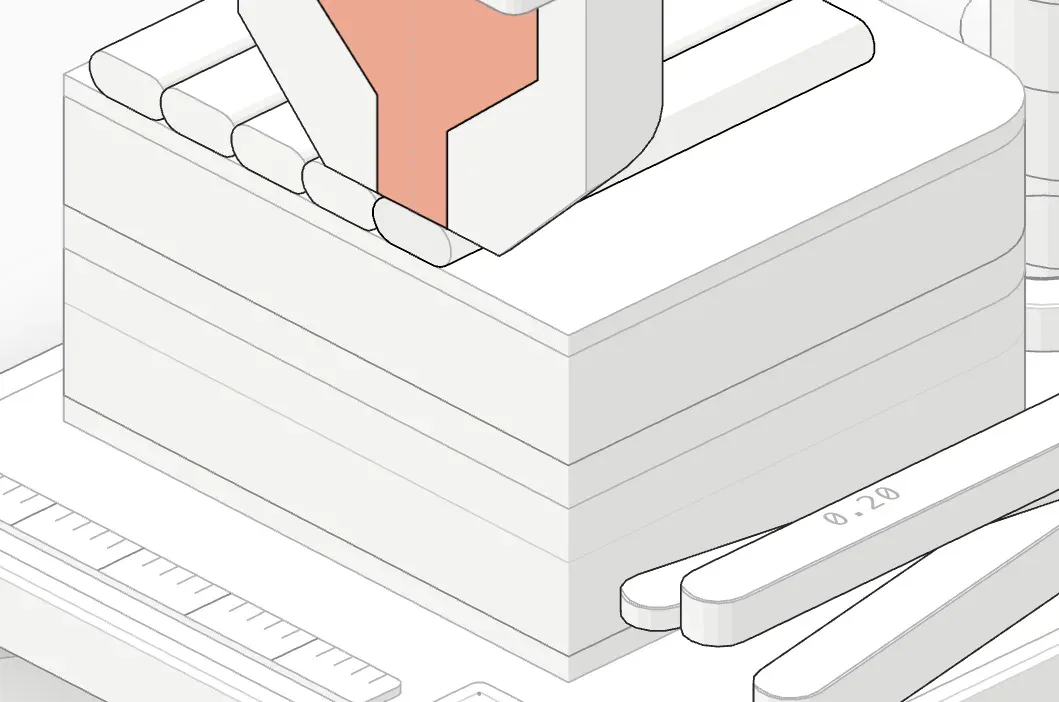 A print bed in layers: heater, aluminium, magnet, spring steel, PEI.
Stringing: PETG’s biggest weakness
PETG stays soft and sticky over a wider temperature range than PLA, so it oozes more easily and stretches into strings instead of snapping off. Expect a few fine wisps even with good settings; they peel or heat-gun off easily.
To keep it under control:
- Dry it first. Wet PETG strings far worse.
- Print at the low end of its temperature range.
- Add a little retraction, in small steps.
- Turn on avoid crossing walls so travel stays inside the part.
Our full guide to fixing stringing walks through each step with slicer settings, and what is retraction explains the mechanism.
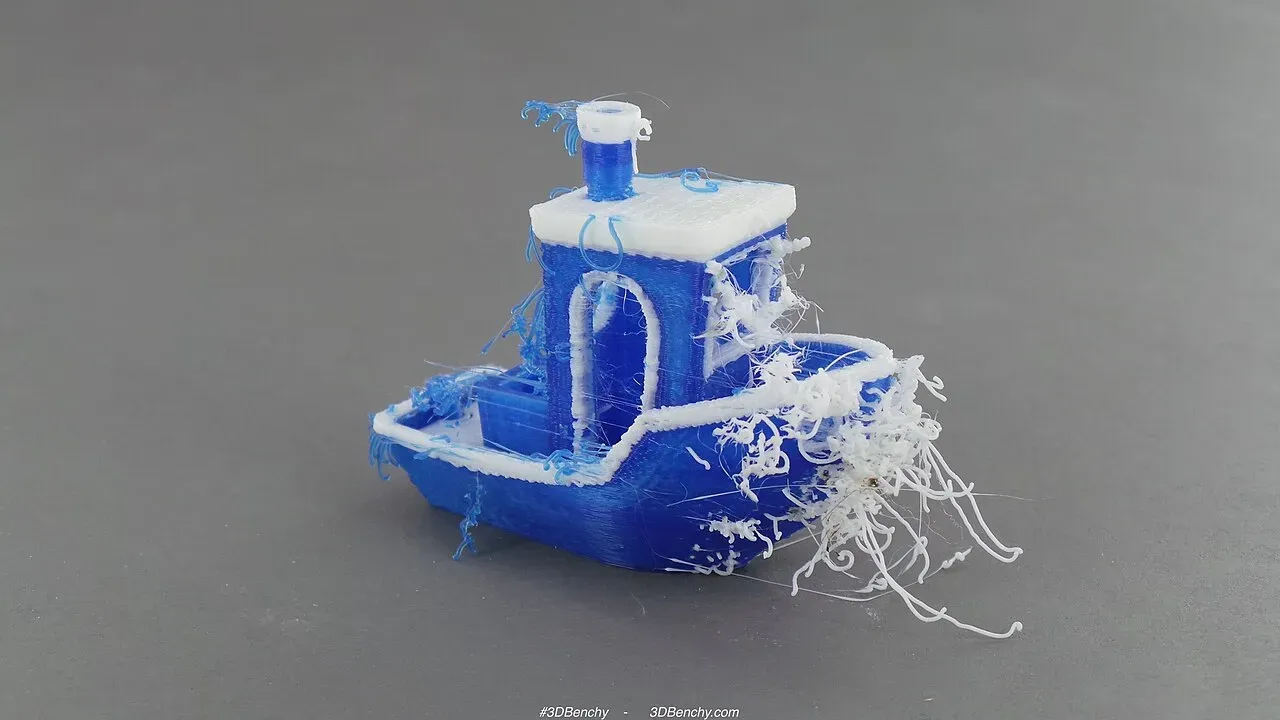 Stringing on a two-colour Benchy, where travel moves cross open air.Photo: 3DBenchy ·CC BY 2.0 ·Wikimedia Commons
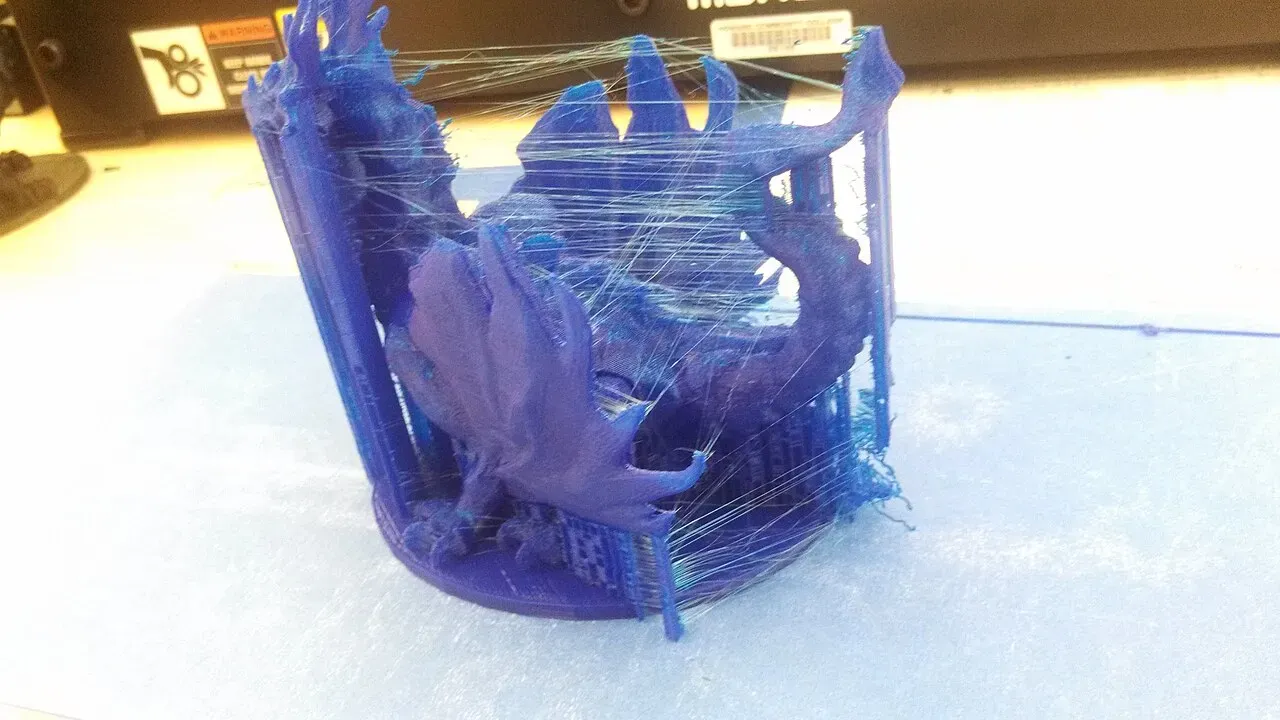 Close up: strings stretched between every travel move.Photo: SuperBlobMonster ·CC BY-SA 3.0 ·Wikimedia Commons
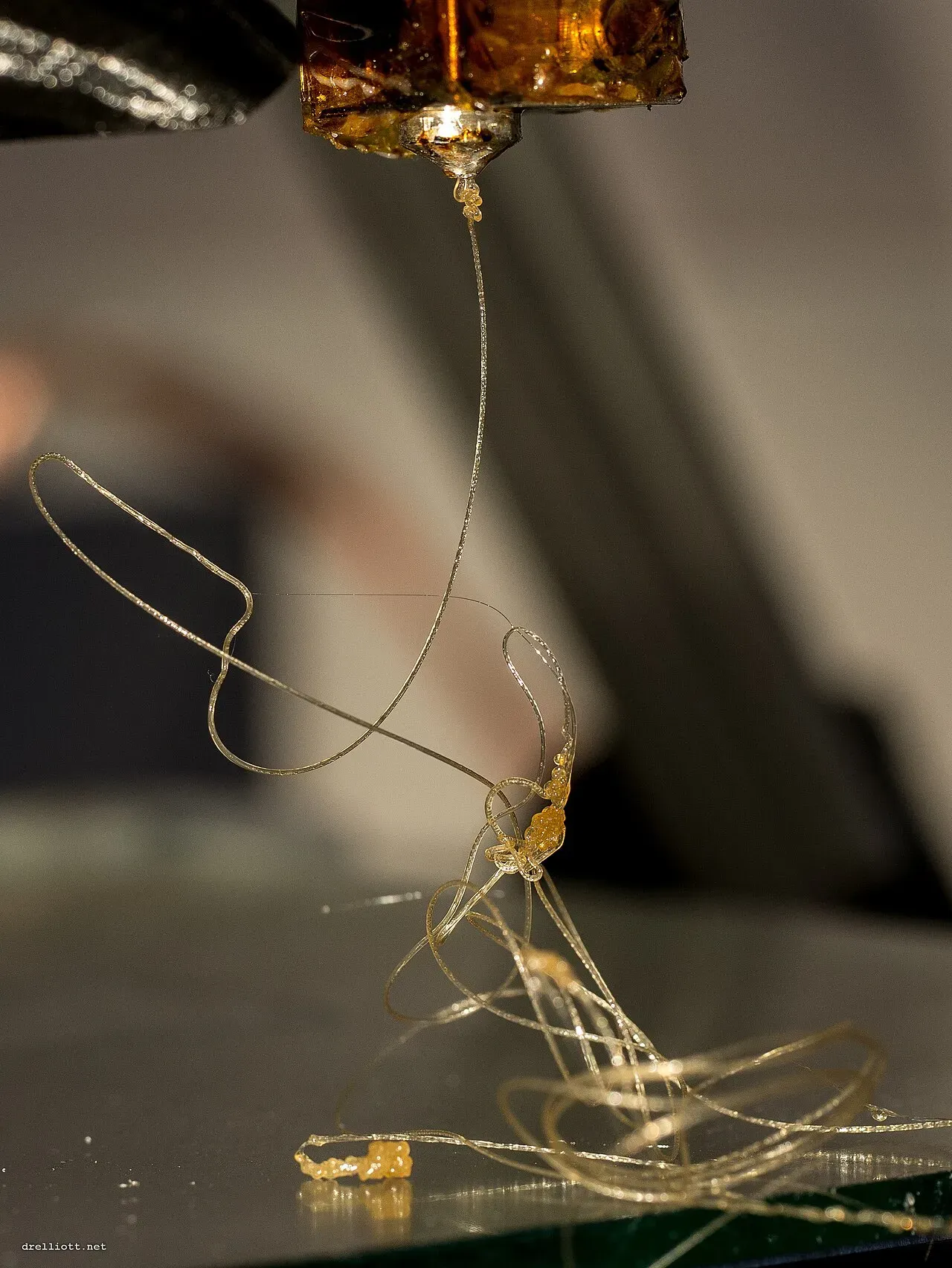 A thin strand pulled from the nozzle: where strings begin.Photo: David Elliott from UK ·CC BY 2.0 ·Wikimedia Commons
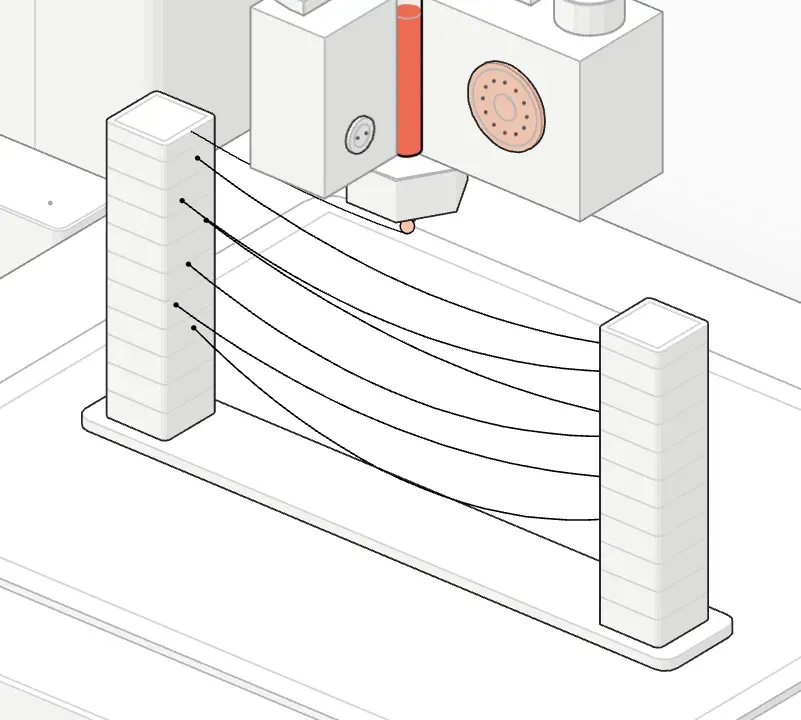 No retraction: many strings.
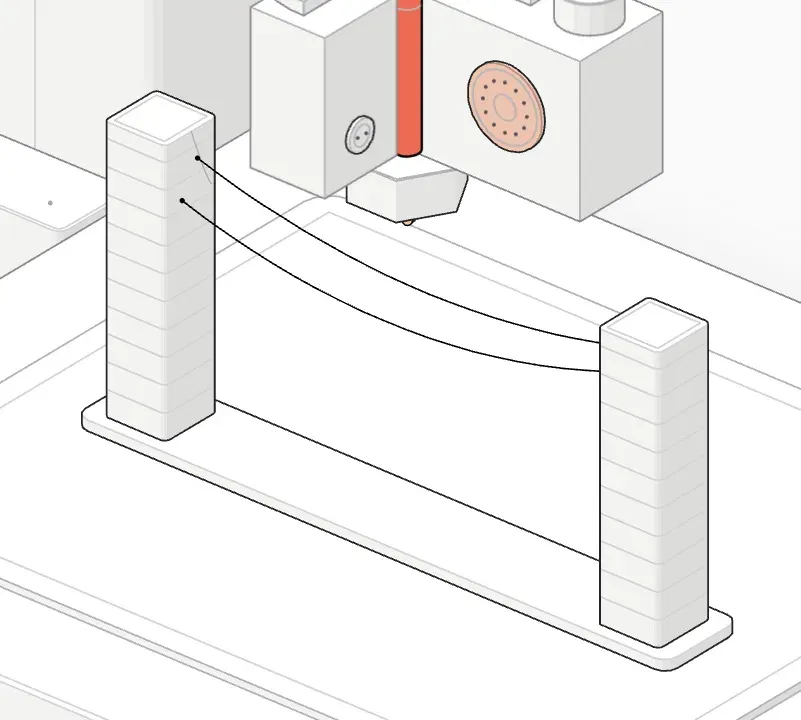 0.8 mm of retraction: a few strings.
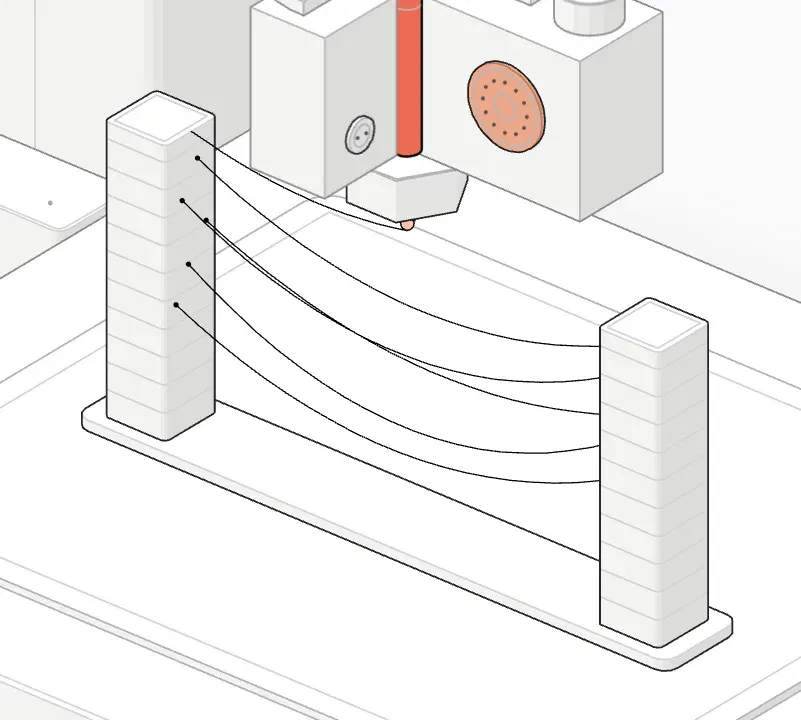 Hotter plastic is runnier: thinner, saggier strings.
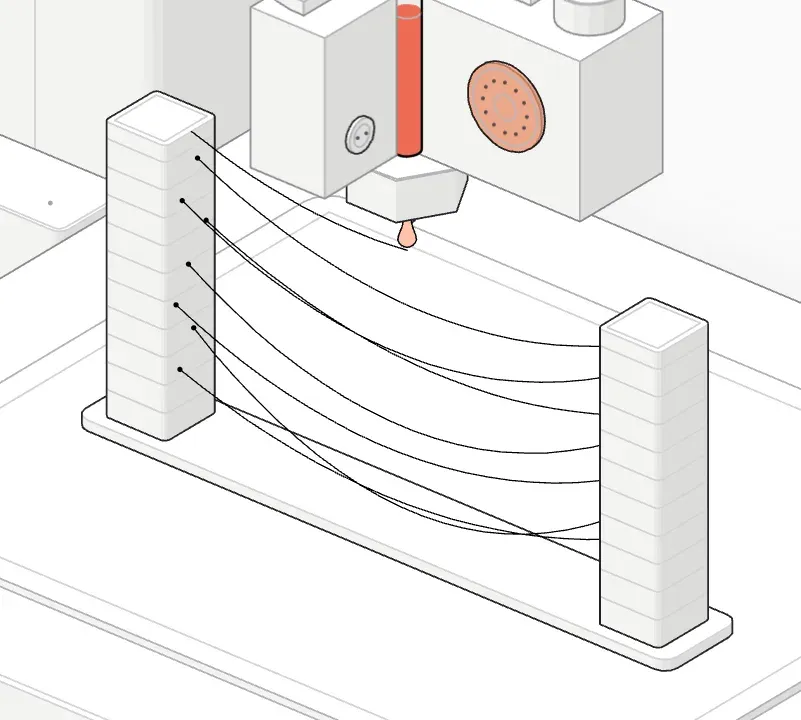 225 °C · 0.0 mm: many strings.
- 225 °C · 0.8 mm: many strings.
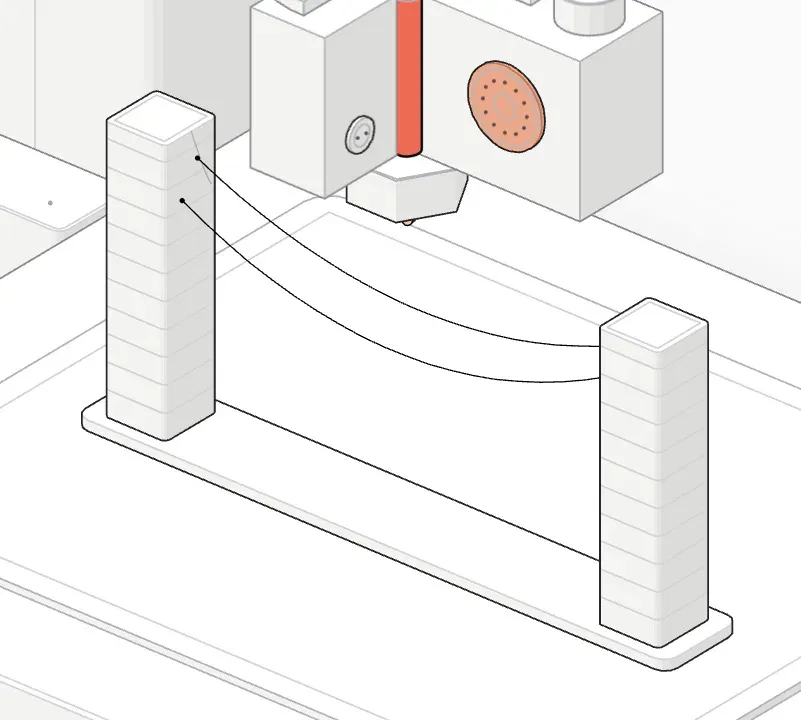 225 °C · 1.6 mm: few strings.
Drying and storage
Both filaments absorb moisture from the air, but PETG is more sensitive. Wet filament crackles or pops as it prints, strings badly and leaves a rough, fuzzy surface.22Moisture turns to steam inside the hot nozzle, which pushes extra plastic out and leaves tiny bubbles in the printed line.
| PLA | PETG | |
|---|---|---|
| Drying temperature | 45–50 °C | 60–65 °C |
| Drying time | 4–6 hours | 4–6 hours |
| Storage | Sealed bag or box with desiccant | Sealed bag or box with desiccant, always |
Use a filament dryer or a food dehydrator. Don’t use a kitchen oven unless you trust its low-temperature accuracy.
- A 1 kg spool of PETG, sealed with desiccant.Photo: Suit ·CC BY-SA 4.0 ·Wikimedia Commons
- An open spool of PLA left out in the air.Photo: SuperBlobMonster ·CC BY-SA 3.0 ·Wikimedia Commons
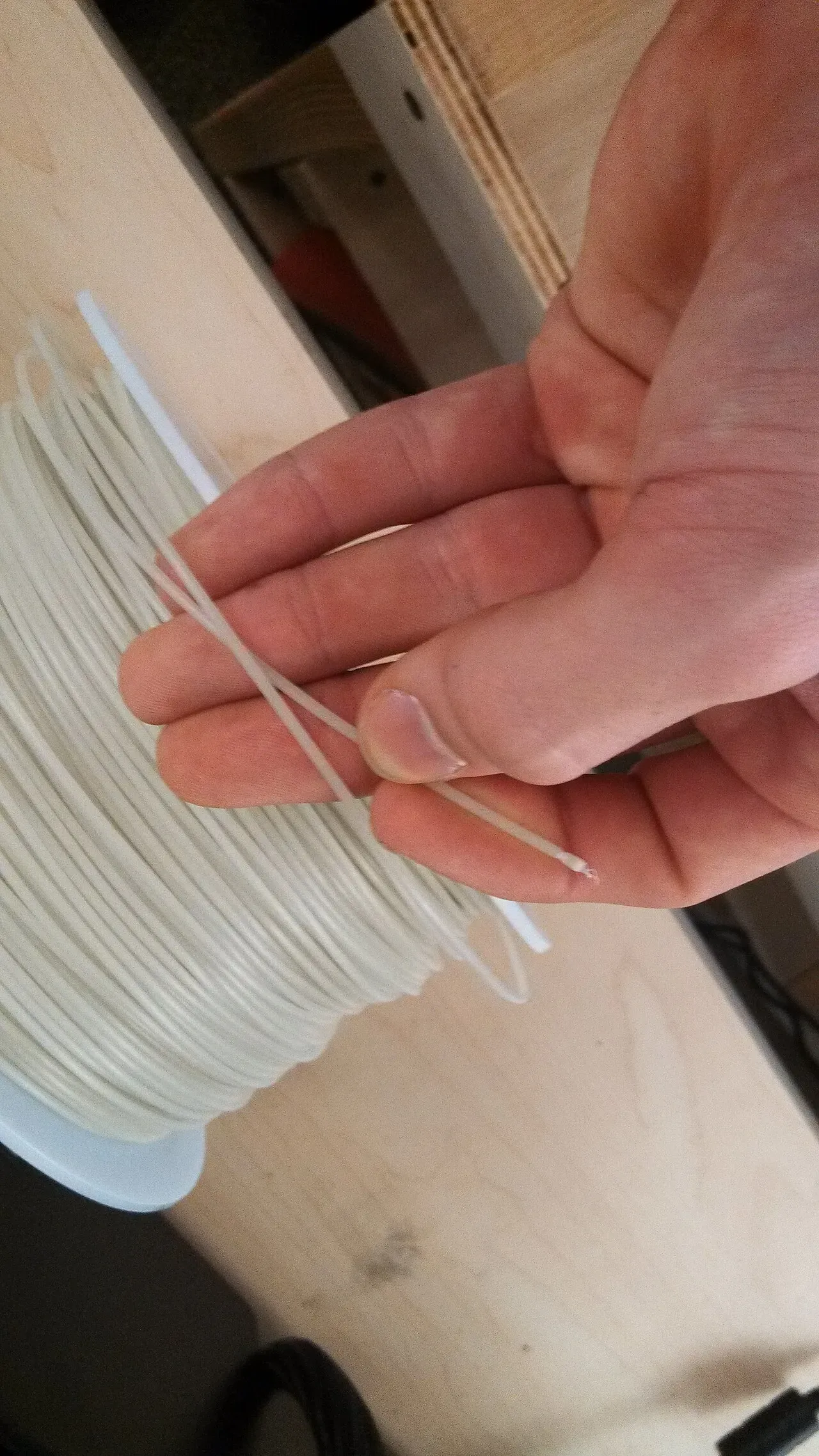 Crossed filament: a loop that can tangle and stop the extruder.Photo: SuperBlobMonster ·CC BY-SA 3.0 ·Wikimedia Commons
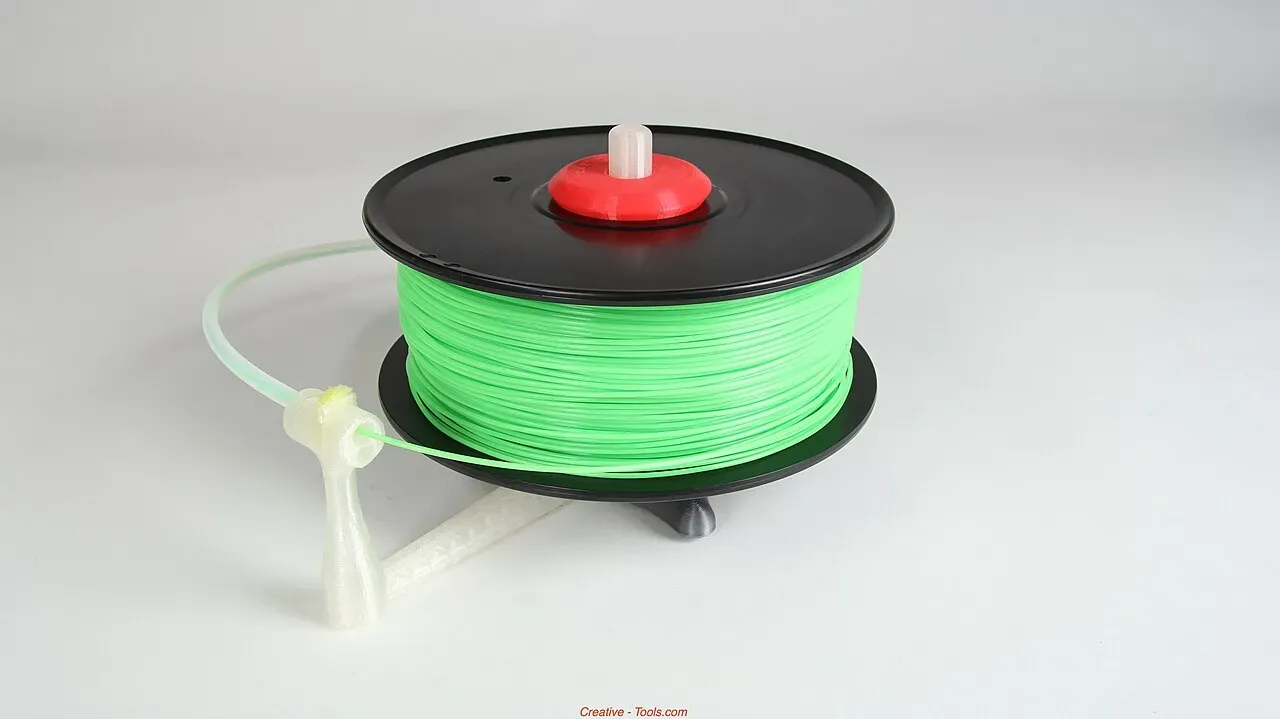 A simple spool holder lets the spool turn freely.Photo: Creative Tools ·CC BY 2.0 ·Wikimedia Commons
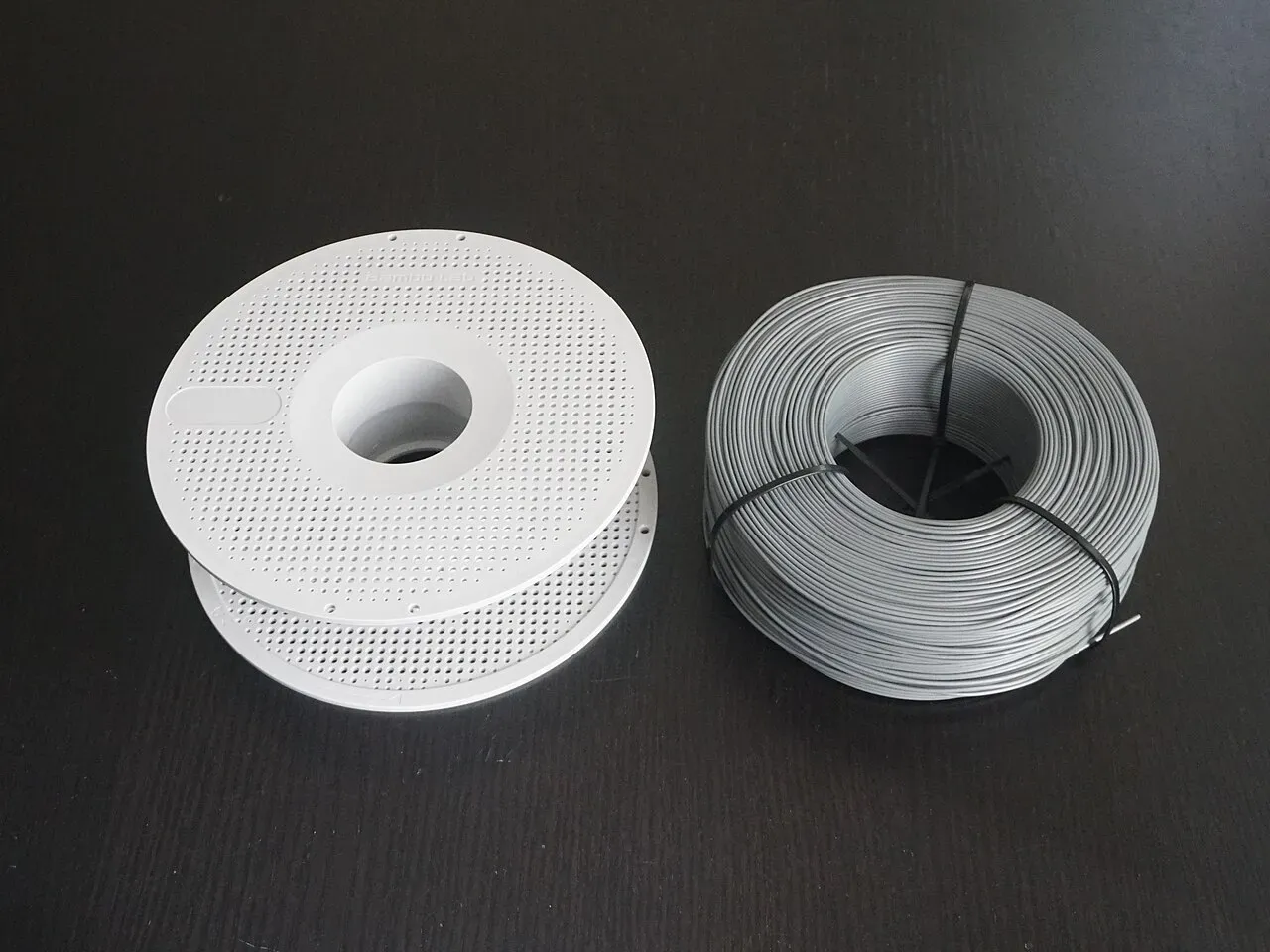 Refill filament: a coil and a reusable spool.Photo: Suit ·CC BY-SA 4.0 ·Wikimedia Commons
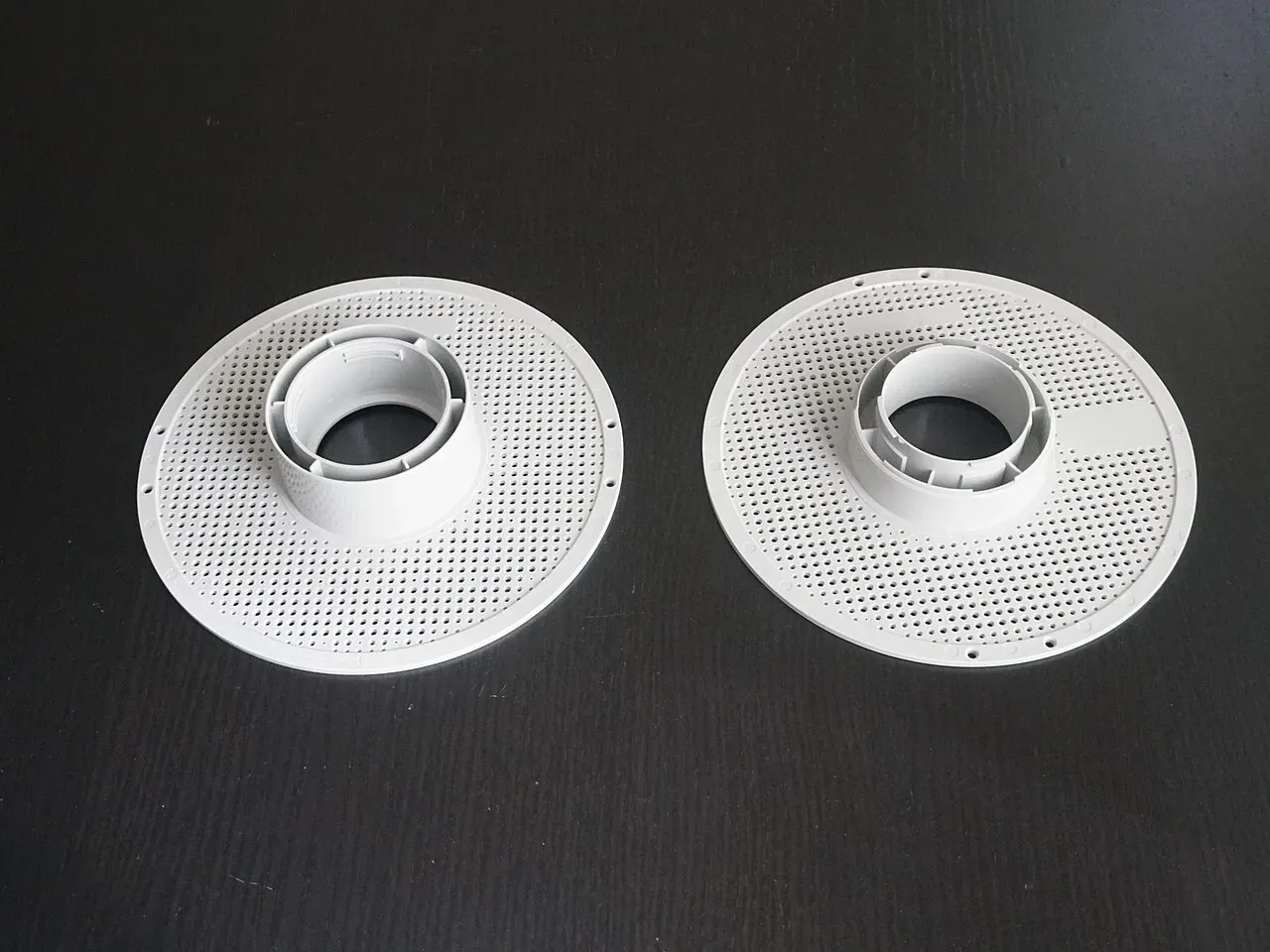 Open the reusable spool…Photo: Suit ·CC BY-SA 4.0 ·Wikimedia Commons
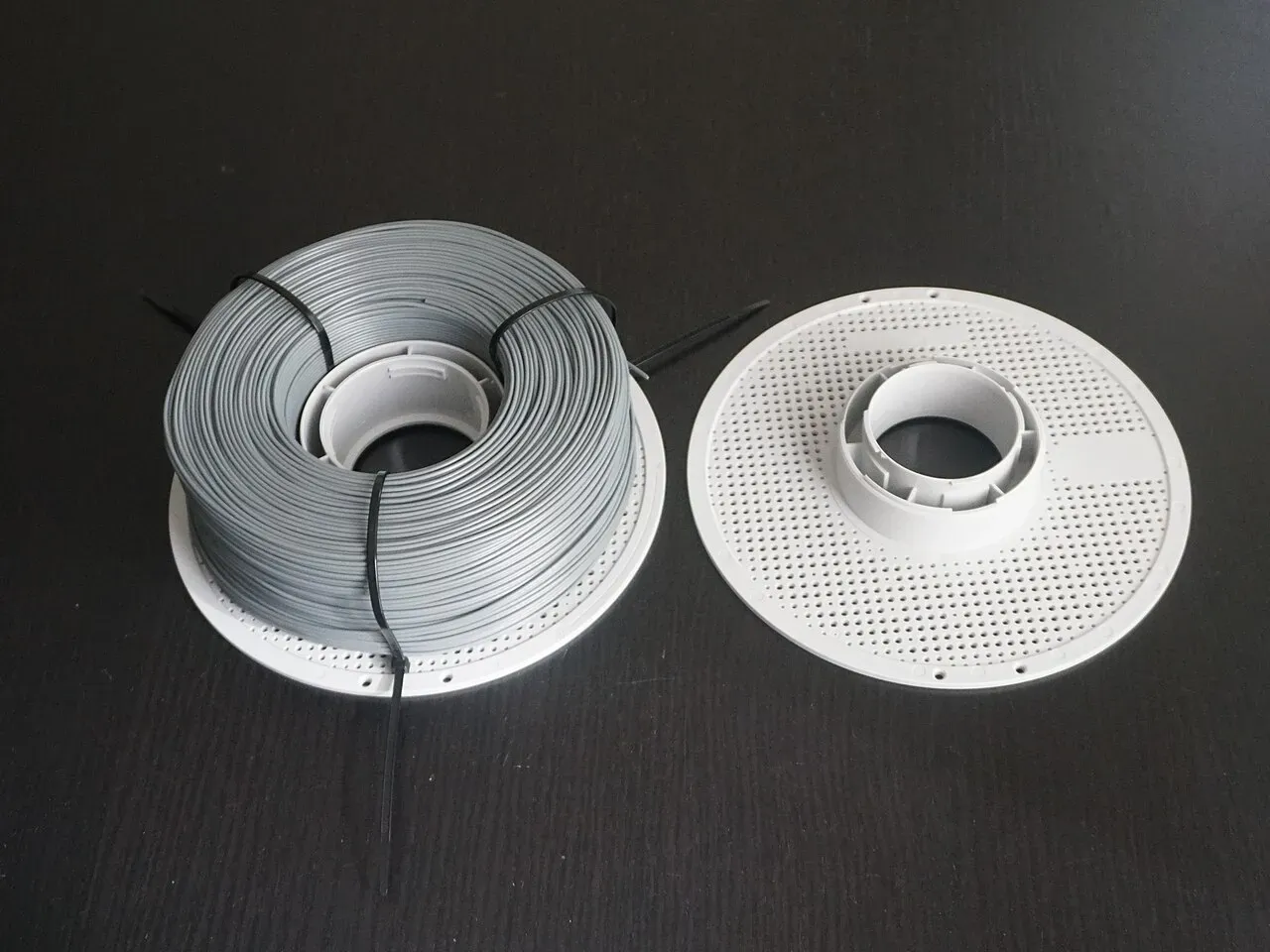 …drop the coil in…Photo: Suit ·CC BY-SA 4.0 ·Wikimedia Commons
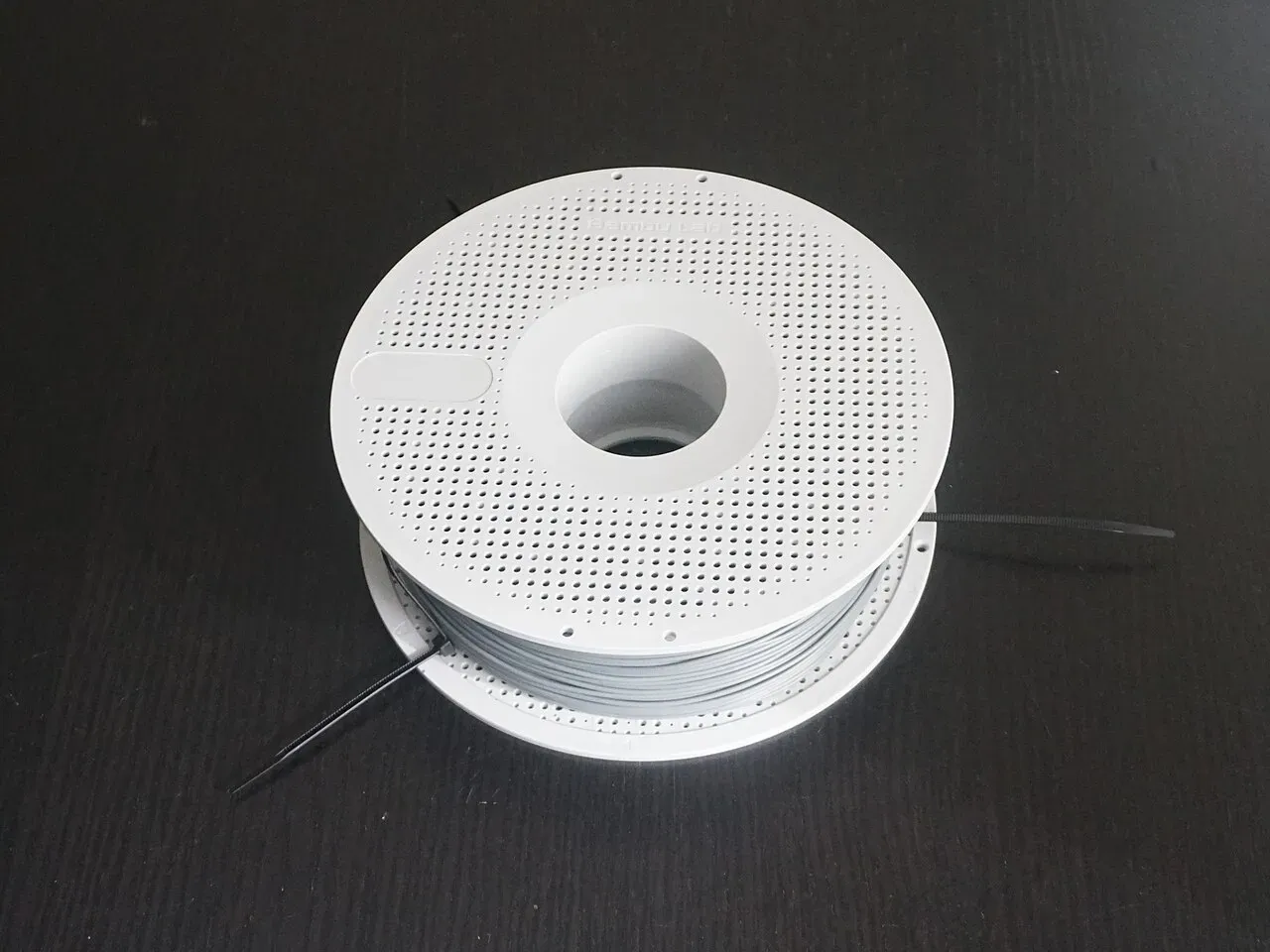 …and close it. Cut the ties last.Photo: Suit ·CC BY-SA 4.0 ·Wikimedia Commons
Strength and heat
Strength. PLA is stiff: under load it holds its shape well, but when it fails it snaps. PETG is tougher: it bends and absorbs a knock before it breaks. For a part that gets dropped, clipped on and off or flexed, PETG usually lasts longer.
Heat. This is the clearest difference. PLA starts to soften around 55–60 °C, which a car interior or a sunny windowsill can reach. PETG holds its shape to around 80 °C.33These figures are the glass transition temperatures: the point where the plastic turns from rigid to rubbery. Exact values vary between brands and blends.
Neither is a high-temperature material. For parts near engines, heaters or hot water, look at ABS, ASA or engineering filaments instead.
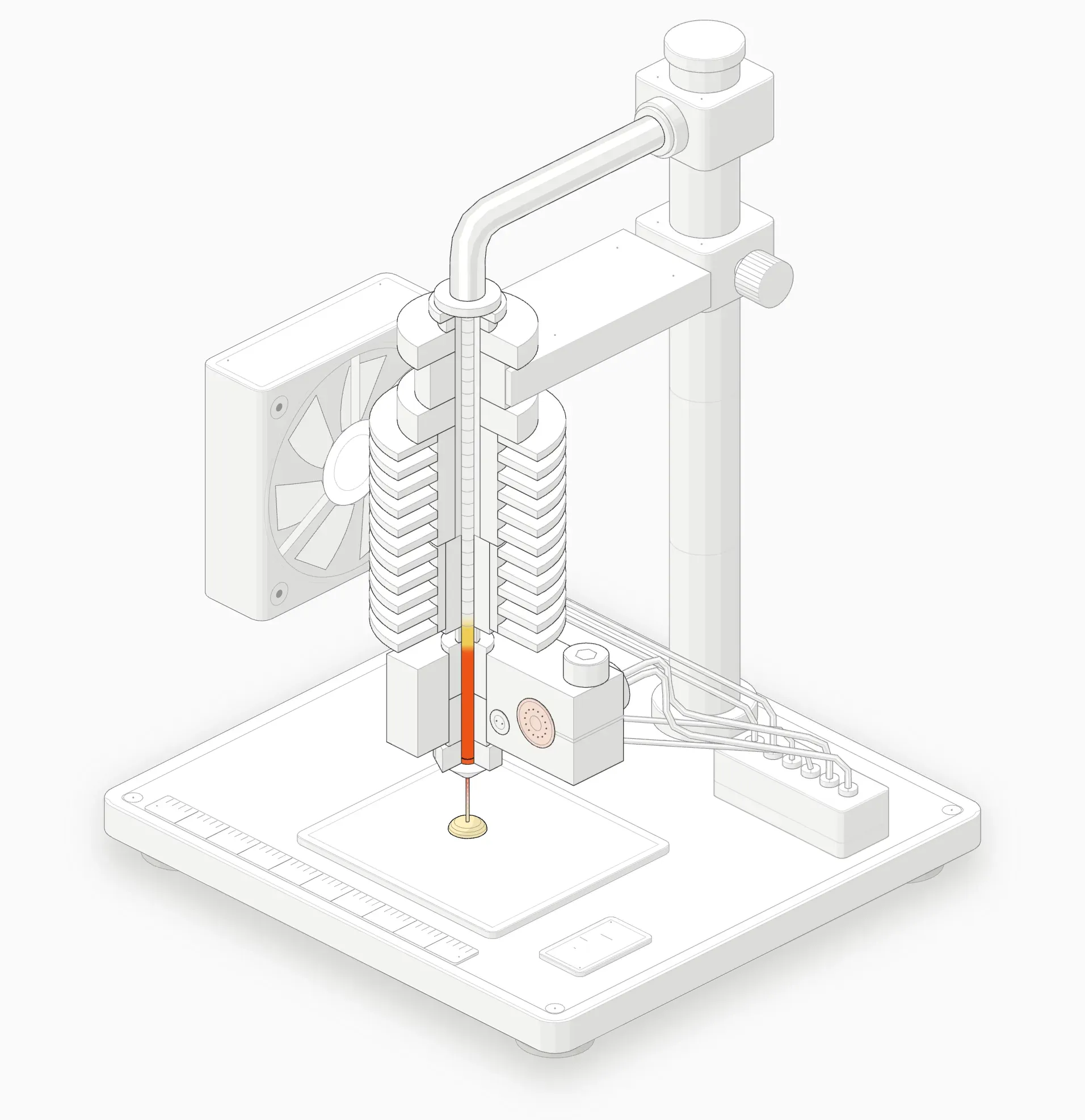
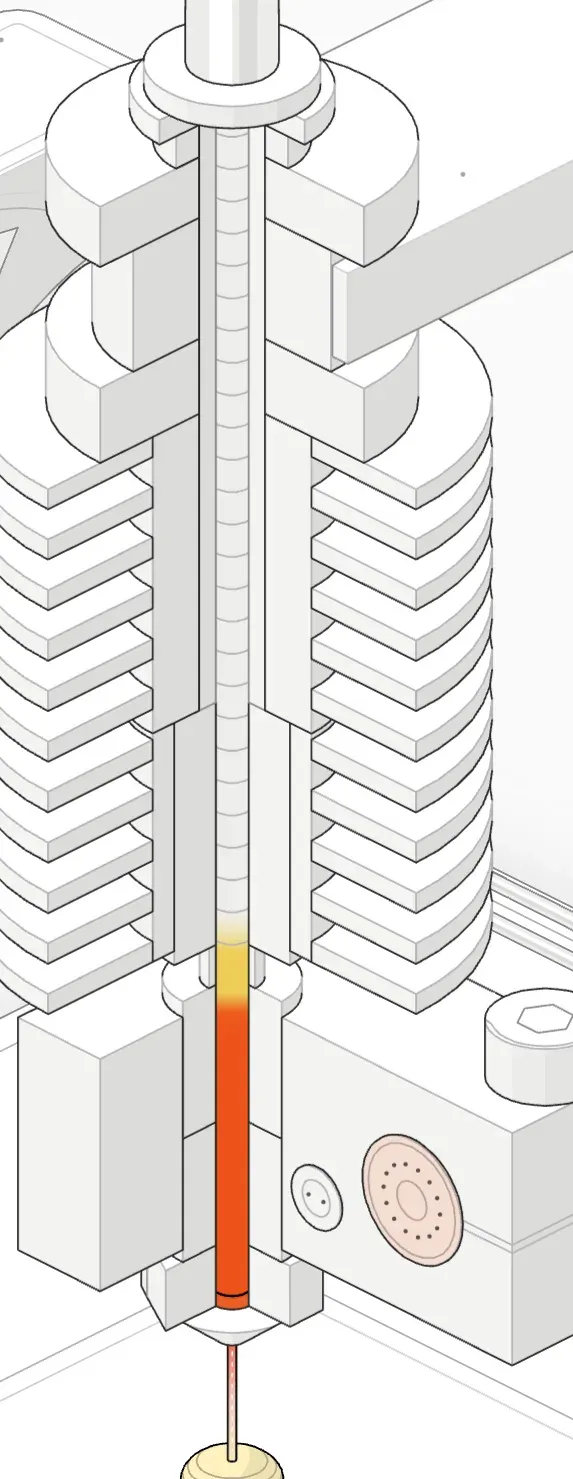 Solid filament above the heat break, molten filament in the heater block.
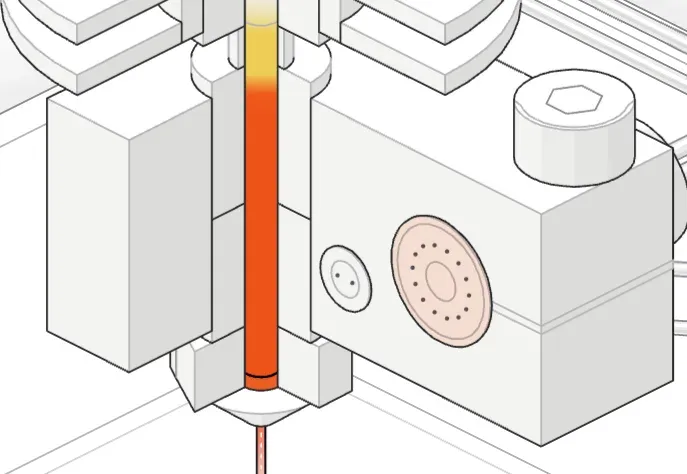 The heater block holds the heater cartridge and the thermistor.
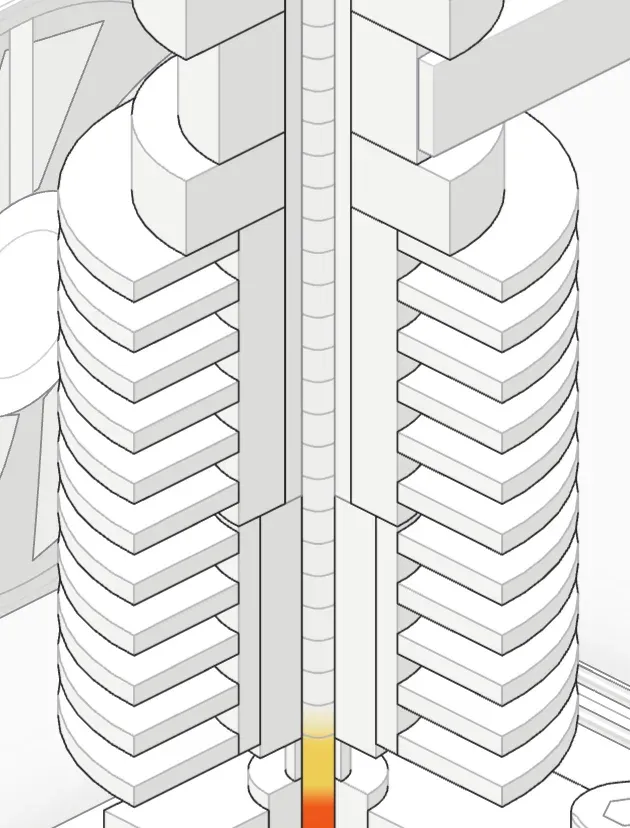 The finned heatsink keeps the top of the hotend cold.
- Feed 2 mm/s: nozzle 210 °C · heatsink 38 °C · feed 2.0 mm/s · melting in block.
nozzle 210 °C · heatsink 38 °C · feed 2.0 mm/s · melting in block
- drag ↕ feed rate
- ↑ ↓ feed ±0.5 mm/s
- Space stop / start feed
- F hotend fan on / off
- Home reset
Other filaments worth knowing
| Filament | Strengths | Downsides | Good for |
|---|---|---|---|
| PLA+ / tough PLA | Less brittle than plain PLA, prints like PLA | Still softens at low temperatures | Everyday parts that need a little toughness |
| Silk PLA | Shiny, metallic look | Strings more, weaker layers | Decorative pieces |
| ABS / ASA | Heat resistant; ASA also resists sunlight | Warps, smells, needs an enclosure and ventilation | Car parts, outdoor parts |
| TPU | Flexible, like rubber | Prints slowly, easiest on direct drive | Phone cases, gaskets, bumpers |
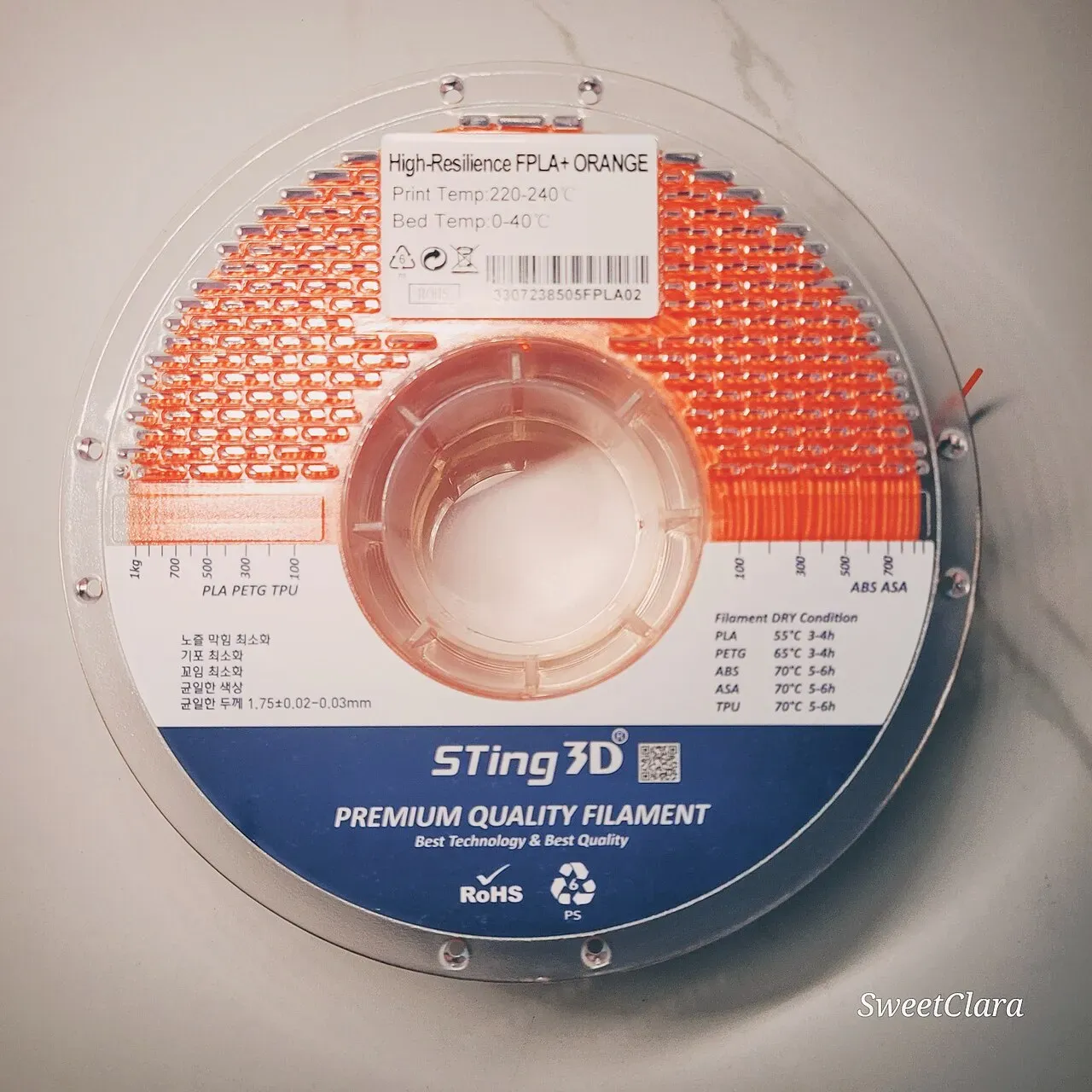 Flexible filament: label shows its print temperature.Photo: Sweetclara ·CC BY-SA 4.0 ·Wikimedia Commons
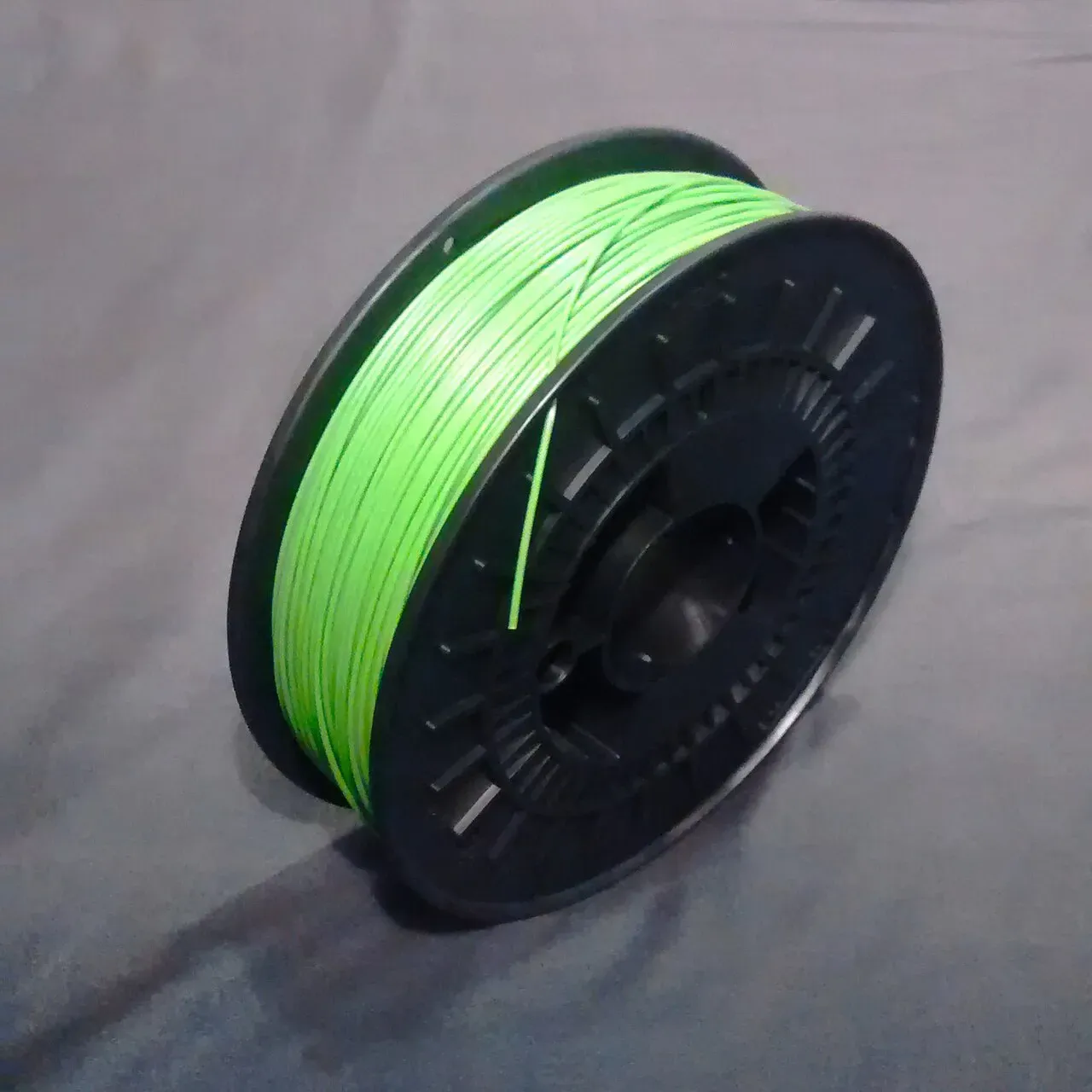 A spool of ABS.Photo: Tatár Lehel ·CC BY-SA 3.0 ·Wikimedia Commons
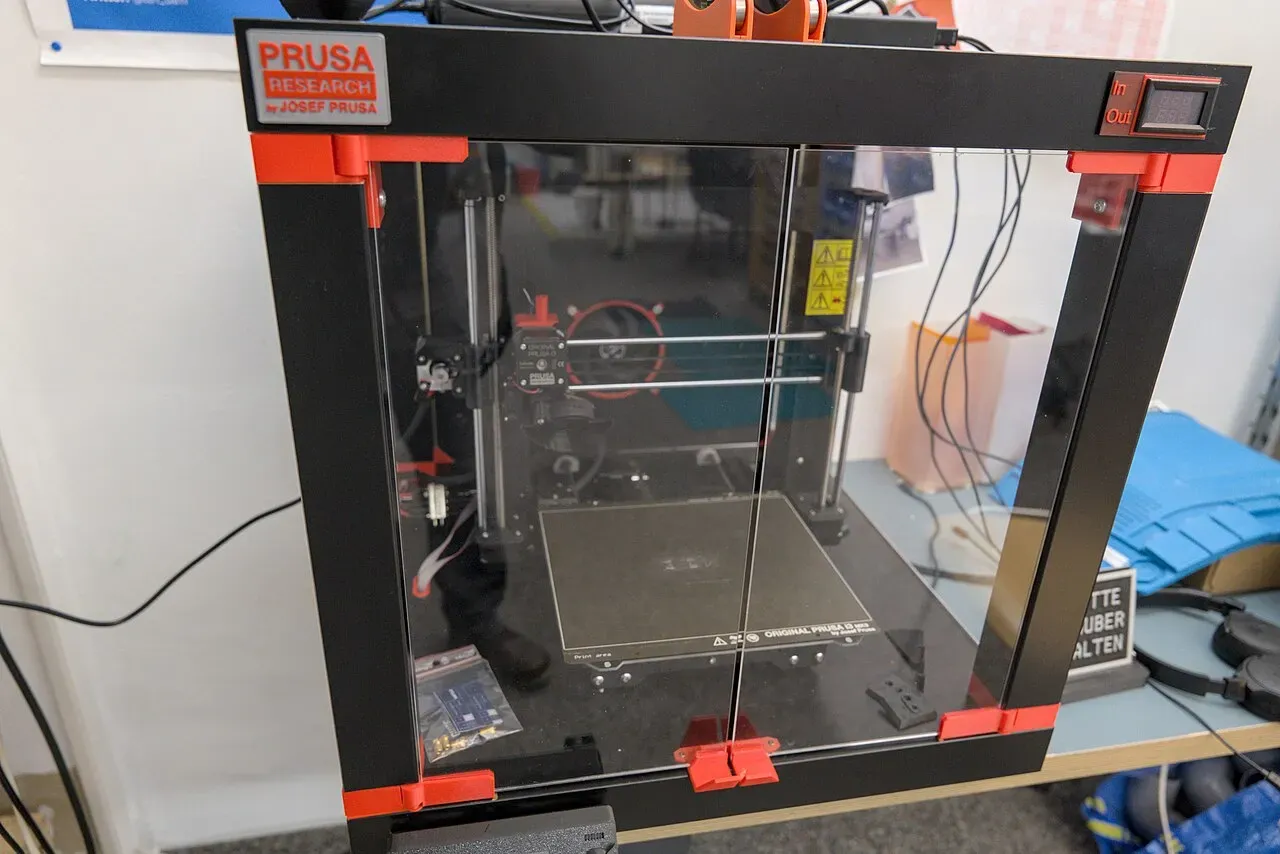 An enclosure keeps heat in for ABS and ASA.Photo: -stk ·CC BY-SA 4.0 ·Wikimedia Commons
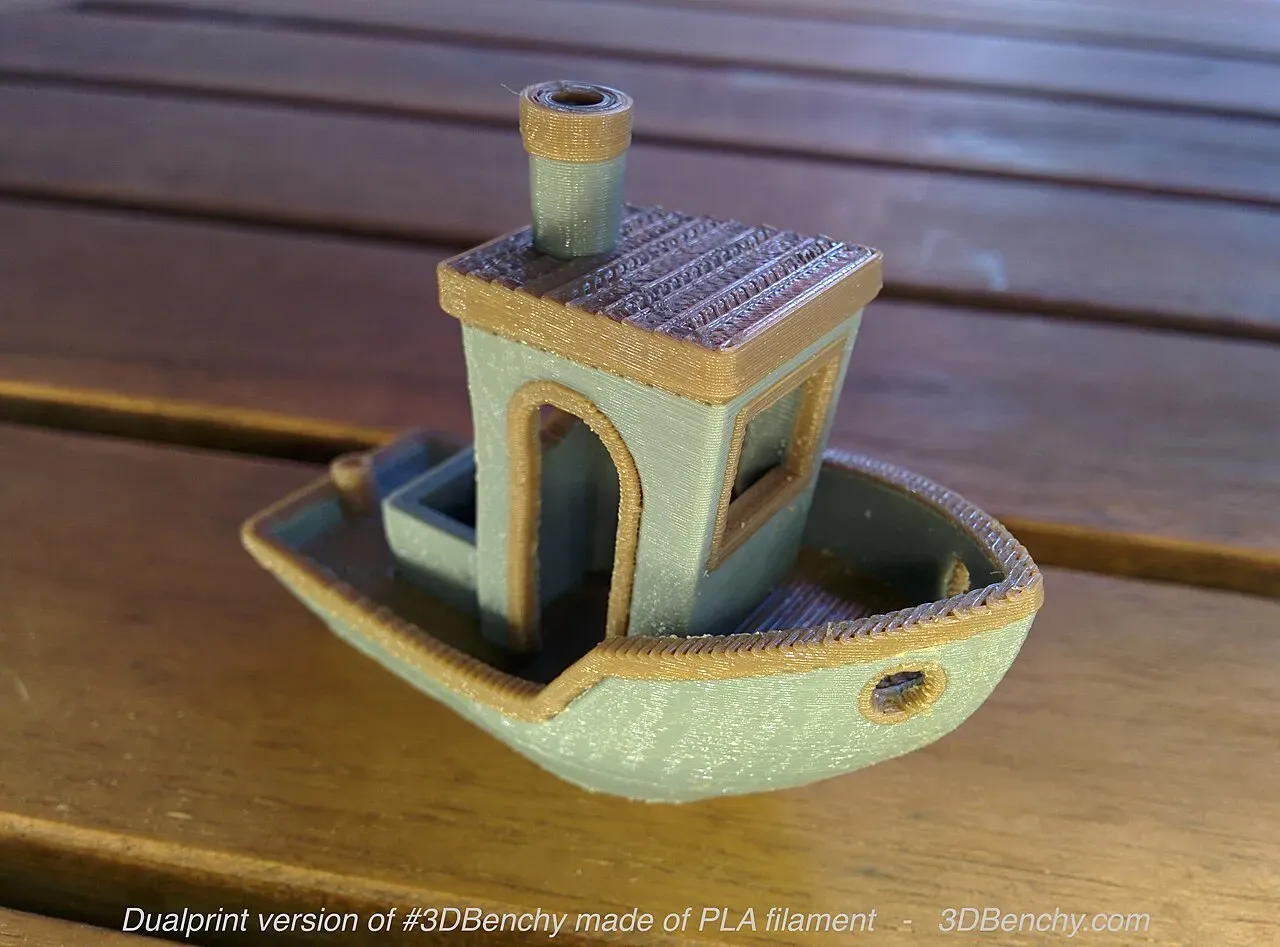 A two-colour Benchy.Photo: 3DBenchy ·CC BY 2.0 ·Wikimedia Commons
Setting it up in your slicer
The easiest way to get good results is to pick the right filament profile: it sets temperature, cooling and retraction together.
| What to change | OrcaSlicer / Bambu Studio | PrusaSlicer | Cura |
|---|---|---|---|
| Choose the filament profile | Filament list on the main screen | Filament drop-down in the right panel | Material drop-down next to the printer |
| Nozzle temperature | Filament settings → Nozzle temperature | Filament Settings → Filament → Temperature | Material → Printing Temperature |
| Bed temperature | Filament settings → Bed temperature (per plate type) | Filament Settings → Filament → Bed | Material → Build Plate Temperature |
| Part cooling fan | Filament settings → Cooling | Filament Settings → Cooling | Cooling → Fan Speed |
| Retraction override | Filament settings → Setting overrides | Filament Settings → Filament Overrides | Travel → Retraction Distance |
Menu names move between slicer versions. If you can’t find a setting, type its name into the slicer’s settings search box.
Common PETG problems when switching from PLA
| Problem | Why | Fix |
|---|---|---|
| Lots of strings | PETG oozes more | Dry it, lower the temperature, see the stringing guide |
| Nozzle drags through the print, blobs on the nozzle | First layer squished too hard | Raise the Z offset slightly (Z offset guide) |
| Weak layers that split | Too much cooling or too cold | Reduce the fan, raise the temperature 5 °C |
| Part fused to a glass or smooth PEI bed | PETG bonds too strongly | Use glue stick as a release layer, or textured PEI |
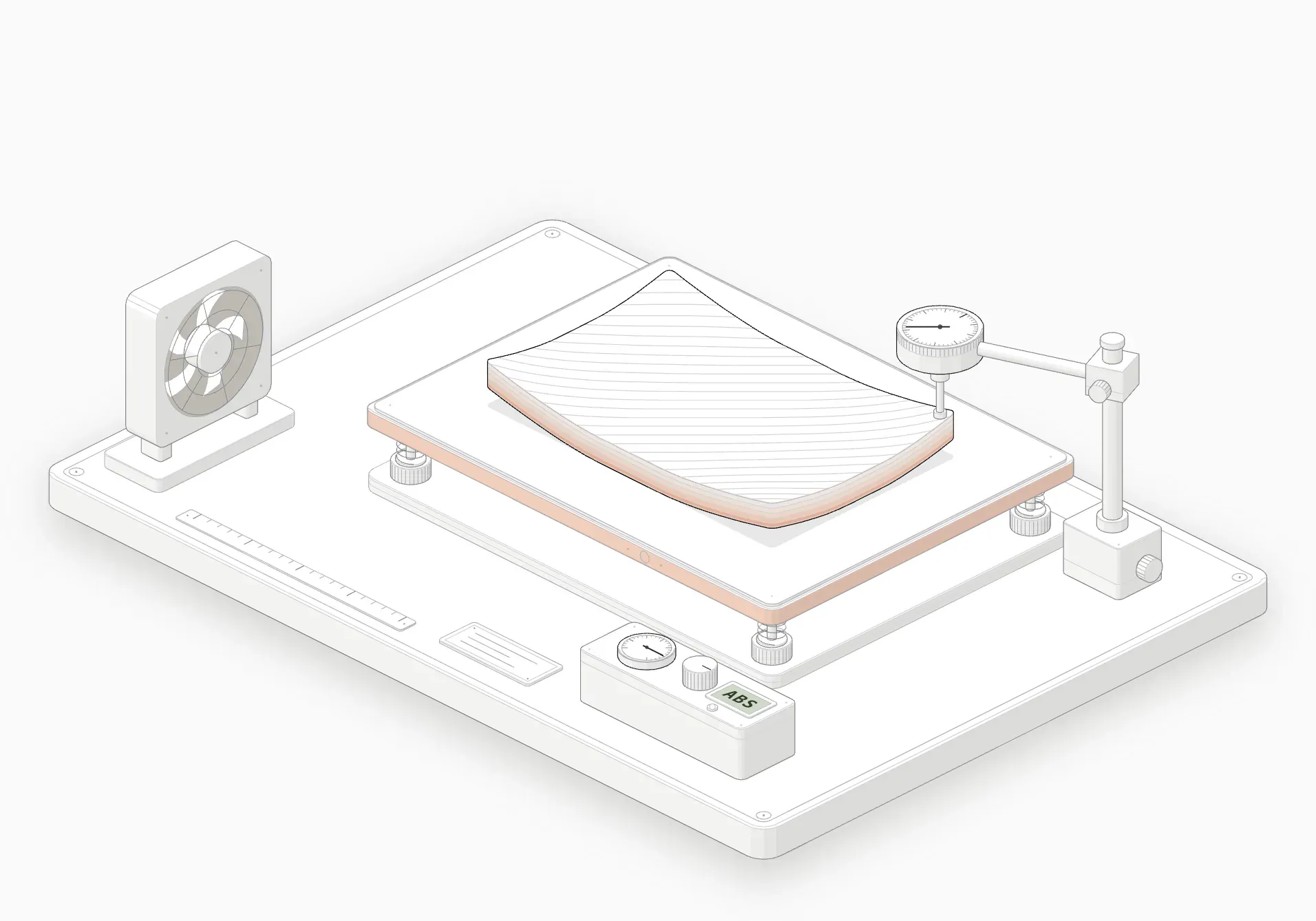
| Corners lifting | Bed too cool or a draught | Raise the bed temperature, add a brim (warping guide) |
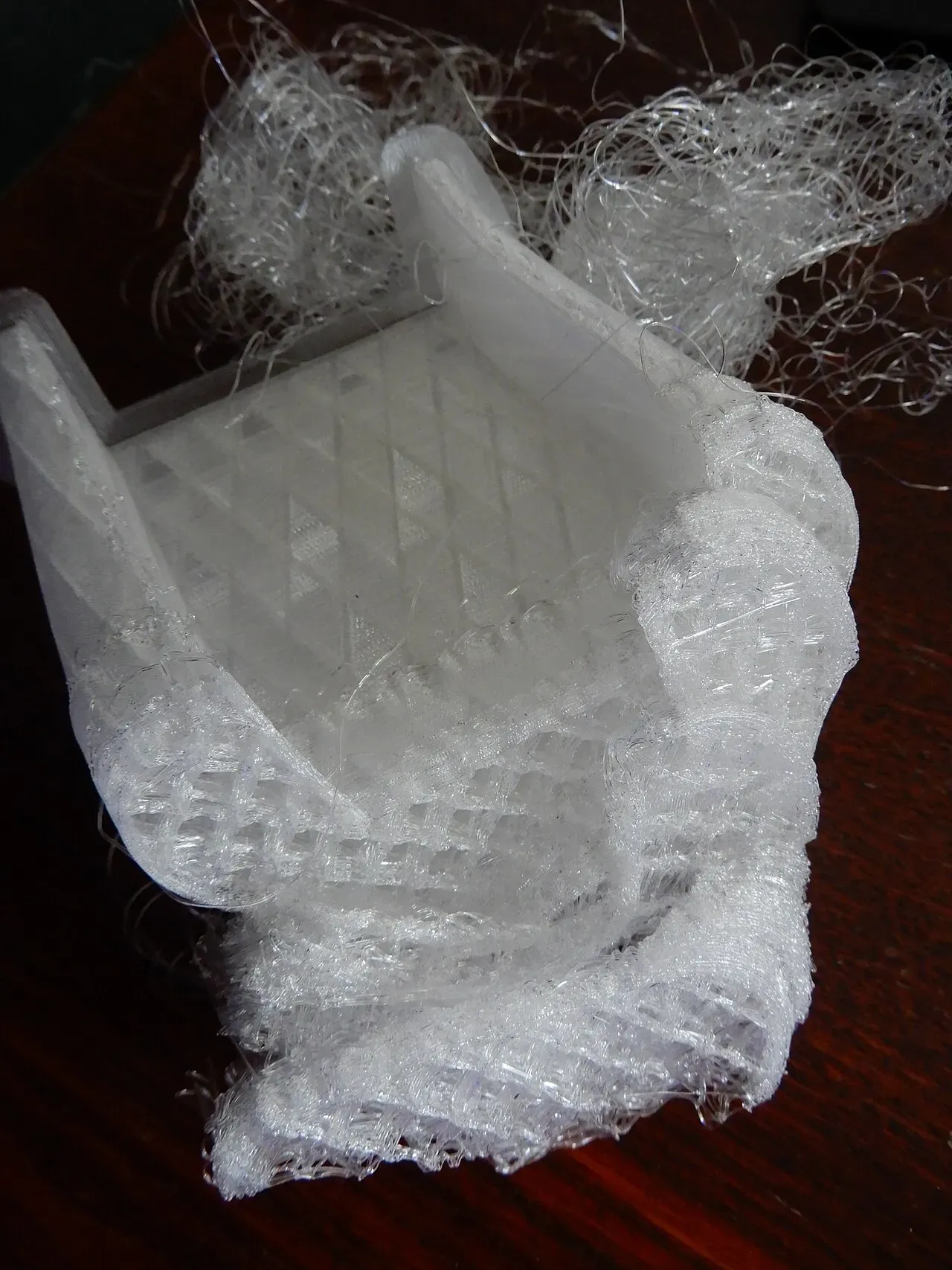
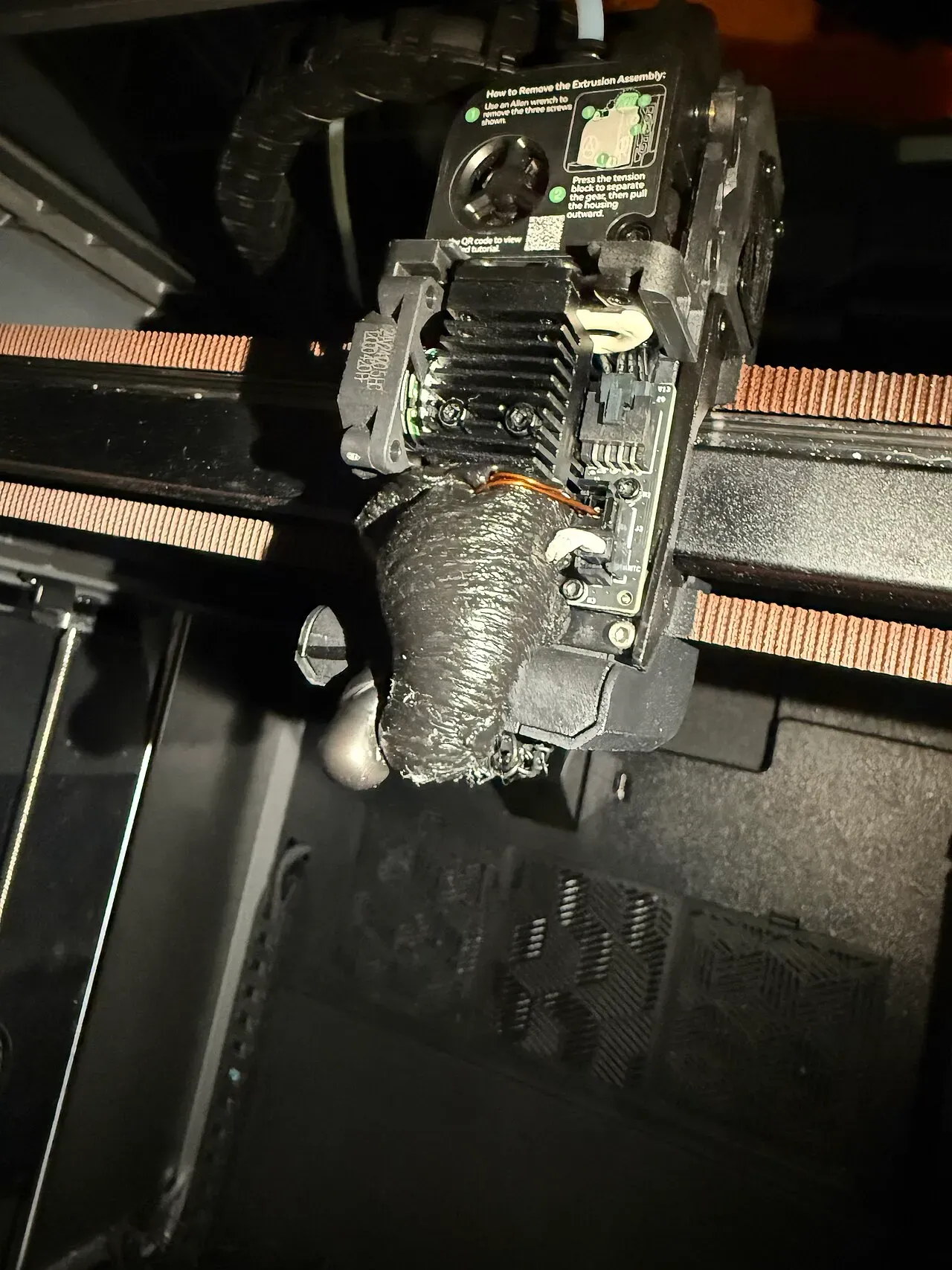 The "blob of death": plastic that leaked and wrapped the hotend.Photo: LunaEatsTuna ·CC BY-SA 4.0 ·Wikimedia Commons
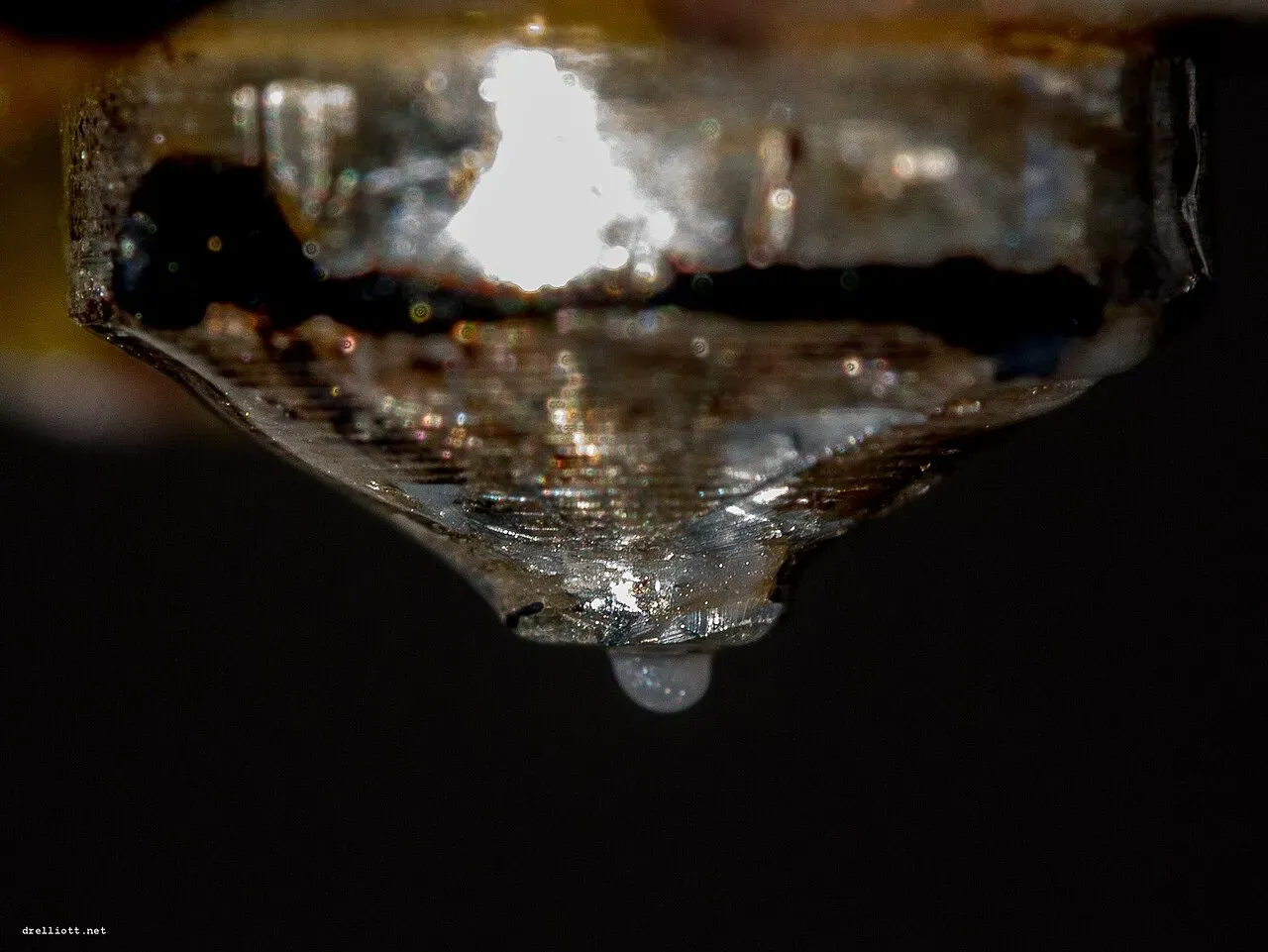 Ooze: a drop of molten plastic forming at the nozzle.Photo: David Elliott from UK ·CC BY 2.0 ·Wikimedia Commons
 A print that broke loose partway through.Photo: EwkaC ·CC BY-SA 4.0 ·Wikimedia Commons
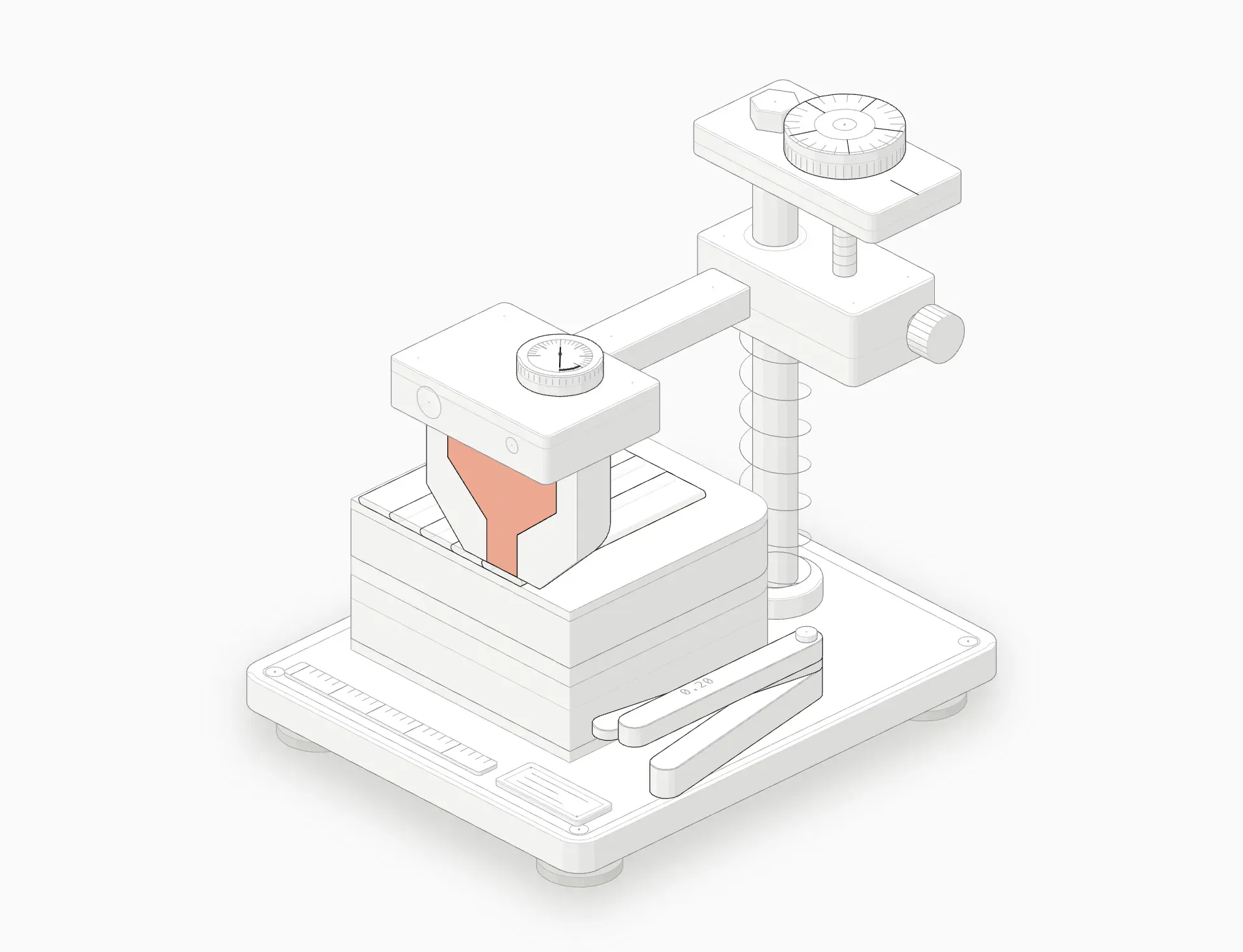 Too low: lines squashed thin, and the extruder struggles.
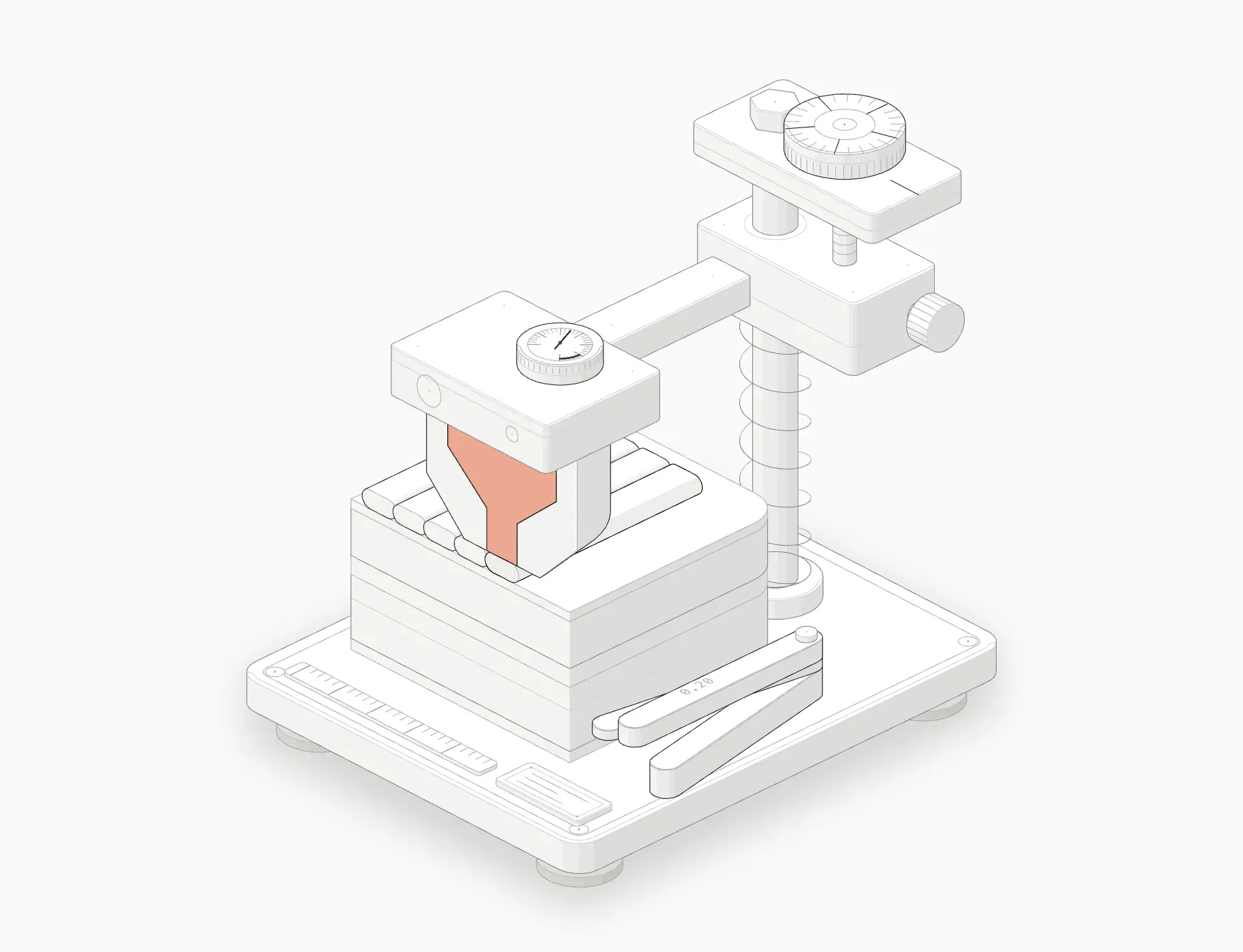 Z offset right: slightly squished lines that touch.
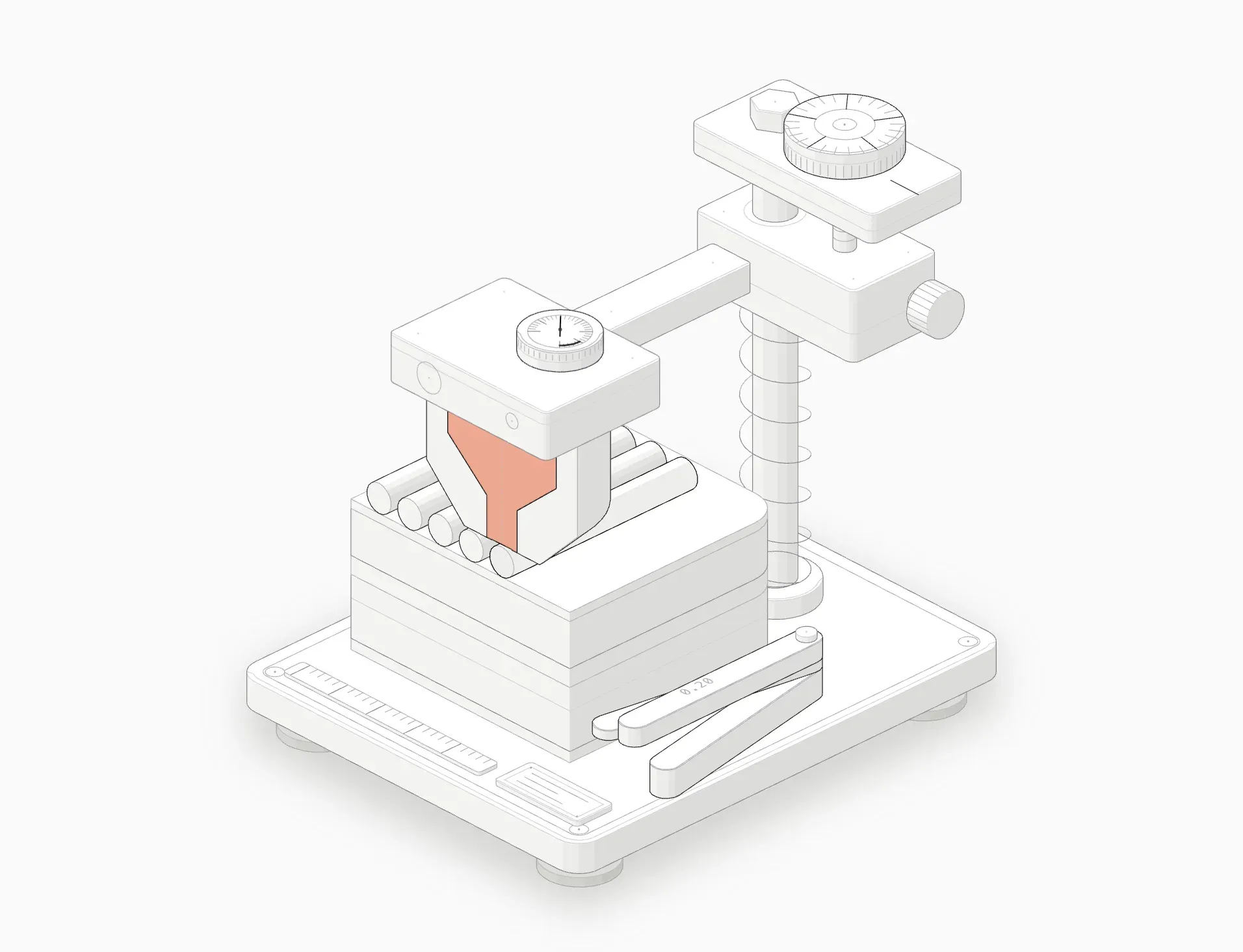 Too high: round lines that don't touch or stick.
FAQ
Is PETG stronger than PLA?
PETG is tougher than PLA: it bends and absorbs impacts before it breaks, where PLA snaps. PLA is stiffer, though, so for a part that must not bend under a steady load, PLA can hold its shape better at room temperature.
Is PETG harder to print than PLA?
A little. PETG needs higher temperatures, less cooling and a slightly higher first layer, and it strings more. With the right profile and dry filament, most printers handle it well.
Can I print PETG on the same printer as PLA?
Usually yes. Most modern printers with a heated bed and an all-metal or PTFE-lined hotend rated for 250 °C can print PETG. Check your printer’s maximum nozzle temperature before buying.
Is PLA or PETG better for outdoor use?
PETG. PLA softens in summer heat and weakens in sunlight, while PETG handles both better. For long-term outdoor parts, ASA is better still.
Is PETG food safe?
Not automatically. Some PETG filaments are made from food-safe material, but printed parts have tiny gaps between layers where bacteria can grow, and the nozzle or additives may not be food safe. Treat any printed part as not food safe unless the whole process is certified.
Why is my PETG stringing so much?
PETG stays sticky over a wider temperature range, so it oozes more than PLA. Dry the spool, print at the low end of its range and add a little retraction; a few fine wisps are normal.
Do I need an enclosure for PETG?
No. PETG warps far less than ABS and prints fine on an open printer. Keep it away from draughts on large parts.
Which is cheaper, PLA or PETG?
PLA is usually the cheapest filament you can buy, and PETG is similar or slightly more. Both are far cheaper than specialist filaments.
Related guides
New to printing? Start with the complete beginner’s guide. To get the first layer right on either material, read first layer not sticking and what is Z offset. For PETG’s biggest headache, see how to fix stringing.
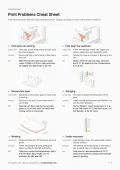
Free: the Print Problems Cheat Sheet
12 common print faults on two printable pages: what each looks like, why it happens and the fix. Plus one new guide a week.
Free: the Print Problems Cheat Sheet
12 common print faults on two printable pages: what each looks like, why it happens and the fix. Plus one new guide a week.