 Nozzle School
What Is Retraction in 3D Printing? Settings Explained
What retraction is, how it stops stringing, and what every retraction setting does: distance, speed, prime, Z-hop, wipe, coasting and firmware retraction.
Retraction is when your printer’s extruder pulls the filament back a short distance just before the nozzle travels to a new spot without printing. It relieves the pressure in the molten plastic so less oozes out during the travel, which is what stops strings and blobs.
Every slicer has a group of retraction settings, and they all tune that one move: how far to pull back, how fast, what to do while travelling, and how to restart cleanly. This guide explains each one, gives typical starting values, and shows what changing them does.
Retraction settings at a glance
| Setting | What it does | Typical starting value |
|---|---|---|
| Retraction distance (length) | How far the filament is pulled back | Direct drive 0.5–1 mm; Bowden 4–6 mm |
| Retraction speed | How fast it’s pulled back | 25–45 mm/s |
| Extra restart / prime length | Extra filament pushed after the travel to make up for ooze | 0 mm (raise only if lines start thin) |
| Minimum travel after retraction | Skips retraction for very short travels | 1–2 mm |
| Retract on layer change | Retracts every time the nozzle moves up a layer | On |
| Z-hop (lift Z) | Lifts the nozzle during travel so it doesn’t hit the print | 0–0.4 mm, only if the nozzle catches parts |
| Wipe while retracting | Moves the nozzle over the part as it retracts, wiping off the drip | On for most printers |
| Coasting (Cura) | Stops extruding just before the end of a line | Off; try 0.05–0.1 mm³ if blobs remain |
| Firmware retraction | Lets the printer’s firmware handle retraction instead of the slicer | Off unless your firmware is set up for it |
These are typical values to start from, not rules. Your printer maker’s profile is usually a better starting point than any general number.
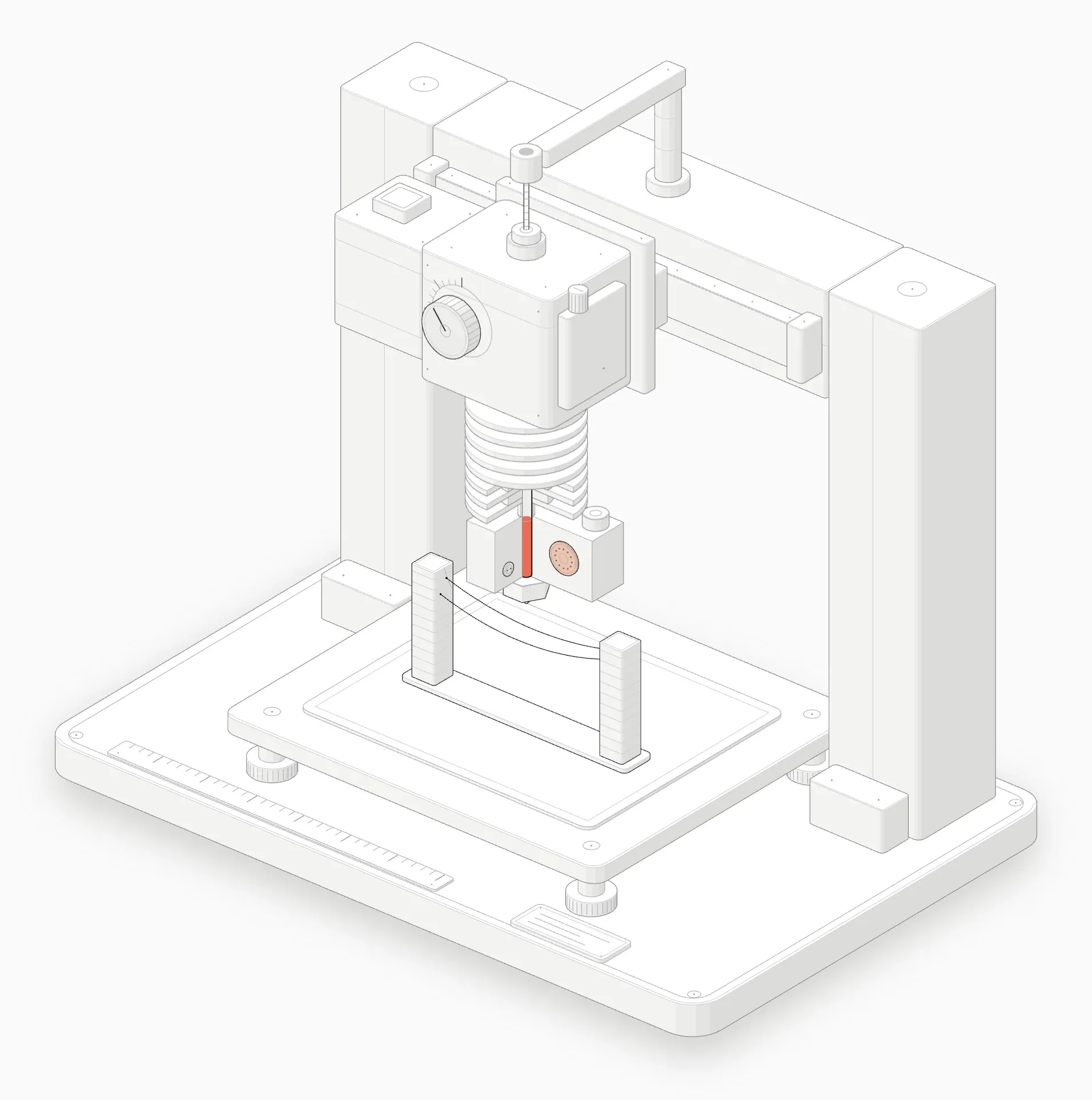 A stringing test: two thin towers and a head that travels between them.
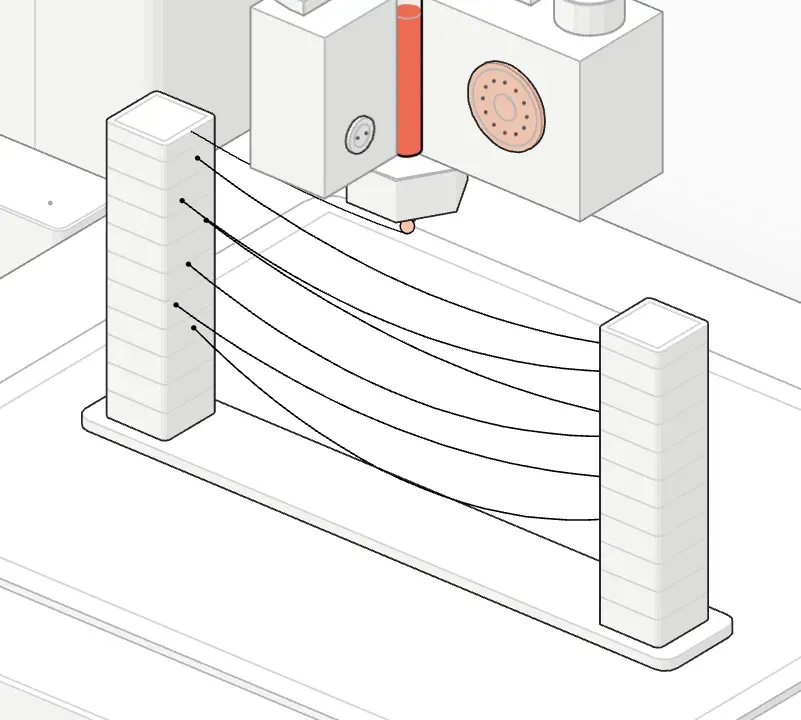 No retraction: many strings.
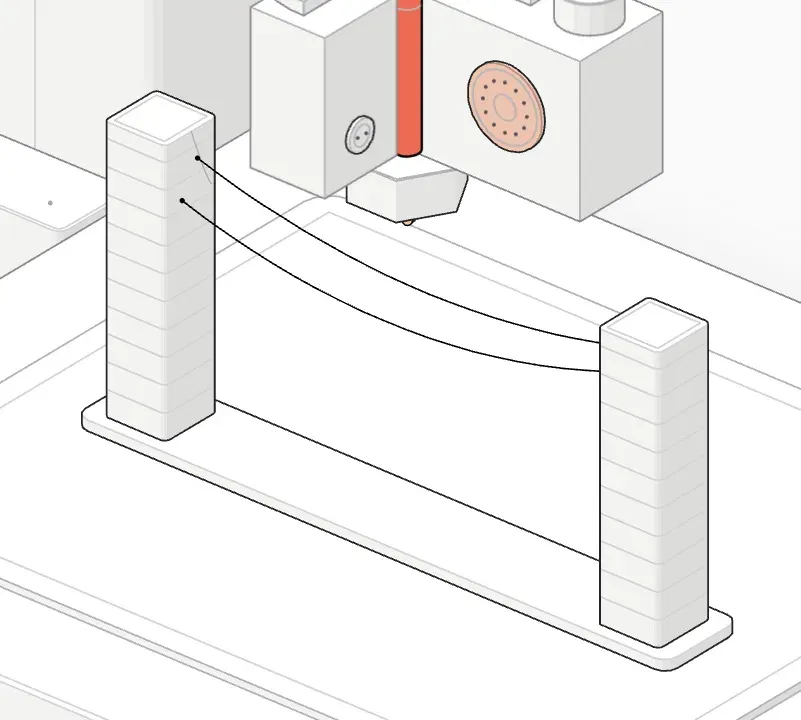 0.8 mm of retraction: a few strings.
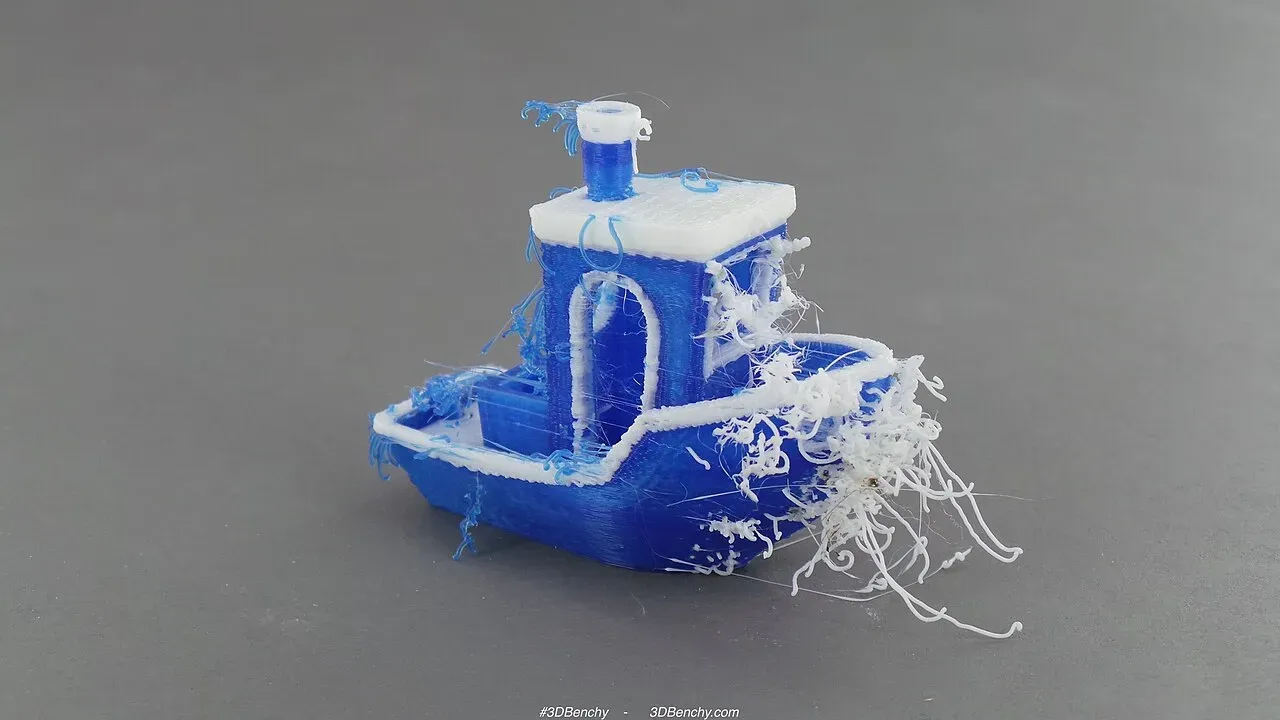 Stringing on a two-colour Benchy, where travel moves cross open air.Photo: 3DBenchy ·CC BY 2.0 ·Wikimedia Commons
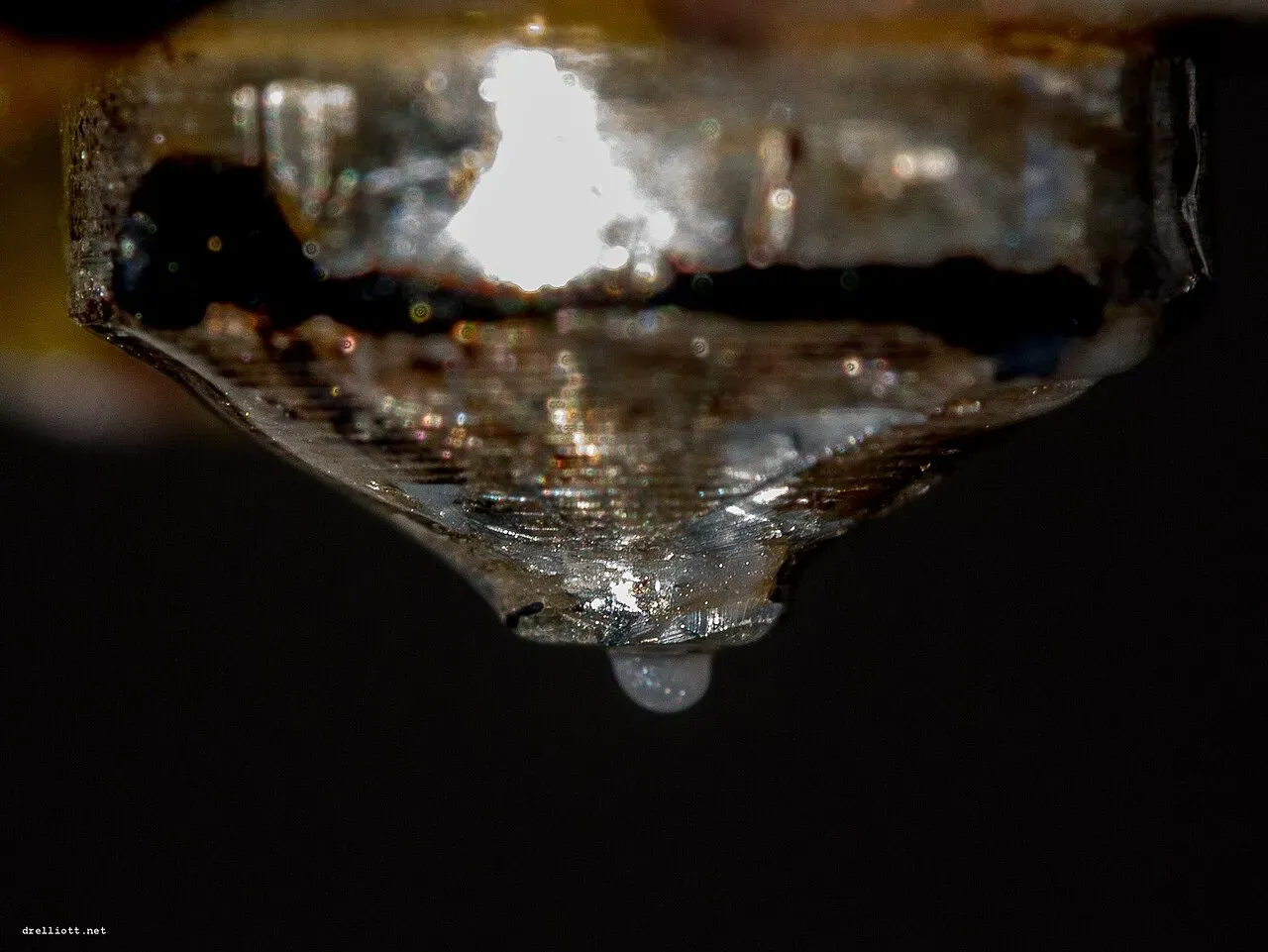 Ooze: a drop of molten plastic forming at the nozzle.Photo: David Elliott from UK ·CC BY 2.0 ·Wikimedia Commons
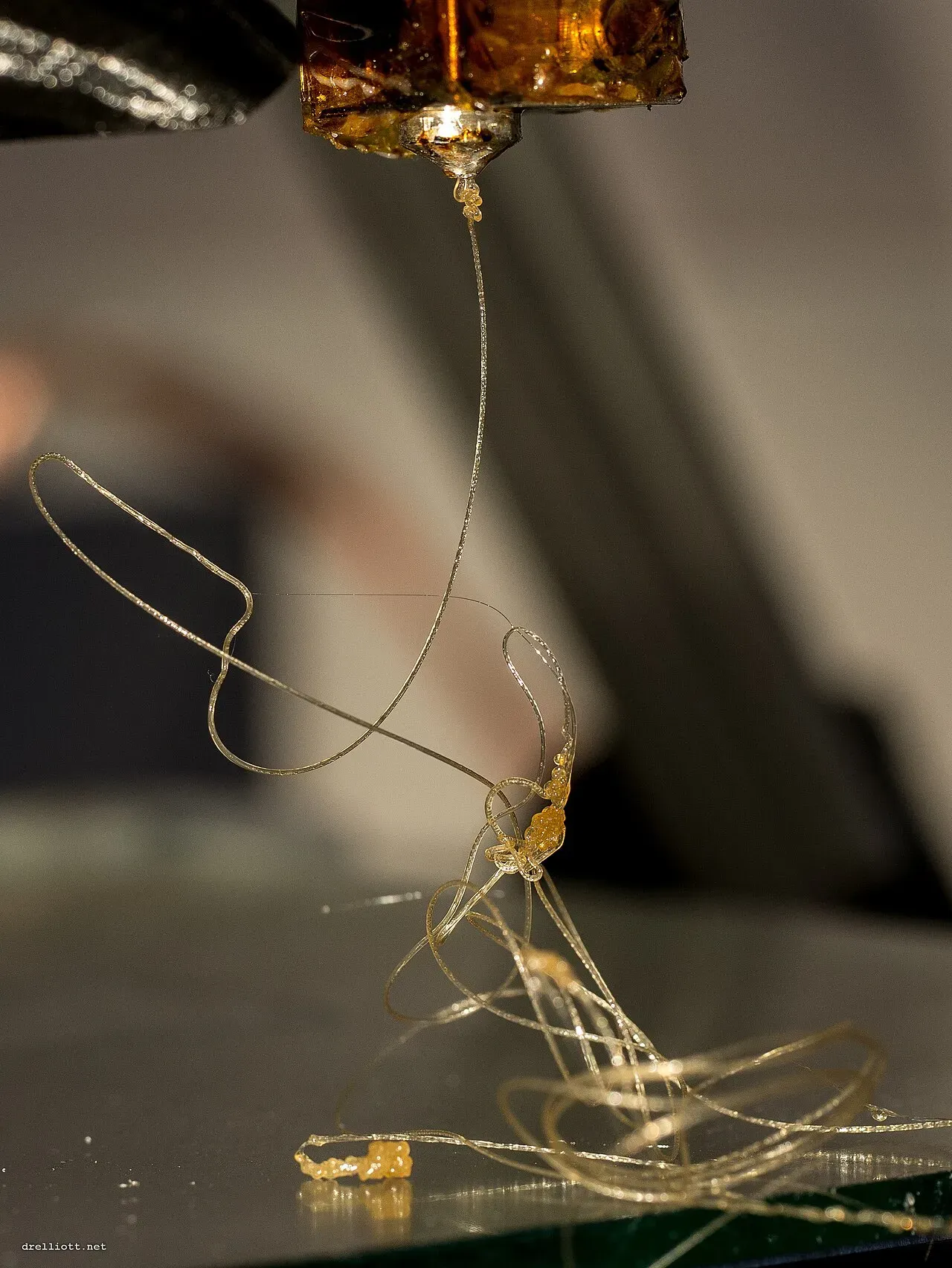 A thin strand pulled from the nozzle: where strings begin.Photo: David Elliott from UK ·CC BY 2.0 ·Wikimedia Commons
How retraction works
Inside the hotend, molten plastic sits under pressure: the extruder has been pushing filament down into a small heated chamber, and the only way out is the nozzle. When the printer stops printing to travel, that pressure doesn’t vanish at once, so plastic keeps leaking out.
Retraction reverses the extruder for a moment. Pulling the solid filament back up draws the melt with it and drops the pressure at the nozzle, so very little oozes during the travel. When printing resumes, the extruder pushes the same distance forward again to rebuild the pressure.
retract 0.8 mm · 35 mm/s · 205 °C · strings: few
- drag ↔ retraction distance
- ← → retraction ±0.1 mm (Shift ±0.5)
- ↑ ↓ nozzle temperature ±5 °C
- − + retraction speed ±5 mm/s
- Space travel now
- Home reset
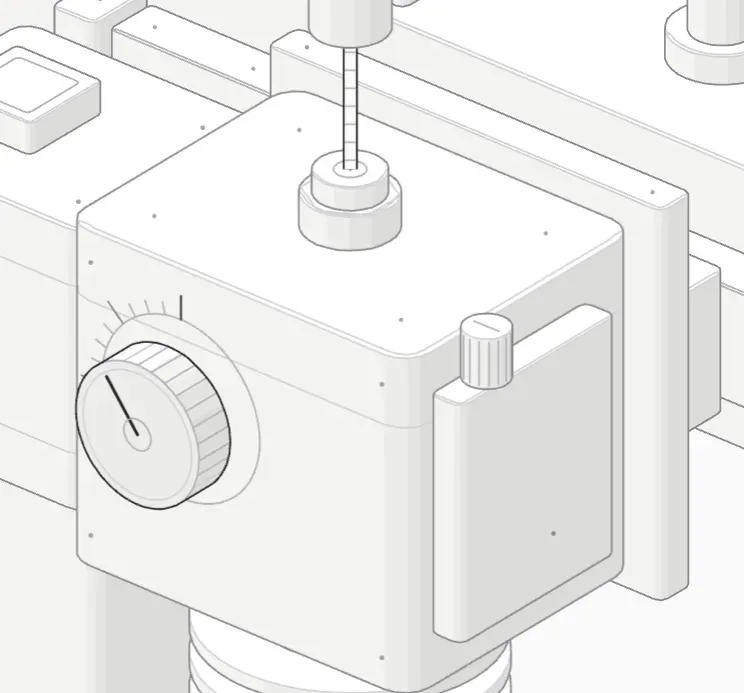 The extruder knob turns back by the retraction distance.
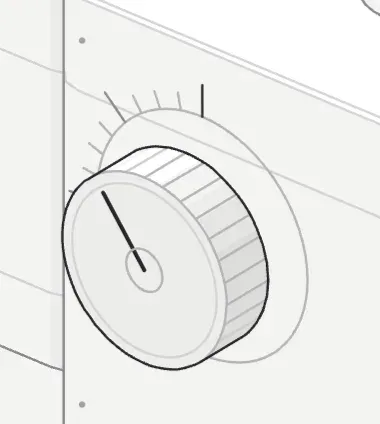 The dial reads retraction in 0.25 mm steps.
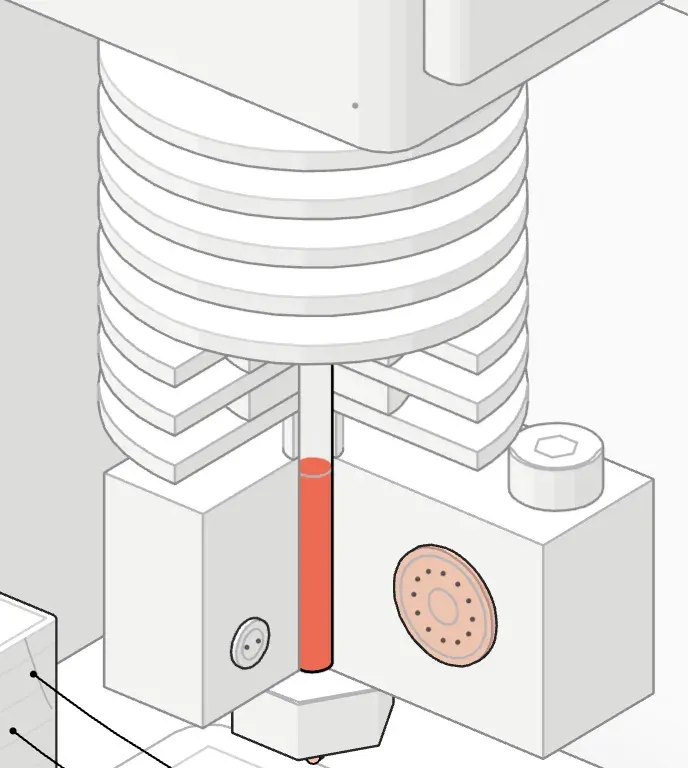 Inside the hotend: solid filament above, melt below.
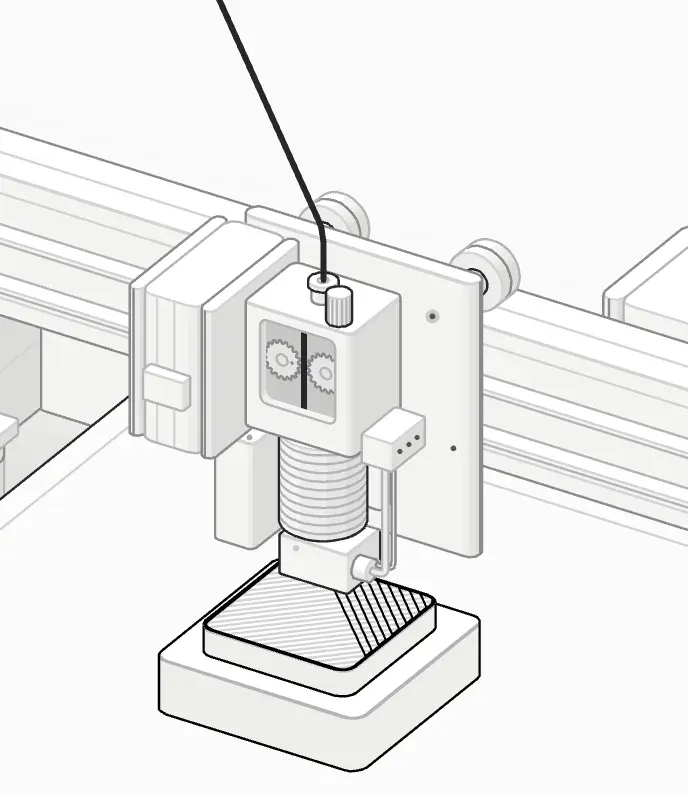 The print head: extruder on top, finned heatsink, heater block and nozzle.
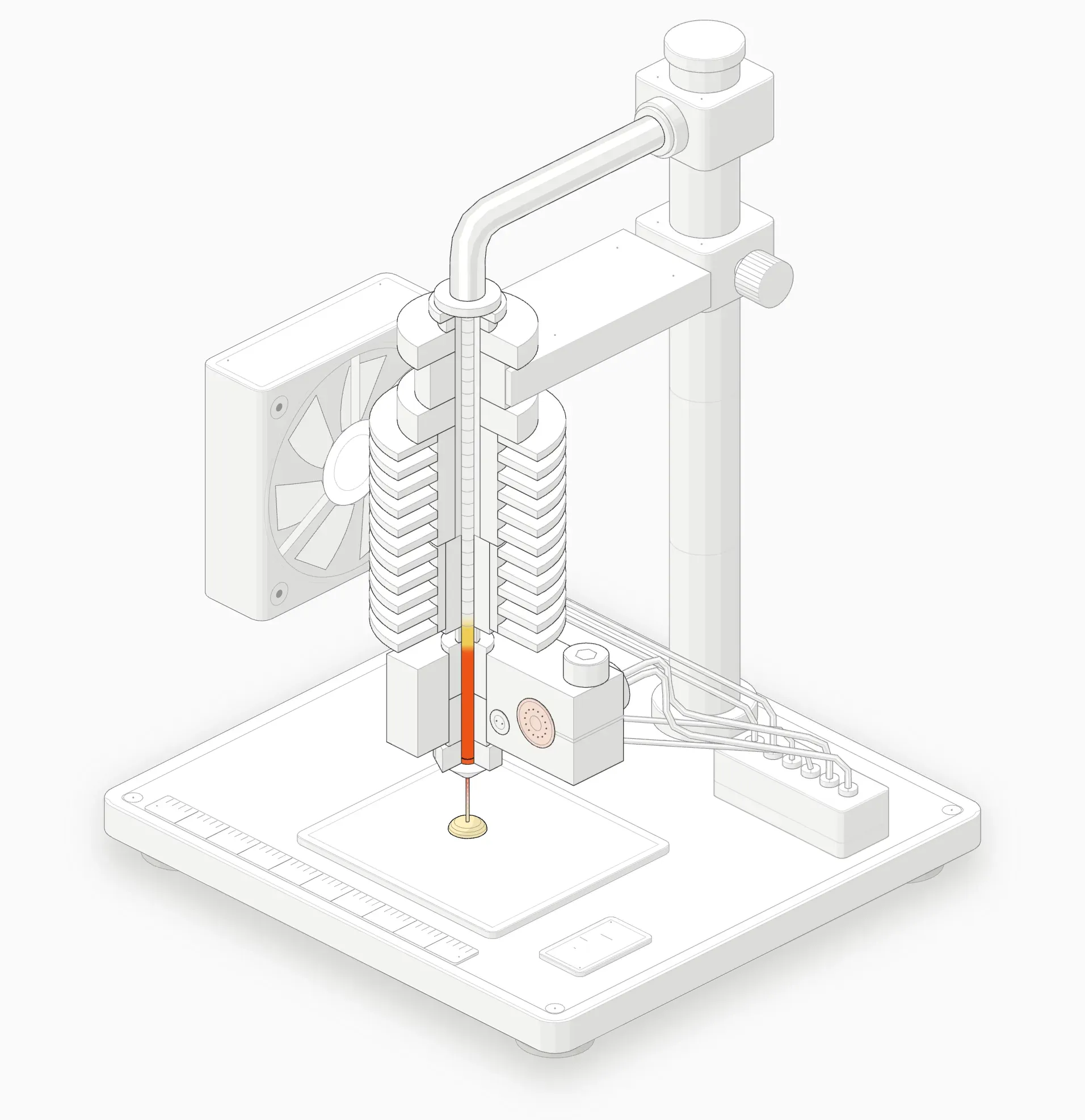 A V6-style hotend, cut away so you can see the filament inside.
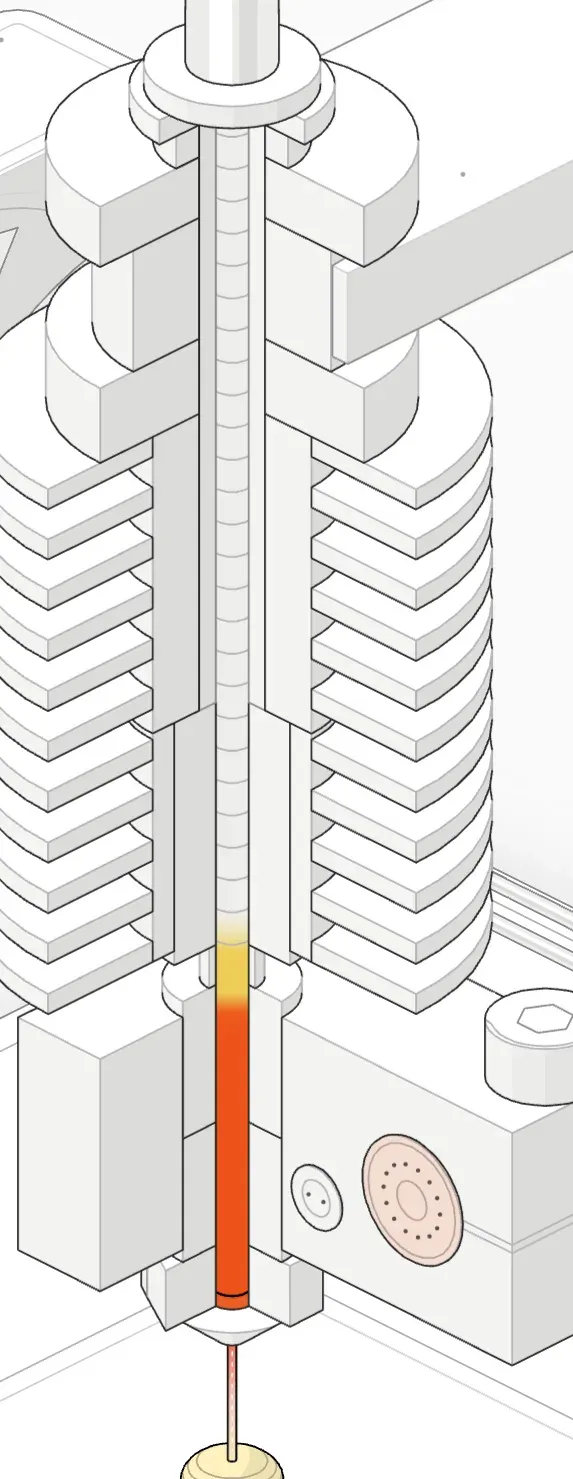 Solid filament above the heat break, molten filament in the heater block.
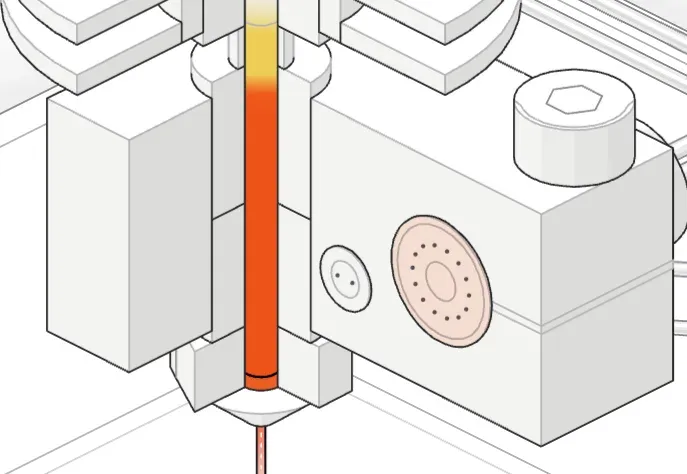 The heater block holds the heater cartridge and the thermistor.
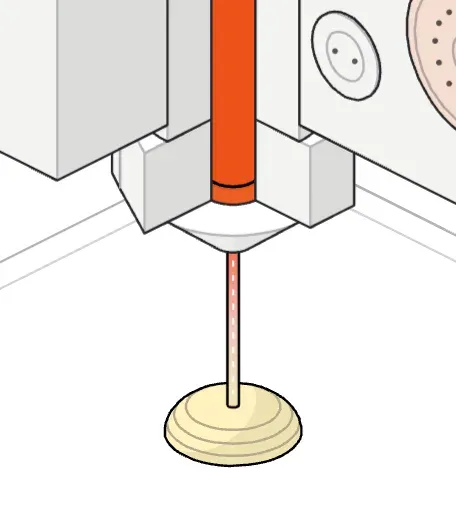 A brass 0.4 mm nozzle laying a thin strand.
Retraction only works on the plastic that’s melted. That’s why the boundary between solid and molten filament matters: pull back too far and the soft plastic is drawn up into the cold part of the hotend.11The heat break is a thin tube that separates the hot heater block from the cool heatsink. Plastic should stay solid above it and melt only below it.
Direct drive vs Bowden
How far you need to retract depends mostly on where the extruder sits.22Bowden setups need more retraction because the filament can compress and slide inside the long PTFE tube before the pull reaches the nozzle.
| Direct drive | Bowden | |
|---|---|---|
| Where the extruder is | Right on top of the hotend | On the frame, pushing through a long PTFE tube |
| Typical retraction distance | 0.5–2 mm | 4–7 mm |
| Typical retraction speed | 25–45 mm/s | 30–60 mm/s |
| Why | Short path: a small pull reaches the nozzle at once | The filament flexes and slides inside the tube, so part of the pull is lost |
| Flexible filament (TPU) | Works well | Difficult |
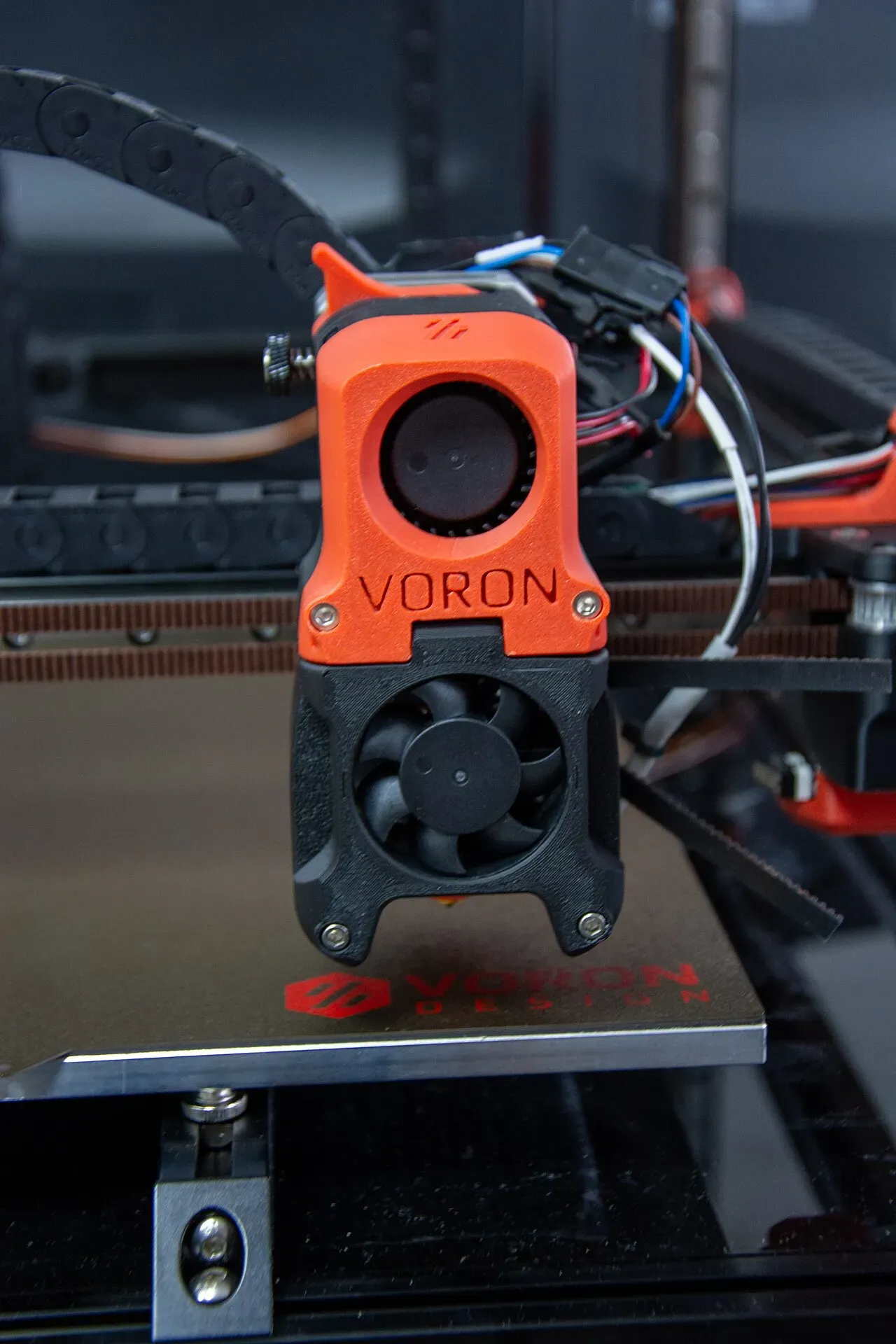 A modern toolhead: extruder, hotend and fans in one housing.Photo: disinterpreter ·CC BY-SA 2.0 ·Wikimedia Commons
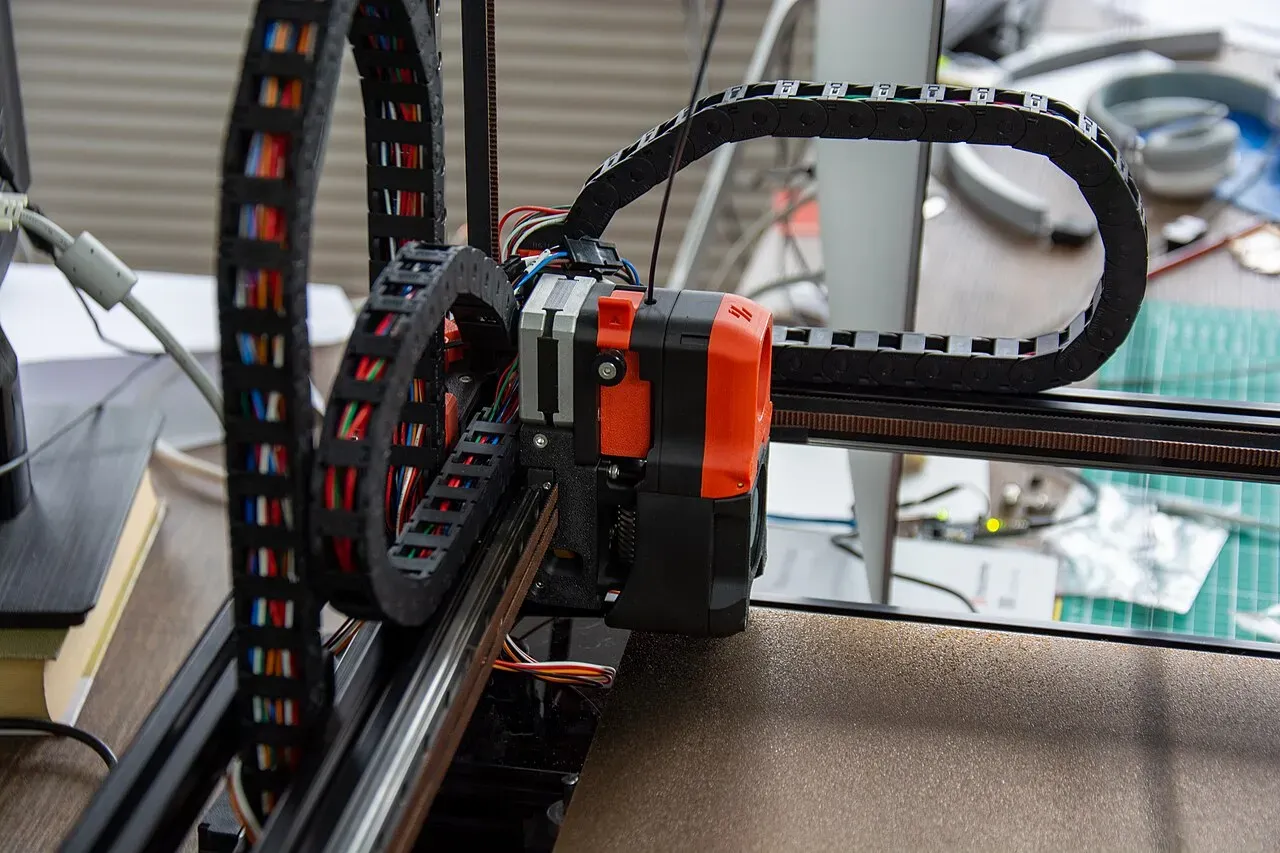 The toolhead rides the gantry; cable chains carry its wires.Photo: disinterpreter ·CC BY-SA 2.0 ·Wikimedia Commons
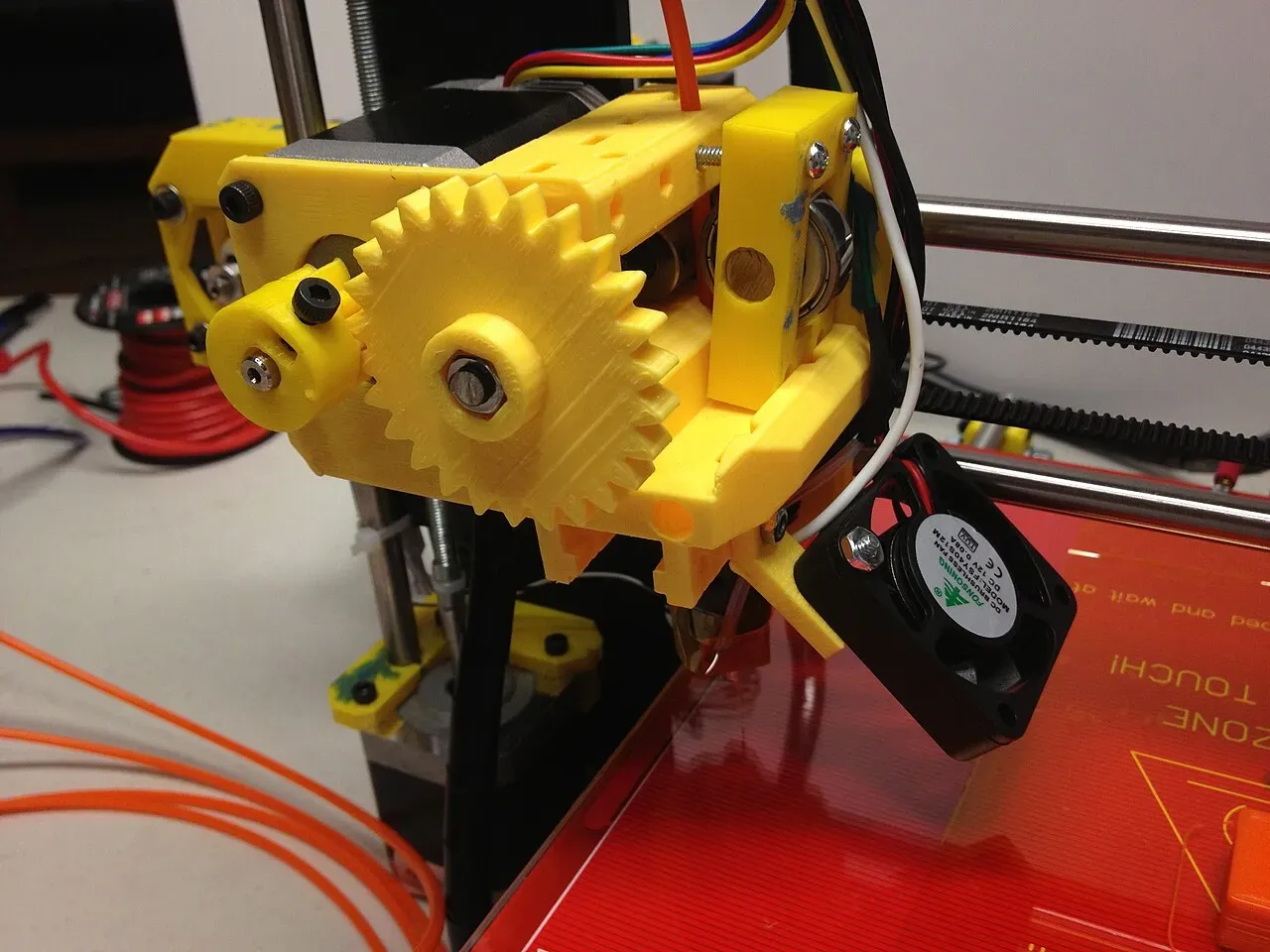 A geared extruder on a Prusa i3.Photo: John Abella from Outside Philadelphia, USA ·CC BY 2.0 ·Wikimedia Commons
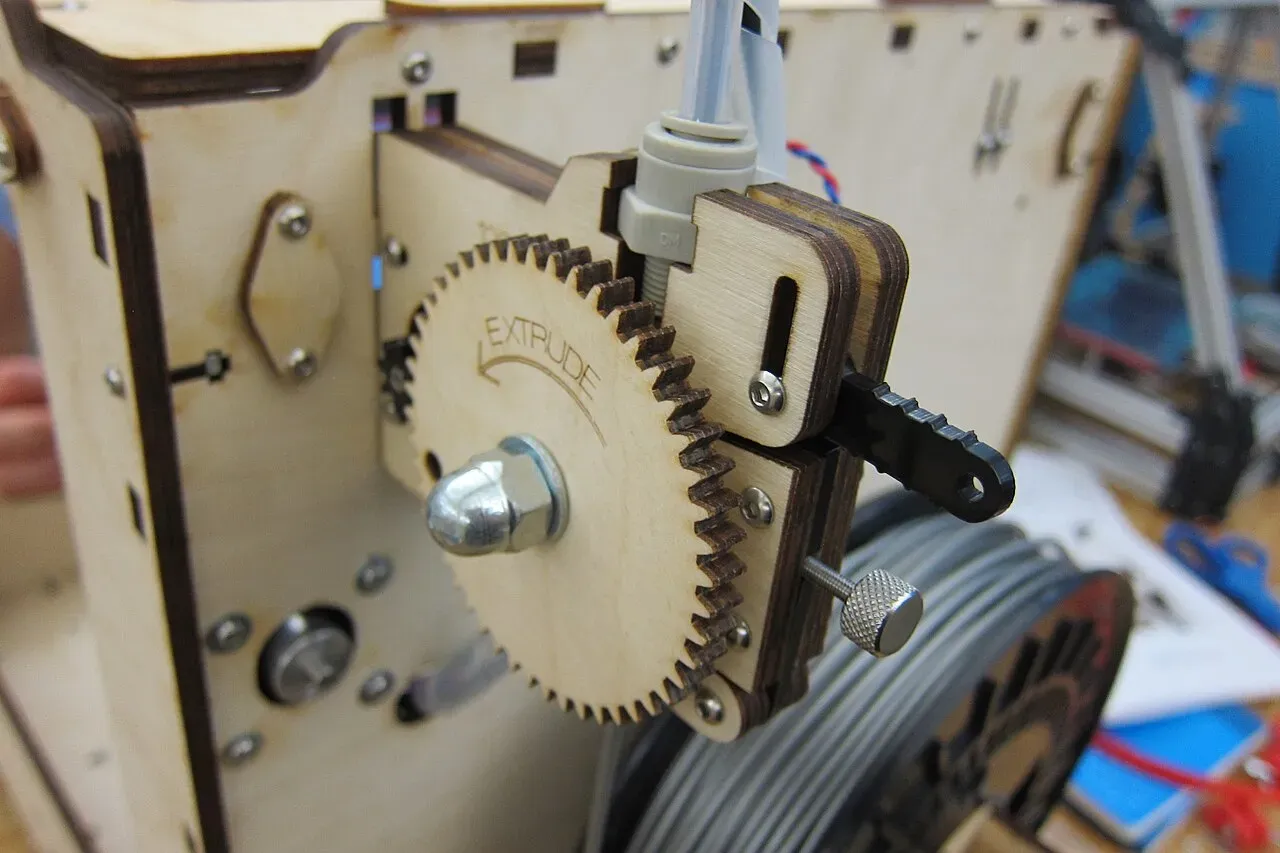 An early Ultimaker extruder: a big gear pushing filament.Photo: jabella ·CC BY 2.0 ·Wikimedia Commons
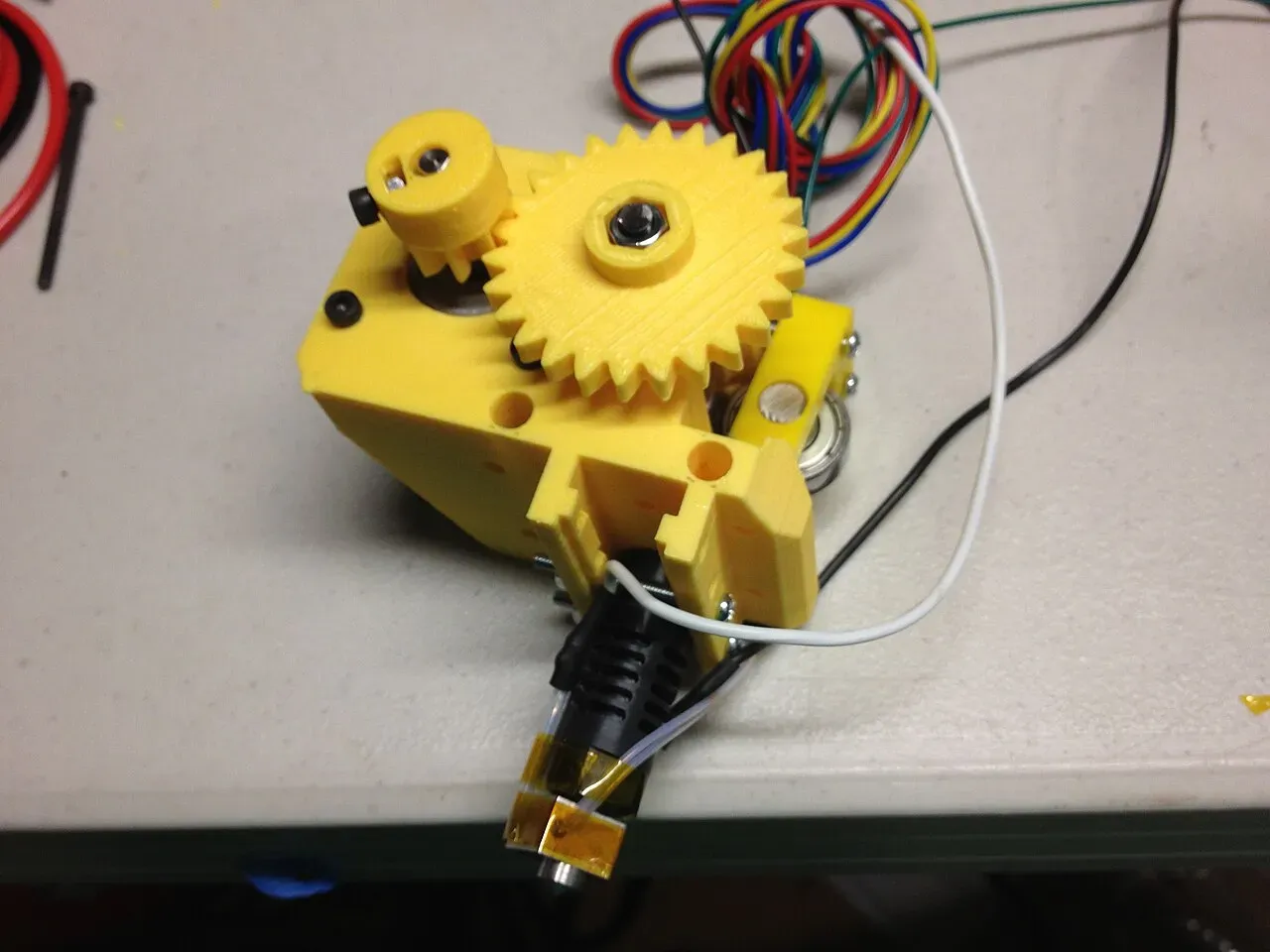 An assembled extruder before it goes on the printer.Photo: John Abella ·CC BY 2.0 ·Wikimedia Commons
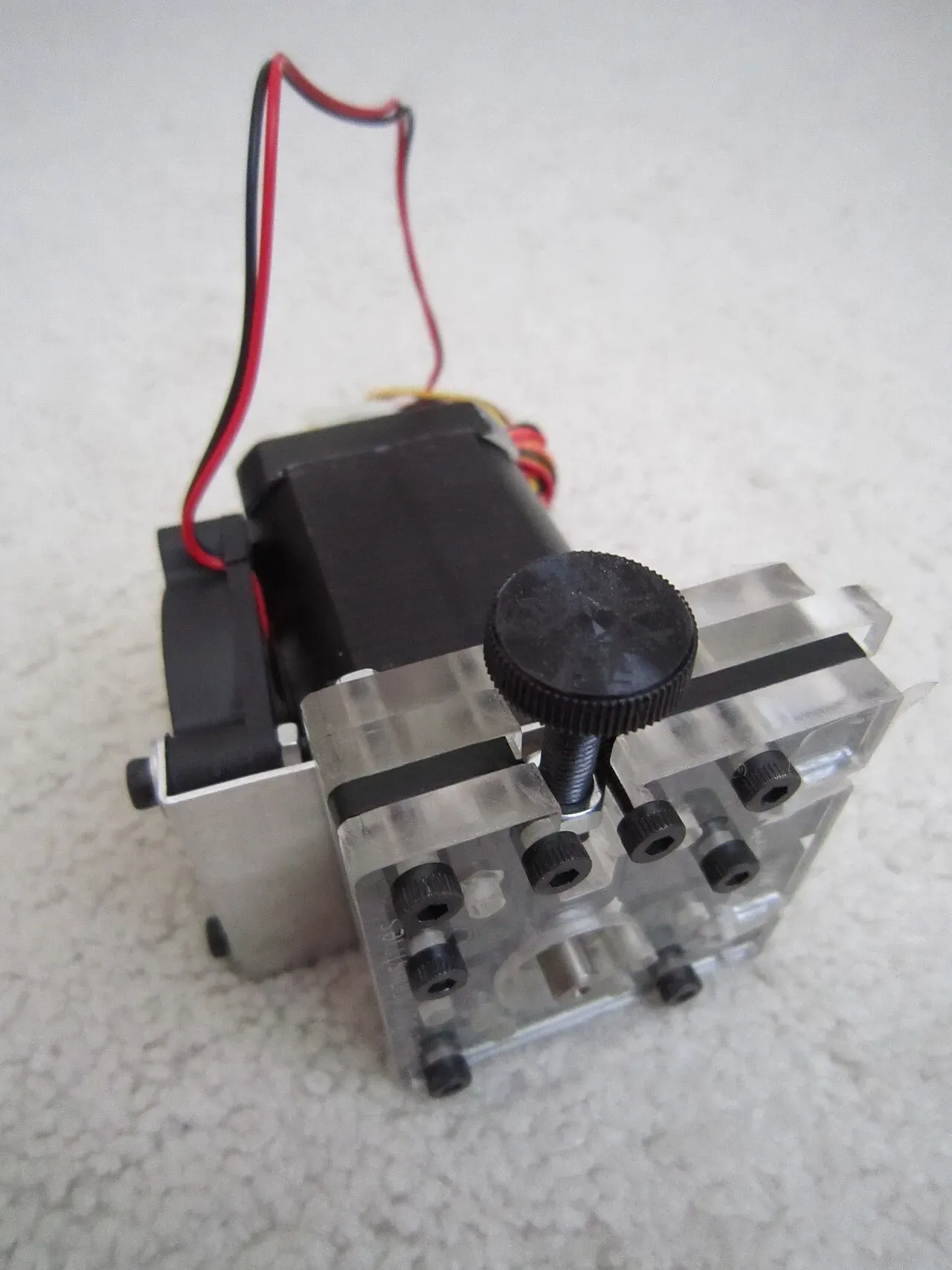 An extruder motor with its tension knob.Photo: syvwlch ·CC BY 2.0 ·Wikimedia Commons
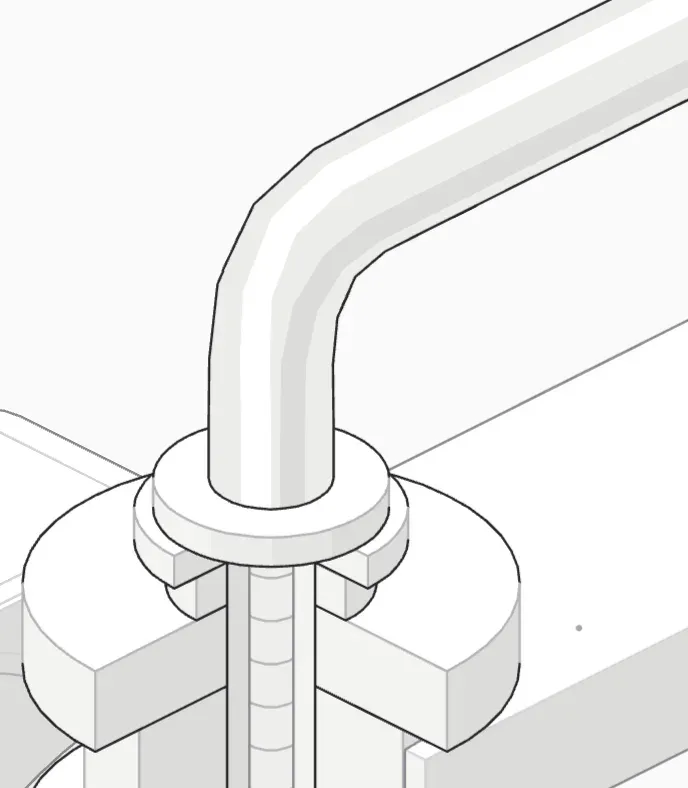 The Bowden tube enters through a push-fit collet.
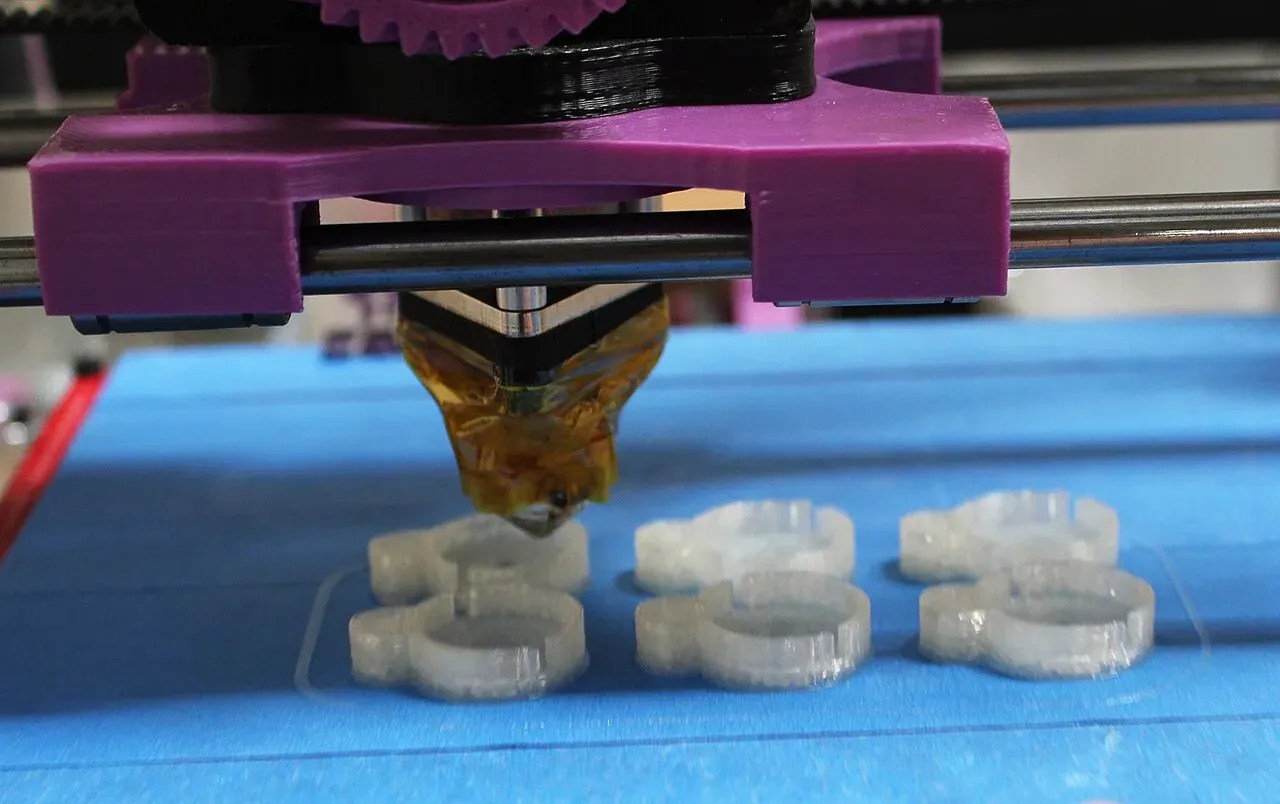 A print head at work over a plate of small parts.Photo: Neon Tommy ·CC BY-SA 2.0 ·Wikimedia Commons
Each setting explained
Retraction distance
The most important setting. Too short, and plastic still oozes; too long, and you pull melt into the heat break. The sweep below is the same test print with only the distance changed.
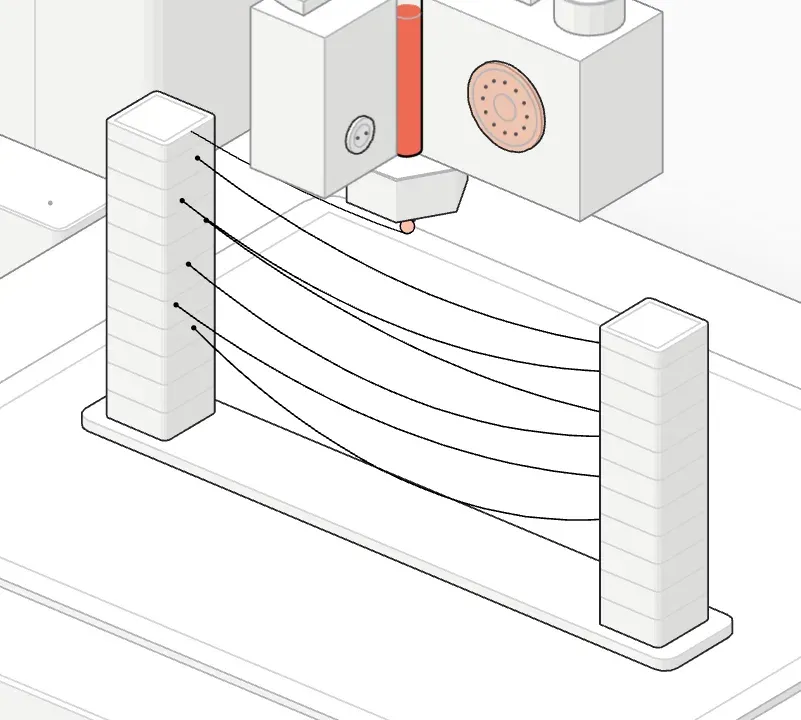 Retraction 0.0 mm at 205 °C: many strings.
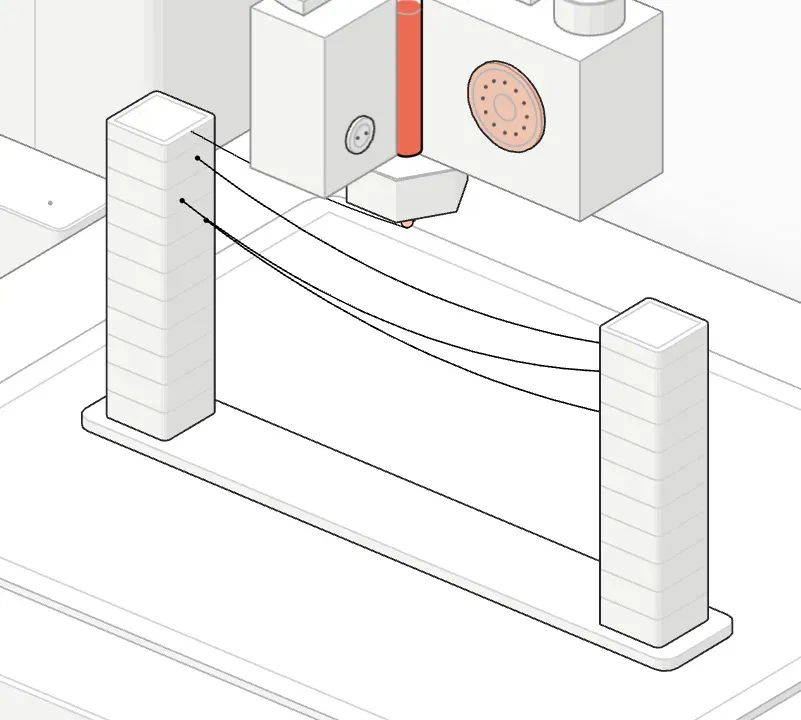 Retraction 0.4 mm at 205 °C: some strings.
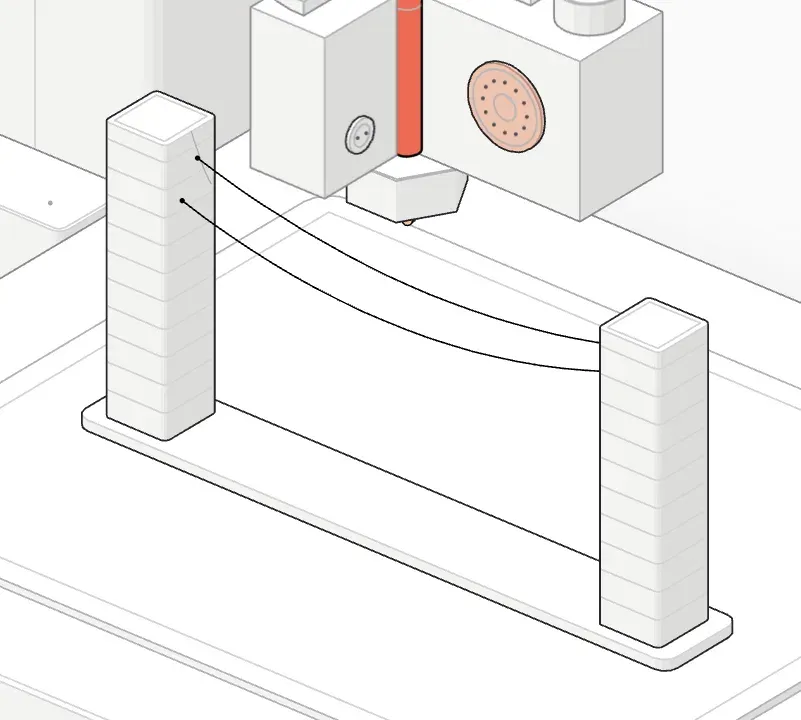 Retraction 0.8 mm at 205 °C: few strings.
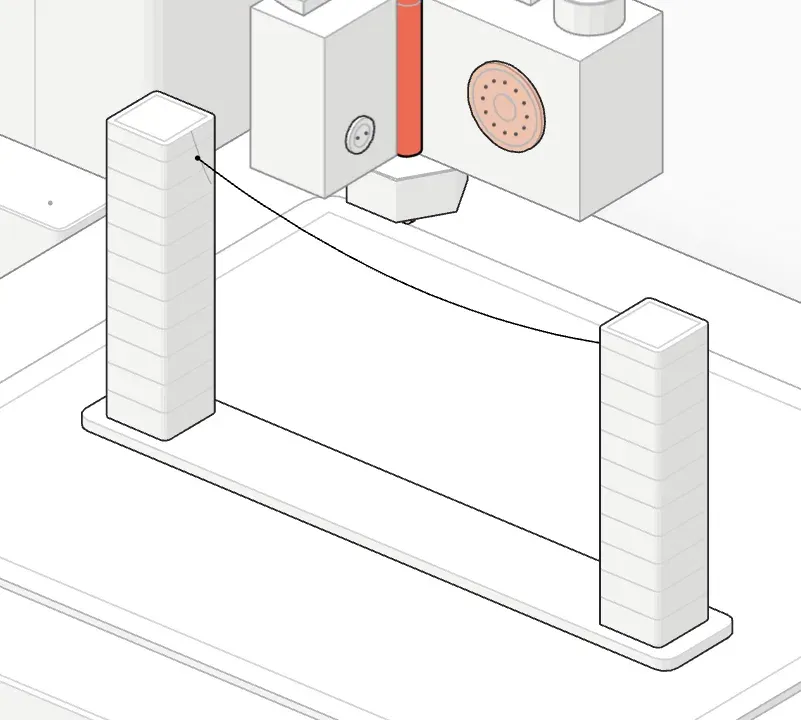 Retraction 1.2 mm at 205 °C: few strings.
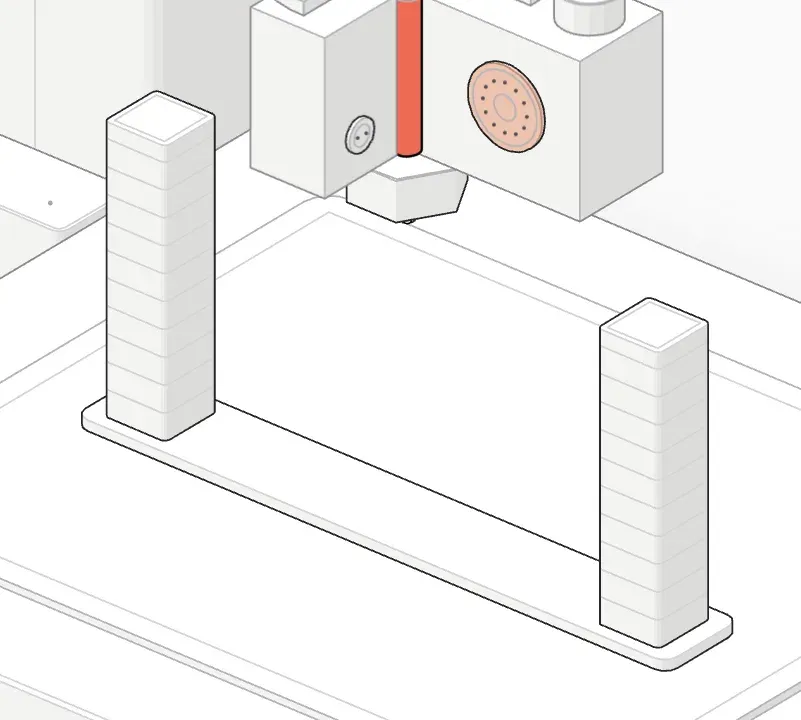 Retraction 1.6 mm at 205 °C: no strings.
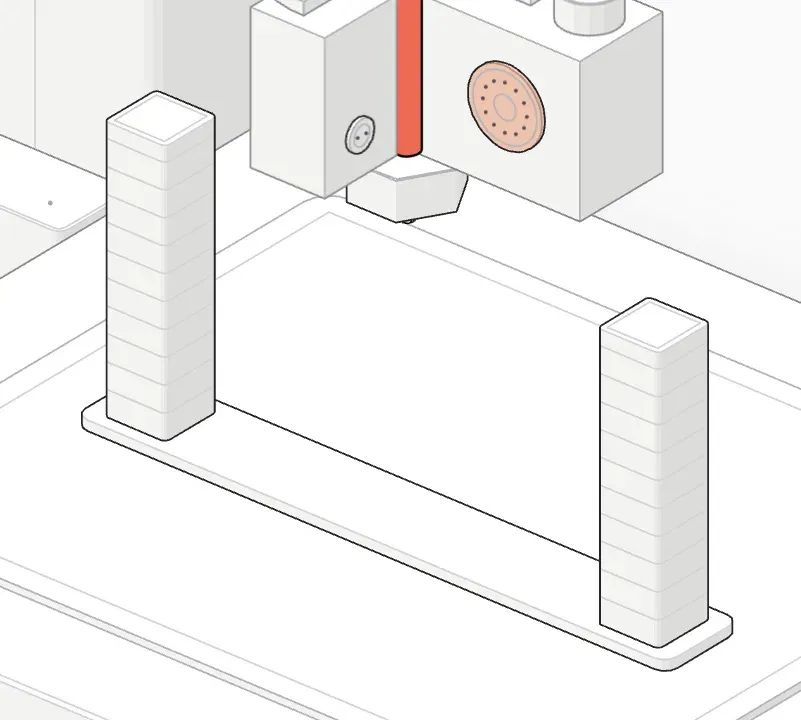 Retraction 2.0 mm at 205 °C: no strings.
- Retraction 2.4 mm at 205 °C: no strings, but melt is pulled into the heat break.
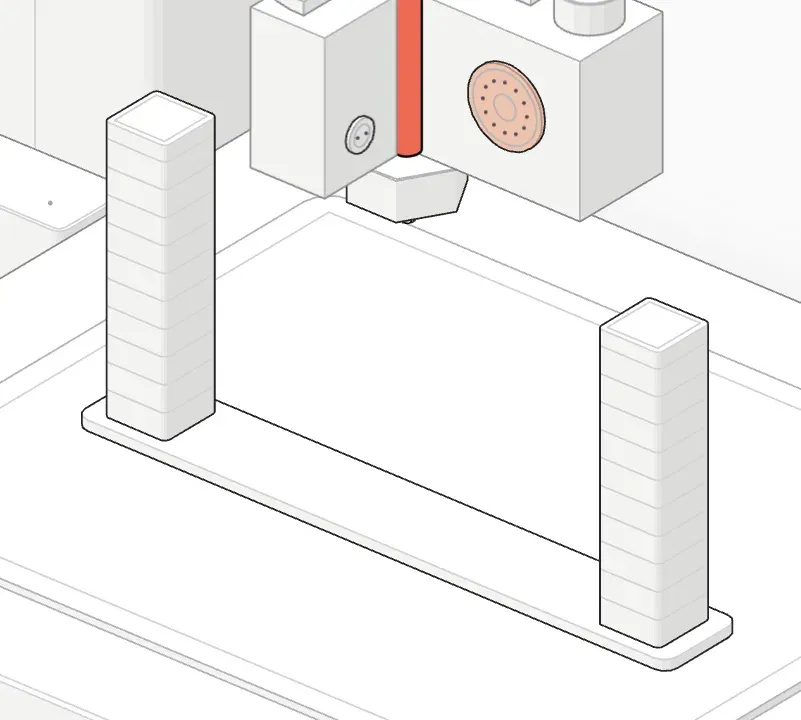 Retraction 2.8 mm at 205 °C: no strings, but melt is pulled into the heat break.
Retraction speed
How fast the filament is pulled back. Too slow, and plastic leaks out before the retraction finishes; too fast, and the extruder gears can slip and grind a notch into the filament. Once the distance is right, speed makes a small difference.
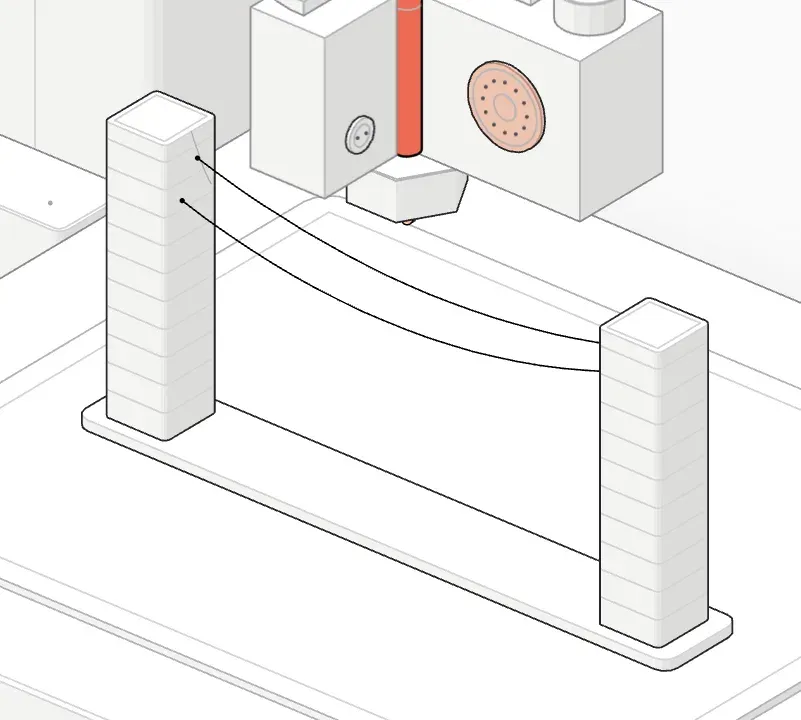 Retraction speed 15 mm/s: few strings.
- Retraction speed 25 mm/s: few strings.
- Retraction speed 35 mm/s: few strings.
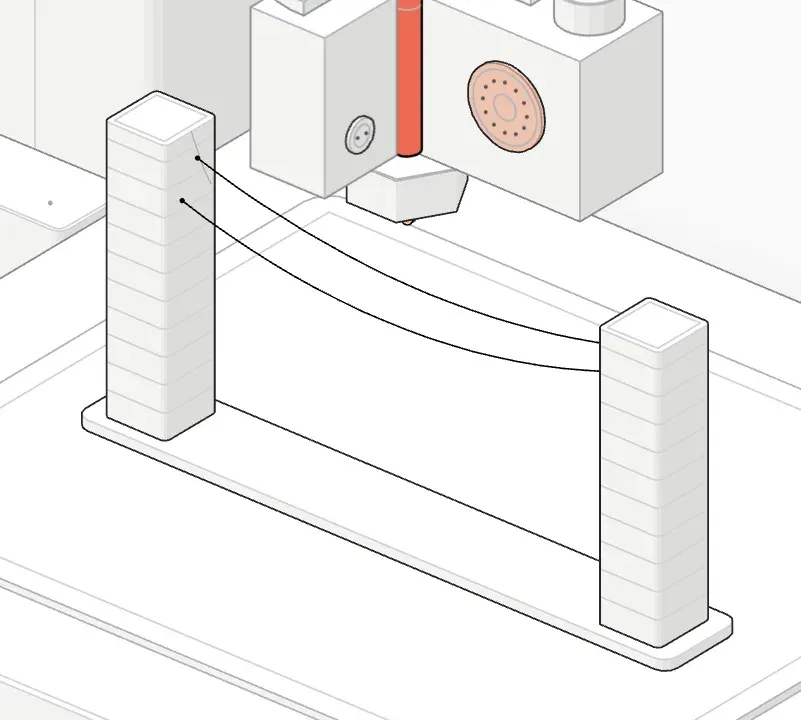 Retraction speed 45 mm/s: few strings.
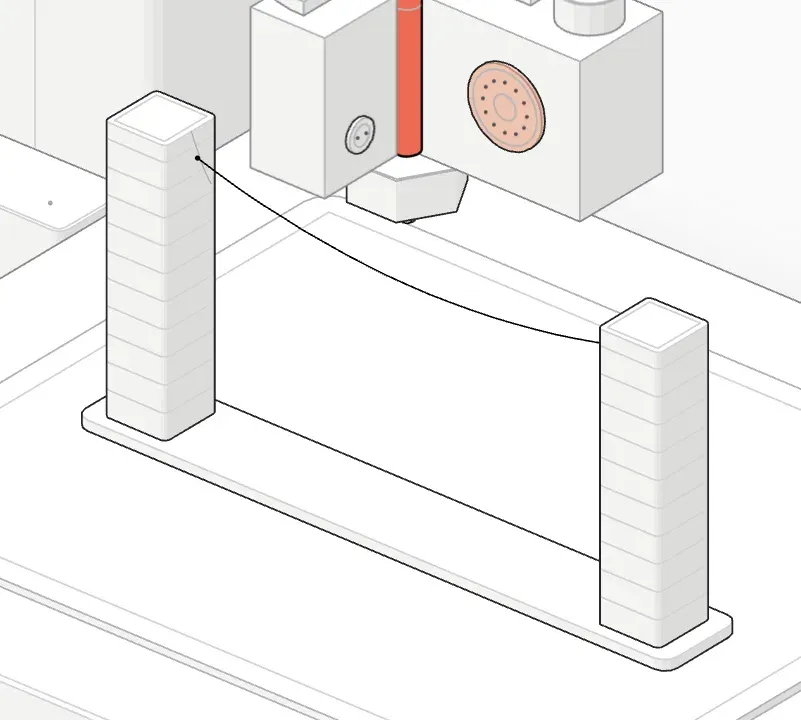 Retraction speed 55 mm/s: few strings.
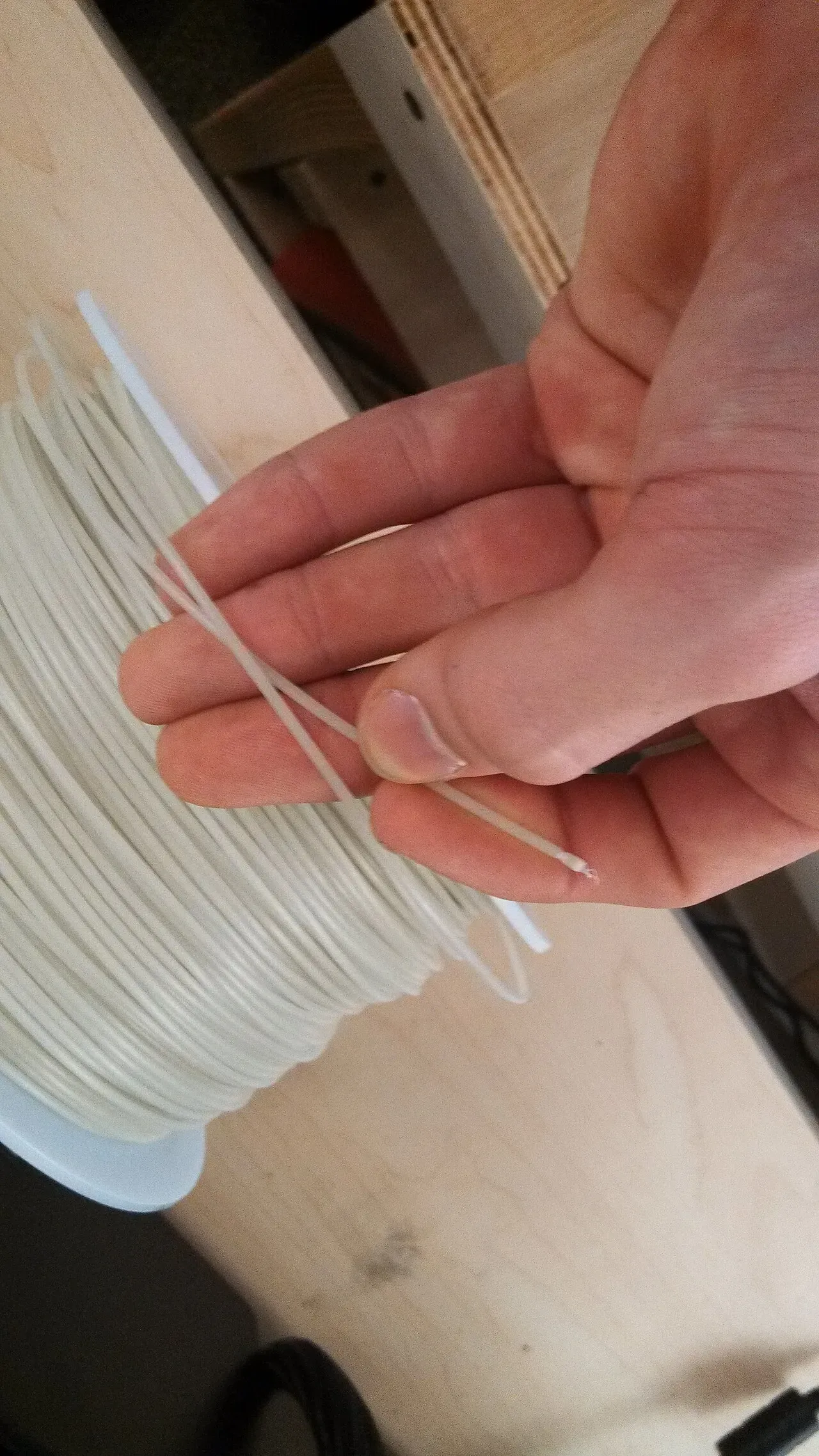 Crossed filament: a loop that can tangle and stop the extruder.Photo: SuperBlobMonster ·CC BY-SA 3.0 ·Wikimedia Commons
Extra restart (prime) length
After a travel, the extruder pushes forward by the retraction distance. Some plastic still leaked out during the travel, so the first few millimetres of the next line can be thin. A small extra restart length adds back that missing plastic. Leave it at 0 unless you see thin or missing starts; too much leaves a blob at the start of every line.
Minimum travel after retraction
Retracting before every tiny move wastes time and wears the filament. This setting skips retraction for travels shorter than its value, usually 1–2 mm, where there’s no time for a string to form.
Retract on layer change
The nozzle travels to a new position when it moves up a layer, so most profiles retract there too. Turning it off can leave a small blob or zit where each layer starts.
Z-hop
Z-hop lifts the nozzle a little during each travel so it doesn’t knock into parts that have curled up. It does nothing to stop oozing, and on some printers the extra movement makes strings longer. Use it only if your nozzle is catching on prints.
Wipe
Wipe moves the nozzle back along the line it just printed while it retracts, leaving the drip on the part instead of carrying it across a gap. It’s on in most modern profiles.
Coasting
Coasting (in Cura) stops extruding a tiny amount before the end of each line, using up the leftover pressure in the nozzle instead. Start very small; too much leaves gaps at the ends of lines and corners.
Firmware retraction
Normally the slicer writes each retraction as an extruder move. With firmware retraction (G10/G11 commands), the slicer just says “retract” and the printer’s firmware applies its own stored distance and speed. That lets you tune retraction on the printer without re-slicing, but only if your firmware supports it and has it set up.33Marlin and Klipper both support firmware retraction, but it has to be enabled and configured in the firmware first; most beginner printers ship with it off.
Temperature changes how much retraction you need
Hotter plastic is runnier, so it oozes faster and needs more retraction to stop. That’s why retraction and temperature should be tuned together, one setting at a time.
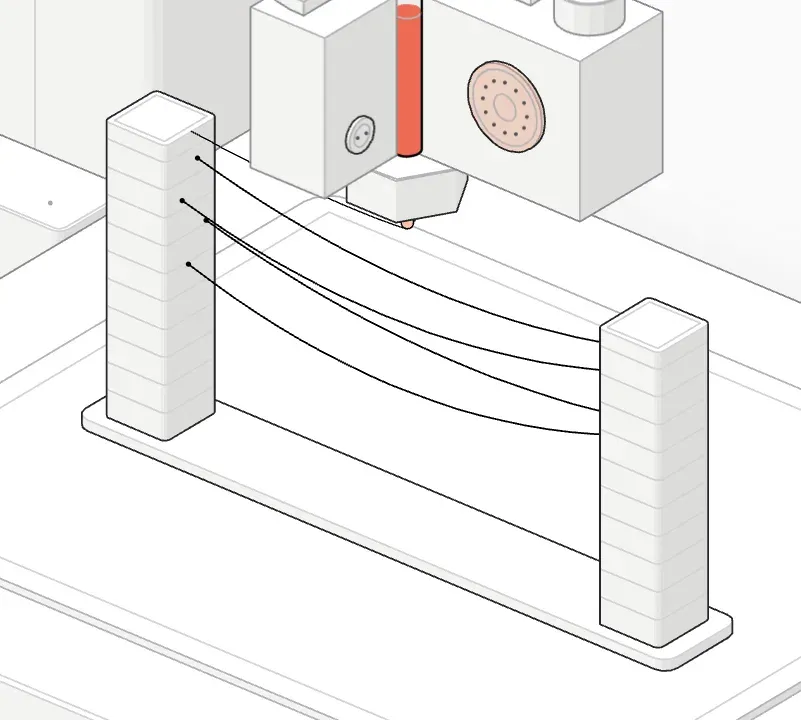 195 °C · 0.0 mm: some strings.
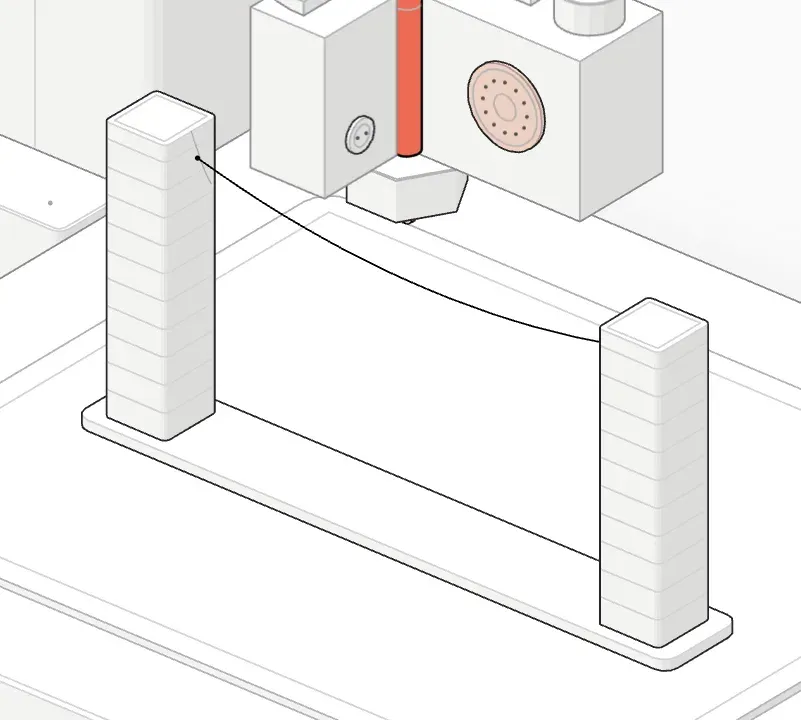 195 °C · 0.8 mm: few strings.
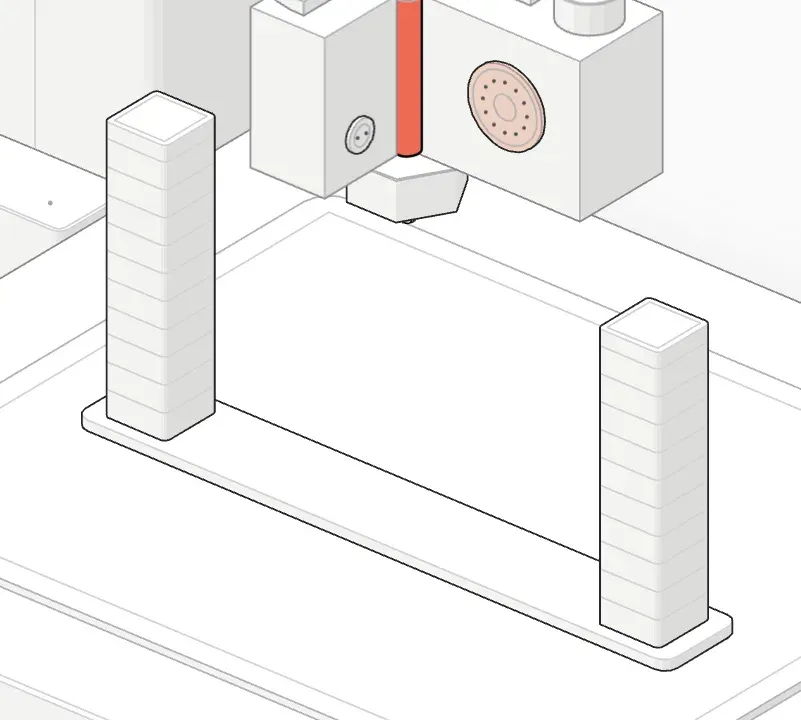 195 °C · 1.6 mm: no strings.
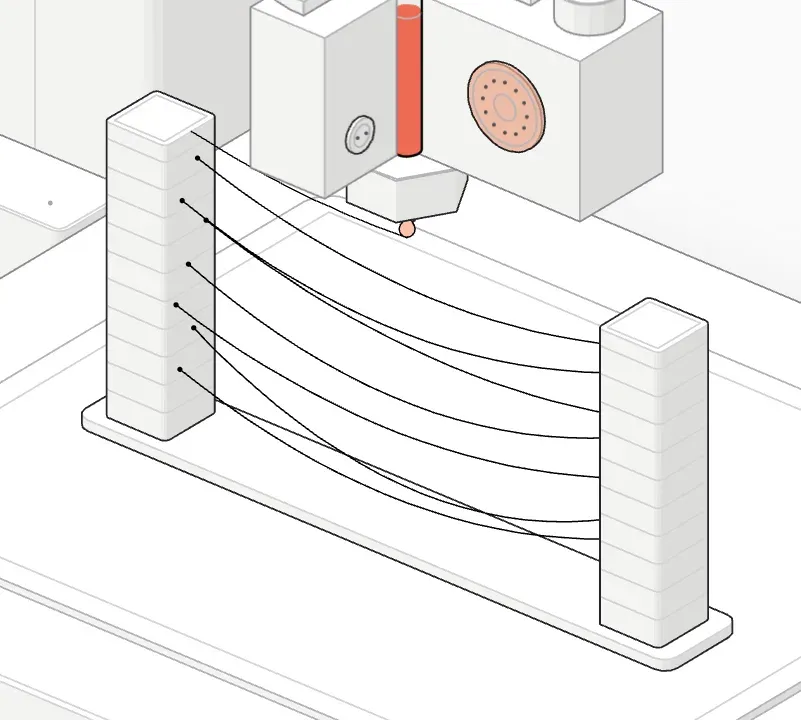 210 °C · 0.0 mm: many strings.
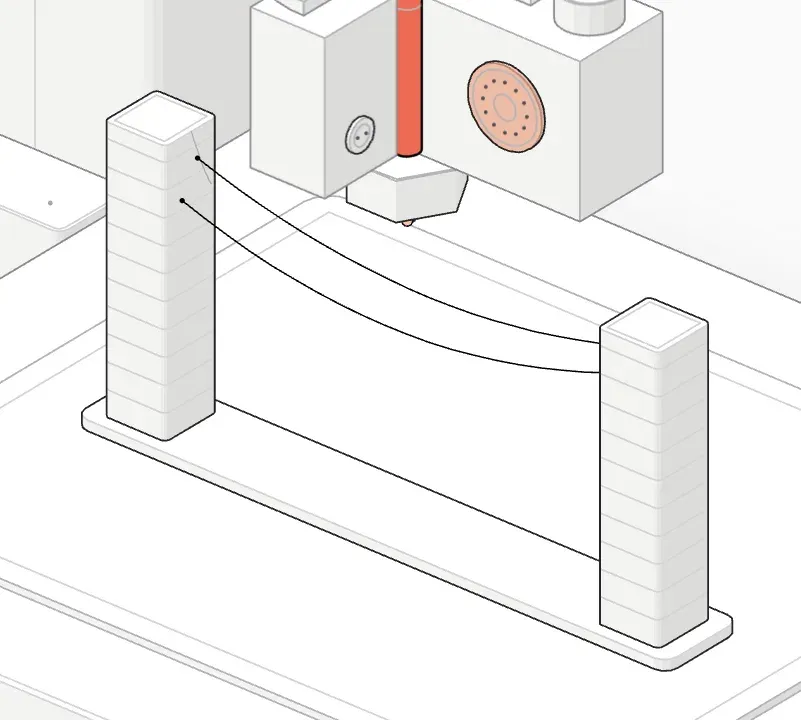 210 °C · 0.8 mm: few strings.
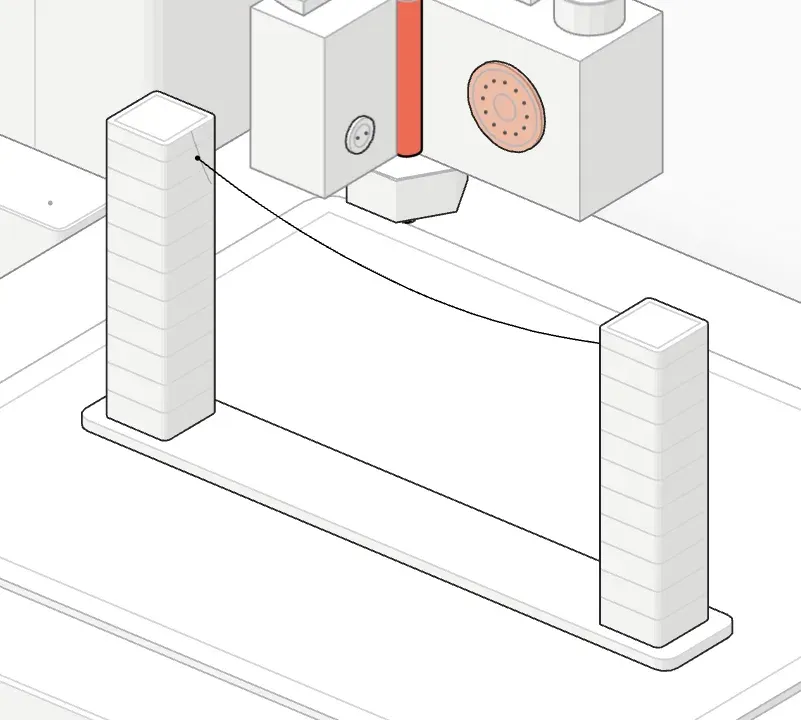 210 °C · 1.6 mm: few strings.
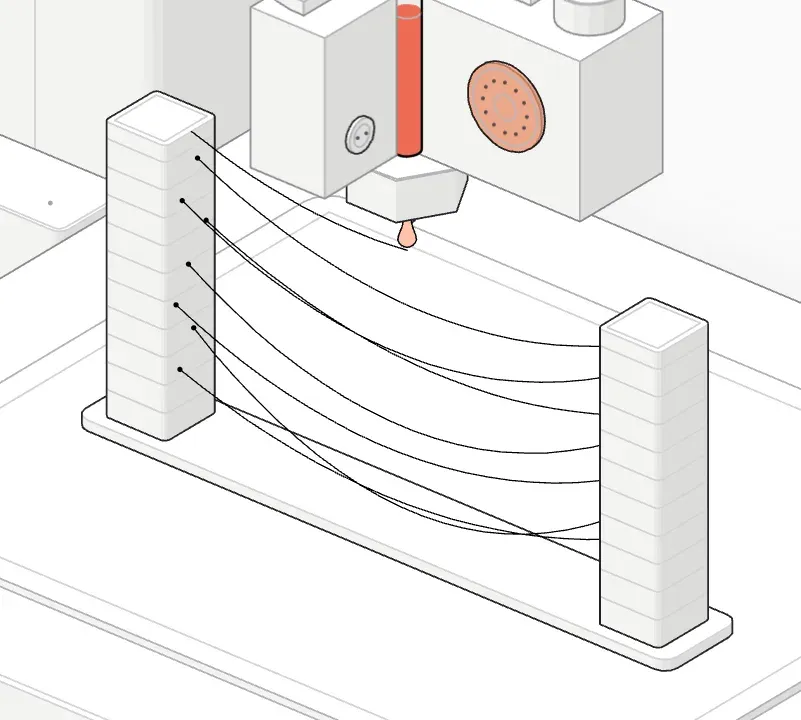 225 °C · 0.0 mm: many strings.
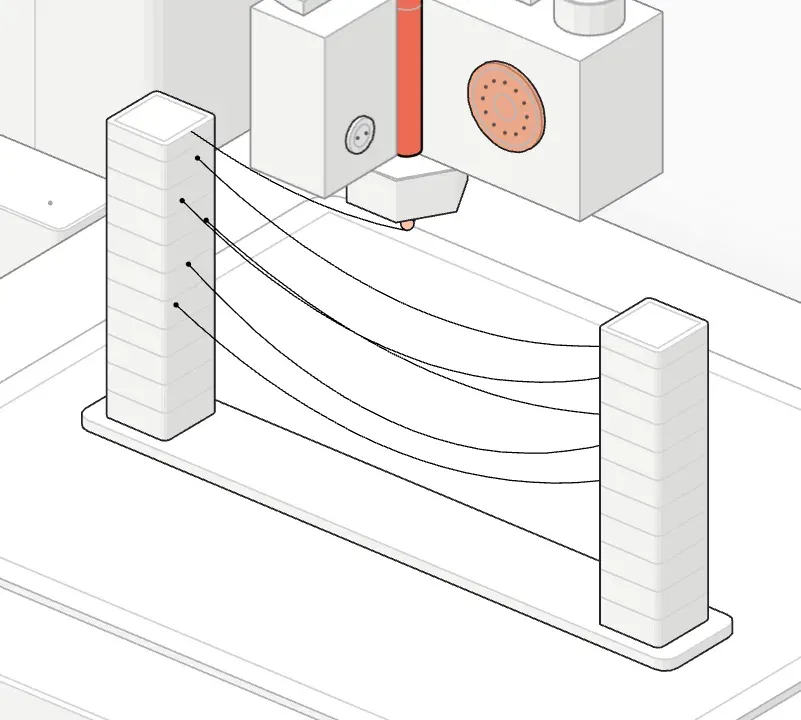 225 °C · 0.8 mm: many strings.
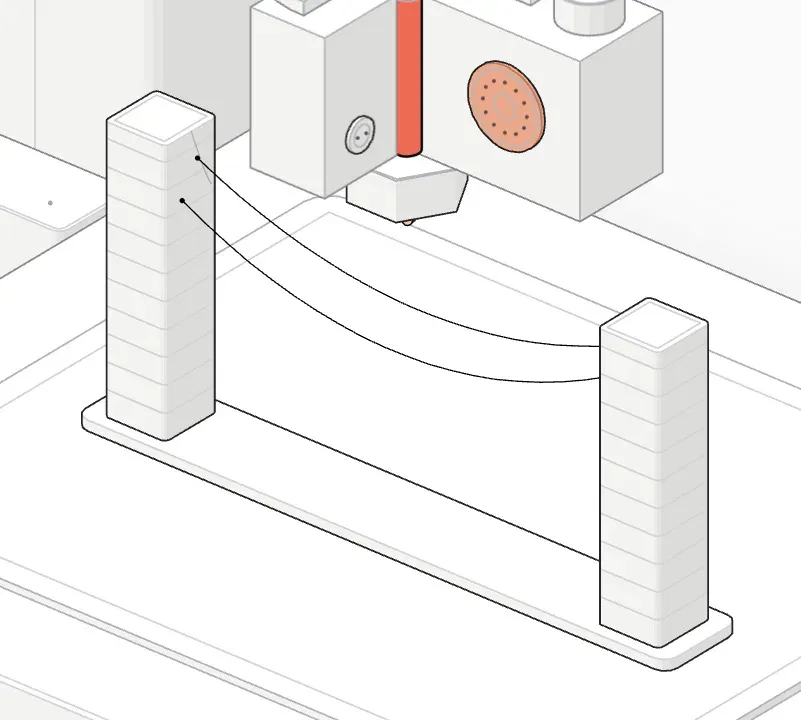 225 °C · 1.6 mm: few strings.
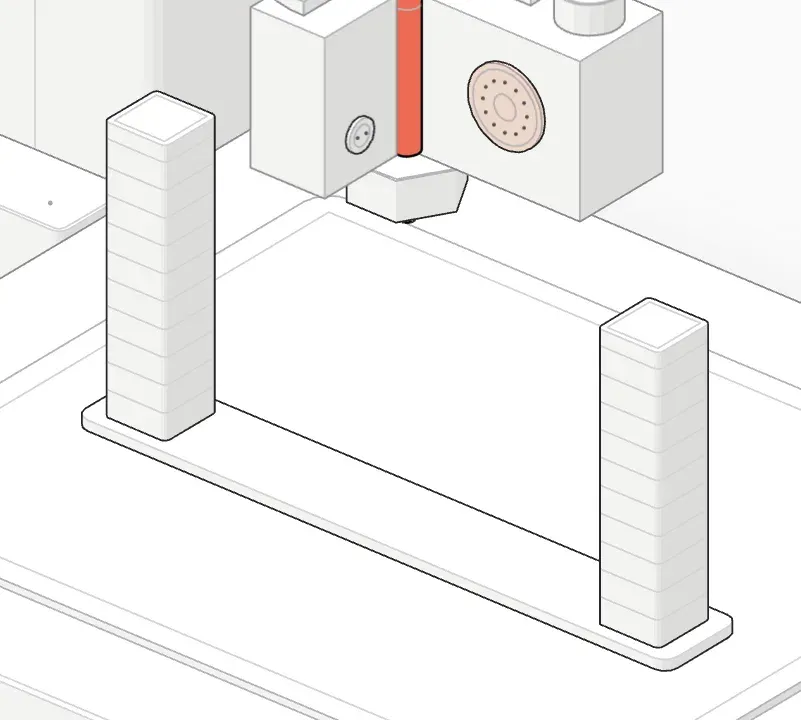 190 °C, 0.8 mm retraction: no strings.
- 205 °C, 0.8 mm retraction: few strings.
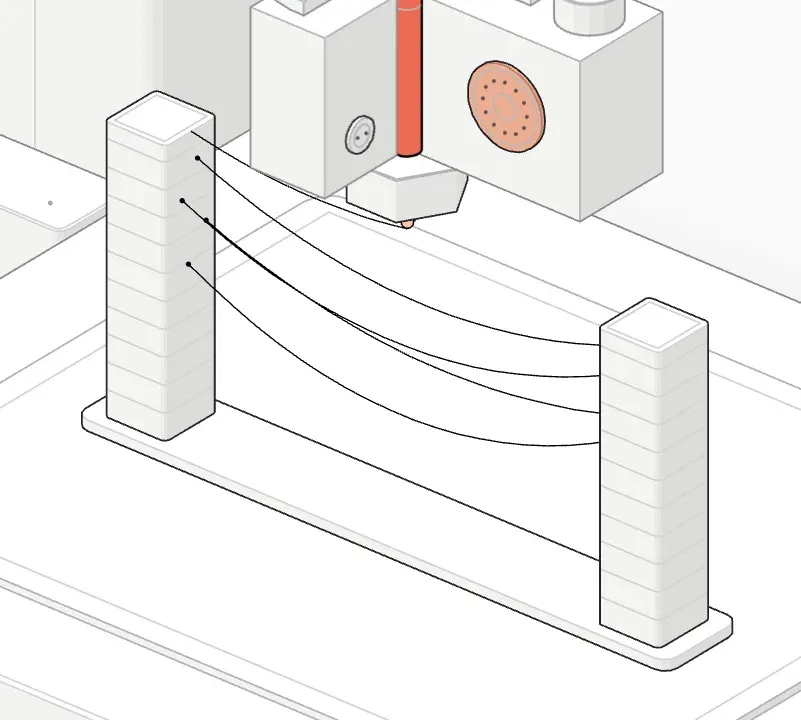 220 °C, 0.8 mm retraction: some strings.
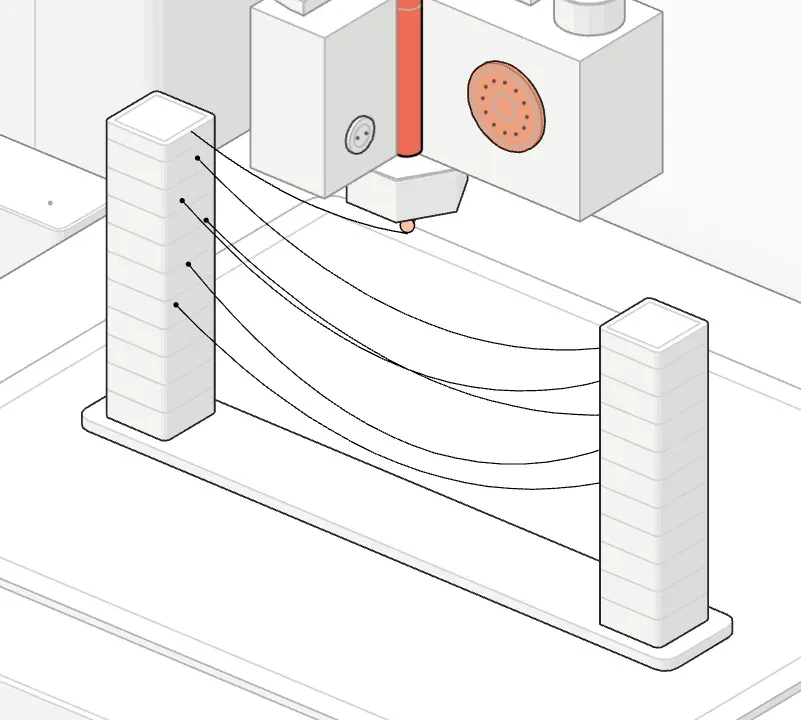 230 °C, 0.8 mm retraction: many strings.
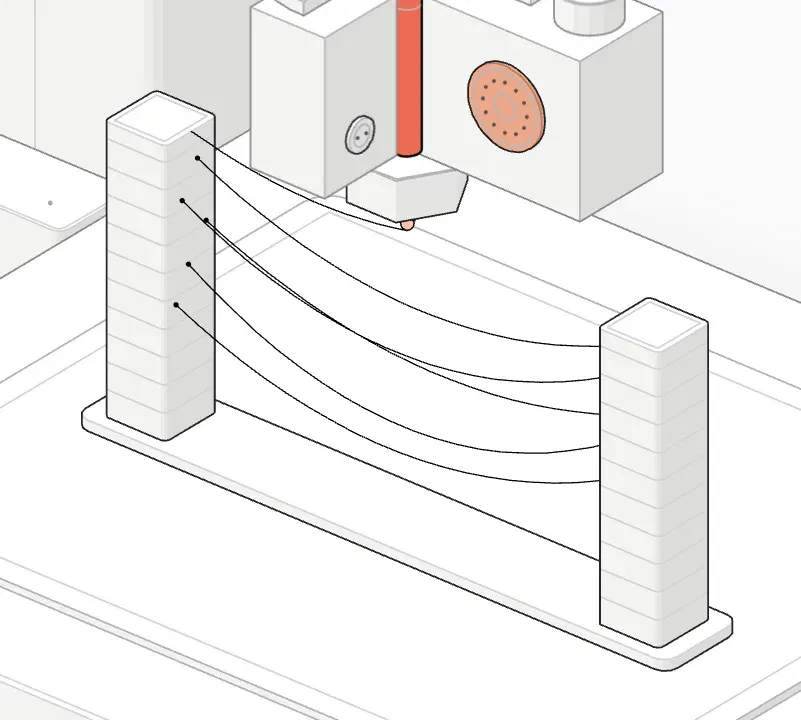 Hotter plastic is runnier: thinner, saggier strings.
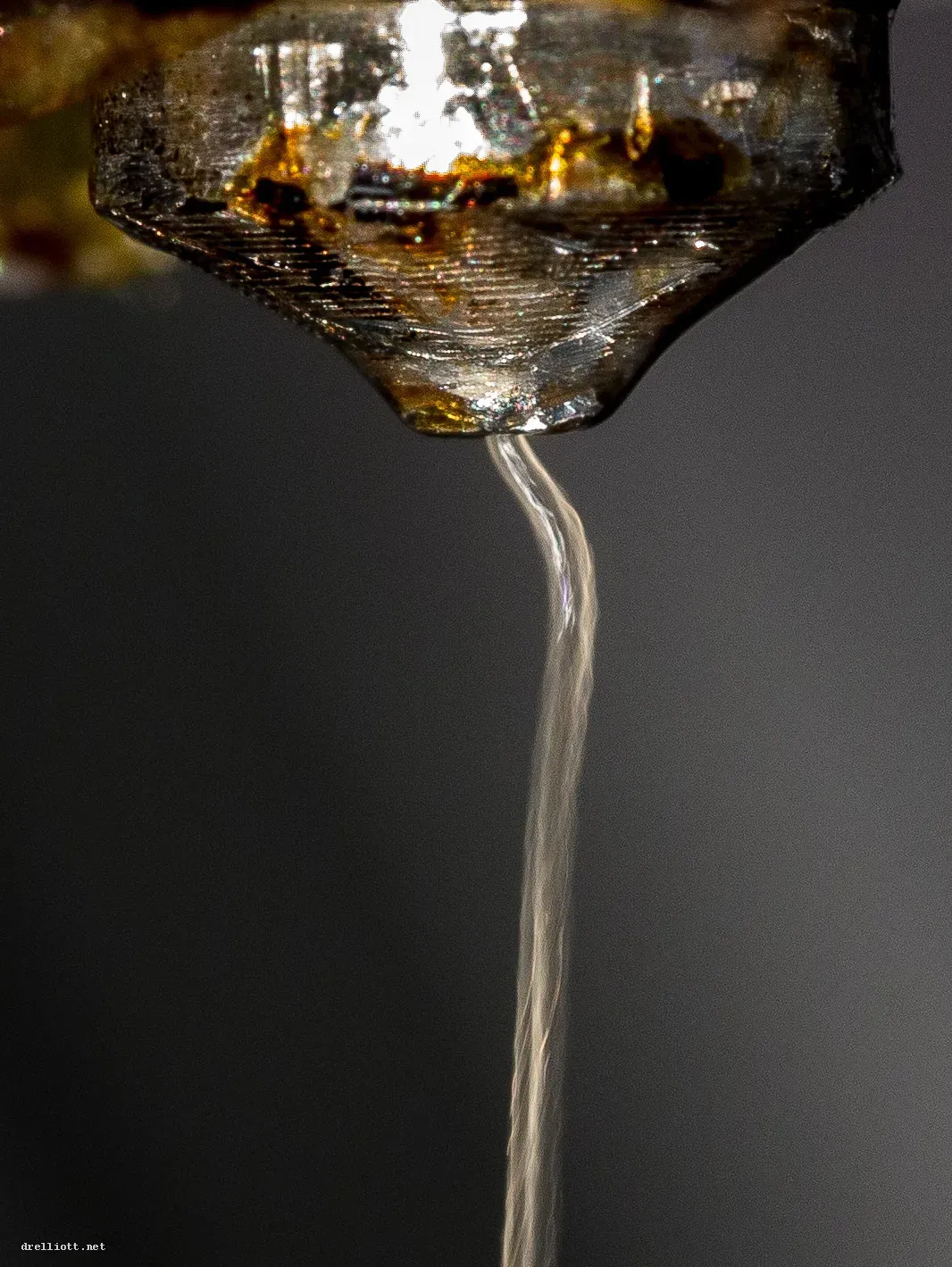 Molten plastic leaving the nozzle.Photo: David Elliott from UK ·CC BY 2.0 ·Wikimedia Commons
How to run a retraction test
- Print a small stringing test: two or more thin towers a few centimetres apart. It takes about 10 minutes.
- Start from your printer maker’s profile for that filament.
- Change one setting at a time. Raise the distance in small steps (0.2 mm for direct drive, 0.5–1 mm for Bowden) and print again.
- Stop at the shortest distance with clean towers. Going further only adds risk.
- Then fine-tune speed if a few strings remain.
OrcaSlicer includes built-in calibration prints for retraction and temperature, which print a single test model that changes the setting as it goes up, and Bambu Studio has similar calibrations. Stock PrusaSlicer has no retraction calibration (its fork SuperSlicer does), so in PrusaSlicer and Cura use a free retraction test model or a Cura plugin.
Common retraction mistakes
| Mistake | What happens | Fix |
|---|---|---|
| Distance too short | Strings and blobs across travels | Raise the distance in small steps |
| Distance too long | Melt pulled into the heat break, under-extrusion after travel, sometimes a jam | Reduce it; stay under about 2 mm on direct drive |
| Speed too fast | Extruder grinds a notch into the filament, clicking | Lower the speed to 25–45 mm/s |
| Speed too slow | Plastic leaks before retraction finishes | Raise the speed |
| Using Bowden values on a direct drive printer | Jams and grinding | Start from 0.5–1 mm |
| Tuning retraction on wet filament | Strings never go away | Dry the spool first |
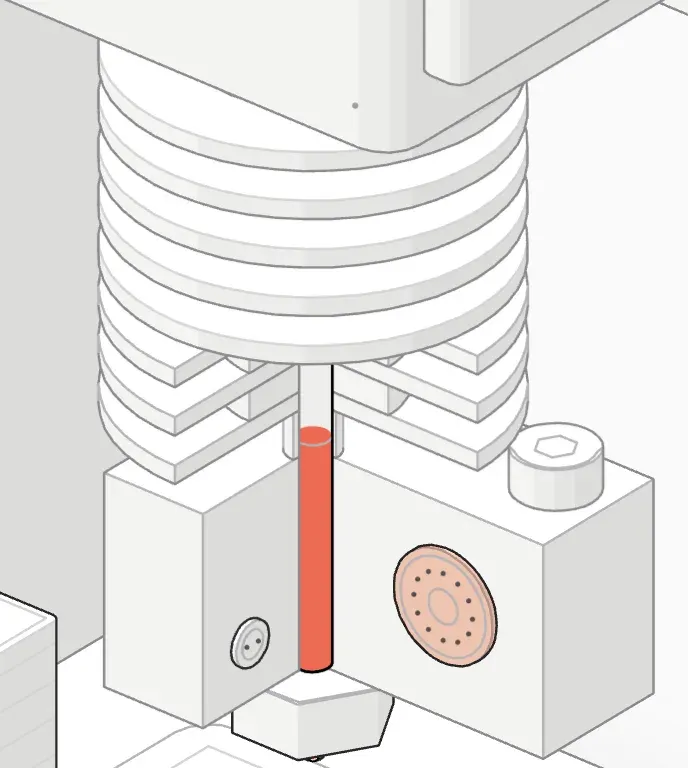 Too much retraction pulls melt up into the heat break.
- Retraction 2.8 mm at 205 °C: no strings, but melt is pulled into the heat break.
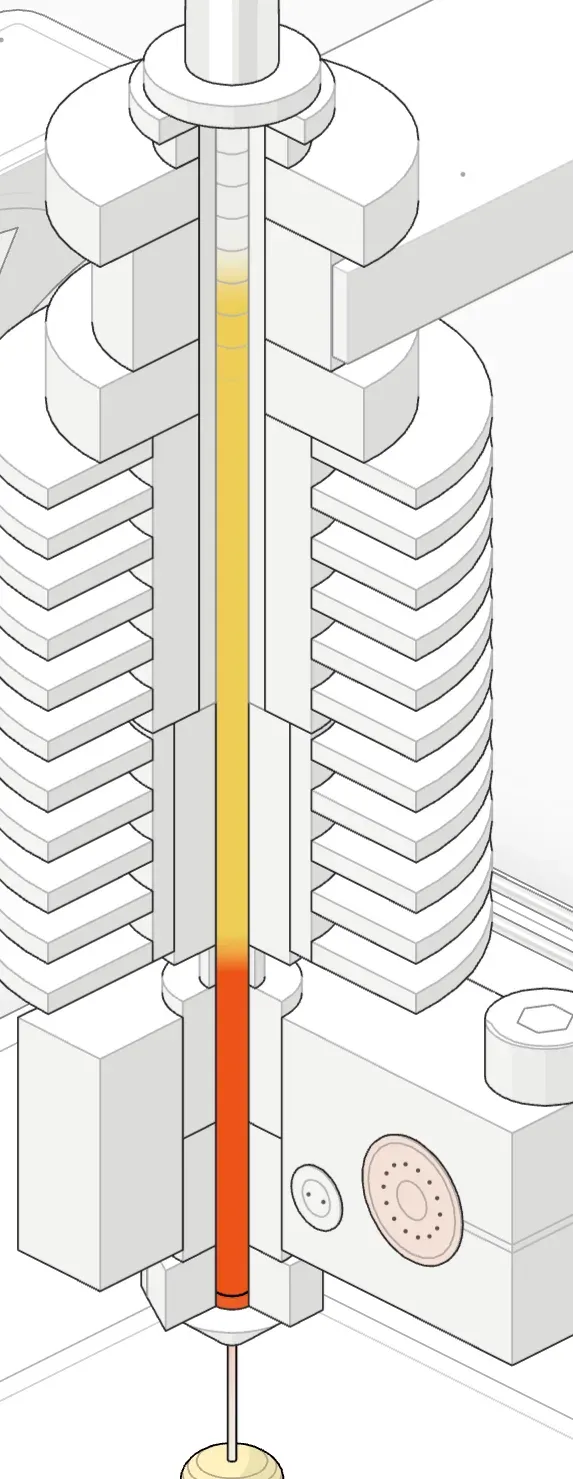 Fan off: heat creeps up the heatsink and the filament softens too high.
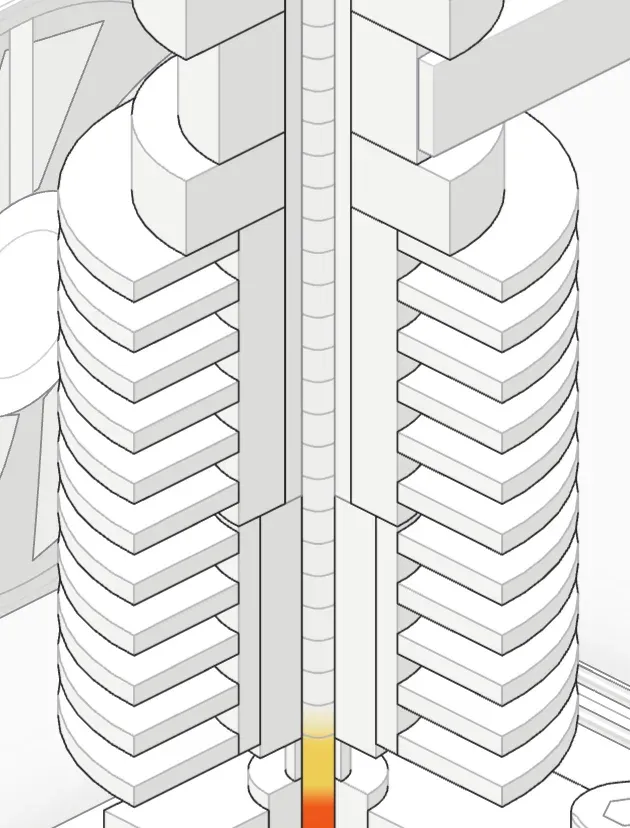 The finned heatsink keeps the top of the hotend cold.
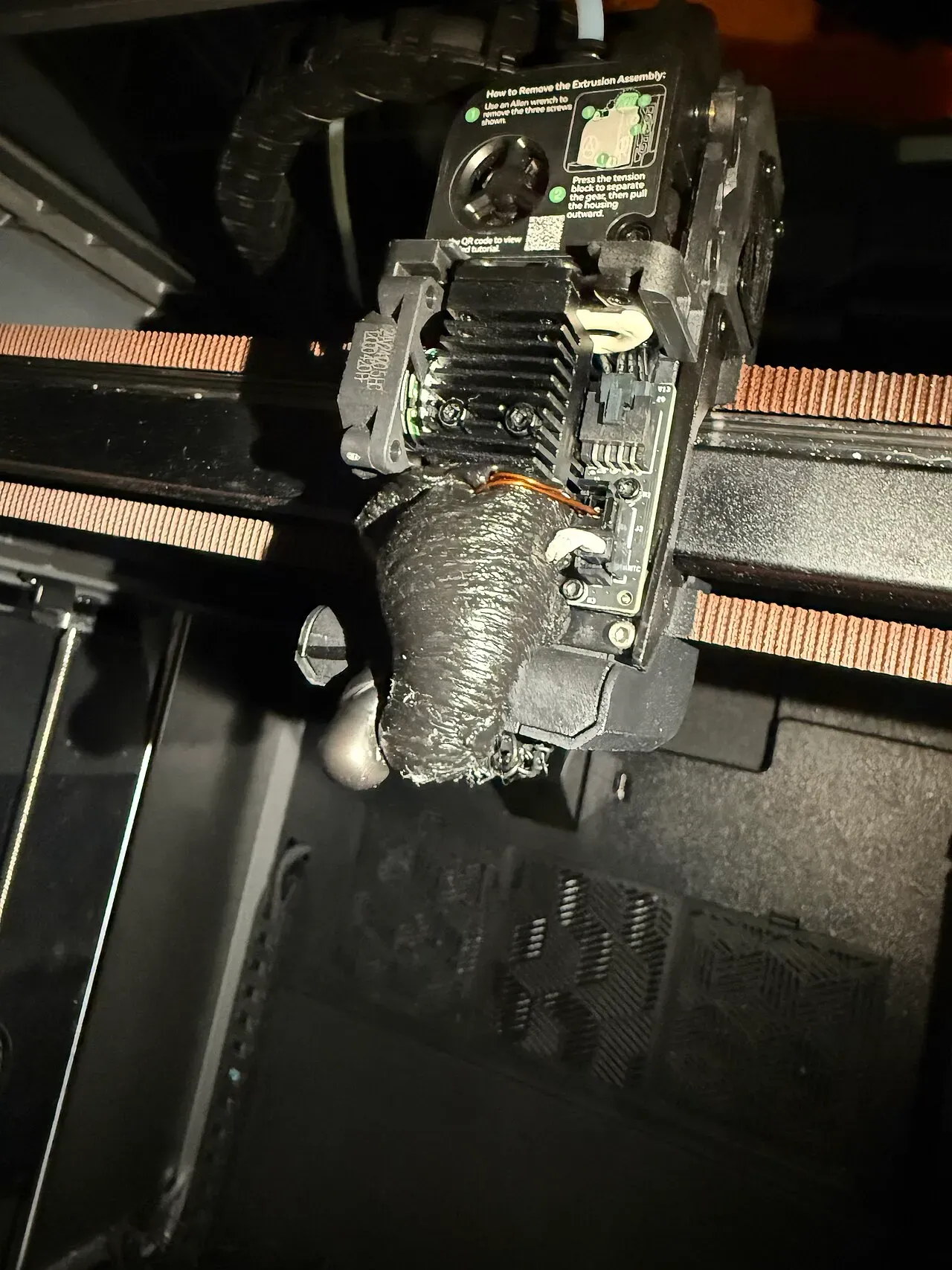 The "blob of death": plastic that leaked and wrapped the hotend.Photo: LunaEatsTuna ·CC BY-SA 4.0 ·Wikimedia Commons
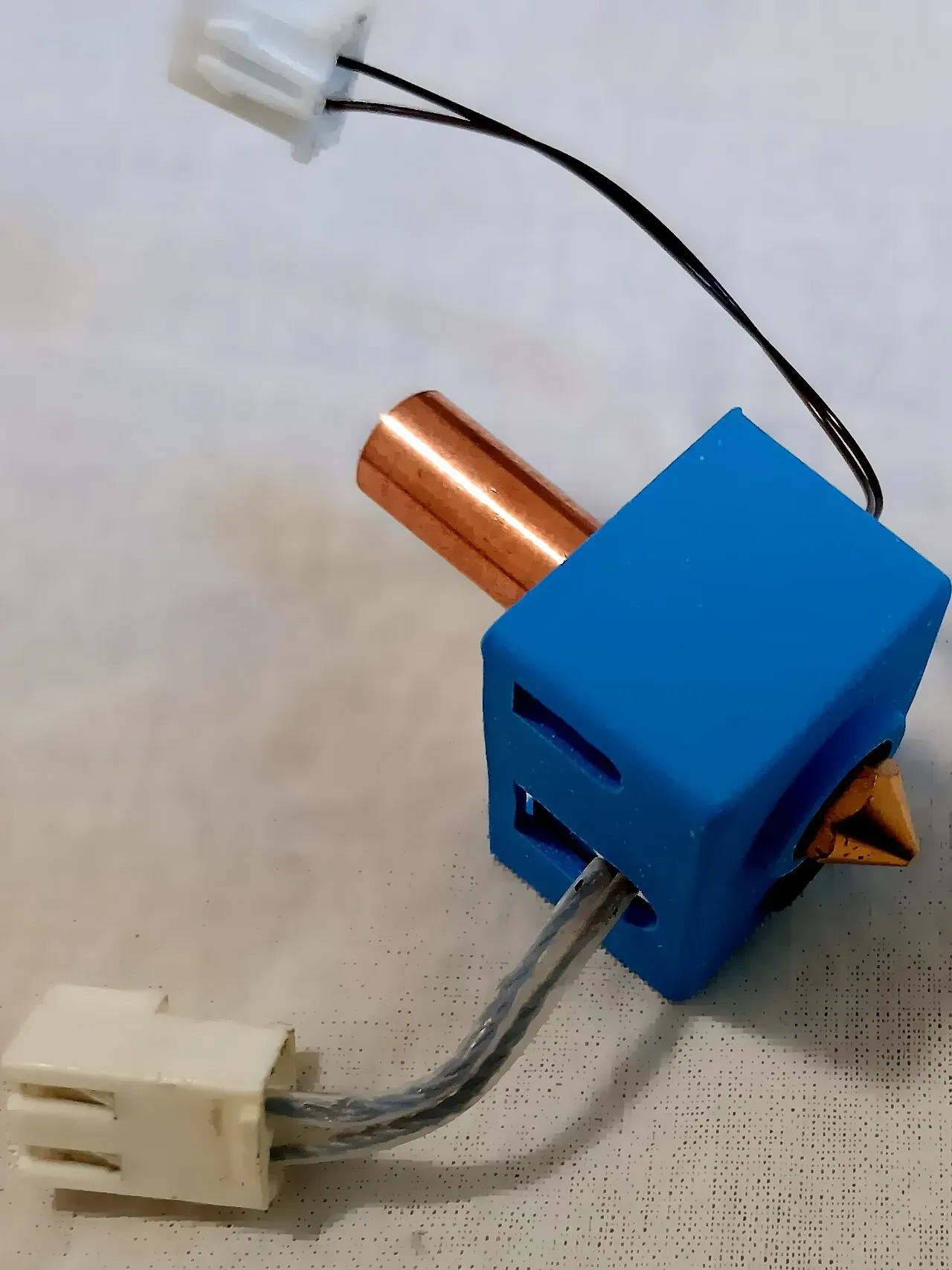 A heater block in a silicone sock, with the nozzle below and heat break above.Photo: A7N8X ·CC0 ·Wikimedia Commons
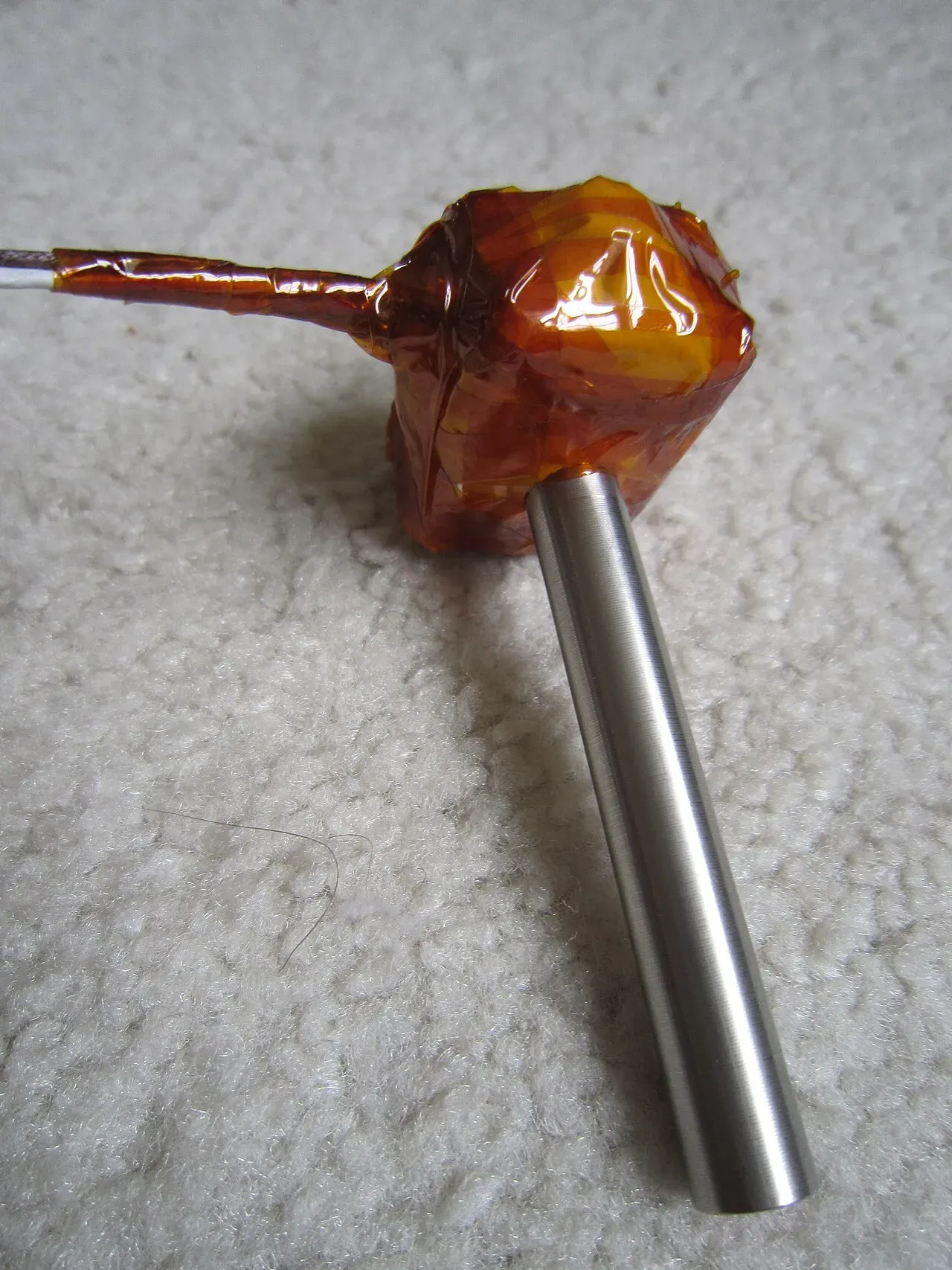 The nozzle threads into the heater block.Photo: syvwlch ·CC BY 2.0 ·Wikimedia Commons
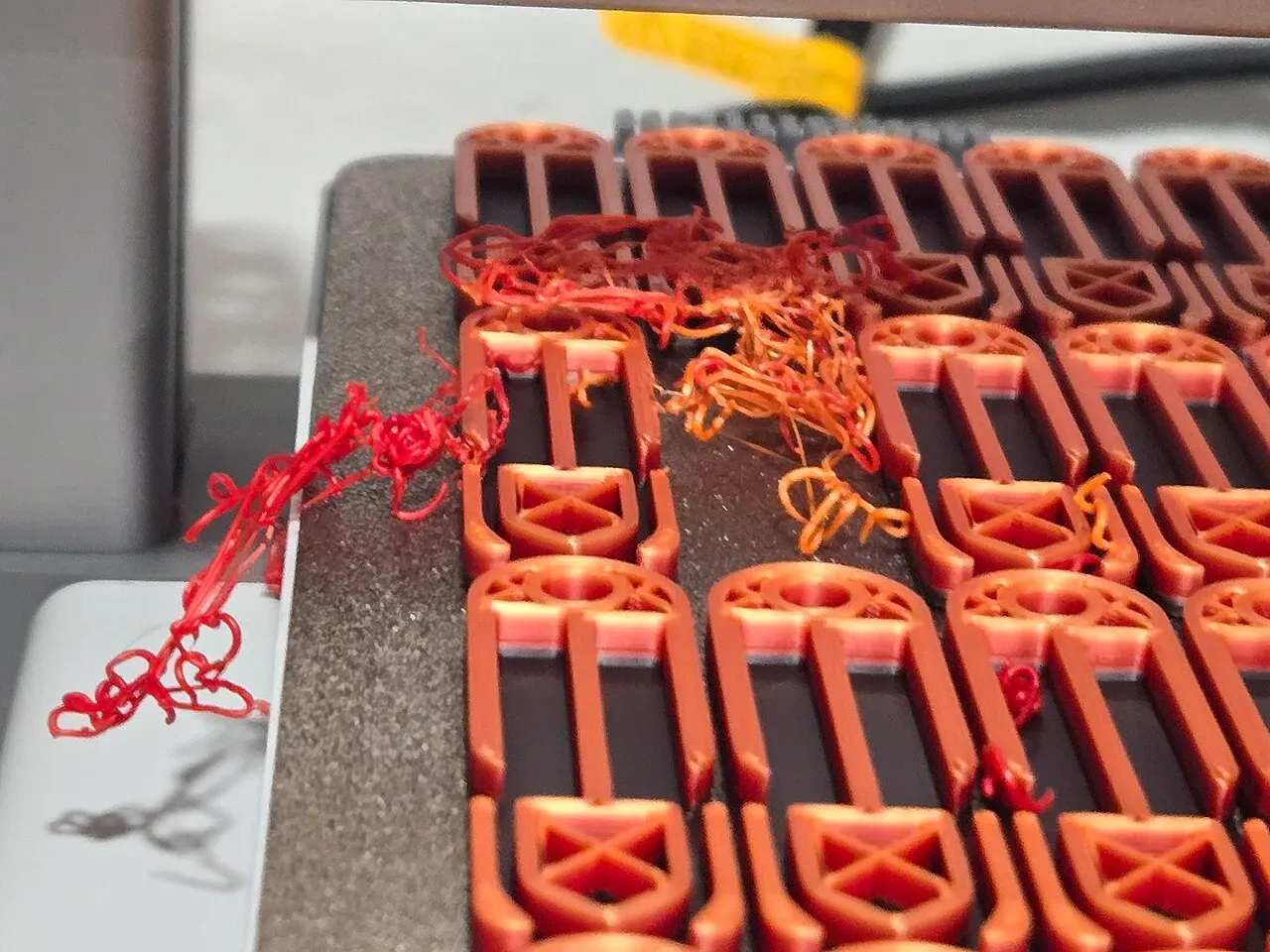 Strings and blobs across a full plate of parts.Photo: Quinn Daedal ·CC BY-SA 4.0 ·Wikimedia Commons
Where to find retraction in your slicer
| Setting | OrcaSlicer / Bambu Studio | PrusaSlicer | Cura |
|---|---|---|---|
| Retraction length | Printer settings → Extruder → Retraction (filament profiles can override it) | Printer Settings → Extruder 1 → Retraction → Length | Travel → Retraction Distance |
| Retraction speed | Printer settings → Extruder → Retraction | Printer Settings → Extruder 1 → Retraction → Speed | Travel → Retraction Speed |
| Extra restart length | Printer settings → Extruder → Retraction | Printer Settings → Extruder 1 → Retraction → Extra length on restart | Travel → Retraction Extra Prime Amount |
| Minimum travel | Printer settings → Extruder → Retraction | Printer Settings → Extruder 1 → Retraction → Minimum travel after retraction | Travel → Retraction Minimum Travel |
| Z-hop | Printer settings → Extruder → Z hop | Printer Settings → Extruder 1 → Travel lift → Lift height | Travel → Z Hop When Retracted |
| Wipe | Printer settings → Extruder → Wipe while retracting | Printer Settings → Extruder 1 → Wipe while retracting | Experimental → Wipe Nozzle Between Layers |
| Coasting | not available | not available | Experimental → Enable Coasting |
| Firmware retraction | Printer settings → General → Use firmware retraction | Printer Settings → General → Use firmware retraction | Experimental → Firmware Retraction (if shown) |
Menu names move between slicer versions. If you can’t find a setting, type its name into the slicer’s settings search box.
- Feed 2 mm/s: nozzle 210 °C · heatsink 38 °C · feed 2.0 mm/s · melting in block.
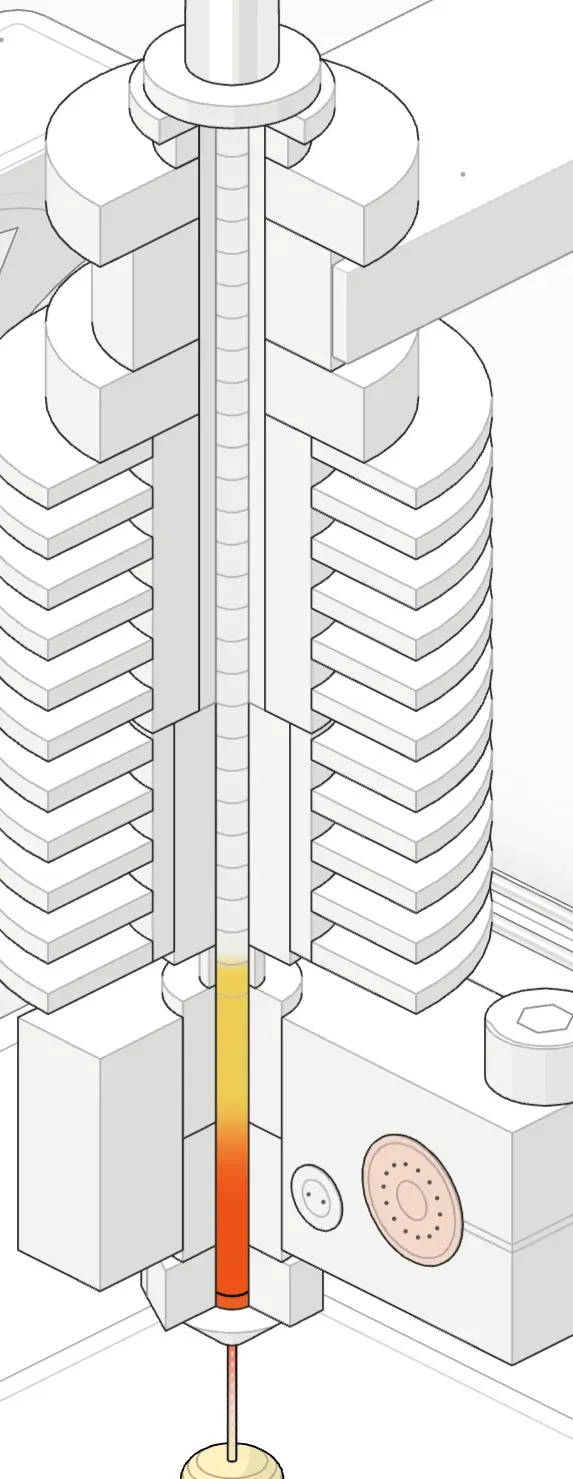 Feed 8 mm/s: nozzle 210 °C · heatsink 38 °C · feed 8.0 mm/s · too fast.
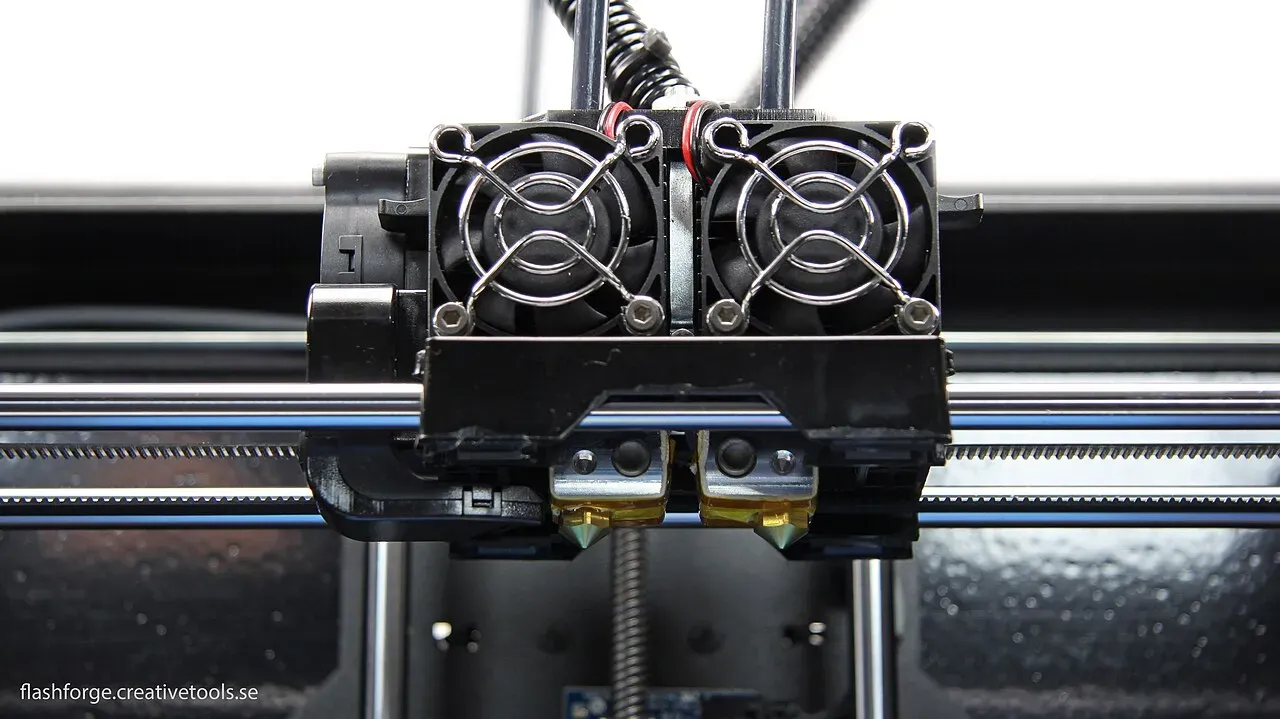 A dual-nozzle head: two hotends side by side.Photo: Creative Tools from Halmstad, Sweden ·CC BY 2.0 ·Wikimedia Commons
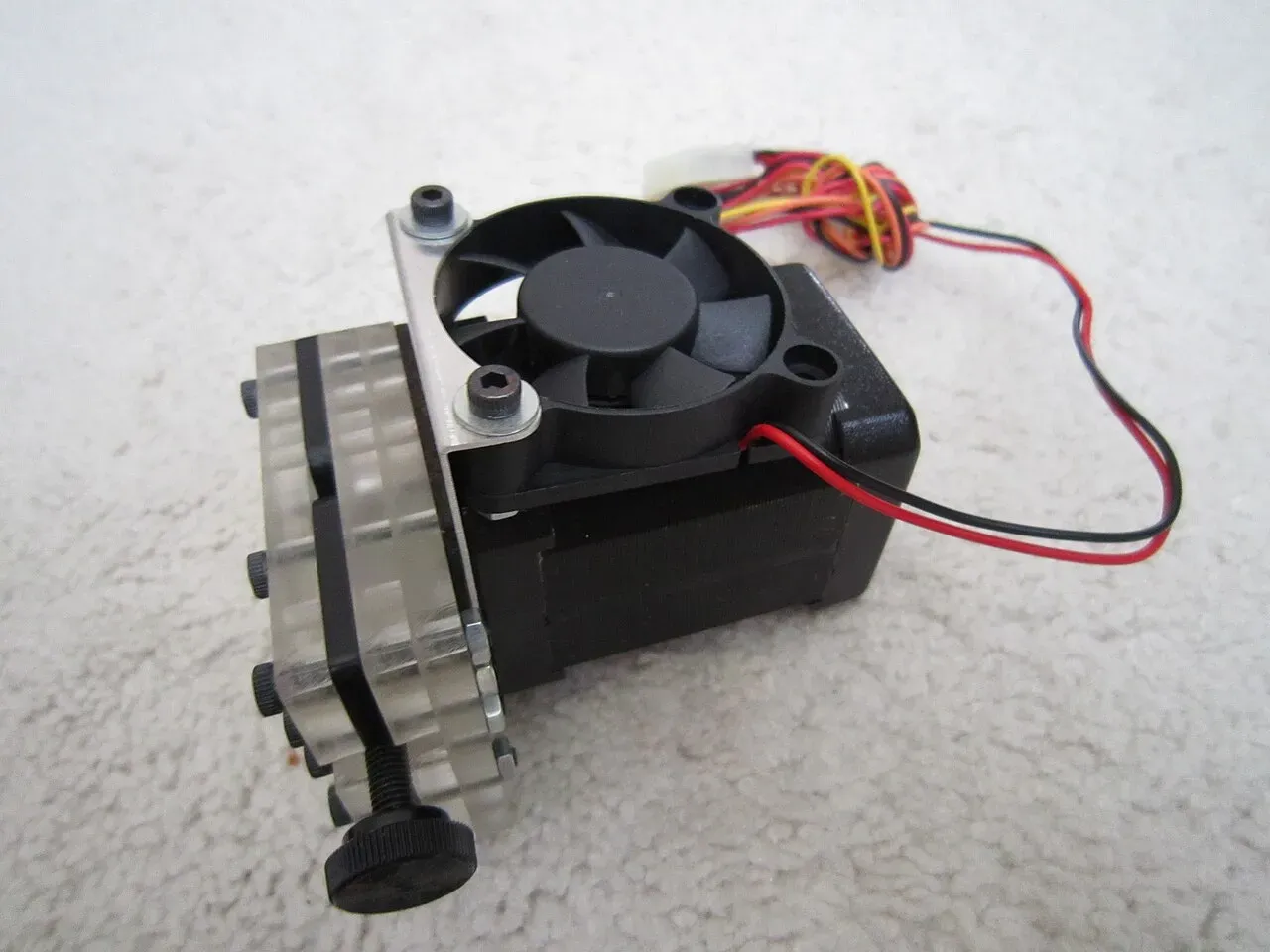 A small fan cooling the extruder assembly.Photo: syvwlch ·CC BY 2.0 ·Wikimedia Commons
FAQ
What is a good retraction distance?
For direct drive printers, 0.5–1 mm is a good start and 2 mm is usually the upper limit. For Bowden printers, start around 4–5 mm and stay under about 7 mm.
What is a good retraction speed?
Around 25–45 mm/s works for most printers and filaments. Tune distance first; speed matters less once the distance is right.
Can too much retraction cause a clog?
Yes. Pulling back too far draws molten plastic up into the heat break, where it cools and can harden into a plug. If you need more than about 2 mm on a direct drive printer, the real cause is probably temperature or wet filament.
Why does my extruder click when I increase retraction?
The gears are slipping on the filament. Very fast or very frequent retractions grind a notch into it until the gears can’t grip; lower the speed, raise the minimum travel, or check the extruder tension.
Does Z-hop reduce stringing?
No. Z-hop stops the nozzle hitting the print during travel, but the nozzle still oozes, and the extra movement can make strings longer.
Do I need different retraction for PETG and TPU?
Usually yes. PETG strings more, so it often needs a little more retraction and a lower temperature; TPU is flexible and works best with little or no retraction, printed slowly.
What’s the difference between retraction and wipe?
Retraction pulls filament back to reduce ooze; wipe moves the nozzle over the part to clean off what still leaks out. They work together.
Related guides
- How to fix 3D print stringing: the full step-by-step fix, including temperature and drying.
- Parts of a 3D printer explained: how the extruder and hotend work.
- 3D printing for beginners: start here if you’re new.
Free: the Print Problems Cheat Sheet
12 common print faults on two printable pages: what each looks like, why it happens and the fix. Plus one new guide a week.
Free: the Print Problems Cheat Sheet
12 common print faults on two printable pages: what each looks like, why it happens and the fix. Plus one new guide a week.