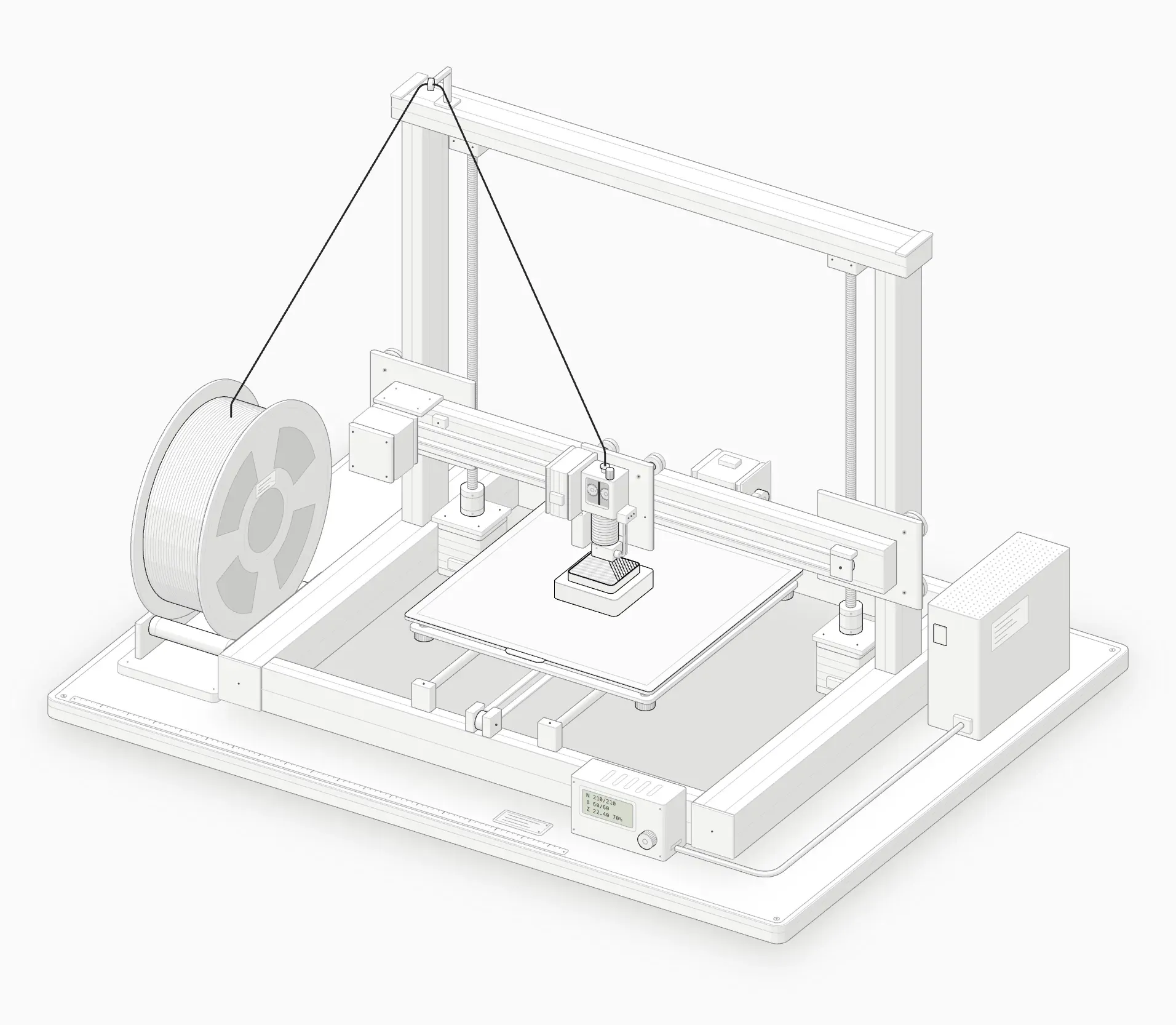
Nozzle School
Is 3D Printing Safe? Fumes, Fire Risk and Kids
Is 3D printing safe at home? What printers give off, which filaments are gentler, ventilation, fire safety, burns, kids and food-safe prints.
Yes, 3D printing at home is reasonably safe when you take a few sensible precautions: print in a ventilated room rather than a bedroom, start with PLA, use a printer with thermal runaway protection turned on, and keep a working smoke alarm nearby. The real risks are the fine particles and fumes melted plastic gives off, a small but real fire risk, and burns from the hot nozzle and bed.
This guide explains each of those risks in plain terms, without scare stories: what the research says about emissions, how filaments differ, how to ventilate or filter, how to make a printer fire-safe, how to avoid burns, what changes with resin printers, how to print safely with kids and in schools, and why “food-safe” prints are harder than they sound.
Quick safety checklist
- Put the printer in a well-ventilated room that people don’t sleep in, and don’t sit right next to it for hours.
- Start with PLA. It’s the gentlest common filament to print. Use ABS, ASA and nylon only with good ventilation or a filtered enclosure.
- Print at the filament’s recommended temperature, not hotter. Overheated or burning plastic gives off far more fumes.
- Check thermal runaway protection is on in your printer’s firmware. Most modern printers have it enabled; ask the maker if you’re unsure.
- Fit a smoke alarm in the room, and keep the printer away from curtains, paper and other things that burn.
- Watch the first prints and check on long prints regularly. Don’t leave a new or modified printer running while you’re out or asleep.
- Treat the nozzle and bed as hot until the screen says they’ve cooled. The nozzle runs at 190–260 °C.
- Supervise children, use an enclosed printer for classrooms, and teach them the hot and moving parts.
- Don’t use ordinary prints for food or drink that touches them for long; see the food safety section.
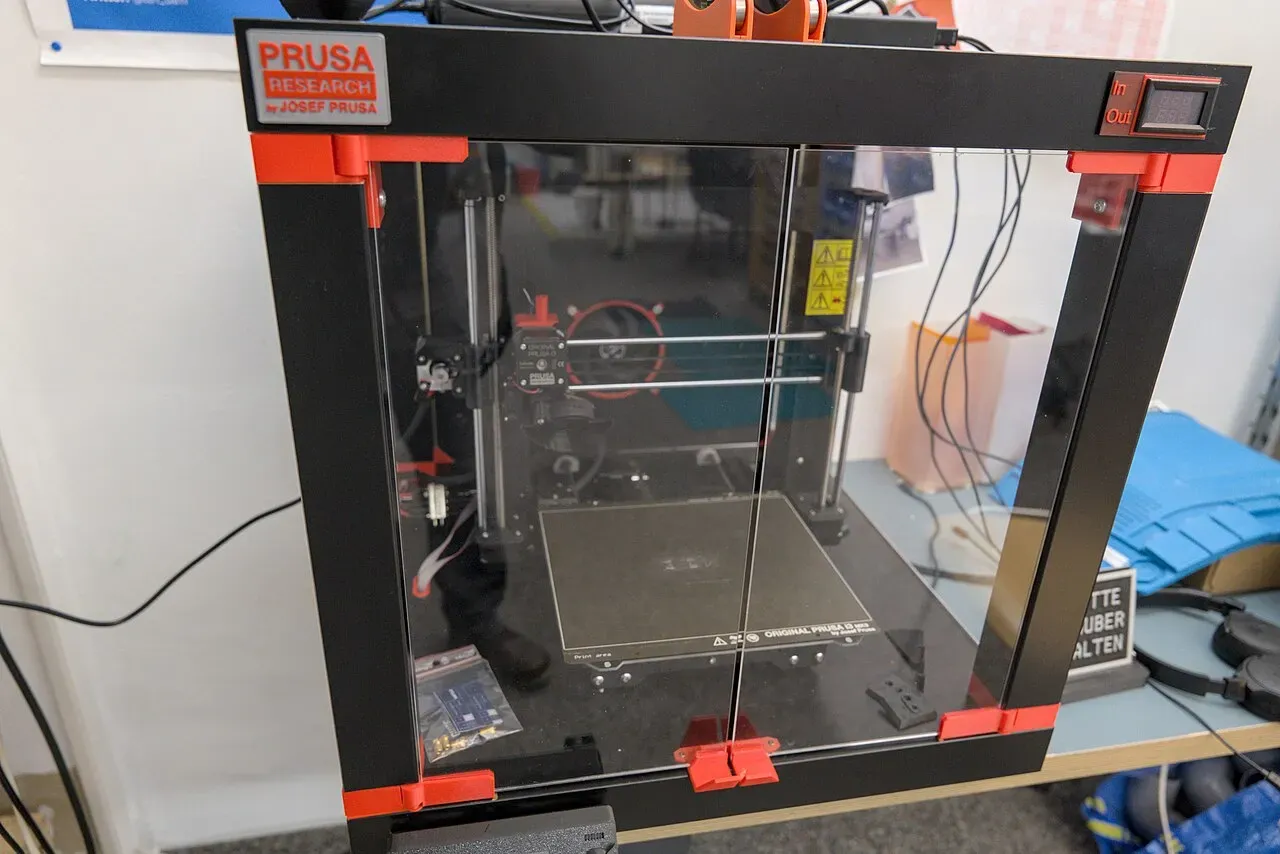 An enclosure keeps heat in for ABS and ASA.Photo: -stk ·CC BY-SA 4.0 ·Wikimedia Commons
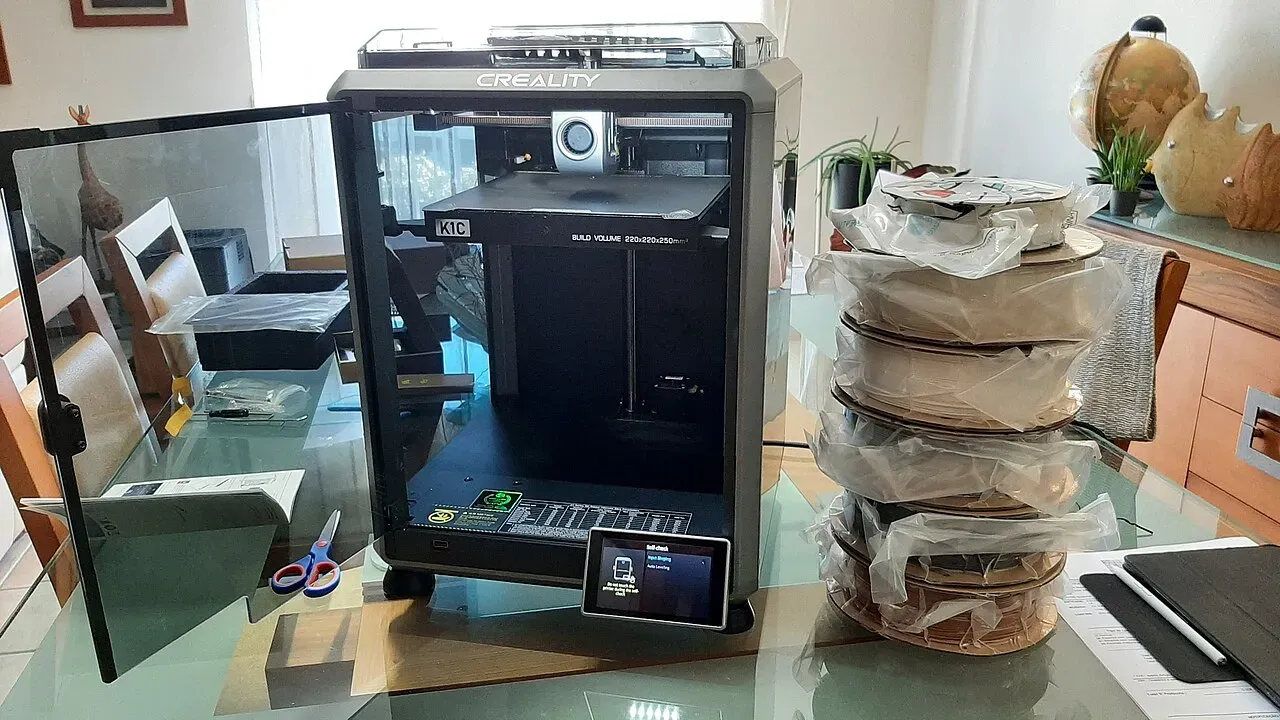 An enclosed CoreXY printer on a home desk.Photo: Mortymore ·CC BY 2.0 ·Wikimedia Commons
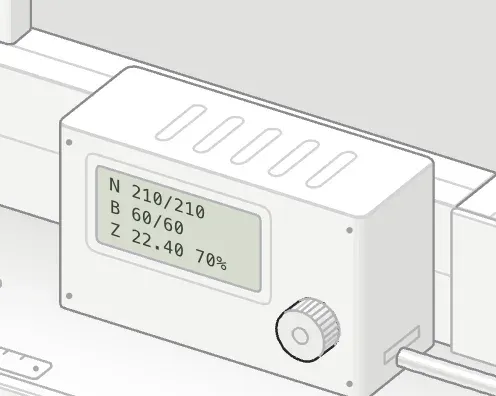 The control box shows nozzle and bed temperature, height and progress.
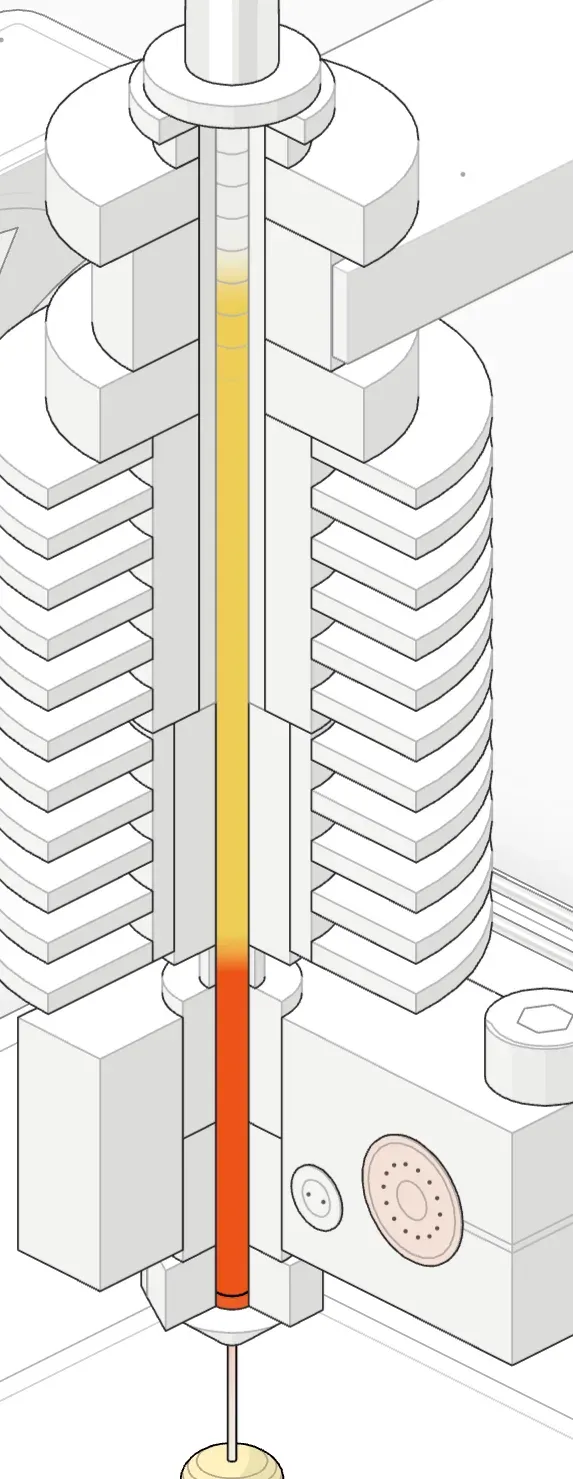
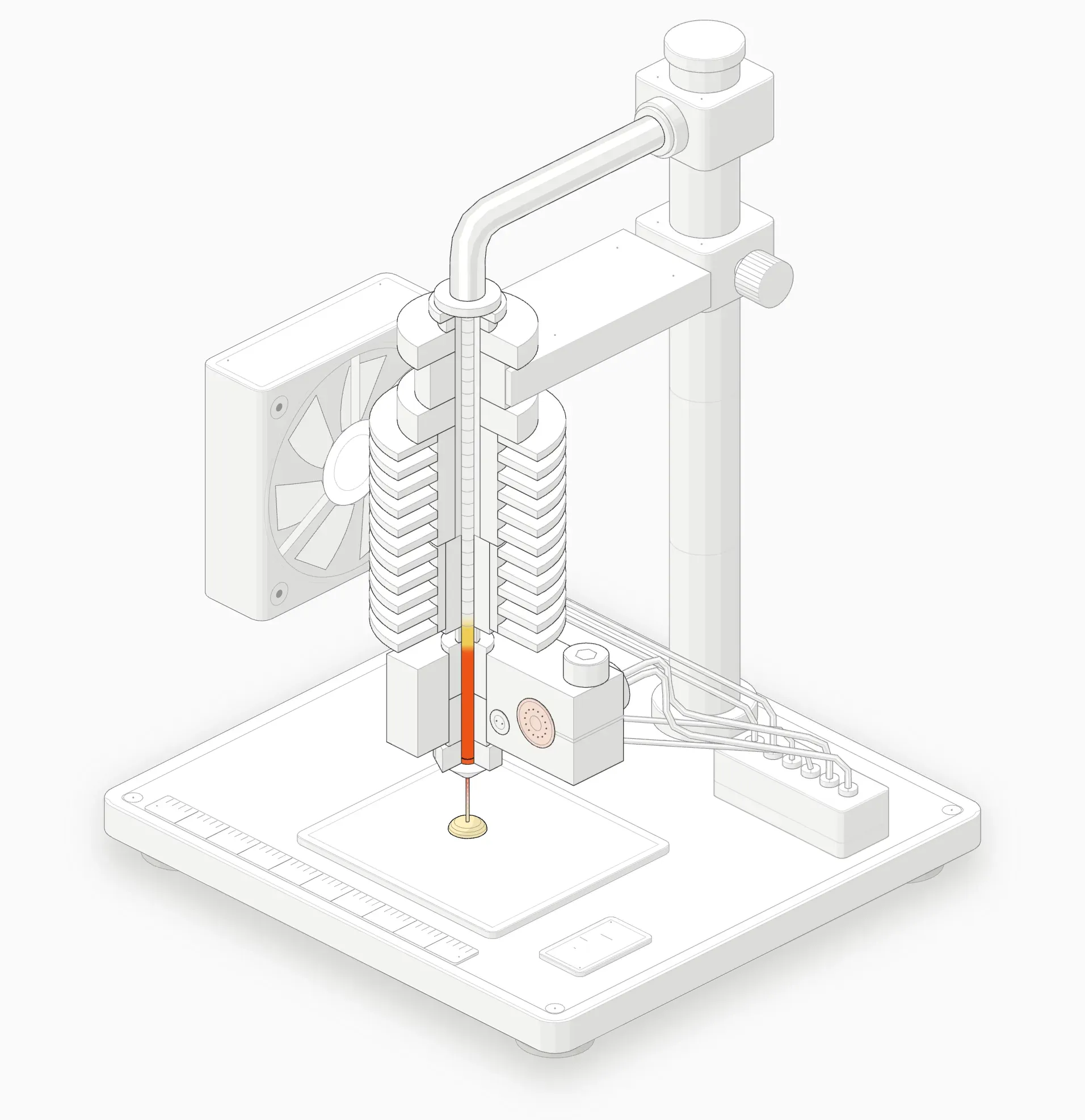 A V6-style hotend, cut away so you can see the filament inside.
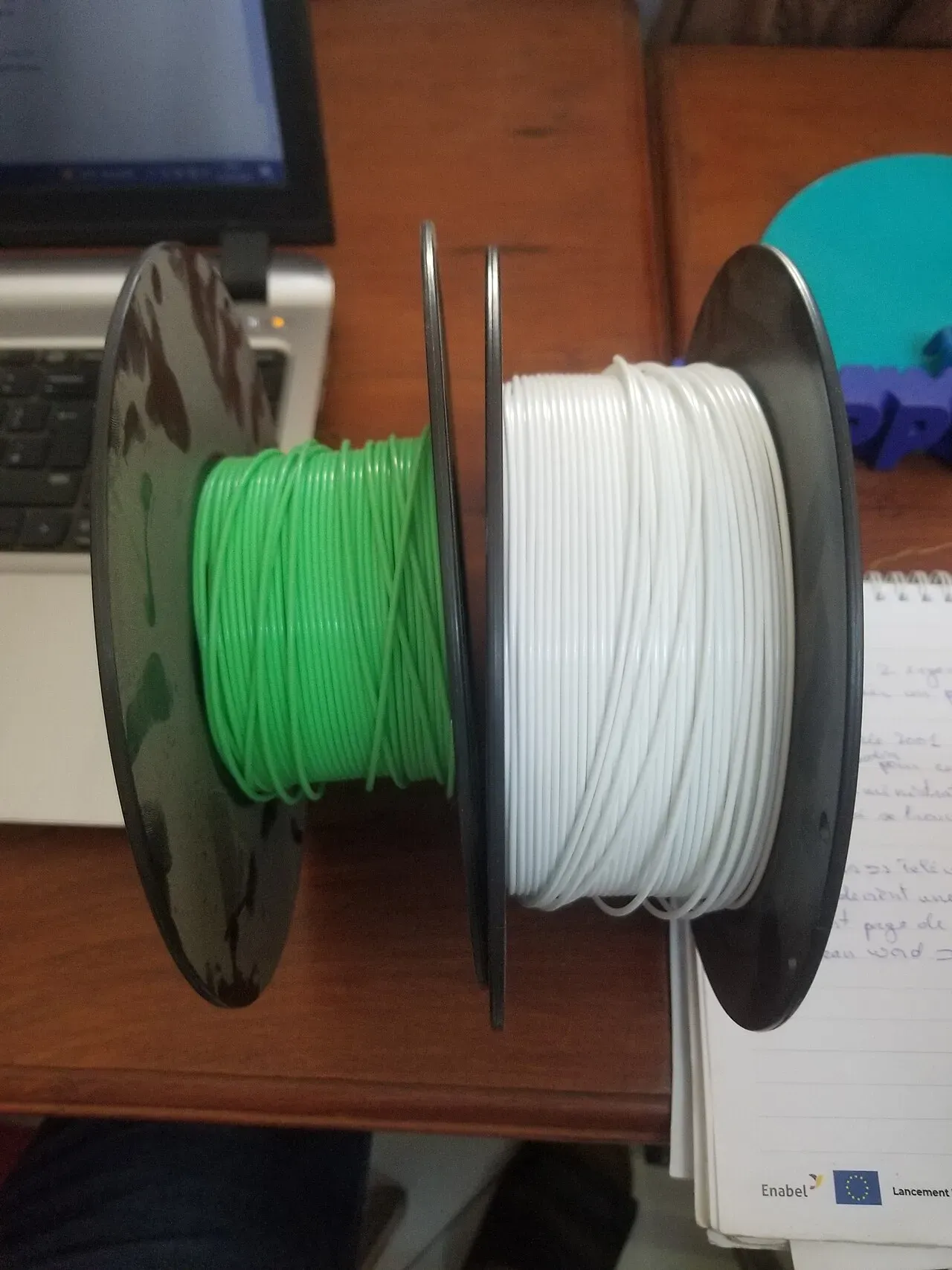 PLA: the beginner's filament.Photo: Richardspa ·CC0 ·Wikimedia Commons
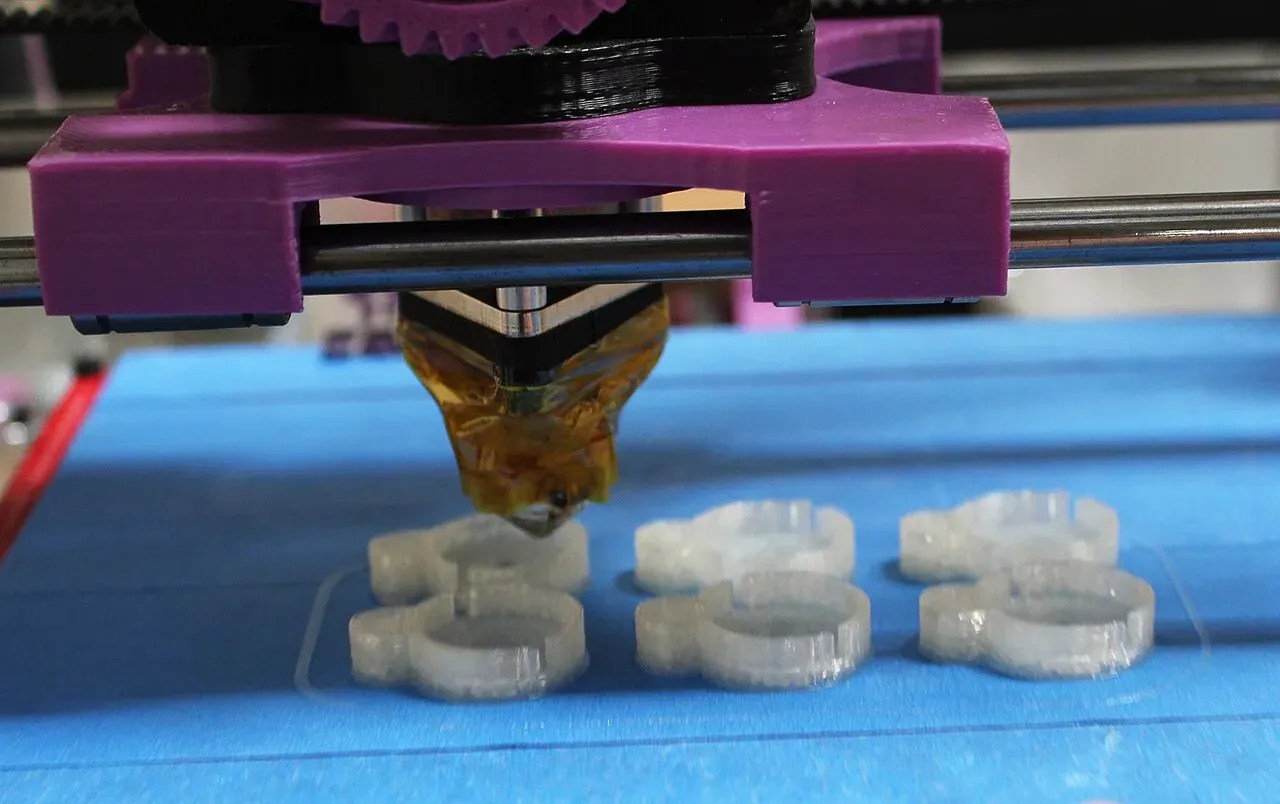 A print head at work over a plate of small parts.Photo: Neon Tommy ·CC BY-SA 2.0 ·Wikimedia Commons
What a 3D printer gives off
When an FDM printer melts plastic, it releases two kinds of emissions into the air around it.
Ultrafine particles
Ultrafine particles are specks of material far smaller than you can see, well under a thousandth of a millimetre across. Heating plastic in the hotend produces them, and they drift out into the room.
Researchers have measured this for over a decade. One of the first widely cited studies, by Stephens and colleagues in 2013 (published in the journal Atmospheric Environment), found that ordinary desktop FDM printers released large numbers of ultrafine particles while printing, with ABS releasing more than PLA. Later studies, including work by Azimi and colleagues in 2016 (Environmental Science & Technology) that tested several printers and filaments, found the same broad pattern: emissions vary a lot with the filament, the printer and the temperature.11These studies measured what printers release into the air. They don’t by themselves show what harm, if any, hobby use causes. That’s why the advice from safety bodies is to reduce exposure sensibly, not to stop printing.
Very fine particles can travel deep into the lungs, which is why breathing less of them is a sensible goal. You can’t see or smell them, so “it doesn’t smell” doesn’t mean nothing is there.
Fumes (VOCs)
Volatile organic compounds, or VOCs, are gases and vapours that come off the plastic as it melts. They’re what you smell. Which ones depend on the material: ABS gives off styrene, which causes its strong, sharp smell, and nylon gives off caprolactam. PLA gives off far less, and what it does release is usually described as a mild, sweetish smell.
Some people notice headaches, irritated eyes or a scratchy throat when printing ABS in a closed room. That’s a clear signal to improve ventilation.
What the safety bodies say
The US National Institute for Occupational Safety and Health (NIOSH) has published guidance on safer 3D printing for makerspaces, schools, libraries and small businesses. The broad advice from NIOSH and similar bodies is consistent:
- Use the lowest-emitting material that does the job.
- Print at the recommended temperature, not higher.
- Ventilate the room, or use an enclosure with filtration.
- Keep people away from the printer while it runs, rather than sitting beside it.
- Follow the safety data sheet for the filament.
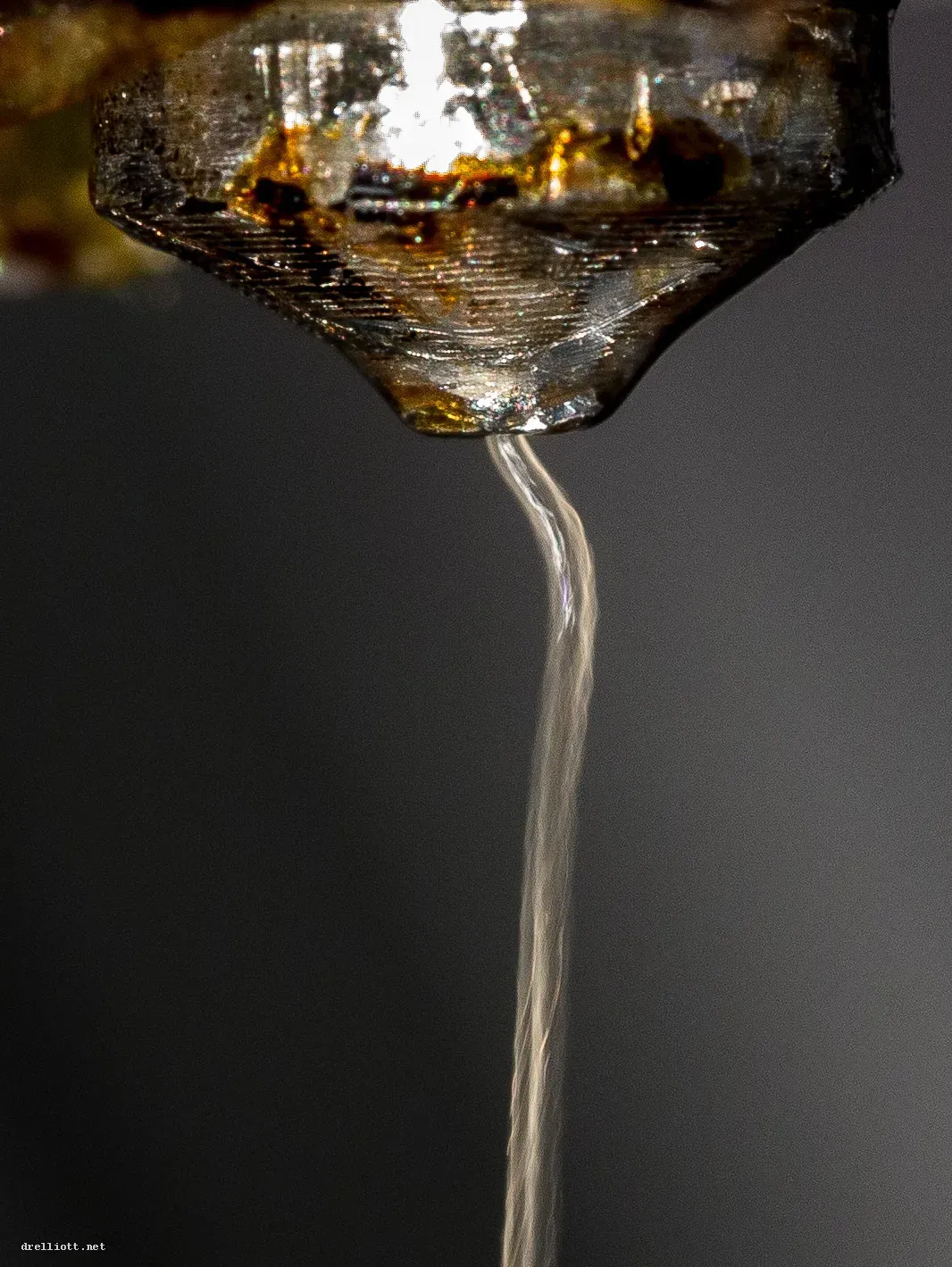 Molten plastic leaving the nozzle.Photo: David Elliott from UK ·CC BY 2.0 ·Wikimedia Commons
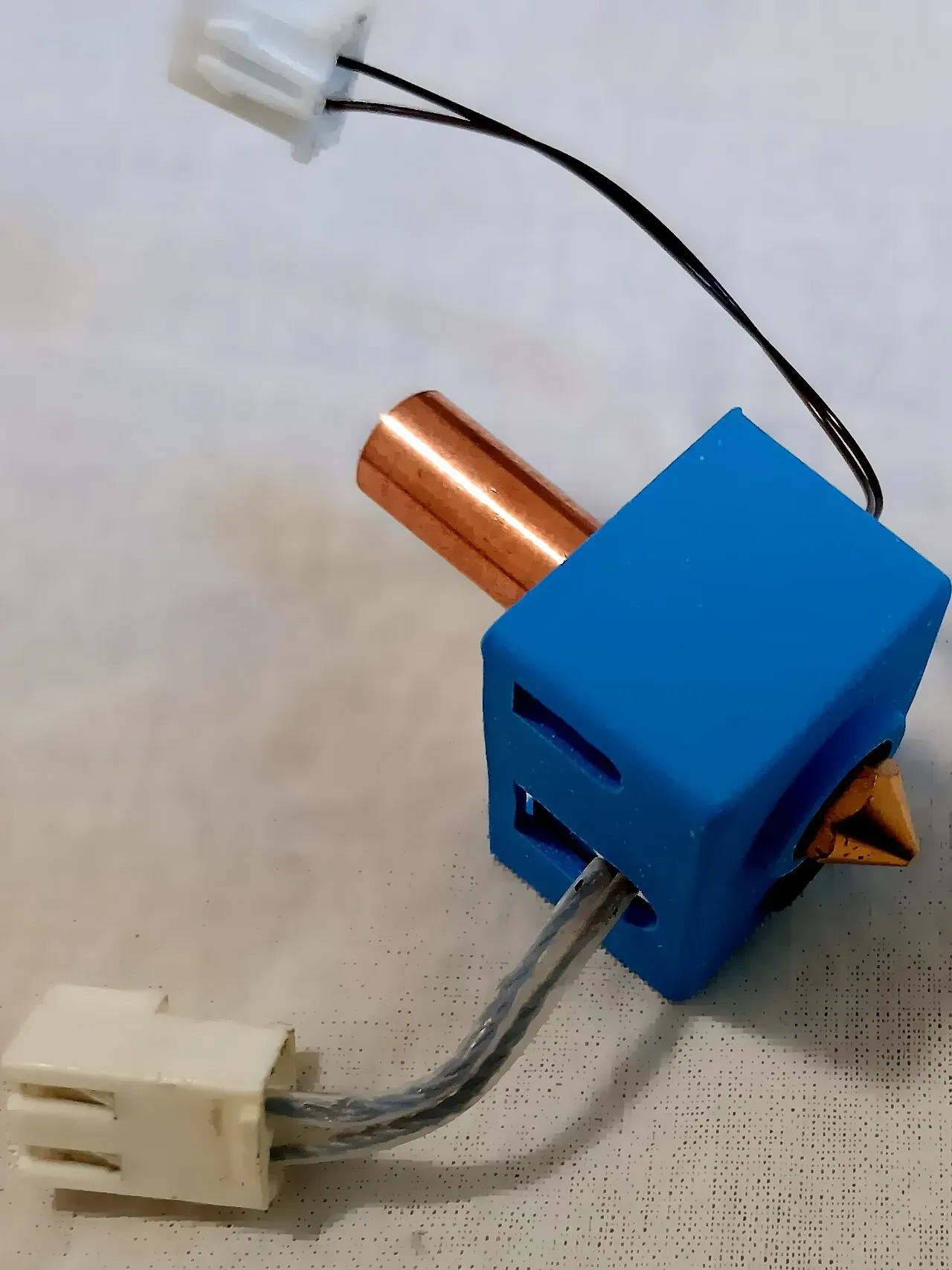 A heater block in a silicone sock, with the nozzle below and heat break above.Photo: A7N8X ·CC0 ·Wikimedia Commons
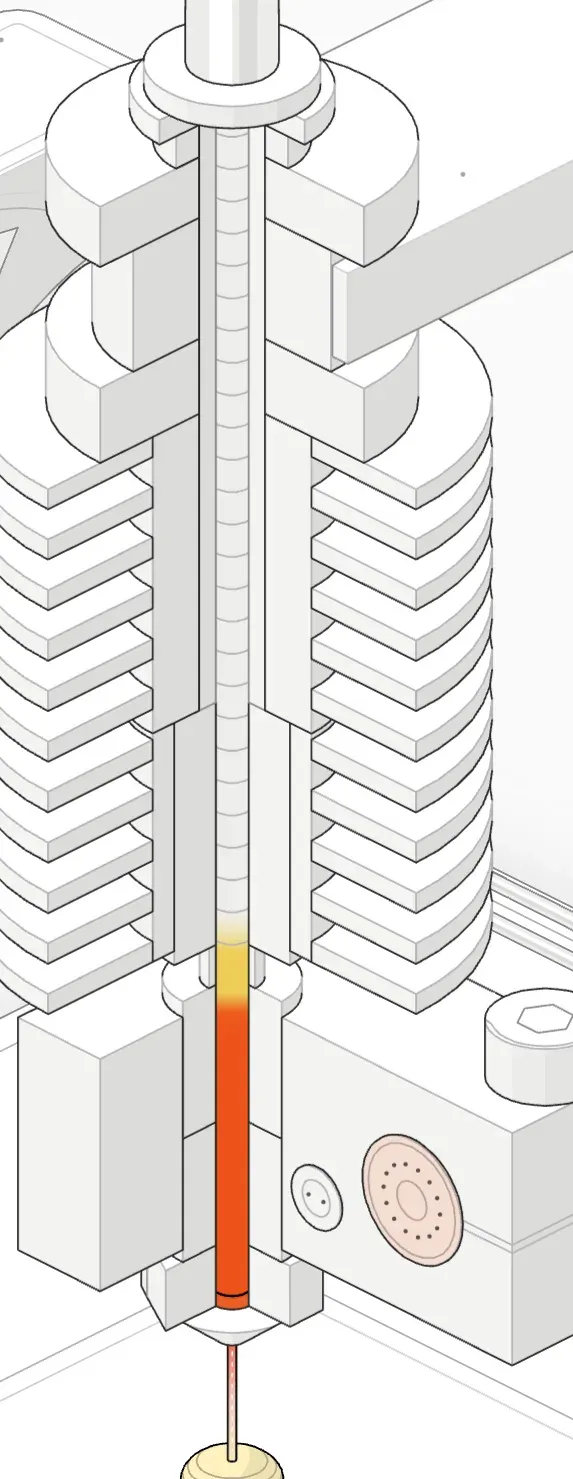 Solid filament above the heat break, molten filament in the heater block.
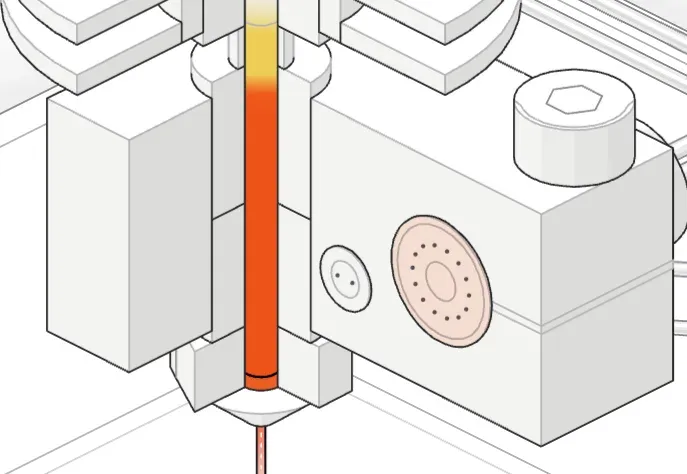 The heater block holds the heater cartridge and the thermistor.
Filaments compared: which are gentler?
Different plastics release different amounts and kinds of emissions. This is a general guide based on the research and on filament makers’ safety information; individual brands, colours and additives vary.
| Material | Emissions while printing | Smell | Where to print it |
|---|---|---|---|
| PLA | Lowest of the common filaments | Mild, sweetish | Ventilated room; the best choice for beginners, homes and schools |
| PETG | Generally low to moderate | Faint | Ventilated room |
| TPU | Generally low to moderate | Faint to mild | Ventilated room |
| ABS | High; releases styrene | Strong, sharp | Enclosure with filtration or venting outdoors, away from living space |
| ASA | Similar to ABS | Strong | As ABS |
| Nylon | Moderate to high; releases caprolactam | Noticeable | Enclosure with filtration or good ventilation |
| Composites (carbon fibre, metal or wood filled) | Depends on the base plastic | Varies | As the base plastic; filled filaments can also add fine fibre or dust |
A few patterns hold across materials:
- Hotter means more. Plastics printed at higher temperatures tend to emit more, and any filament printed hotter than its recommended range emits more than it should. A temperature tower helps you find the lowest temperature that prints well.
- Burning is the worst case. A hotend wrapped in a blob of plastic, or plastic pooled on a hot heater block, can scorch and smoke. That’s far more fumes than normal printing, and a fire risk too.
- Read the safety data sheet (SDS). Reputable filament makers publish one for each material. It lists what the plastic can release and the precautions to take.
For the trade-offs between materials beyond safety, see PLA vs PETG, PLA vs ABS and our filament guide.
- PLA: the beginner's filament.Photo: Richardspa ·CC0 ·Wikimedia Commons
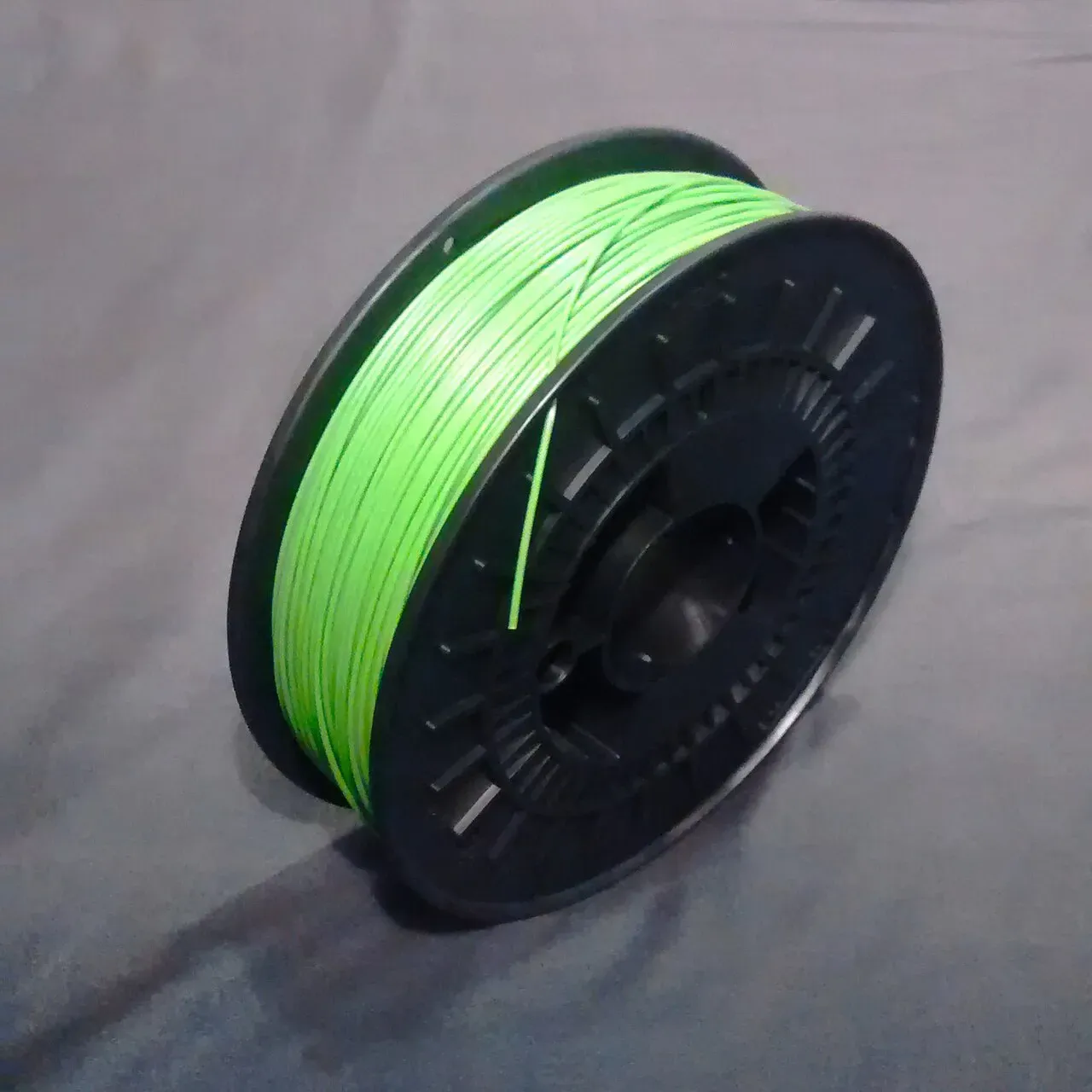 A spool of ABS.Photo: Tatár Lehel ·CC BY-SA 3.0 ·Wikimedia Commons
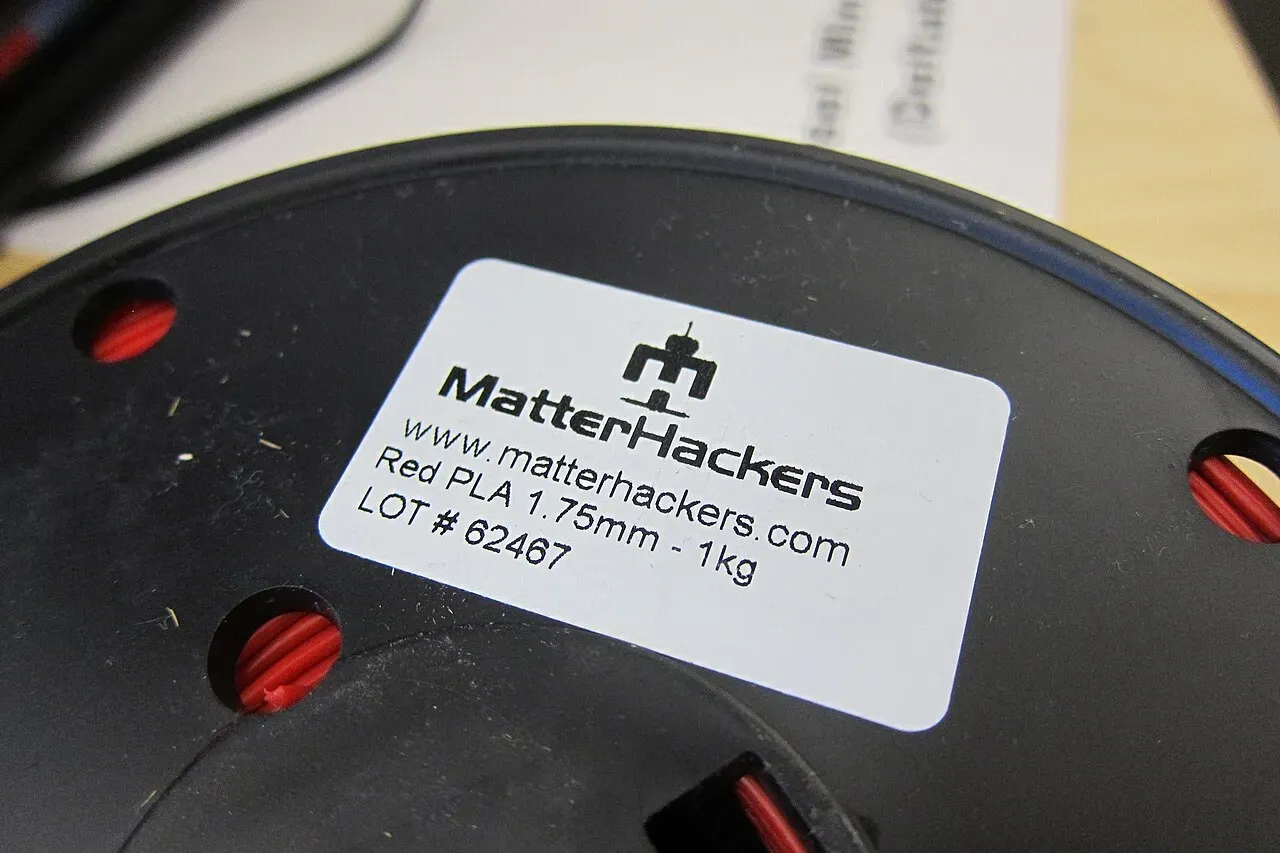 Read the label: material, 1.75 mm diameter, 1 kg.Photo: John Abella from Outside Philadelphia, USA ·CC BY 2.0 ·Wikimedia Commons
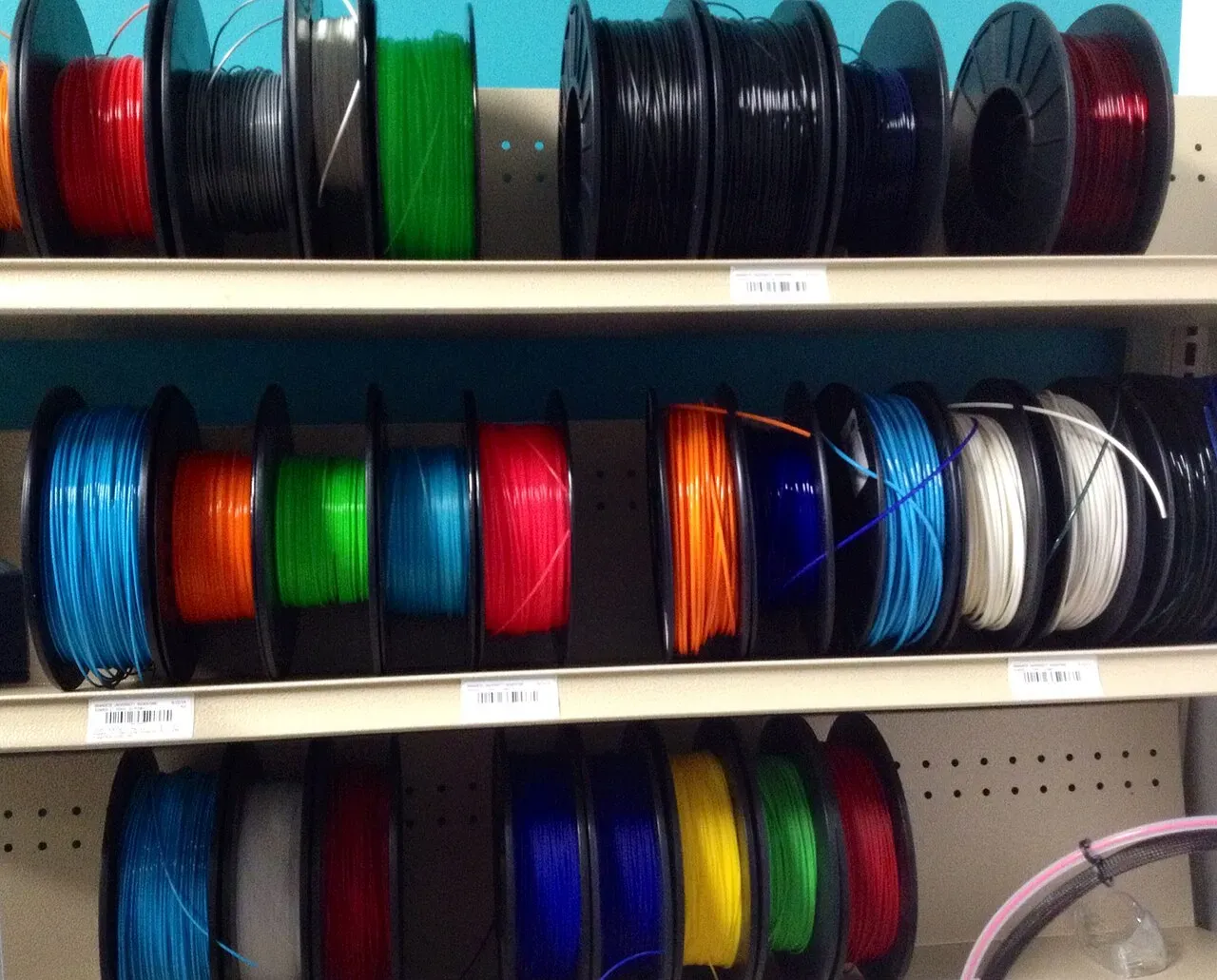 Filament comes in almost every colour.Photo: westonhighschool library ·CC BY-SA 2.0 ·Wikimedia Commons
Ventilation, enclosures and filters
The aim is simple: less of what the printer gives off in the air you breathe. You can get there in a few ways, and they work best combined.
Choose the right room
- Not a bedroom, and not a small room where someone spends the whole day. A spare room, garage (if it’s dry and not freezing), workshop or well-aired living space is better.
- Ventilate. An open window, ideally with air moving through the room, dilutes emissions. In a room with no windows, an extractor fan helps.
- Close the door to the rest of the home while printing ABS or ASA, and air the room out afterwards.
Enclosures
An enclosure is a box around the printer, either built in (many CoreXY printers come boxed) or added on. On its own an enclosure contains emissions, it doesn’t remove them, and they come out when you open the door. It becomes a safety feature when you add one of these:
- Venting outside: a fan and duct that pulls air out of the enclosure and through a window or wall. This is the most effective option for ABS and ASA.
- A filter: a fan that pulls the enclosure air through filters and returns it.
An enclosure also keeps warmth in, which ABS and ASA need to stop warping, and keeps hands away from hot and moving parts. Don’t enclose a printer whose electronics or power supply aren’t designed to sit in the warm air inside; check the maker’s guidance.
Filters: HEPA and activated carbon
Two kinds of filter do two different jobs:
- HEPA filters trap particles, including much of the ultrafine dust.
- Activated carbon filters absorb many VOCs (the smells and fumes). A HEPA filter on its own doesn’t stop gases.
For a filtered enclosure or a room air purifier near the printer, look for both. Carbon filters fill up and stop working, often without any sign, so replace them on the schedule the maker gives.22Built-in printer filters vary a lot. Some are a small carbon pad that helps with smell; others combine a HEPA layer, carbon and a sealed enclosure. Check what yours actually contains before you rely on it for ABS.
- An enclosure keeps heat in for ABS and ASA.Photo: -stk ·CC BY-SA 4.0 ·Wikimedia Commons
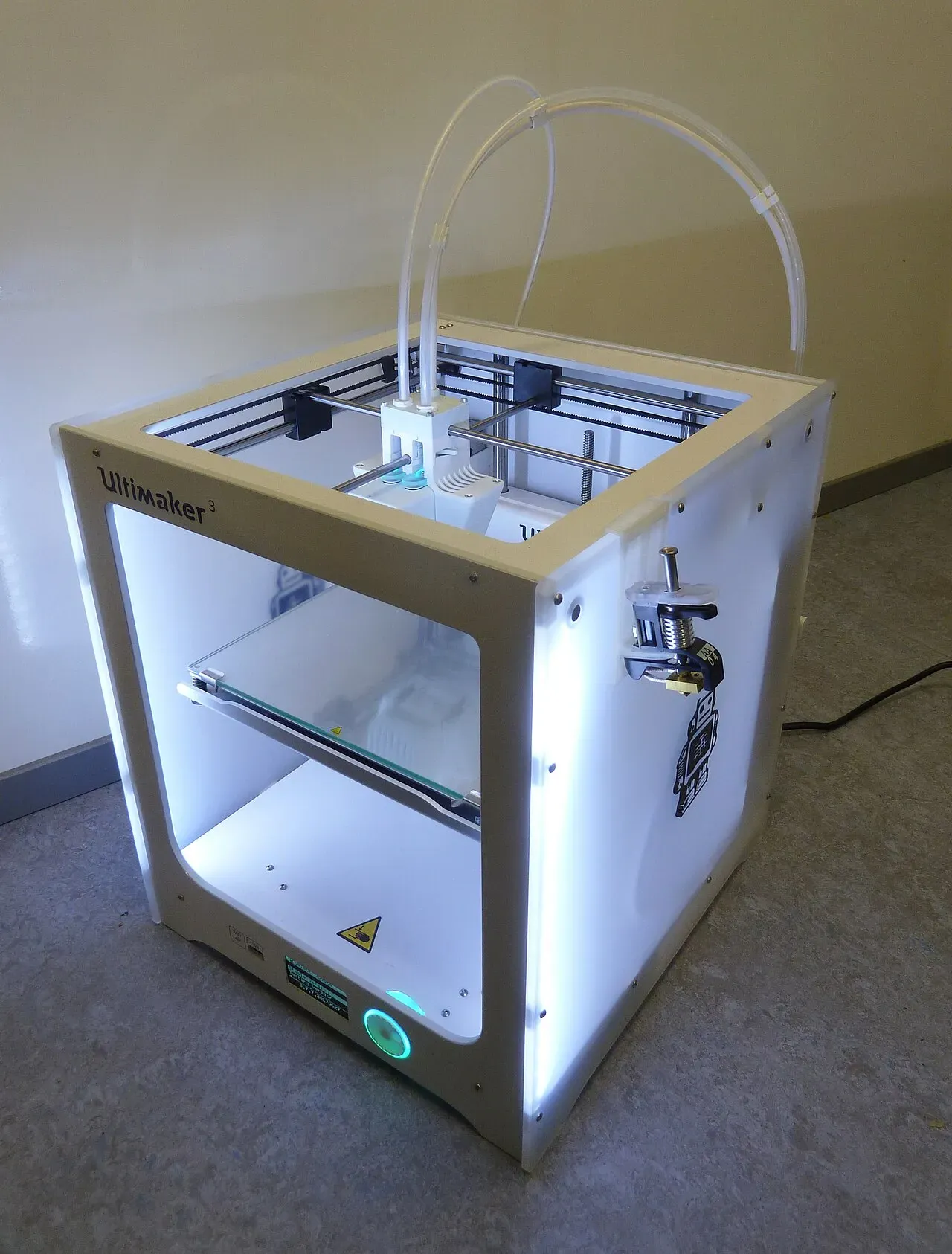 An Ultimaker 3, a boxed desktop printer.Photo: DirkvdM ·CC BY-SA 4.0 ·Wikimedia Commons
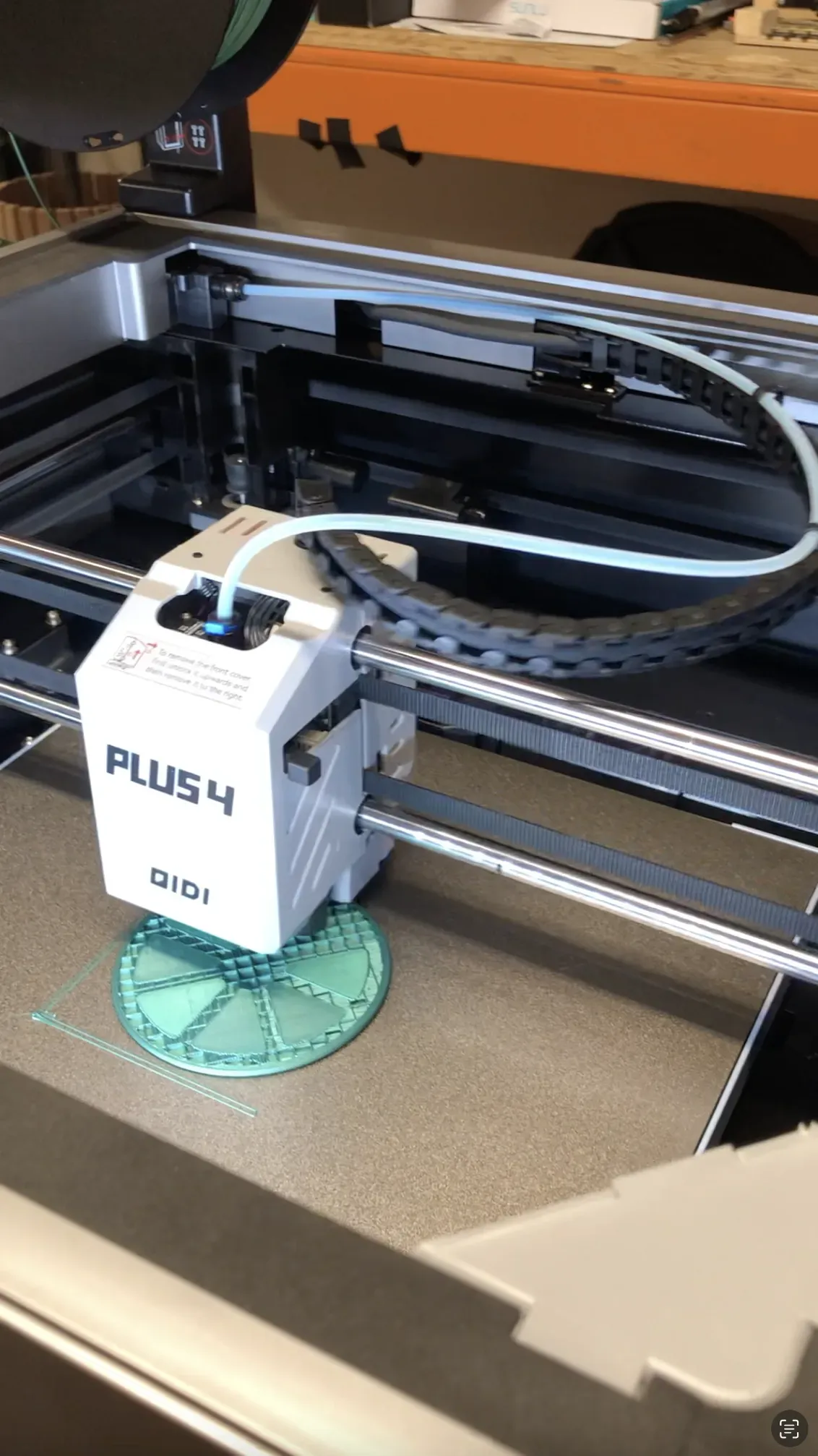 A CoreXY print head on a QIDI printer.Photo: Haroldbarlow8911 ·CC BY-SA 4.0 ·Wikimedia Commons
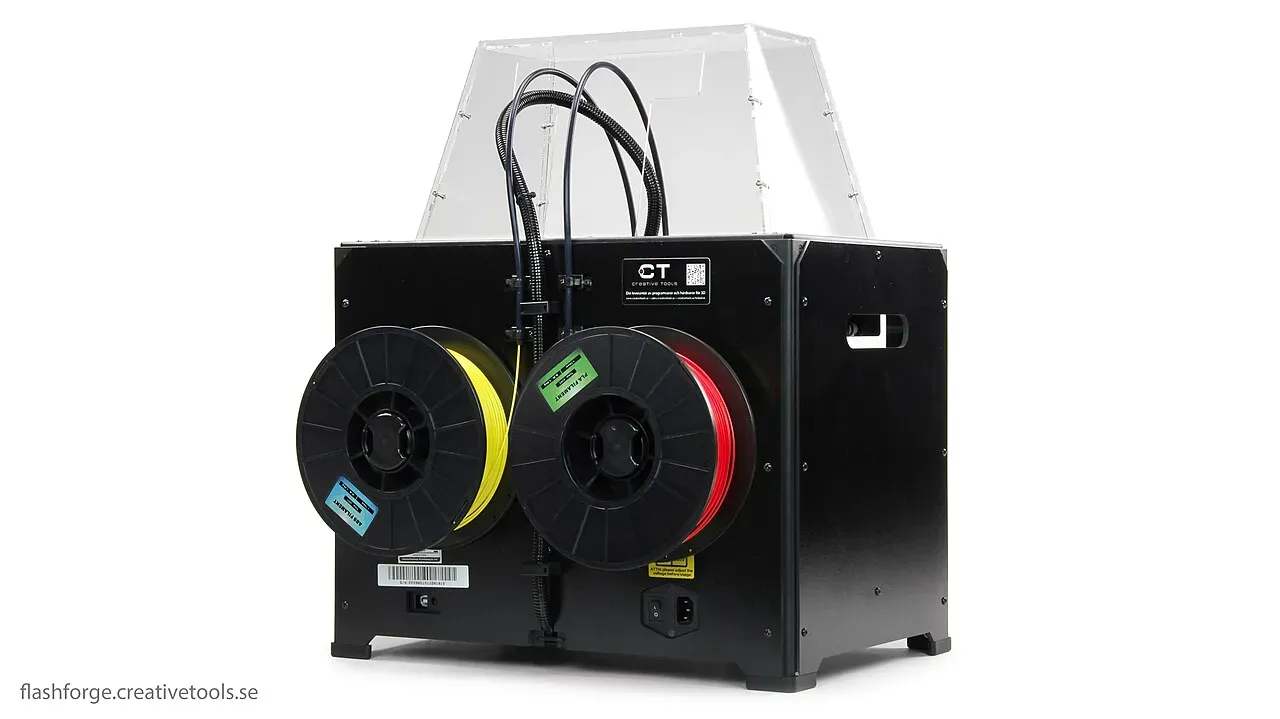 A boxed dual-extrusion printer.Photo: Creative Tools from Halmstad, Sweden ·CC BY 2.0 ·Wikimedia Commons
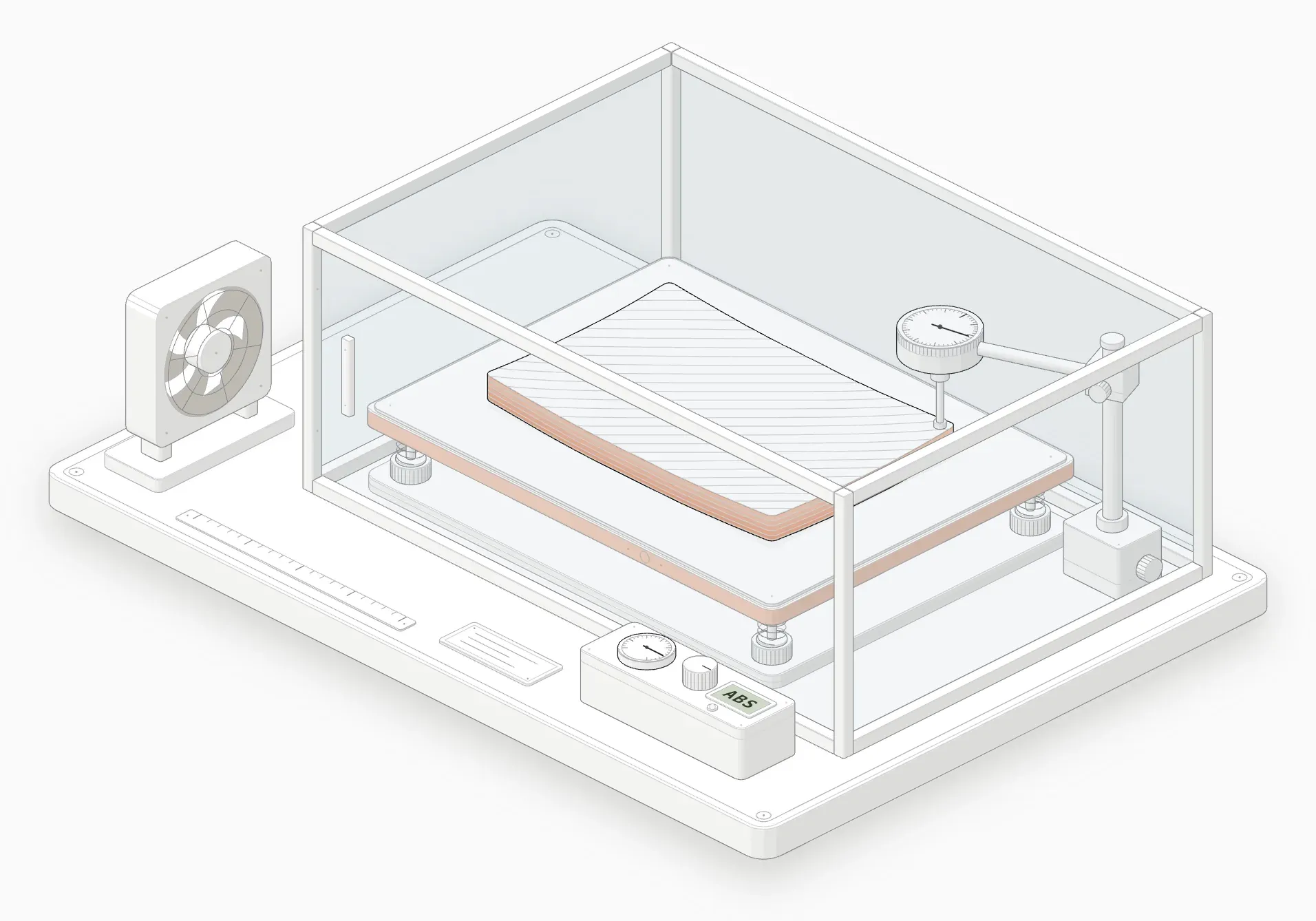 ABS in an enclosure: ABS · bed 100 °C · enclosed · corner lift 0.28 mm · slight lift.
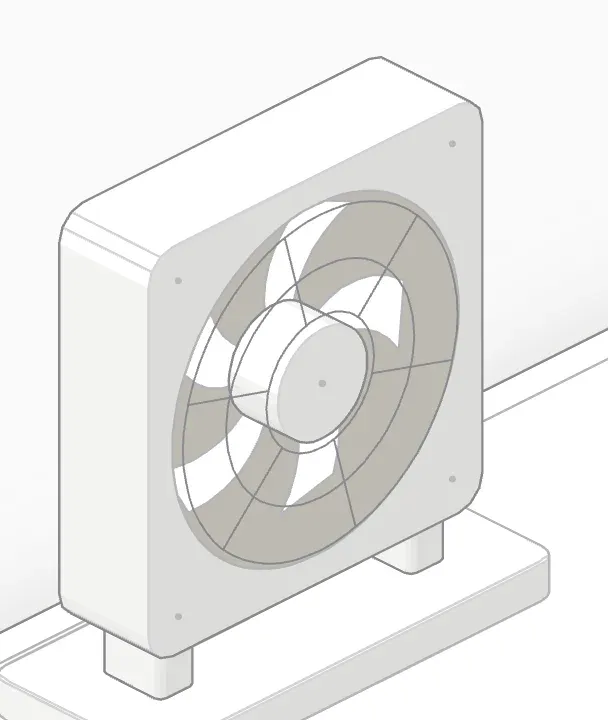 A draft cools the part from one side.
Fire safety
3D printer fires are rare, but they happen, and the reason is simple: a printer is a machine with heaters that run for hours, often unattended. Most of the risk is in the heaters, the wiring and the firmware that controls them.
Thermal runaway protection
The hotend and bed each have a thermistor, a small temperature sensor. The firmware reads it many times a second and switches the heater on and off to hold the target temperature.
If the thermistor falls out of the heater block, breaks or gets disconnected, the firmware may see a low reading and keep heating, more and more, with no limit. That’s called thermal runaway. Thermal runaway protection is the firmware feature that watches for it: if the temperature doesn’t rise when the heater is on, or drifts away from the target, it shuts the heaters off and shows an error.
- Most modern printers ship with it on. Popular firmware such as Marlin and Klipper include it, and current printers from the major brands enable it.
- Some older and very cheap printers shipped with it turned off in their original firmware. If you have an older or second-hand printer, check with the maker or community, and update the firmware if needed.
- Don’t disable it, and don’t ignore a “thermal runaway”, “heating failed” or “MINTEMP/MAXTEMP” error. Find the cause: often a loose thermistor or a damaged wire.
nozzle 210 °C · heatsink 38 °C · feed 2.0 mm/s · melting in block
- drag ↕ feed rate
- ↑ ↓ feed ±0.5 mm/s
- Space stop / start feed
- F hotend fan on / off
- Home reset
target 210 °C · reads 210 °C · block 210 °C · heater 54 % · holding · protected
- drag ↔ / ← → pull the thermistor out of its bore (up to halfway)
- P thermal runaway protection on / off
- W break / mend the thermistor wire
- T control: PID tuned, PID badly tuned, bang-bang
- Space heater target 210 °C / off
- Home reset: reseat, mend, protection on, clear the error
Wiring and power
- Use the printer’s own power supply and set any voltage switch on it correctly for your country before plugging in.
- Check the heated bed cable now and then. It flexes on every move on bed-slinger printers, and a worn cable or loose connector can overheat.
- Watch for loose screw terminals, scorched connectors or a smell of hot electronics. Switch off and fix the cause.
- Leave mains wiring to a qualified person. If something on the power supply’s mains side looks wrong, don’t open it up.
- Plug the printer straight into a wall socket or a good-quality power strip, not a chain of extension leads.
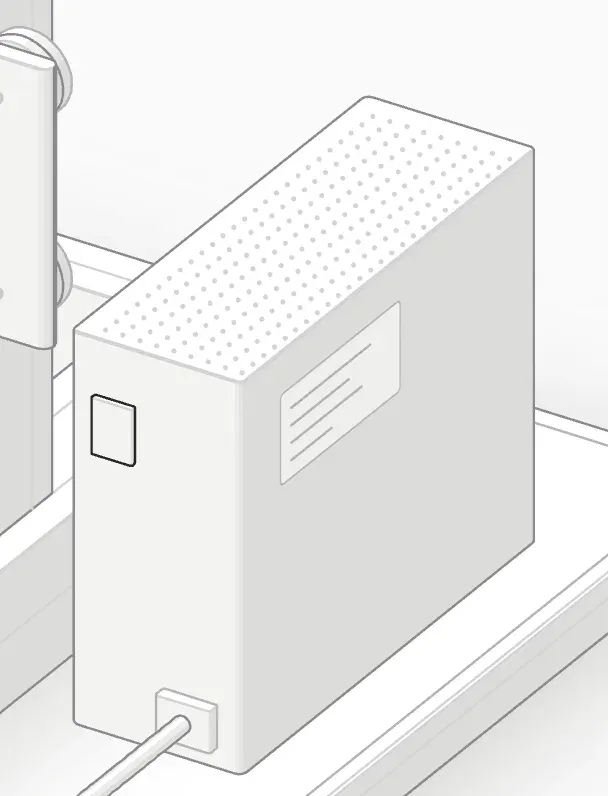 The power supply turns mains power into 24 V for motors and heaters.
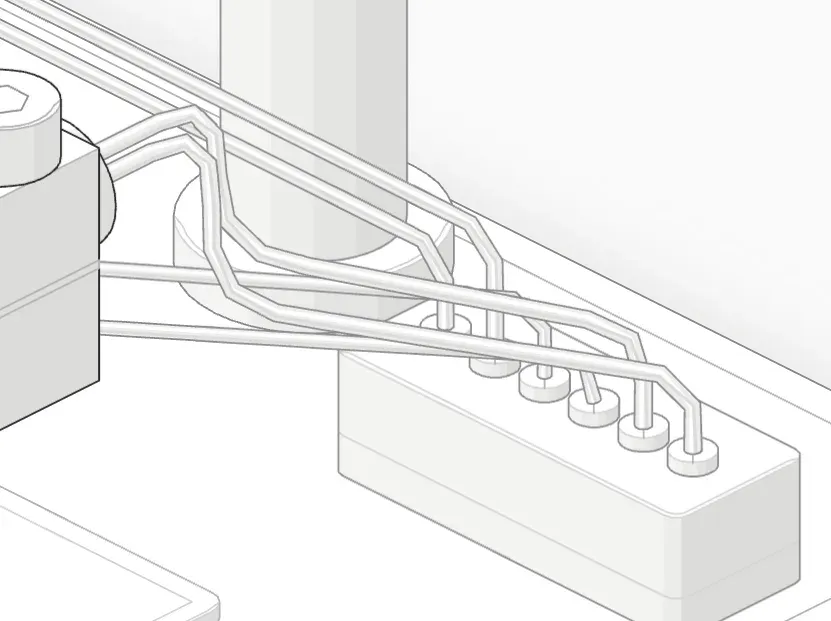 Heater and thermistor wires run to the terminal block.
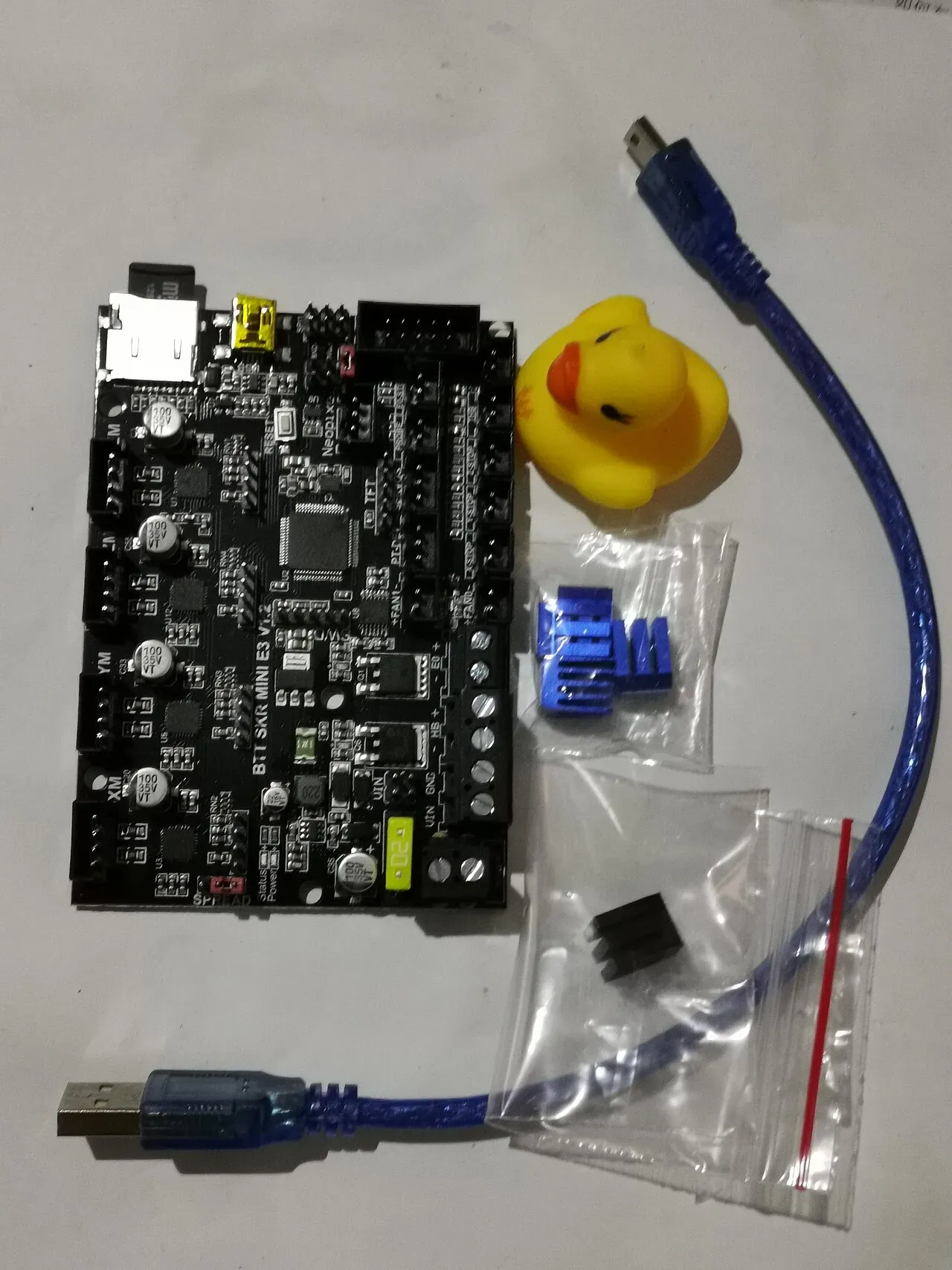 The mainboard: the printer's brain.Photo: kenming Wang ·CC BY-SA 2.0 ·Wikimedia Commons
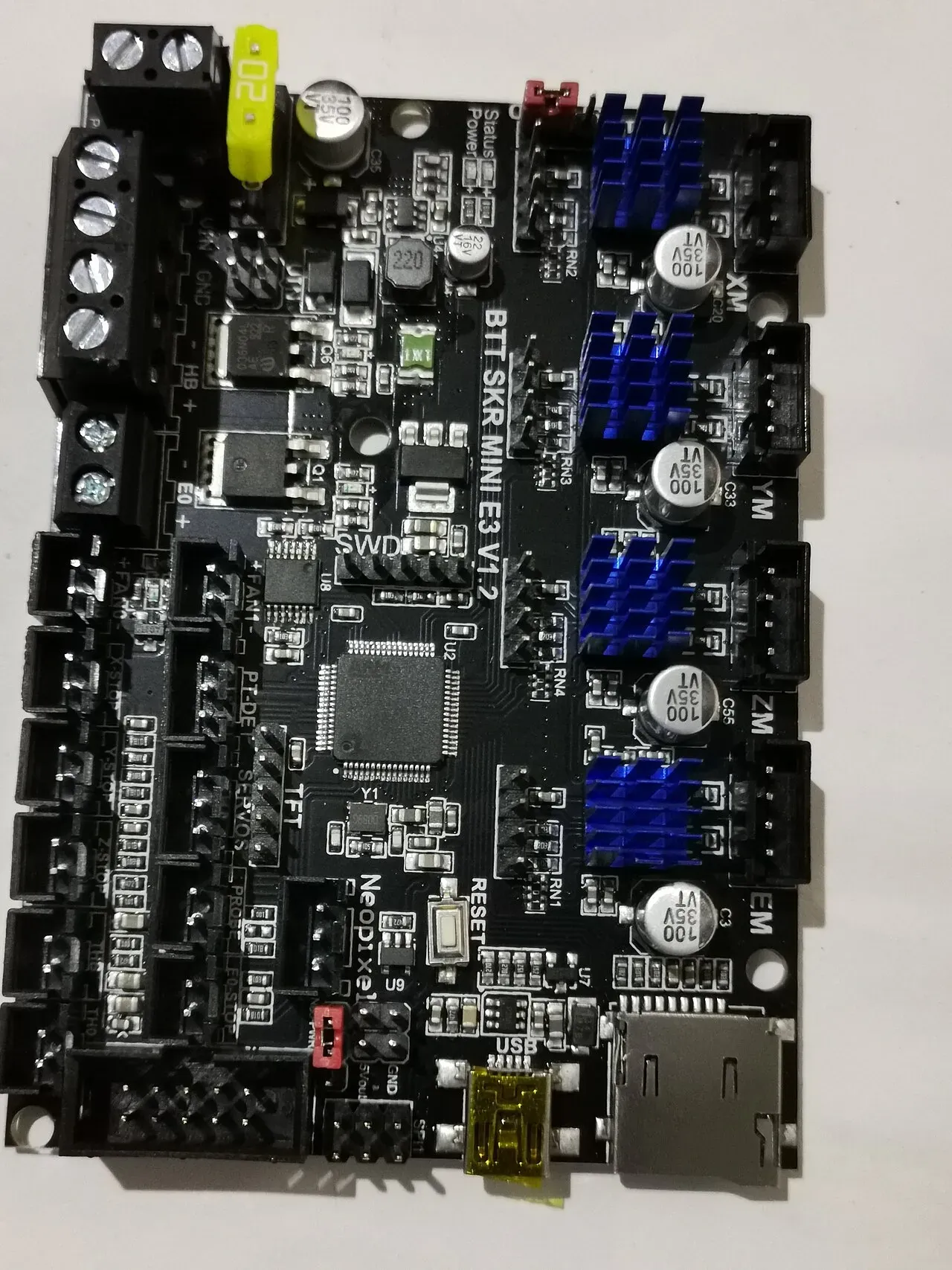 Stepper drivers on the mainboard, one per motor.Photo: kenming Wang ·CC BY-SA 2.0 ·Wikimedia Commons
Where to put the printer
- On a solid, non-flammable surface such as a metal, stone or tiled top, or a sturdy table with a fire-resistant mat underneath.
- Away from curtains, paper, cardboard boxes and spare filament stacked right beside it.
- With a smoke alarm in the same room, not just in the hallway. Test it regularly.
- With a suitable fire extinguisher nearby. For electrical equipment, a CO₂ or dry powder extinguisher rated for electrical fires is the usual choice; check local fire-safety advice. Never use water on electrical equipment that’s still plugged in.
Don’t leave it unattended, at first
Long prints run for many hours, and almost everyone leaves them running at some point. Earn that trust first:
- Watch your first prints, and stay nearby after any change to the hotend, wiring or firmware.
- Check in regularly on long prints, especially early on.
- A camera helps. Many printers have one built in, or you can add one, so you can look in from another room and stop the print remotely.
- Know how to stop it. Learn where the stop button and power switch are before you need them.
Spaghetti and blobs aren’t just wasted plastic: plastic wrapped around a hot heater block can scorch, smoke and damage wiring. Our guides to the first layer not sticking and unclogging a nozzle cover how they start and how to clean up.
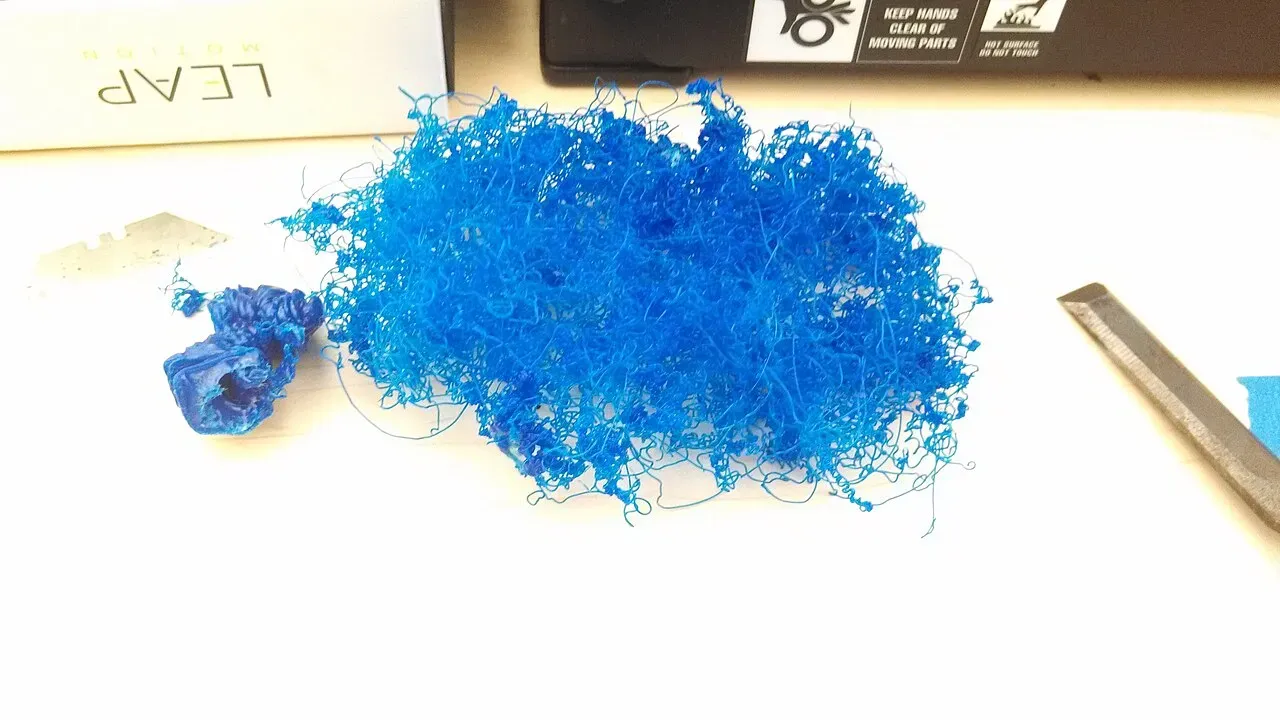 Spaghetti: the part came loose and the printer kept extruding into the air.Photo: SuperBlobMonster ·CC BY-SA 3.0 ·Wikimedia Commons
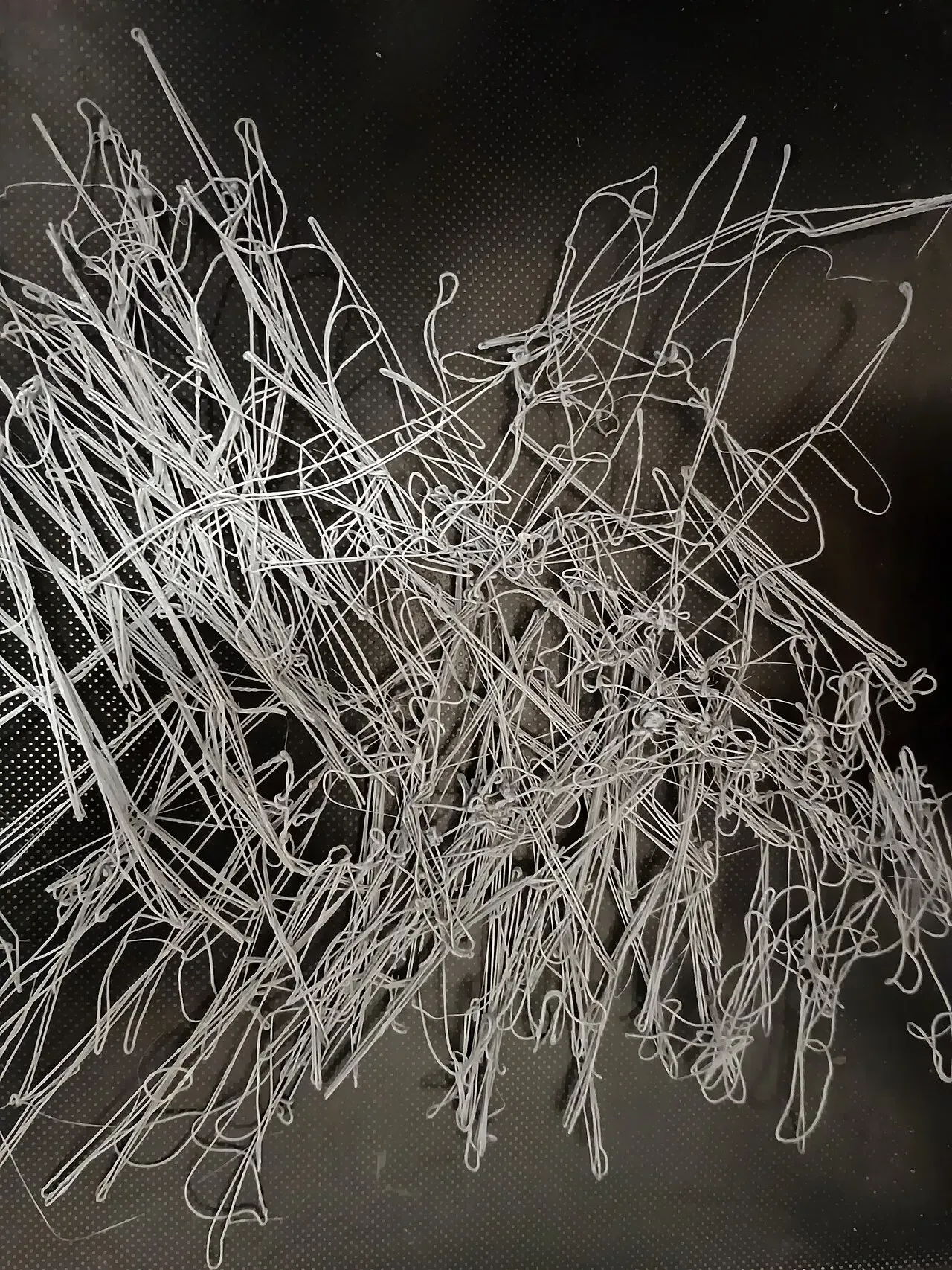 A "spaghetti monster": what a failed print looks like after hours of printing into nothing.Photo: A7N8X ·CC0 ·Wikimedia Commons
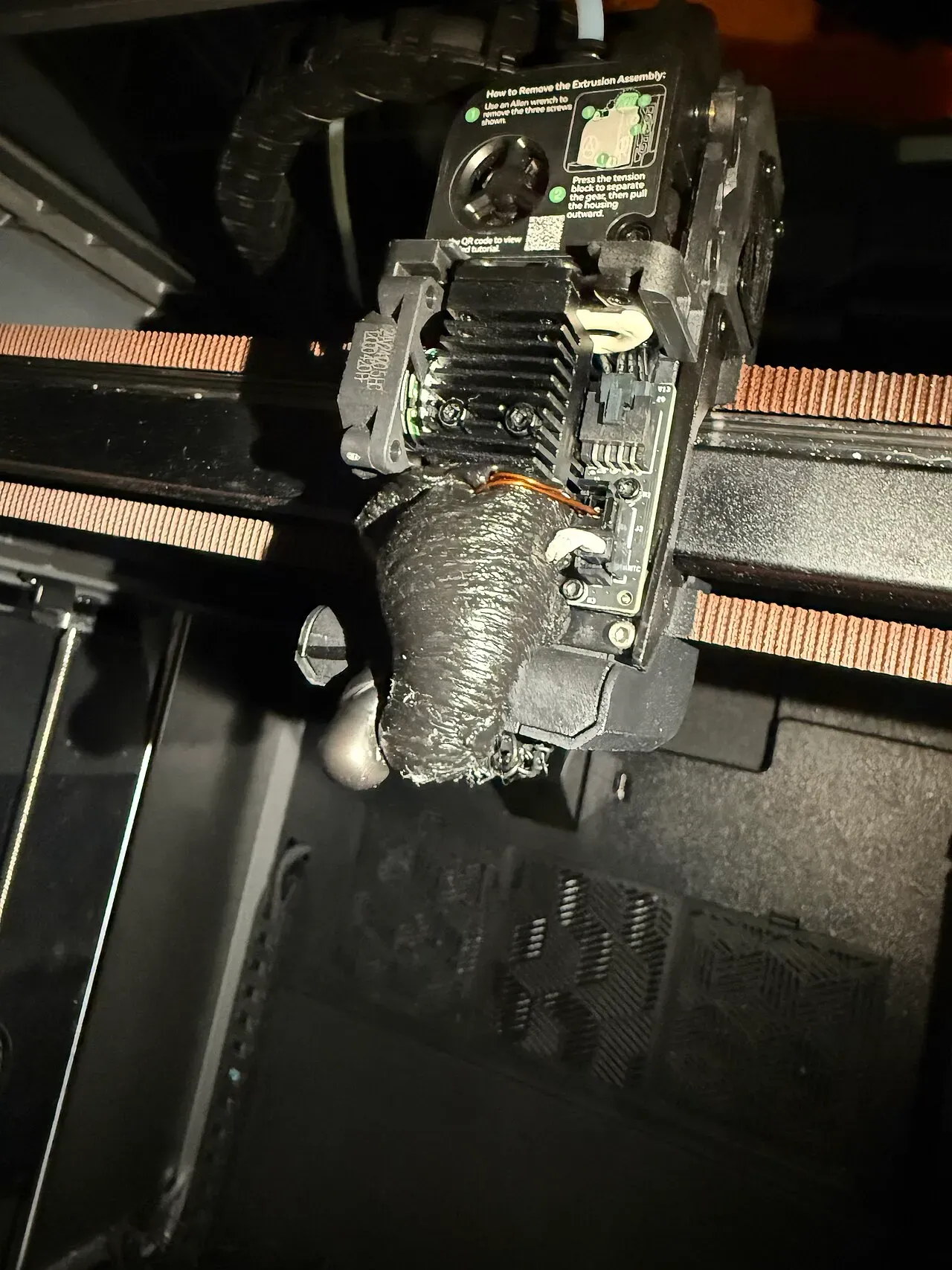 The "blob of death": plastic that leaked and wrapped the hotend.Photo: LunaEatsTuna ·CC BY-SA 4.0 ·Wikimedia Commons
Burns, cuts and moving parts
The most common injuries in hobby printing are small ones: a burned fingertip or a slipped scraper. They’re also the easiest to avoid.
Hot parts
- The nozzle and heater block run at about 190–260 °C while printing, depending on the material, and stay hot for several minutes after.
- The heated bed usually runs at 50–110 °C. At ABS temperatures, it’s hot enough to burn.
- Trust the screen, not your hand. Wait until the displayed nozzle and bed temperatures have dropped before touching them. Don’t touch the nozzle to “check”.
- Use tools for hot jobs. Some jobs, such as tightening a nozzle or clearing a clog, are done with the hotend hot. Use the right spanner, pliers or a socket, keep fingers clear of the heater block, and follow the maker’s steps.
- Wear heat-resistant gloves if you handle a hot heater block often.
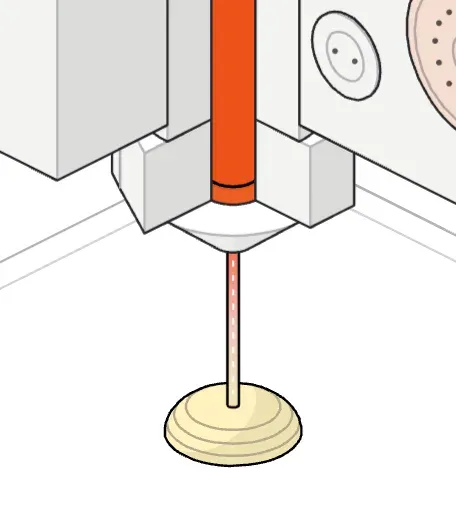 A brass 0.4 mm nozzle laying a thin strand.
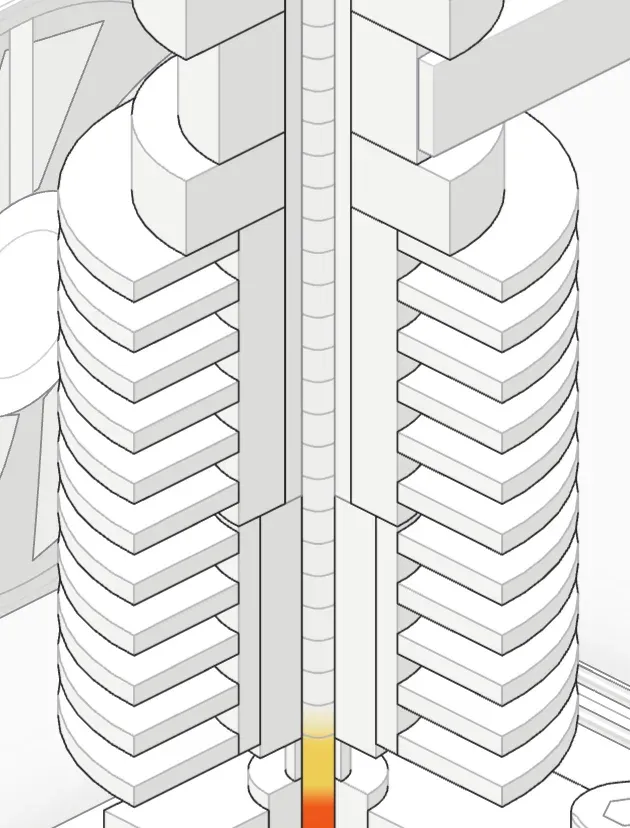 The finned heatsink keeps the top of the hotend cold.
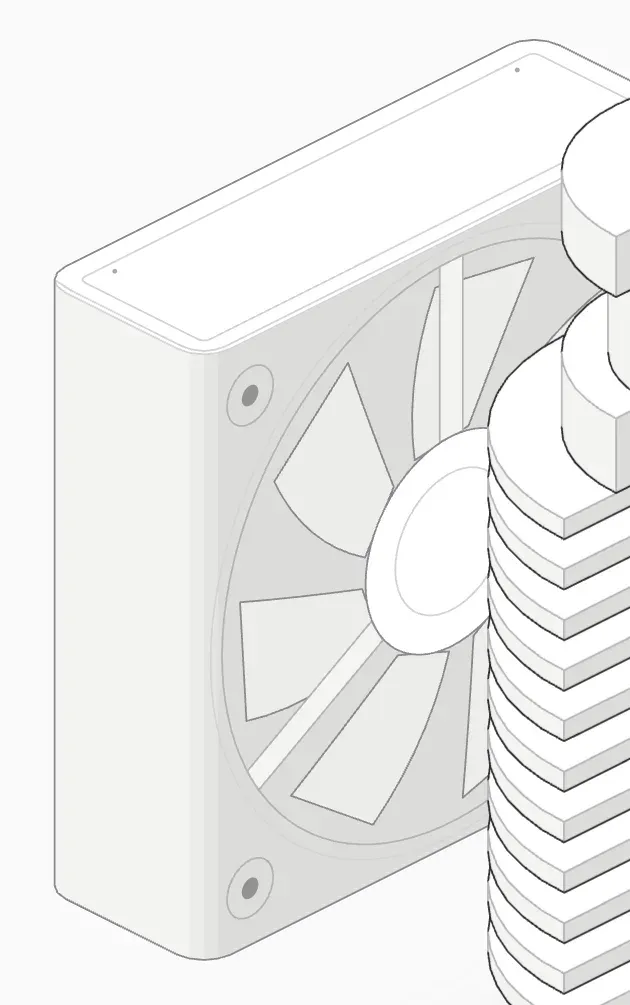 The hotend fan cools the heatsink. It must run whenever the hotend is hot.
 Fan off: heat creeps up the heatsink and the filament softens too high.
Moving parts and sharp tools
- Keep fingers and hair away from belts, pulleys and the moving bed or head while the printer runs.
- Scrape away from yourself. On rigid beds, a scraper or knife can slip. A flexible spring-steel plate that you bend to pop parts off avoids most of this.
- Remove supports carefully. Flush cutters and pliers are safer than a knife; support plastic can snap off sharp. Safety glasses help when snapping off brittle supports.
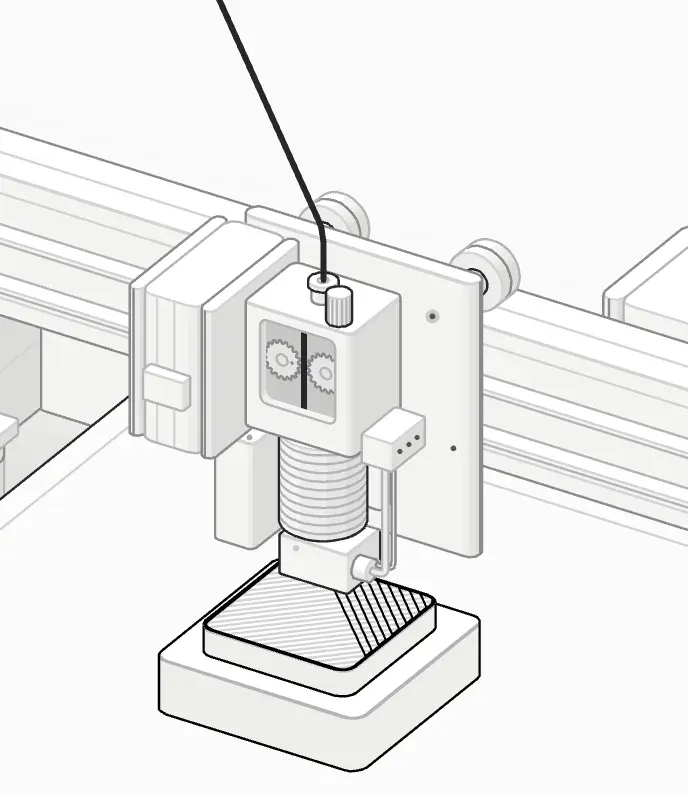 The print head: extruder on top, finned heatsink, heater block and nozzle.
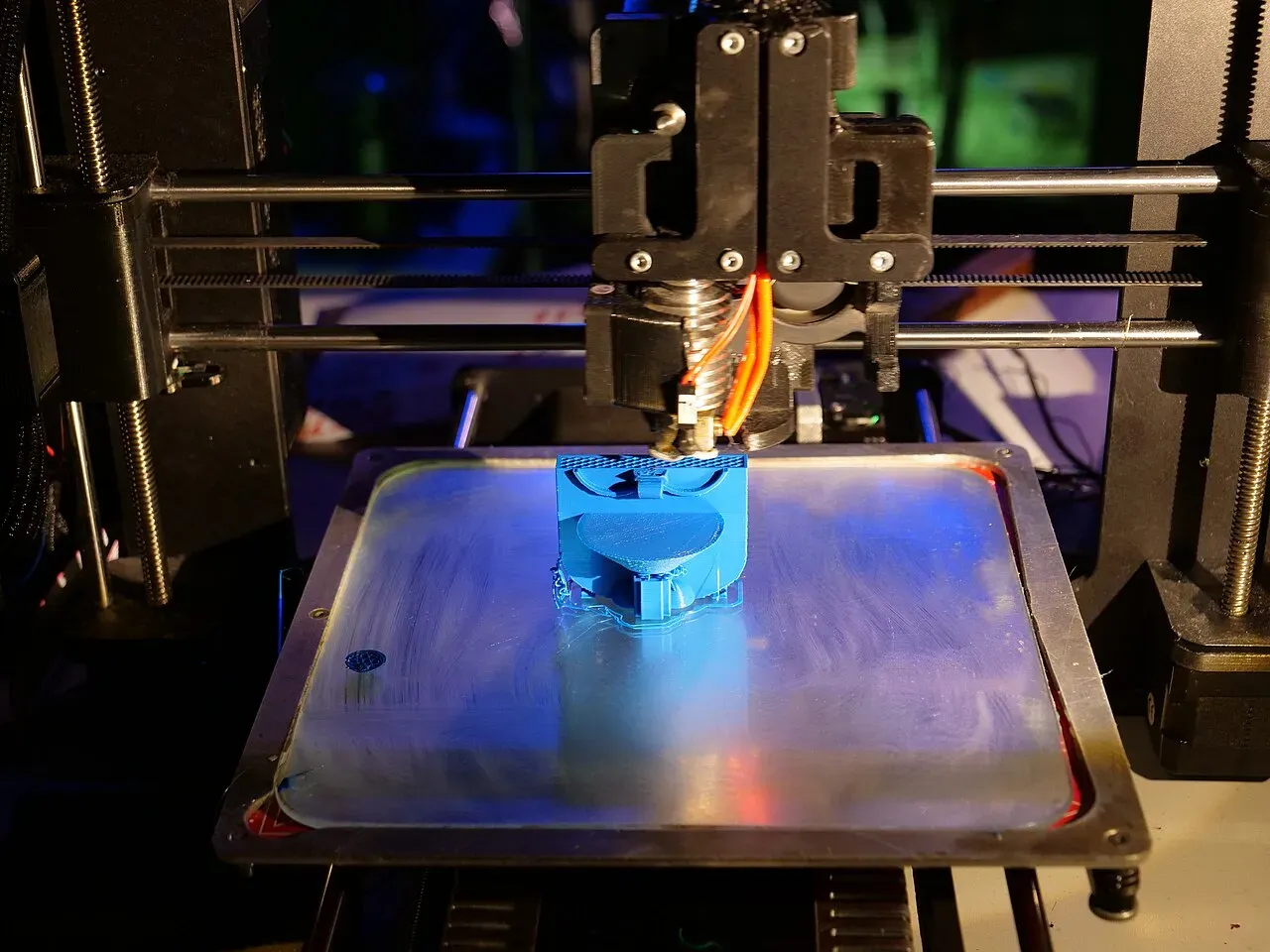 A part being printed on a spring-steel bed.Photo: Leonhard Lenz ·CC BY-SA 4.0 ·Wikimedia Commons
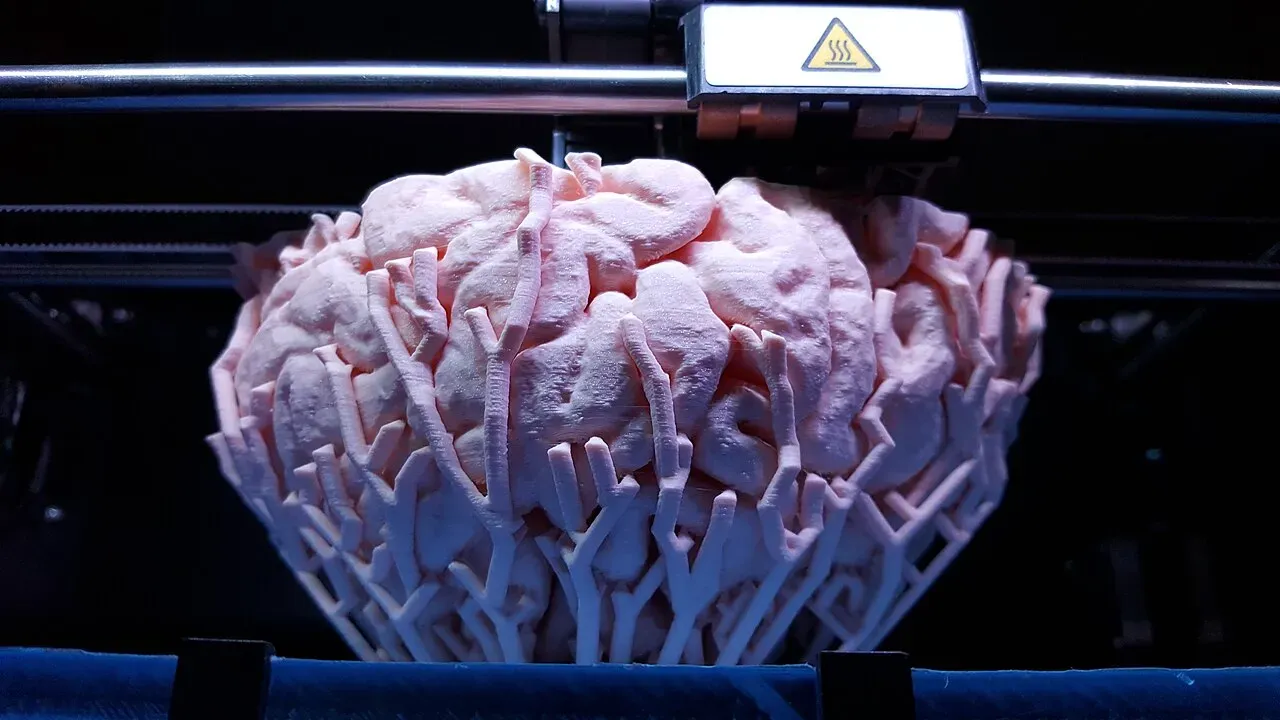 Supports hold up overhangs while the print grows.Photo: Nevit ·CC BY-SA 3.0 ·Wikimedia Commons
Resin printing is a different topic
Everything above is about FDM printers, which melt plastic filament. Resin printers (SLA, MSLA and DLP) work differently: they cure liquid resin with light. The risks are different too, and mostly about handling chemicals, not heat.
- Uncured liquid resin can irritate skin and, with repeated contact, cause allergic skin reactions that can become lasting. Wear nitrile gloves whenever you handle resin or uncured prints, and wear eye protection.
- Ventilate. Resin gives off fumes and a smell; follow the resin’s safety data sheet.
- Isopropyl alcohol (IPA), the usual cleaning liquid, is highly flammable. Keep it away from heat and flames, store it closed, and use it in a ventilated space.
- Don’t pour resin or used IPA down the drain. Cure leftover resin in sunlight or a UV lamp before disposing of it, and follow local rules for chemical waste.
- Fully cure prints before handling them without gloves.
Resin printing can be done safely at home, but it needs its own setup and habits. Don’t assume FDM-level precautions are enough.
3D printing with kids and in schools
3D printing is a great way to get children into design and engineering. The same precautions apply, with a bit more supervision.
At home
- Supervise by age. Younger children should only use the printer with an adult; older children can take on more once they’ve shown they understand the hot and moving parts. Check the printer maker’s age guidance.
- Use PLA. It’s the lowest-emission common filament and the easiest to print.
- Keep the printer out of the child’s bedroom, in a ventilated room where they don’t spend all day.
- An enclosed printer keeps small hands away from the nozzle, belts and bed. Some enclosed printers can also pause when the door opens.
- Teach the rules: don’t touch the nozzle or bed, don’t reach in while it moves, ask an adult before starting or stopping a print.
- Wash hands after handling prints and filament, and keep small printed parts away from toddlers who may swallow them.
In classrooms and libraries
- Follow your school’s or organisation’s safety policy, and the guidance NIOSH and similar bodies publish for schools and makerspaces.
- Choose enclosed printers with filtration where possible, and PLA only unless the room has proper extraction.
- Place printers in a ventilated area away from where students sit for long periods; a corridor alcove or a separate ventilated room often works better than the back of the classroom.
- Assign an adult who knows how to stop a print and what to look for.
- Never run prints unattended overnight without clear school approval and monitoring.
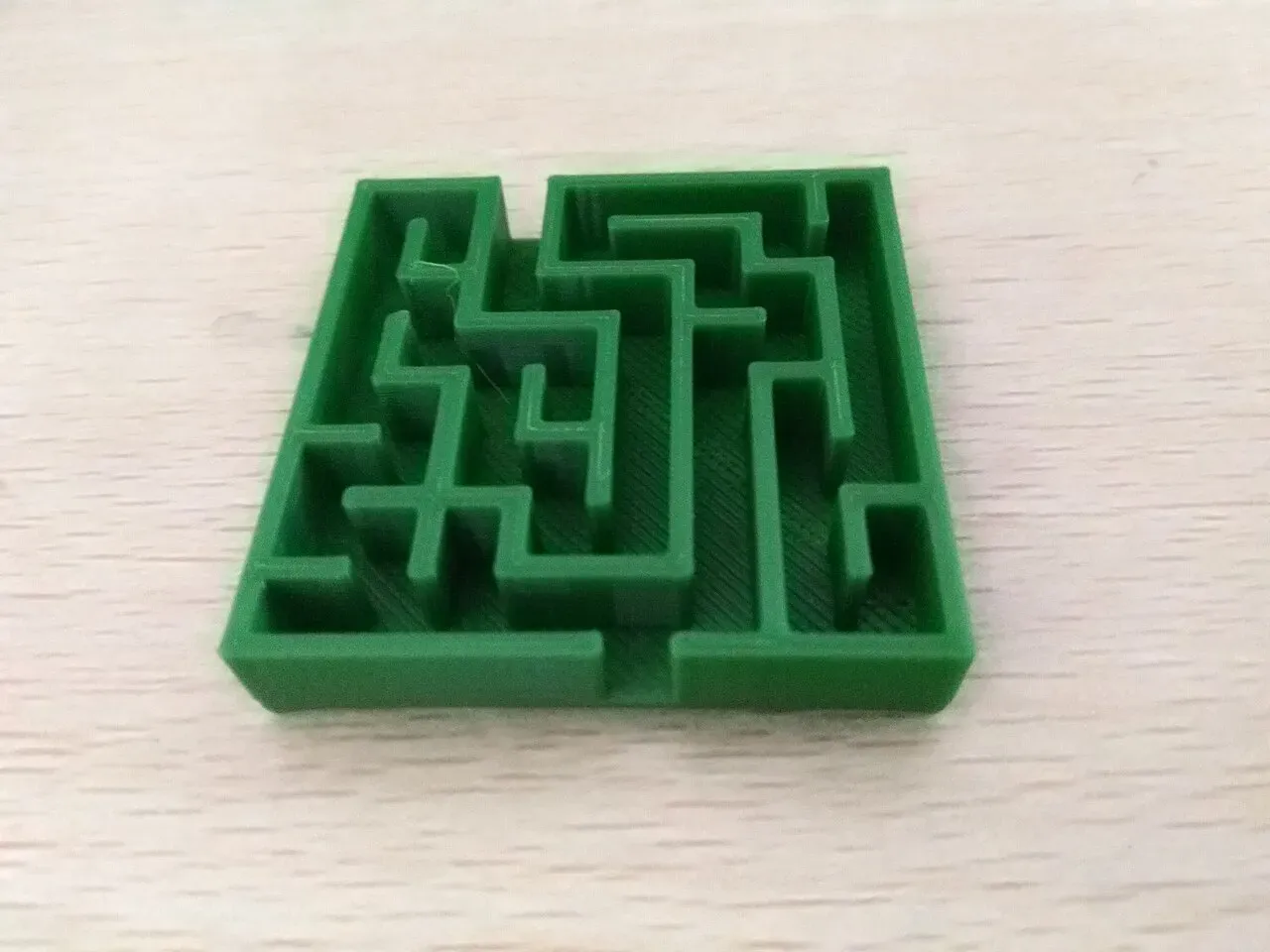 A printed maze puzzle.Photo: Sumanbargavr ·CC BY-SA 4.0 ·Wikimedia Commons
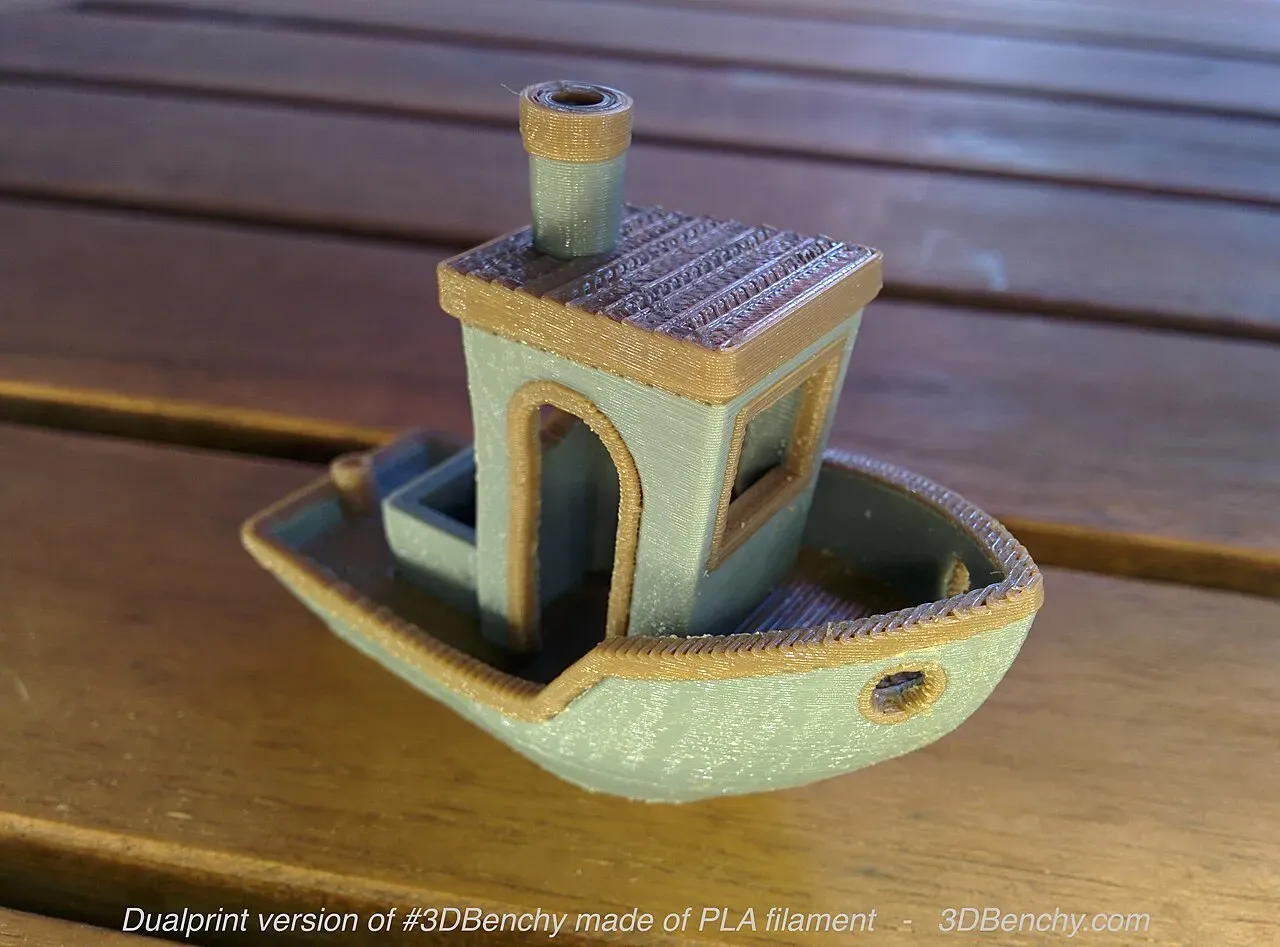 A two-colour Benchy.Photo: 3DBenchy ·CC BY 2.0 ·Wikimedia Commons
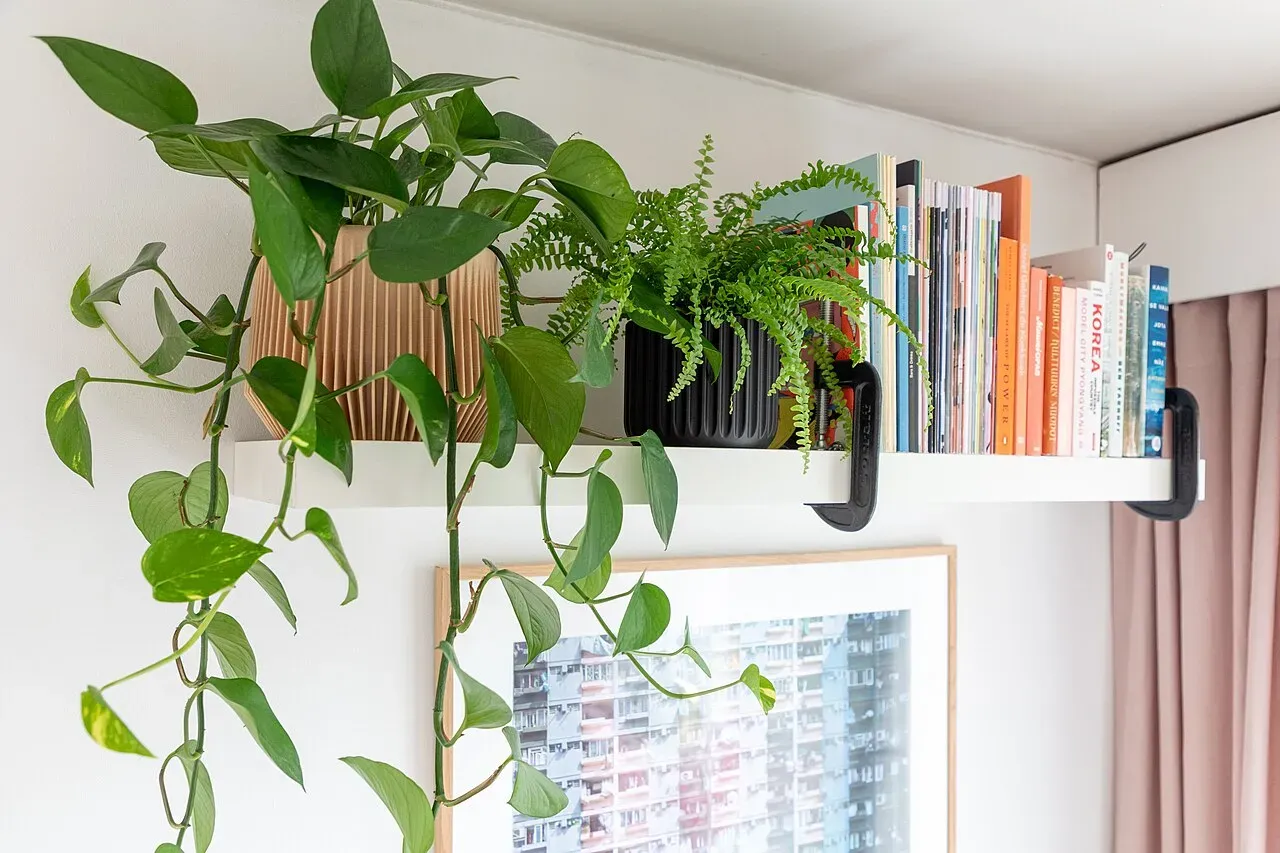 Useful prints: planters on a shelf.Photo: Aaaatu ·CC BY-SA 4.0 ·Wikimedia Commons
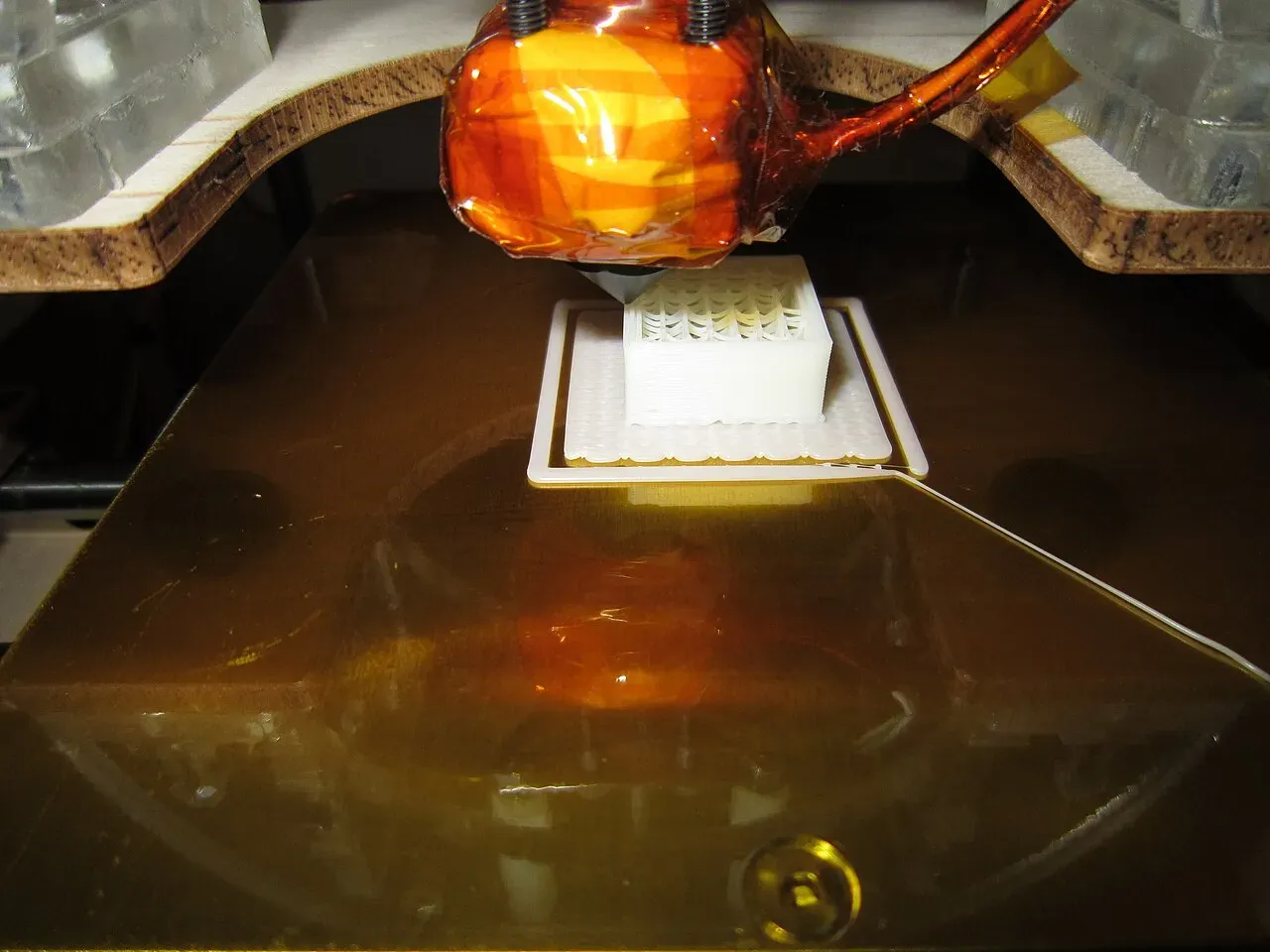 A 20 mm calibration cube, often the first print.Photo: syvwlch ·CC BY 2.0 ·Wikimedia Commons
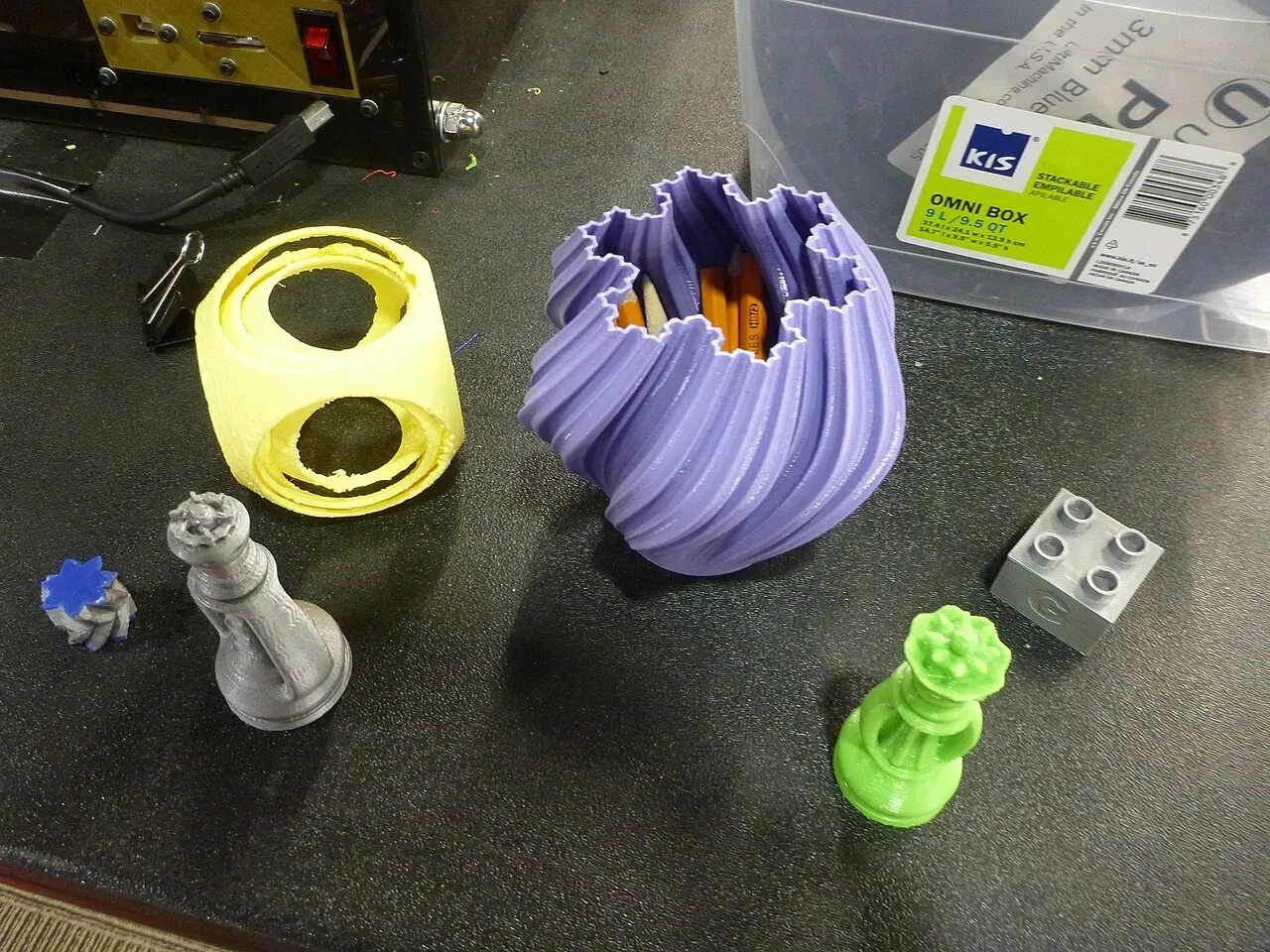 A table of small prints.Photo: Trevor Prentice ·CC BY-SA 2.0 ·Wikimedia Commons
- An Ultimaker 3, a boxed desktop printer.Photo: DirkvdM ·CC BY-SA 4.0 ·Wikimedia Commons
Is 3D printing food safe?
Usually not, for anything that holds or touches food for long. Even if a filament is sold as food-contact grade, the printed part is a different matter:
- Layer lines and gaps trap food and moisture, and they’re very hard to clean. Bacteria can grow in them.
- Nozzles can add contaminants. Many standard nozzles are brass, and some brass alloys contain small amounts of lead. Stainless steel nozzles avoid this.
- Colourants and additives in the filament are usually unknown, and few filaments are certified for food contact as a printed part.
- Heat warps PLA. Hot drinks and dishwashers can soften PLA and deform the part.
Common, lower-risk compromises:
- Short contact with dry food, such as a cookie cutter used once and washed, is a widely accepted use. A cookie cutter’s cutting edge touches the dough for seconds.
- Food-safe coatings (epoxy resins certified for food contact) can seal a print, but only if the coating is certified, fully cured and applied as directed.
- Use printed parts around food, not in contact with it: a stand for a bowl, a holder for a commercial container.
For anything more demanding (cups, plates, baby items, anything for hot liquids), buy a product made for the job.
Your safety plan
- Put the printer in a ventilated room, away from where people sleep.
- Start with PLA at its recommended temperature.
- Use an enclosure with HEPA and carbon filtration, or venting outdoors, for ABS, ASA and nylon.
- Check thermal runaway protection is on, and update old firmware.
- Fit a smoke alarm in the room, keep the printer on a non-flammable surface, and keep a suitable extinguisher nearby.
- Watch first prints, check long ones, and stop the printer if you see smoke, a blob or spaghetti.
- Let the nozzle and bed cool before touching them; scrape away from yourself.
- For resin, wear nitrile gloves and eye protection and keep IPA away from flames.
- Supervise children and use enclosed printers in classrooms.
- Don’t use ordinary prints for food contact beyond short, dry uses.
FAQ
Is it safe to have a 3D printer in your bedroom?
It’s better not to. Printers release ultrafine particles and fumes while they run, and a bedroom is where you spend many hours breathing the air, often with the window shut. Put it in a ventilated room you don’t sleep in. If a bedroom is the only option, print PLA, ventilate well, and don’t print while you sleep.
Are 3D printer fumes harmful?
Printers release ultrafine particles and volatile organic compounds, and research has measured both. How much depends on the material and temperature: PLA releases the least of the common filaments and ABS considerably more. Safety bodies such as NIOSH recommend reducing exposure with ventilation, filtration and lower-emitting materials.
Is PLA safe to print indoors?
PLA is the gentlest common filament to print, and many people print it indoors. It still releases some particles, so print it in a ventilated room, at its recommended temperature, rather than right beside you in a closed space.
Can a 3D printer catch fire?
It’s rare, but possible, usually because of a heater fault, damaged wiring or firmware without thermal runaway protection. Use a printer with that protection on, check the wiring, keep a smoke alarm nearby, and don’t leave new or modified setups unattended.
Is 3D printing safe for kids?
With supervision, yes. Use PLA, keep the printer in a ventilated room, choose an enclosed printer if you can, and teach children not to touch the nozzle, bed or moving parts.
Can I drink from a 3D printed cup?
It isn’t recommended. Layer lines trap bacteria, standard brass nozzles may add traces of lead, and few filaments are certified as food-safe once printed. Buy cups and plates made for food.
Related guides
New to printing? Start with the complete beginner’s guide and parts of a 3D printer explained, which shows where the hotend, heated bed and power supply sit. To choose a material, read PLA vs PETG and PLA vs ABS. Once you’re printing, layer height explained and how to use a slicer help you get good results with less trial and error.
Free: the Print Problems Cheat Sheet
12 common print faults on two printable pages: what each looks like, why it happens and the fix. Plus one new guide a week.
Free: the Print Problems Cheat Sheet
12 common print faults on two printable pages: what each looks like, why it happens and the fix. Plus one new guide a week.